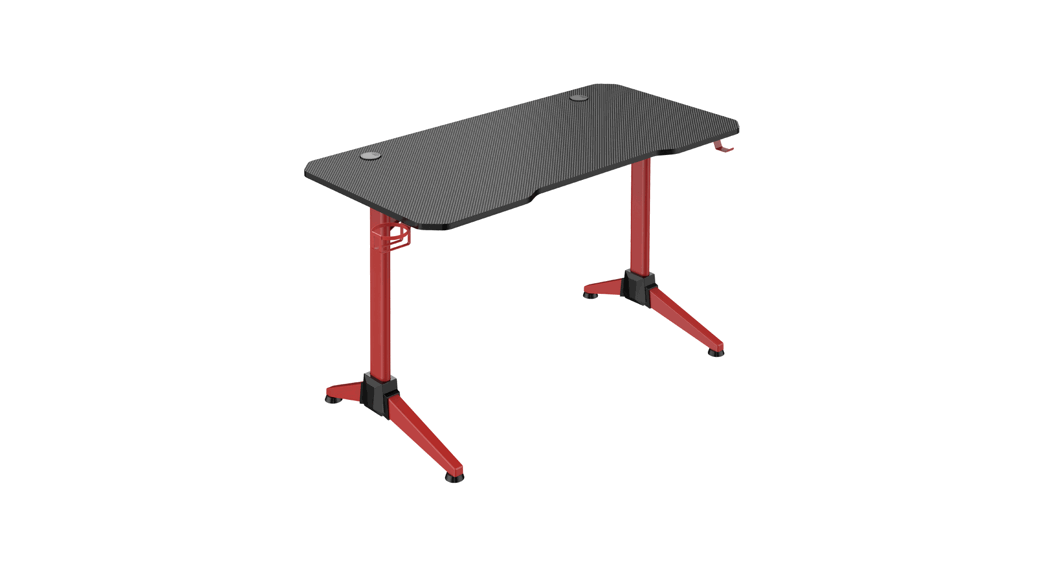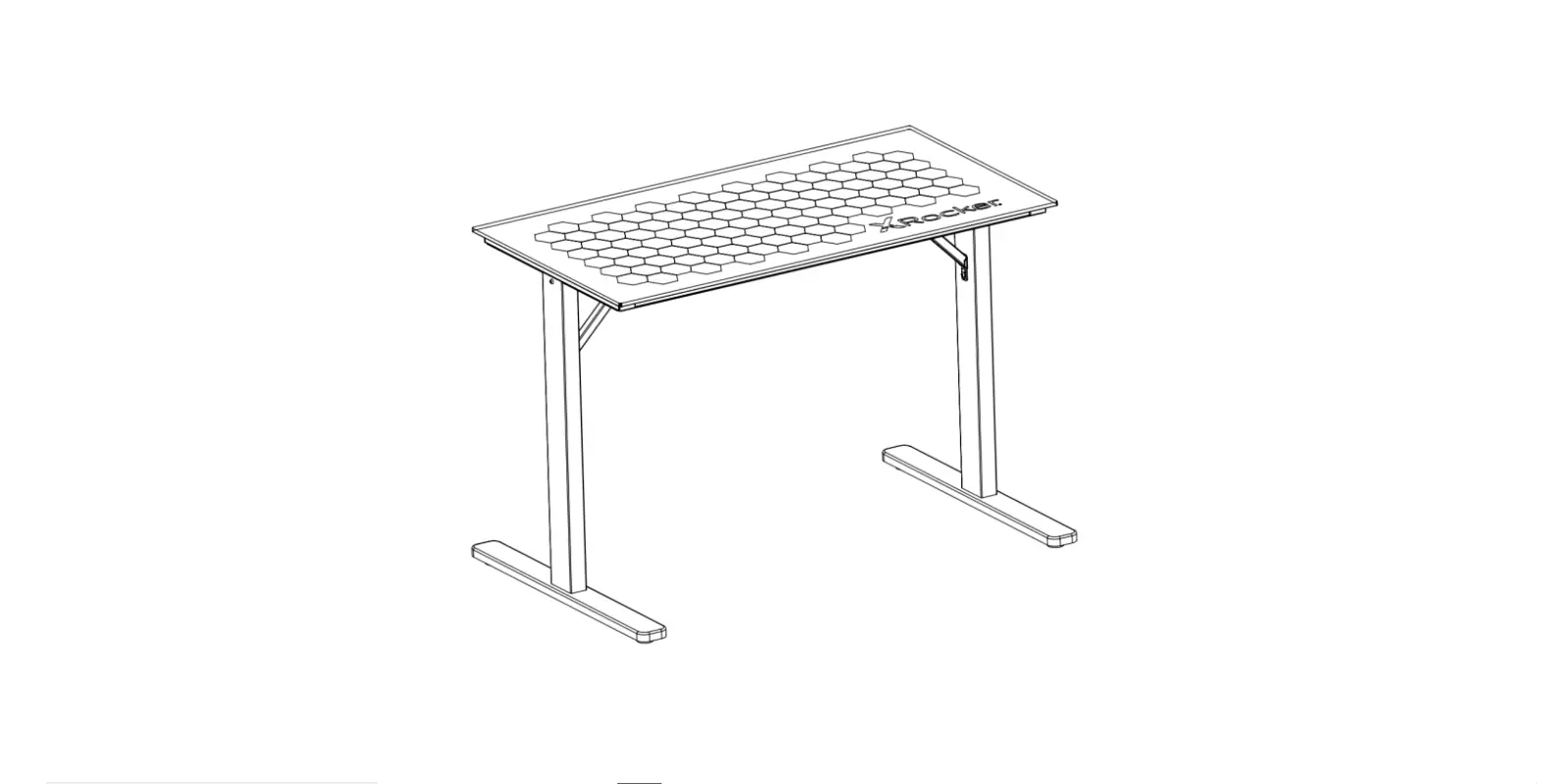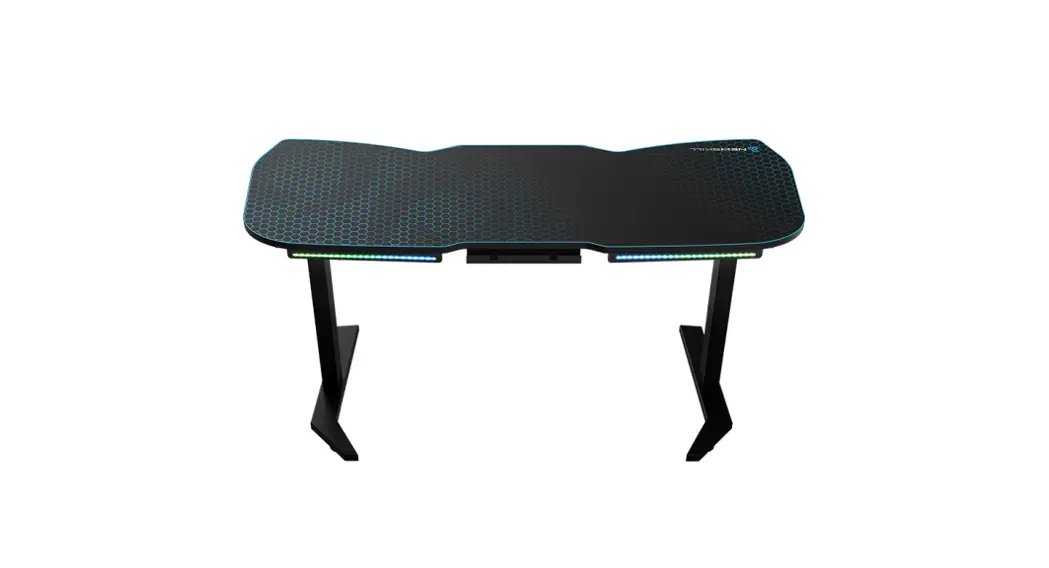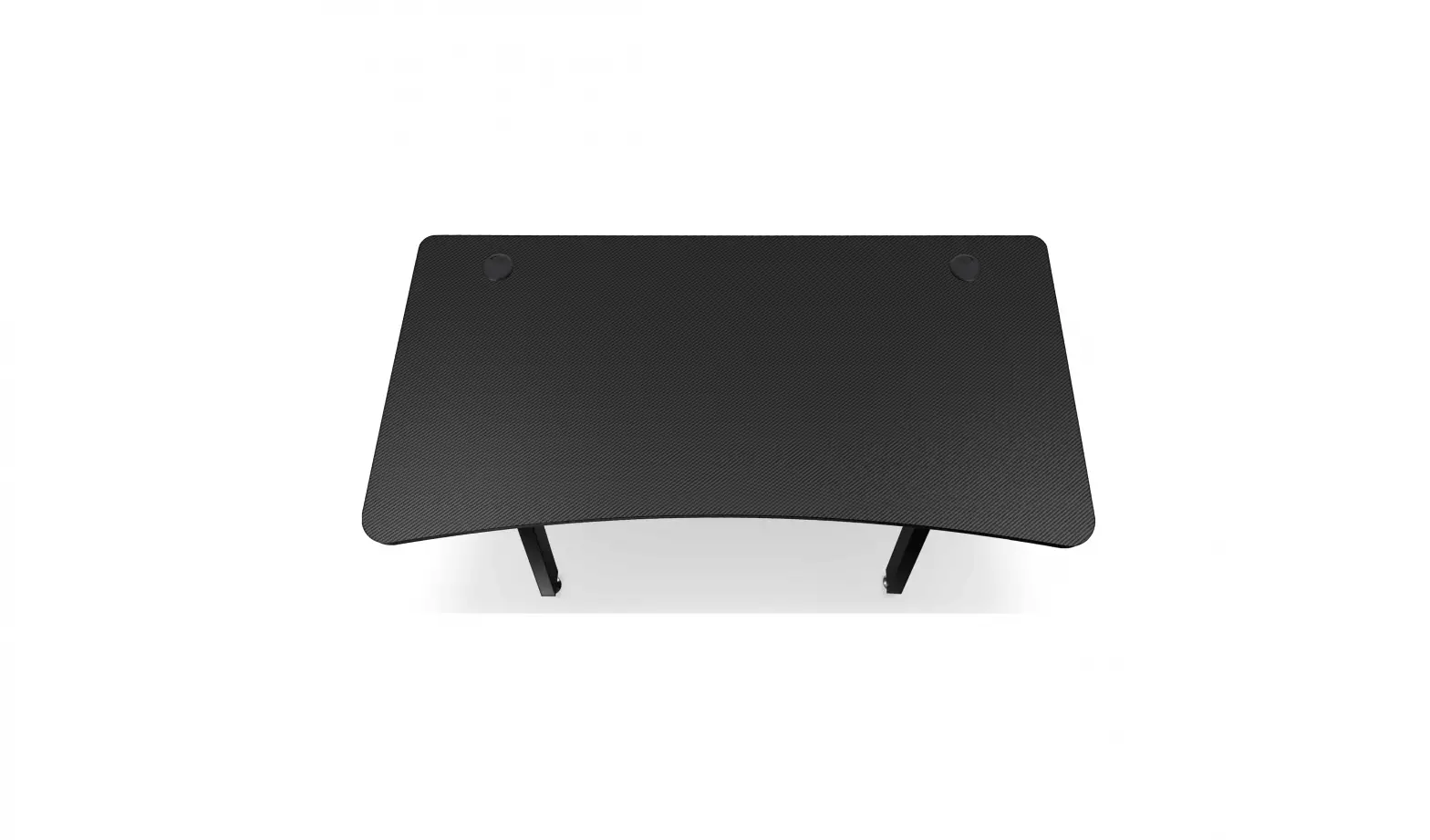
SVIVE VEGA Dark Gaming Desk w/RGB Installation Guide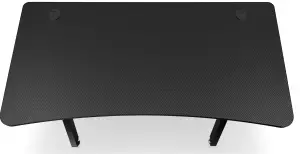
Included Parts
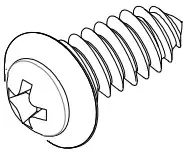
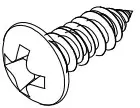
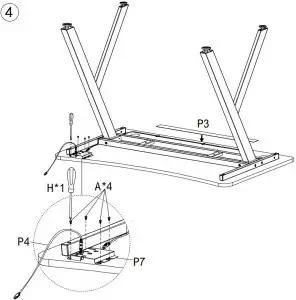
- A*4 M4*12

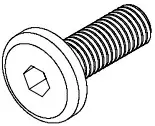
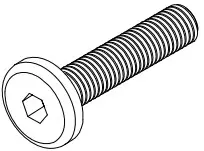
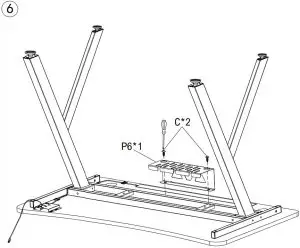
- C*2 M5*14.5

- E*3 M3*8

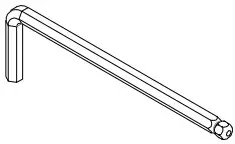
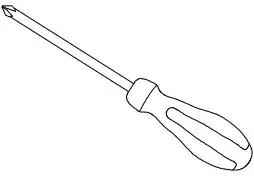
- G*1

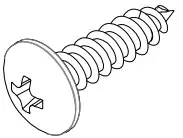
- B*8 1/4*30

- D*4 1/4*41

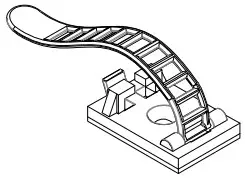
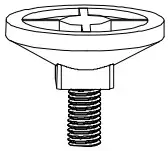
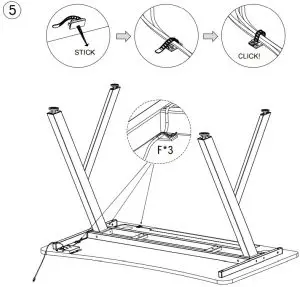
- F*3

- H*1

- P1*4

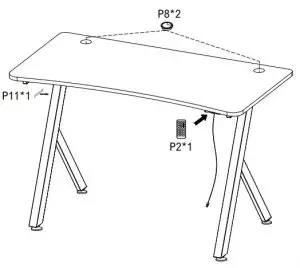
- P2*1

- P3*1 Sticker under RGB

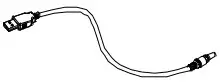
- P4*1 USB cable

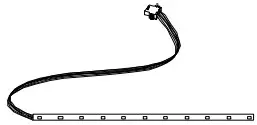
- P5*1 RGB light bar

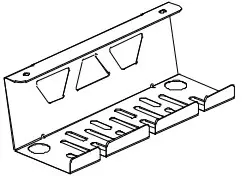
- P6*1

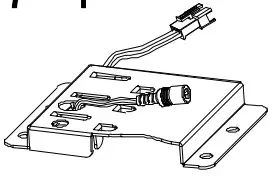
- P7*1

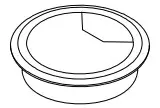
- P8*2

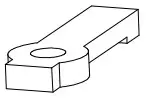
- P9*3

- P10*4

- P11*1


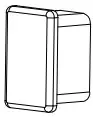

ASSEMBLY INSTRUCTIONS
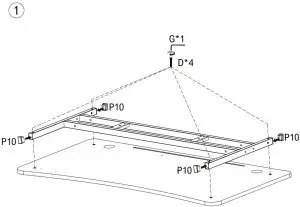
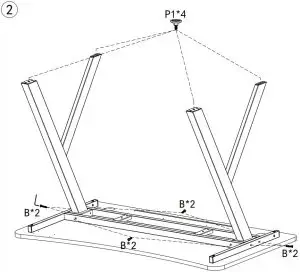
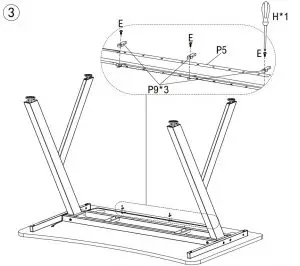
OPERATION INSTRUCTIONS
MAIN TECHNICAL PARAMETERS
| Parameters | Min | Normal | Max | Unit |
| Rated voltage(DC) | 4.45 | 5 | 5.20 | V |
| Maximum current | A | |||
| Environment temperature | 20 | 0.5 | 60 | C |
FUNCTION
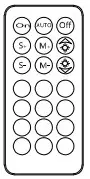
- The remote control can be used for several purposes. a) controlling the light mode of the table. b) adjusting the brightness of the light and c) the light flow and speed of the light (with 3 different light presentations i.e modes).
- Memory control of the mode function. The remote will automatically save the mode you want. Just let the remote turn itself in your preferred mode and this will now be the standard mode.
TROUBLE SHOOTING
Question: The light flashes abnormally after turning on: Solution: a) Restart the light b) Check if the power adapter is installed correctly and work normally
Question: The light doesn’t light up after turning on:
Solution 1: Check if the spacer is removed from the remote control. (transparent film at the end of the control)
Solution 2:a) Restart the light b) Check if the power adapter is installed correctly and work normally.
Solution 3: Check and see if all the light bar lines are plugged in properly
Solution 4: Check if the start light on the remote is working
Solution 5: Replace the battery if the battery is dead (the remote works better the closer it is to the desk-maximum distance from the desk is 12 meter)