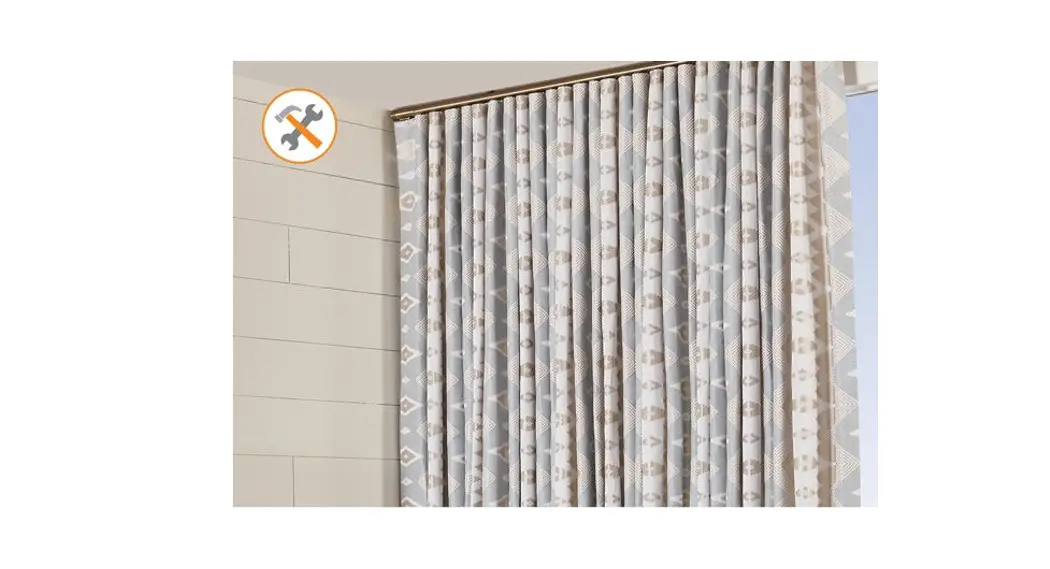
R-TEC AUTOMATION Heavy Duty Center Draw Traverse Systems
Product Information:
The maximum fascia width for this system is 16′ continuous and
36′ spliced. The maximum track width for this system is 19′
continuous and 36′ spliced. The minimum width for this system is
37. The maximum drapery weight is 110 lbs. Single or Double
System.
Basic Components:
- Brackets
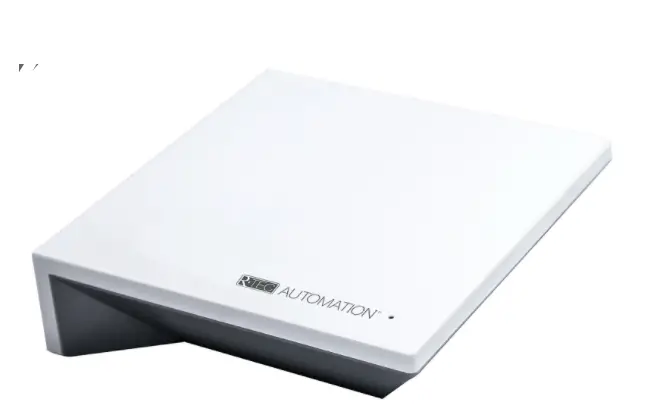
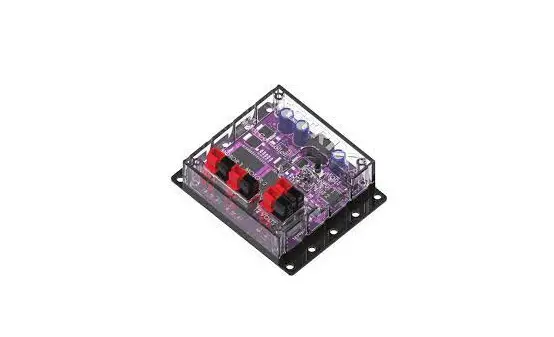
- Slim Drapery Motor
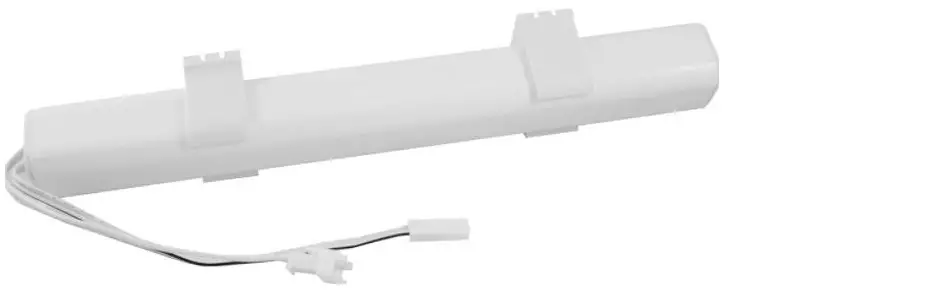
- Li-ion Battery power option
- AC / DC Power Transformer power option
- End Hook
- Paris Texas HardwareTM Fascia & Finials
Product Usage Instructions:
Bracket Assembly:
- Choose either wall or ceiling bracket assembly based on your
installation needs. - For wall bracket assembly, locate the brackets and mount them
securely to the wall. - For ceiling bracket assembly, locate the ceiling mount brackets
and mount them securely to the ceiling.
Installation:
We recommend using a professional installer. Installation
hardware is included, but the fasteners provided may not be
suitable for all installation types or wall materials. Brackets and
holdbacks should be securely installed into wall studs whenever
possible. Paris Texas HardwareTM will not assume responsibility for
damages caused by improperly mounted or inadequately supported
hardware.
Wall Mount Track System Install:
- Locate brackets.
- Mount brackets to the wall.
- Install the system at an angle.
- Push the system upward until it clicks in place.
- To release the track, push the release lever.
- Install End Hooks on both Drive Pulleys.
- Install the End Stops by placing the cord and attachment tab
under the End Stop and tightening the fastener. - Install the Fascia on the Track by angling the fascia clips
over the track and pushing the Fascia and Fascia Clips down until
they click into place. - Install the Finials or End Caps by screwing them into the
Fascia on both ends.
Ceiling Mount Track System Install:
- Locate ceiling mount brackets.
- Mount the bracket to the ceiling.
- Install the system at an angle.
- Push the system upward until it clicks in place.
- To release the track, push the release lever.
- Install End Hooks only on the Drive Pulley side.
- Install the End Stops by placing the cord and attachment tab
under the End Stop and tightening the fastener. - Install the Fascia on the Track by angling the fascia clips
over the track and pushing the Fascia and Fascia Clips down until
they click into place. - Install the Finials or End Caps by screwing them into the
Fascia on both ends.
For more information, visit www.ParisTexasHardware.com
(updated 03/20/2023).
PARIS TEXAS HARDWARETM R-TEC AUTOMATION® HEAVY DUTY CENTER OR ONE-WAY DRAW TRAVERSE SYSTEMS INSTALLATION INSTRUCTIONS
Please read all instructions before starting
INTRODUCTION:
The PTHTM R-TEC Automation® Heavy Duty Traverse System is used to electronically control the drapery using a Slim Drapery Motor and Remote Control. By using a Remote Control or the R-TEC Automation® App via a smartphone or tablet, the operator can open and close the drapery smoothly and precisely.
The maximum fascia width for this system is 16′ continuous and 36′ spliced. The maximum track width for this system is 19′ continuous and 36′ spliced. The minimum width for this system is 37″. The maximum drapery weight is 110 lbs. Single or Double System.
BRACKET ASSEMBLY:
PTHTM R-TEC Automation® Heavy Duty Traverse Systems with or without Fascia can be mounted on the wall or ceiling.
WALL
CEILING
PARTS LIST:
1 6
7
2 6
Basic Components:
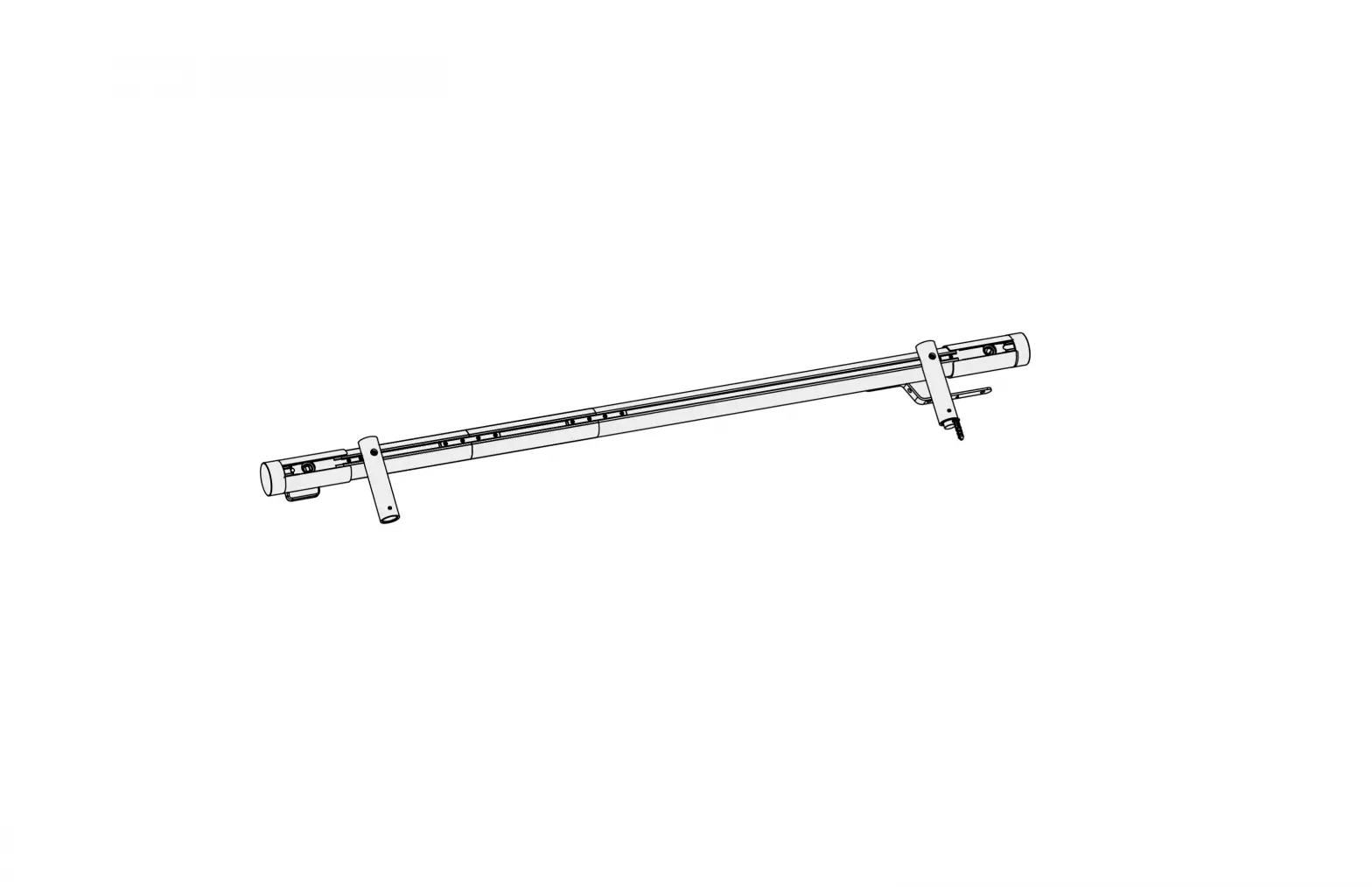
1. R-TEC Automation® Track
2. Brackets
3
3. Slim Drapery Motor 4. Li-ion Battery power option
5. AC / DC Power Transformer power option
6. End Hook
7. Paris Texas HardwareTM Fascia & Finials
4 5
BRACKET PLACEMENT:
It’s recommended to use 1 bracket beside each pulley. On the remaining part of the R-TEC Automation® Track, bracket-to-bracket distances should be no more than 24″. Also, 1 bracket should be placed on each side of a splice if used.
3 3/4″
24″ apart
System Length 48″ or less
1/4″
1/4″
24″ apart
2″
Drive Pulley R-TEC Automation® Track
Splice
Bracket
Return Pulley
(for one-way draw track)
Slim Drapery Motor with Li-ion Battery (110v AC/DC Power Transformer options available)
INSTALLATION:
We recommend using a professional installer. Installation hardware is included. The fasteners (screws and mollies) may not be appropriate for every installation or wall material. Brackets and holdbacks should be installed securely into wall studs when possible. Paris Texas HardwareTM will not assume responsibility for damages incurred by improperly mounted or inadequately supported hardware.
3 3/4″
Drive Pulley
(for center draw track)
1
www.ParisTexasHardware.com | updated 03/20/2023
WALL MOUNT TRACK SYSTEM INSTALL:
NOTE: Installer is responsible for determining the correct mounting fastener and wall location per the wall construction type.
Step 1. Locate brackets. Step 2. Mount brackets to wall. Step 3. Install system at an angle.
CEILING MOUNT TRACK SYSTEM INSTALL:
NOTE: Installer is responsible for determining the correct mounting fastener and wall location per the wall construction type.
Step 1. Locate ceiling mount brackets. Step 2. Mount bracket to ceiling. Step 3. Install system at an angle.
Step 4. Push system upward until system clicks in place.
Step 4. Push system upward until system clicks in place.
NOTE: To release track, push release lever.
NOTE: To release track, push release lever.
Step 5. Install End Hook on both Drive Pulleys. PINCH PLEAT RIPPLEFOLD
Step 5. Install End Hook only on the Drive Pulley side. PINCH PLEAT
RIPPLEFOLD
2
www.ParisTexasHardware.com | updated 03/20/2023
NOTE: Glides can be added or removed with the Drive Pulley installed.
PINCH PLEAT Step 6. Install the End Stops.
RIPPLEFOLD
How to get started using your PTHTM R-TEC Automation® Heavy Duty Traverse System:
· Please read all the instructions provided with your Slim Drapery Motor.
· Your motor will be shipped in “sleep mode” and must be woken up before using.
· You will need a remote control or a smartphone to set up and control your Slim Drapery Motor.
· Only use power options for your motor that are available through Rowley Company.
PINCH PLEAT
RIPPLEFOLD: Place the cord & attachment tab under the End Stop and tighten the fastener.
Step 7. Install the Fascia on the Track. Angle fascia clips over the Track, then push the Fascia and Fascia Clips down until they click into place.
Step 8. Install the Finials or End Caps by screwing them into the Fascia on both ends.
3
www.ParisTexasHardware.com | updated 03/20/2023
 Home | Paris Texas Hardware
 Home | The Finial Company
 rowleycompany.scene7.com/is/content/rowleycompany/tfc-product-instruc-motor-rtec-track-center-one-way-drawpdf