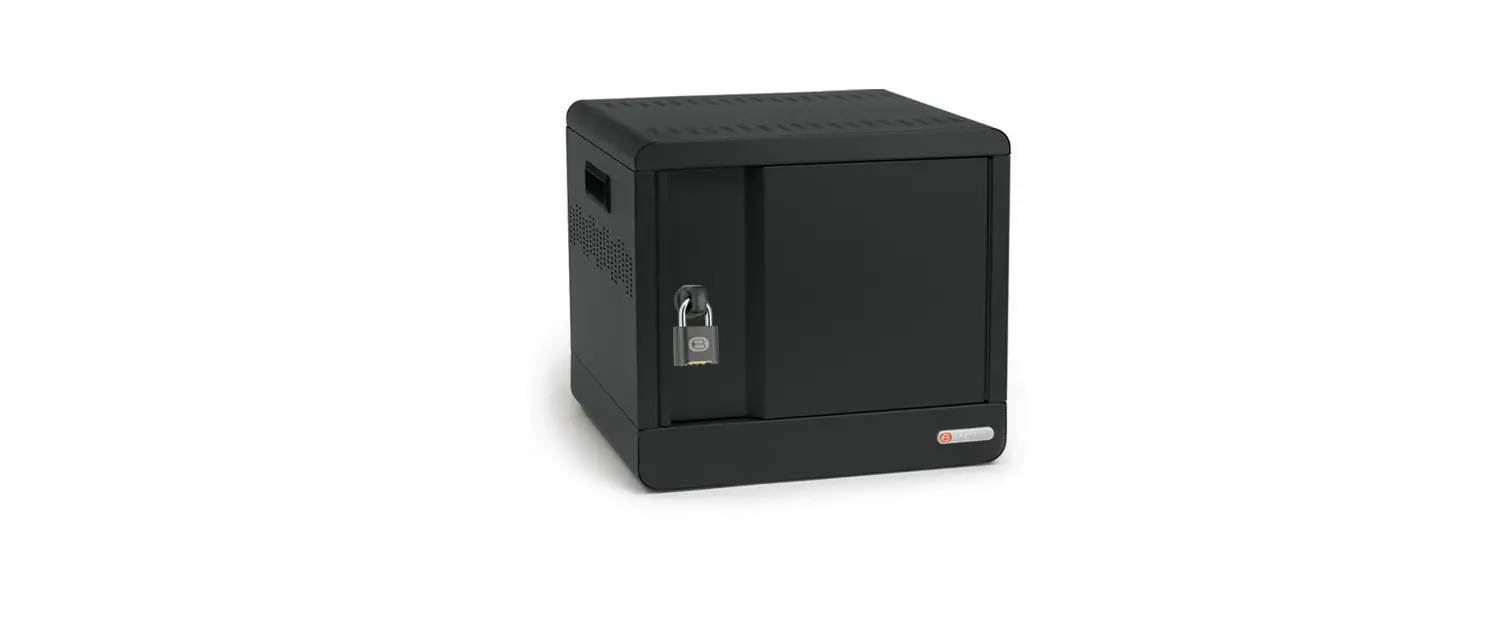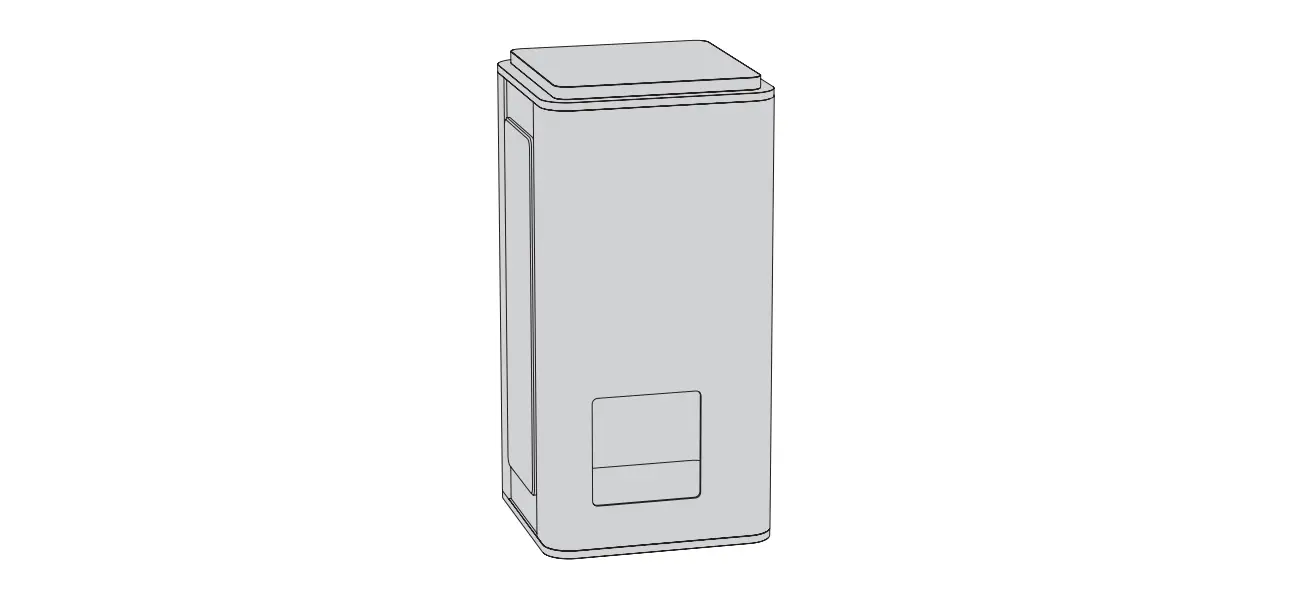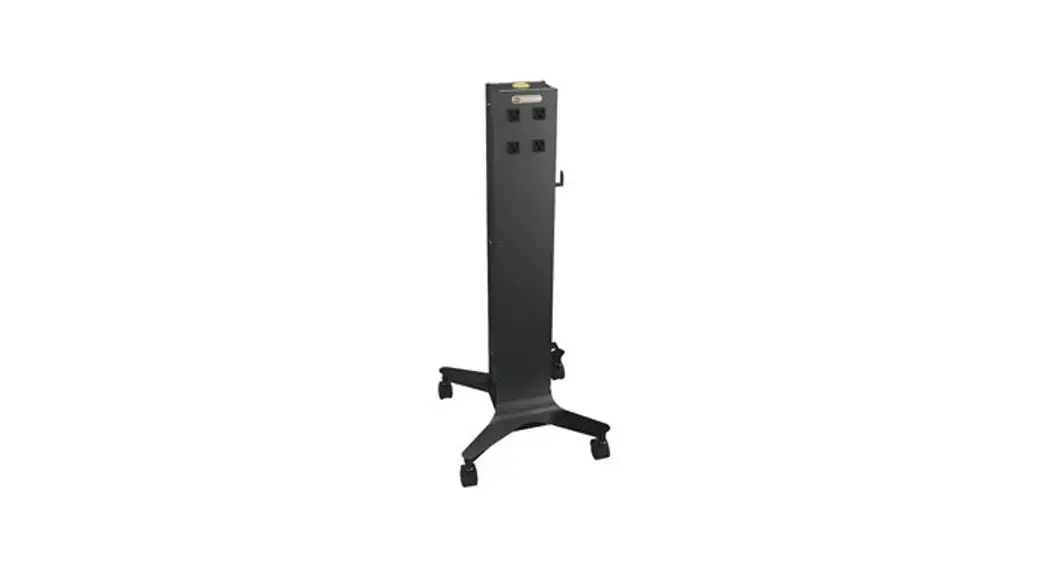
 CTWR800-AW Cube Tower
User Guide
 About Your Product
Product Overview
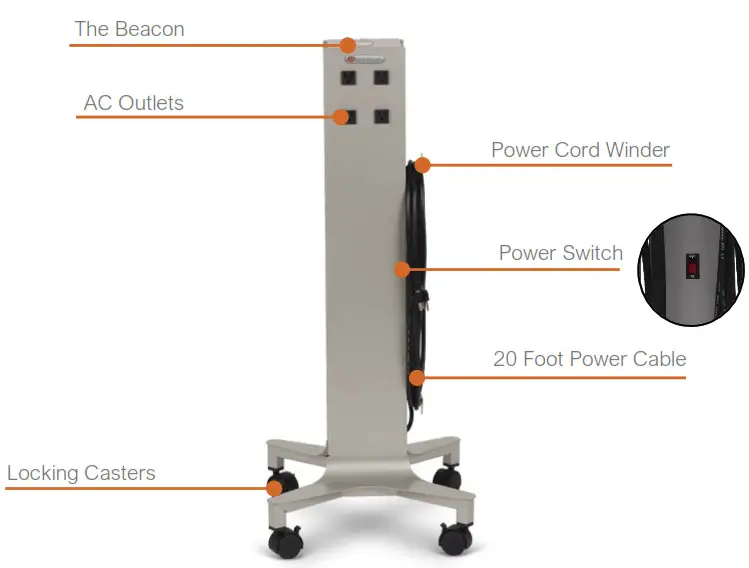
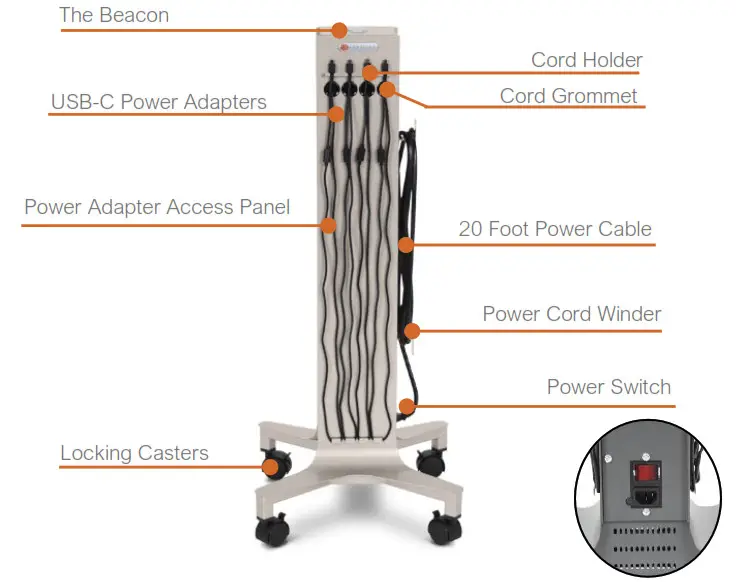
The CUBE Tower™ Mobile Charging Station
 |  |
Technical Specifications
| Model | CTWR800 CUBE Tower’ Mobile Charging Station, 8 AC Outlets CTWR800USBC CUBE Tower’ Pre-Wired Mobile Charging Station, 8 USB-C Power Adapters |
| Outer Dimensions | 16″ x 16.25″ x 39″ / 40.6cm x 41.3cm x 99.1 cm |
| Outlets | CTWR800: 8 AC CTWR800USBC: 8 USB-C Power Adapters included |
| Weight | 21Ibs / 9.5kg 28Ibs / 12.7ka |
| Rating | 125V, 12A. 60Hz |
| Charging | CTWR800 supports power adapters up to 180W each, or 1,440W total CTWR800USBC comes equipped with 65W power adapters |
| Warranty | For the latest information, please visit bretford.com/warranty. |
| Certifications | ETL Listed to UL 62368-1 |
 Using Your Product
CUBE Tower™
Getting started
Move your CUBE Tower™ to the desired location in the room. Unwind the power cable from the product and connect into the wall. Locate the power switch on the cord winder side and toggle the power switch on (“RESET”). The Beacon indicator light will turn on and confirm power to the CUBE Tower™.
The Beacon
At Bretford, we like to think The Beacon indicator light helps inspire learning in the classroom. When the unit is plugged in, The Beacon is turned on and your CUBE Tower™ is ready to use.
CUBE Tower™ Pre-Wired USB-C Cable
The CUBE Tower™ Pre-Wired USB-C cables extend 5 feet from the unit.
The cable holder at the top is intended to be used to rest the cords when not in use. The hooks at the bottom can be used to wrap the cords to help with organization and storage of the unit.
Power Adapter Replacement (CUBE Tower™ Pre-Wired Only)
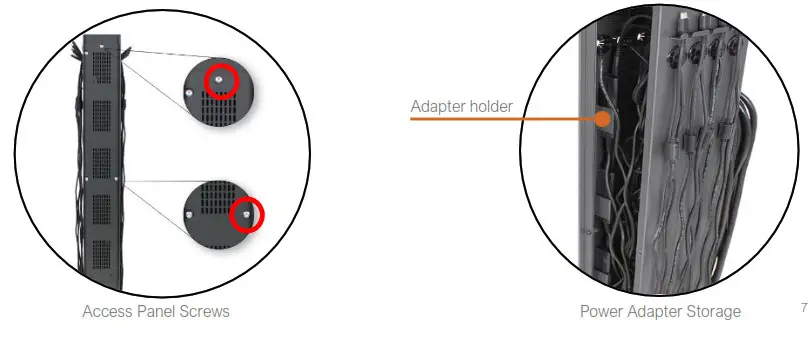
The power adapters can be accessed through the side access panel by removing two screws, with a torx T25 head, at the top and side – right. See image for location. To remove an adapter, feed the cable from the outside of the CUBE Tower™ through the grommet. Remove the power adapter from the holder and remove the plug from the e-unit. To reinstall a power adapter, place the power adapter in the holder with the plug side up. Push the plug into the e-unit and route the USB-C cord through the grommet. Reinstall the access panel with the bottom tabs first and then secure with the two screws.
 Important Information
 Important Information
Safety Notice
- Product for indoor use only
- Do not plug the unit in if the switch or power cord has been damaged.
- For safety purposes, make sure all electrical components do not exceed the maximum load rating of 12 amps.
- Do not sit on, stand on, ride on or place unreasonably heavy objects on the unit.
- Before moving the product from one room to the next, wrap the power cable on the winders located on the side.
- Engage locking casters when product is not in transit.
- Product must be plugged into a socket with an earthing connection.
 Additional Resources
Contact Support
Technical support is available by contacting Bretford Customer Care via
phone, email or the web:
Hours of Operation: M-F, 7:30am – 4:30pm CST
Telephone: +1-800-521-9614
Email: [email protected]
Website: www.bretford.com/contact
Bretford, CUBE, and CUBE Tower™
are trademarks or registered marks of Bretford Manufacturing, Inc.
Patents pending. © 2022 Bretford Manufacturing, Inc. All rights reserved.
031-11204
Rev. 2 08/2022
 Warranty Registration - Bretford