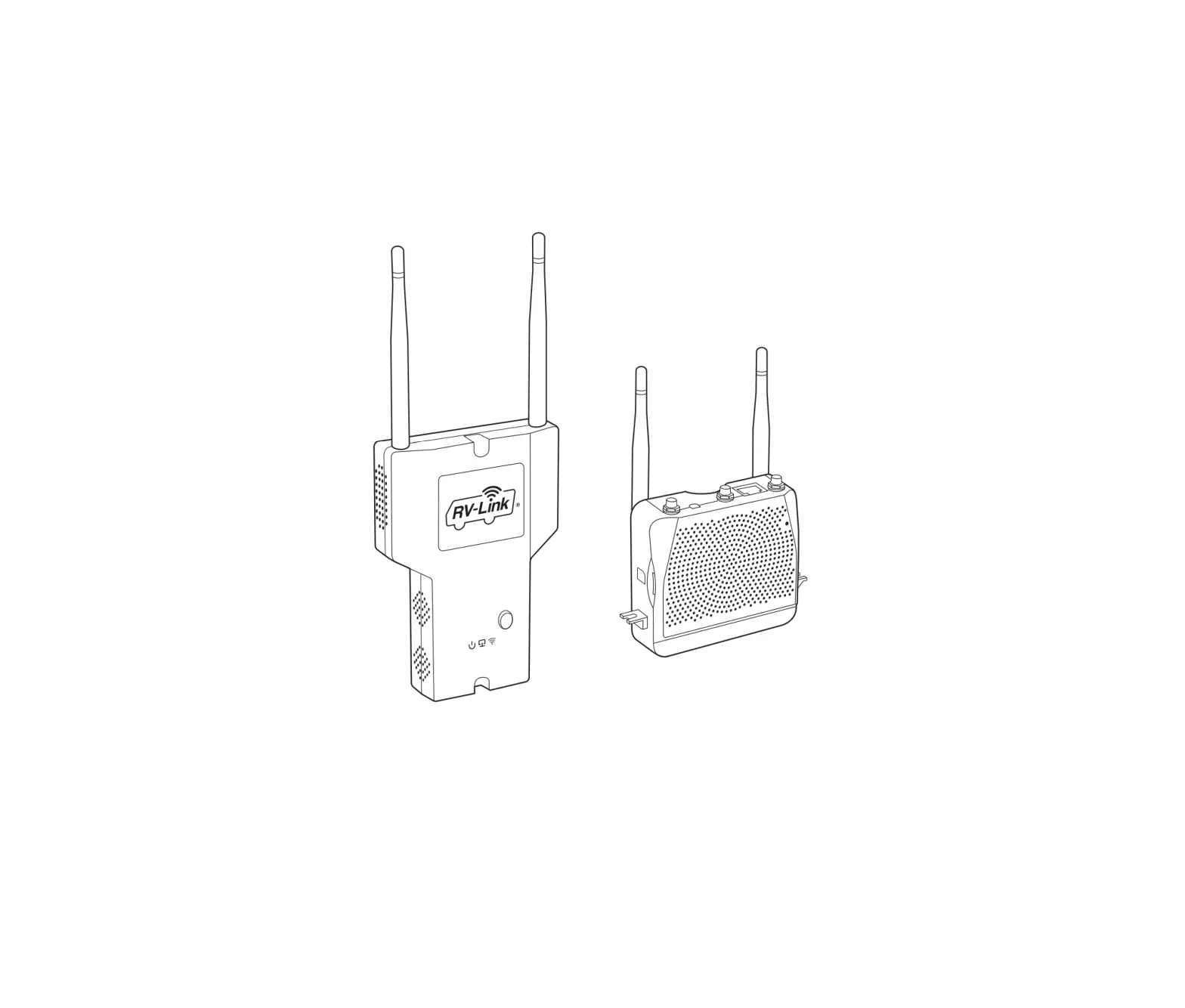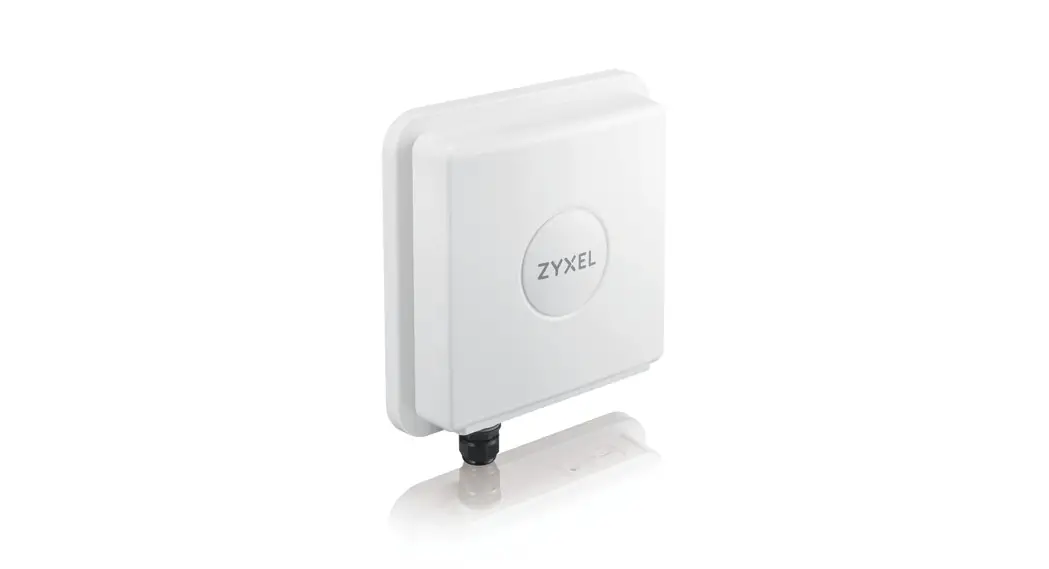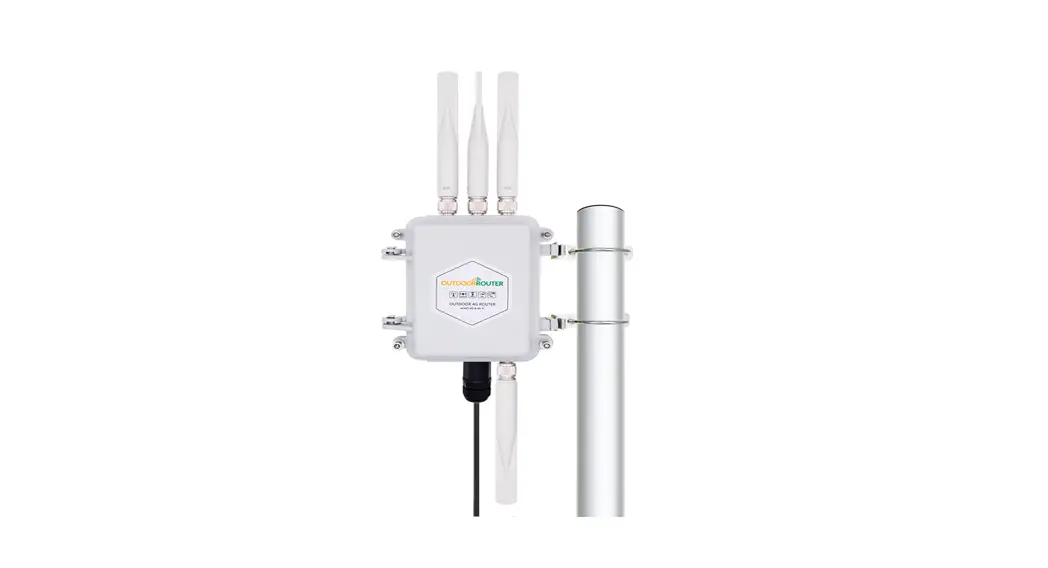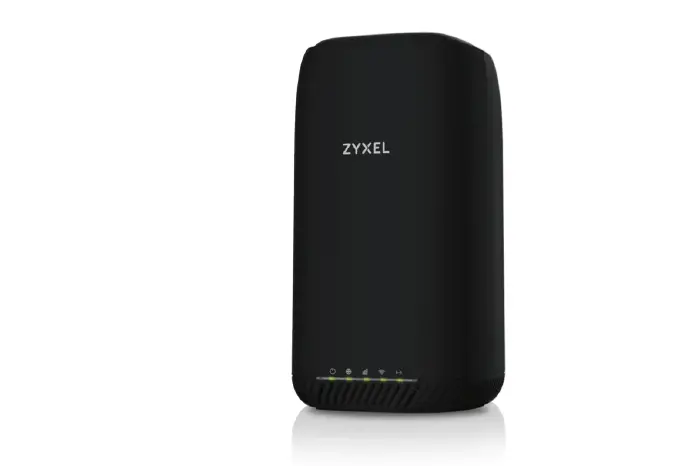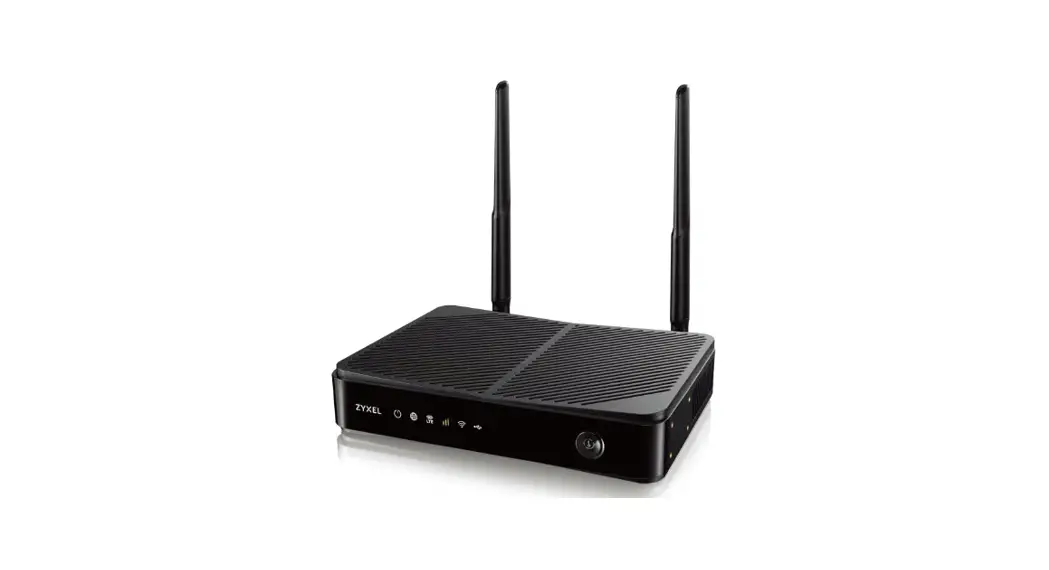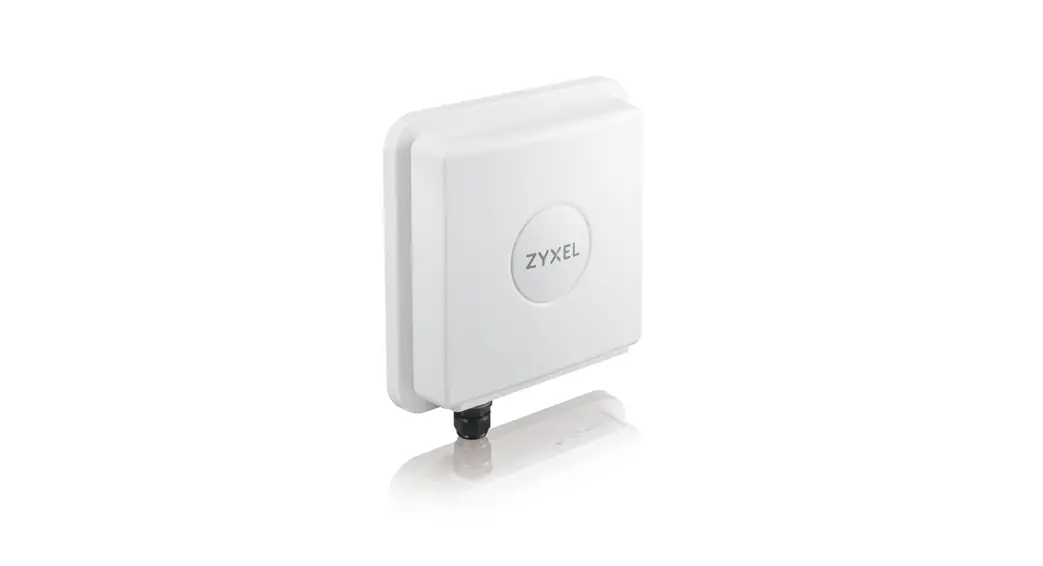
RV WiFi 4GX Portable Internet For Caravans and Motorhomes
Setting up the SIM card
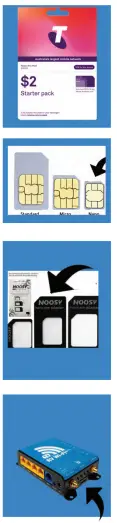
- Activate and add data \V to your SIM card as per instructions on the sim card packet.
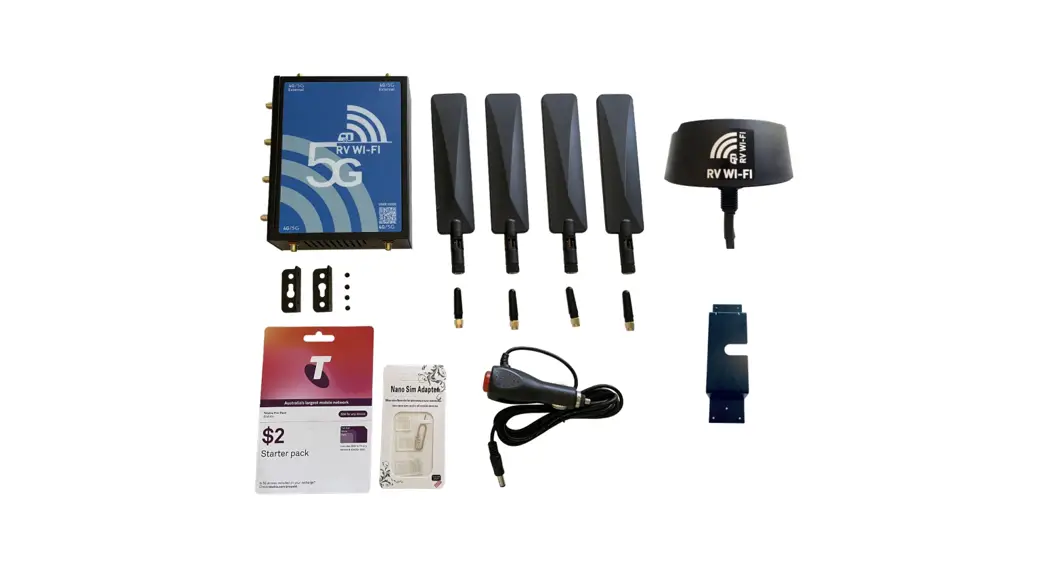
- Break your SIM card down to the Nano size
- Remove the middle adapter from the adapter pack and place the activated Nano Sim in the recess of the adapter.
- Place the sim/adapter V into the sim card slot, making sure the sim stays in the recess of the adapter.
Setting up the Antenna’s
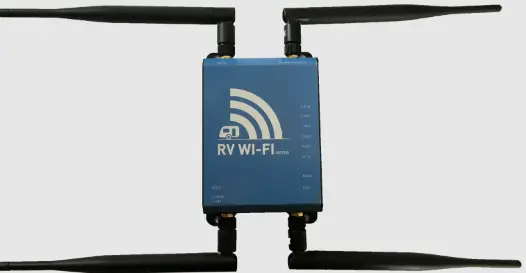
Stick Antenna’s
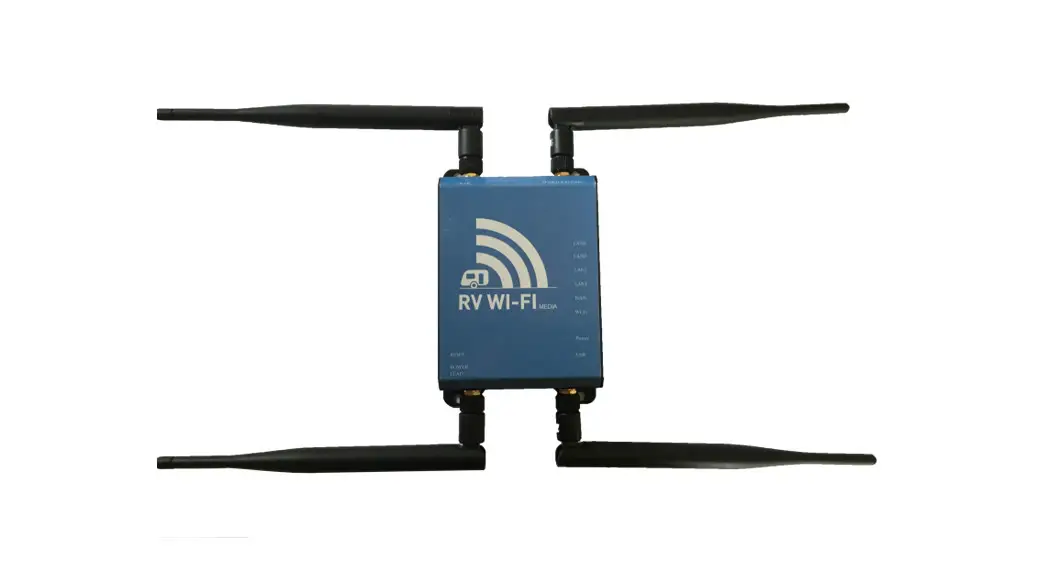
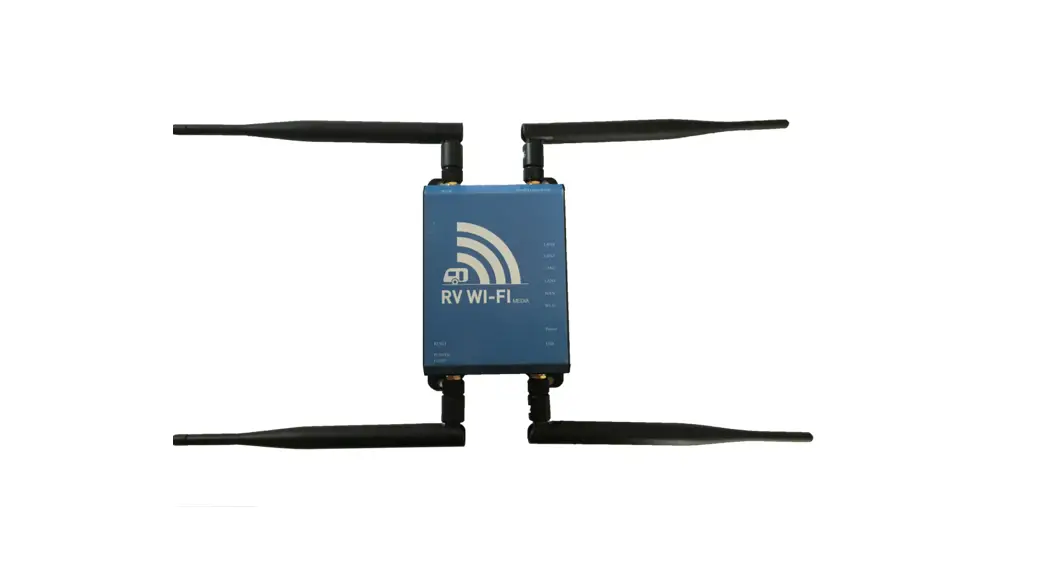
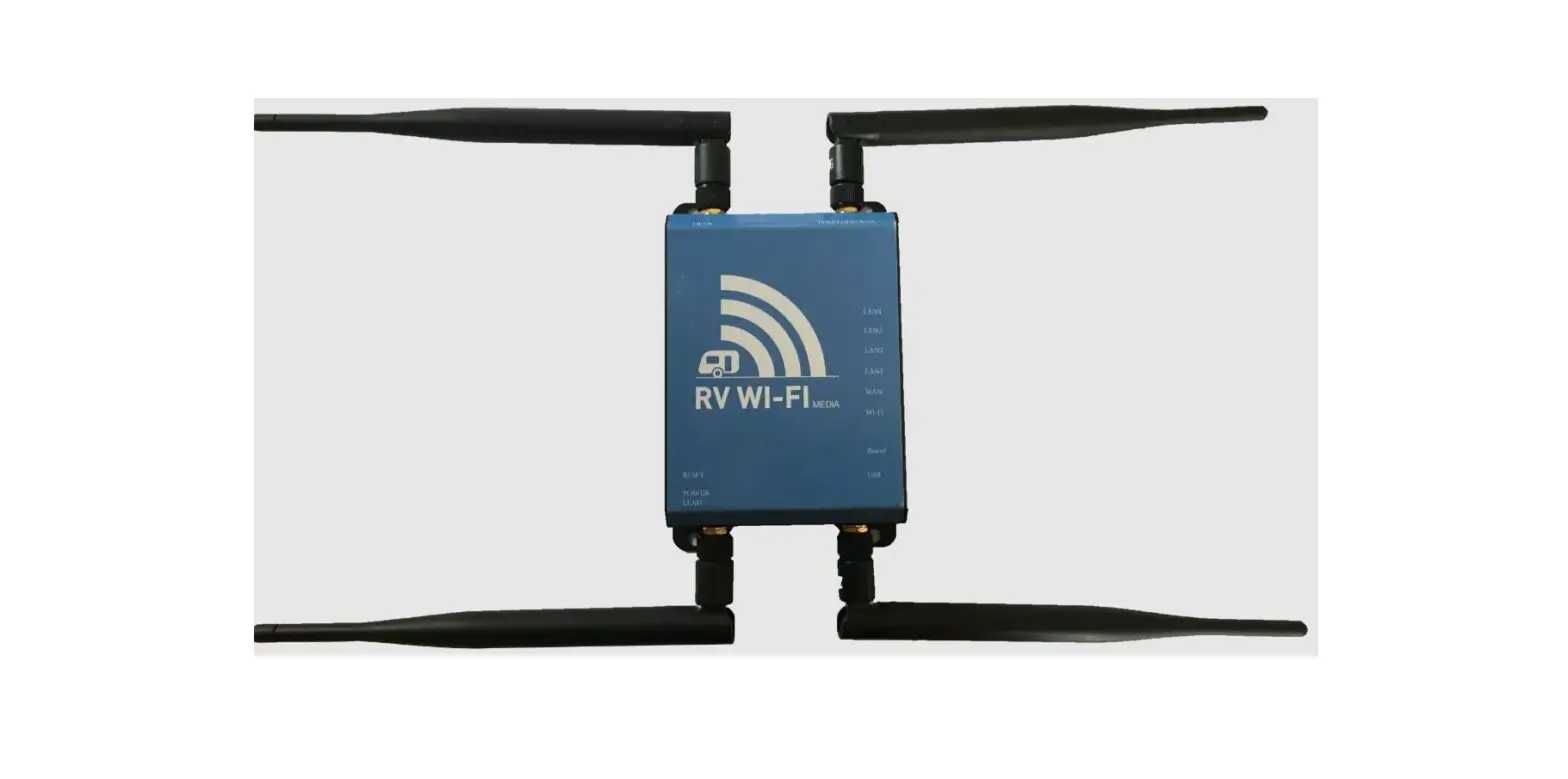
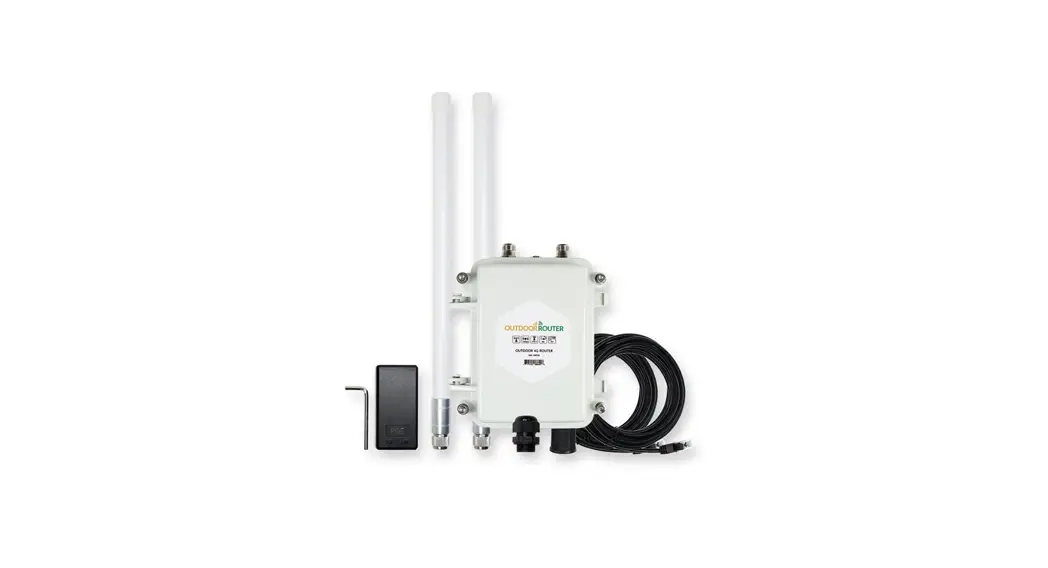
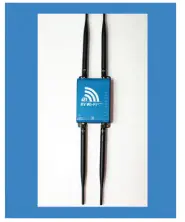
Attach all four antenna·s to the antenna ports
- 2.4 stick antenna·s to top and bottom left hand side.
- 4.0/LTE stick antenna’s to top and bottom right hand Side.
 OR
OR
 OR
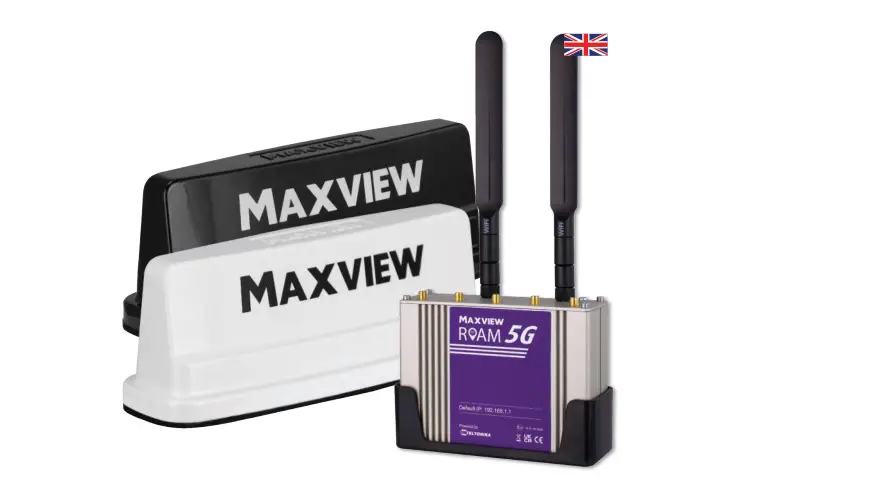
OR3 in 1 Antenna
Install the 3 in 1 antenna on the roof.
- 2.4 stick antenna to top left antenna port.
- From 3 in1 anten-na, WIFI to bottom left port, 3G to Bot-tom right port, 4G to top right port.

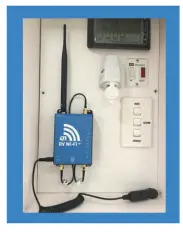
Setting up the Power Cord
Plug the 12volt power socket into a single power socket.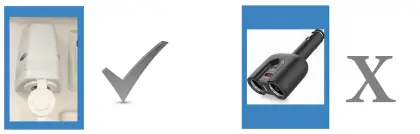
Connecting to the WIFI
- Power on the router and wait 5 minutes.
- On your device [phone/laptop etc.], go to : SETTINGS.
- Go to: WIFI.
- Wait for RV WIFI to come up as a WIFI option.
- Click on: RV WIFI
- You will be asked for a WIFI Password or Security Key. Type in: rvwifi1234 [all lower case and no spaces).
- Click on: connect.
- Wait for confirmation of connection.
- Scan the QR code on the front of the router for full instructions and to change your WIFI password.