
Contour TS Blood Glucose Meter
Product Information
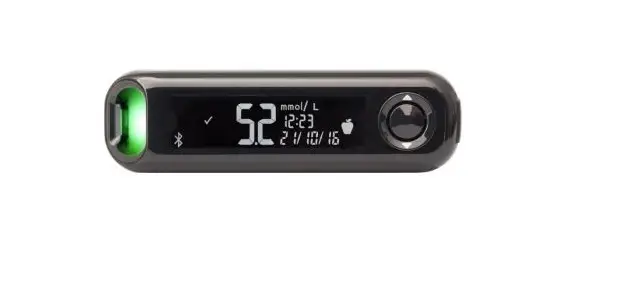
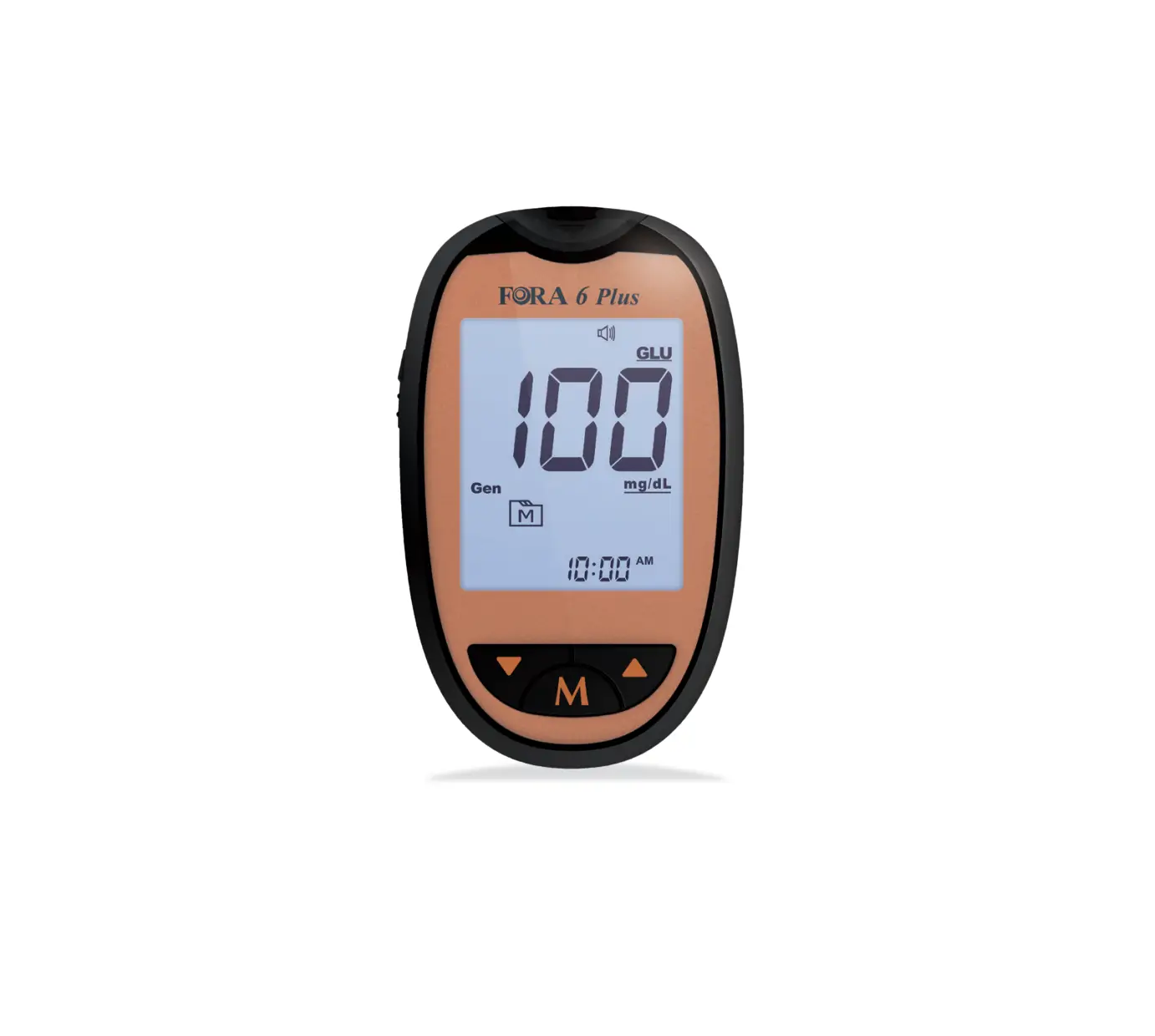
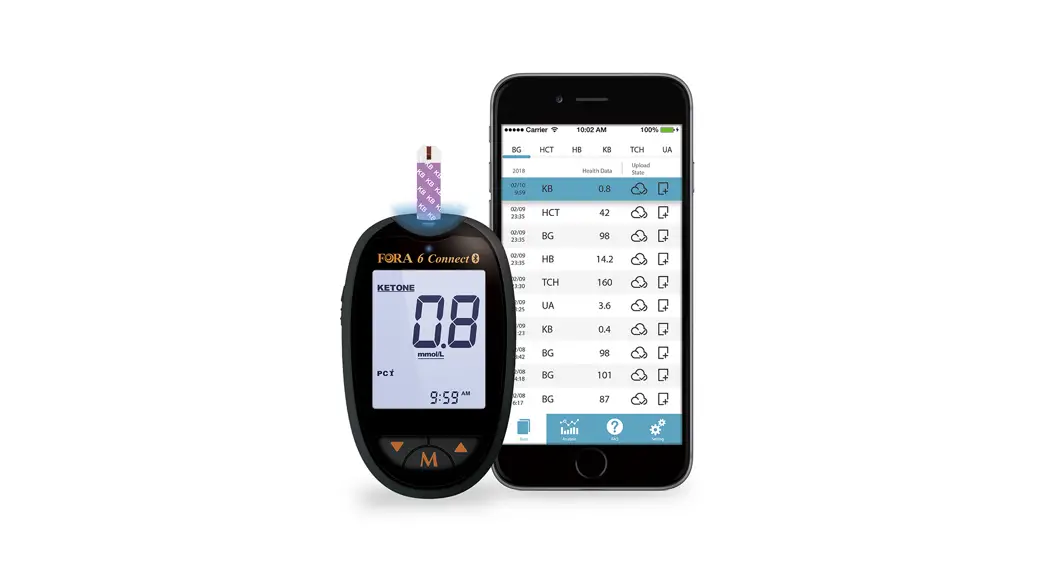
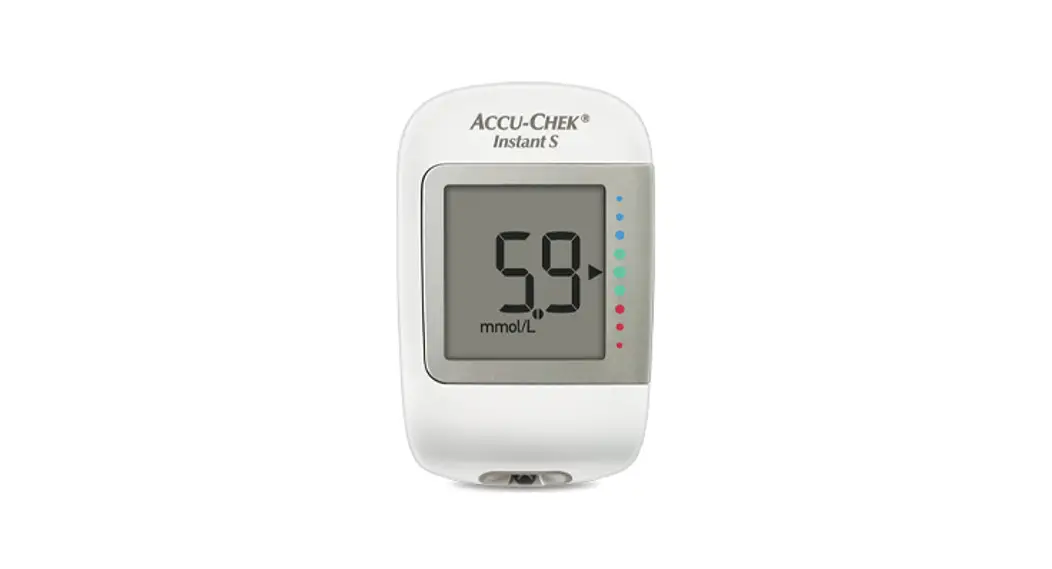
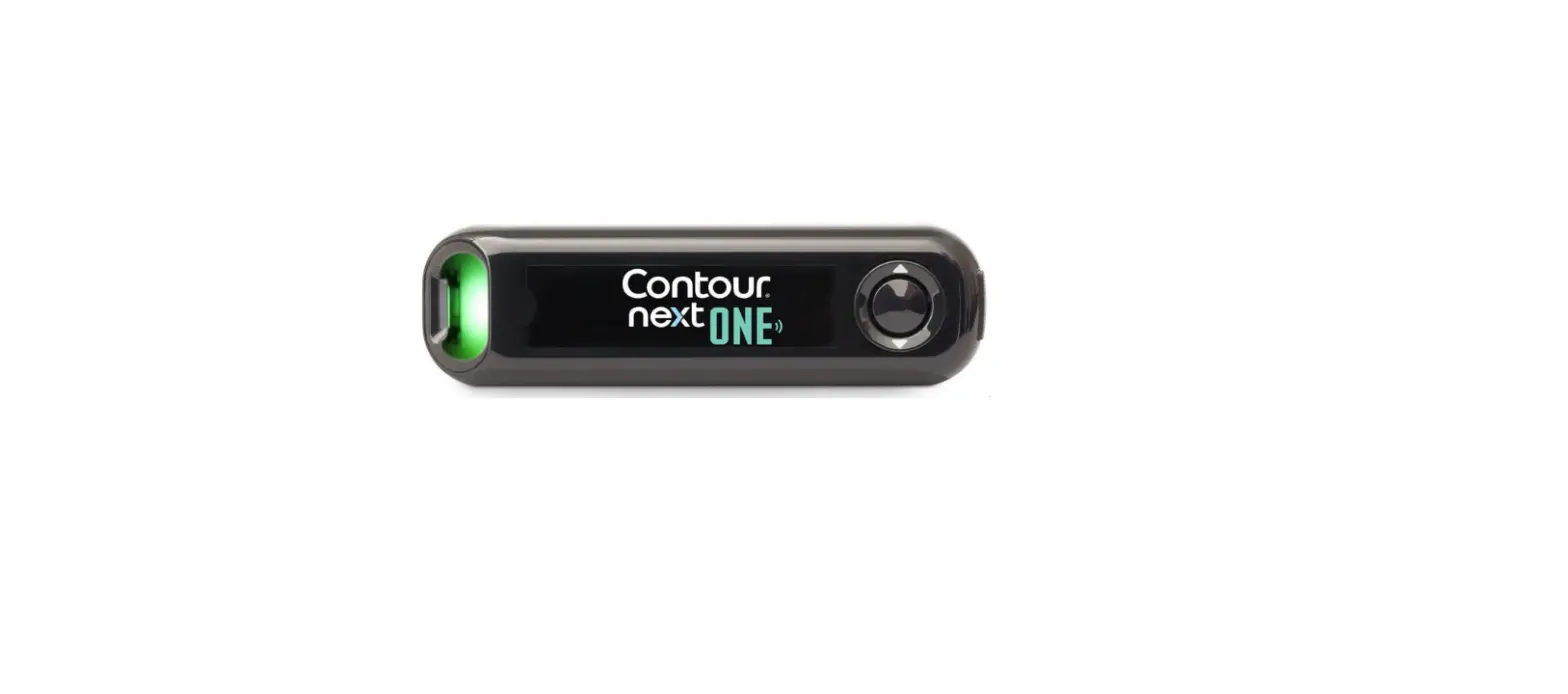
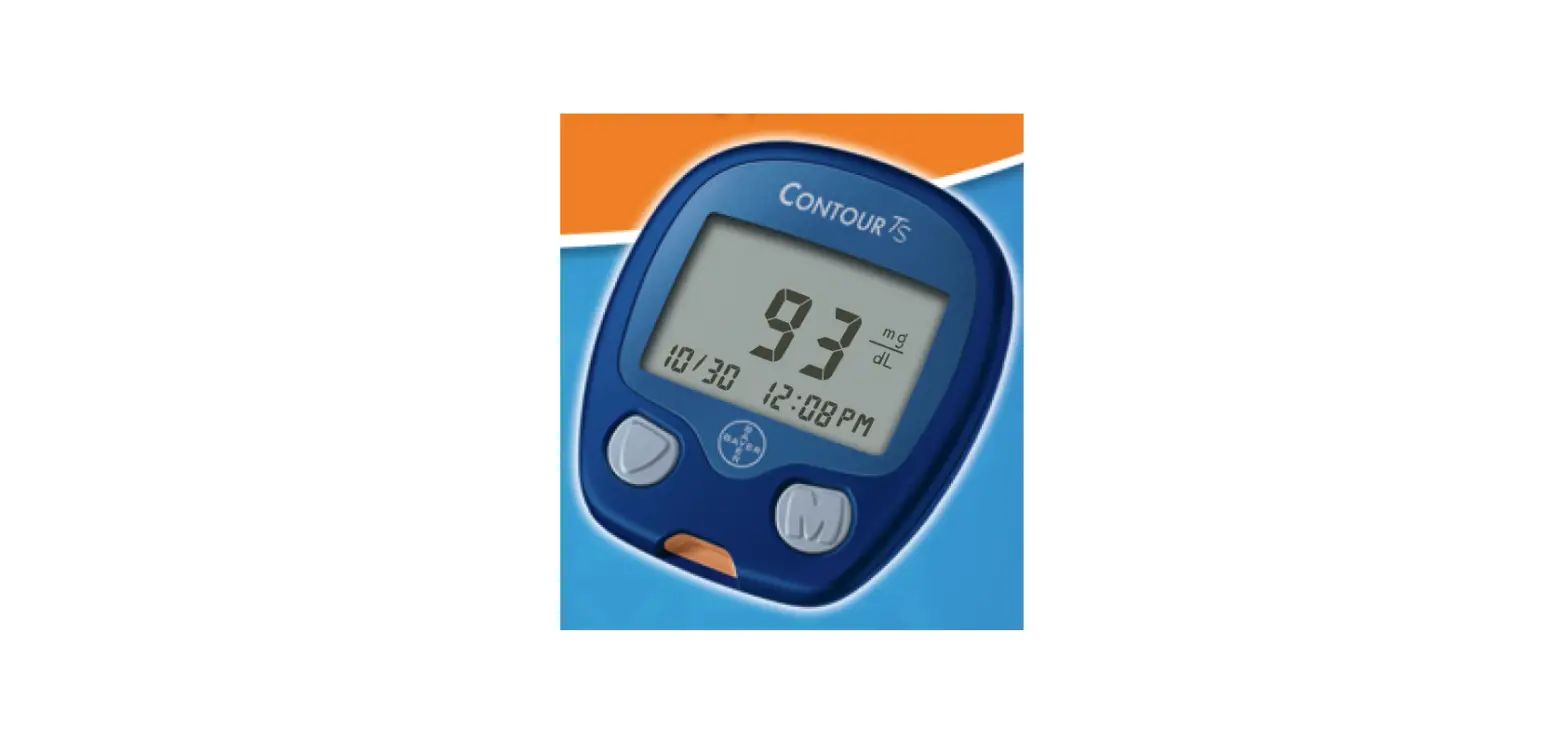
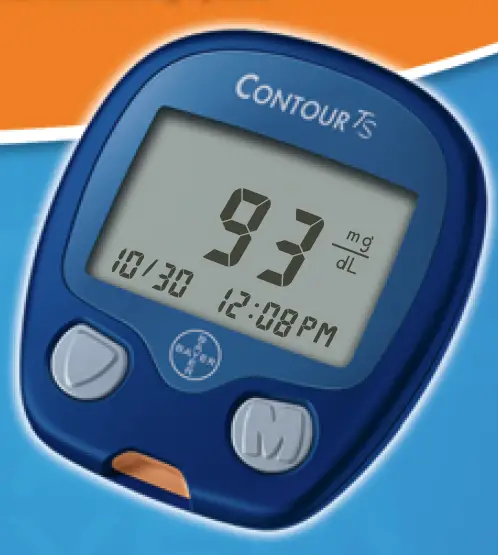
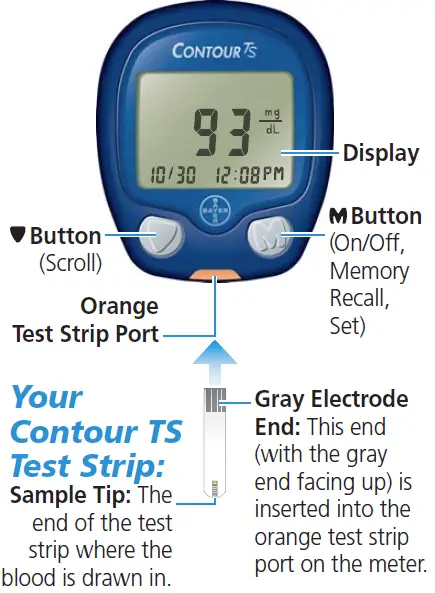
The CONTOUR TS Meter is a device used for testing blood glucose levels. The meter is equipped with a display screen, orange test strip port, and buttons for on/off, memory recall, and set. The meter does not require any coding for testing. The gray electrode end of the CONTOUR TS Test Strip is inserted into the orange test strip port on the meter for testing. The product comes with a Quick Reference Guide and a User Guide that provides complete troubleshooting and error information.
Product Usage Instructions:
- Remove a test strip from the bottle and firmly snap the lid closed. Never store test strips outside the bottle!
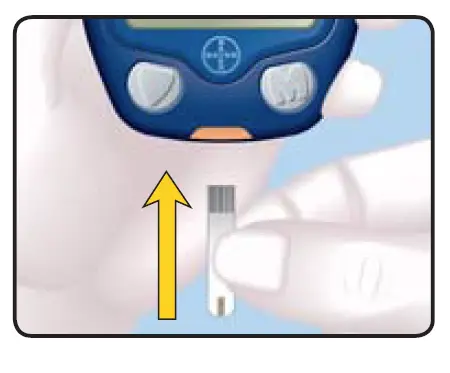
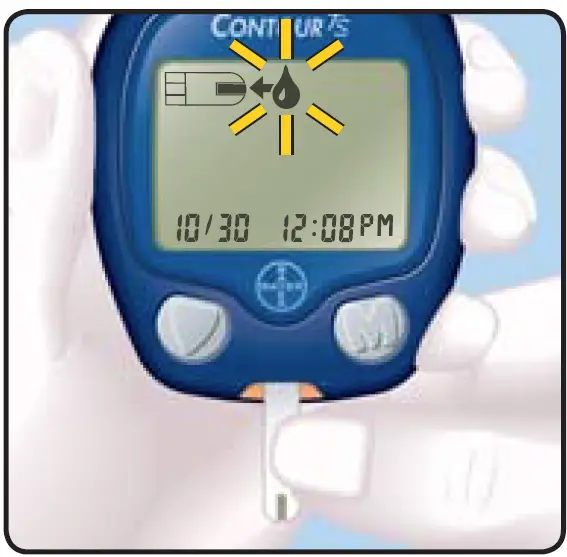
- Hold the test strip with the gray end facing up and insert it into the orange test strip port. No coding required! A test strip with a flashing blood drop will appear letting you know the meter is ready to test.
- Press the lancing device firmly against the puncture site and press the release button.
- Hold the meter with the orange test strip port pointing down or toward you. Immediately touch the tip of the test strip to the drop of blood. The blood is drawn into the test strip through the tip.
- Hold the tip of the test strip in the blood drop until the meter beeps and the 8 second countdown begins. Make sure the orange test strip port is pointing down.
- Your test result is displayed and automatically stored in the meter memory.
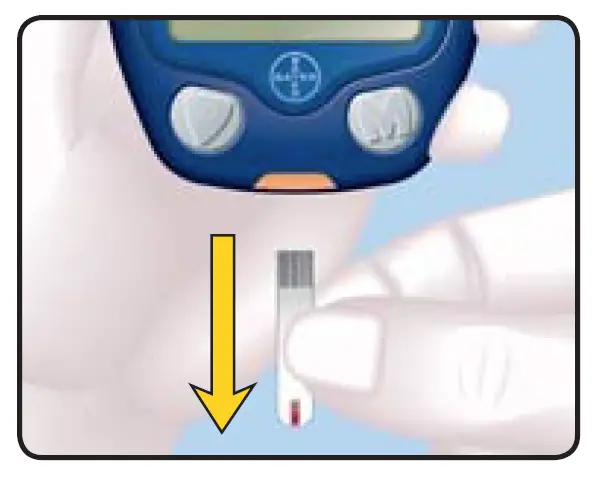
- To turn your meter off, simply remove the test strip. Carefully dispose of the used test strip.
Note: If you see any error codes or symbols on the meter, refer to your User Guide for complete troubleshooting and error information or call Bayer Diabetes Care Customer Service: 1-800-348-8100 (24 hours/day).
Your CONTOUR TS Meter
Need Help? Call toll free
1-800-348-8100
www.bayerdiabetes.com/us
Inserting the Test Strip
Remove a test strip from the bottle and fi rmly snap the lid closed. Never store test strips outside the bottle.
Hold the test strip with the gray end facing up and insert it into the orange test strip port. No coding required.
A test strip with a fl ashing blood drop will appear letting you know the meter is ready to test.
Getting the Blood Drop
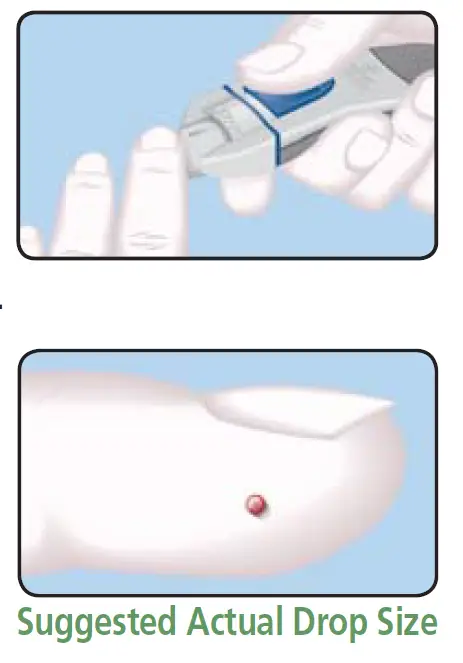
- Press the lancing device fi rmly against the punc-ture site and press the release button.
- Test immediately after you have formed a blood drop. Only 0.6 µL is needed for a test.
Testing Your Blood
Hold the meter with the orange test strip port pointing down or toward you. Immediately touch the tip of the test strip to the drop of blood. The blood is drawn into the test strip through the tip.
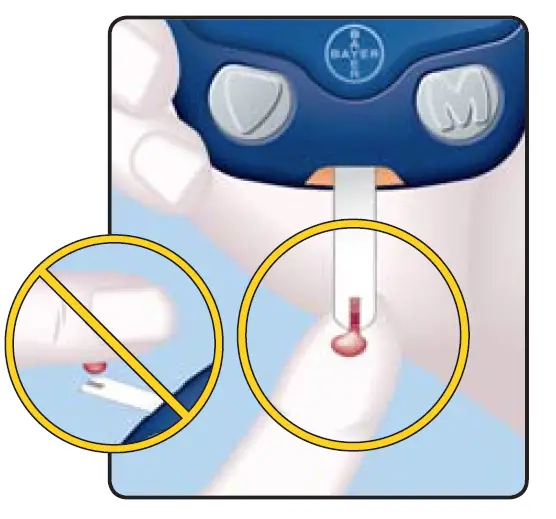
Hold the tip of the test strip in the blood drop until the meter beeps and the 8 second countdown be-gins. Make sure the orange test strip port is point-ing down.
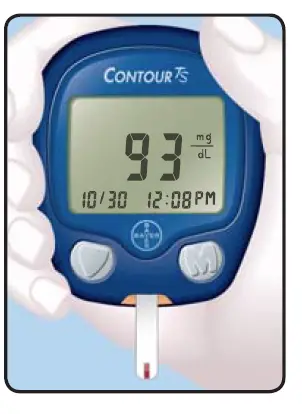
Your test result is displayed and auto-matically stored in the meter memory.
To turn your me-ter off, simply remove the test strip. Carefully dispose of the used test strip.
Error Codes and Symbols
| WHAT YOU SEE | WHAT IT MEANS | WHAT YOU SHOULD DO |
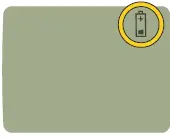 | Low Battery. | Replace the bat- tery as soon as possible. |
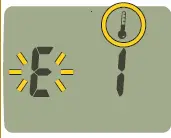 | Tempera- ture out- of-range. | Move to an area that is within the operating range for the meter: 41°F–113°F. Let the meter and test strips adjust to this tempera- ture for twenty minutes before testing. |
| WHAT YOU SEE | WHAT IT MEANS | WHAT YOU SHOULD DO |
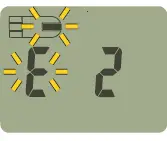 | The test | Remove the test |
| strip has | strip and repeat | |
| not filled | the test using a | |
| enough | new test strip. | |
| to give an | ||
| accurate | ||
| result. | ||
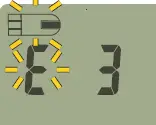 | The meter | Remove the |
| is sensing a used test | test strip and retest using a | |
| strip. | new test strip. | |
| Wait until you | ||
| see the flashing | ||
| blood drop in | ||
| the display be- | ||
| fore adding the | ||
| blood sample. |
| WHAT YOU SEE | WHAT IT MEANS | WHAT YOU SHOULD DO | |
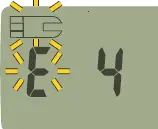 | Test strip | Remove the test | |
| not in- | strip and insert it | ||
| serted | properly. | ||
| correctly. | |||
| E5 | E10 | Potential | Remove the test |
| E6 | E11 | software | strip and retest |
| E8 | E12 | or hard- | using a new |
| E9 | E13 | ware issue. | test strip. If you |
| continue to have | |||
| problems, con- | |||
| tact Customer | |||
| Service. | |||
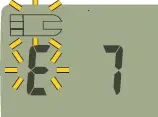 | Wrong test | Remove the | |
| strip. | test strip and | ||
| retest using a | |||
| CONTOUR TS | |||
| Test Strip. | |||
| WHAT YOU SEE | WHAT IT MEANS | WHAT YOU SHOULD DO |
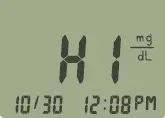 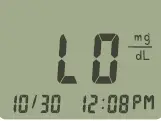 | Test result is “HI” (above 600 mg/dL) or | • Wash your hands and the test site. Re- peat the test using a new test strip. |
| Test result is “LO” (below 10 mg/dL). | • If your result is still “HI” or “LO,” contact your physician or healthcare professional immediately. | |
| CAUTION: Glucose levels above 250 mg/dL or below 50 mg/dL may indicate a poten- tially serious medical condition. | ||
Only Use With
CONTOUR® TS Blood Glucose Meter and CONTOUR™ TS Test Strips (Read your User Guide and Lancing Device insert for complete instructions before performing a blood glucose test.)