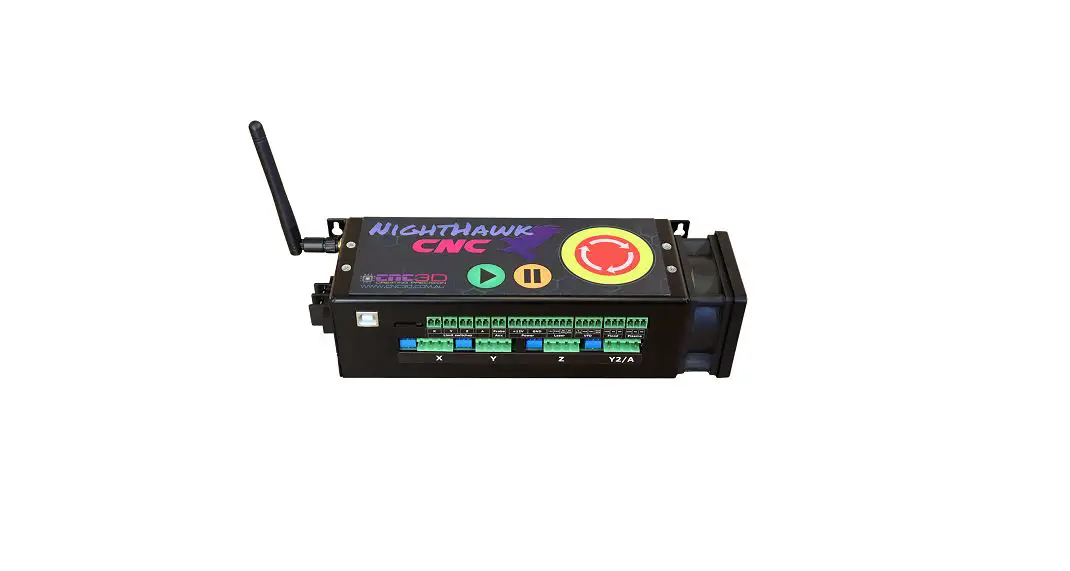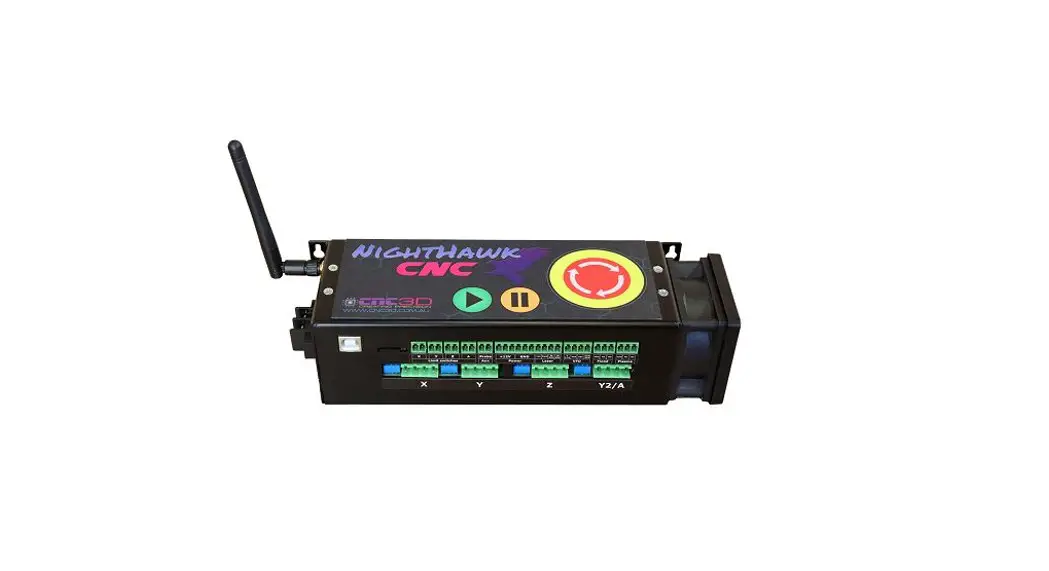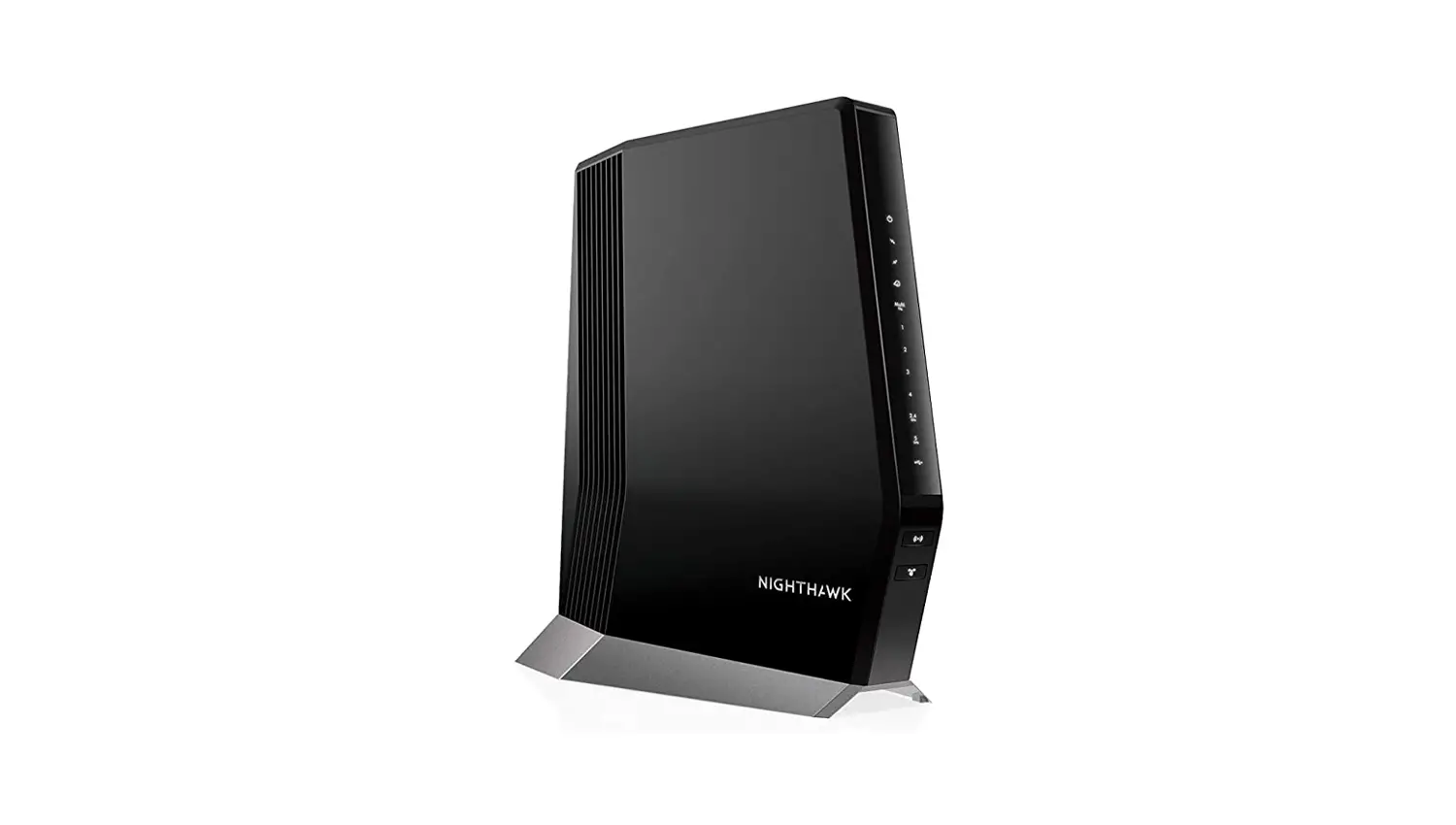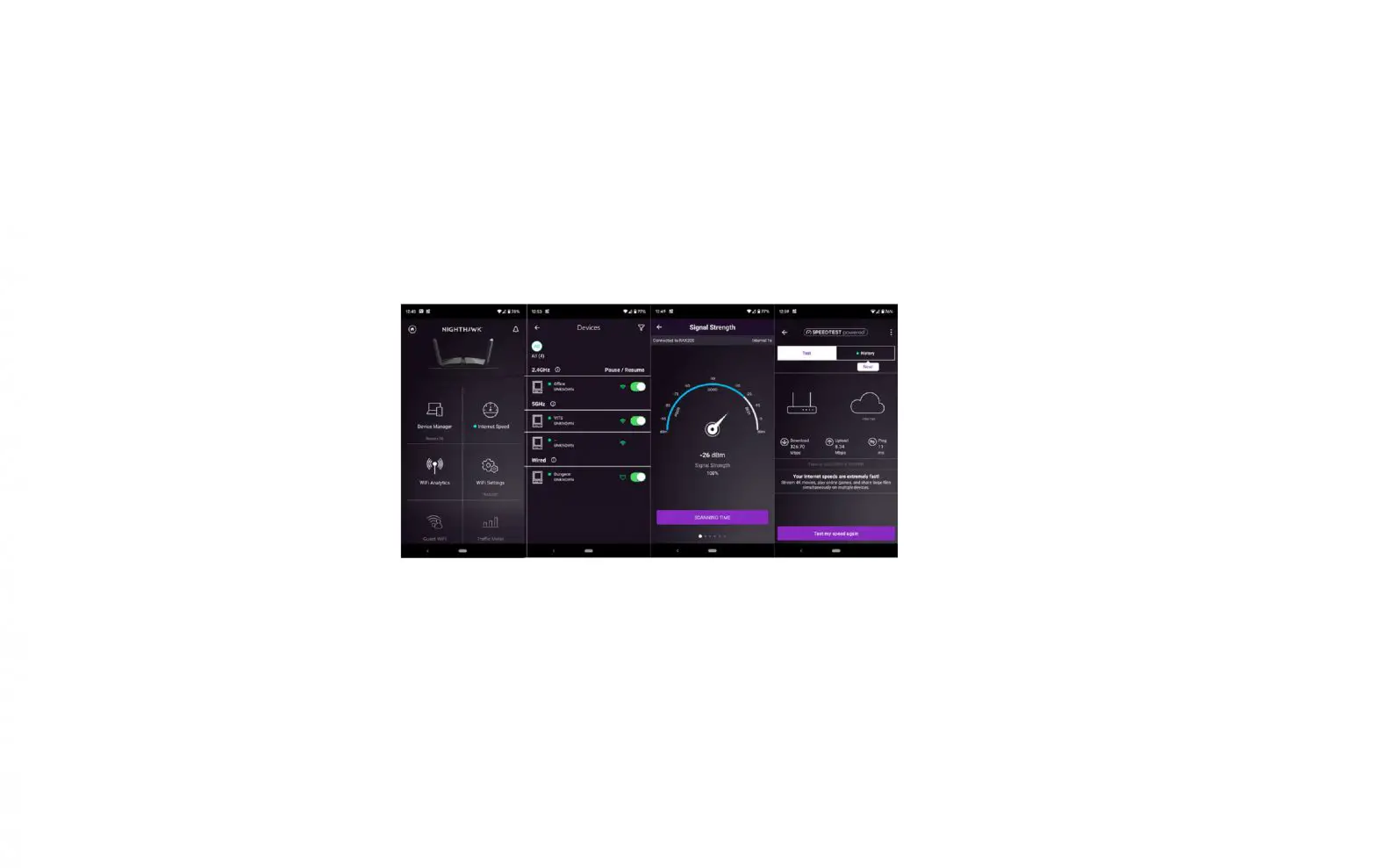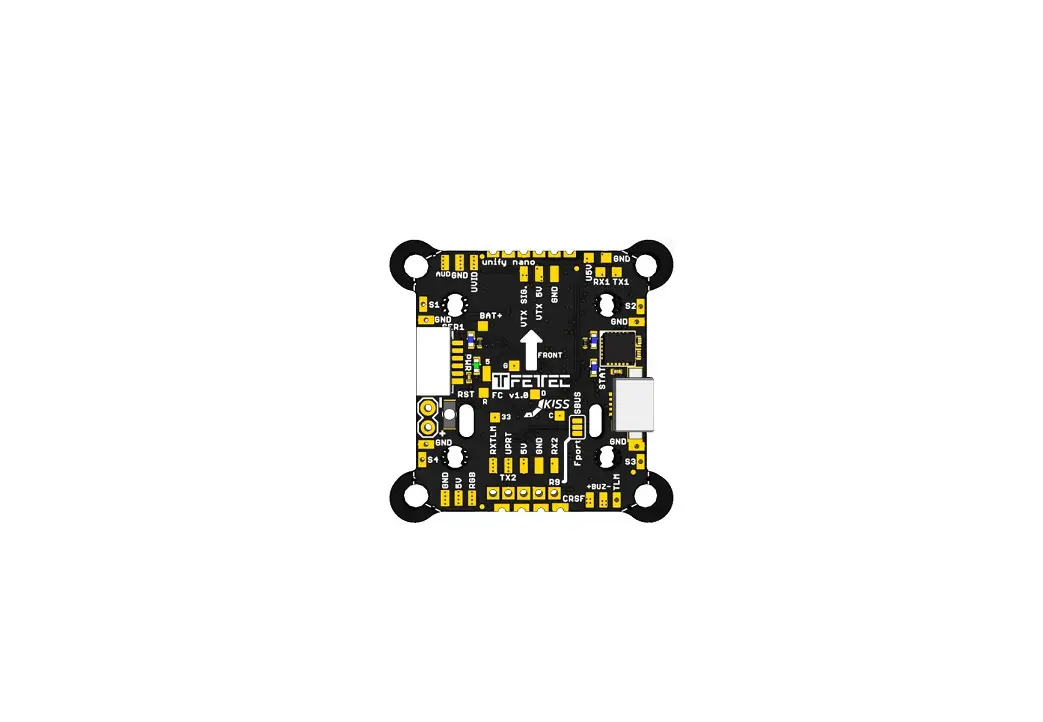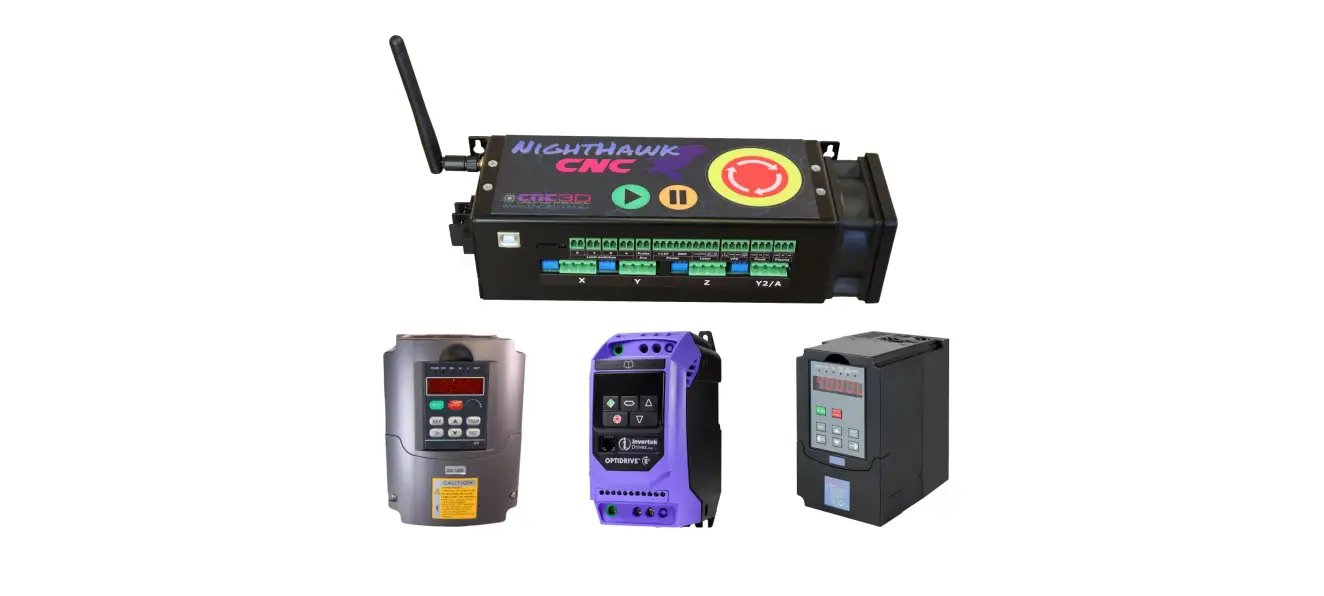

various VFDs Nighthawk Controller Connecting
Safety Warning
Please read before proceeding!
- This cheat sheet is designed for licensed electricians and/or competent electrical contractors who are familiar with VFDs and programming of VFDs. If you do not feel confident to change settings in your VFD then please seek advise from a licensed and/or competent person or agency.
- NEVER perform a factory reset on your VFD unless absolutely necessary
- Performing a factory reset may cause extremely undesirable results if ALL settings are not set appropriately afterwards, The risks include the possibility that your VFD may physically explode if parameters are not set correctly or your spindle and/or VFD may be damaged as a result of changing the incorrect settings.
- Liability / Indemnity
This guide is provided to you unequivocally without prejudice. Choosing to follow any or all of the steps, processes or diagrams in this guide, you accept the risks of following this guide. CNC3D PTY LTD is not and will not be liable or responsible for any damage of any kind caused by following this guide. This includes damage or injury to any person, appliance or Infrastructure of any kind. Damages caused as a result of changing any VFD settings are NOT covered under warranty. We cannot guarantee that settings/PD values will match all variations of particular VFDs so please confirm the setting name matches your user manual explicitly. YOU HAVE BEEN WARNED!!!
General VFD settings
This guide assumes that your current VFD settings are correct for your spindle and that your spindle has been working as expected already with manual button/panel control on your VFD. If your VFD is new or has not previously worked correctly it is important to ensure that several settings in your VFD match the settings that should be stamped or stickered on your spindle.
Always ensure your VFD is Powered off completely before performing any wiring!
Huanyang (HY) VFD’s (Most models)
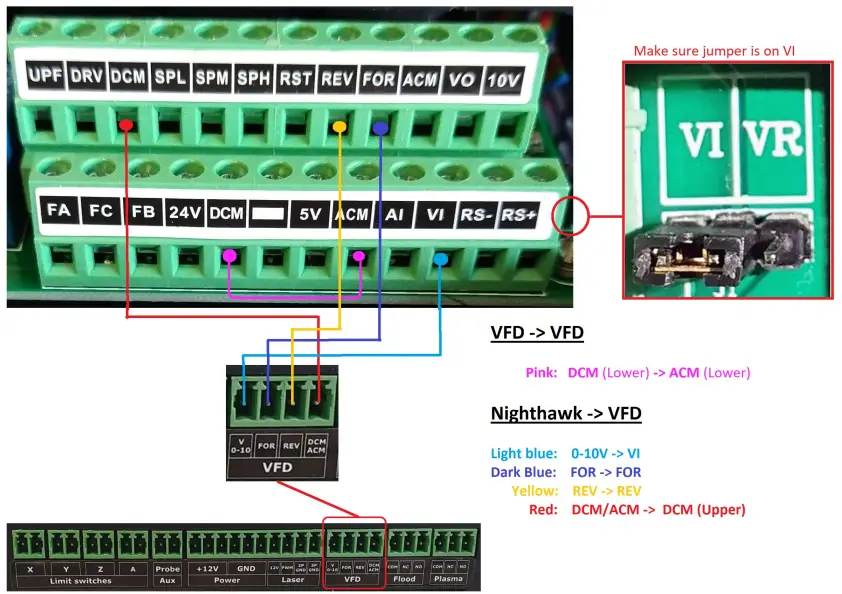
Huanyang (HY) PD Settings changes to allow control via the Nighthawk
NOTE: Please record previous settings before changing any values in case you wish to revert back to manual control of your VFD. We have included the standard descriptions of each setting to change below. Please reference your manual provided with your VFD to ensure that the description of each respective setting closely matches the setting listed below to ensure the correct setting is changed. If you unsure then please discontinue following this procedure and seek advice from a licensed electrician or competent person.
| PD / Setting | Description | Value required | Value description |
| PD01 | Source of run commands | 1 | External terminal |
| PD02 | Source of operating frequency | 1 | Simulation amount set |
| PD70 | Analog input type | 0 | 0-10V |
Invertek VFDs (Most models)
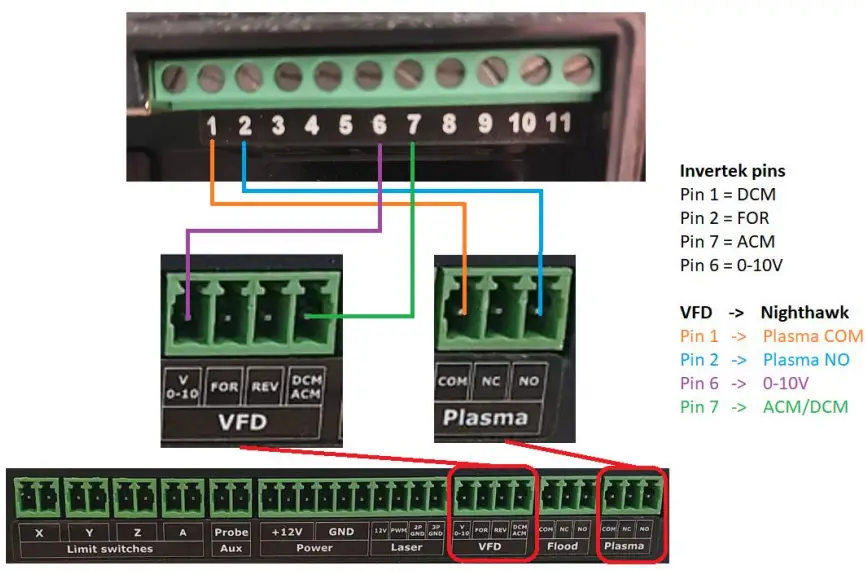
Invertek VFD Settings changes to allow control via the Nighthawk
NOTE: Please record previous settings before changing any values in case you wish to revert back to manual control of your VFD. We have included the standard descriptions of each setting to change below. Please reference your manual provided with your VFD to ensure that the description of each respective setting closely matches the setting listed below to ensure the correct setting is changed. If you unsure then please discontinue following this procedure and seek advice from a licensed electrician or competent person.
***Please note only one direction can be used with a Nighthawk and Invertek VFD, typically FOR (Forward) is best.
| Setting | Description | Value required | Value description |
| P12 | Primary command source | 0 | Terminal control |
| P15 | Digital input function select | 0 | – |
| P16 | Analog input 1 signal format | 0-10 | Unidirectional 0-10V reference |
| P30 | Start / Restart / Fire config | Edge-R | Following power on reset… |
| P39 | Analogue input 1 offset | -4.0 | – |
| P51 | Motor control mode | 1 | V/F mode |
Generic Chinese VFDs (Check settings)
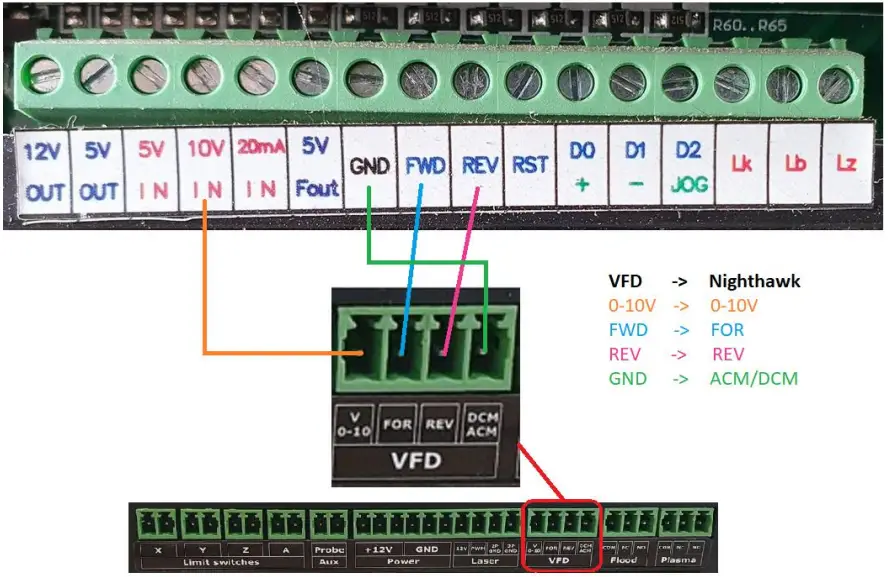
Generic VFD Settings changes to allow control via the Nighthawk
NOTE: Please record previous settings before changing any values in case you wish to revert back to manual control of your VFD. We have included the standard descriptions of each setting to change below. Please reference your manual provided with your VFD to ensure that the description of each respective setting closely matches the setting listed below to ensure the correct setting is changed. If you unsure then please discontinue following this procedure and seek advice from a licensed electrician or competent person.
***The term “Generic” VFD is rather broad. As such, if your pins do not match explicitly the photo above and the settings below do not match your manual then do not proceed and refer to your VFD manufacturer if you are unsure.
| Setting | Description | Value required | Value description |
| Pn03 | Source of runtime frequency | 4 | External 0-10V signal |
| Pn04 | Source of runtime command | 2 | External signal control |
| Pn07 | Start again by external signal | 2 | Enable |