How to adjust the Sound / Volume / Bass on Hyundai
For Your Convenience / Instruction:
1. You can adjust the sound setting of your Hyundai’s multimedia system.
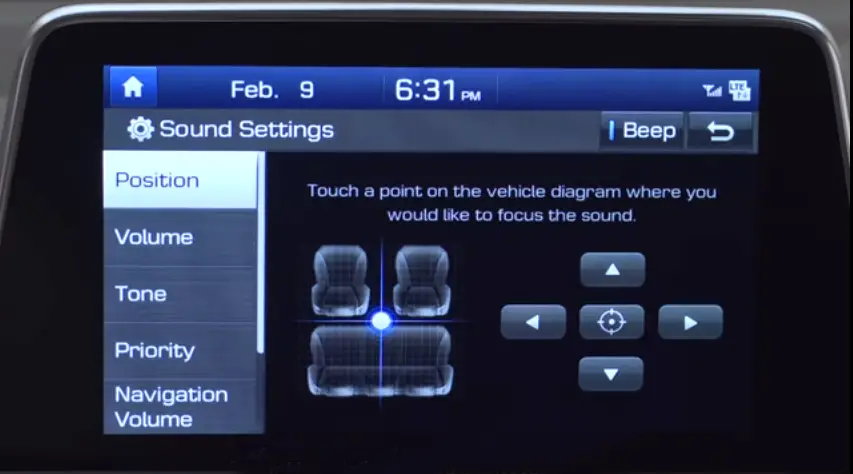
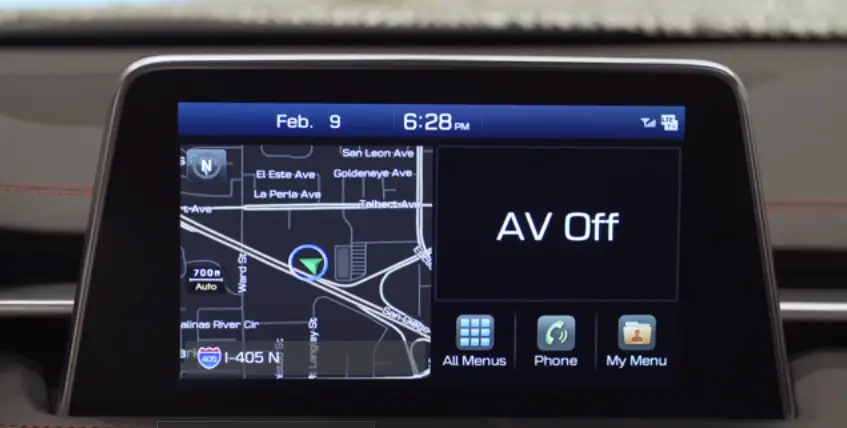
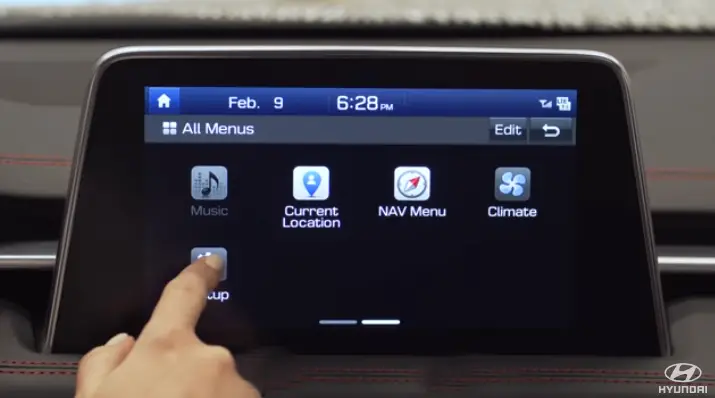
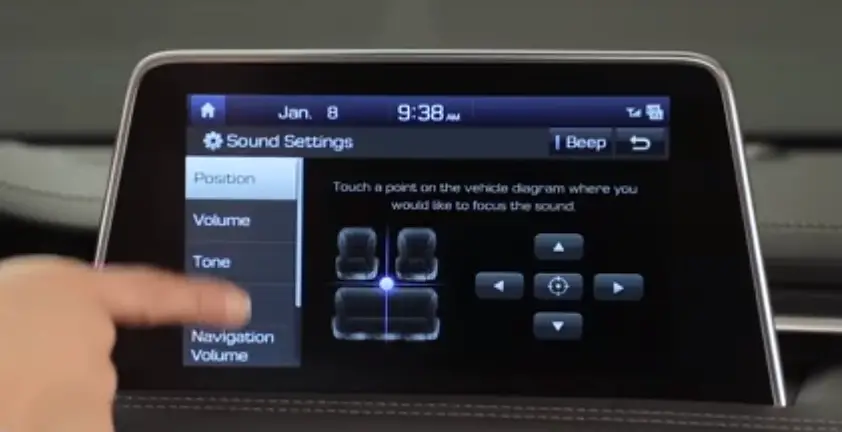
2. Go to the Sound Settings menu by either pressing the Settings button or from the LCD display, select All Menu.
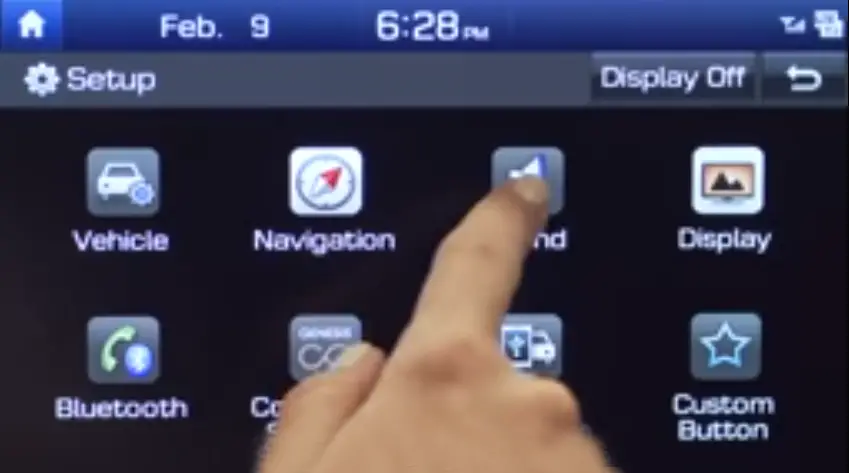
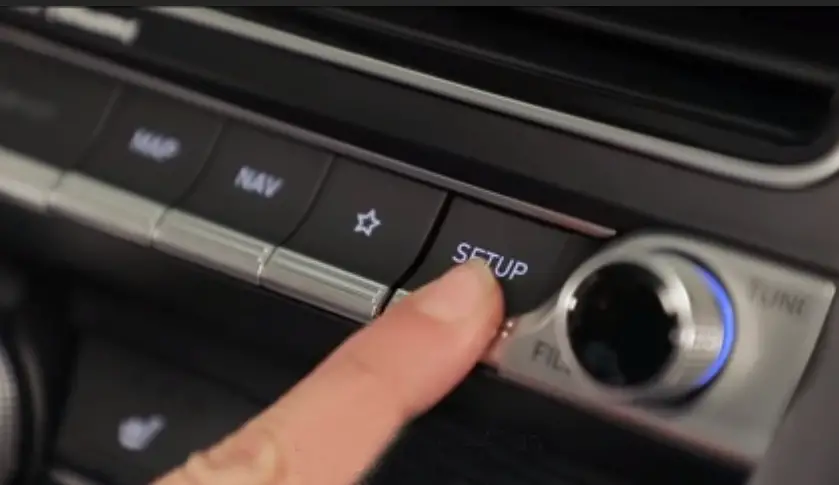
3. Then press Setup and select the Sound icon.
4. The Position setting allows you to control where you would like to focus the sound.
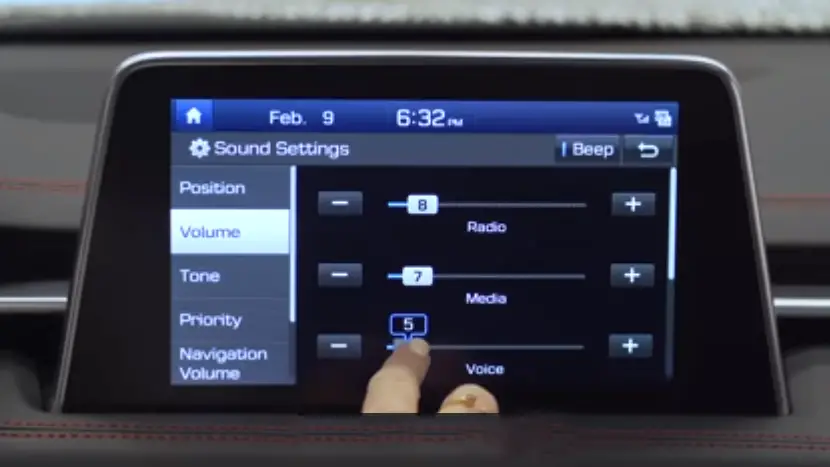
5. You can adjust the volume for specific features, such as the radio or voice recognition in the Volume settings.
6. For more information on sound setting adjustments, please refer to your owner’s manual.
7. The advanced sound settings in your Hyundai allows you to control speed dependent volume.
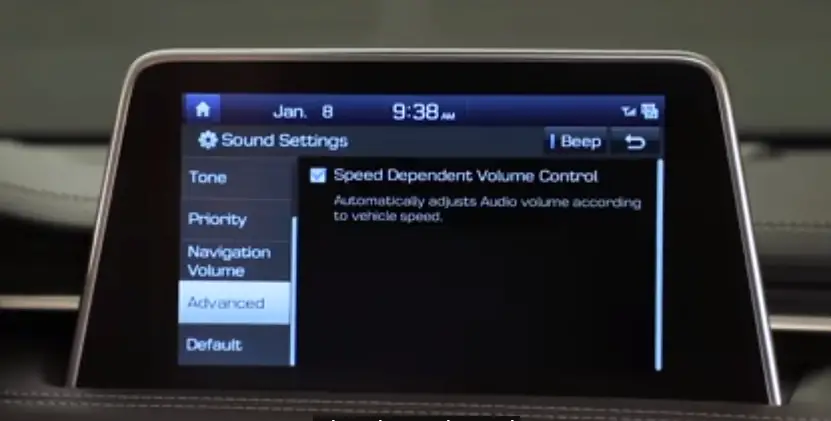
8. To change these settings, press the Setup button, select Sound, and then select Advanced.
9. Speed dependent volume control automatically adjusts audio volume according to vehicle speed.
Video: Adjust the Sound / Volume / Bass on Hyundai