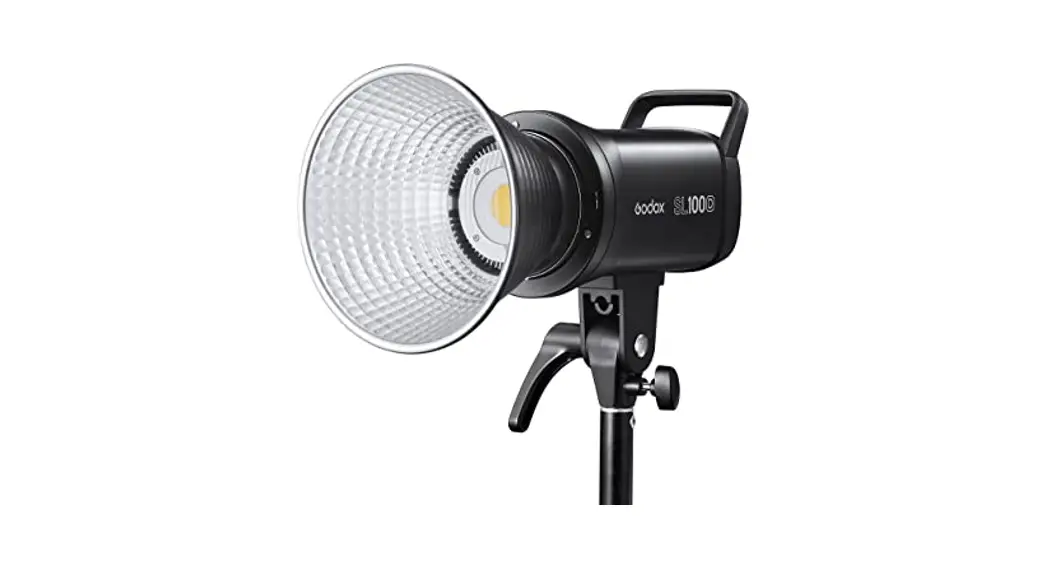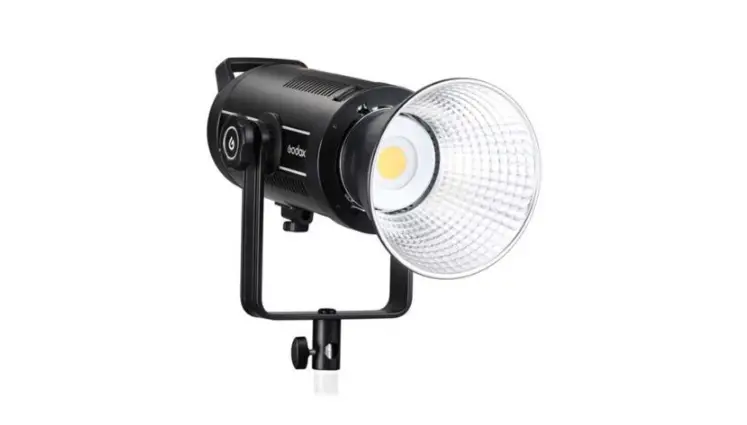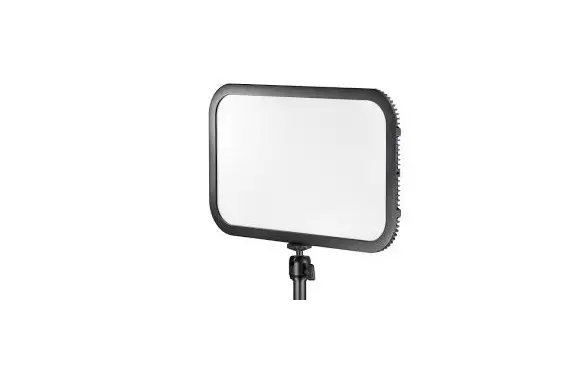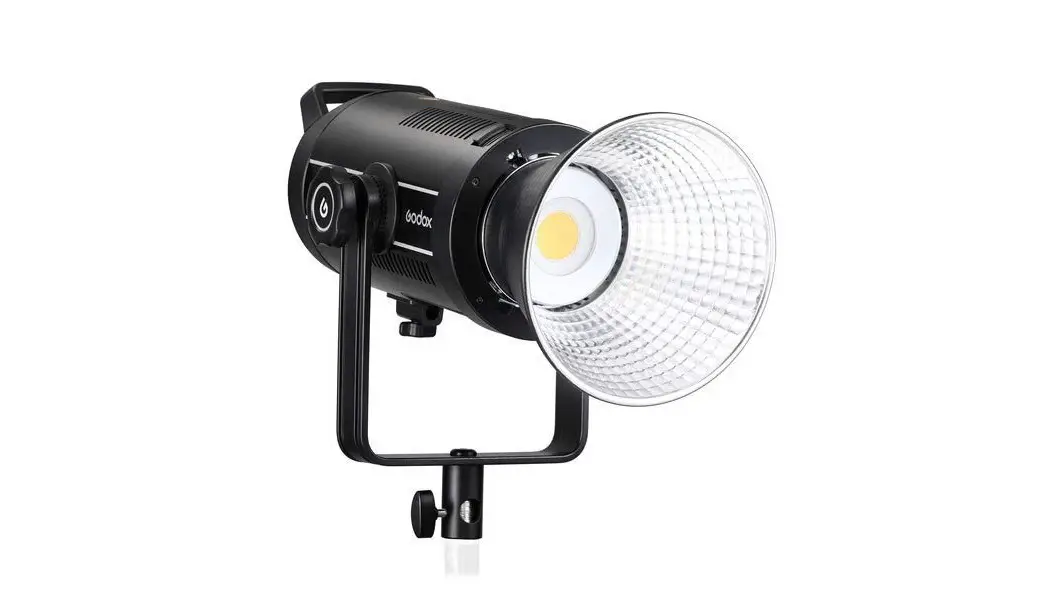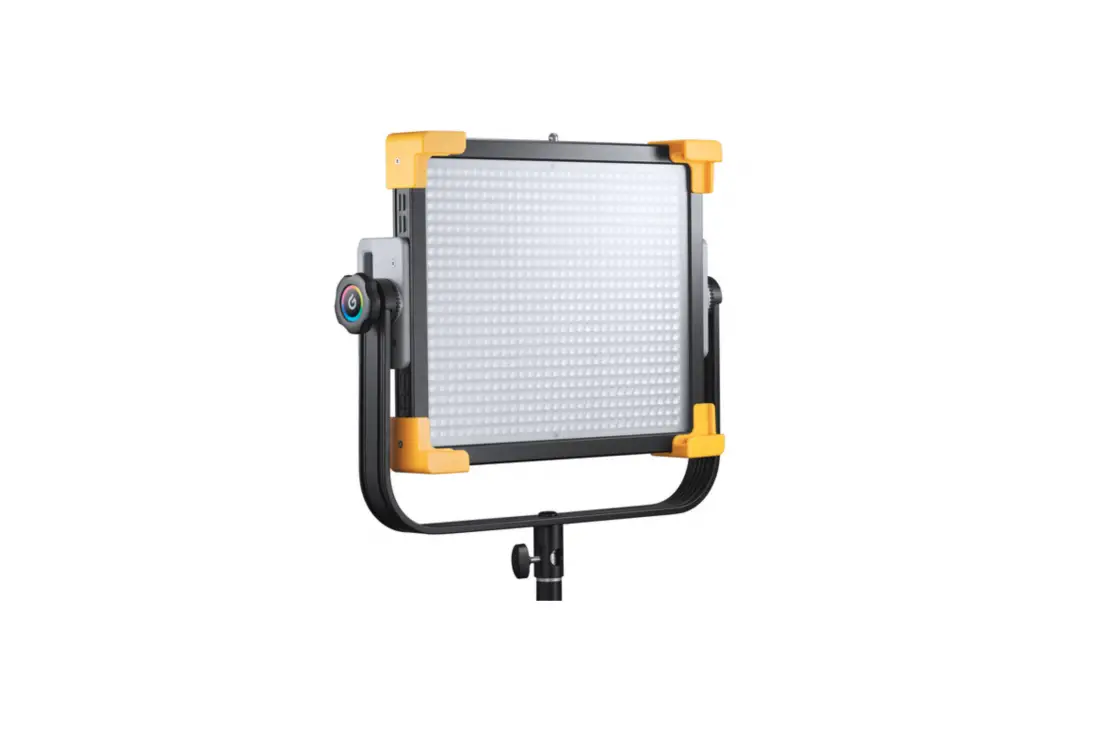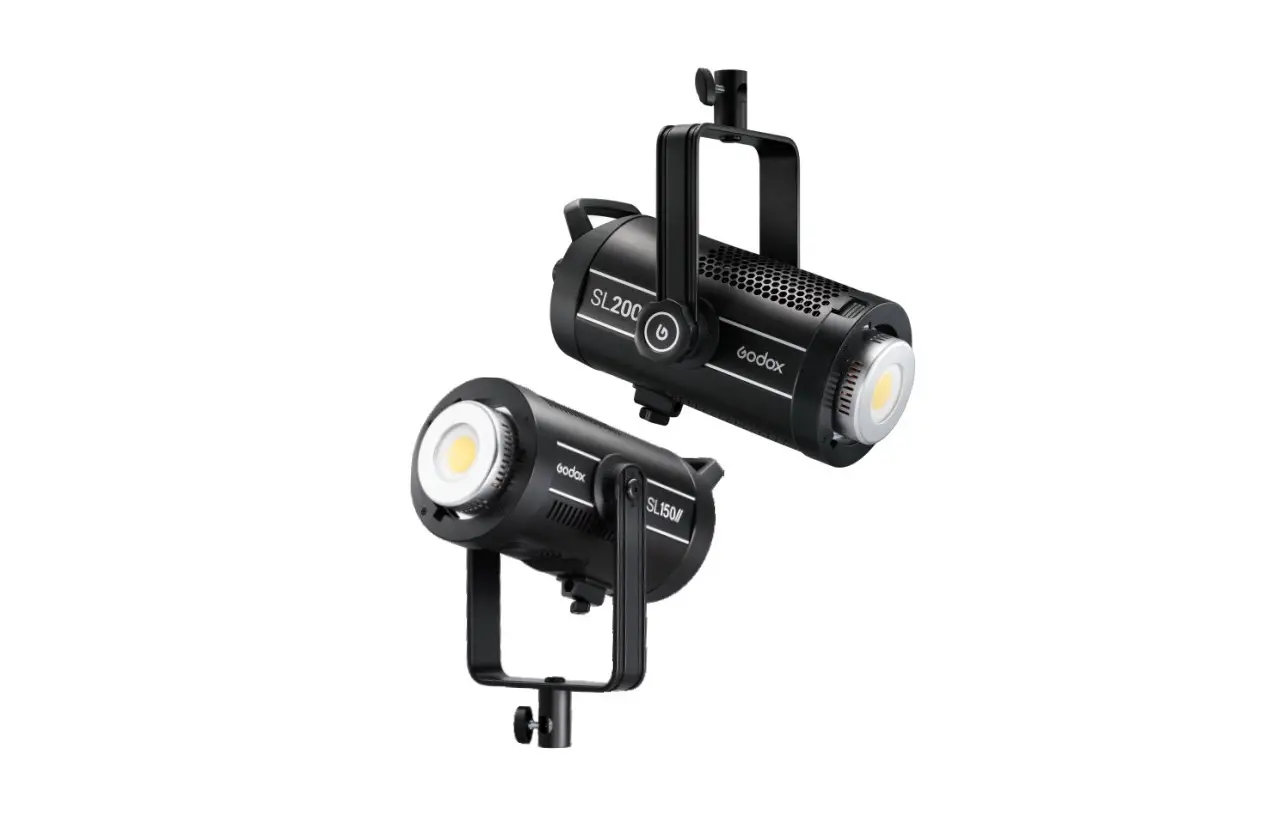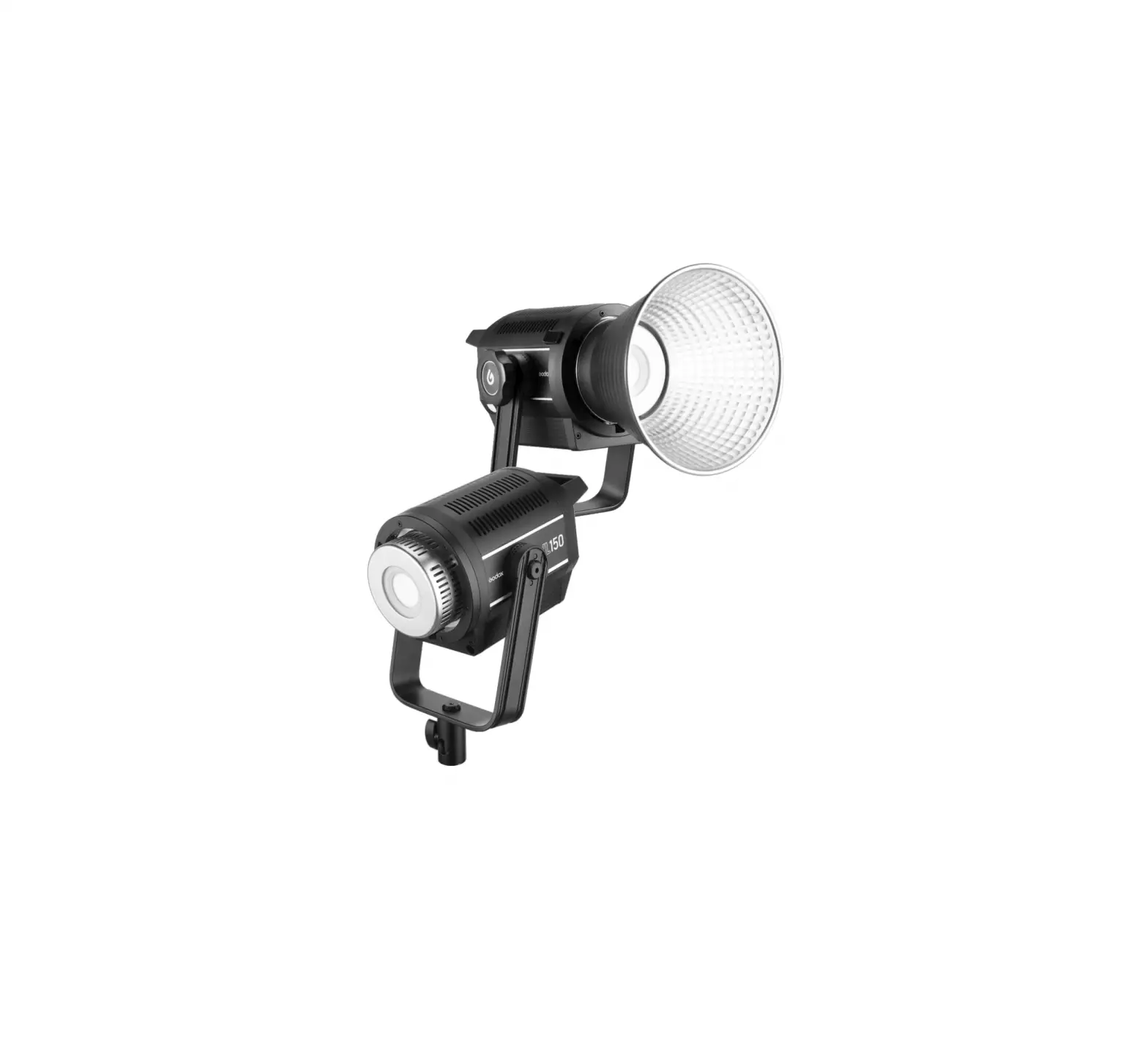
Godox LA150D Daylight LED Light
Foreword
Thank you for purchasing!
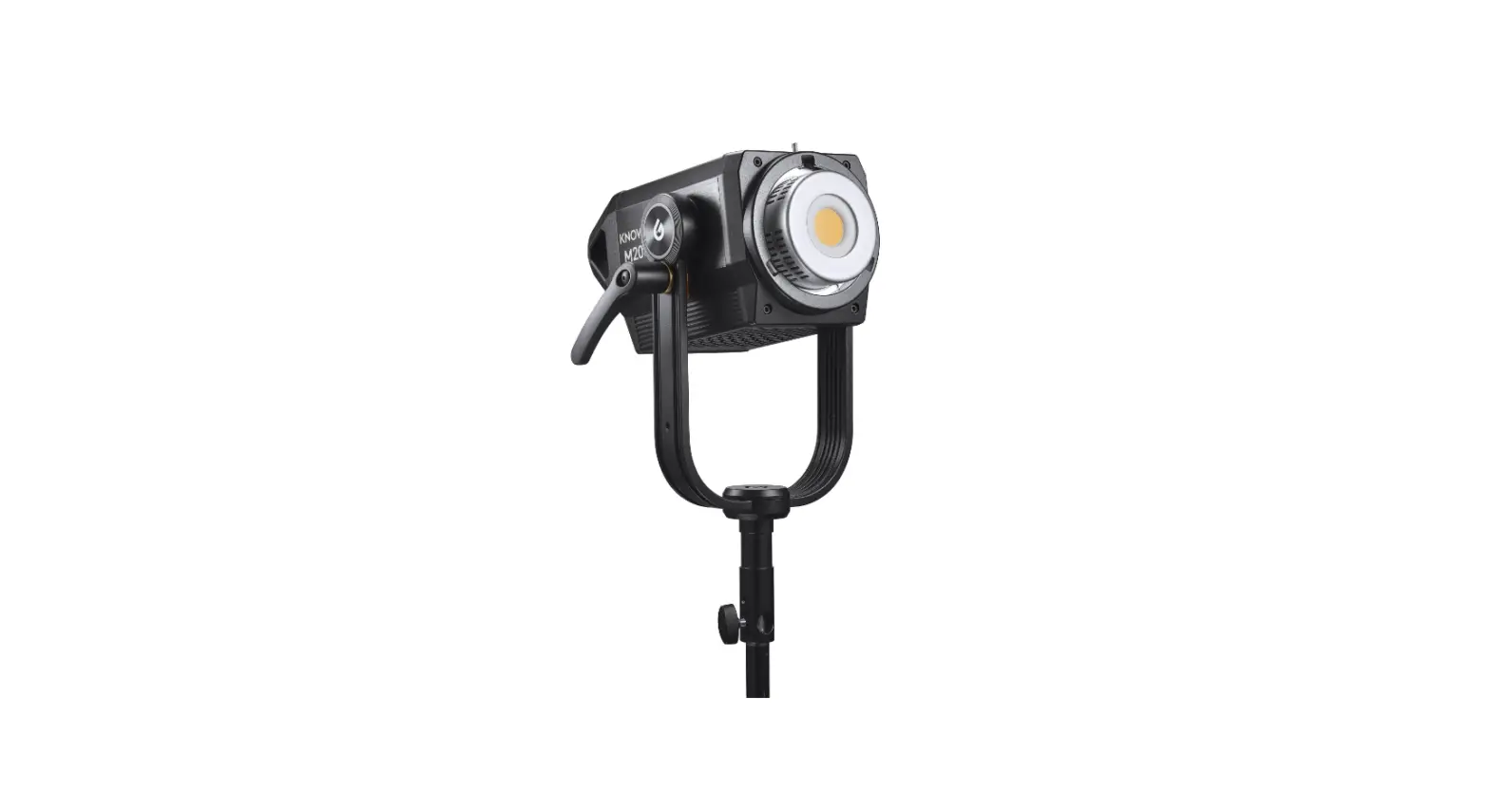
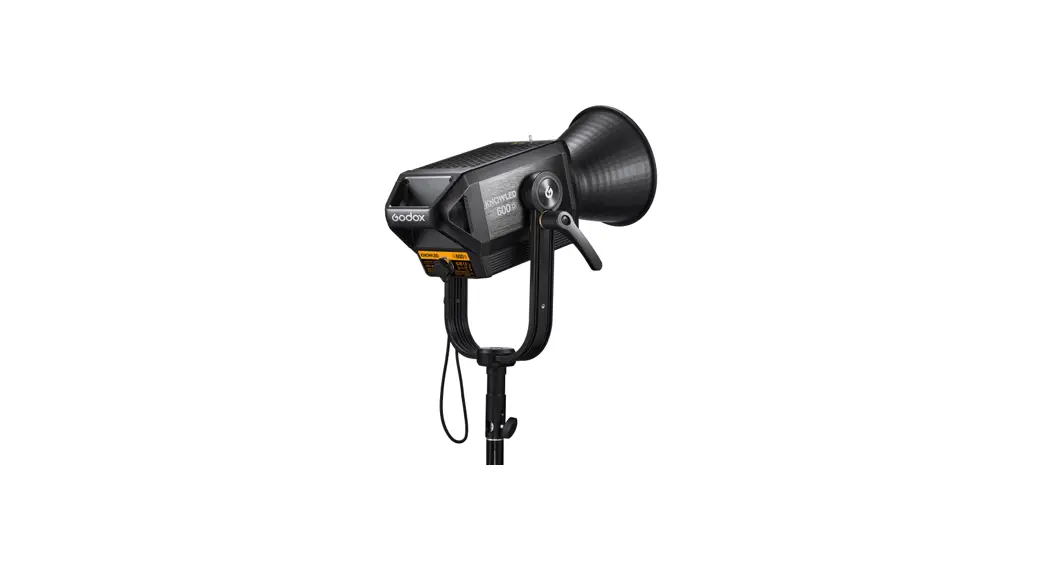
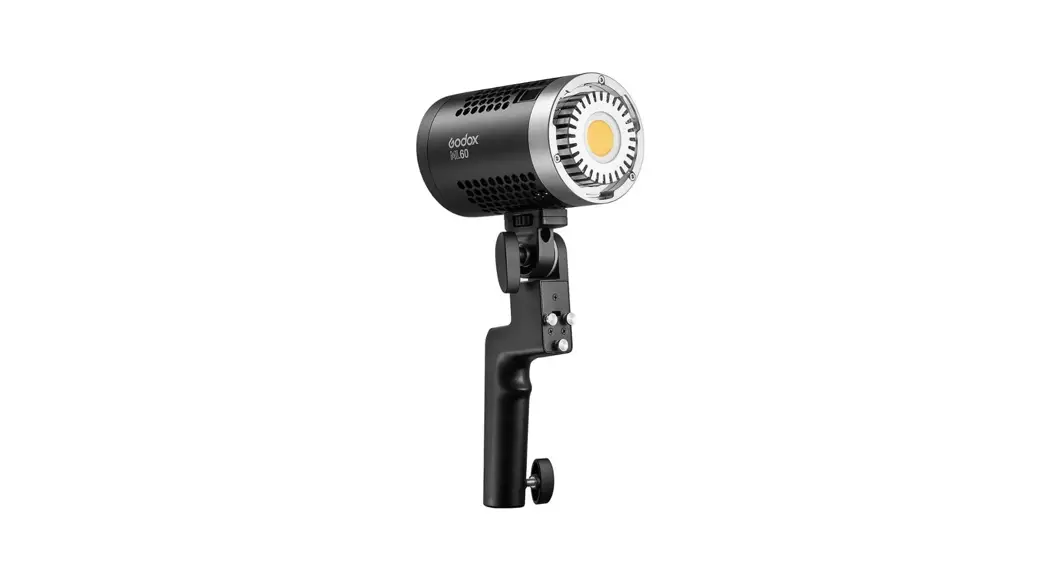
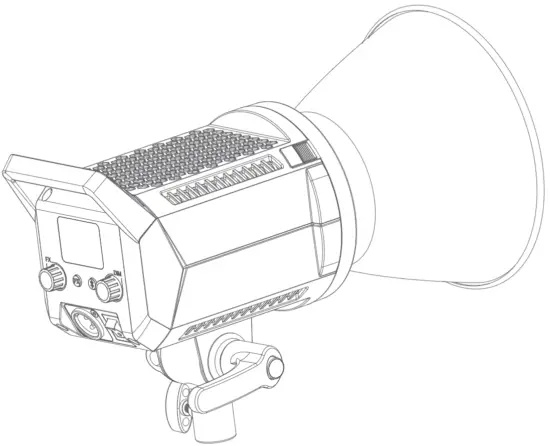
Brand new Litemons LED lights: LA 150D and LA200D have stable color temperature, while LA l 50Bi and LA200Bi have adjustable color temperature. These lights are compact and portable, with frosted shell and superior texture. They have high brightness and CRI, stepless brightness adjustment, Bluetooth wireless control,various light effects and etc. The standard Bowens mount is compatible with most optical accessories. These lights are suitable for shooting scenes such as personal interview, e-commerce live broadcast, short video and still life photograph.
Features
various FX light effects (LA l 50Bi/LA200Bi:11, LA l 50D/LA200D: 8) can simulate real scenes and bring infinite creations.
Stepless brightness adjustment range from 0% to 100¾.
Standard Bowens mount is compatible with most optical accessories.
Support Bluetooth APP control, conveniently operational.
Bi-color version (LA l 50Bi/LA200Bi) support adjustment of color temperature from 2800K to 6500K .
Warning
When using your photographic equipment, basic safety precautions should always be followed, including the following:
 Read and understand all instructions before using.Close supervision is necessary when any appliance is used by or near children.Do not leave appliance unattended while in use.Care must be taken as burns can occur from touching hot parts.Do not operate appliance with a damaged cord or if the appliance has been dropped or damaged – until it has been examined by a qualified serviceman.Position the cord so that it will not be tripped over, pulled, or contact hot surfaces.Always unplug appliance from electrical outlet before cleaning and servicing and when not in use. Never yank cord to pull plug from outlet. Grasp plug and pull to disconnect.This appliance is not waterproof device. To reduce the risk of electric shock, do not immerse this appliance in water or other liquids.Do not disassemble. Should repairs become necessary, this appliance must be sent to an authorized maintenance center. Incorrect maintenance behavior may cause electric shock when the appliance is subsequently used.When this appliance is working, please do not cover the Thermovent, and please do not look directly at or touch the COB lamp beads under any circumstances.
Name of Parts
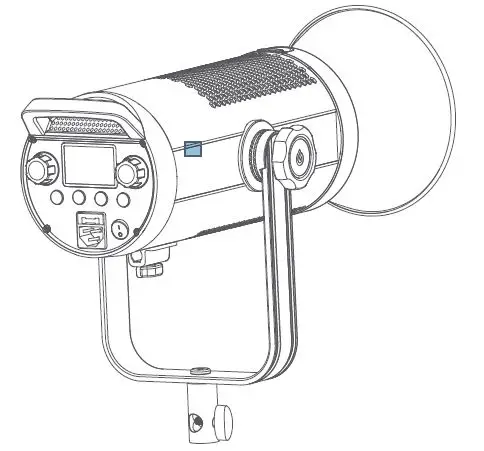
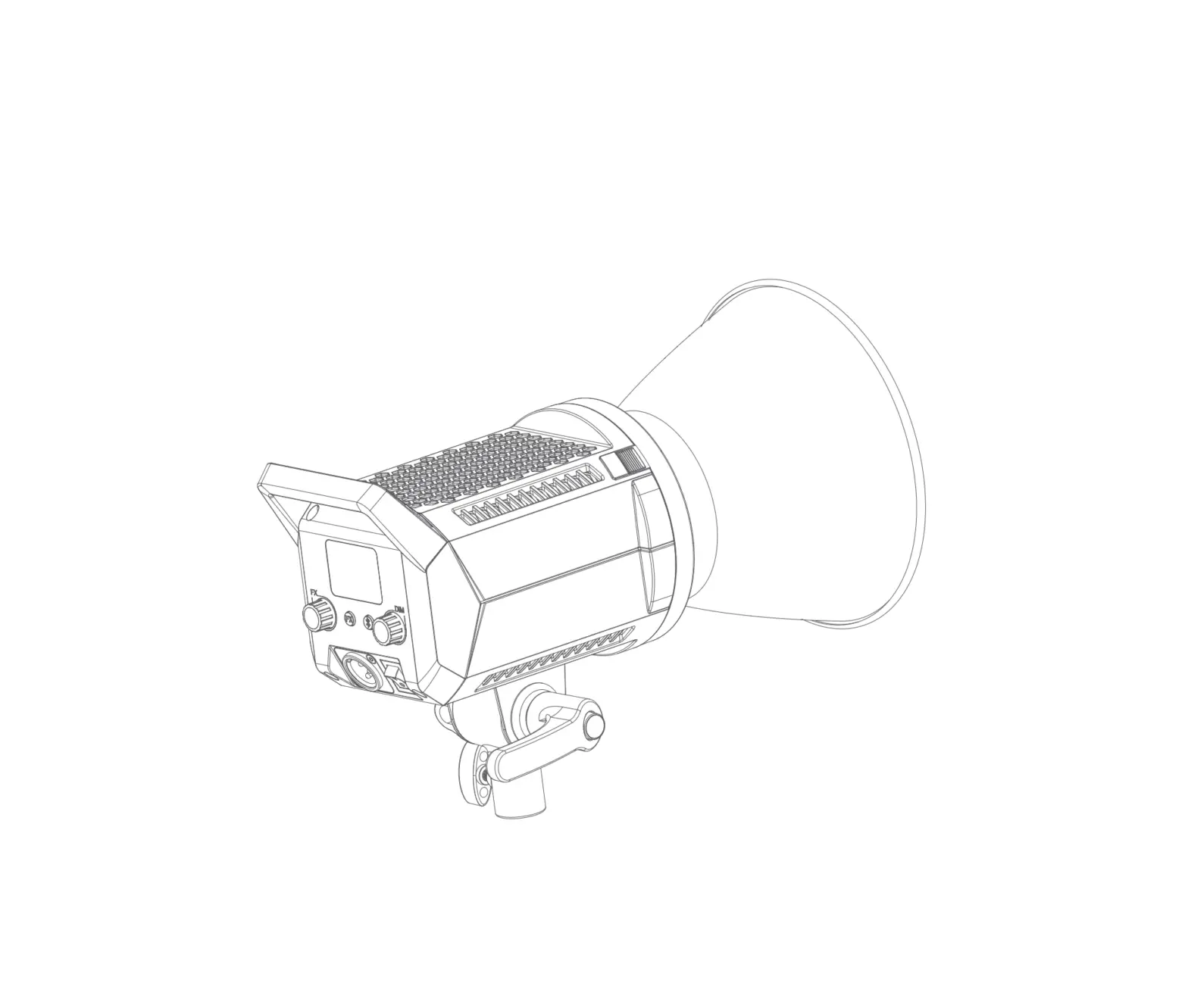
LA 150D/LA200D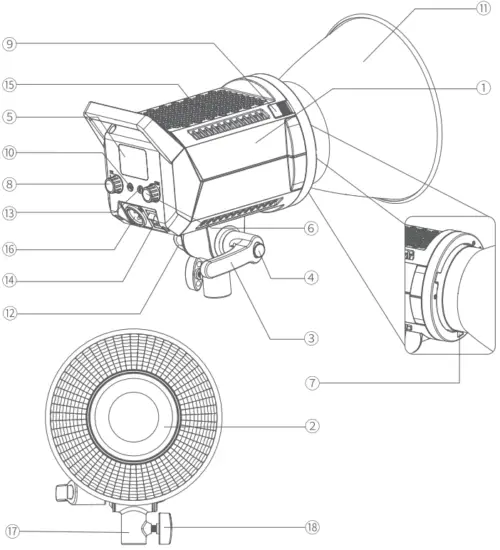
- Light Body
- LED Bead
- Locking Handle
- Direction Adjustment Button
- LCD Panel
- Brightness Adjustment Knob
- Bowens Mount
- FX Knob
- Mount Fixing Pusher
- FX Button
- Reflector
- Umbrella Input
- Bluetooth Button
- Power Switch
- Thermovent
- Power Outlet
- Sleeve Bracket
- Locking Knob
LA 150Bi/LA200Bi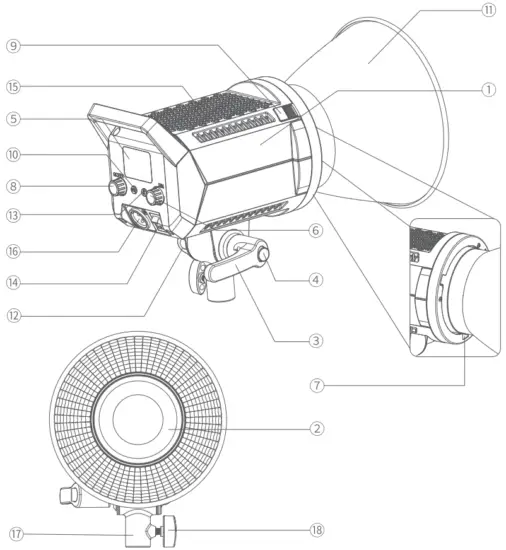
- Light Body
- LED Bead
- Locking Handle
- Direction Adjustment Button
- LCD Panel
- Brightness Adjustment Knob
- Bowens Mount
- CCT/FX Knob
- Mount Fixing Pusher
- FX Button
- Reflector
- Umbrella Input
- Bluetooth Button
- Power Switch
- Thermovent
- Power Outlet
- Sleeve Bracket
- Locking Knob
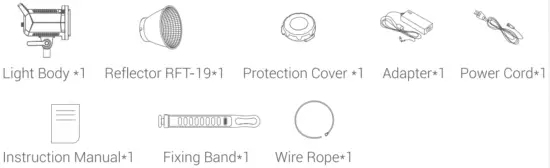
What’s in the Box
LA 150D/LA200D/LA 150Bi/LA200Bi
Optional Accessories
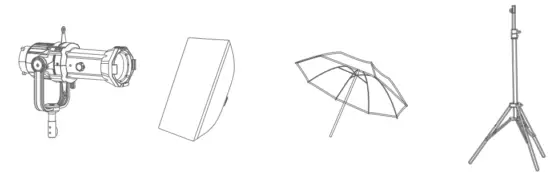
LA 150D and LA200D can be used in combination with the following optional accessories so as to achieve best photography effects: Softbox. Umbrella, Light Stand, Spotlight Attachment.
Operation Instruction
Connect to power supply
Connect to the AC power supply through DC adapter, press the power switch button on the LED light to switch on.
Mode Selection
CCT Mode/FX Mode
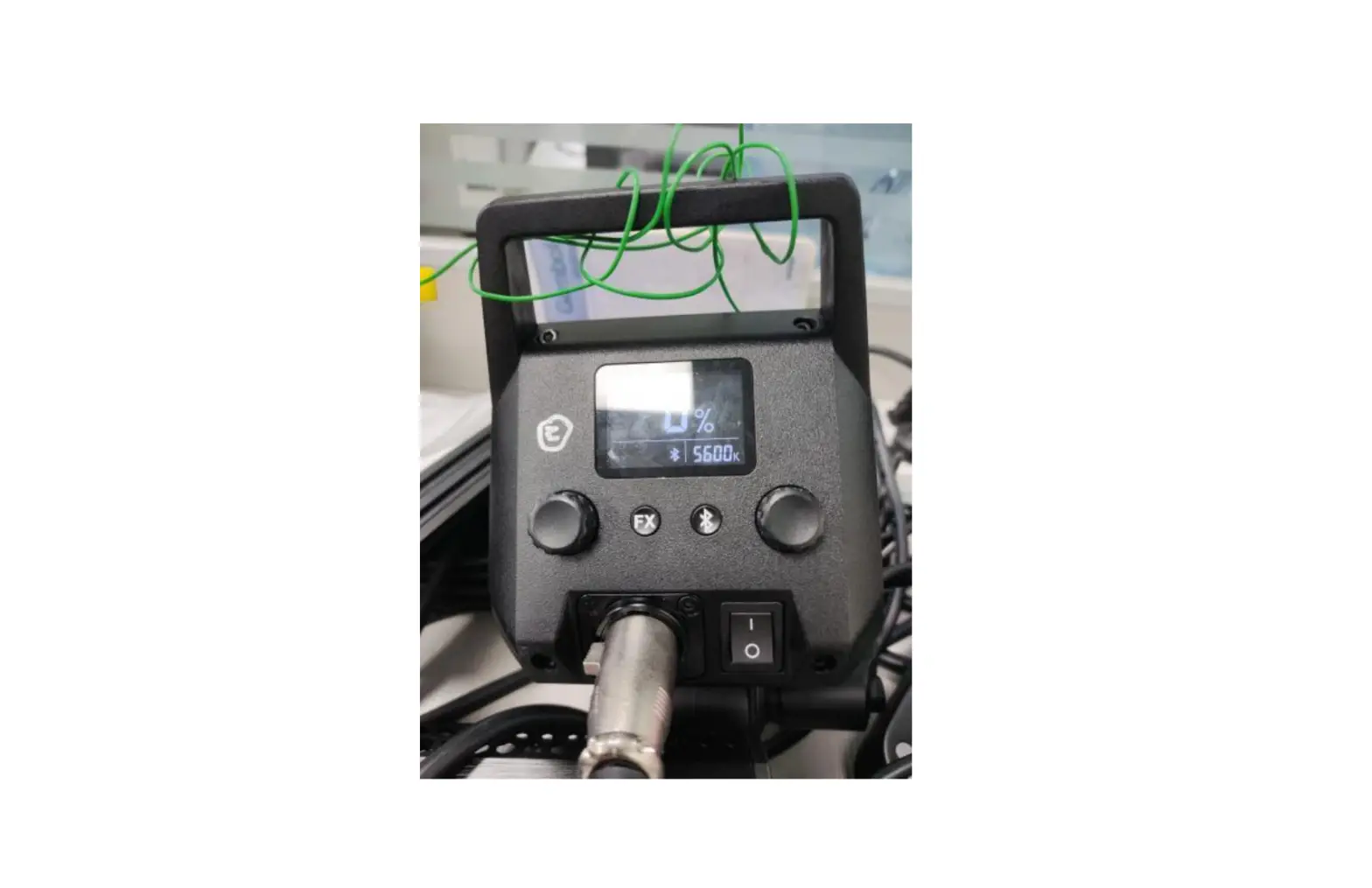
- CCT Mode(LA150D/LA200D): The CCT mode (5600K)is on the main interface.
- CCT Mode(LA150Bi/LA200Bi): The CCT mode is on the main interface, turn the CCT/FX Knob in CCT mode to adjust the color temperature from 2800K to 6500K. Turn left to decrease and turn right to increase, with l 00 units of increment in normal speed and 500 units of increment in fast speed.
- Brightness Adjustment: Turn the Brightness Adjustment Knob to adjust the brightness from 0% to l 00%. Turn left to decrease and turn right to increase, with l unit of increment in normal speed and l 0 units of increment in fast speed.
- FX Mode(LA150D/LA200D): Short press FX button to enter or exit FX Mode. The LCD panel will display FX when in FX Mode, turn the FX knob to select from the 8 light effects.
| Display | FXl | FX2 | FX3 | FX4 | FX5 | FX6 | FX7 | FX8 |
| Scenes | Flash l | Flash 2 | Flash 3 | Storm l | Storm 2 | Storm 3 | TV | Broken Blub |
FX Mode(LA150Bi/LA200Bi): Short press FX button to enter or exit FX Mode.The LCD panel will display FX icon when in FX Mode, turn the FX knob to select from the 71 light effects.
| Display | FXl | FX2 | FX3 | FX4 | FX5 | FX6 | FX7 | FX8 | FX9 | FXl0 | FXll |
| Scenes | Flash l | Flash 2 | Flash 3 | Storm l | Storm 2 | Storm 3 | Broken Blub | TV | Candle | Fire | Firework |
Bluetooth Setting
- Check Bluetooth MAC code:Short press the Bluetooth button until the CCT number on the LCD panel turns into Bluetooth MAC code, short press again until the Bluetooth MAC code disappears, and the main interface is restored to normal display.
- Scanning the QR Code to download”Godox Light” APP (available to both Android and I0S systems) .Please refer to the “help” instruction for specific operation.
- Bluetooth reset function: Long press the Bluetooth button for 2 seconds until the Bluetooth icon blinks on the LCD panel to reset the Bluetooth, after which the icon will be instant on.
Note: The first connected mobile device(smartphone or tablet)can directly operate the light through APP. - When switched to other mobile devices (smartphone or tablet) ,the light will be connected through APP after Bluetooth reset.
Malfunction Indication
The < > is on means fan failure. The <
 > is on means overheat warning. of the LED beads, and the device will turn off automatically once exceeding the safety temperature.
Adapter Mounting Instruction
Mount the adapter on the fixing band, thread the wire rope through the fixing band, and then hang them on the bracket.
Declaration of Conformity:
GODOX Photo Equipment Co,Ltd. hereby declares that the This equipment are in compliance with the essential requirements and other relevant provisions of EU Directive 2014/53/EU.
They are allowed to be used in all EU member states.
For more information of DoC, Please click this web link:http://www.godox.com/DOC/Godox_LA l 50D_LA200D_DOC.pdf
GODOX Photo Equipment Co,Ltd. hereby declares that the This equipment are in compliance with the essential requirements and other relevant provisions of EU Directive 2014/53/EU.
They are allowed to be used in all EU member states. For more information of DoC, Please click this web link:http://www.godox.com/D0C/Godox_LA150Bi_LA200Bi_DOC pdf
llluminance Data
LA150D
| CCT | Testing Status | illuminance Unit | 1m | 2m | 3m |
| 5600K | bare lamp | lux | 7030 | 1860 | 903 |
| fc | 653 | 172 | 83.8 | ||
| with reflector | lux | 84800 | 17800 | 7610 | |
| fc | 7880 | 1650 | 707 |
LA200D
| CCT | Testing Status | illuminance Unit | 1m | 2m | 3m |
| 5600K | bare lamp | lux | 8670 | 2170 | 1050 |
| fc | 806 | 201 | 97.6 | ||
| with reflector | lux | 101000 | 20800 | 8670 | |
| fc | 9360 | 1930 | 806 |
LA150Bi
| Color Temperature | Testing Condition | Illuminance unit | 1m | 2m | 3m |
| 2800K | bare lamp | lux | 3020 | 806 | 409 |
| fc | 287 | 74.8 | 38 | ||
| 3200K | lux | 3550 | 947 | 483 | |
| fc | 329 | 88 | 44.9 | ||
| 4300K | lux | 5030 | 7350 | 688 | |
| fc | 468 | 725 | 63.9 | ||
| 5600K | lux | 5080 | 7360 | 695 | |
| fc | 472 | 726 | 64.5 | ||
| 6500K | lux | 4400 | 7780 | 600 | |
| fc | 409 | 770 | 55.7 |
LA150Bi
| Color Temperature | Testing Condition | illuminance unit | 1m | 2m | 3m |
| 2800K | with reflector | lux | 37700 | 8150 | 3340 |
| fc | 3500 | 757 | 370 | ||
| 3200K | lux | 44800 | 9660 | 3970 | |
| 4300K | fc | 4770 | 897 | 369 | |
| lux | 64900 | 73900 | 5740 | ||
| 5600K | fc | 6030 | 7290 | 534 | |
| lux | 66600 | 74400 | 5890 | ||
| fc | 6790 | 7340 | 547 | ||
| 6500K | lux | 58300 | 72400 | 5750 | |
| fc | 5420 | 7150 | 479 |
LA200Bi
| Color Temperature | Testing Condition | Illuminance unit | 1m | 2m | 3m |
| 2800K | bare lamp | lux | 3570 | 957 | 478 |
| fc | 337 | 884 | 444 | ||
| 3200K | lux | 4350 | 7160 | 586 | |
| fc | 404 | 708 | 54.5 | ||
| 4300K | lux | 6850 | 7840 | 924 | |
| fc | 637 | 777 | 85.8 | ||
| 5600K | lux | 6970 | 7870 | 937 | |
| fc | 647 | 774 | 87 | ||
| 6500K | lux | 5630 | 7 570 | 774 | |
| fc | 523 | 740 | 77.9 |
LA200Bi
| Color Temperature | Testing Condition | Illuminance unit | 1m | 2m | 3m |
| 2800K | with reflector | lux | 39300 | 8440 | 3550 |
| fc | 3650 | 785 | 330 | ||
| 3200K | lux | 48500 | 70400 | 4340 | |
| fc | 4570 | 964 | 403 | ||
| 4300K | lux | 77400 | 76400 | 6890 | |
| fc | 7790 | 1520 | 640 | ||
| 5600K | lux | 79200 | 76800 | 7030 | |
| fc | 7360 | 1560 | 653 | ||
| 6500K | lux | 64300 | 73600 | 5670 | |
| fc | 5970 | 7260 | 527 |
Note: The above tests are all based on the condition of l 00% brightness.
Technical Data
| Model | LA1500 | LA200D |
| Power Output | Max.790W | Max.230W |
| Input Voltage | OC48V | |
| CCT | 5600K | |
| Brightness Adjustment Range | 0 %- 100 % | |
| CRI, | 96 | |
| TLCI, | 97 | |
| FX Mode | 8 | |
| Controlling Method | Manual Control, Bluetooth APP Control | |
| Bluetooth Transmission Distance | 30m | |
| Working Environment Temperature | -10C~40C | |
| Bluetooth Transmission Frequency | 2402 00-248000MHz | |
| Maximum Transmit Power | 5dbm | |
| Dimension | 205•145•215mm | 205•145•215mm |
| Net Weight• | 14kg | 14kg |
| Model | LA150Bi LA200Bi | |
| Power | Max.190W Max.230W | |
| Input Parameter | DC48V | |
| CCT | 2800-6500K | |
| Brightness AdJustment Range | 0%- 100% | |
| CRI • | 96 | |
| TLCI, | 97 | |
| FX Mode | 11 | |
| Controlling Method | Bluetooth Wireless Control | |
| Bluetooth Transmission Distance | 30m | |
| Working Environment Temperature | -10 C~40 C | |
| Bluetooth Transmission Frequency | 2402.00-2480.00MHz | |
| Maximum Transmit Power | 5dbm | |
| Dimension | 205•l 45•215mm | 205•l 45•215mm |
| Net Weight• | 14kg | 14kg |
Design and specifications may be subject to change without notice.
FCC Statement
This device complies with part 15 of the FCC Rules. Operation is subject to he following two conditions: (1) This device may not cause harmful interference, and (2) this device must accept any interference received, including interference that may cause undesired operation.
Any Changes or modifications not expressly approved by the party responsible for compliance could void the user’s authority to operate the equipment
Note: This equipment has been tested and found to comply with the limits for a Class B digital device, pursuant to part 15 of the FCC Rules. These limits are designed to provide reasonable protection against harmful interference in a residential installation. This equipment generates uses and can radiate radio frequency energy and, if not installed and used in accordance with the instructions, may cause harmful interference to radio communications. However, there is no guarantee that interference will not occur in a particular installation. If this equipment does cause harmful interference to radio or television reception, which can be determined by turning the equipment off and on, the user is encouraged to try to correct the interference by one or more of the following measures:
– Reorient or relocate the receiving antenna.
– Increase the separation between the equipment and receiver.
– Connect the equipment into an outlet on a circuit different from that to which the receiver is connected.
– Consult the dealer or an experienced radio/TV technician for help.
The device has been evaluated to meet general RF exposure requirement.
The device can be used in portable exposure condition without restriction.
Warranty
Dear customers, as this warranty card is an important certificate to apply for our maintenance service, please fill in the following form in coordination with the seller and safe-keep it. Thank you!
| Product Information | Model | Product Code Number |
| Customer Information | Name | Contact Number |
| Address | ||
| Seller Information | Name | |
| Contact Number | ||
| Address | ||
| Date of Sale | ||
| Note: | ||
Note: This form shall be sealed by the seller.
Applicable Products
The document applies to the products listed on the Product Maintenance Information (see below for further information). Other products or accessories (e.g. promotional items, giveaways and additional accessories attached, etc.) are not included in this warranty scope.
Warranty Period
The warranty period of products and accessories is implemented according to the relevant Product Maintenance Information. The warranty period is calculated from the day(purchase date) when the product is bought for the first time, And the purchase date is considered as the date registered on the warranty card when buying the product
How to Get the Maintenance Service
If maintenance service is needed, you can directly contact the product distributor or authorized service institutions. You can also contact the Godox after-sale service call and we will offer you service. When applying for maintenance service, you should provide valid warranty card. If you cannot provide valid warranty card, we may offer you maintenance service once confirmed that the product or accessory is involved in the maintenance scope, but that shall not be considered as our obligation.
Inapplicable Cases
The guarantee and service offered by this document are not applicable in the following cases:
①. The product or accessory has expired its warranty period;
②. Breakage or damage caused by inappropriate usage, maintenance or preservation, such as improper packing, improper usage, improper plugging in/out external equipment, falling off or squeezing by external force, contacting or exposing to the improper temperature, solvent, acid, base, flooding and damp environments, etc;
③. Breakage or damage caused by non-authorized institution or staff in the process of installation, maintenance, alternation, addition and detachment;
④. The original identifying information of product or accessory is modified, alternated, or removed;
⑤. No valid warranty card;
⑥. Breakage or damage caused by using illegally authorized, nonstandard or non-public released software;
⑦. Breakage or damage caused by force majeure or accident;
⑧. Breakage or damage that could not be attributed to the product itself.
Once met these situations above, you should seek solutions from the related responsible parties and Godox assumes no responsibility. The damage caused by parts, accessories and software that beyond the warranty period or scope is not included in our maintenance scope. The normal discoloration, abrasion and consumption are not the breakage within the maintenance scope.