Godox LA150D Litemons LED Light Instruction Manual
Foreword
Thank you for purchasing!
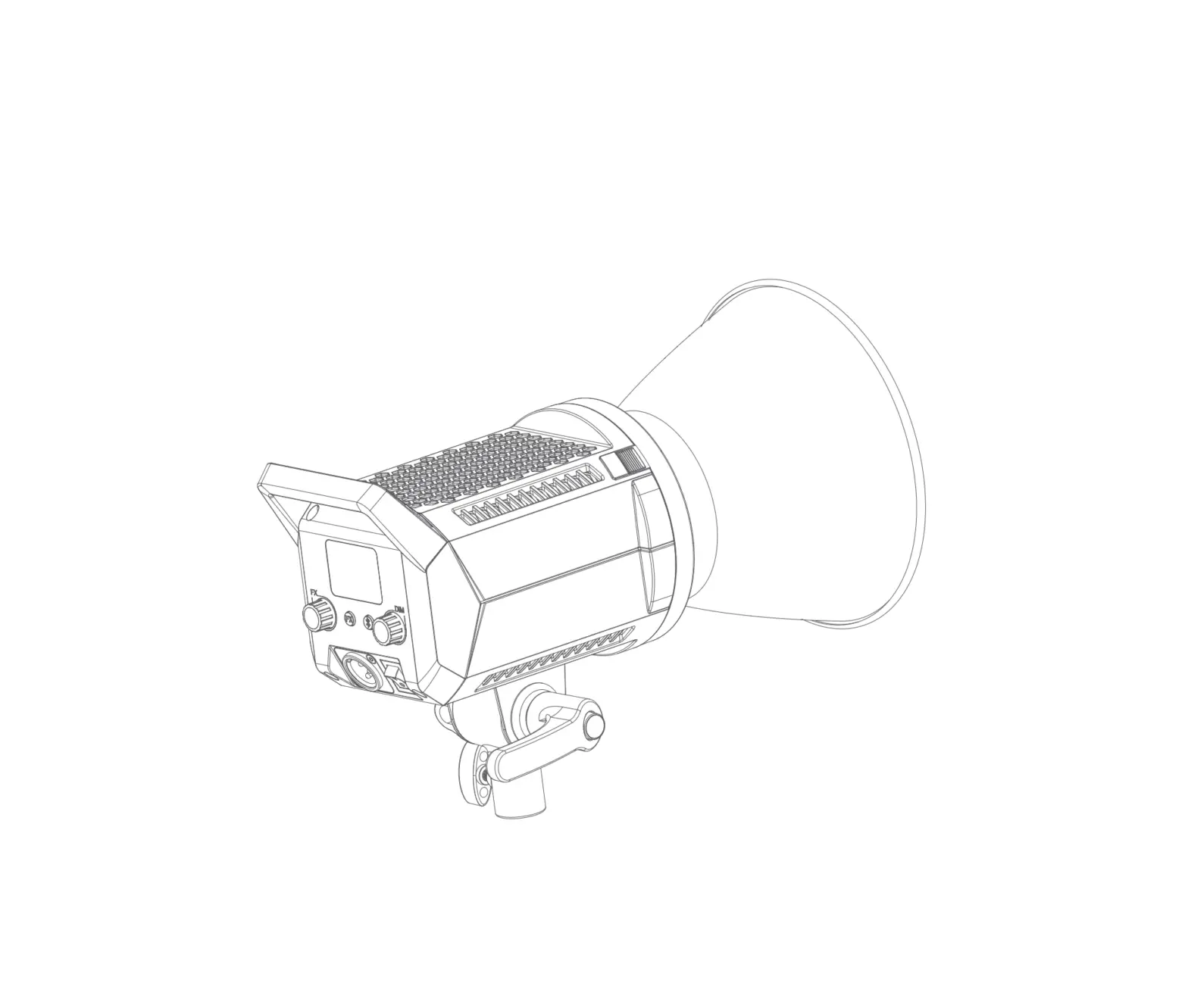
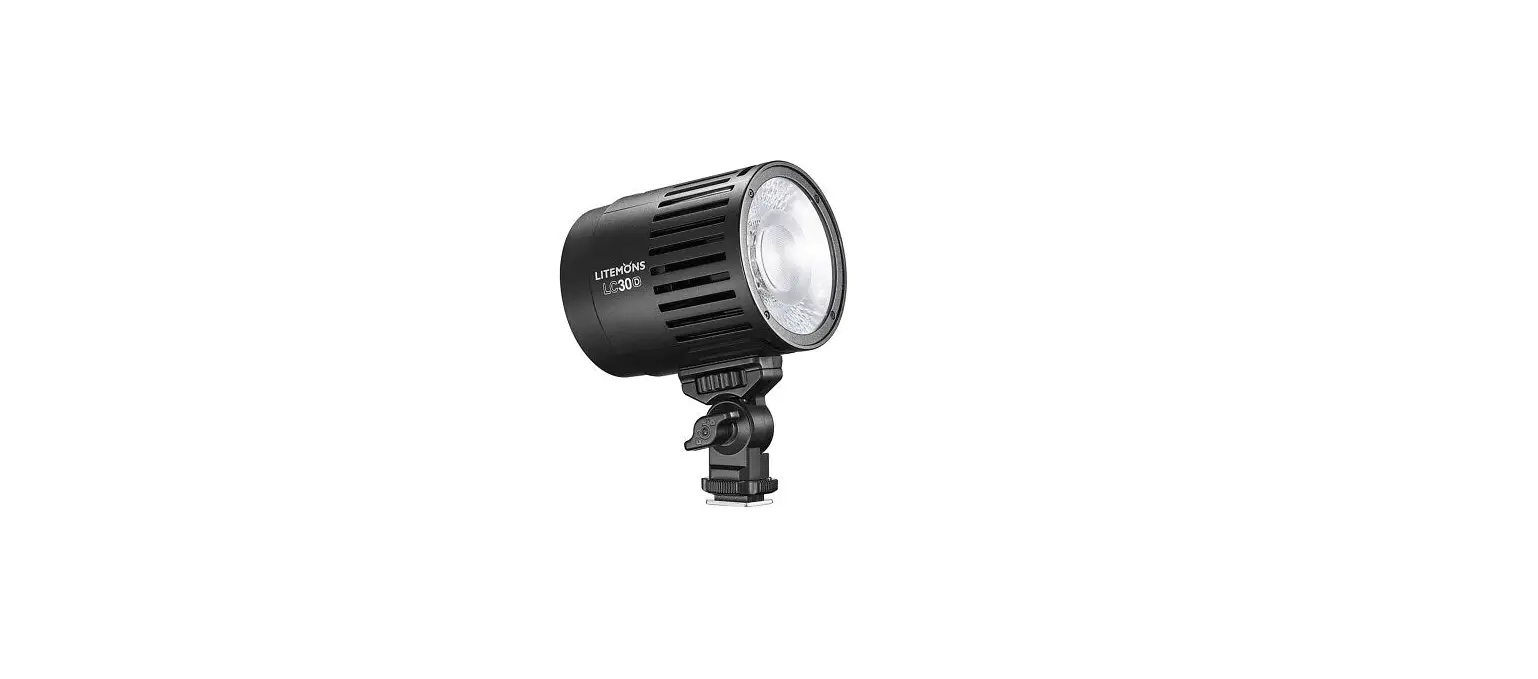
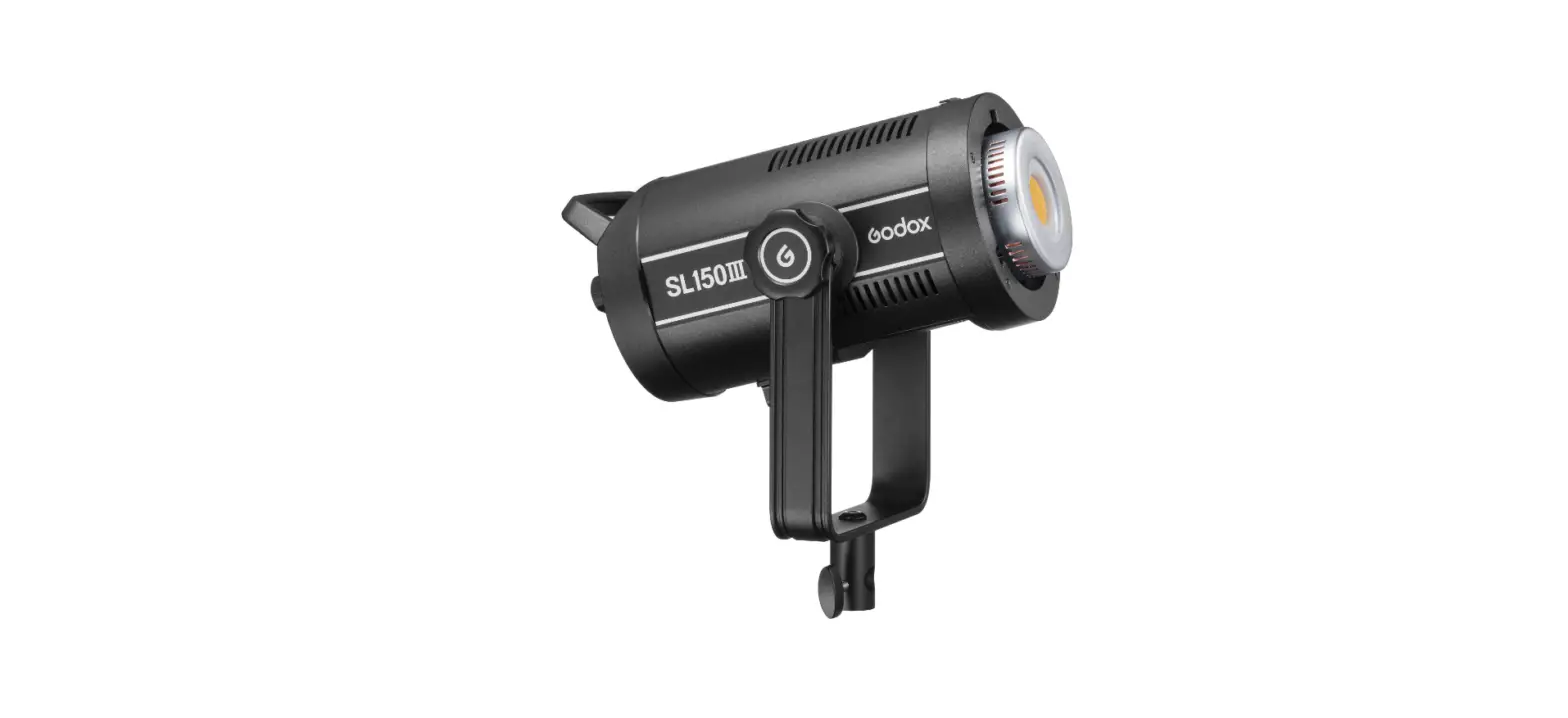
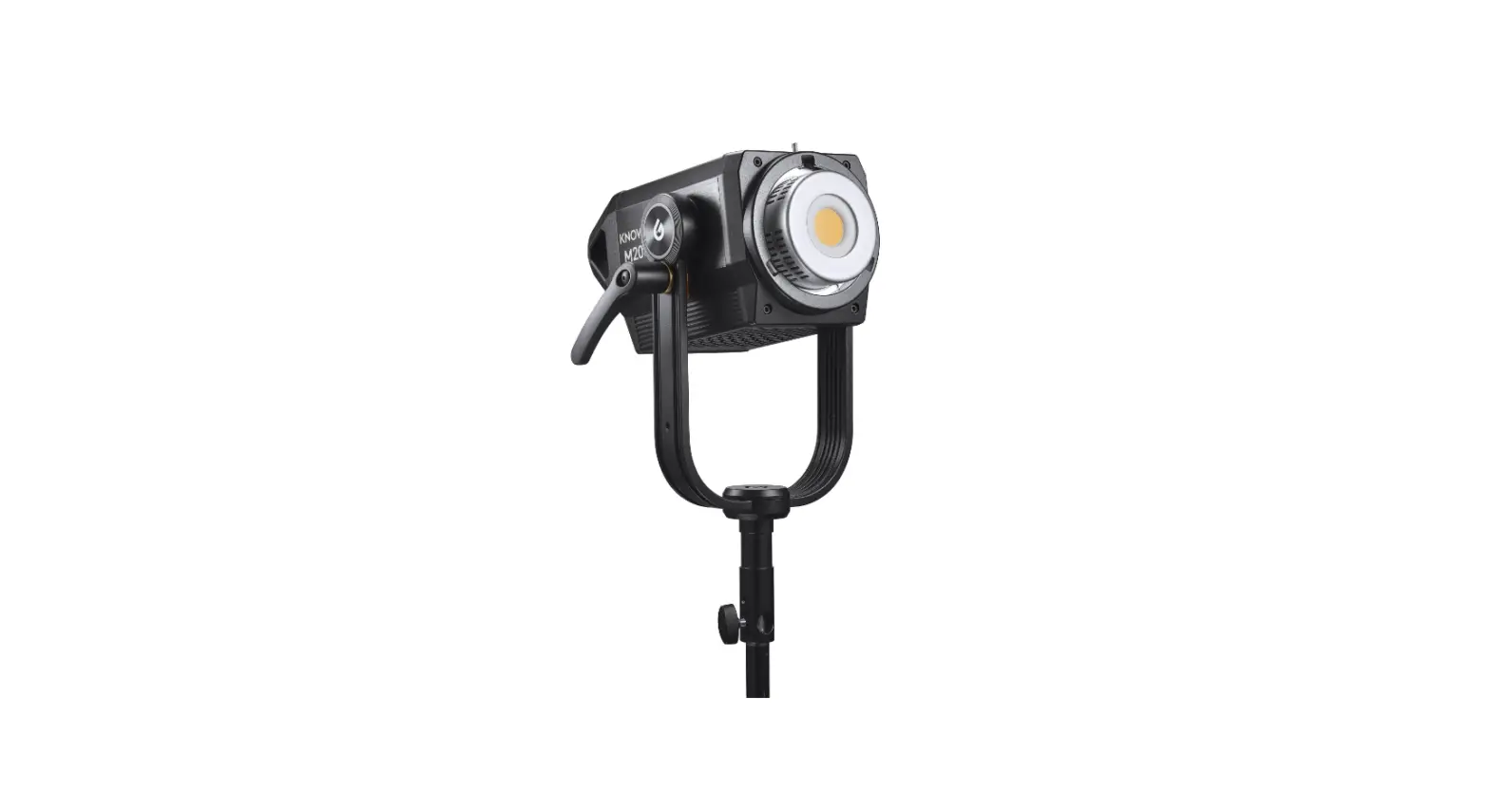
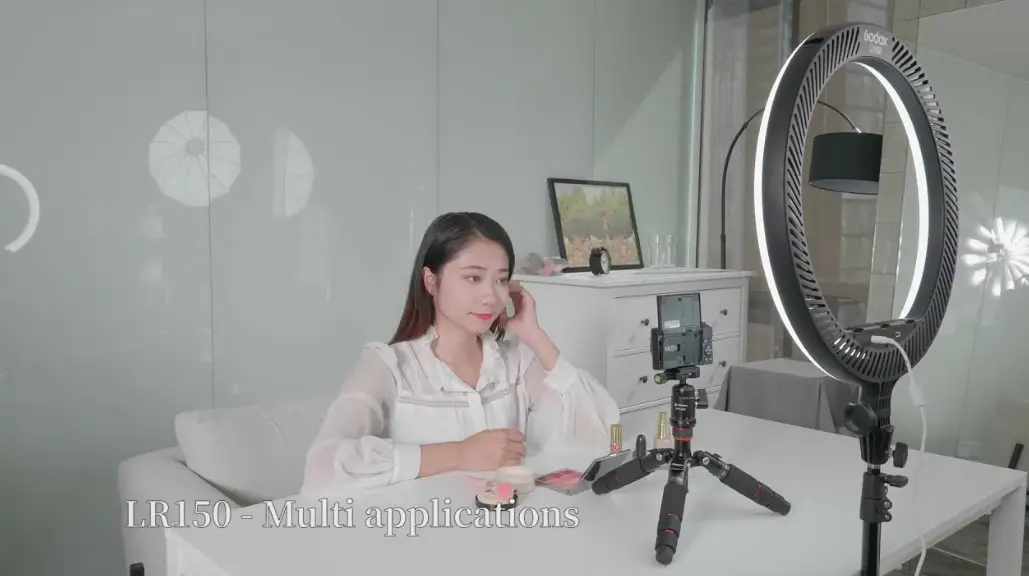
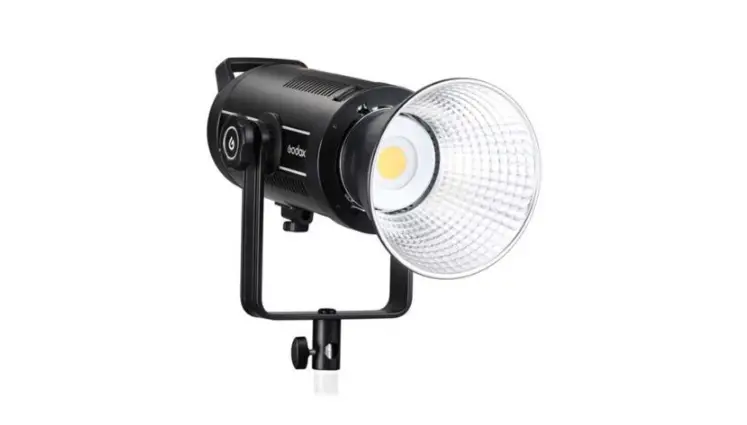
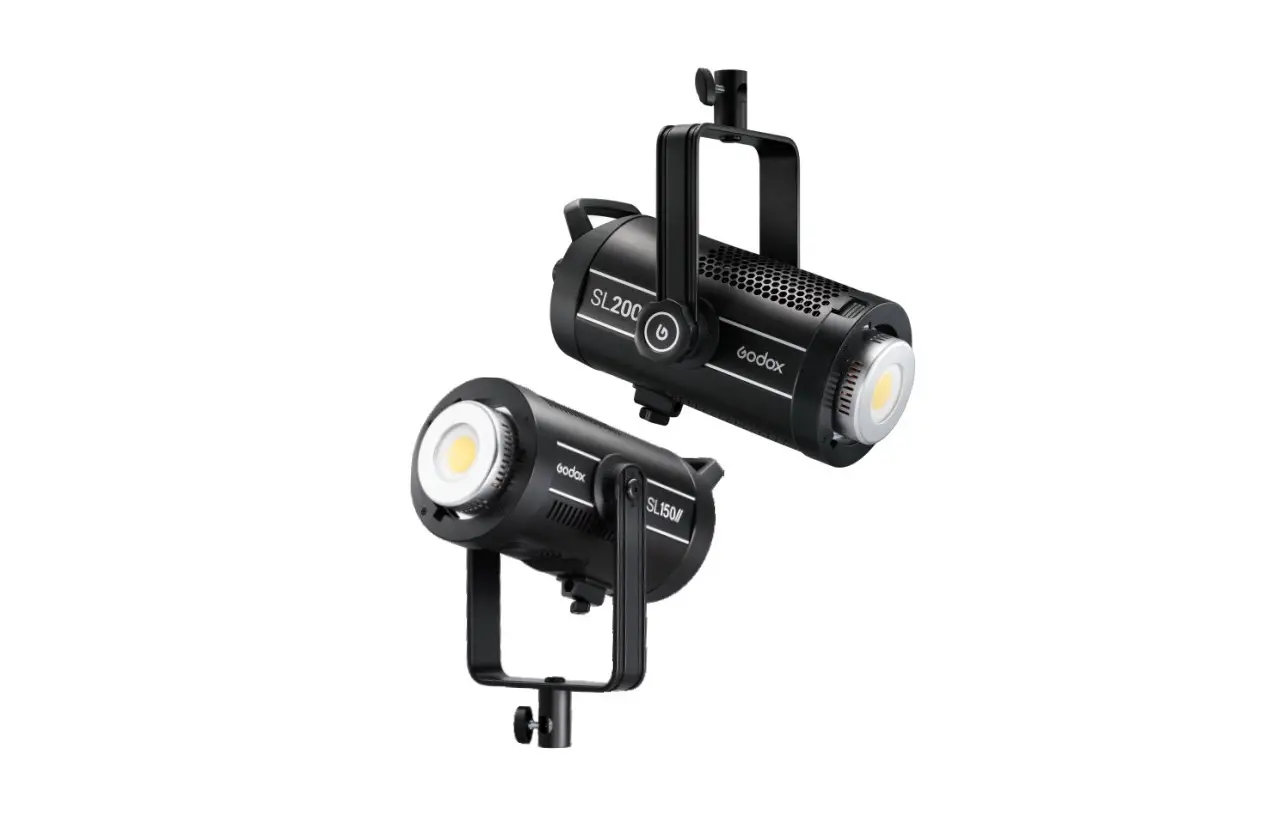
LA150D and LA200D are two brand new Litemons series LED lights. These lights are compact and portable, with frosted shell and superior texture. They have high brightness and CRI, step less brightness adjustment, Bluetooth wireless control, 8 kinds of light effects and etc. The standard Bowens mount is compatible with most optical accessories. These lights are suitable for shooting scenes such as personal interview, e-commerce live broadcast, short video and still life photograph.
Features
- 8 FX light effects can simulate real scenes and bring infinite creations.
- Step less brightness adjustment range from 0% to 100%.
- Standard Bowens mount is compatible with most optical accessories.
Warning
When using your photographic equipment, basic safety precautions should always be followed, including the following:
- Read and understand all instructions before using.
- Close supervision is necessary when any appliance is used by or near children. Do not leave appliance unattended while in use.
- Care must be taken as burns can occur from touching hot parts.
- Do not operate appliance with a damaged cord or if the appliance has been dropped or damaged – until it has been examined by a qualified serviceman.
- Position the cord so that it will not be tripped over, pulled, or contact hot surfaces.
- Always unplug appliance from electrical outlet before cleaning and servicing and when not in use. Never yank cord to pull plug from outlet. Grasp plug and pull to disconnect.
- This appliance is not waterproof device. To reduce the risk of electric shock, do not immerse this appliance in water or other liquids.
- Do not disassemble. Should repairs become necessary, this appliance must be sent to an authorized maintenance center. Incorrect maintenance behavior may cause electric shock when the appliance is subsequently used.
- When this appliance is working, please do not cover the Thermovent, and please do not look directly at or touch the COB lamp beads under any circumstances.
Name of Parts
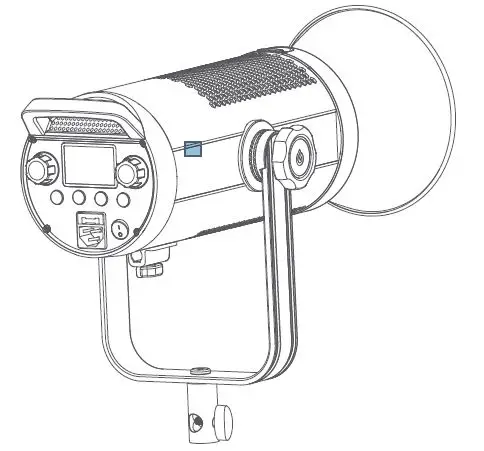
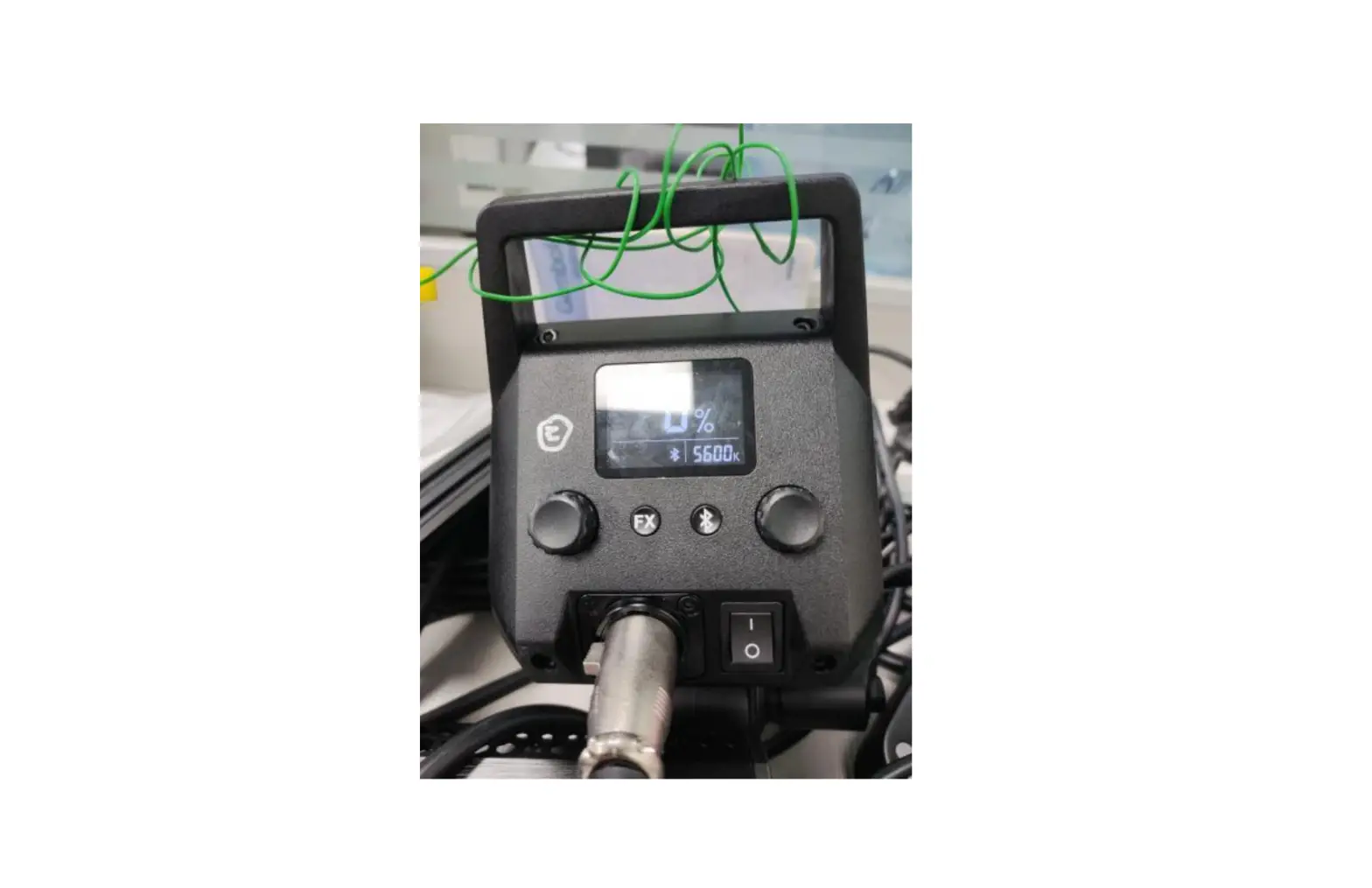
- Light Body
- LED Bead
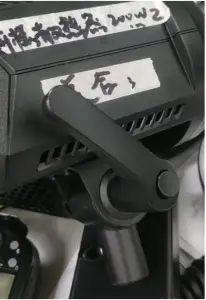
- Locking Handle
- Direction Adjustment Button
- LCD Panel
- Protection Cover
- Brightness Adjustment Knob
- Bowens Mount
- FX Knob
- Mount Fixing Pusher
- FX Button
- Reflector
- Umbrella Input
- Bluetooth Button
- Power Switch
- Thermovent
- Power Outlet
- Sleeve Bracket
- Locking Knob
What’s in the Box
- Light Body *1
- Reflector RFT-19*1*1
- Protection Cover *1
- Adapter*1
- Power Cord*1
- Instruction Manual*1
Optional Accessories
LA150D and LA200D can be used in combination with the following optional accessories so as to achieve best photography effects:
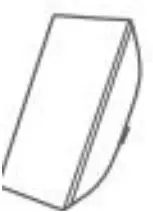
- Softbox

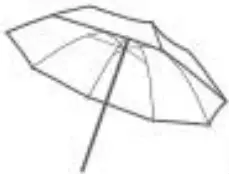
- Umbrella

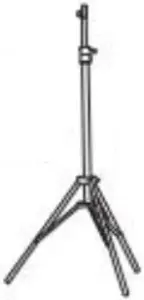
- Light Stand

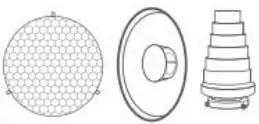
- Beauty Dish and Snoot.

Operation Instruction
Connect to power supply
Connect to the AC power supply through DC adapter, press the power switch button on the LED light to switch on.
Mode Selection:CCT Mode/FX Mode
- CCT Mode: The CCT mode is on the main interface.
- Brightness Adjustment: Turn the Brightness Adjustment Knob to adjust the brightness from 0% to 100%. Turn left to decrease and turn right to increase, with 1 unit of increment in normal speed and 10 units of increment in fast speed.
- FX Mode: Short press FX button to enter or exit FX Mode. The LCD panel will display FX when in FX Mode, turn the FX knob to select from the 8 light effects.
Display FX1 FX2 FX3 FX4 FX5 FX6 FX7 FX8 Scenes Flash 1 Flash 2 Flash 3 Storm 1 Storm 2 Storm 3 TV Broken Blub
Bluetooth Setting
- Check Bluetooth MAC code:Short press the Bluetooth button until the LCD panel displays the Bluetooth MAC code, short press again until the Bluetooth MAC code disappears, and the main interface is restored to normal display.
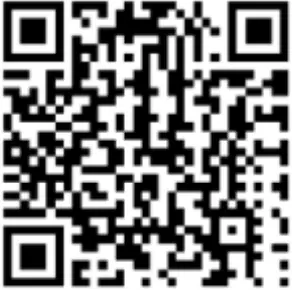
- Scanning the QR Code to download“Godox Light” APP(available to both Android and IOS systems).Please refer to the “help” instruction for specific operation.
- Bluetooth reset function:Long press the Bluetooth button for 2 seconds
until the Bluetooth icon blinks on the LCD panel to reset the Bluetooth, after which the icon will be instant on.
Note: The first connected mobile device(smartphone or tablet)can directly operate the light through APP. - When switched to other mobile devices(smartphone or tablet),the light will be connected through APP after Bluetooth reset.

Malfunction Indication
The <Fan failure icon> is on means fan failure. The <Fan failure icon> blinks means light failure. The <High temperature icon> is on means overheat warning. The <High temperature icon> blinks means over temperature protection mode and the device will turn off automatically
Illuminance Data
LA150D | |||||
CCT Distance | Testing Status | Testing Parameters | 1m | 2m | 3m |
5600K | Bare Lamp, 100% DIM | Lux | 7030 | 1860 | 903 |
| Fc | 653 | 172 | 83.8 | ||
With Cover, 100% DIM | Lux | 84800 | 17800 | 7610 | |
| fc | 7880 | 1650 | 707 | ||
LA200D | |||||
CCT Distance | 1m | 2m | 3m | ||
5600K | Bare Lamp, 100% DIM | Lux | 8670 | 2170 | 1050 |
| Fc | 806 | 201 | 97.6 | ||
With Cover, 100% DIM | Lux | 101000 | 20800 | 8670 | |
| Fc | 9360 | 1930 | 806 | ||
Technical Data
LED Light | LA150D | LA200D |
| Power Supply | ||
Power Output | 190W | 230W |
| CCT | 5600K | |
Brightness Adjustment Range | 0%-100% | |
CRI ≈ | 96 | |
| TLCI ≈ | 97 | |
FX Mode | 8 | |
| Controlling Method | Bluetooth Wireless Control | |
Bluetooth Transmission Distance | 30m | |
| Working Environment Temperature | -10℃~40℃ | |
Dimension | ||
Net Weight | ||
Design and specifications may be subject to change without notice.
FCC Statement
This device complies with part 15 of the FCC Rules. Operation is subject to the following two conditions:
- This device may not cause harmful interference, and
- this device must accept any interference received, including interference that may cause undesired operation.
Any Changes or modifications not expressly approved by the party responsible for compliance could void the user’s authority to operate the equipment.
Note: This equipment has been tested and found to comply with the limits for a Class B digital device, pursuant to part 15 of the FCC Rules. These limits are designed to provide reasonable protection against harmful interference in a residential installation. This equipment generates uses and can radiate radio frequency energy and, if not installed and used in accordance with the instructions, may cause harmful interference to radio communications. However, there is no guarantee that interference will not occur in a particular installation. If this equipment does cause harmful interference to radio or television reception, which can be determined by turning the equipment off and on, the user is encouraged to try to correct the interference by one or more of the following measures:
- Reorient or relocate the receiving antenna.
- Increase the separation between the equipment and receiver.
- Connect the equipment into an outlet on a circuit different from that to which the receiver is connected.
- Consult the dealer or an experienced radio/TV technician for help.
This equipment complies with radiation exposure limits set forth for an uncontrolled environment. This equipment should be installed and operated with minimum distance 20cm between the radiator & your body.