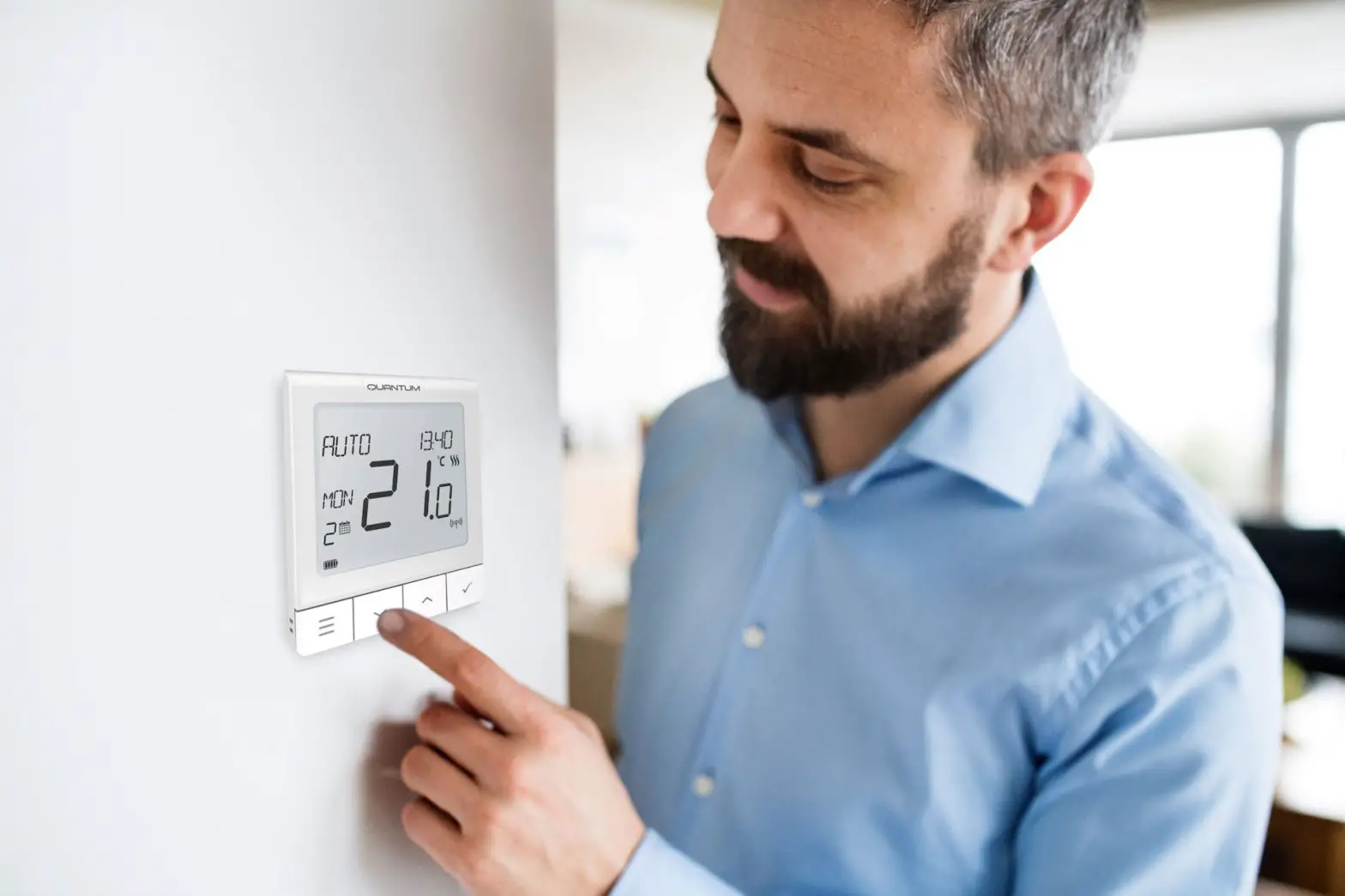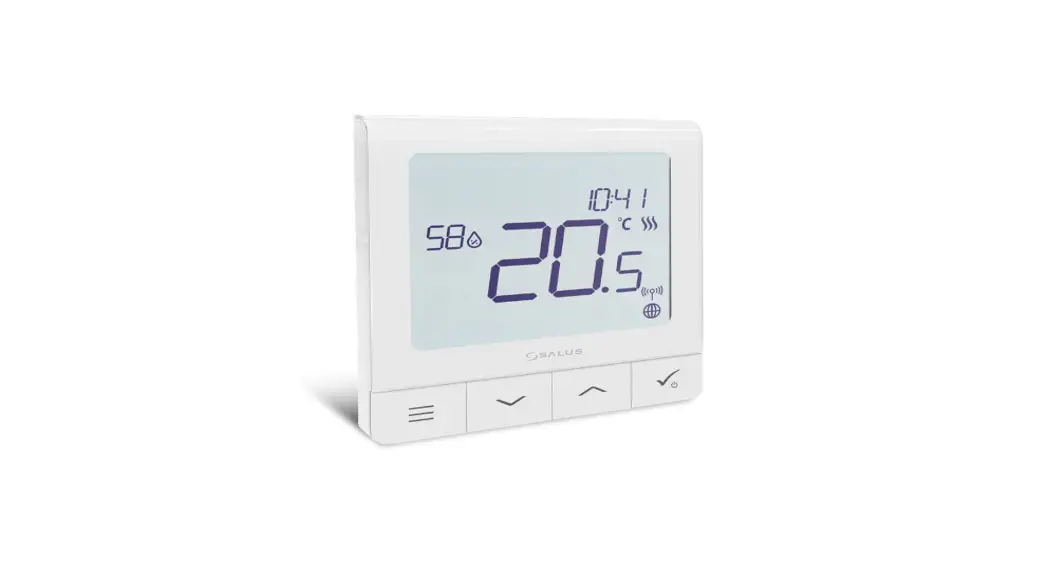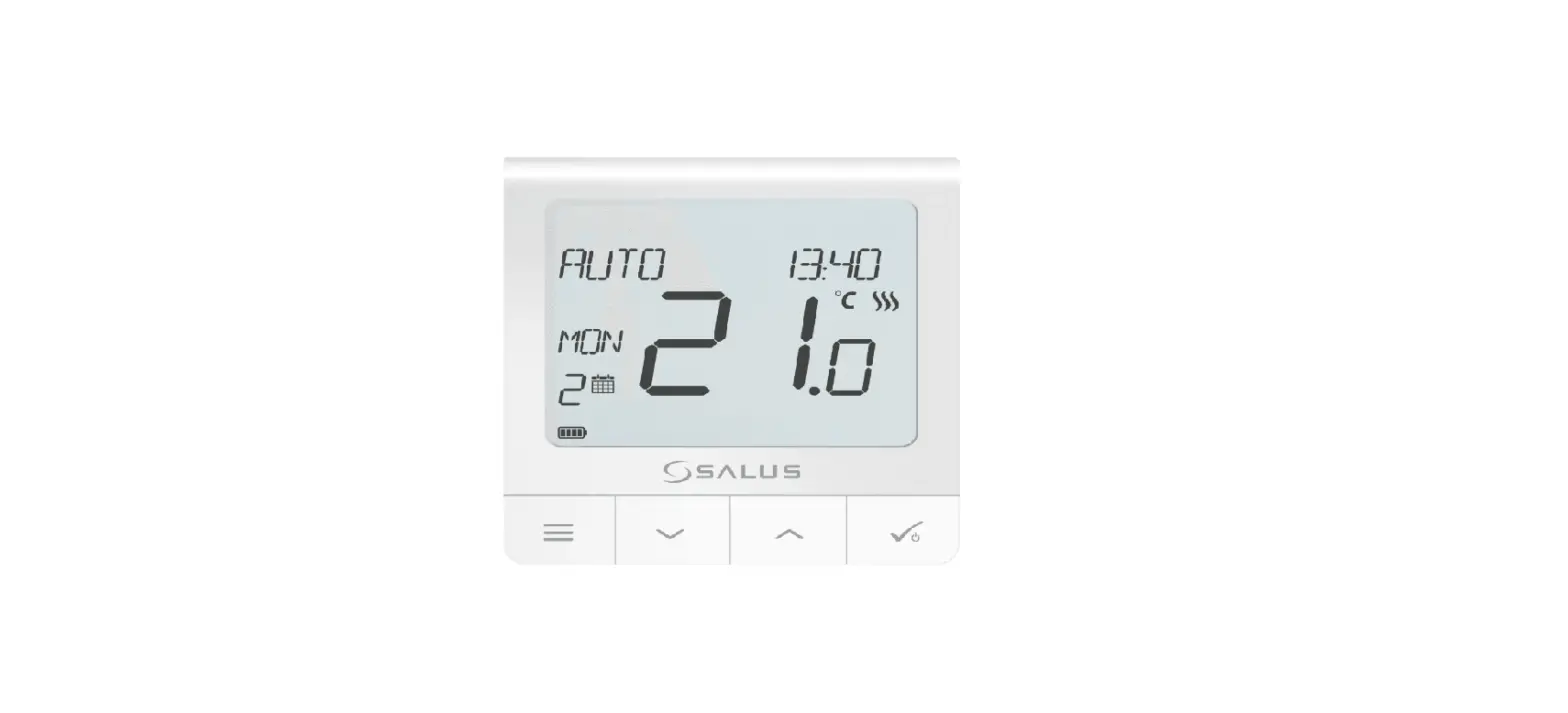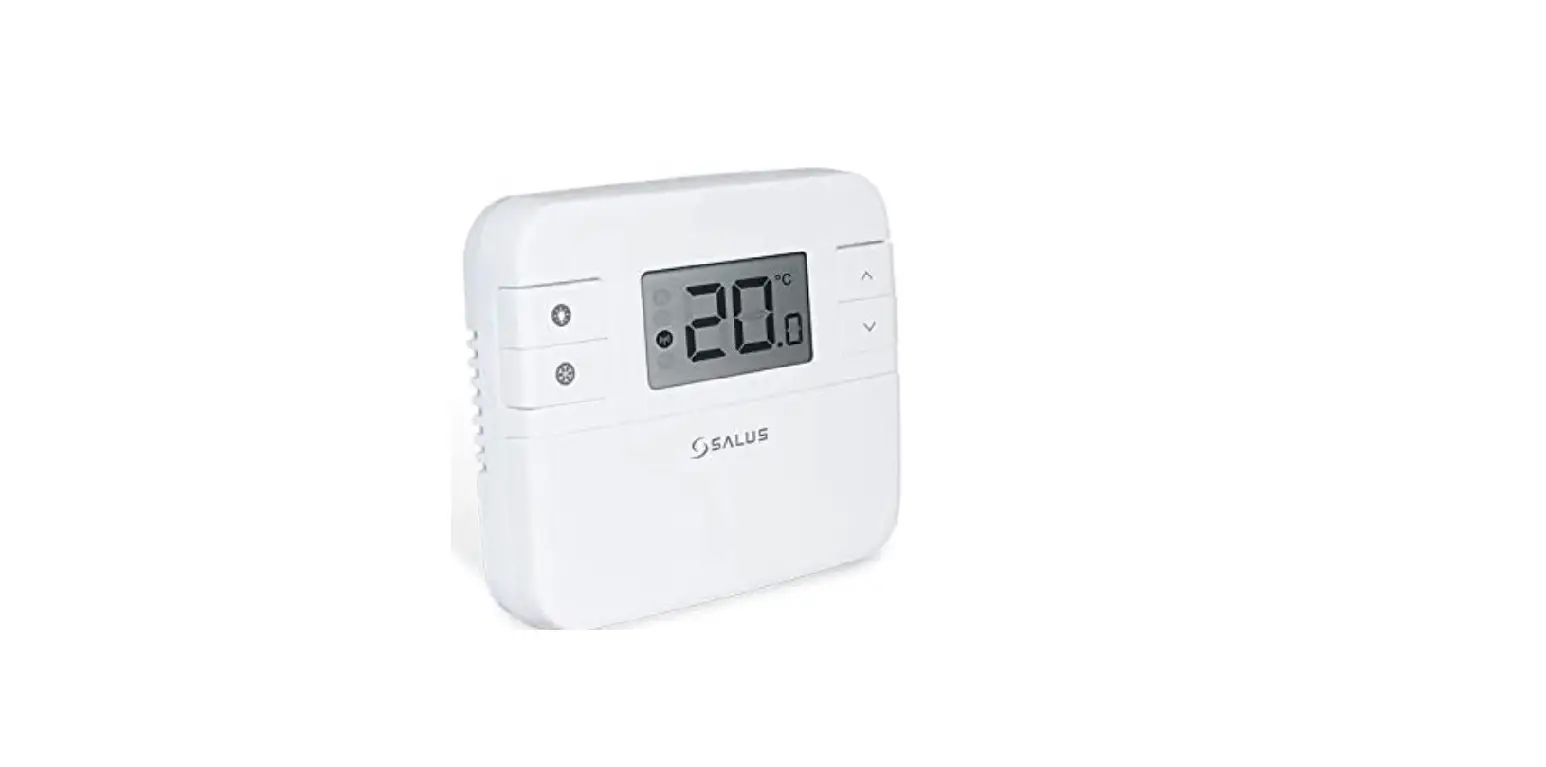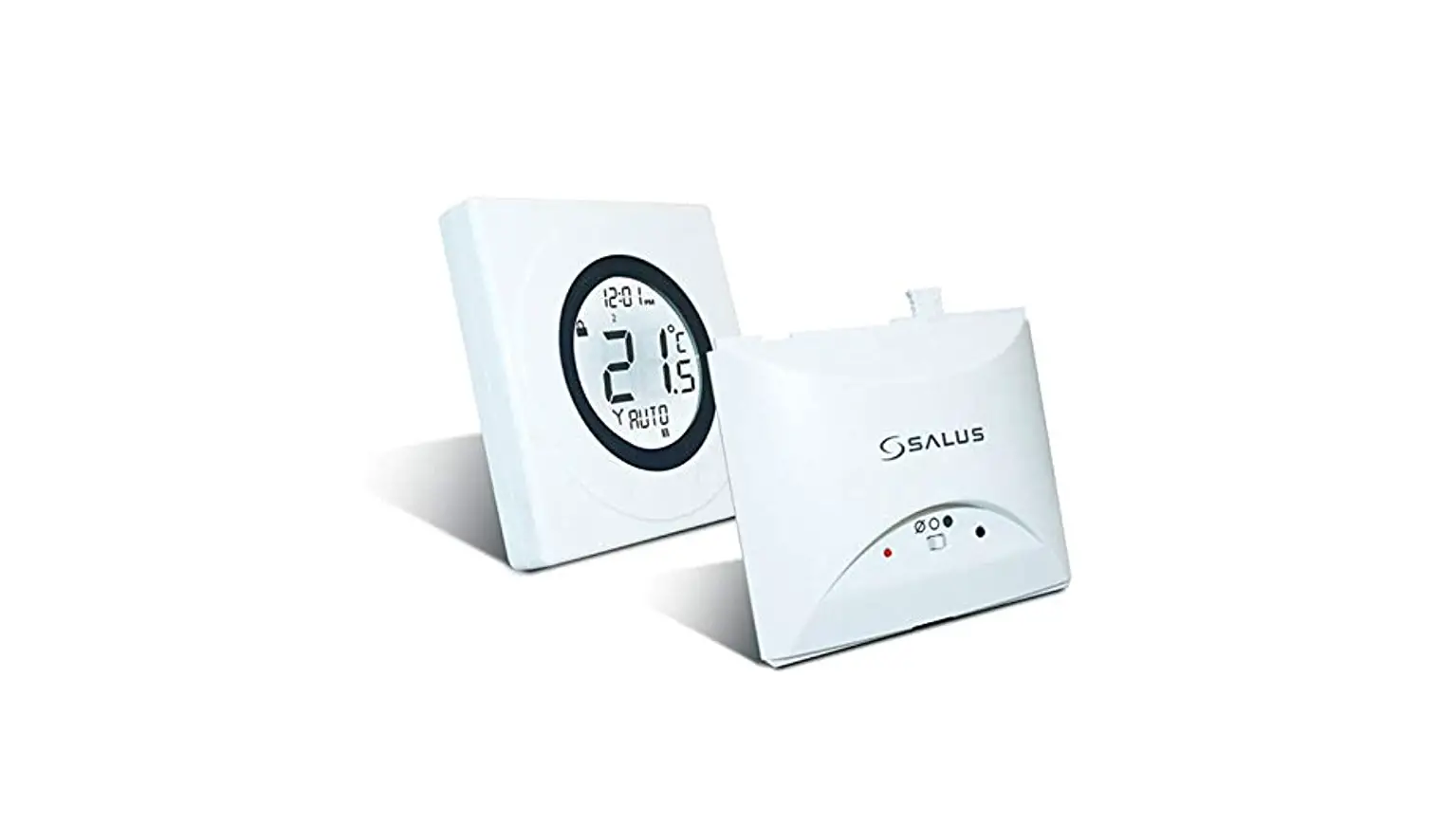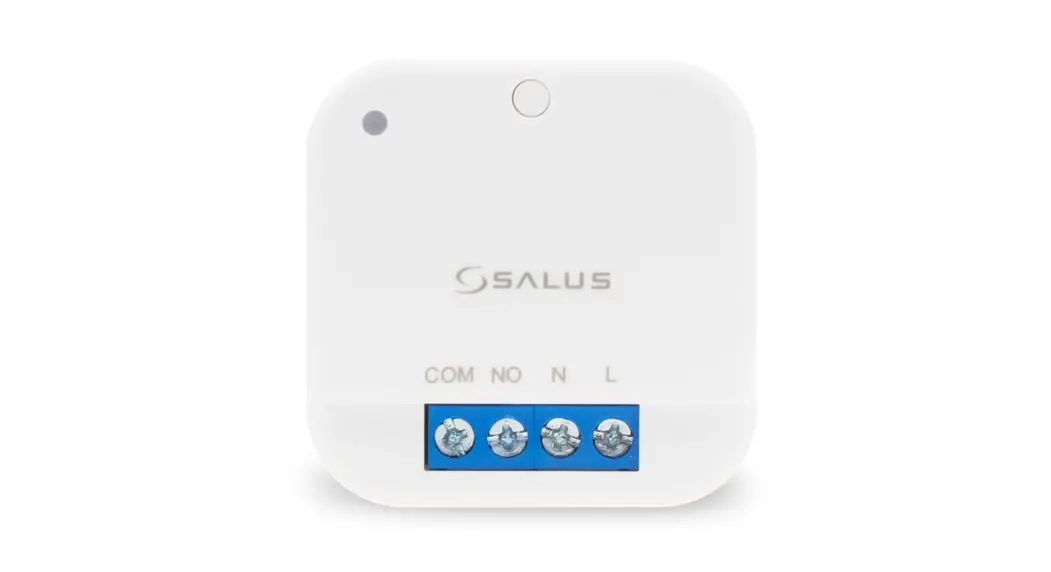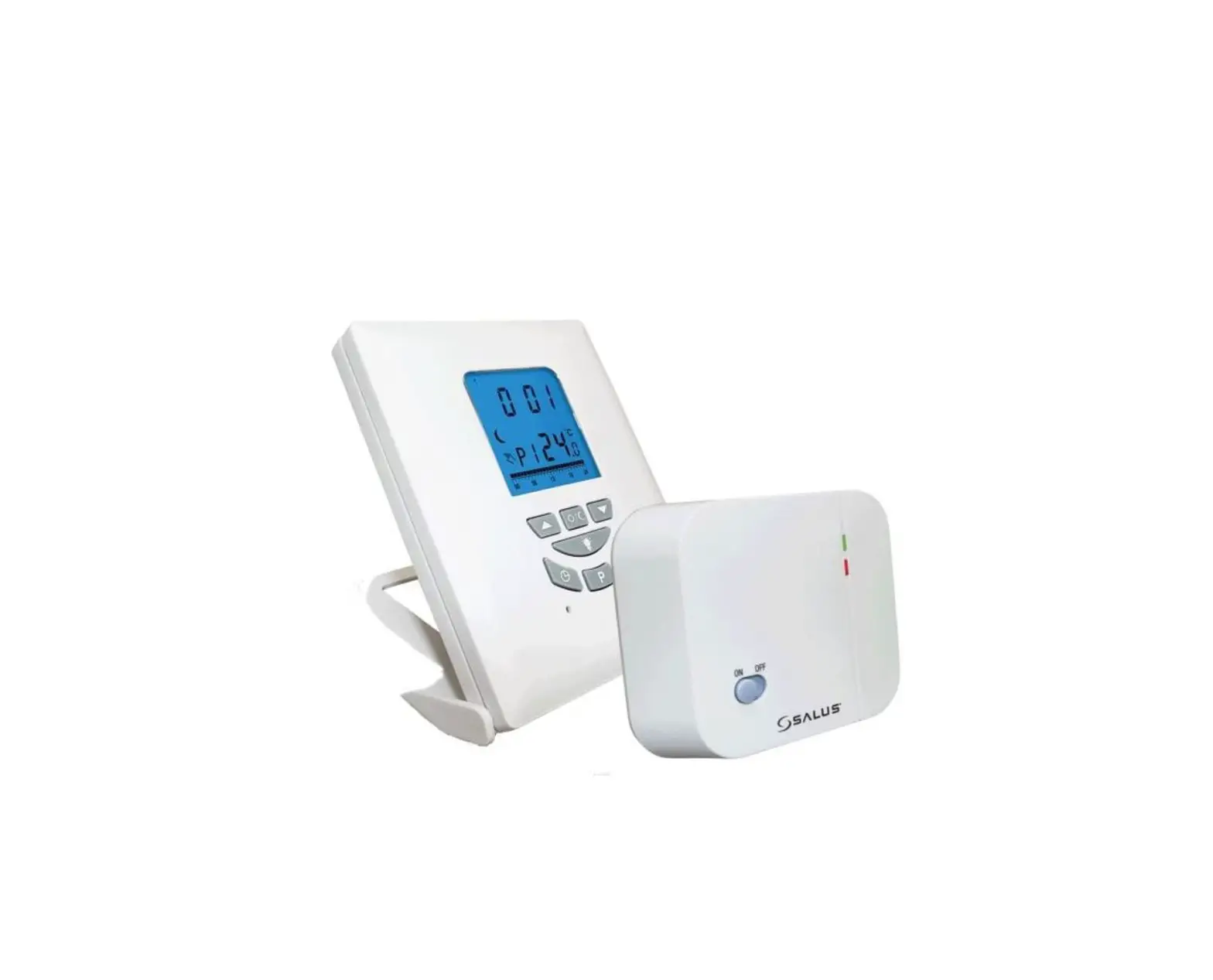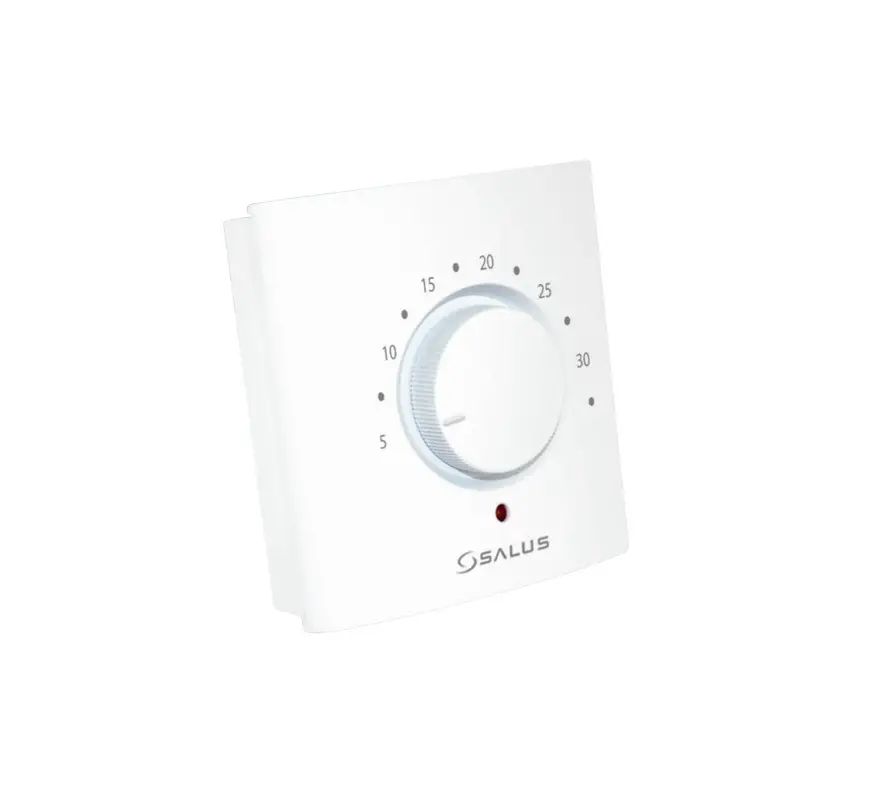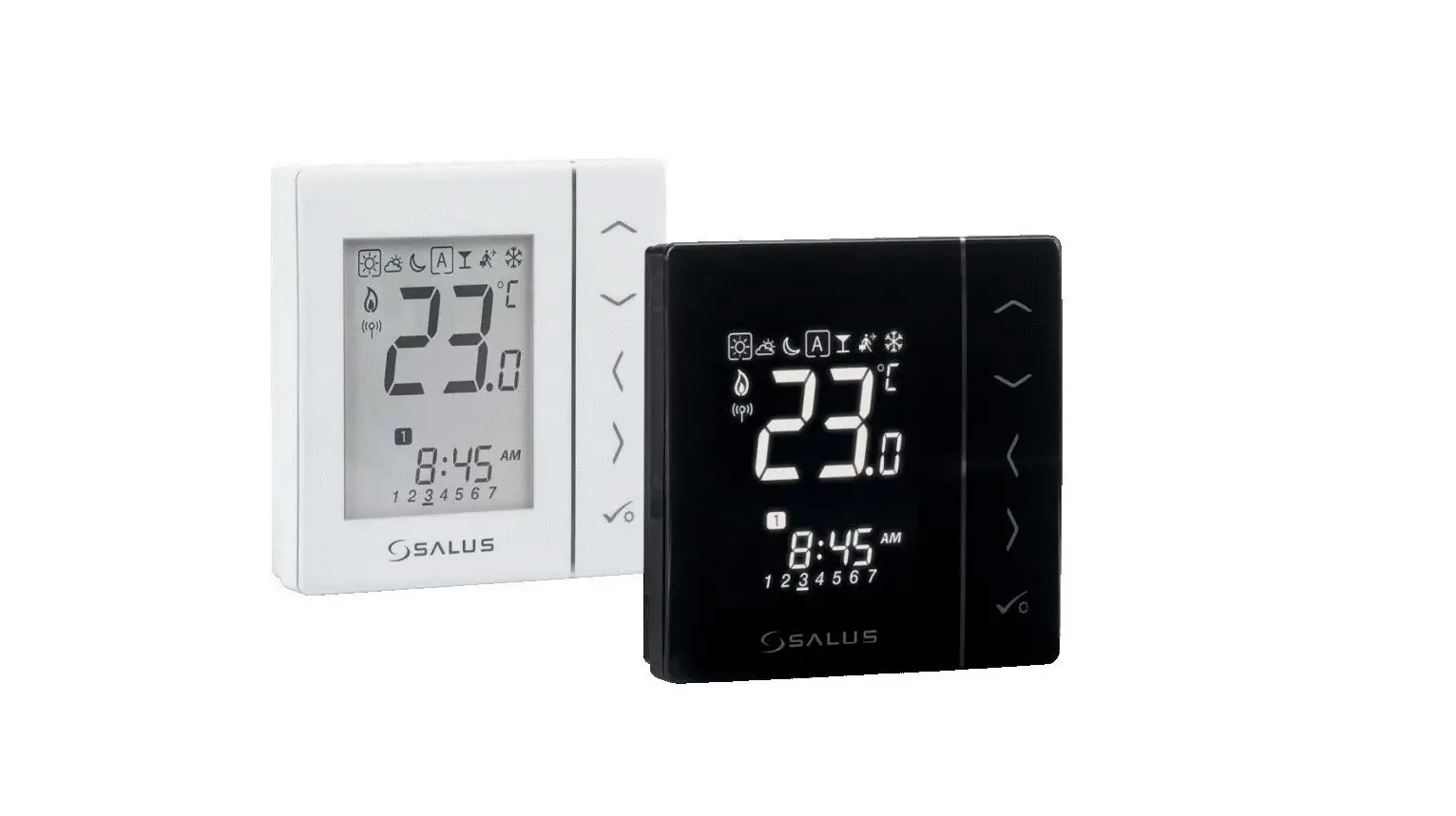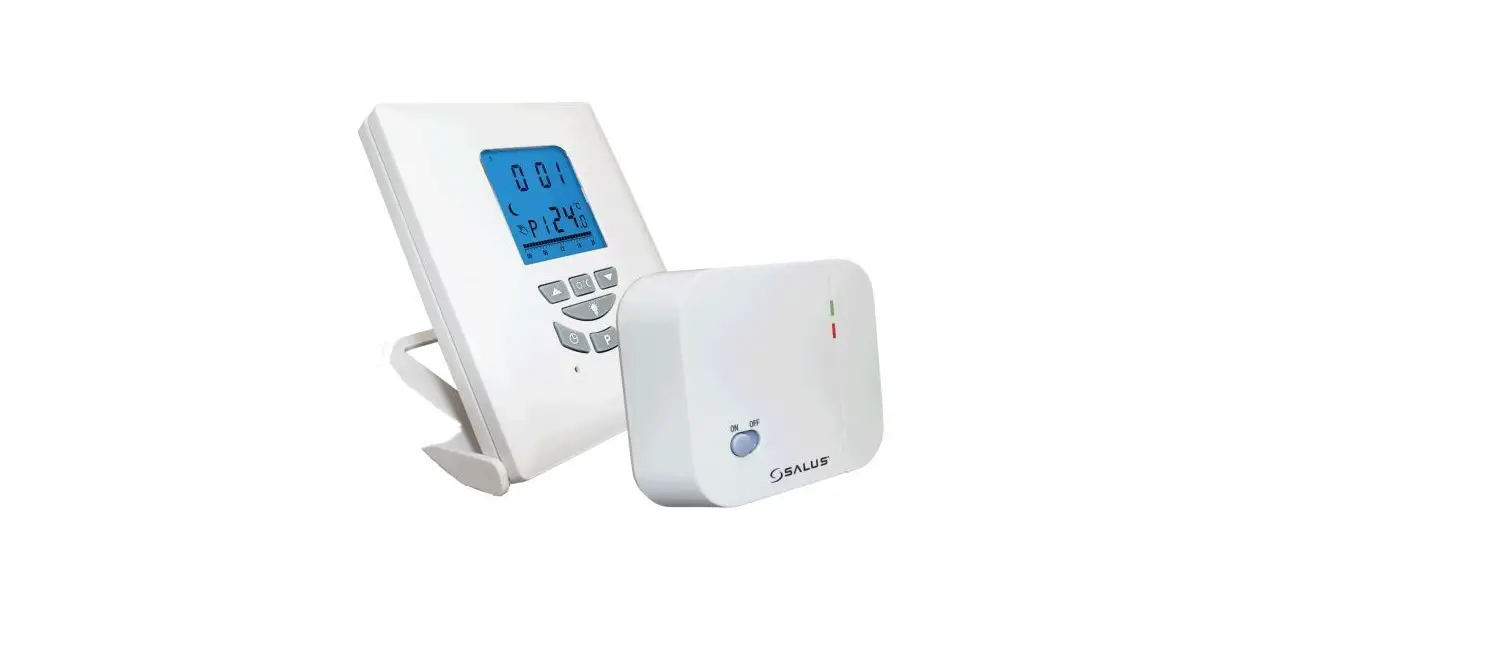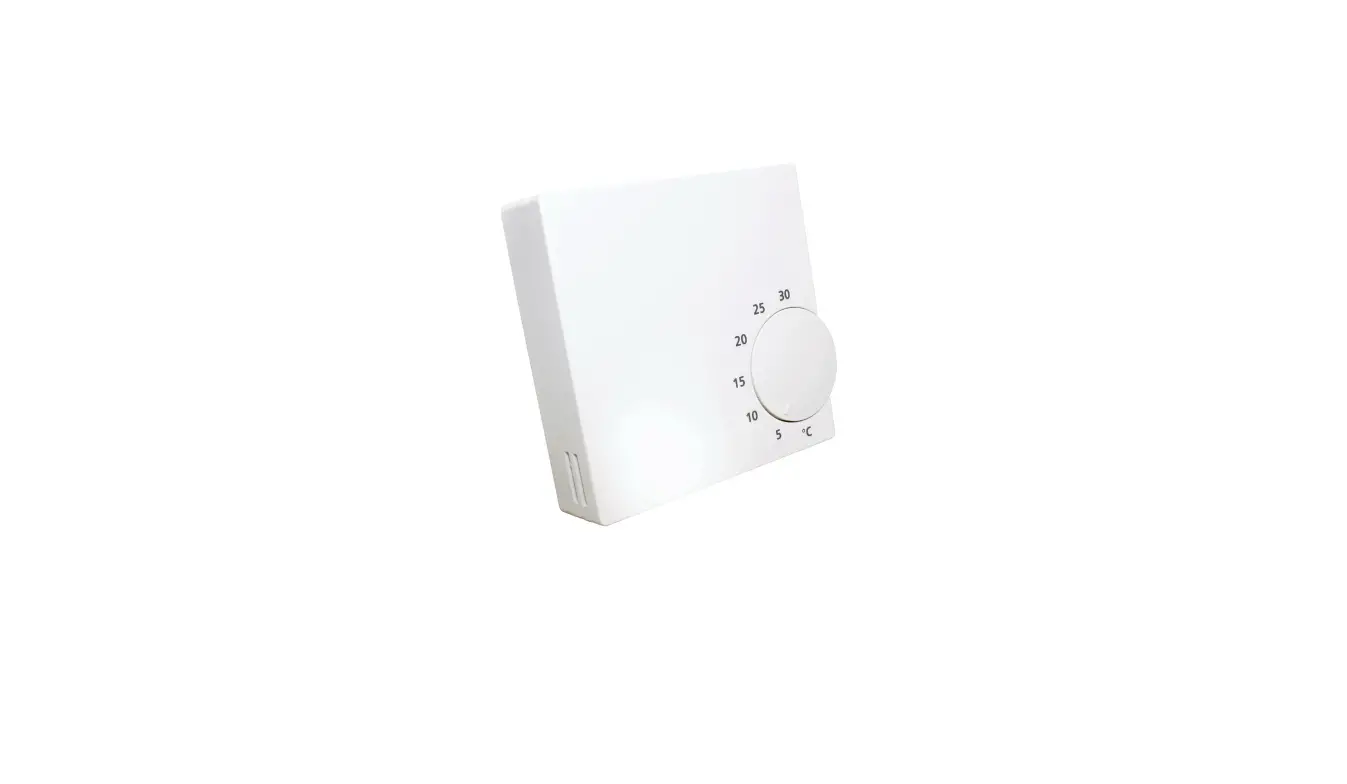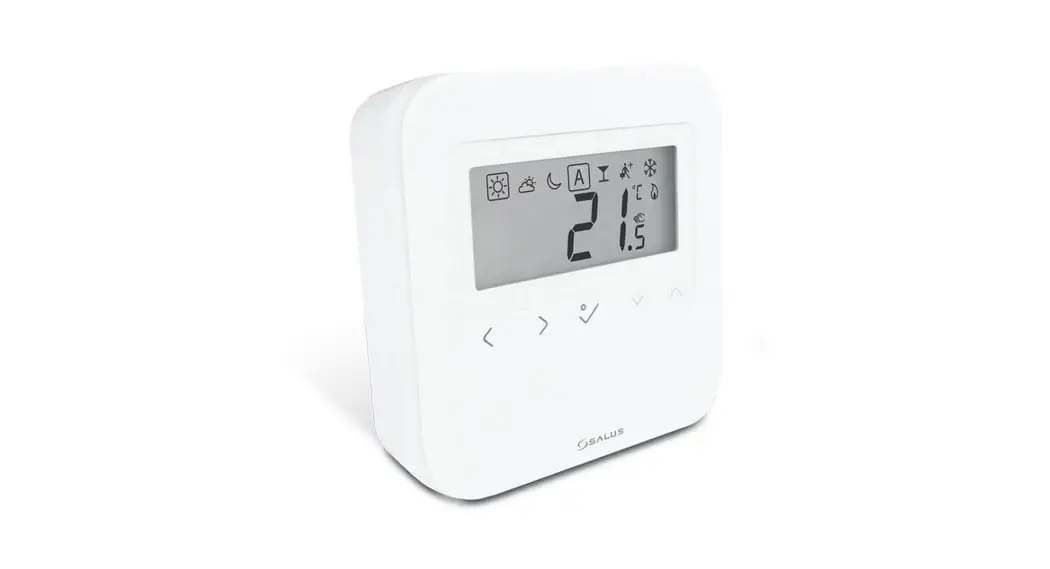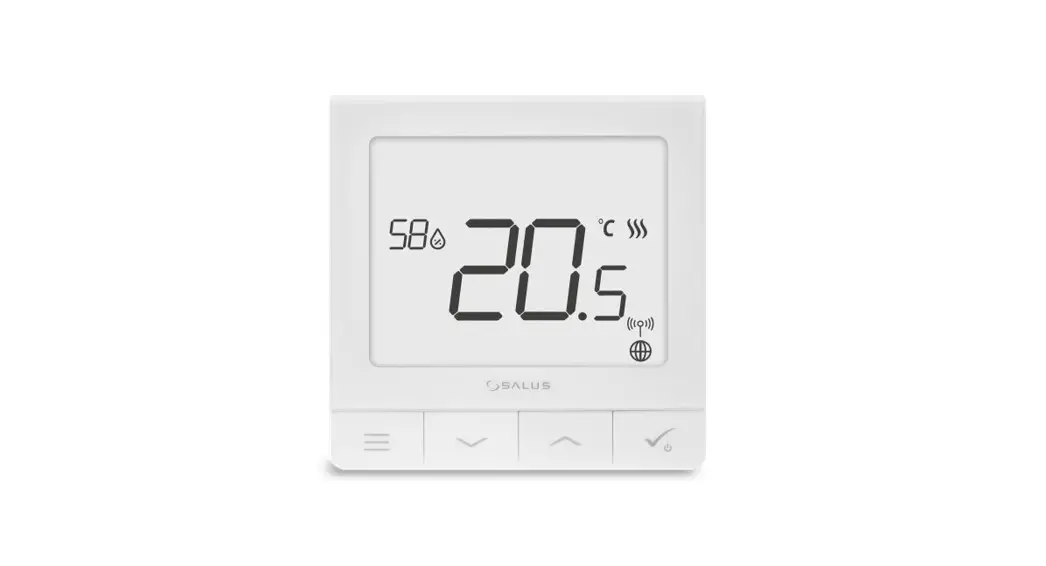
 SQ610 Quantum Smart Thermostat
User Guide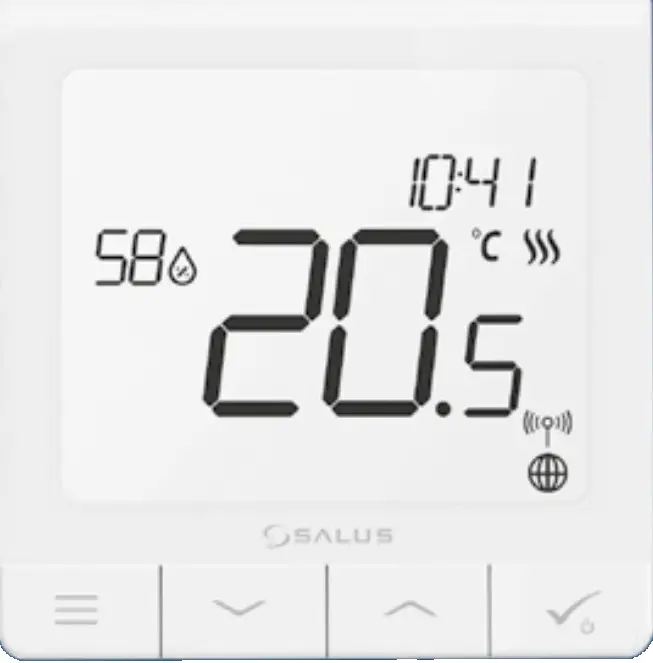
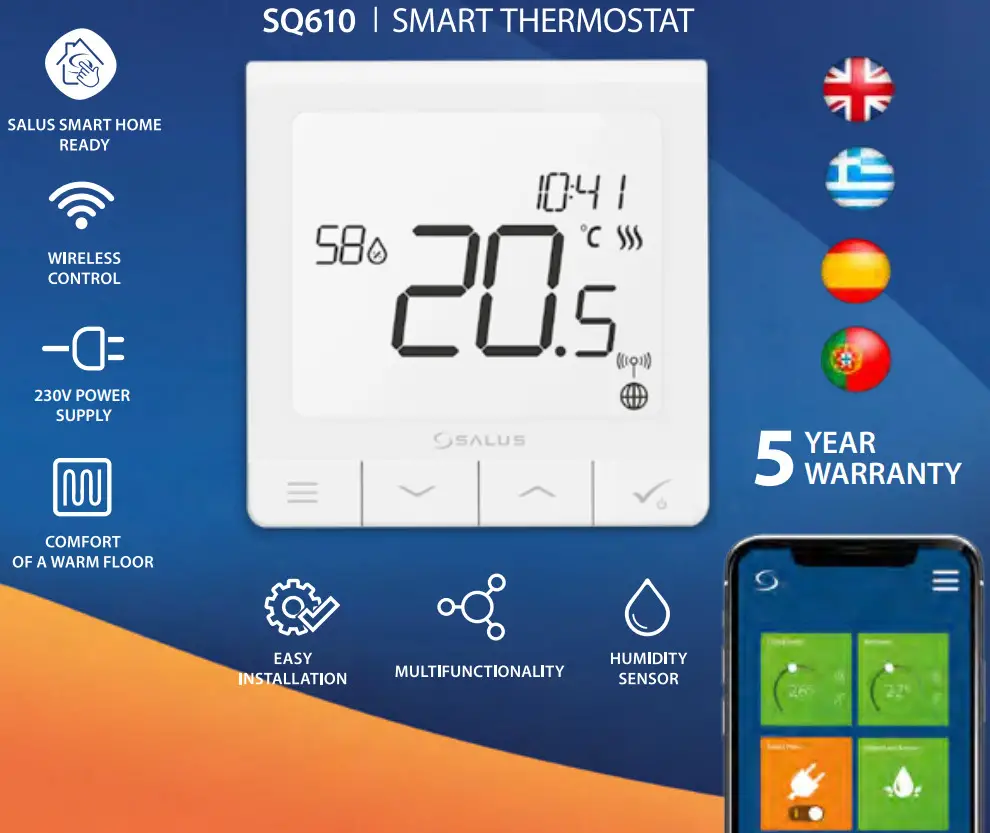
Introduction
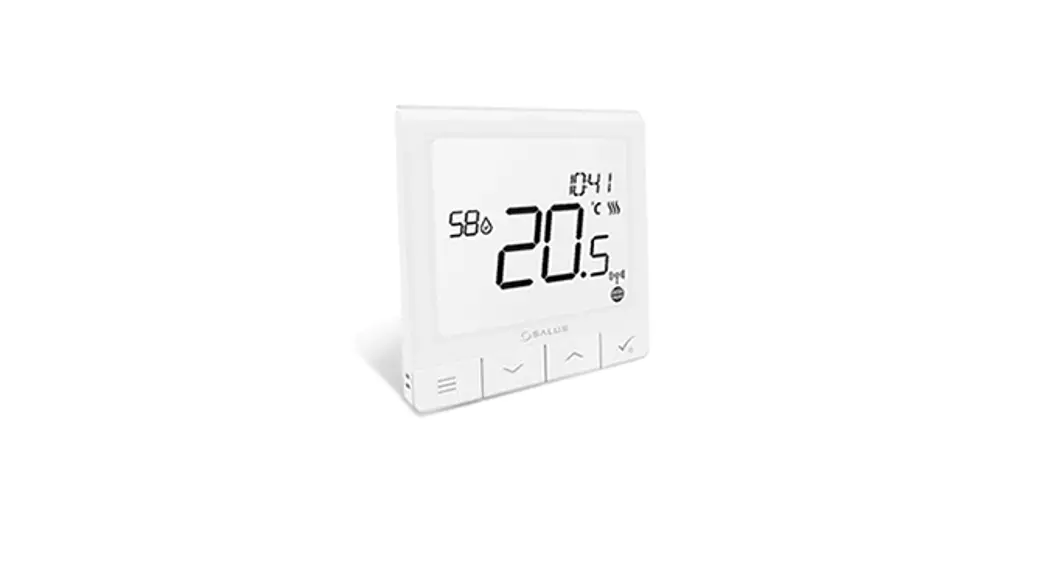
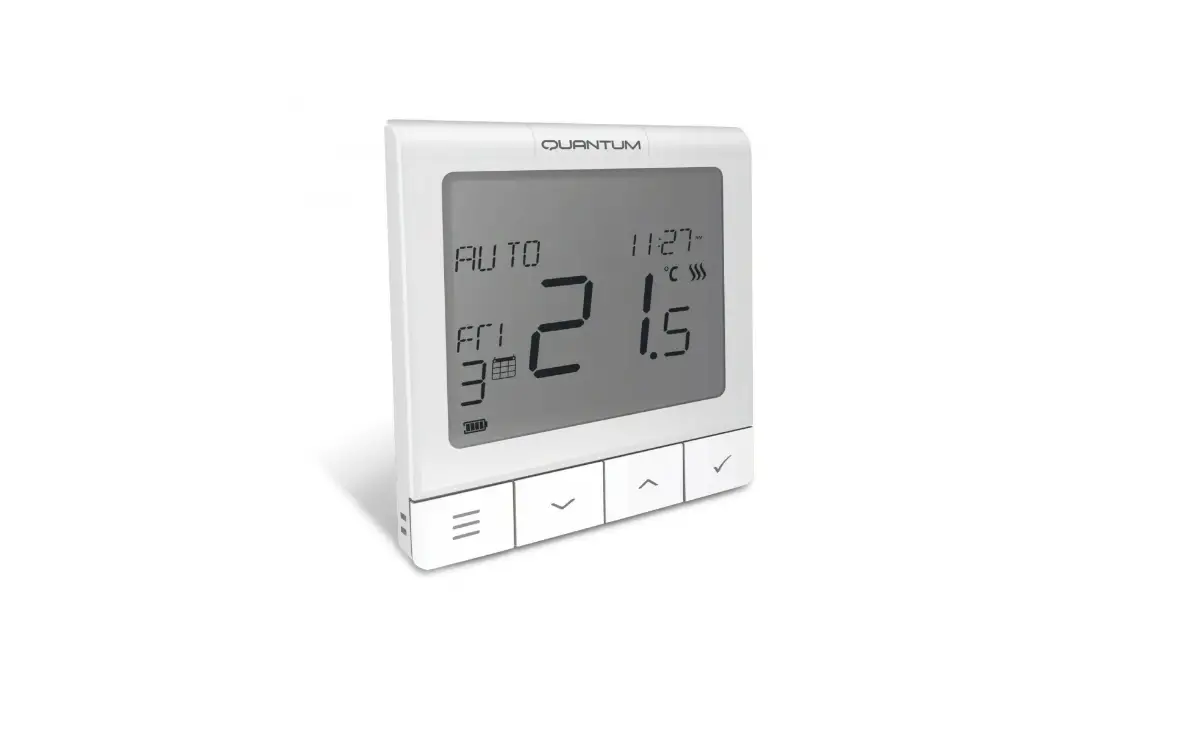
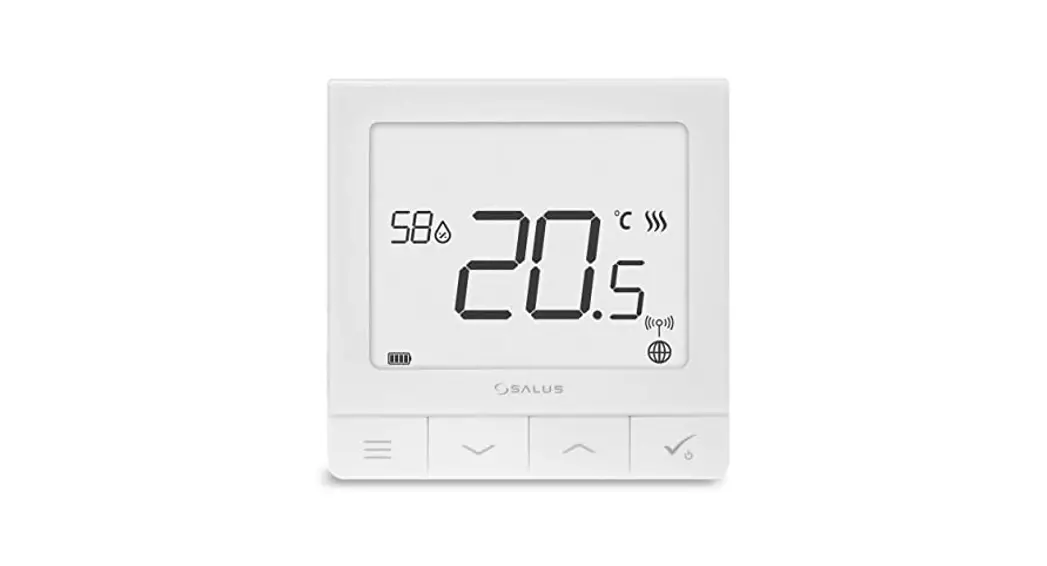
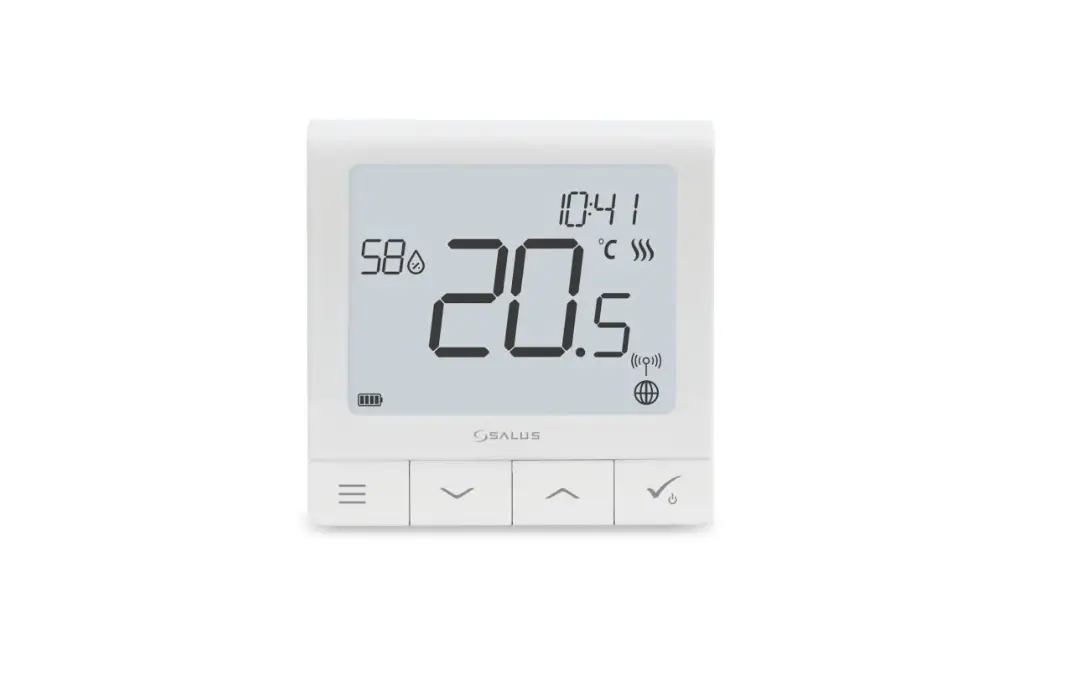
The SQ610 Quantum is a ZigBee temperature controller for wireless control of iT600 series devices, such as the KL08RF wiring center, mini TRV head, and RX10RF boiler control module. In order to control SQ610 over the Internet or via the SALUS Smart Home mobile app (ONLINE mode), it must be installed together with the UGE600 Internet gateway (sold separately). From the application level, it is possible to pair SQ610 with other system elements, e.g. Smart Plug SPE600, Smart Relay SR600, or window/ door sensor OS600/SW600.
SQ610 can be used locally without an Internet connection (OFFLINE mode), however, its communication with other devices must be done using the CO10RF coordinator (sold separately).
THERMOSTAT SQ610 Quantum can work without Universal Gateway or CO10RF Coordinator as a standalone device.
The full manual in PDF format is available at www.salus-controls.eu site.
Product Compliance
This product complies with the essential requirements and other relevant provisions of Directives 2014/30/ EU, 2014/35/EU, 2014/53/EU, and 2011/65/EU. The full text of the EU Declaration of Conformity is available at the following internet address: www.saluslegal.com. Safety Information
Use in accordance with national and EU regulations. Use the device as intended, keeping it in dry condition. Product for indoor use only. Installation must be carried out by a qualified person in accordance with national and EU regulations. Disconnect your equipment before cleaning it with a dry cloth. Warning:
Please always ensure the AC 230V mains power is switched off before installing or working on any components.
Package Content:
1) SQ610 Quantum Thermostat
2) Mounting screws
3) Manual instruction
Before you start:
Select the correct thermostat location
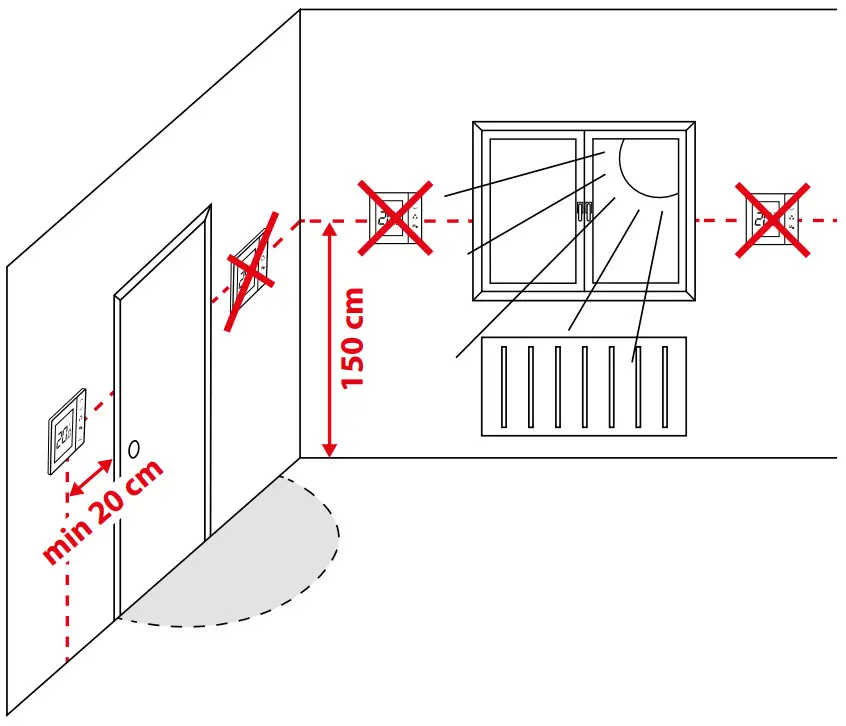 Mounting: to mount the thermostat you can use included accessories (mounting screws). Remove the plate from the back to mount it to the wall. After that just put the thermostat on the plate.Please note:
The ideal position for thermostat mounting is about 1,5m underfloor level far from heating or cooling sources. The thermostat can’t be exposed to sunlight or any extreme conditions like for example draft.
Wiring diagram:
AC 230V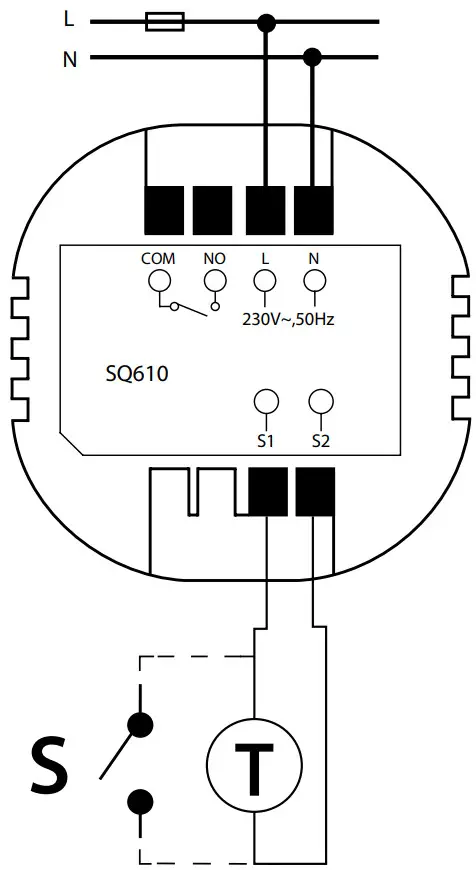
Symbols explanation:
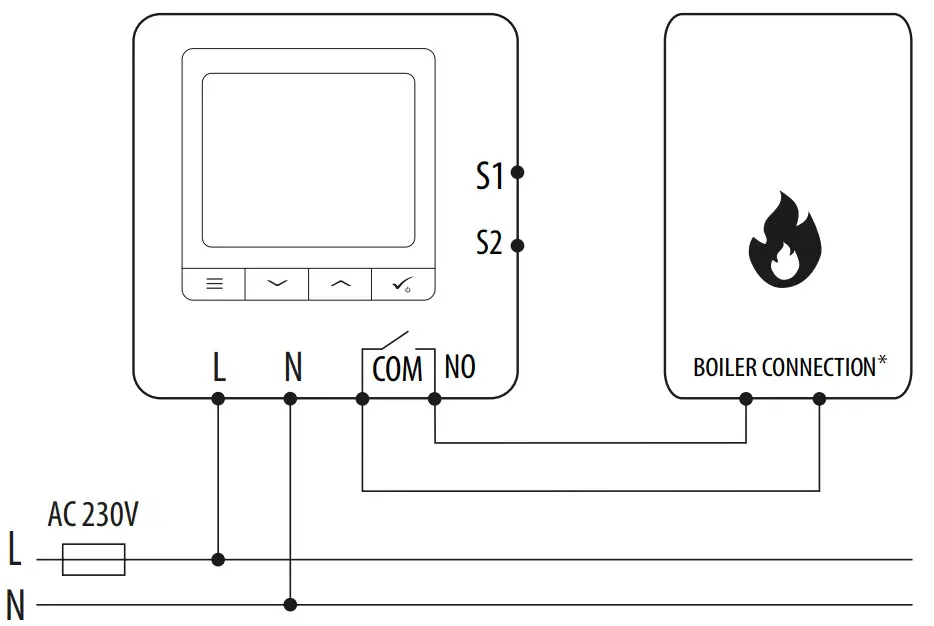
S – volt-free contact
T – temperature sensor
L, N – 230V AC power supply
COM, NO – Voltage-free output
S1, S2 Terminals:
– air or floor temperature sensor
– external volt-free contact to connect any ON/OFF switch or occupancy sensor (Hotel card)
LCD Icon Description
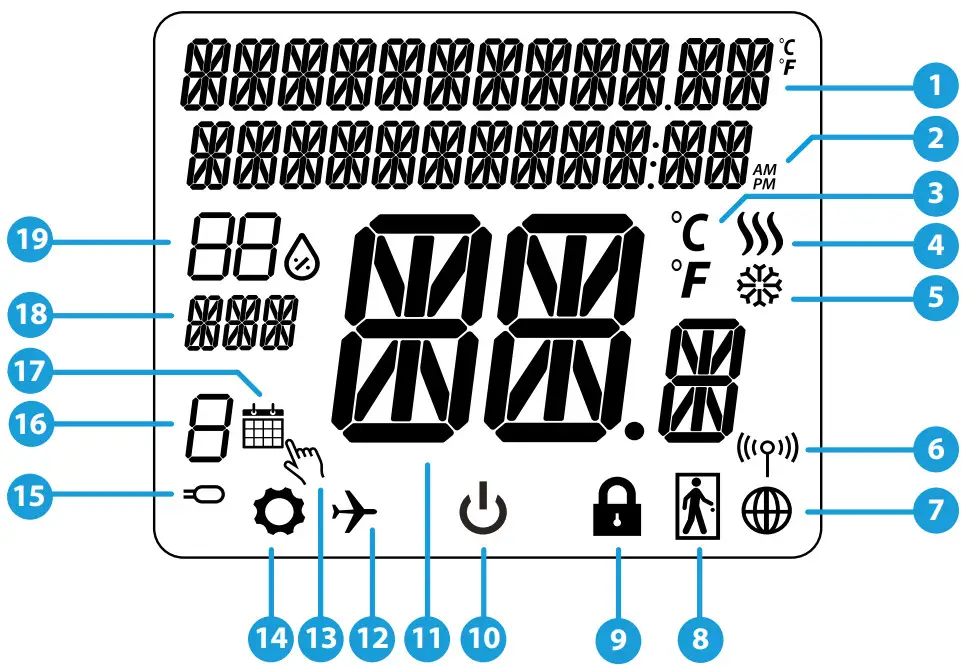
- Menu/Settings Description + Clock
- AM/PM
- Temperature unit
- Heating indicator (icon is animating when there is heating demand)
- Cooling indicator (icon is animating when there is cooling demand)
- RF Connection indicator
- Internet connection indicator
- Occupancy sensor (hotel card)
- Key lock function
- Standby mode icon
- Current Temperature / Setpoint Temperature
- Holiday mode
- Temporary override mode
- Settings icon
- External / Floor temp sensor indicator
- Schedule program number
- Schedule mode icon
- Day indicator/ SET information
- Current Humidity value
| Button | Function |
 | 1)Menu button / Return button. 2)In the MAIN SCREEN: Press and hold for 3 sec to change the thermostat operating mode (Schedule mode / Permanent mode / Temporary override mode). 3)In the SETTINGS SCREEN: Press and hold for 3 sec to go back without saving the changes. 4)In the PAIRING SCREEN (in SYSTEM TYPE Menu): Press and hold for 3 sec to see other pairing options. |
 | „Down” Button (Decrease parameter value/moving on the menu in the ‘DOWN’ direction) |
 | “Up” Button (Increase parameter value/moving on the menu in the ‘UP’ direction) |
 | 1)”OK / Tick” Button (Confirm parameter value / Go to the next menu / Save settings) 2)In the MAIN SCREEN: Press and hold for 3 seconds to enter Standby mode 3)In the SETTINGS SCREEN: Press and hold for 3 sec to go back to the MAIN SCREEN & SAVE all the changes. |
 | In the MAIN SCREEN – press and hold these buttons together for 3 seconds to LOCK / UNLOCK the Thermostat keys). |
COMPATIBILITY WITH OTHER SALUS CONTROLS DEVICES
Quantum Thermostat can work in ONLINE or OFFLINE mode. *
In the first step, you need to decide in which mode your thermostat will work.
ONLINE MODE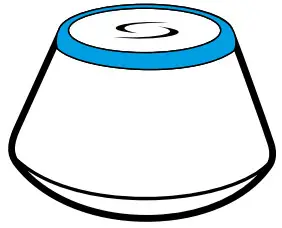 | OFFLINE MODE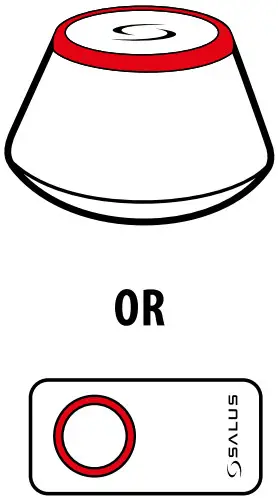 |
| Universal Gateway is CONNECTED TO THE INTERNET You can configure and use all your devices in the Smart Home App Download the Smart Home App on your iOS or Android device for remote access to your SALUS equipment.  | Universal Gateway is NOT CONNECTED TO THE INTERNET You can use your devices locally without the SmartHome App. Gateway works in this mode as a standard ZigBee coordinator. CO10RF Coordinator – You can use the standard ZigBee network coordinator to install and use your devices. |
Compatible devices:
 | ||||
| SR600* Smart Relay | SPE600* Smart Plug | KL08RF Wiring Centre for 8-zone underfloor heating (UFH). | TRAVEL (Thermostatic Radiator Valve) with wireless communication. | RX10RF receiver |
*Only with Online Mode Please note:
SQ610 Quantum Thermostat can work without coordinators (ONLINE/OFFLINE MODE) as a standalone device with the wires used.
First power-up sequence
For easier installation, please make sure you have already added other devices to your ZigBee networks, such as Underfloor Heating Control Box (KL08RF) or Radiator heads (TRVs), etc.
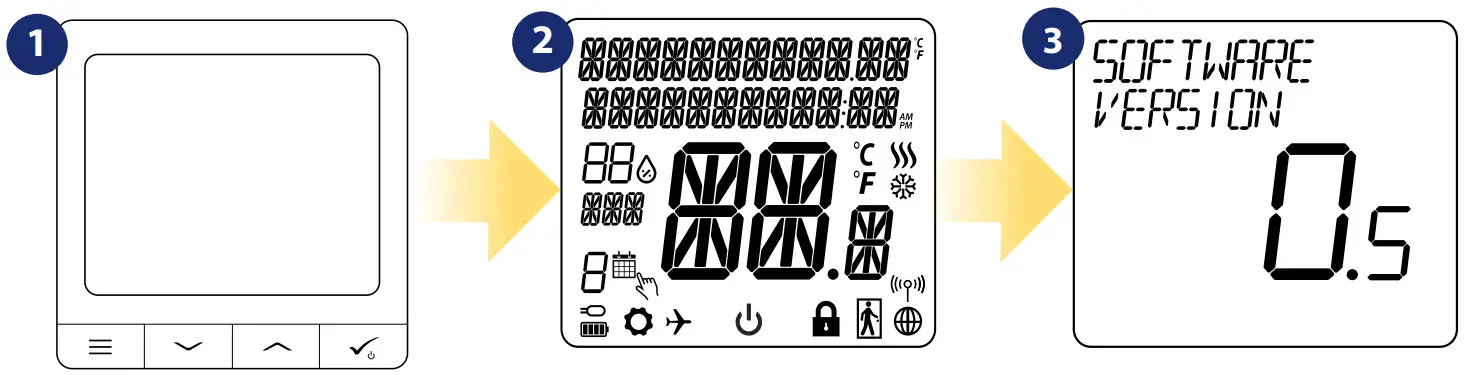 | ||
| To power on the Thermostat, you have to connect it to the 230V power then… | …display will show all icons… | …then the thermostat will display the software version. |
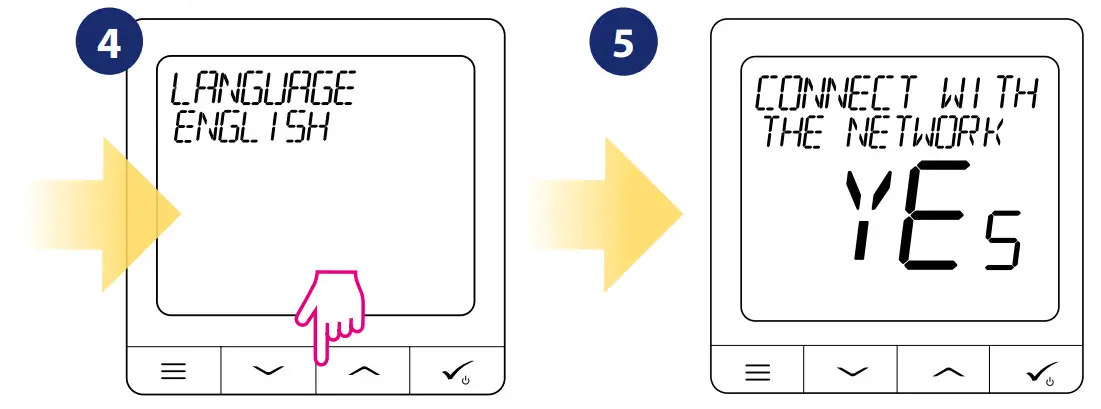 | |
| Now, choose your language by “” or „ ” buttons. Confirm your language by button. | |
YES – ONLINE, OFFLINE MODE.
You can configure your thermostat with a universal gateway or CO10RF coordinator. That is, add it to the Salus Smart Home system.
Thermostat work as a standalone device for the pump, boilers, receivers, etc. That is, you can directly connect the thermostat to the selected device without any network system. You can add it later anytime.
Installation in ONLINE mode
After Language selection follows the below steps to add your device to the Smart Home app and pair it with other devices: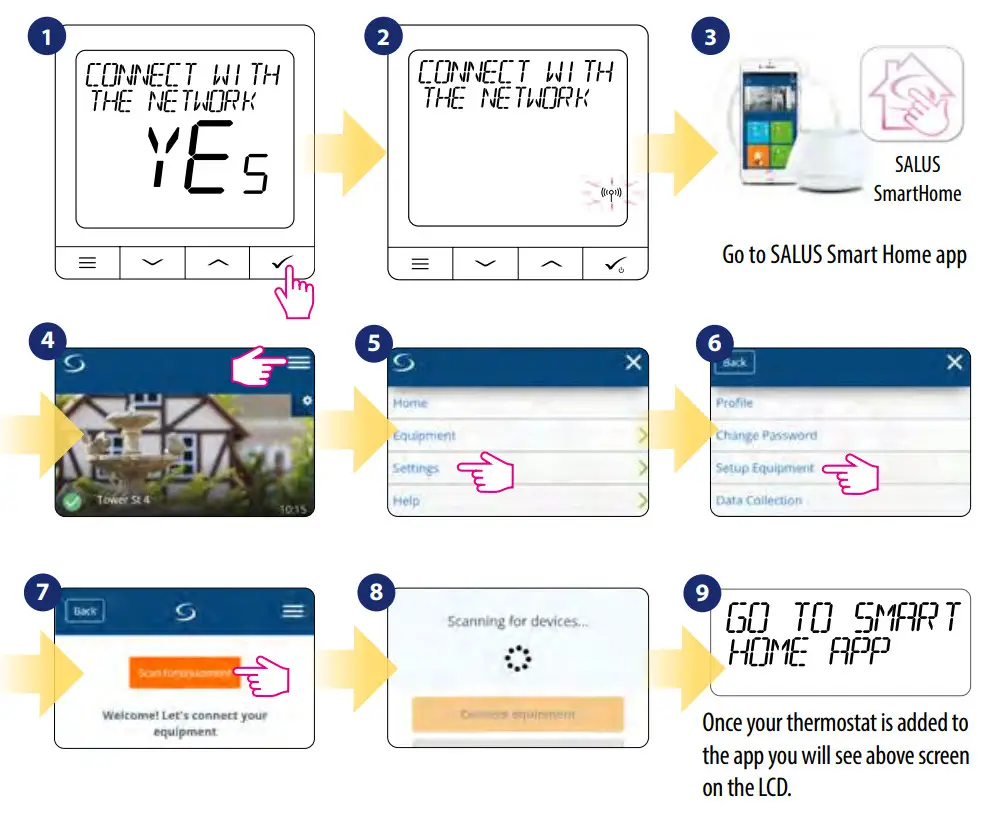
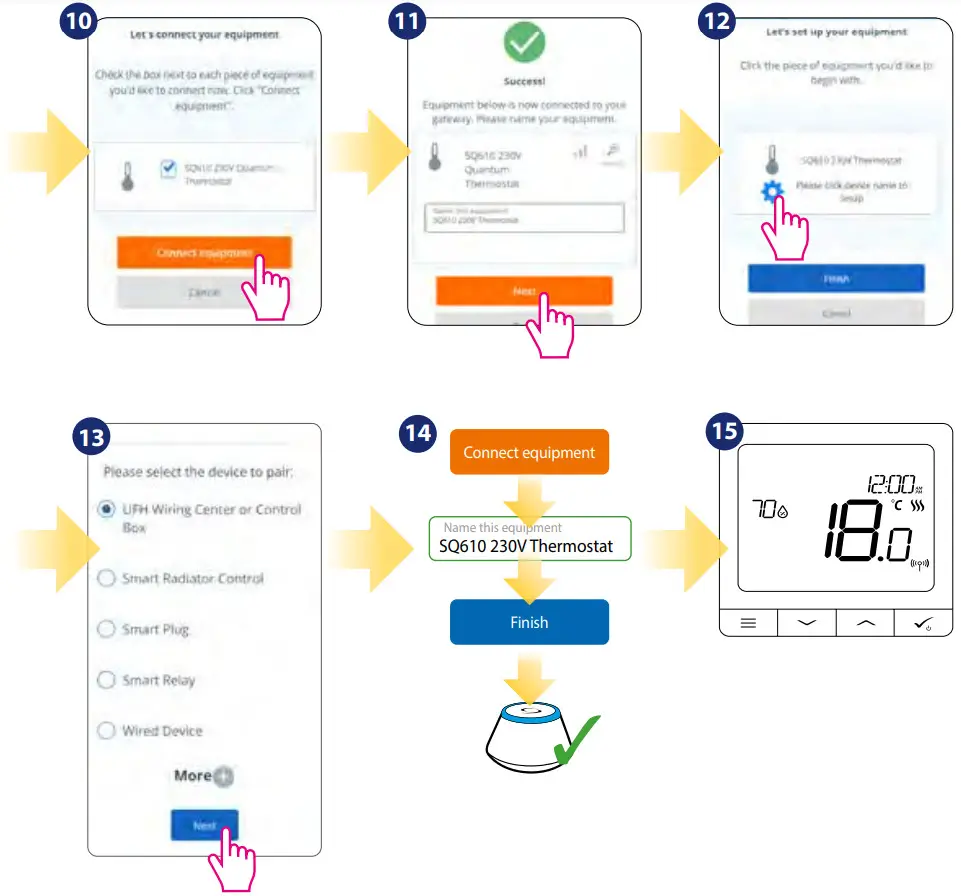 After that thermostat will show the main screen.
Congratulations!
You successfully configured SQ610Quantum Thermostat.
Installation in OFFLINE mode
Pairing with Wiring Centre / Control Box (Install the Wiring Centre / Control Box according to the instructions included with the product)
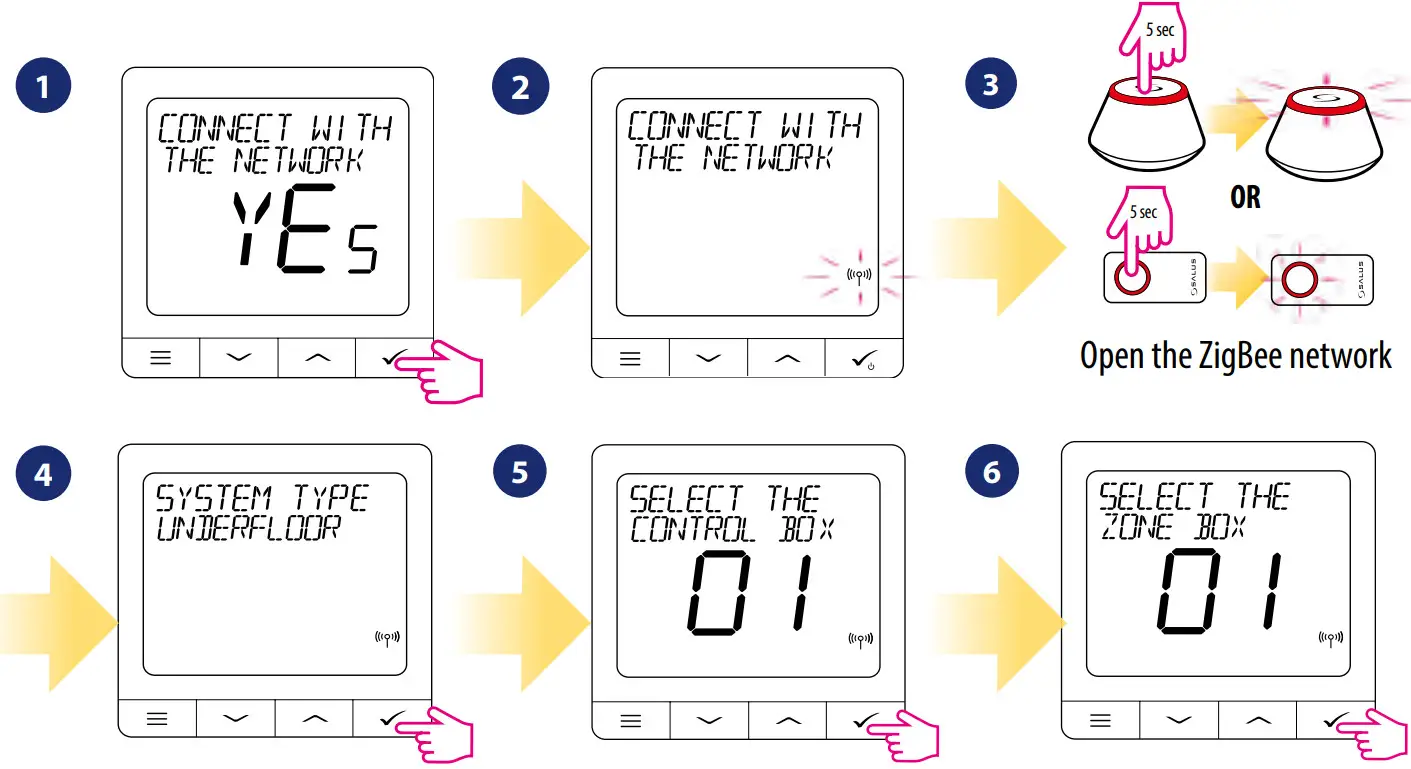 | ||
| Select system type: UNDERFLOOR, Press the button to confirm | Using and buttons to select the Control Box number (press the PAIR button on the Control Box to see its address number). Press the button to confirm | Use or buttons to select the zone number and press button to confirm. |
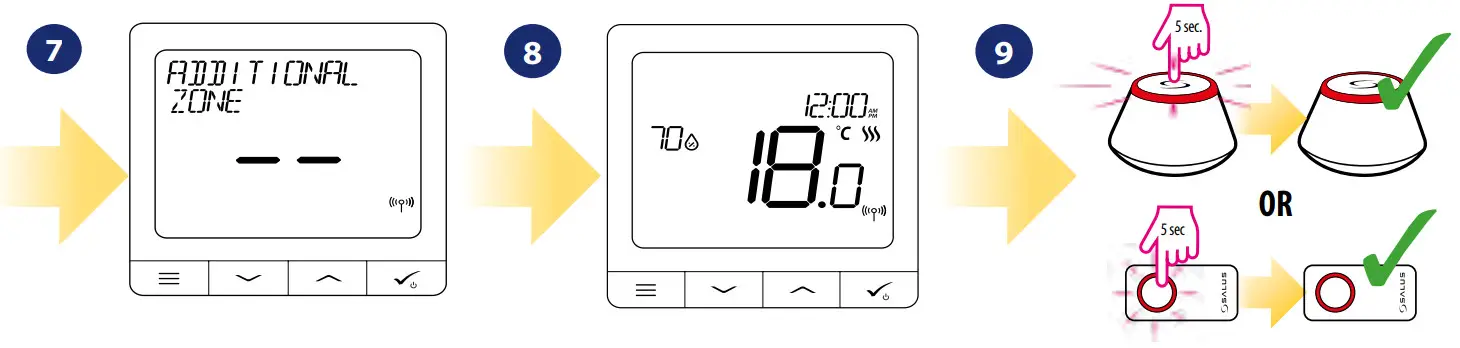 Now you can pair your thermostat with additional zones. Select one more zone or finish the pairing process by button.
Pairing with TRV radiator head (Install the TRV according to the instructions included with the product)
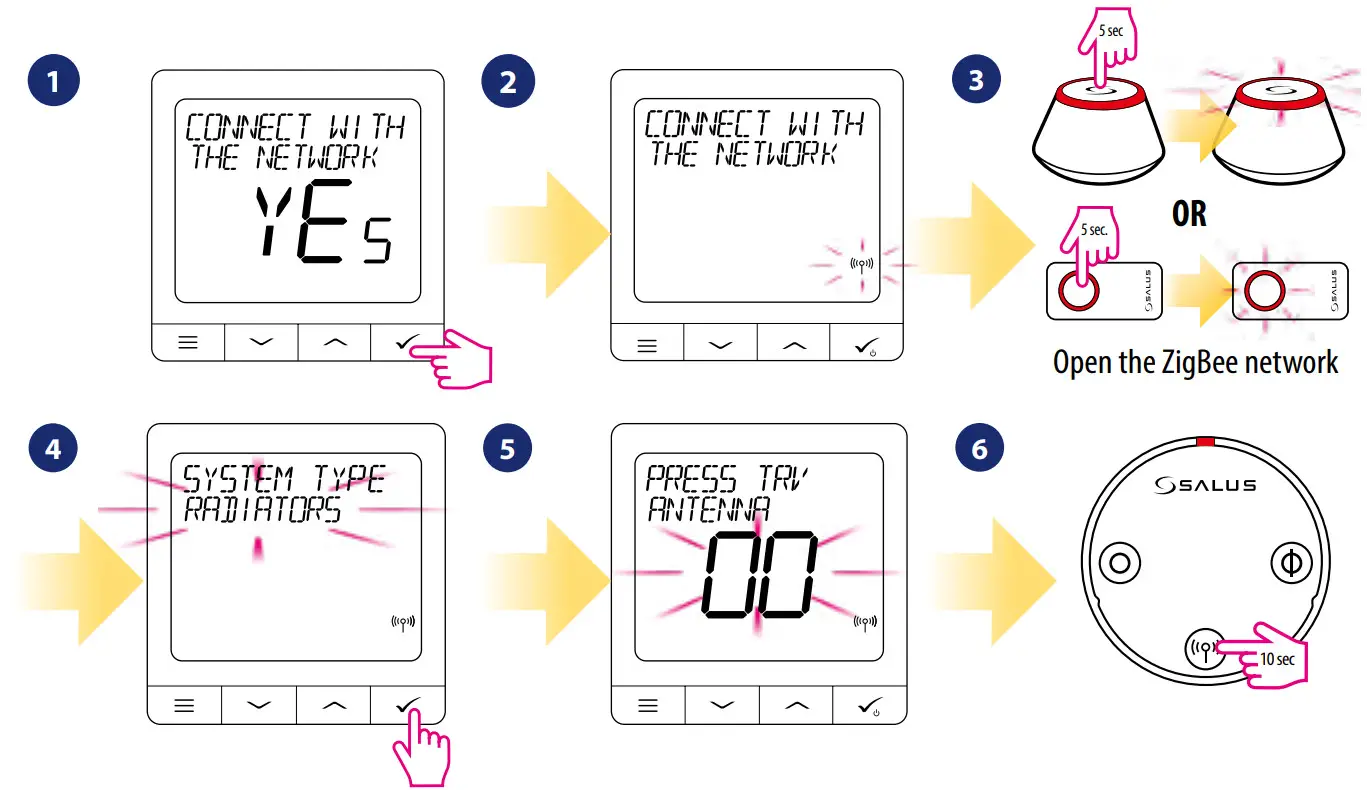 | ||
| Select system type: RADIATORS | Now hold the antenna button for 10 sec. on all TRVs which you want to pair with your Thermostat. | You can pair up to 6 TRVs with 1 Thermostat. All TRVs have to be within the same room with Thermostat. |
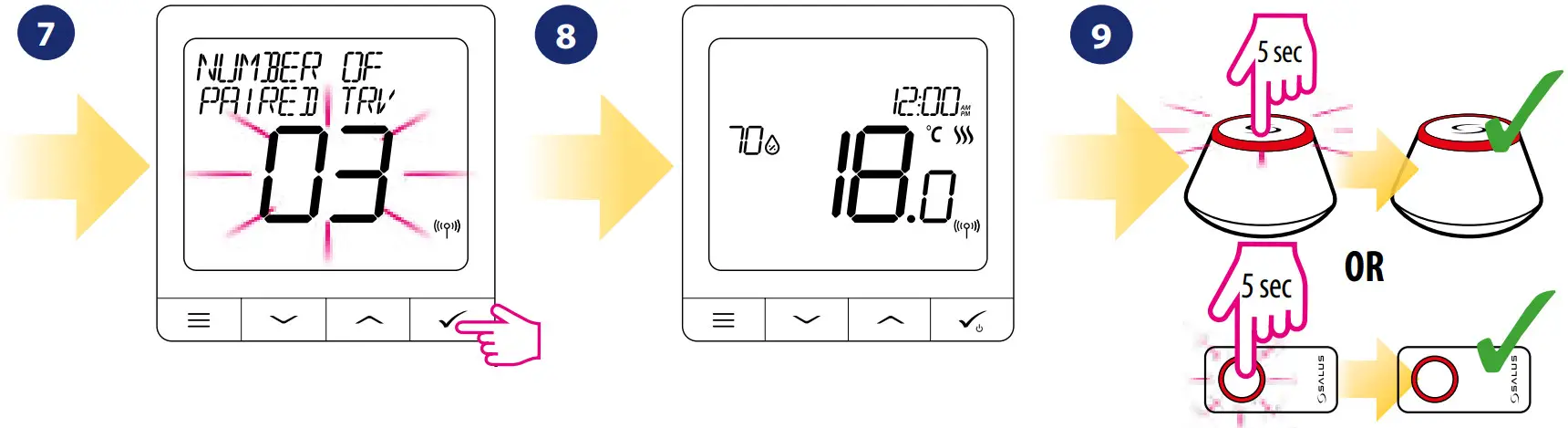 | ||
| On the LCD you will see the number of paired TRVs. Once all TRVs are paired – press button to finish the pairing process. | Close the ZigBee network | |
Wired device
Please note:
Thermostat SQ610 Quantum can work without Universal Gateway or CO10RF Coordinator as a standalone device.
- Wiring diagram for volt-free connection (e.g. boiler control):

- Wiring diagram for 230VAC connections:

- Wiring diagram for control box connection:

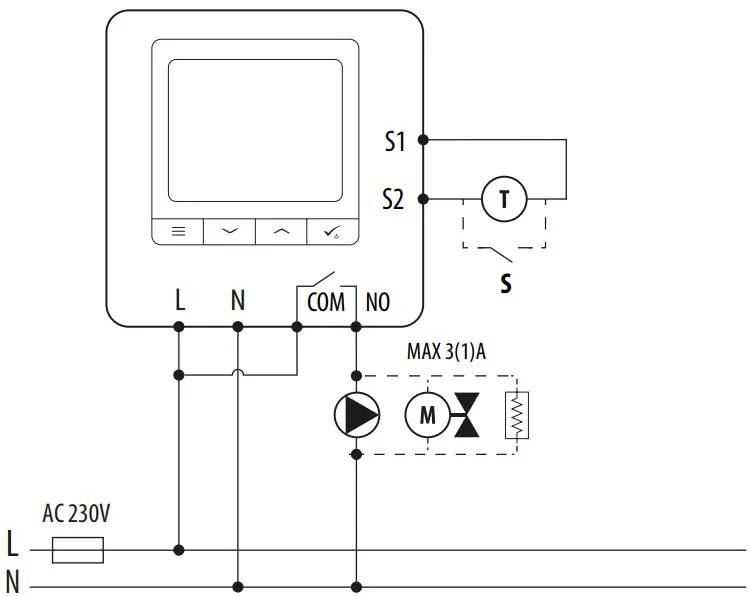
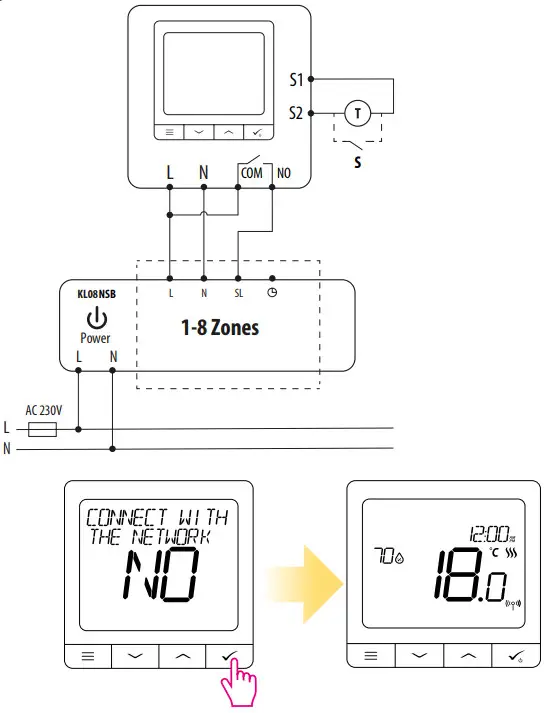
Legend: Pump
Pump Valve actuator
 Heating mat
 Boiler
Boiler connection * – Boiler’s contacts for ON/OFF thermostat (according to the boiler’s instructions) Please note:
Self-acting SQ610 Quantum Thermostat without application support can be easily added to the Smart Home app anytime. All settings made before adding to the application are automatically copied to the Smart Home app.
SQ610 Full menu structure 

Main menu
| Schedule settings | DISABLE MO-FR+SA-SU MO-SU SINGLE DAYS |
| User settings | TIME/DATE HOLIDAY MODE THERMOSTAT CALIBRATION SHOW/HIDE DISPLAY HUMIDITY SHOW/HIDE DISPLAY FLOOR STANDBY TEMP SETPOINT HEAT/COOL RESET USER SETTINGS |
| Admin settings | TEMPERATURE SCALE DISPLAY TEMPERATURE RESOLUTION¹ HEAT CONTROL ALGORITHM² COOL CONTROL ALGORITHM S1/S2 INPUT³ MINIMUM SETPOINT MAXIMUM SETPOINT VALVE PROTECTION⁴ INTERNAL RELAY (NO / NC)⁵ MINIMUM TURN-OFF TIME⁶ OPTIMISATION FEATURE⁷ COMFORT WARM FLOOR⁸ PIN CODE DEVICE INFORMATION⁹ CONNECT WITH GATEWAY FACTORY RESET 10.* |
| Language | ENGLISH DANISH POLISH |
Short description of some selected functions
(all functions are described in the full version of the SQ610 manual):
- DISPLAY TEMP RESOLUTION: This function determines the resolution of the displayed temperature ( 0.5°C or 0.1°C ).
- CONTROL ALGORITHM: This function defines how to control the room temperature. Available options are: ITLC for Underfloor Heating / Radiators / Electrical Heating (that’s an advanced algorithm for precise maintenance of room temperature), hysteresis +/-0.5°C or +/-0.25°C, THB Actuator (option recommended for systems with THB auto balancing actuators).
- S1/S2 INPUT: A floor sensor, an external temperature sensor or an occupancy sensor can be connected to the S1/S2 input of SQ610RF. Additionally, by connecting a NO type of ON/OFF voltage-free contact, you can use this input as a OneTouch rules trigger (programmed in the Salus Smart Home app) or as a Heat/Cool changeover.
- VALVE PROTECTION: This function activates all actuators once a week for 5 minutes (in summer, this function helps to prevent the actuators stuck).
- INTERNAL RELAY (COM/NO): Internal relay activation or deactivation with COM/NO outputs use. Default is enabled.
- MIN TURN-OFF TIME: Minimum switch-off time (thermostat will not send the signal for heating/cooling more often than specified in this parameter).
- OPTIMISATION FEATURE: Optimum Start and Optimum Stop functions are energy-saving features that make the thermostat the most cost-effective (in combination with the ITLC control algorithm).
- COMFORT WARM FLOOR: This function helps to keep the floor warm, even if the room is warm enough and there is no need to turn on the heating. Users can select 3 levels of warm floor features.
Please note it is not an economy feature, as your heating system may be ON even if there is no heating demand from the room thermostat. It is a COMFORT feature that keeps your floor warm all the time. - DEVICE INFORMATION: In this menu, the user can check: Software Version, RF range value, and Paired devices, or also the user can activate Identification mode.
- FACTORY RESET: Here you can RESET your device to factory settings. After a successful reset device will be removed from the ZigBee network and you will need to add/pair your device again.
Universal Getaway
Connect it with Universal Gateway and set up your own SALUS Smart Home system
Smart Radiator Control Pair it with Quantum to achieve the perfect temperature everywhere, not only beside the radiator
Smart Relay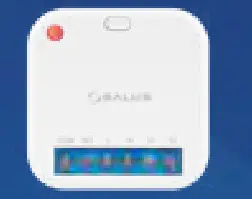 Connect it with Universal Gateway and control wirelessly pumps, valves, boilers, lighting etc
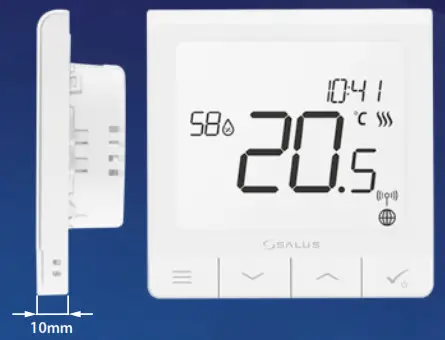
✓ Ultra slim
✓ Precise temperature control (underfloor heating, radiator heating, electrical heating)
✓ Works with: Amazon Alexa and Google Home
✓ Built-in voltage-free contact
PRODUCER: Salus Limited 6/F, Building 20E, Phase 3, Hong Kong Science Park, 20 Science Park East Avenue, Shatin, New Territories, Hong Kong
IMPORTER: QL CONTROLS Sp. z o.o. Sp. k. ul. Rolna 4, 43-262 Kobielice