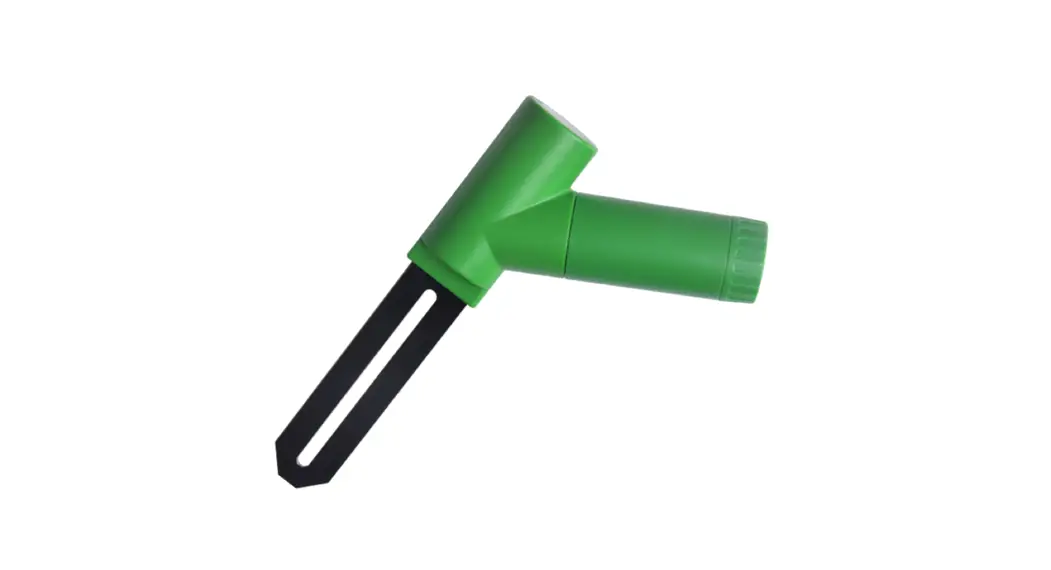
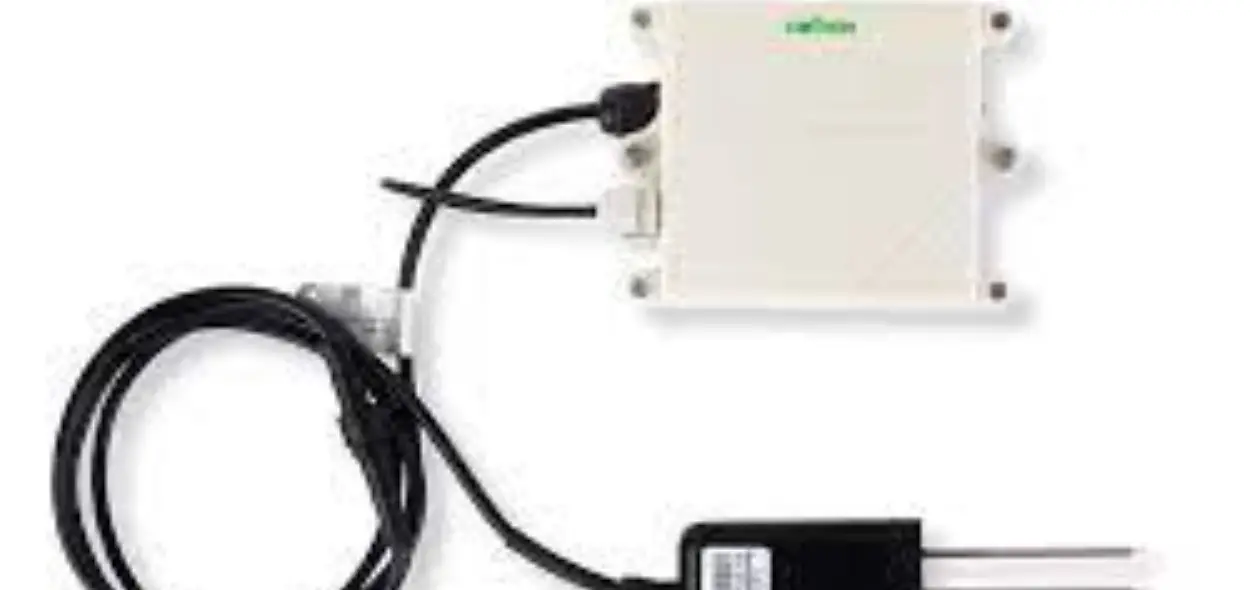
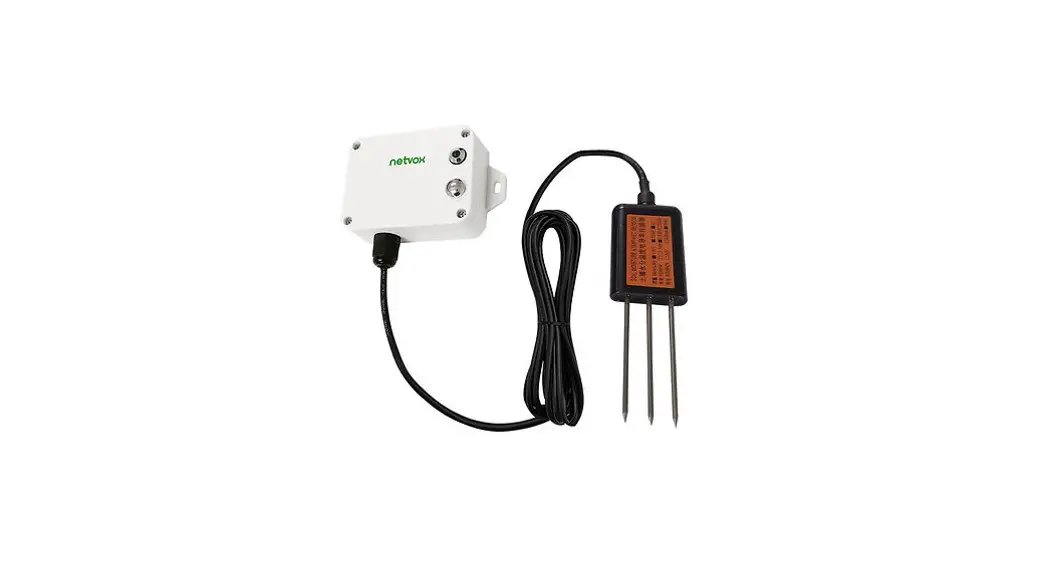
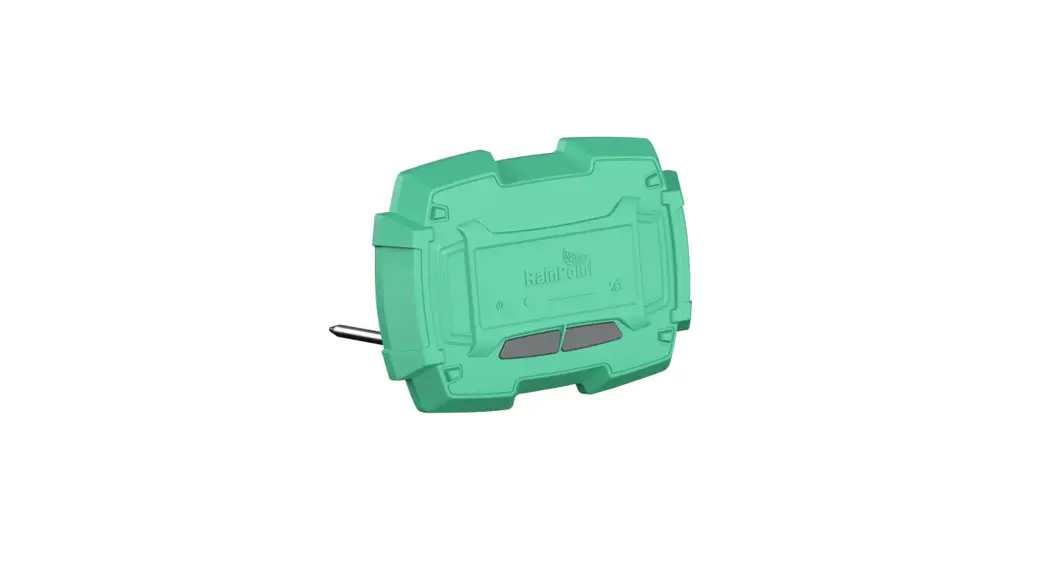
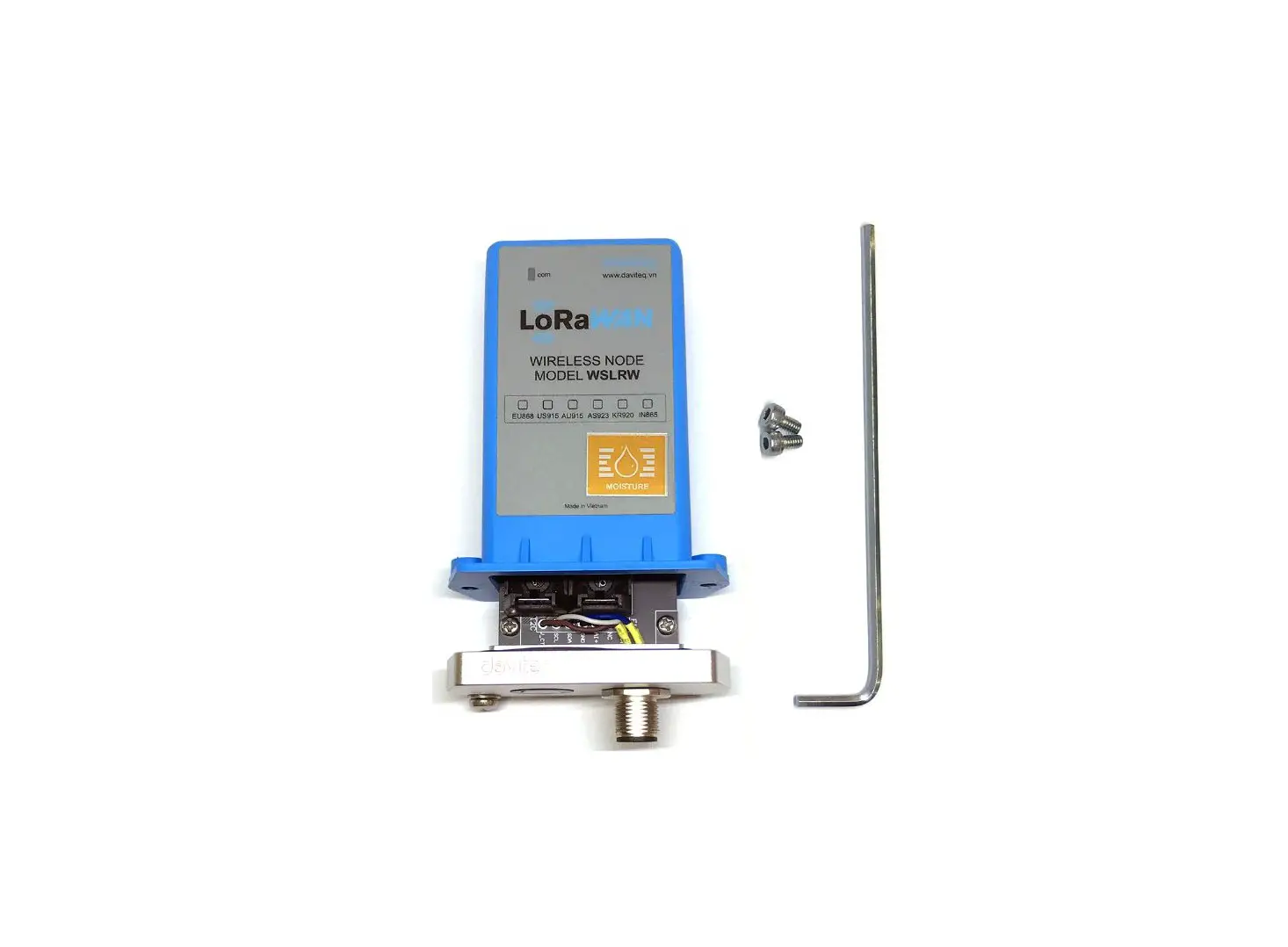
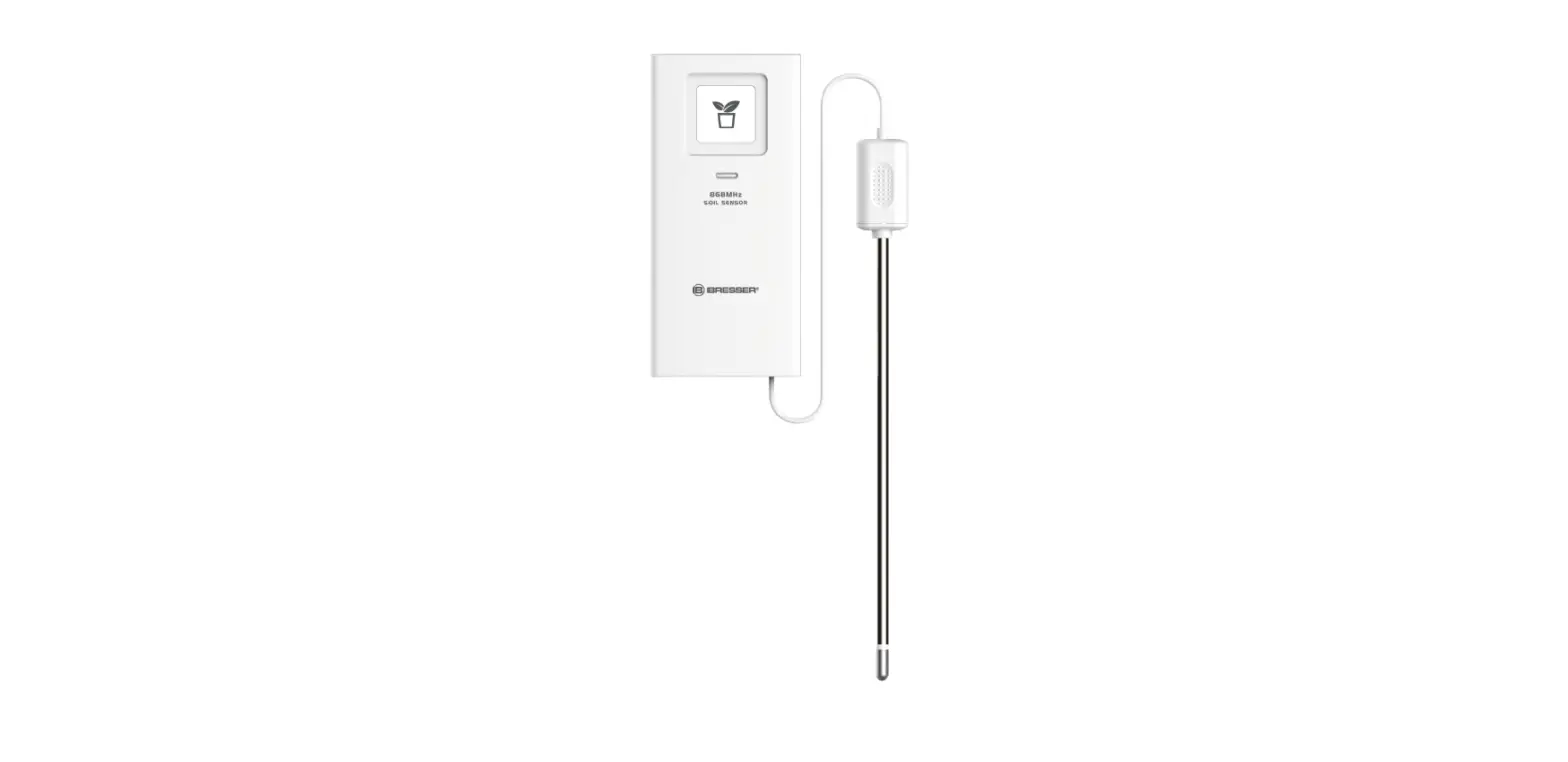
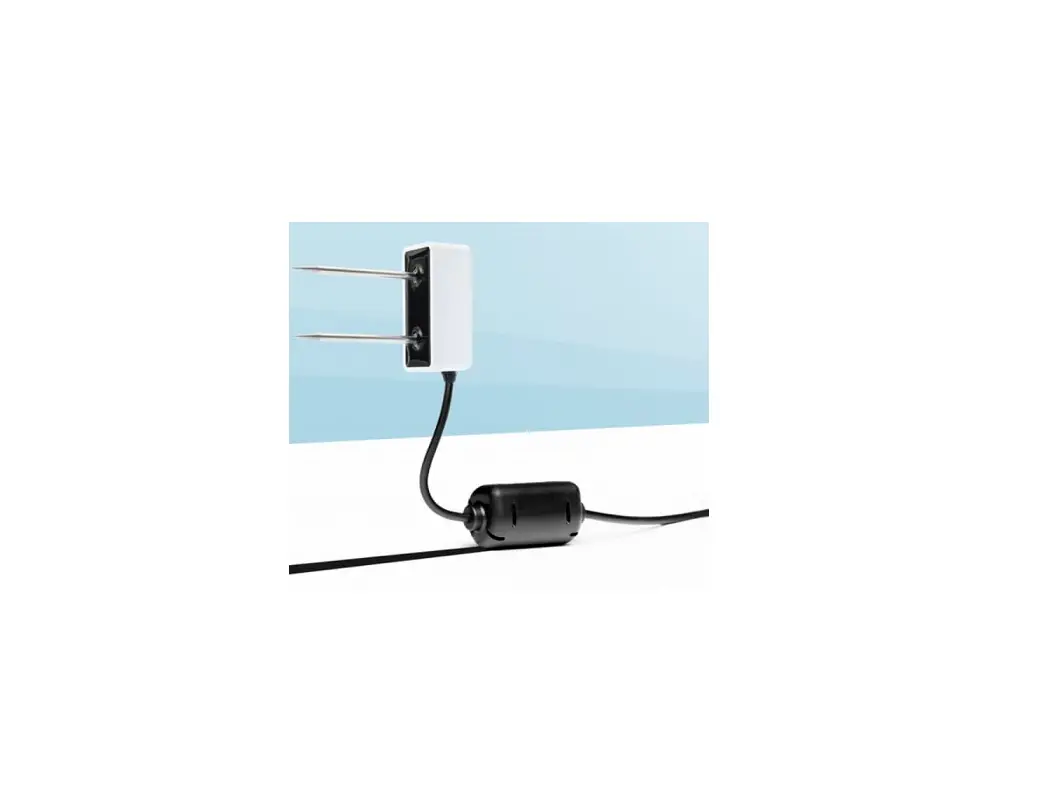
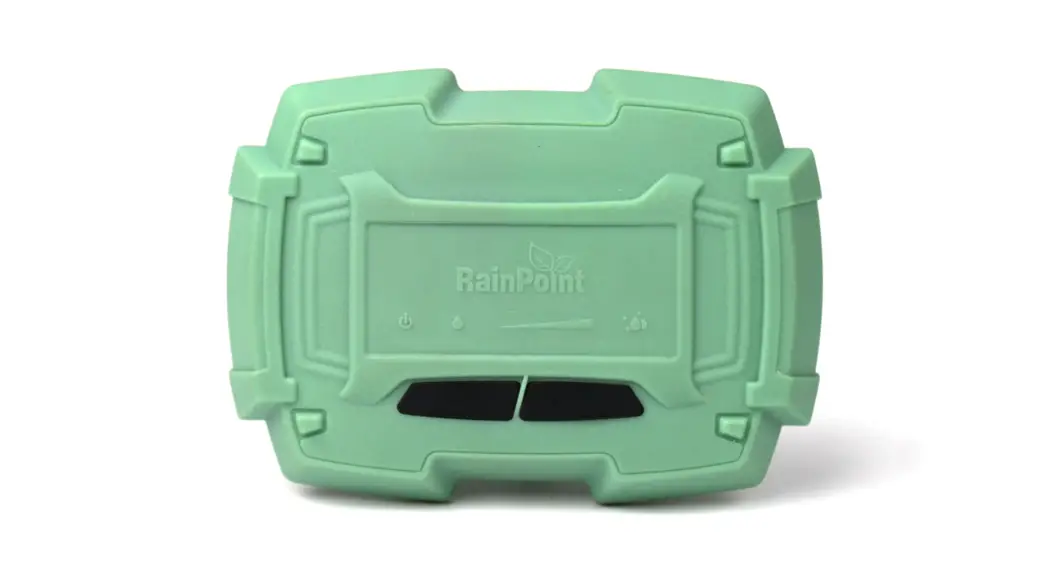
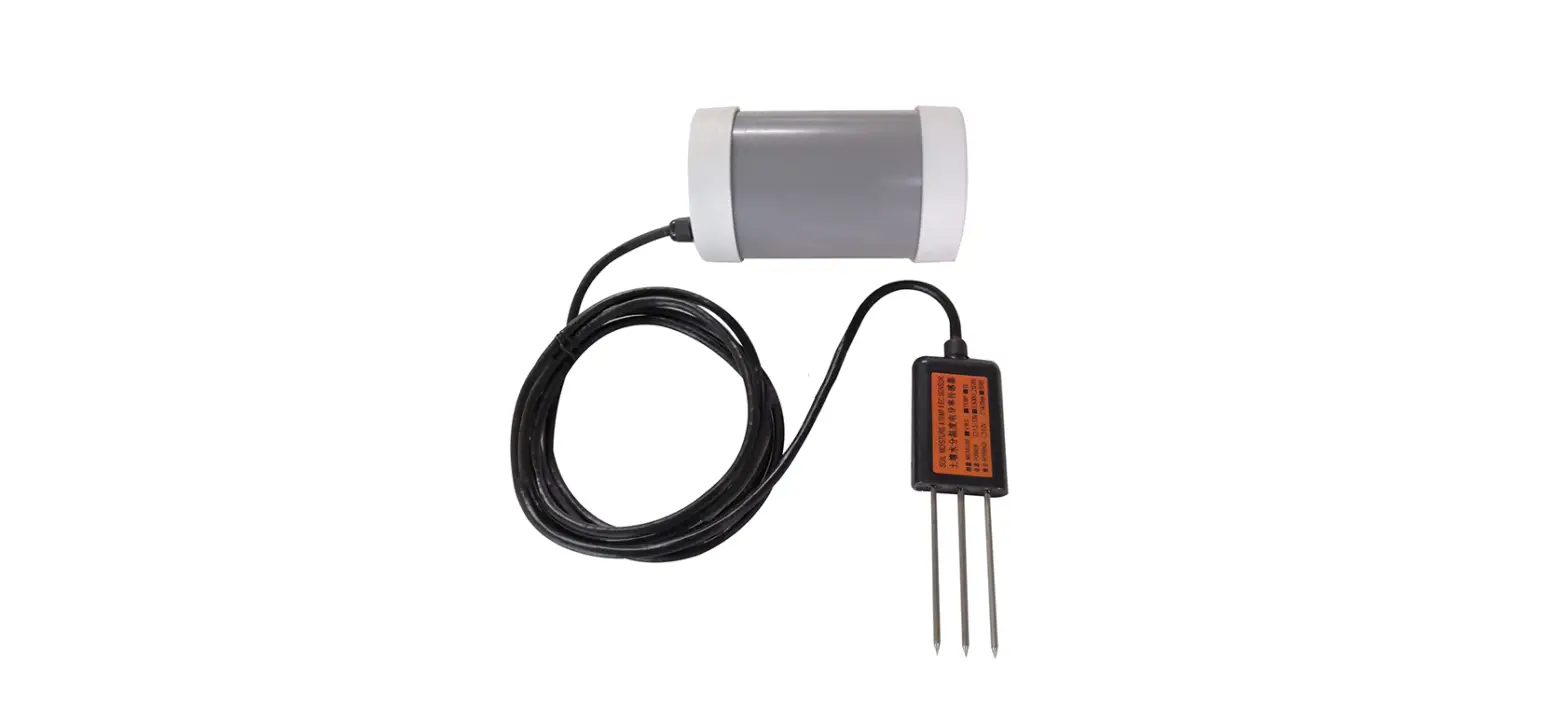
WISNS002G1USA Smart Wireless Soil Sensor
Product Information:
| Product Name | Smart Wireless Soil Sensor |
|---|---|
| Model Number | WISNS002G1USA |
| Requirements | Moen Smart Sprinkler Controller (installed) Smartphone or tablet Shovel or hand trowel 5 minutes to set up |
Product Usage Instructions:
STEP 1: Add your Smart Wireless Soil Sensor to the App
- Open the Moen Smart Water App on your iOS or Android
device. - Select your Smart Sprinkler Controller.
- Go to the Sensors tab at the top of the screen.
- Select “Add Wireless Soil Sensor”.
- With the Moen logo facing you, tap the left side of the soil
sensor with the controller’s magnetic faceplate to pair your
sensor. - Follow instructions in the App to add your Smart Wireless Soil
Sensor to a zone.
STEP 2: Insert your Smart Wireless Soil Sensor into the
ground
Use the label sheet provided on the inside of your controller’s
front cover to take notes on the zone and location your soil sensor
is placed.
We recommend placing your soil sensor no further than 245 feet
away from your controller for optimal performance.
Please note that obstructions such as walls, cement, trees, and
other barriers may weaken the signal strength of your soil sensor
and may result in loss of connection. For controllers placed below
grade such as a basement, maintaining a high signal strength
performance is not guaranteed.
Tips:
- Install your soil sensor in moist or soft soil for easy
installation. If the soil is too hard – try wetting the ground
before installation or use a shovel or hand trowel. - Place your soil sensor within 1-2 feet of a sprinkler head
within the zone to ensure you can easily find it, should you need
to relocate it. - Refrain from hammering or forcing the sensor in the
ground.
Need Help?
We’ve got you covered.
Give us a call:
- USA / Canada: 1-844-633-8356
- Mexico: 01-800-718-4345
Customer Support:
Visit our customer support and service website moen.com/contact
Learn more about Moen’s smart water products, including FAQs on
this product: moen.com/smart-home
BEFORE YOU BEGIN
Contents:
Smart Wireless Soil Sensor
Quick Start Guide
WISNS002G1USA
Smart Wireless Soil Sensor
Requirements:
Moen Smart Sprinkler Controller
(installed)
Smartphone or tablet
Shovel or hand trowel
5
5 minutes to set-up
STEP 1
Add your Smart Wireless Soil Sensor to the App
1. Open the Moen Smart Water App on your iOS or Android device.
2. Select your Smart Sprinkler Controller
3. Go to the Sensors tab at the top of the screen
4. Select
Add Wireless Soil Sensor
5. With the Moen logo facing you, tap the left side of the soil sensor with the controller’s magnetic faceplate to pair your sensor.
6. Follow instructions in the App to add your Smart Wireless Soil Sensor to a zone.
© 2023 Moen Incorporated. All rights reserved. MAIN22-1076. QSG00023.
STEP 2
Insert your Smart Wireless Soil Sensor into the ground
Use the label sheet provided on the inside of your controller’s front cover to take notes on the zone and location your soil sensor is placed.
We recommend placing your soil sensor no further than 245 feet away from your controller for optimal performance.
Please note that obstructions such as walls, cement, trees, and other barriers may weaken the signal strength of your soil sensor and may result in loss of connection. For controllers placed below grade such as a basement, maintaining a high signal strength performance is not guaranteed.
Tips:
Install your soil sensor in moist or soft soil for easy installation. If the soil is too hard – try wetting the ground before installation or use a shovel or hand trowel.
Place your soil sensor within 1-2 feet of a sprinkler head within the zone to ensure you can easily find it, should you need to relocate it.
Refrain from hammering or forcing the sensor in the ground.
Need help? We’ve got you covered.
Give us a call
USA / Canada: 1-844-633-8356 Mexico: 01-800-718-4345
Customer Support
Visit our customer support and service website moen.com/contact
Learn more about Moen’s smart water products, including FAQs on this product: moen.com/smart-home
 Contact Us | Customer Support | MOEN