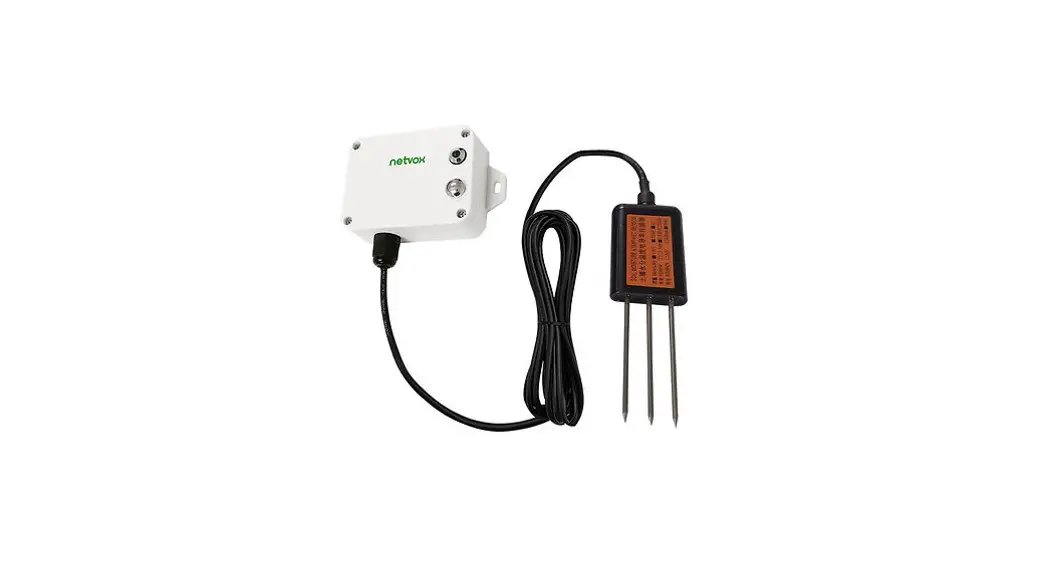
 Wireless Soil Nitrogen / Phosphorus / Potassium Sensor
Wireless Soil NPK Sensor
R72632A
User Manual
R72632A Wireless Soil NPK Sensor
Copyright© Netvox Technology Co., Ltd.
This document contains proprietary technical information which is the property of NETVOX Technology. It shall be maintained in strict confidence and shall not be disclosed to other parties, in whole or in part, without written permission of NETVOX Technology. The specifications are subject to change without prior notice.
Introduction
R72632A is a netvox Class A type device based on LoRa WAN open protocol, which is compatible with LoRa WAN protocol.
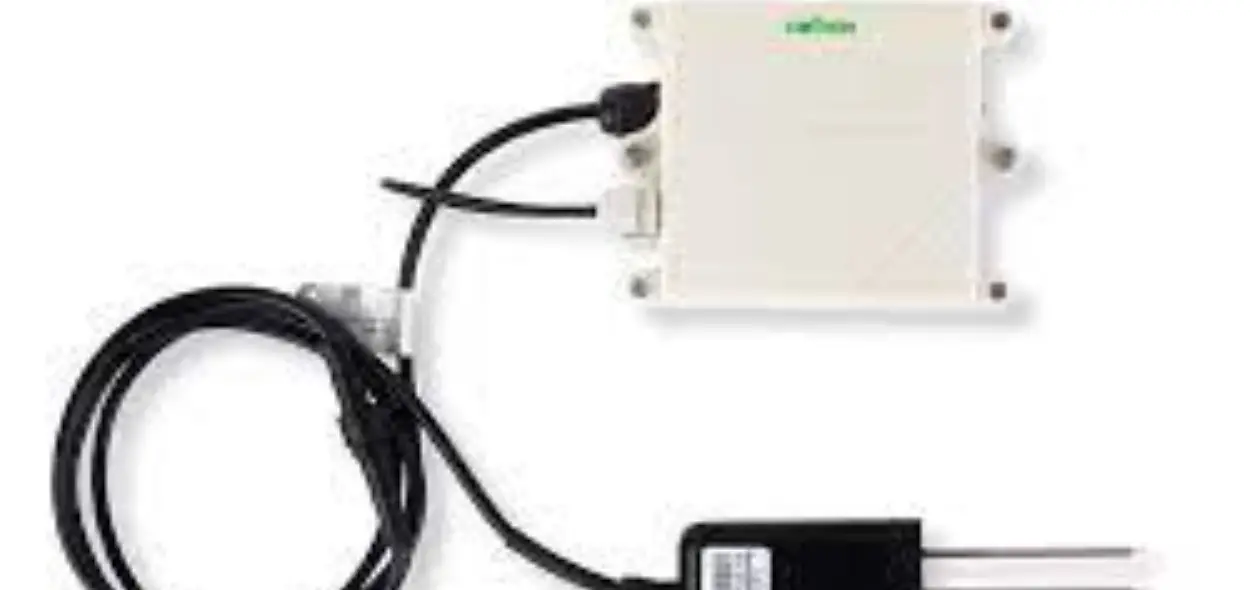
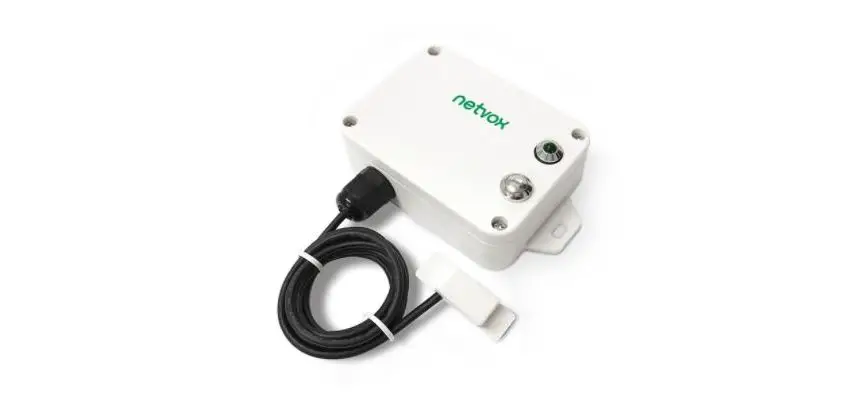
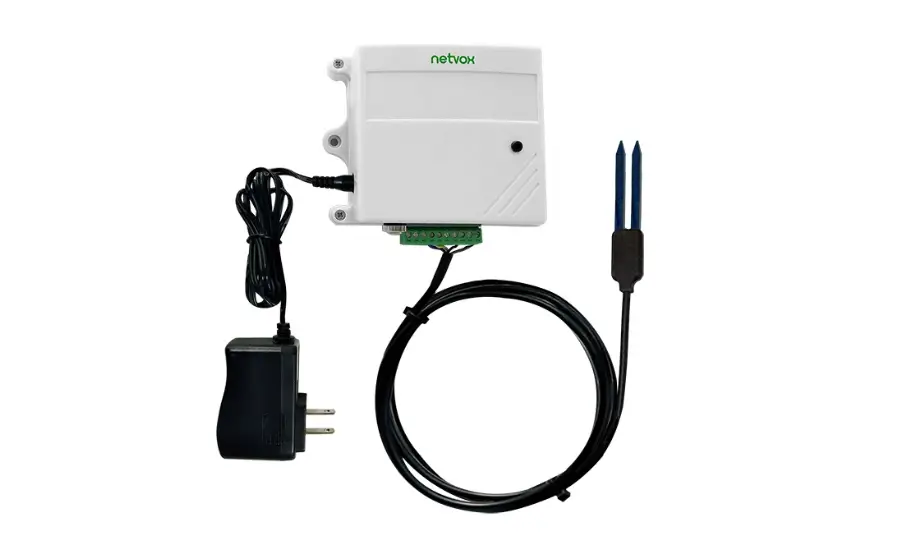
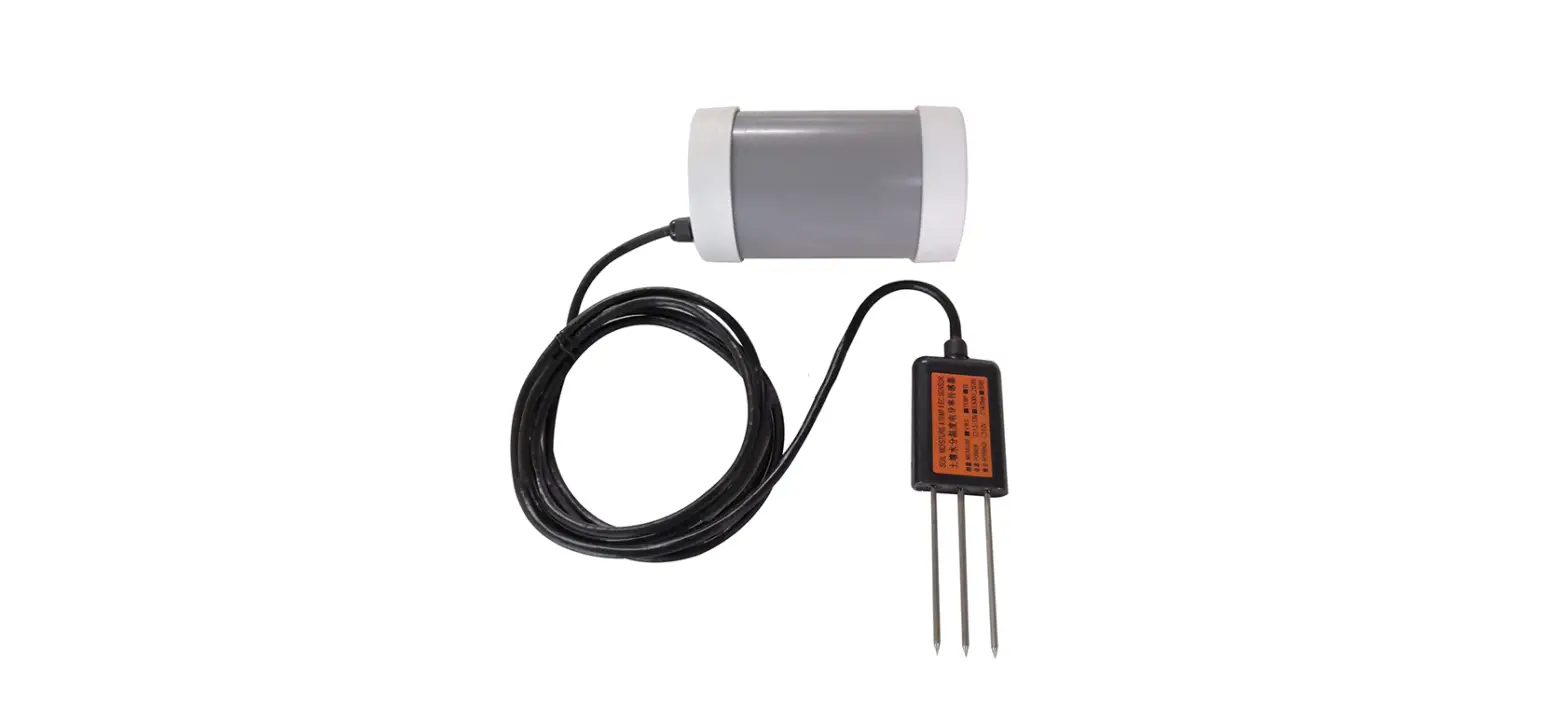
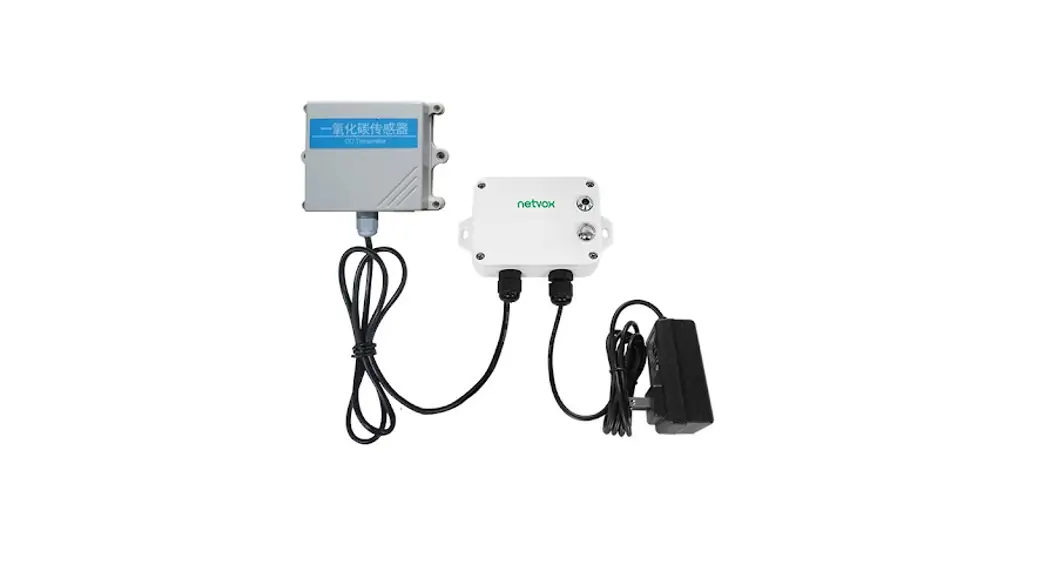
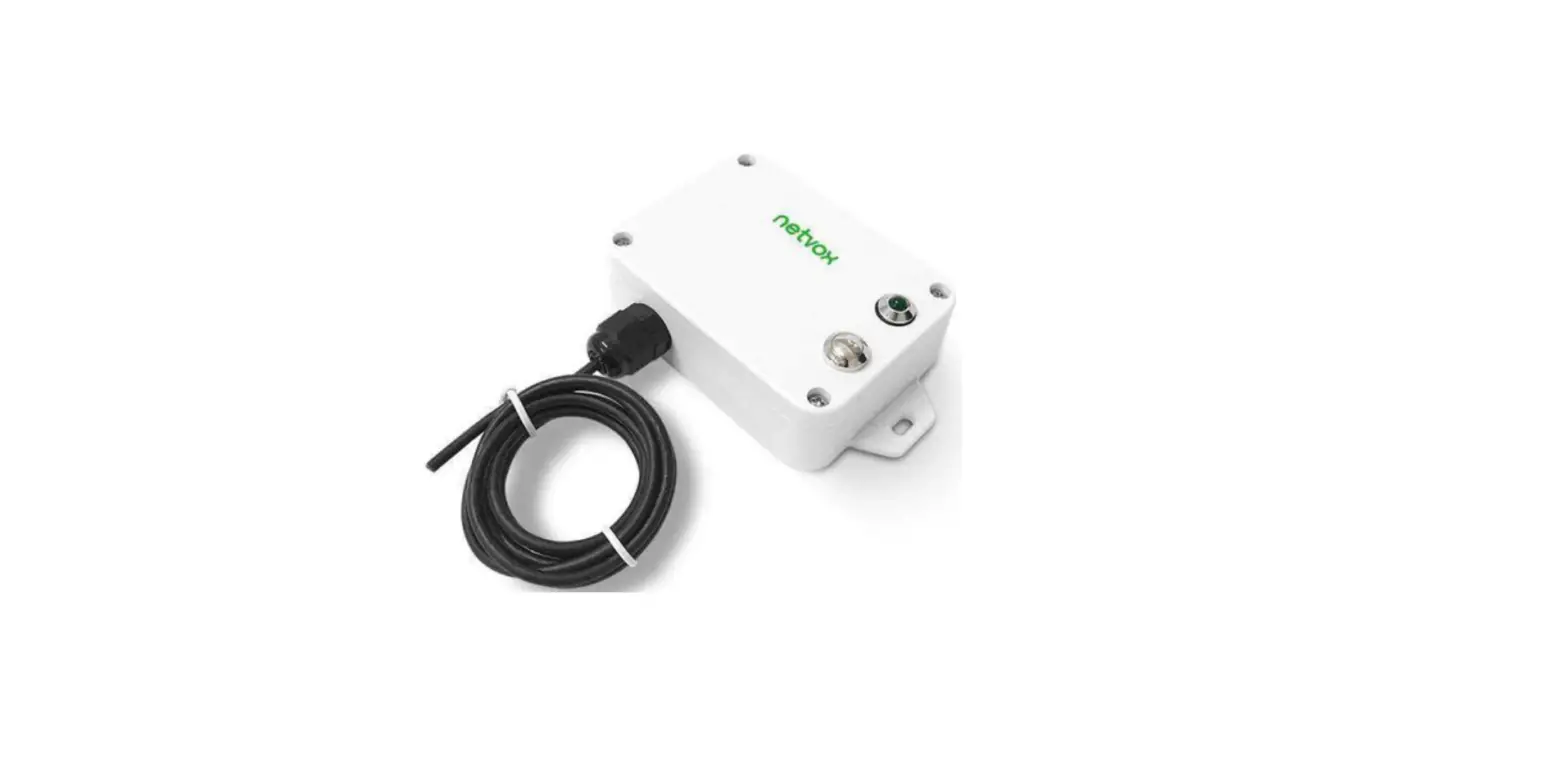
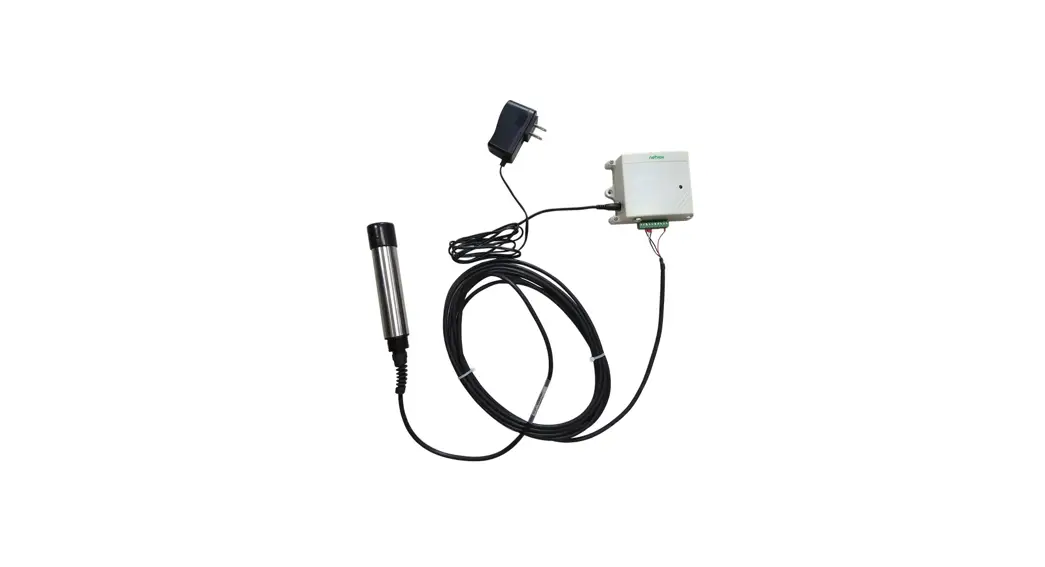
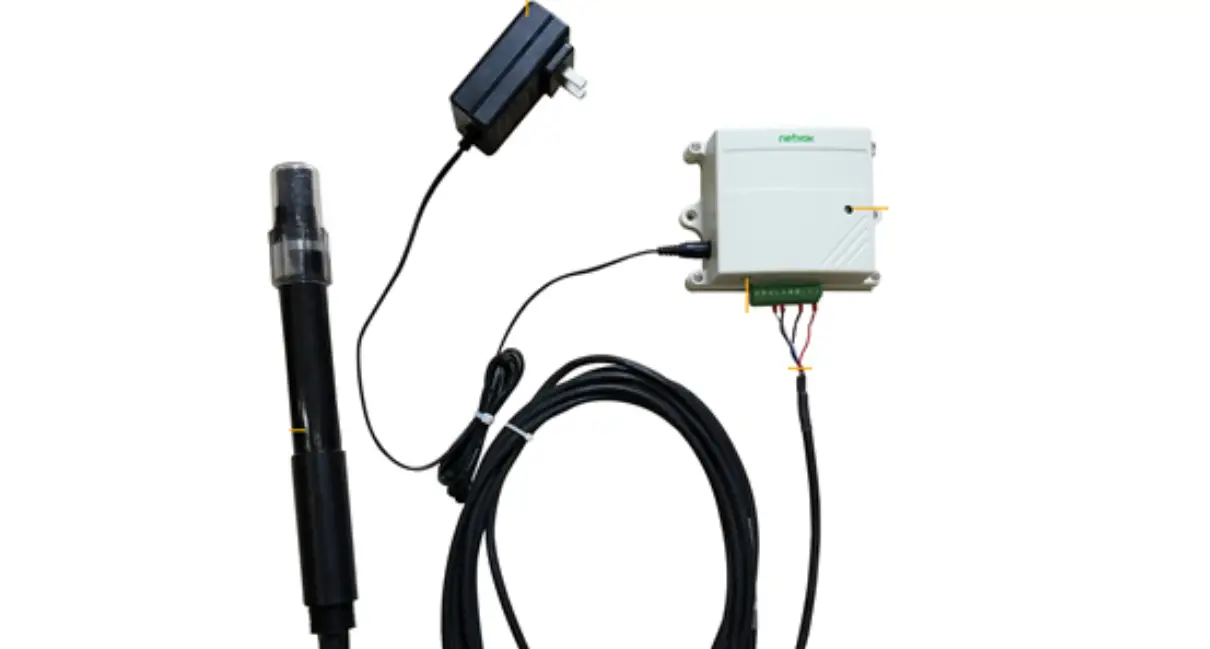
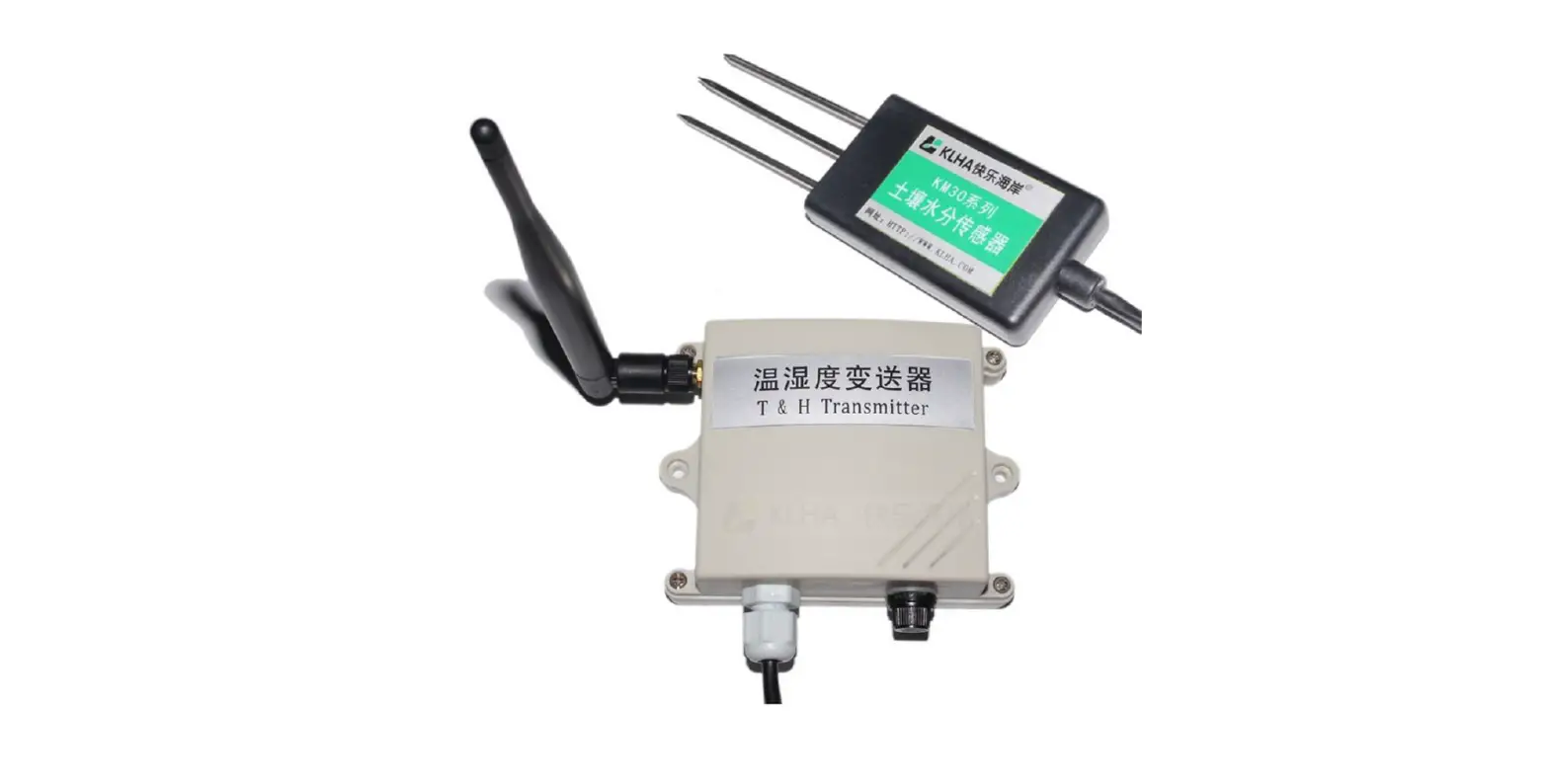
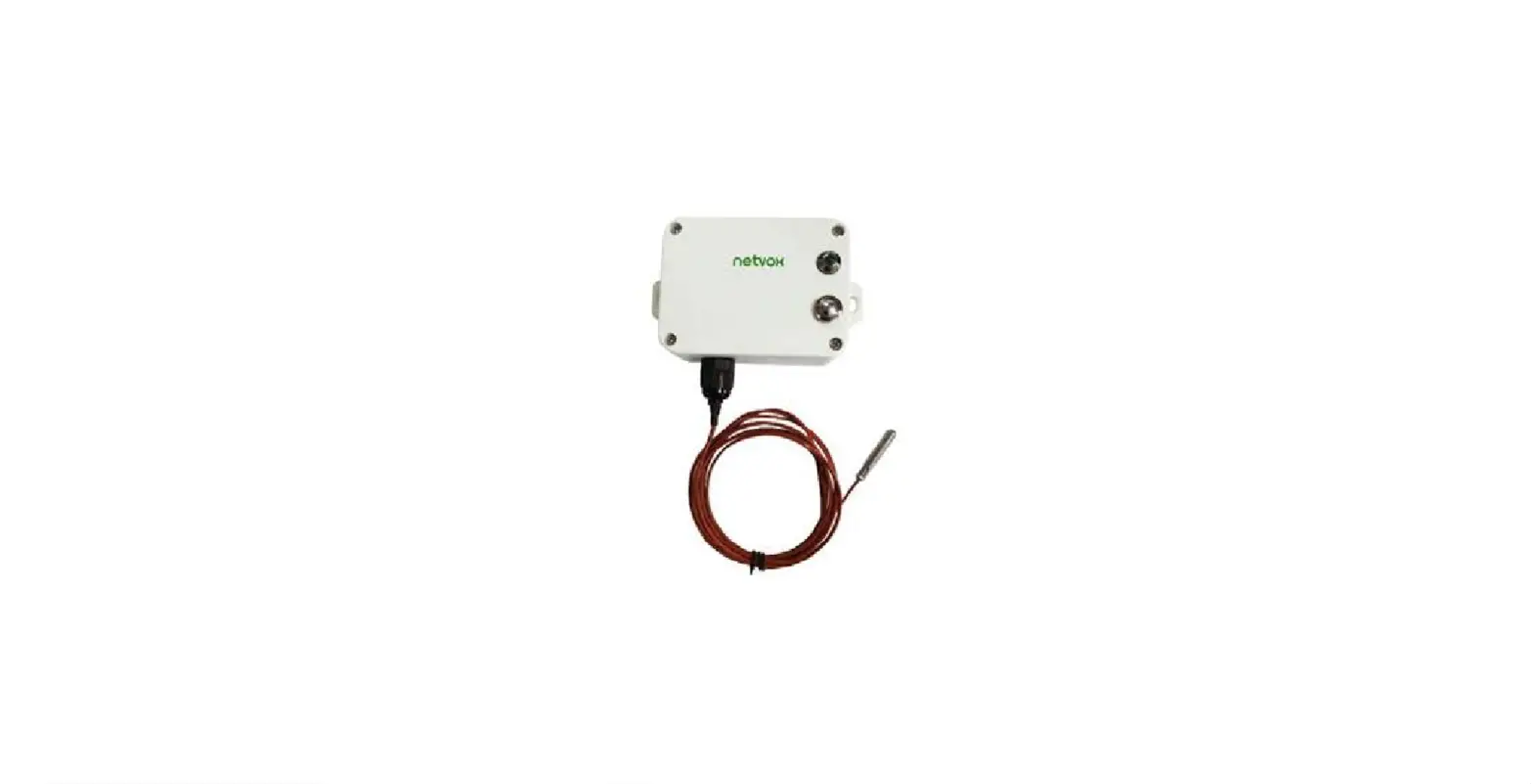
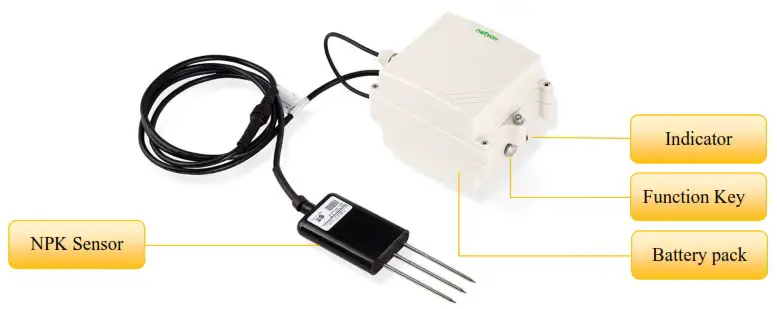
R72632A can be externally connected with NPK (485 type) soil sensor to report the soil nitrogen, phosphorus and potassium content collected by the sensor to the corresponding gateway.
The external sensor of R72632A has high precision, fast response and stable output, it is less affected by the salt content of soil and is suitable for all kinds of soil. It can be buried in the soil for a long time. It is resistant to long-term electrolysis, corrosion, vacuuming and potting. It is completely waterproof, which greatly facilitates the customer’s systematic evaluation of soil conditions
LoRa Wireless Technology:
LoRa is a wireless communication technology dedicated to long distance and low power consumption. Compared with other communication methods, LoRa spread spectrum modulation method greatly increases to expand the communication distance. Widely used in long-distance, low-data wireless communications. For example, automatic meter reading, building automation equipment, wireless security systems, industrial monitoring. Main features include small size, low power consumption, transmission distance, anti-interference ability and so on.
LoRaWAN:
LoRaWAN uses LoRa technology to define end-to-end standard specifications to ensure interoperability between devices and gateways from different manufacturers.
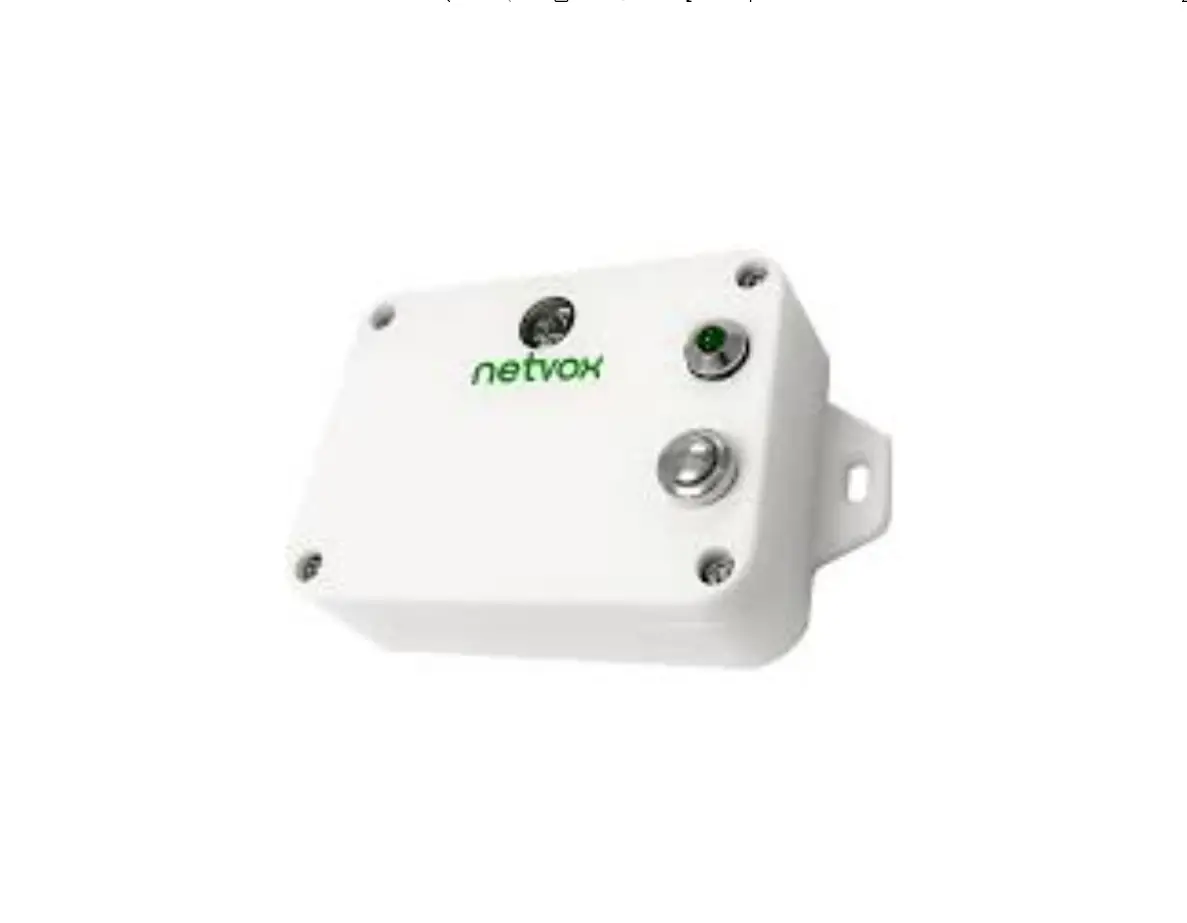
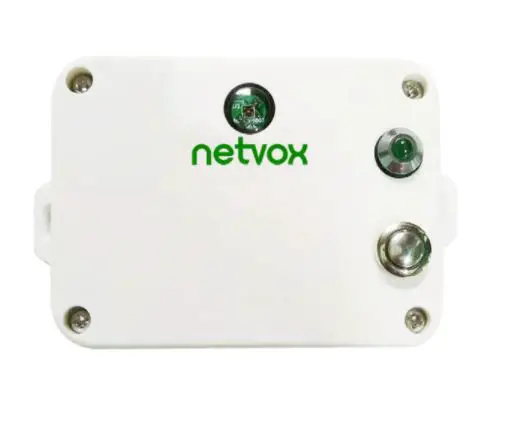
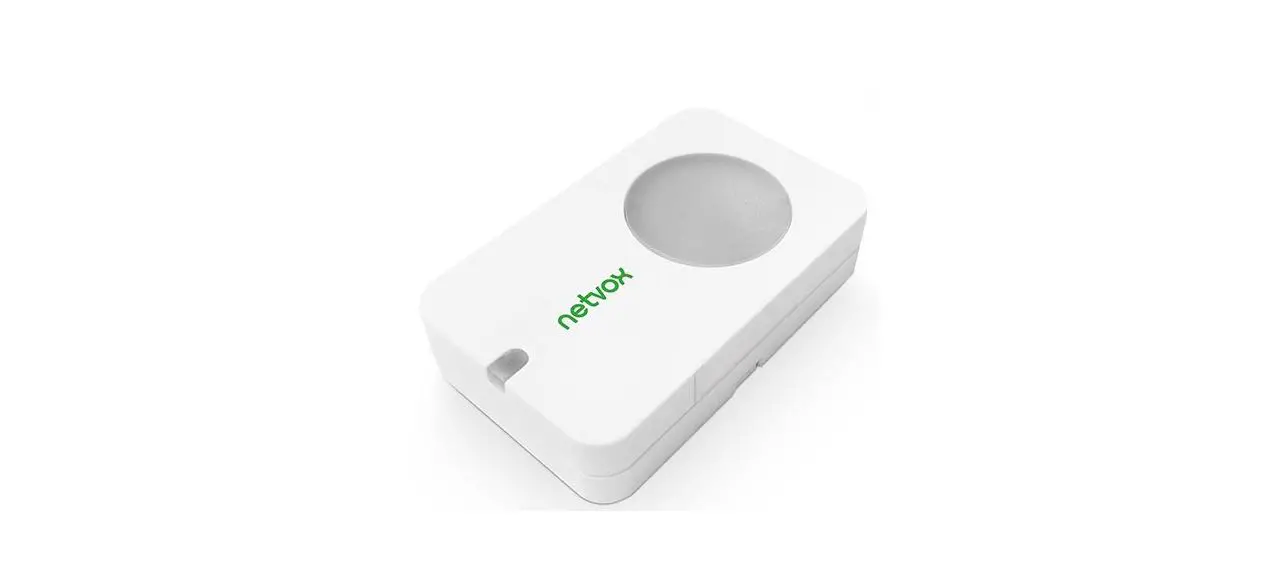
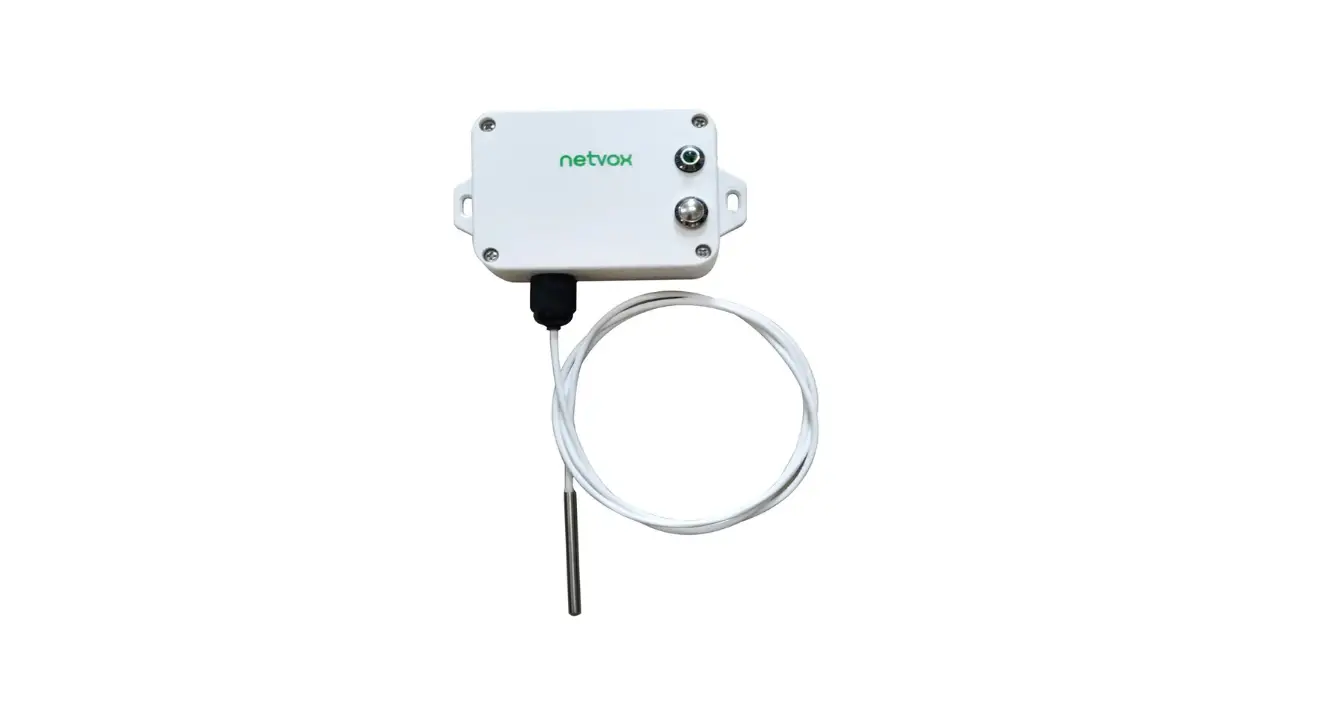
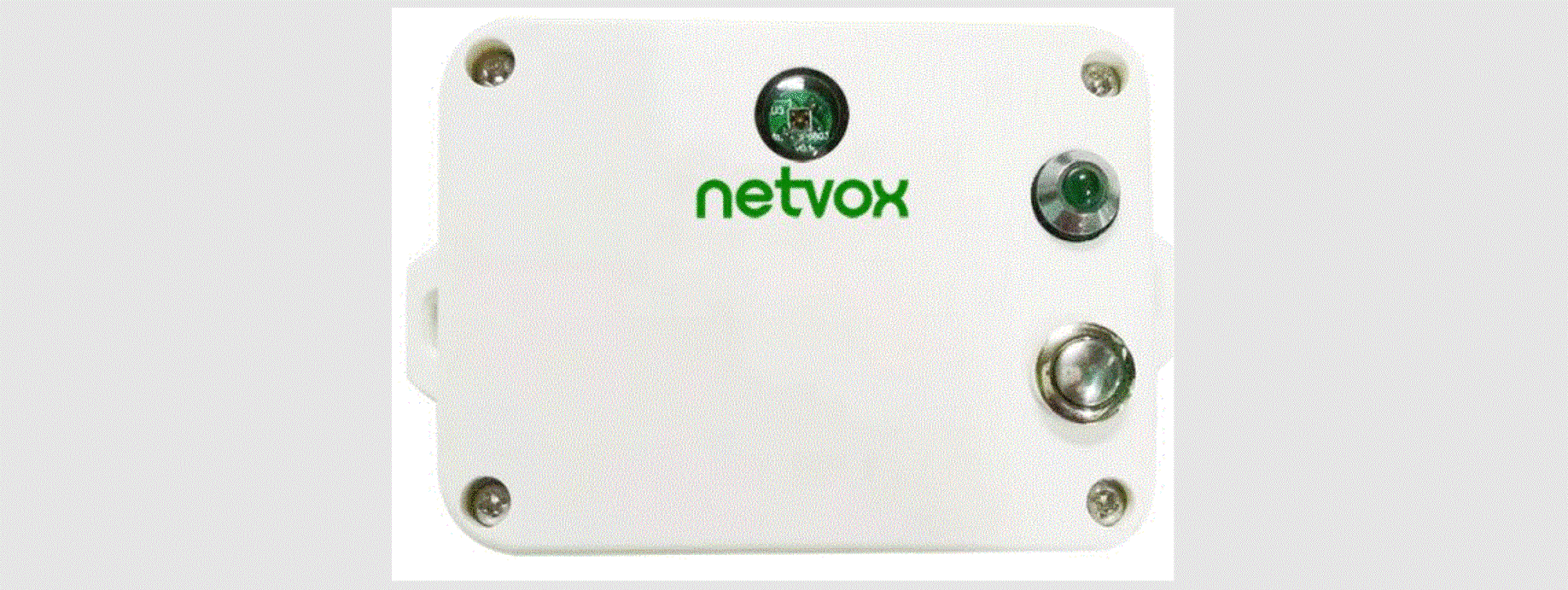
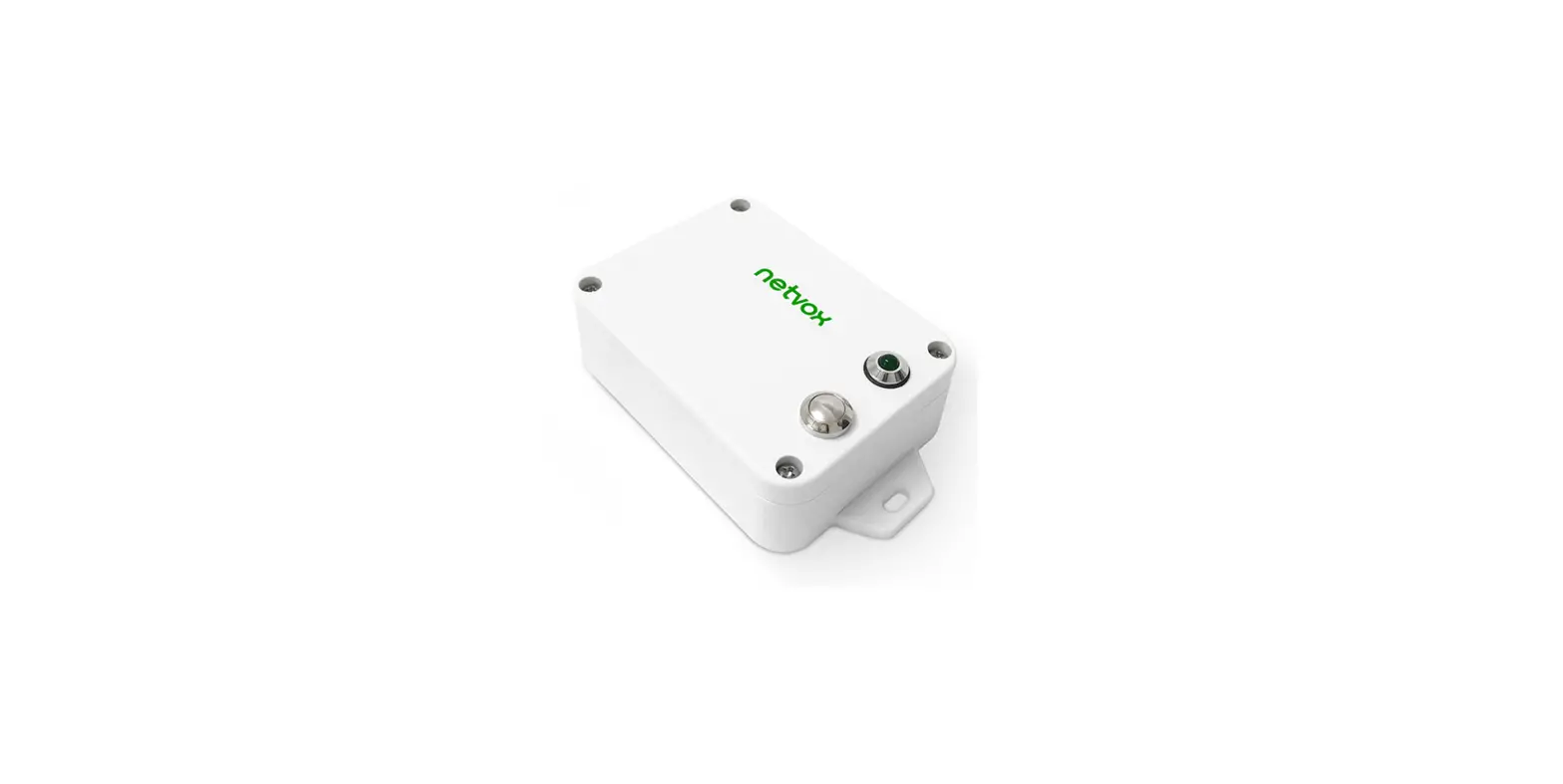
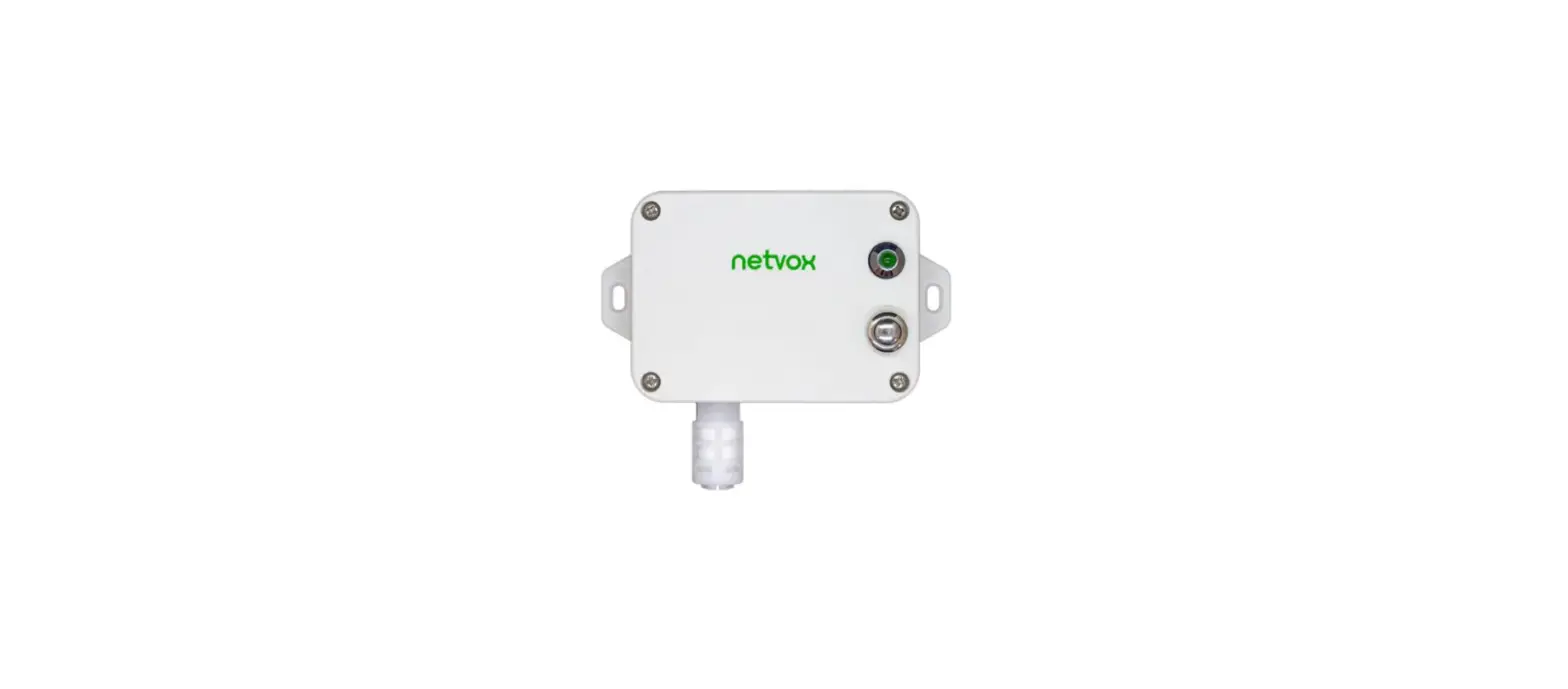
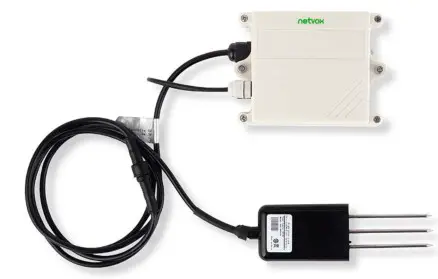
Appearance
Main Features
- Apply SX1276 wireless communication module
- 2 ER34615 lithium batteries, total battery capacity is 19000mAh
- Detect the content of nitrogen, phosphorus and potassium in soil
- Protection Class: Main body-IP65, NPK Sensor IP68
- Compatible with LoRa WAN™ Class A
- Frequency hopping spread spectrum
- Configuration parameters can be configured via a third-party software platform, data can be read and alerts can be set via SMS text and email (optional)
- Applicable to third-party platforms: Actility / Thing Park, TTN, My Devices/Cayenne
- Low power consumption and long battery life
Note: Battery life is determined by the sensor reporting frequency and other variables, please refer to http://www.netvox.com.tw/electric/electric_calc.html On this website, users can find battery lifetime for varied models at different configurations.
Set up Instruction
On/Off
| Power On | Connect to battery pack |
| Turn On | Connect the battery pack directly to boot |
| Turn Off (Restore to factory setting) | Press and hold the function key for 5 seconds and the green indicator flashes 20 times. |
| Power Off | Remove battery pack |
Network Joining
| Never Join the Network | Turn on the device to search the network. The green indicator stays on for 5 seconds: success The green indicator remains off: fail |
| Had joined the network | Turn on the device to search the previous network. The green indicator stays on for 5 seconds: success The green indicator remains off: fail |
| Fail to join the network | Suggest to check the device verification information on the gateway or consult your platform server provider. |
Function Key
| Press and hold for 5 seconds | Restore to factory setting / Turn off The green indicator flashes 20 times: success The green indicator remains off: fail |
| Press once | The device is in the network: green indicator flashes once and sends a report The device is not in the network: green indicator remains off |
Sleeping Mode
| The device turns on and joins in the network | Sleeping period: Min Interval When the report change exceeds setting value or the state changes, send a data report according to Min Interval |
| The device turns on but fail to join the network | Note: 1. It is recommended to remove the battery when the device is not in use. 2. It is recommended to check the device registration information on the gateway. |
Low Voltage Threshold Alarm
| Low Voltage | 6.8 V |
Data Report
After the device is powered on and connected to the network, a version package will be sent immediately. After the collection of the preheating sensor is completed (about 20s), a report data containing the current battery power and soil nitrogen, phosphorus and potassium content will be reported immediately.
Default setting:
Report Max Time: 3600s (The Max Time should be 60 seconds.)
Report Min Time: The R72632A device does not support the Report Change function (That is, the configuration of Report Min Time is invalid), and the report data string sent is always sent according to the Report Max Time cycle.
The data reported by the R72632A:
Soil nitrogen content (N), soil phosphorus content (P) and soil potassium content (K).
Detection range of soil NPK: 0 to 1999 mg/kg, unit: 1mg / kg
Note
- Before any configuration, the device sends data according to the default configuration.
- The data transmission cycle of the device is subject to the burning configuration, and there is no minimum time. The value of Report Max Time should be greater than or equal to 60 seconds.
- In order to make the NPK soil sensor work stably, it is required to send the report data information 20 seconds after the power on and network.
- After briefly pressing the key, the device needs a period of time to warm up and process the sensor information. Please wait patiently.
The device reported data parsing please refer to Netvox LoRa WAN Application Command document and Netvox Lora Command Resolver http://loraresolver.netvoxcloud.com:8888/page/index
Example of Report Data Cmd
FPort0x06
| Bytes | 1 | 1 | 1 | Var(Fix=8 Bytes) |
| Version | Device Type | Report Type | Netvox Pay Load Data |
Version– 1 byte –0x01——the Version of Netvox LoRa WAN Application Command Version
Device Type– 1 byte – Device Type of Device
The device type is listed in Netvox LoRa WAN Application Device type doc
Report Type – 1 byte –the presentation of the Netvox Pay Load Data ,according the device type
Netvox Pay Load Data– Fixed bytes (Fixed =8bytes)
| Device | Device Type | Report Type | Netvox Pay Load Data | ||||
| R72632A | 0x09 | Ox OF | Battery (1 Byte, Unit:0.1V) | Nitrogen (2Bytes,Unit: 1 mg/kg) | Phosphorus (2Bytes,Unit: 1 mg/kg) | Potassium (2Bytes,Unit: 1 mg/kg) | Reserved ( 1 Byte, Fixed Ox00) |
Uplink: 01090f450014001c004100
| Byte | Value | Attribute | Result | Resolution |
| 1st | 1 | Version | 1 | – |
| 2nd | 9 | DeviceType | 9 | – |
| 3rd | 0F | ReportType | 0F | – |
| 4th | 45 | Battery | 6.9v | 45(HEX)=69(DEC),69*0.1v=6.9v |
| 5th~6th | 14 | Nitrogen(N) | 20mg/kg | 0014(HEX)=20(DEC),20*1mg/kg=20mg/kg |
| 7th~8th | 001C | Phosphorus(P) | 28mg/kg | 001C(HEX)=28(DEC),28*1mg/kg=28mg/kg |
| 9th~10th | 41 | Potassium(K) | 65mg/kg | 0041(HEX)=65(DEC),65*1mg/kg=65mg/kg |
| 11th | 0 | Reserved | – |
Example of Configure Cmd
FPort :0x07
| Bytes | 1 | 1 | Var (Fix =9 Bytes) |
| Cmd ID | Device Type | Netvox Pay Load Data |
Cmd ID– 1 byte
Device Type– 1 byte – Device Type of Device
Netvox Pay Load Data– var bytes (Max=9bytes)
Example of report Max Time configuration:
| Description | Device | Cmd ID | Device Type | Netvox Pay Load Data | ||||
| Config Report Req | R72632A | 0x01 | 0x09 | Reserved (2bytes Unit:s) | Max Time (2bytes Unit:s) | Reserved (5Bytes,Fixed Ox00) | ||
| Config Report Rsp | 0x81 | Status (0x00 success) | Reserved (8Bytes,Fixed Ox00) | |||||
| Read Config Report Req | 0x02 | Reserved (9Bytes,Fixed Ox00) | ||||||
| Read Config Report Rsp | 0x82 | Reserved (2bytes Unit:s) | Max Time (2bytes Unit:s) | Reserved (5Bytes,Fixed Ox00) | ||||
- Configure device parameter MaxTime = 2min
Downlink: 0109000000780000000000 // 78 (HEX) = 120 (DEC),
Device return: 8109000000000000000000 (configuration successful)
8109010000000000000000 (configuration failed) - Read device parameters
Downlink: 0209000000000000000000
Device return: 8209000000780000000000 (current parameters of device)
Installation
The device is suitable for measuring ordinary yellow-cinnamon soil, black soil, and terra rossa. It is not applicable to saline-alkali land, sandy land, or other powdery objects with high salinity. The soil humidity shall be more than 25%
Installation and use method of sensor:
- Quick test method:
Select a suitable measurement location, avoid stones, and ensure that the steel needle will not touch hard objects. Throw away the topsoil according to the required measurement depth, maintain the original tightness of the soil below, hold the sensor tightly and insert it vertically into the soil. When inserting, do not shake left and right. It is recommended to measure multiple times to obtain the average value within a small range of a measurement point. - Buried measurement method:
Dig a pit with a diameter of >20cm vertically, insert the sensor steel needle horizontally into the pit wall at a given depth, and fill the pit tightly. After it is stable for a period of time, it can be measured and recorded for consecutive days, months or even longer.
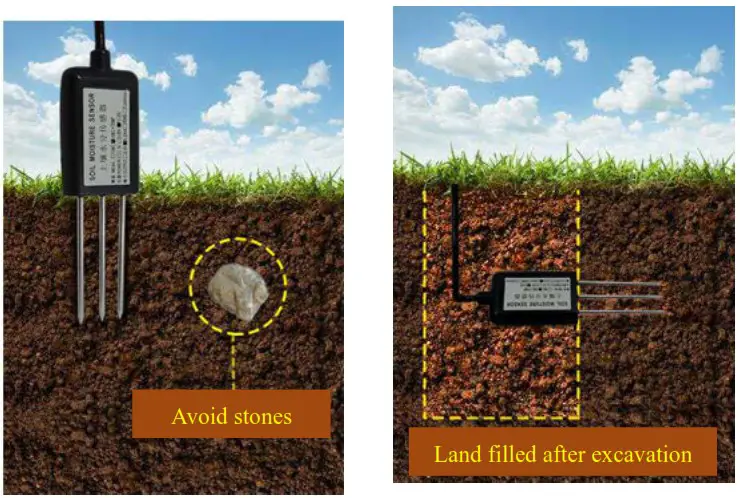
Installation precautions:
- When measuring, the steel needle must be completely inserted into the soil.
- Avoid high temperature caused by strong sunlight directly shining on the sensor. Pay attention to lightning protection for field use.
- Don’t bend the steel needle violently, don’t pull the sensor lead wire forcibly, and don’t beat or hit the sensor violently.
- The protection grade of soil sensor is IP68, which can soak the whole soil sensor in water.
- Due to the existence of RF electromagnetic radiation in the air, it is not suitable to be energized in the air for a long time.
Precautions for battery use:
Because the passivation of the electrode surface of ER battery is the inherent characteristic of lithium thionyl chloride battery, the user should activate the ER34615 3.6V lithium thionyl chloride battery with a 21 ohm resistor in parallel on the battery for 18 minutes before use, so as to actively eliminate the hysteresis of the battery.
Assembly precautions:
Users only need to disassemble and assemble the new battery when installing it. Please do not disassemble and assemble it without authorization in other cases. Please do not touch the waterproof rubber strip, waterproof fixing head, waterproof LED lamp and waterproof key during the process of assembling the battery. After the installation of the battery, you must use an electric screwdriver with a torque set to 4kgf to assemble the housing screws (if there is no electric screwdriver, please use a cross screwdriver with suitable screws to assemble and lock to ensure that the upper cover and the lower cover are assembled tightly), otherwise the air tightness after assembly will be affected
Important Maintenance Instruction
The device is a product with superior design and craftsmanship and should be used with care.
The following suggestions will help you use the warranty service effectively.
- Do not use or store in dusty or dirty areas. This way can damage its detachable parts and electronic components.
- Do not store in excessive heat place. High temperatures can shorten the life of electronic devices, destroy batteries, and deform or melt some plastic parts.
- Do not store in an excessively cold place. Otherwise, when the temperature rises to normal temperature, moisture will form inside which will destroy the board.
- Do not throw, knock, or shake the device. Treating equipment roughly can destroy internal circuit boards and delicate structures.
- Do not wash with strong chemicals, detergents, or strong detergents.
- Do not paint the device. Smudges can make debris block detachable parts up and affect normal operation.
- Do not throw the battery into the fire to prevent the battery from exploding. Damaged batteries may also explode.
All the above suggestions apply equally to your device, batteries, and accessories.
If any device is not operating properly, please take it to the nearest authorized service facility for repair.
 ÉÔºò¡£¡£¡£