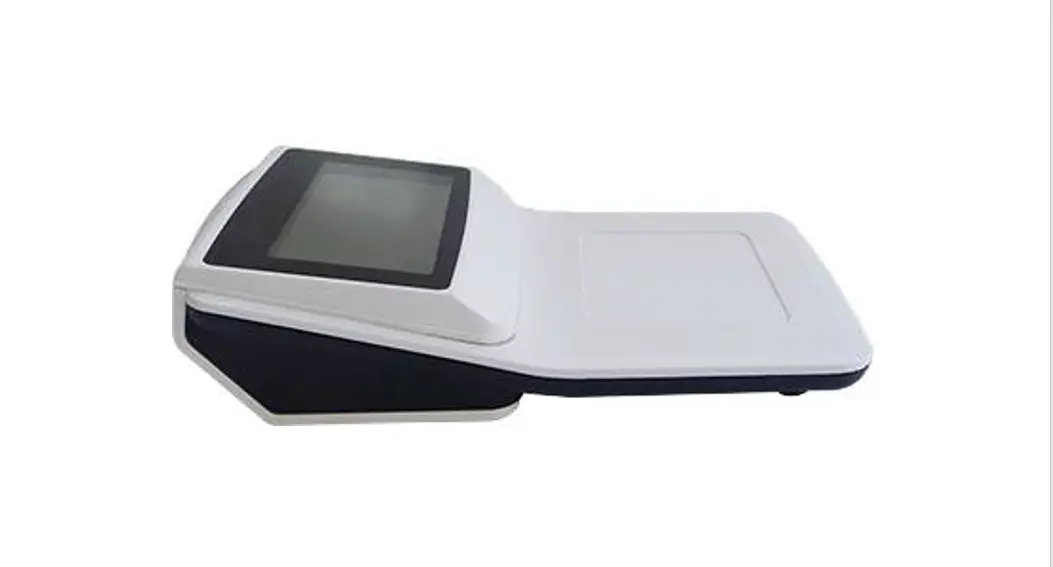
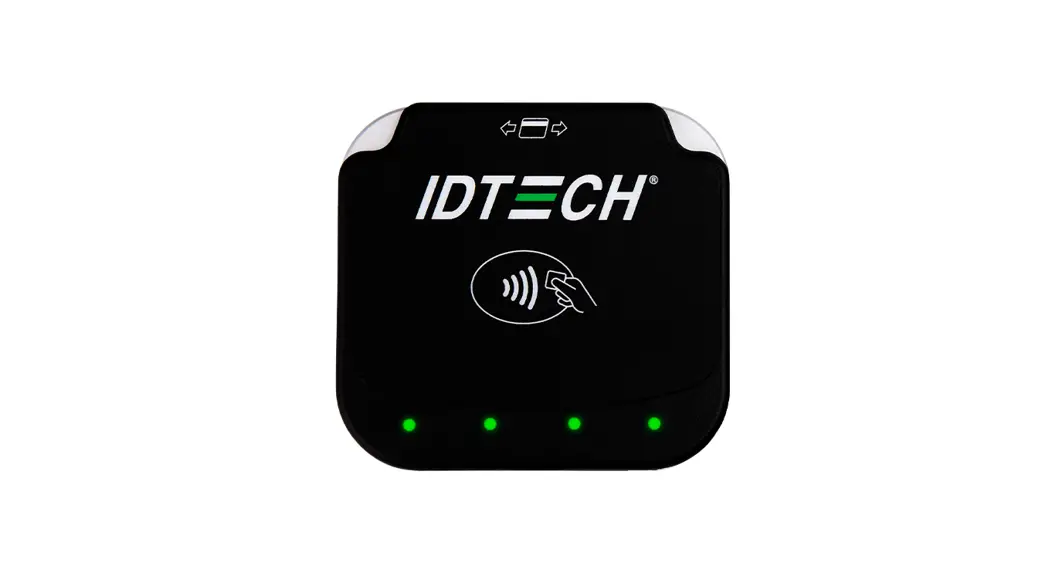
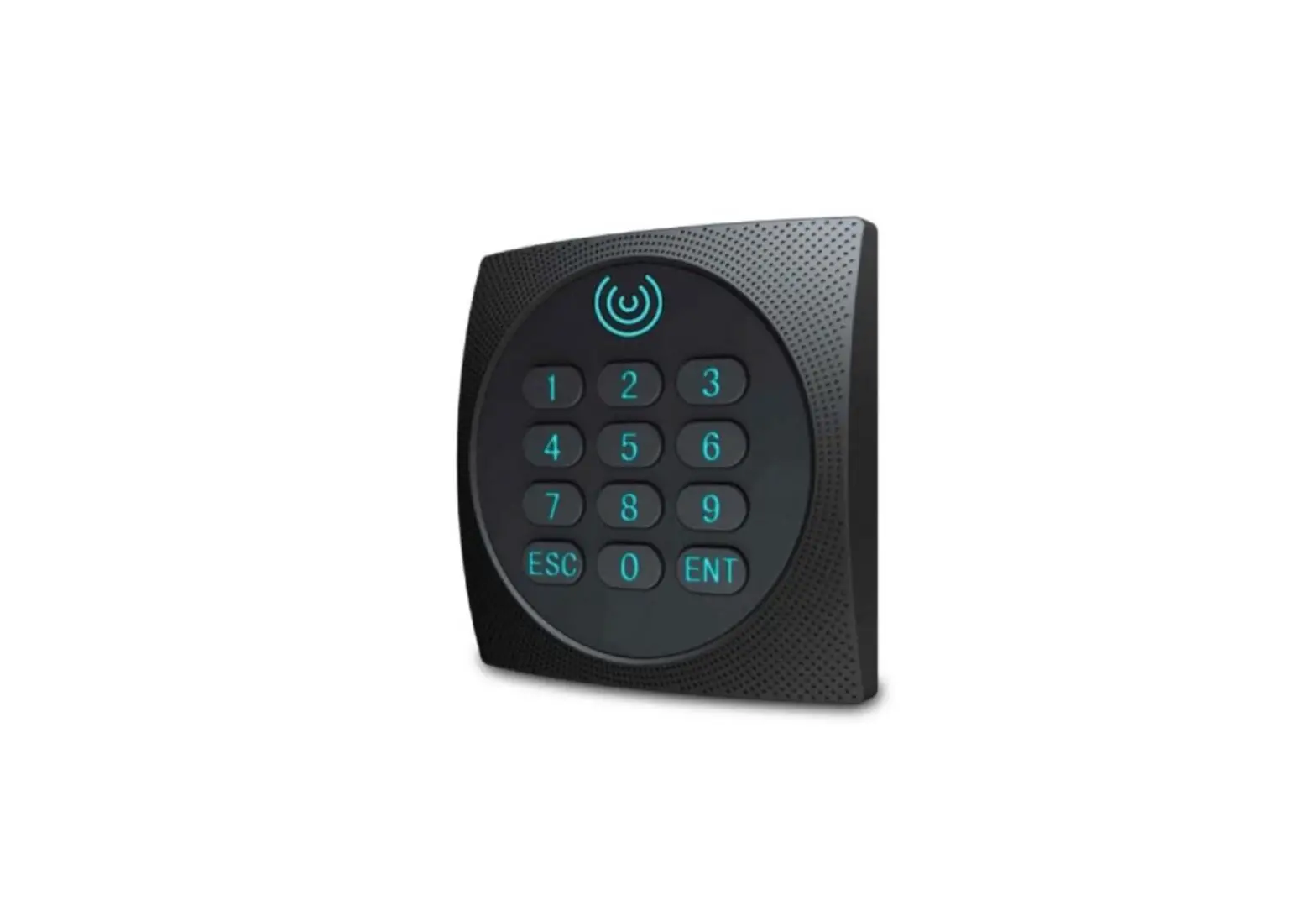
OPC-003C Card Reader
Product Information
Product Name: OPC-003C Card Reader
Manufacturer: Taiwan Secom Co., Ltd.
Technical Manual Version: V1.0
System Description
The OPC-003C is a Mifare NFC reader that can operate in three
modes: Independent mode, Terminal mode, and Lift control mode.
- Independent mode: In this mode, the reader can
function on its own for access control. It allows card
identification, door opening, and access reader storage without the
need for an access controller. This helps reduce the overall access
system cost. - Terminal mode: The reader can be used for card
reading only. It needs to be connected to an access controller via
RS-485. - Lift control mode: The reader can connect to
an I/O module (CTM-0080) via RS-485 for lift control. User
information, including lift floors access rights, can be added. It
can control up to 50 floors.
The reader supports the following NFC card data types:
ISO14443-A, ISO15693, ISO14443-B, and Felica. It can manage card
number data separated into two parts: system code and user code.
The system code data length ranges from 3 to 7 bytes, and the user
code data length ranges from 7 to 10 bytes, depending on user
requirements.
Function Description
- Chinese/English LCD: The reader has a 4-row x
16-column LCD for displaying messages in English and a 4-row x
8-column LCD for displaying messages in Chinese. It can display
information such as company name, date, card number, operation
messages, and attendance status. - LED Indicator: The reader has a blue LED that
is always lit when powered on. It flashes once for normal card
access and flashes red for three times to indicate abnormal card
access. The red and blue LEDs flash interchangeably to indicate
card system alerts, such as communication errors or reader
dismantling. - Buzzer: The reader has a buzzer that provides
indication for card access and keypad presses. - Keypad: The reader has 16 press buttons for
password input and attendance status change. The keypad also has
backlighting for enhanced visibility. - RS-485: The reader has two pairs of RS-485
communication wires. One pair is used for connection to the access
controller, and the other pair is used for connection to the I/O
module (CTM-0080) in lift control mode. - RTC (Real-Time Clock): The reader has an RTC
with a battery, allowing it to be set via an access server. - EEPROM: The reader has an EEPROM for storing
system parameters. - SRAM: The reader has SRAM for storing card
numbers, access records, and system parameters. - FLASH: The reader has FLASH memory for data
backup of card numbers, access records, and temporary storage of
firmware during updates. - Card Data: The reader can store up to 20,000
records for card information. This includes the card number,
password, valid datetime, and zone for door and lift access. - Access Record: The reader can store up to
20,000 access records. - Alarm Record: The reader can store up to 2,000
alarm records. - Time Zone Group for Door: The reader supports
one group of up to 24 time zones for door access. The time zone
group can be associated with a specified door to define access
rights.
Taiwan Secom Co., Ltd.
OPC-003C Card Reader
Technical Manual V1.0
Taiwan Secom
Page 1 / 14
OPC003C
============================== INDEX ================================
1. SYSTEM DESCRIPTION ………………………………………………………………………………………………….. 3 1.1 INTRODUCTION……………………………………………………………………………………………………………… 4 1.2 FUNCTION DESCRIPTION …………………………………………………………………………………………….. 4 2. READER OUTLINE 2.1 READER OUTLOOK ……………………………………………………………………………………………………….. 7 2.2 SYSTEM OUTLINE DESCRIPTION ………………………………………………………………………………… 7 2.3 READER CONNECTOR DESCRIPTION …………………………………………………………………………. 8 2.4 READER HARDWARE SPECIFICATION ………………………………………………………………………….. 9 3. SYSTEM DESCRIPTION: …………………………………………………………………………………………………….11 3.1. SYSTEM ARCHITECTURE……………………………………………………………………………………………….11 3.2 FUNCTION DESCRIPTION …………………………………………………………………………………………… 12
Taiwan Secom
Page 2 / 14
This equipment has been tested and found to comply with the limits for a Class B digital device, pursuant to Part 15 of the FCC Rules. These limits are designed to provide reasonable protection against harmful interference in a residential installation. This equipment generates, uses and can radiate radio frequency energy and, if not installed and used in accordance with the instructions, may cause harmful interference to radio communications. However, there is no guarantee that interference will not occur in a particular installation. If this equipment does cause harmful interference to radio or television reception, which can be determined by turning the equipment off and on, the user is encouraged to try to correct the interference by one or more of the following measures: Reorient or relocate the receiving antenna. Increase the separation between the equipment and receiver. Connect the equipment into an outlet on a circuit different from that to which the receiver
is connected. Consult the dealer or an experienced radio/TV technician for help.
FCC Caution: Any changes or modifications not expressly approved by the party responsible for compliance could void the user’s authority to operate this equipment.
This device complies with Part 15 of the FCC Rules. Operation is subject to the following two conditions: (1) This device may not cause harmful interference, and (2) this device must accept any interference received, including interference that may cause undesired operation.
This equipment complies with FCC radiation exposure limits set forth for an uncontrolled environment.
Taiwan Secom
Page 3 / 14
1. System Description
1.1 Introduction
OPC-003C is a Mifare NFC readerit can be running with 3 modes: Independ modeterminal modelift control.
Independ modeThe reader is capitable with controller functions to connect to Acess Server directly, running without access controller. All of access related data include the user informationaccess parameters can be stored withing the reader. It can be worked along without server connection for access operation. The access record s will upload to Server once server connection establish. The Access Server also be able to query the access related data without acess controller. The reader is capitable with operation with its own keypad for parameters and access records inqury.
Terminal mode The reader be card reading function only. In this mode, it has to connect to access controller via RS-485.
Life control mode The reader is able to connect to I/O module (CTM-0080) via RS-485 for lift control. User information can be added with the lift floors access right information. It can control up to 50 floors.
Regarding the card management, card unmber data is sepreated with 2 parts, system code and user code, system code data length is 3 up to 7 bytes, and user code data length 7 to 10 bytes, up to user reqirement.
The reader support following NFC card data type: ISO14443-AISO15693ISO14443-B Felica
Since the reader is able running independent with access controller for access control, like the card idenficationdoor openacess reader storage. The access system cost will decrease cost.
1.2 Function description
1. Chinese/English LCD English Message: 4 row x 16 column Chinese Message: 4 row x 8 column For Company NameDateCard NumberOperation MessageAttendance Status etc.,
2. LED Indicator: Blue LED Always lighting: power on
Taiwan Secom
Page 4 / 14
Blue LED Flash one time: card access normal Red LED Flash for 3 times: card access innormal Red & Blue LED Flash interchange: card system alert(ex. communication errorreader dismantle)
3. Buzzer: for card access and keypad press indication 4. Keypad: <0> ~ <9><C><><F1> <F2><F3><F4> 16 press button for password
and attendance status change 5. Keypad with backlight 6. RS-485: there are 2 pair of RS-485 commnuication wires,one is for access controller and
the other for CTM-0080 device connection or lift controller module 7. RJ45: Network communication to connect to access server for data exchange 8. Dismantle detection: Reader will deliver the alarm event once dismantle detected 9. NFC module: contain with MIFARE NFC module 10. Support NFC card data type: ISO14443-A MIFARE® family include DESFire EV1/EV2
ISO15693ISO14443-B Felica
11. RTCRTC with battery, it allow to set via access server
12. EEPROM: for reader system parameters storage
13. SRAM: for card numbersaccess recordssystem parameters storage.
14. FLASH: data backup for card numbersaccess records and firmware temporary storage
during the updating
15. Card data: up to 20,000 record for card information, it include the card number
passwordvaild datetime zone for door and lift access.
16. Access record: up to 20,000 record
17. Alarm record: up to 2,000 record
18. Time zone group for door: one group up to 24 time zone, and time zone group can be set
related to specified door to defind the access right
19. Time zone group for card holder: one group up to 64 time zone, and time zone group can
be set related with the card holder to defind the access right
20. Holiday Group: support 3 holiday group definition, each up to 60 holiday.
The access right can be enable or disable during the holiday
21. Music time zone: support 3 music time zone group, there are 36 music time zone
definition. Each Digital Output can specified for music active. Each music time active
period is 1~99 seconds.
22. DI detective mode: Reader support 3 Digital Input channel, there are 8 type of DI
detective mode
Innormal input
Normal lock active
Fire alert trigger Taiwan Secom
Page 5 / 14
Security system enable/disalbe Security system innormal Push button active Door senseor Report input
23. DO action mode: Reader support 3 Digital Output channel, there are 20 type of DO related active mode Door open Door close Illeag card access Communication error Reader dismantle detective Door open forcing Door close over time limit Anti-duress External innormal input Door lock Manual trigger Any kind of innormal alert Invalid card access Card access during control time Music active Card access and “1” button pressed Card access and “2” button pressed Card access and “3” button pressed Card access and “4” button pressed Reader case open/close
24. Support anti-duress operation: Press “9”+Enter before card access or password input
Taiwan Secom
Page 6 / 14
2. Reader outline
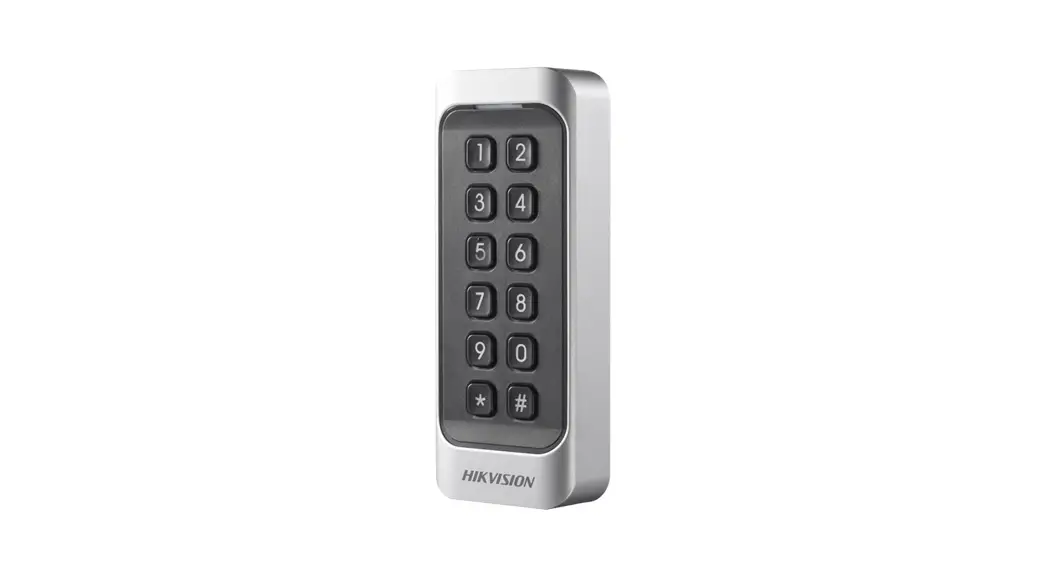
2.1 Reader Outlook
LED Status Indicator
LCD display Screen
4*4 Keypad
2.2 System outline description
2.2.1 LED Indicator: Blue LED Always lighting: power on Blue LED Flash one time: card access normal Red LED Flash for 3 times: card access innormal Red & Blue LED Flash interchange: card system alert (ex. communication errorreader dismantle)
2.2.2 LCD display Display message include with following information Comany name User Name Access Date/Time Attendance Status
Taiwan Secom
Page 7 / 14
Error message
2.2.3 Keypad 1. Normal operation 1.1. 0~9 keyfor password input, password length is 4 to 7 digitalpress for enter 1.2. C keycancel key-in data 1.3. keyfor password key-in enter 1.4. F1~F4 keyfor attendance status selection 1.5. C + 111to display current reader ID 1.6. C + 880reset reader 1.7. C + 888for LCD with Chinese or English character display 1.8. C + 000Date/Time display 1.9. C + 999Reader MAC address display 1.10. C + 222Reader Firmware version information display 1.11. C + 333Communication status display 1.12. C + 444Display reader configuration screen 1.13. C + 555Display access record re-send screen 1.14. C + 666Display reader current access mode
2. Menu operation 2.1 0~9Select function or data input 2.2 Ccancel or return the last page 2.3 enter to next page or confirm the data input 2.4 F1~F4direction for up/down/right/left
2.3 Reader connector description
2.3.1 CN45Pin for Power and RS-485 interface
Label 1 +12 2 G 3 L+ 4 L5 G
Wire Color Red Black Blue White Brown
Description PWR +12V PWR RS485 L+ RS485 LFloat GND
2.3.2 CN2 8P Digital Input/Output Taiwan Secom
Page 8 / 14
Label 1 RL1N 2 RL1C 3 RL2N 4 RL2C 5 RL2N 6 RL2C 7 SW1 8 SW2 9 SW3 10 G
Wire Color
Description RELAY 1 RELAY 1 COM RELAY 2 RELAY 2 COM RELAY 3 RELAY 3 COM DI 1 DI 2 DI 3 GND
2.3.3 CN8 3P RS-485 for CTM-0080 device connection or lift controller module
Label 1 DL+ 2 DL3 G
Wire color
Description RS485 L+ RS485 LGND
2.3.4 DIP SW
ON(1) OFF(0)
DIP SW 1~2(reserve) DIP SW 3reboot machine when network disconnected for 24hours (ONEnable
OFFDisable) DIP SW 4testing mode(for manufacture testing) DIP SW 5for supervisor card accessturn SW 5 on and access supervisor card for two
times
2.4 Reader Hardware Specification
2.4.1 Outlook 2.4.1.1 case materialSilver gray ABS resin
2.4.1.2 operation environmenttemperature -10~45 humunity 20%~90%
2.4.1.3 size: 15.4 (long)10.6 (wide)3.0 (height)
Taiwan Secom
Page 9 / 14
2.4.1.4 wieght: 250g 2.4.1.5. water proofIP53
2.4.2 Electronic Specification
2.4.2.1 input power : DC 12V (10V~15V) 2.4.2.2 Maximum current consumption
Taiwan Secom
Page 10 / 14
3. System Description:
3.1. system architecture
3.1.1 Architecture for independ reader contain with controller function
The reader and the PC are connected through the network, and the PC can set the parameter
and record inqury to reader, and the reader will upload the status by yourself, ex. card access
status or abnormal status. If the the network disconnected, the reader is still can work
independly.
PC
Card Reader
Ethernet
3.1.2 Architecture for reader only
The card reader connect with access controller, and all parameters or commands are communicate through by the access controller. If card reader disconnected with controller, then the reader will be able judge reader access right by itself. Once the reader re-connect with controller, it will send all of
PC
Access Controller
Card Reader
LAN
RS – 485
3.1.3 External Access Reader: Card reader is capable to connect to extermal wiegand reader via CTM-0080. All of access records by external reader will send back to PC through card reader.
Taiwan Secom
Page 11 / 14
PC
Card Reader
CTM-0080
External Reader
LAN
RS – 485
Wiegand
3.1.4 Lift ControlCard reader is able to control lift floor button via lift controller determine by card access right.
PC
Card Reader
Lift Controller
LAN
RS – 485
3.2 Function Description
3.2.1 Card Access (1) Card data format
Mifare Classic card, 14 digital numbers. It separate as two parts, one is System Code, and the other is user ID. System Code: It can be set as 4~7 digital numbers. It can be treated as company ID. User ID: For personal use. It can be set as 7-10 digital numbers. If the reader set as for Mifare serial number acess, there are 10 digital numbers, and the System Code has to be set as “0001”.
The default card type is: 14 sector, it can be reconfiged as user need. OPC-003C support new card type: DESFire v2 card.
1. If reader config to read card serial number, it will be able access following card type: 1. ISO14443-A 2. ISO15693 3. ISO14443-B 4. Felica
2. If reader connect to the CTM-0080 convertorit will be able connect with the Wiegand & ABA reader
Taiwan Secom
Page 12 / 14
3. Card access judge mode as following: 1. Card only 2. Password + Card 3. System Code only 4. Always Open 5. Always Close 6. Card or Password 7. Finger Print 8. DI related DO reactive 9. Card + Password 10. Serial Access mode with card only(only for 24 time sections) 11. Anti-Passback control mode(only for 24 time sections) 12. Serial Access mode with Password + card(only for 24 time sections) 13. Card Access once(only for 24 time sections)
4. Reader support 8 system code and up to 20,000 card data
3.2.2 Display and Buzzer
1. Access status
1.1 Authorize Card AccessBlue LED flash one time
1.2 Unauthorize Card AccessBuzzer one tone for 3 secondsRed LED flash 3
times, each time for 0.5 second
1.3 Status description
Controller response
Buzzer
LED
1. Authorize Card Access
silence
Blue LED flash 1 time
2. Unauthorize Card
Access
Password Error Expire Date Unregister Card System Code Error
Red LED flash 3 Buzzer one tone for 3 seconds times, each time for
0.5 second
Denied Mode
3. Control period
Buzzer one tone for 3 seconds Red LED flash 3
times, each time for
0.5 second
4. Case Open Alert
2. Attendance Status Display
2.1 User is able to setting the Attendance Status up to 3 Chinese characters for
reader display by Access Manager Software
2.2 Manual Attendance Status setting
Taiwan Secom
Page 13 / 14
i. F 1 ii. F 2 iii. F 3 iv. F 4
press 1 time ”On Duty”F1 press 2 times ”Lunch Break Start” press 1 time ”Off Duty”F 2 press 2 times ”Lunch Break End” press 1 time ”Overtime Start”F 3 press 2 times ”Go Out” press 1 time ”Overtime End”F 4 press 2 times ”Come Back”
v. Display will turn back be normal state after 10 seconds
3. External ReaderIt support external reader via Wiegand/ABA for card access
Card data formatSupport HID 26/35/34/56 Bit Wiegand reader and YOKEEM 14/10
ABA format reader
4. Firmware InformationIt will show the firmware information during the reader
bootup for 5 seconds.
3.3.3 Data Communication 1. Upload DataReader will upload the access records to access system software via network.It also can send records via RS-485 through acces controller 2. System code registerIt can be set by access system software via network, or manual operate via reader keypad 3. Anti-Coercion 3.1. Card acces mode Press ‘9’+”first, then card access, the reader will send the Anti-Coercion to access system software 3.2. Card + Password acces modePress the user’s password, then card access 3.3. Card or Password acces mode (1) Keyin password then +`9′ +’ ‘door will open and the reader will send the Anti-Coercion to access system software (2) Press’9’+ `Enter’, then access card, door will open and the reader will send the Anti-Coercion to access system software
3.4. If user press password and do nothing then, after 10 seconds, reader will go back to stand by mode
Taiwan Secom
Page 14 / 14