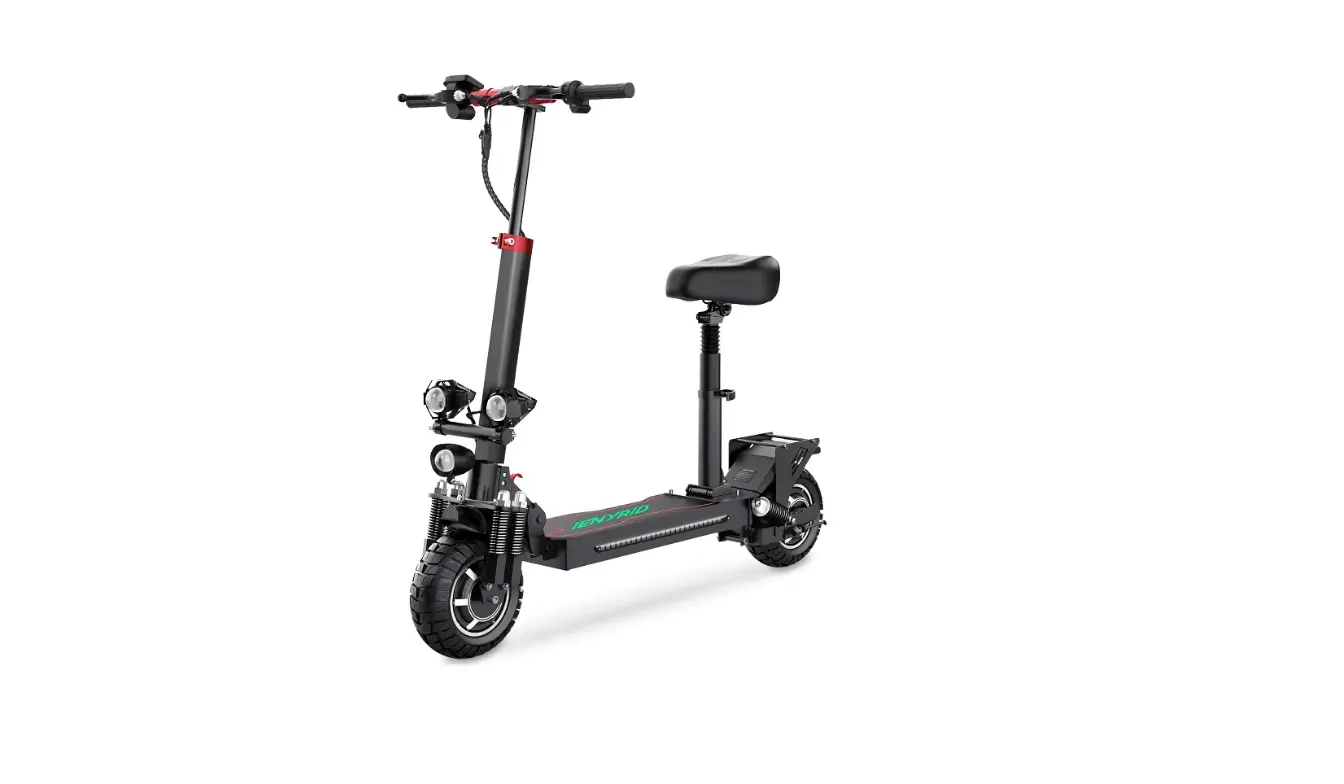

iENYRID M4PRO S+ Electric Scooter
Product Information
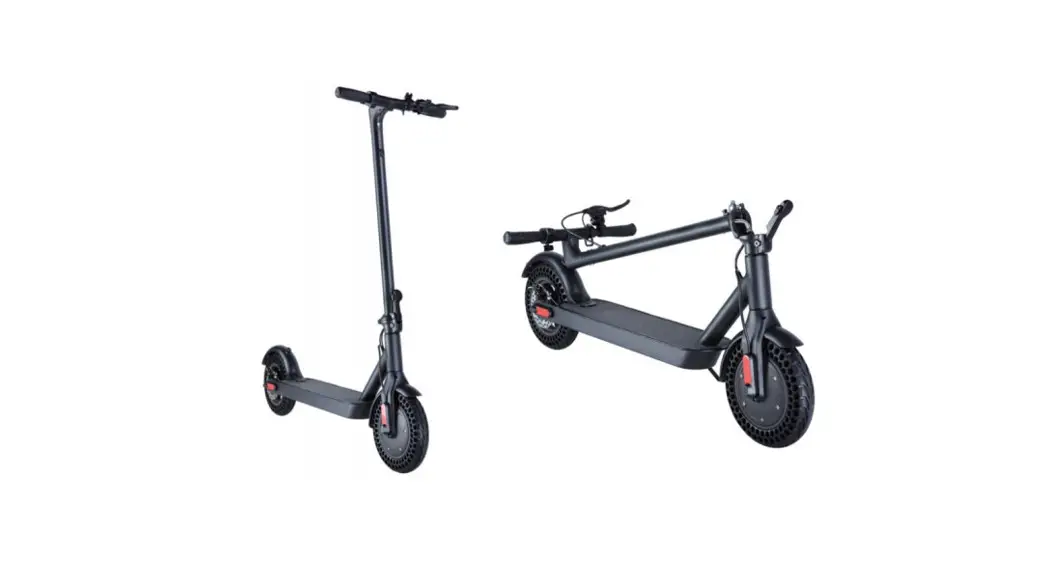
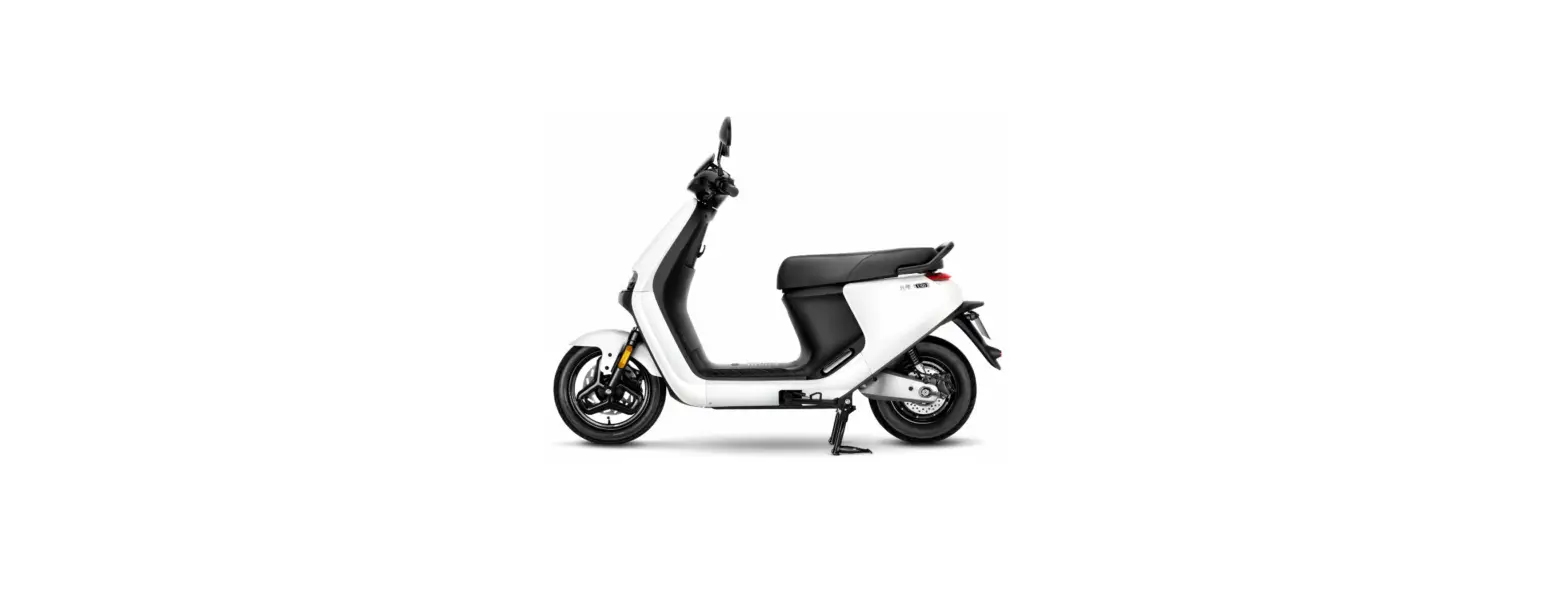
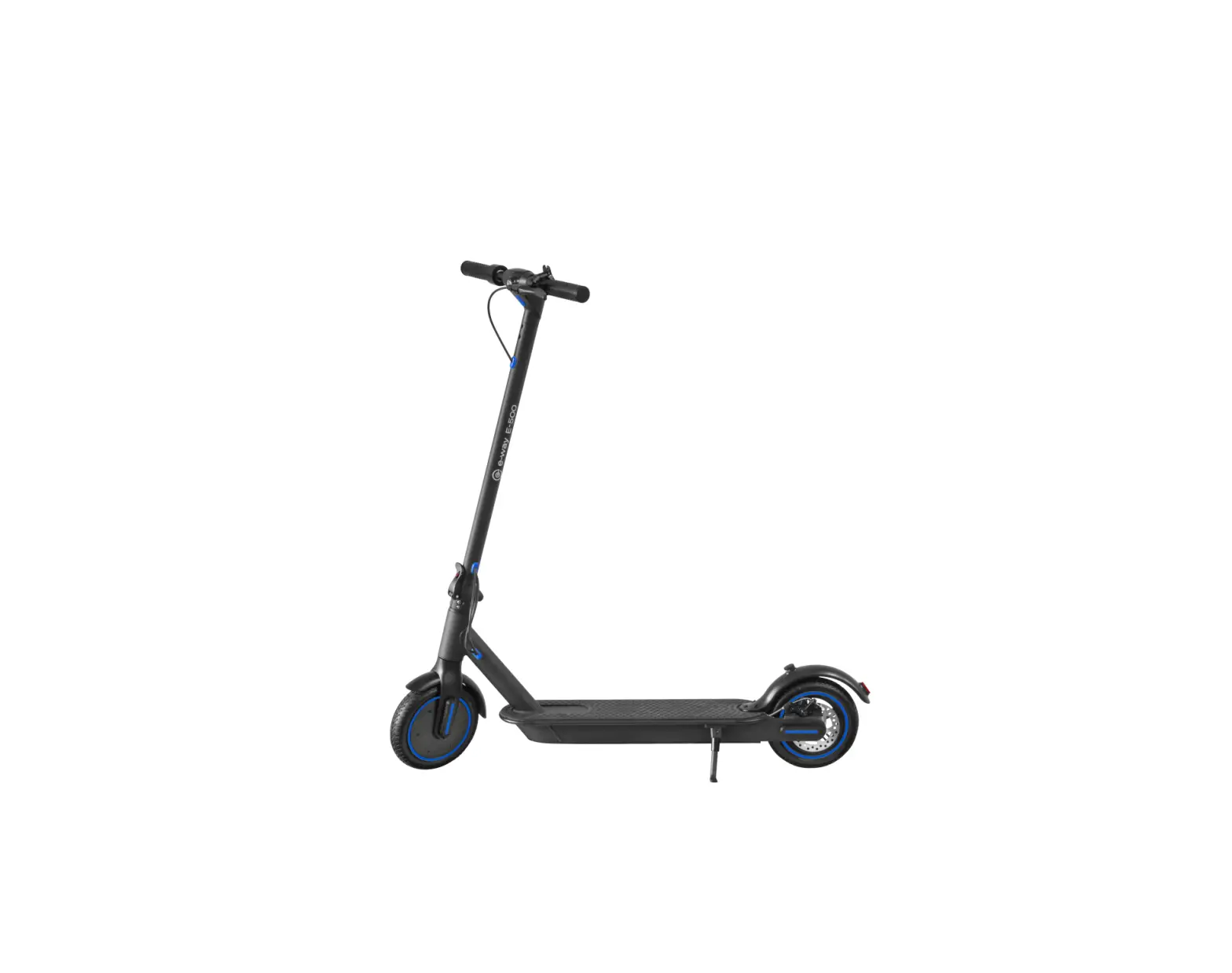
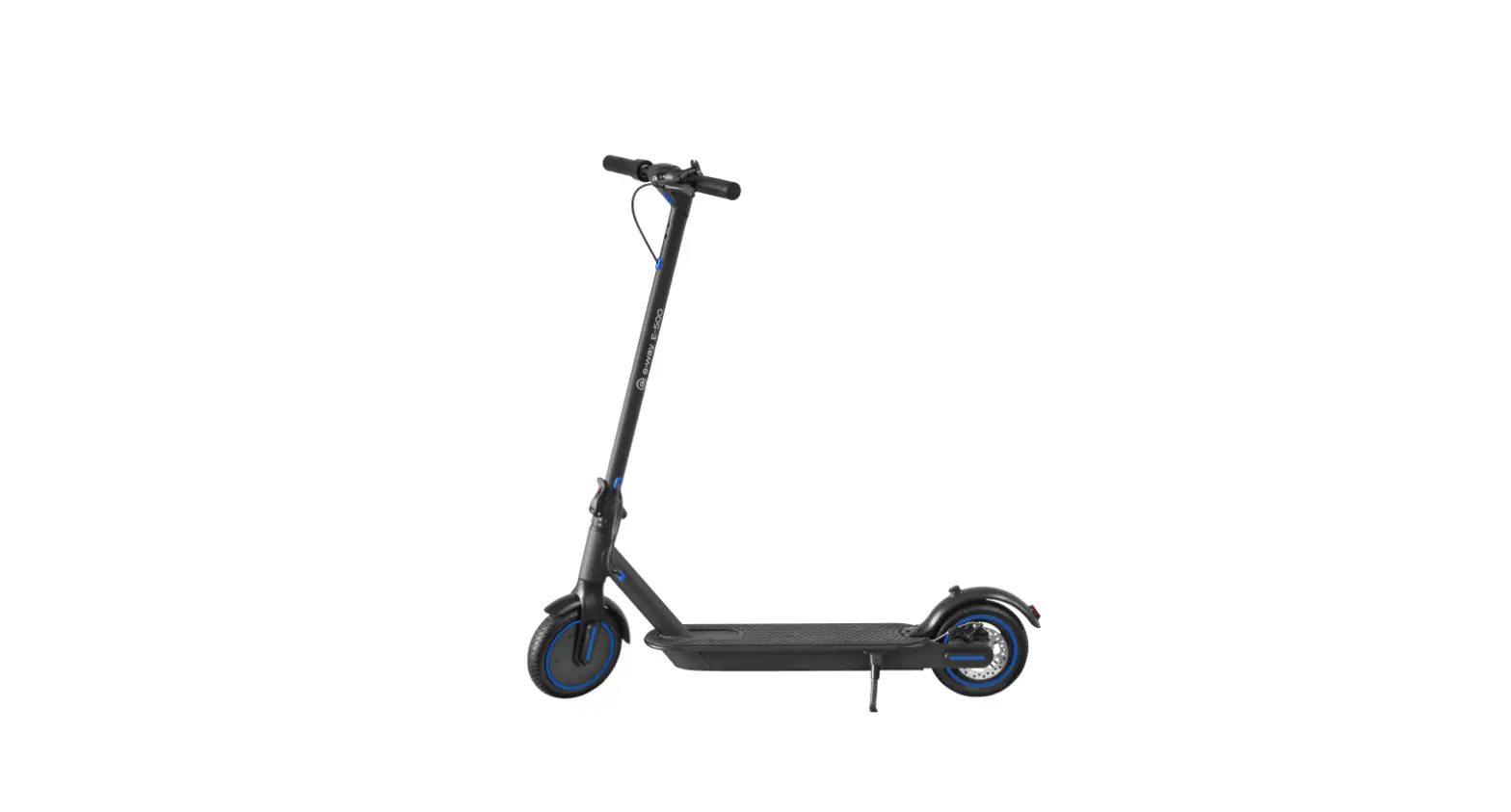
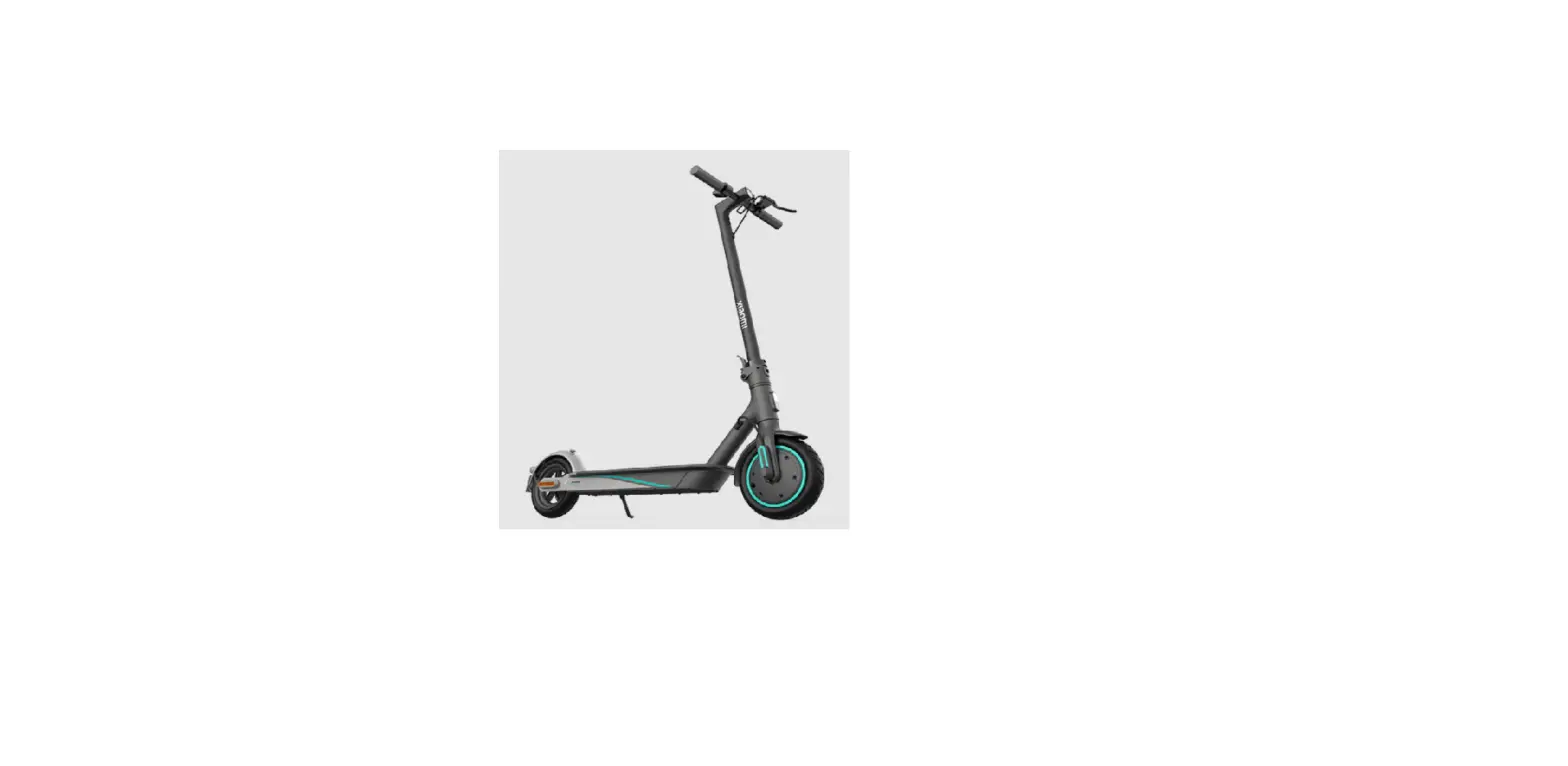
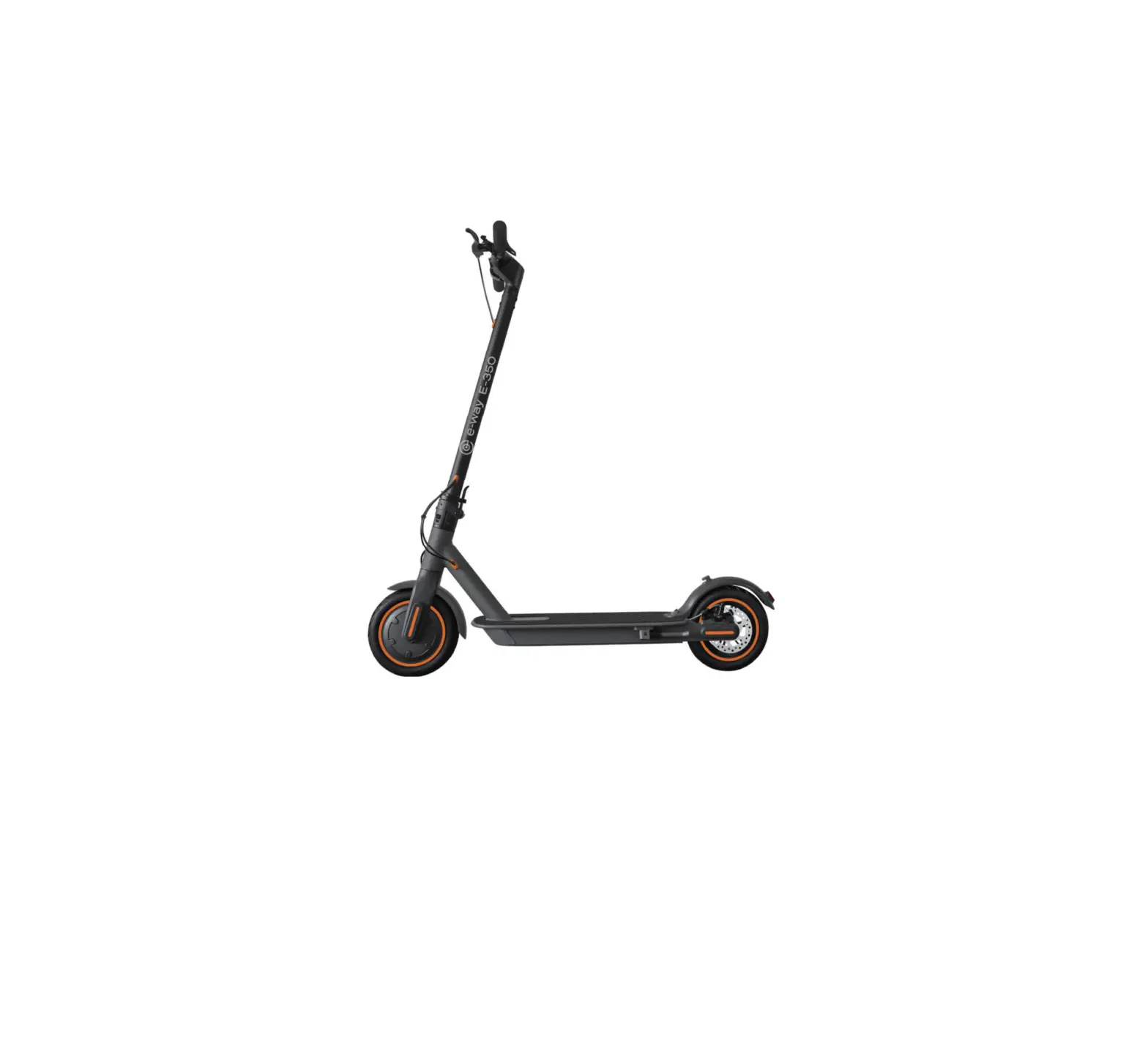
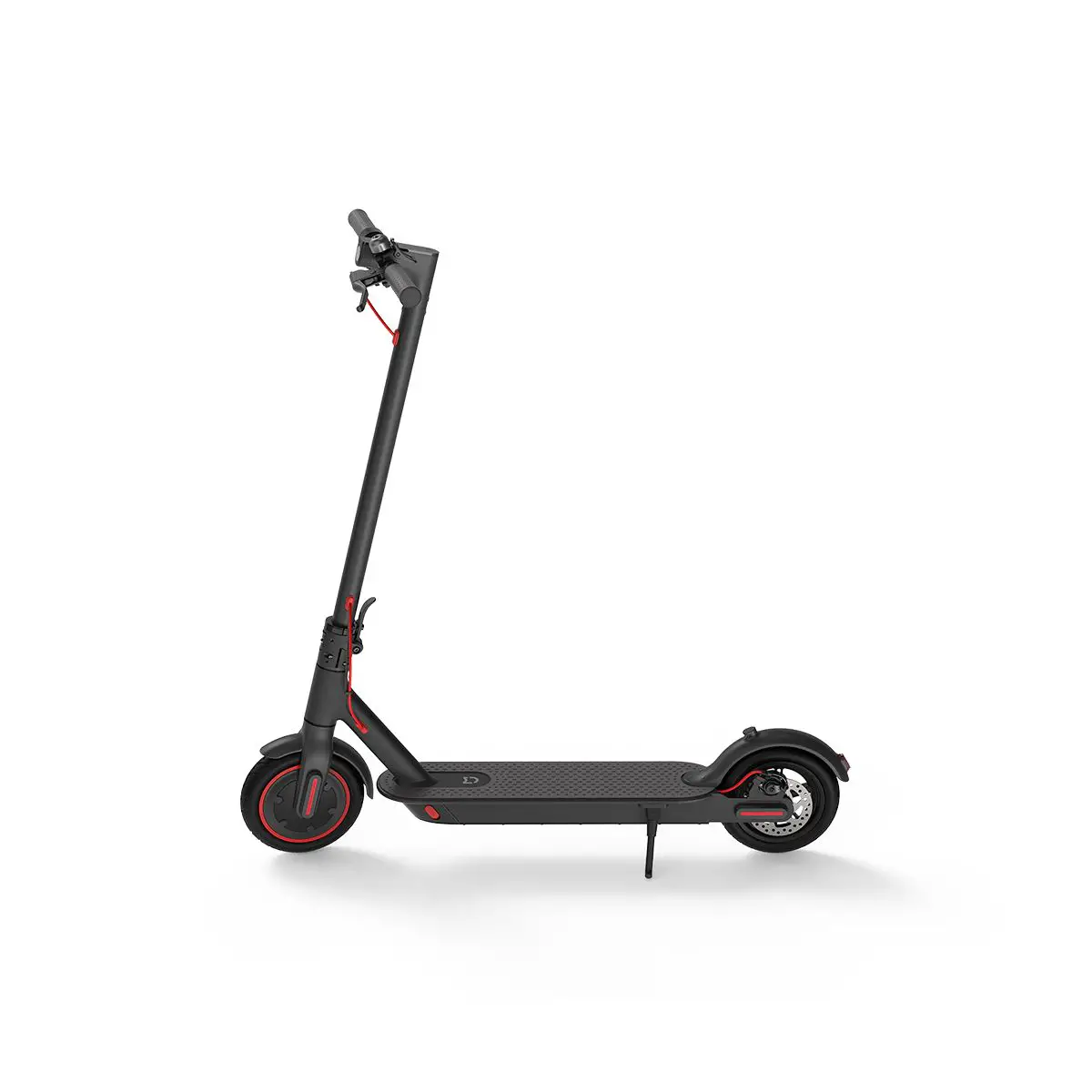
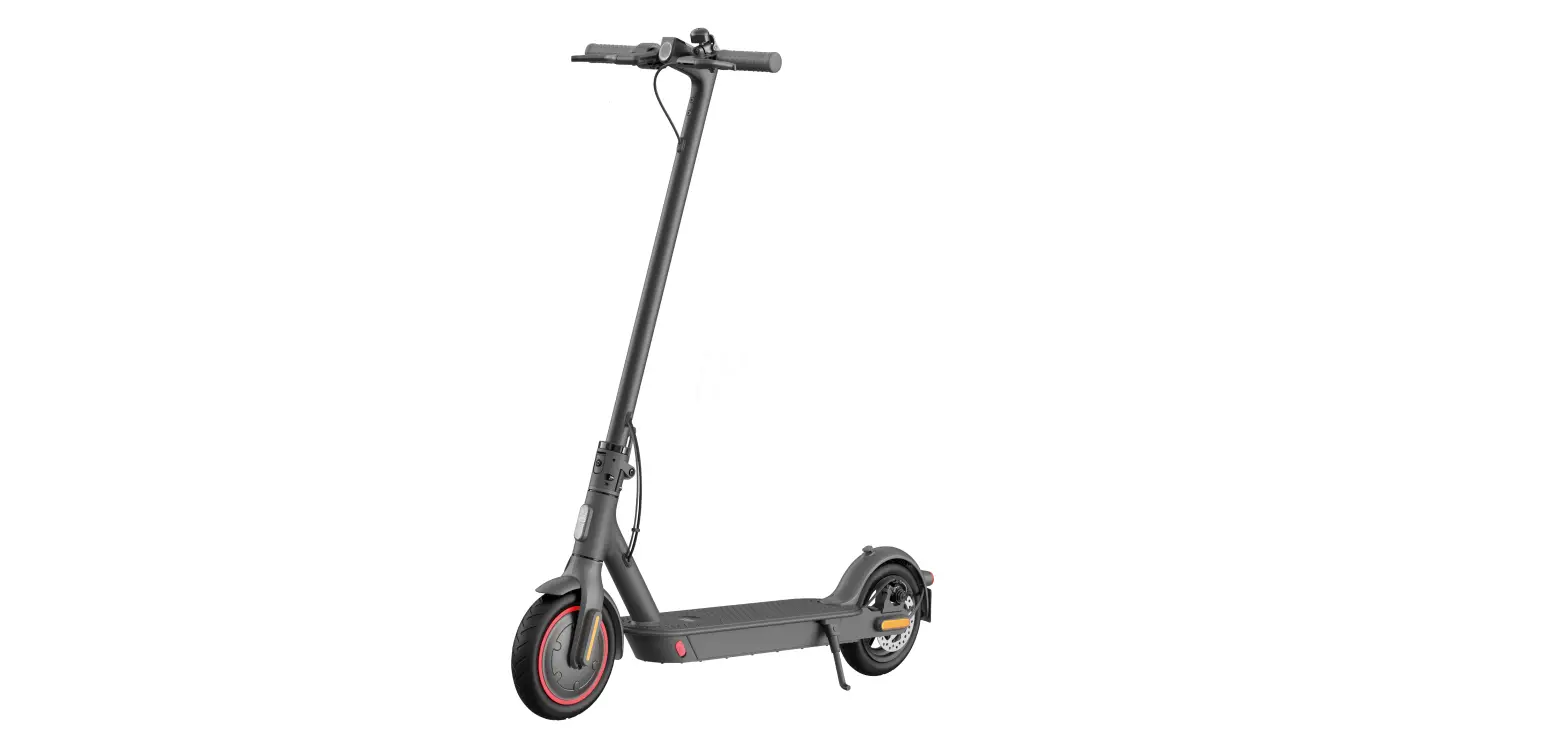
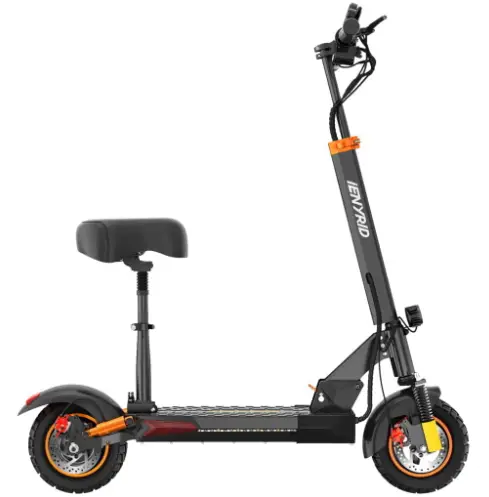
The M4PRO S+ is an electric scooter designed for commuting and recreational riding. It features a sleek design and various safety features to ensure a smooth and enjoyable ride. The scooter comes with a range of accessories, including a charger, seat, toolkit, and user manual.
Key Features
- Brake lever for efficient braking
- Digital display switch with key for easy control
- Handlebar grip for a comfortable grip
- Headlight switch for visibility in low light conditions
- Seat for added comfort during long rides
- Folding mechanism for easy storage and transportation
- Safety features such as front and rear shock absorbers, pneumatic tires, and disc brakes
- Smart accelerator and display dashboard with cruise control, gear indicator, speedometer, and battery indicator
- Error code display for troubleshooting
Product Usage Instructions
Packing List
- Electric Scooter
- Accessories (Charger, Seat, Toolkit)
- User Manual
Product Introduction
The electric scooter consists of various components, including a brake lever, digital display switch with key, handlebar grip, headlight switch, seat, folding mechanism, front and rear fenders, front and rear shock absorbers, pneumatic tires, color lights, turn lights, charging port, battery compartment, motor, kickstand, and more.
Folding and Carrying
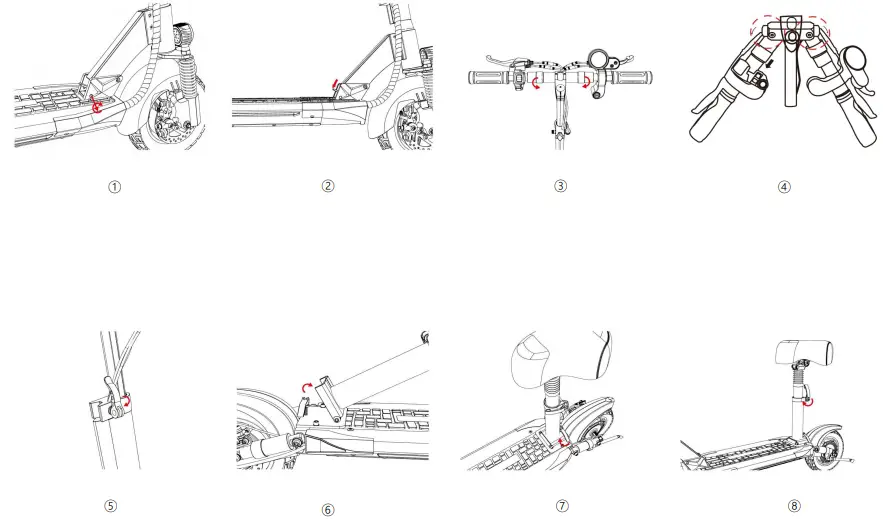
To fold the scooter for storage or transportation, follow these steps:
- Loosen the threads on the folding handle to allow it to be pushed outward.
- Adjust the threads clockwise to loosen the handle or counterclockwise to tighten the handle.
- Once folded, securely fasten the folding handle using the locking buckle.
Power Switch and Acceleration
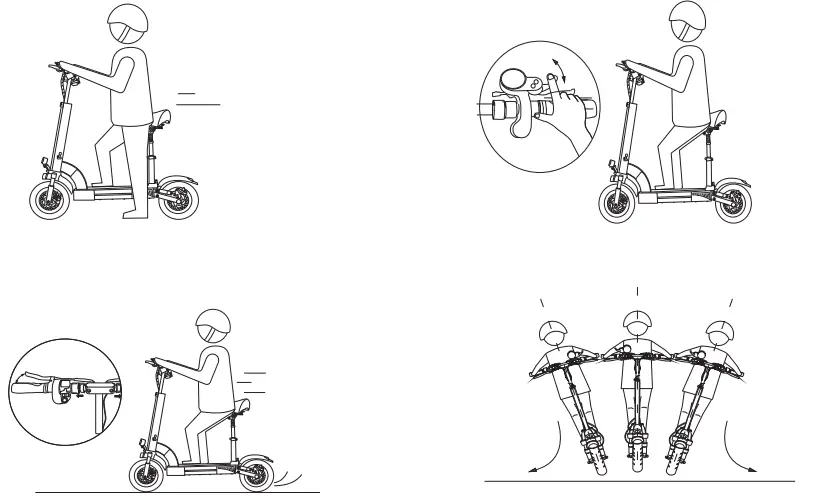
The power switch is used to turn on/off the scooter. The acceleration throttle is used to control the speed of the scooter. The brake lever is used for efficient braking.
Smart Accelerator and Display Dashboard
The scooter features a smart accelerator and display dashboard that provides various information, including:
- Cruise control
- Gear indicator
- Error code display
- Speedometer
- Trip distance
- Total distance
- Battery indicator
Error Display
If there is an error in the electric scooter, the meter displays an error code. The following error codes may appear:
- E-001: Motor error
- E-002: Speed lever error
- E-003: Controller error
- E-004: Brake error
- E-005: Low voltage protection
- E-006: Controller signal not received by the display
- E-007: Display signal not received by the controller
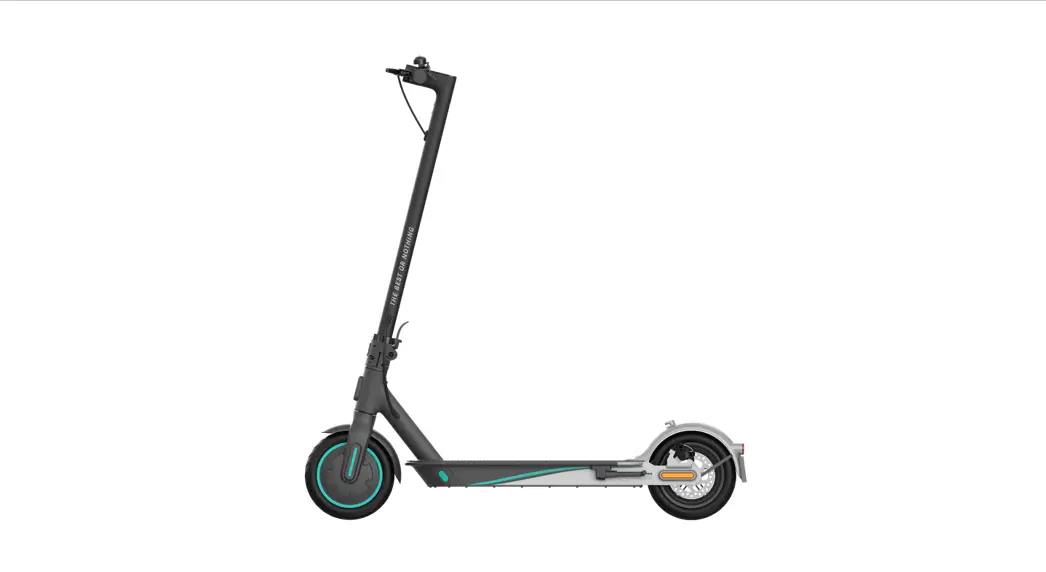
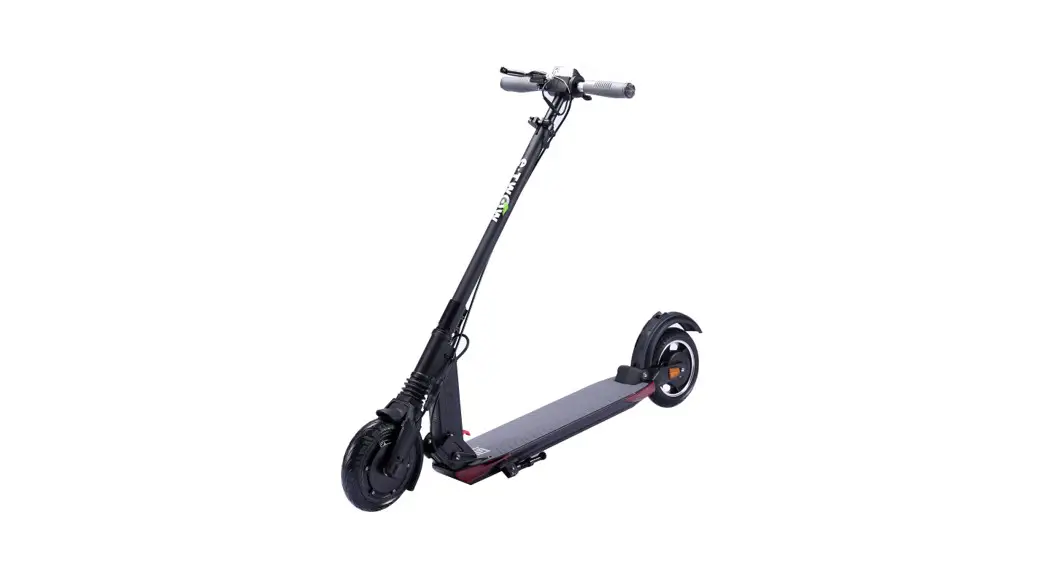
The product is slightly different from the picture, for your safety and the safety of others, please read the instructions before riding.
When using the product, please comply with the laws and regulations in your area. We are not responsible for any claims, liabilities or losses that arise or may arise from the consumer’s violation of local laws and regulations.
Packing list
Electric Scooter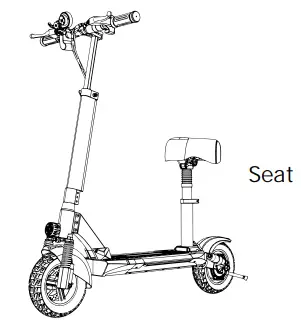
Accessories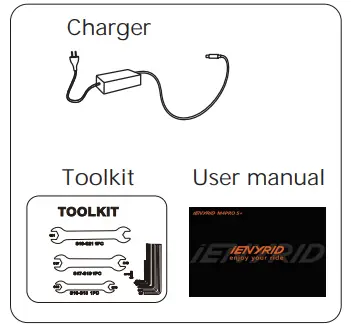
Product introduction
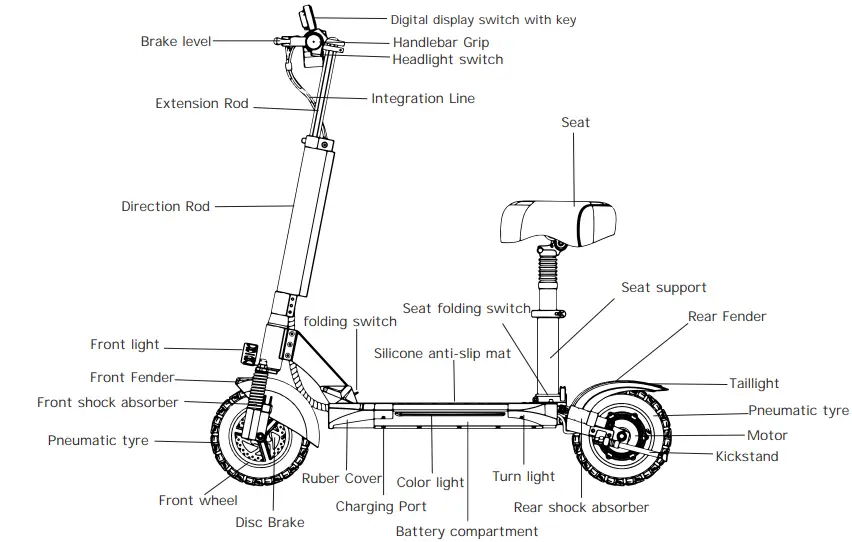
Power switch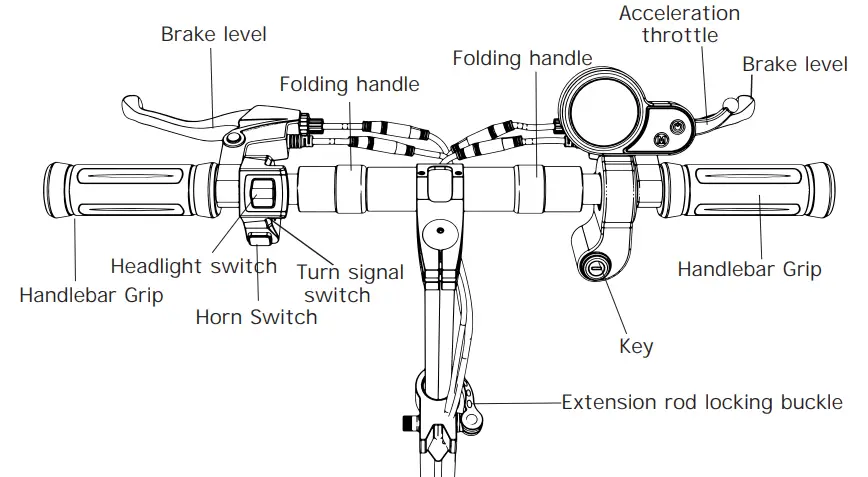
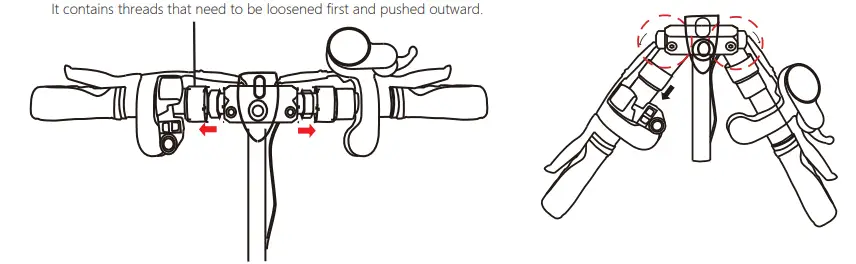
- Warm tip: for the convenience of folding, the collar and shaft is not fully tightened. It is a normal phenomenon if there is a gap.
- Please rest assured that this will not affect the safety of driving.
- If necessary, you can adjust: clockwise adjustment of the threads will loosen the handle, counter clockwise adjustment of the threads will tighten the handle.
Smart Accelerator and Display Dashboard
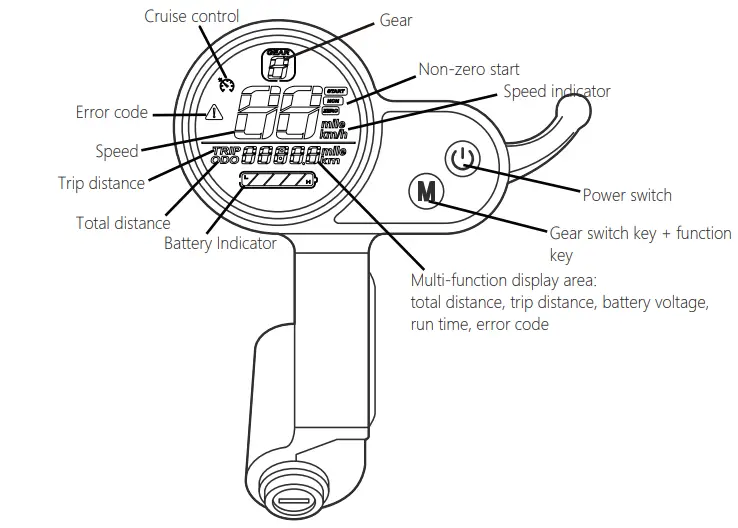
Error display
When there is an error in the electric vehicle, the meter displays the error code and you can check the E-00X error code in a few short presses;
The error list is as follows.
- E-001: indicates motor error
- E-002: indicates the Speed lever error
- E-003: indicates controller error
- E-004: indicates brake error
- E-005: indicates low voltage protection
- E-006: indicates that the controller signal is not received by the display
- E-007: indicates that the display signal is not received by the controller
Charging method of electric scooter
When the LED on the charger changes color from red to green, the scooter is fully 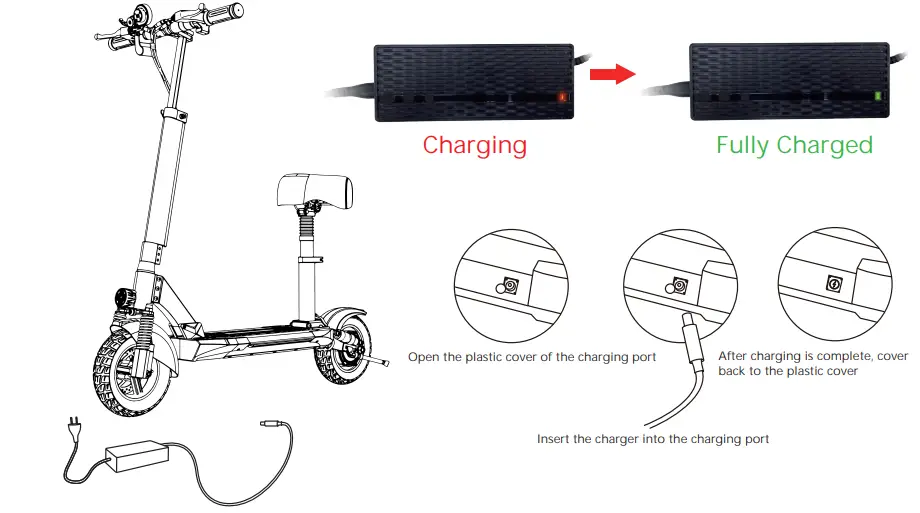
Riding method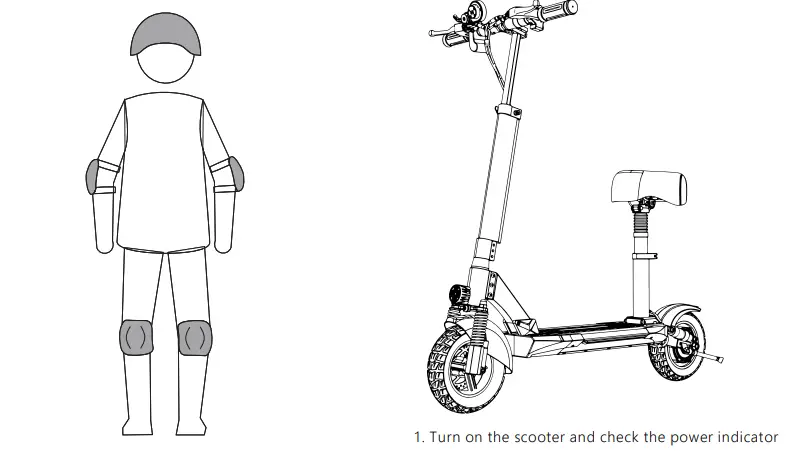
WARNING: Wear a helmet, elbow pads and knee pads when riding.
Please read the manual carefully before use. Do not touch the brake system.For more information, please refer to the instructions.
Folding and carrying
Specifications
| Model: | |
| Package Size: | 119.5*26*47.5cm |
| Gross Weight: | 10AH/28.21kg 16AH/29.39KG |
| Net Weight: | 10AH/23.01kg 16AH/24.26KG |
| Battery: | 48V 10AH/16AH |
| Voltage: | 48V |
| Motor Power: | 800W |
| Tires: | 10″ off-road pneumatic tires |
| Max Load: | 150KG |
| Frame Material: | Aluminum alloy |
| Charging Time: | 6-8H |
| Brake System: | Disc brake + Electronic brake |
| Max. Speed: | 45KM/H 1-3 adjustable gears |
| Range: | 10AH(25-35KM) 16AH(30-50KM) |
| Storage Temperature: | 1 month:-20 – 60℃ (-4~140°F) 3 months:-20 – 45℃ (-4~113°F) 1 year:-20 – 20℃ (-4~68°F) |
| Battery Type: | 18650 Lithium battery |
| Working Temperature: | -10 ~ 40℃ (14~104°F) |
| Charging Temperature: | 10 ~ 40 ℃ (50~104°F) |
| Storage Humidity: | 5% ~ 95% |
Note: Data and specifications may vary depending on the model.

- Do not ride in the rain
- Do not accelerate when going downhill

- Watch out doors, elevators and other overhead obstacles
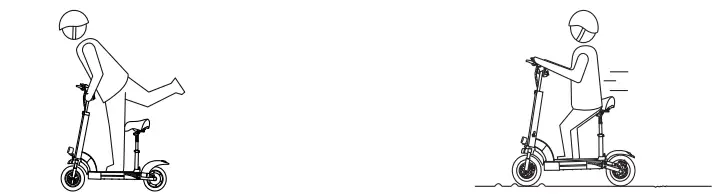
- Do not accelerate when pushing

- Be careful to avoid obstacles
- Do not hang bags or other heavy objects on the handlebars

- Do not ride on one foot
- Keep your speed between 5-10 km/h when crossing speed bumps, tight sections, bumpy roads or othe r uneven surfaces.

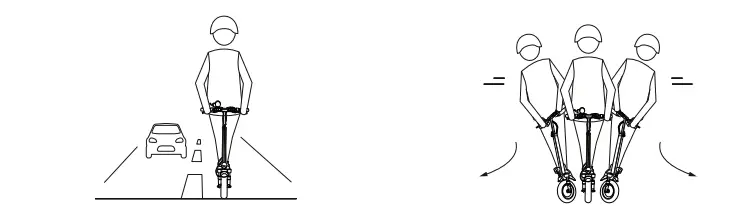
- Do not ride in the motorway
- Do not turn your handlebars violently when riding at high speed

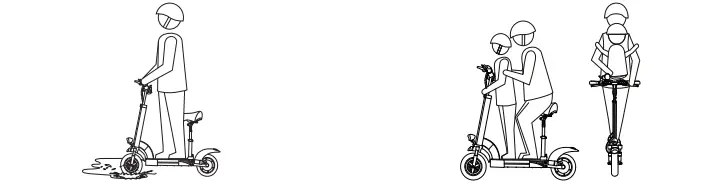
- Do not ride over puddles or any other (water ) obstacle. In this case, reduce your speed and go around the obstacle
- Do not ride with anyone else (including children)

- Do not put your feet on the rear fender
- Do not touch the disc brakes

- Do not take your hands off the handlebars while riding
- Do not try to go up and down stairs and jump over obstacles
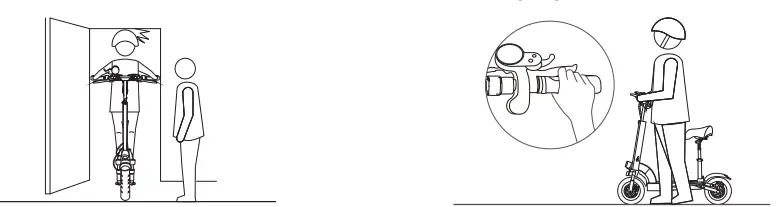
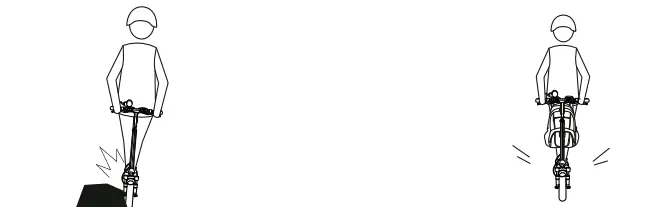
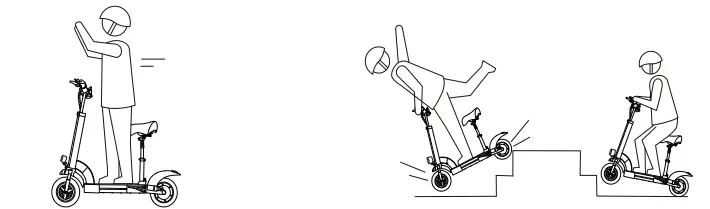
Safety tips
- Scooters a re in tended fo r rid ers 16 y ear s of ag e a nd o lder. Do not rid e a s coot er if you have r educ ed ph ysical, sen sory or me ntal abilit ies . Riders who are la ck of ex per-ience or k nowledge sh oul d drive with caution.
- This electric s cooter is a r ec reational devic e. Howe ver, once it is in p u blic a re a, it is consid ered t o be a vehicle and is subject to a ny risks ass ocia ted with v ehicles. For y our safet y, please f ollow the i nstructio ns in th e manu al an d the traffic la ws set by the gove-rnm ent and reg ulator y ag enc ies.
- Also, you s hould u nderstand th at risk s can not be c om pletely avoid ed becaus e others m ay violat e traf fic laws and driv e care lessl y. The faster a sco oter goes, th e longer it takes to st op. On s m ooth s urfa ces, sc oot ers may s lip, lose th eir balance , or even caus e fall s. The refore, yo u m ust ex ercise cautio n and maint ain t he pro per speed and dista nce espe cially if you are not familiar with th e are a.
- Riding at high speed o r s peed t hat is no t ap propriate for the cur rent conditions (adverse weather conditions, poor ground conditions, etc.) may result in potential loss of stability or loss of control. To reduce any risk, you must follow all instructions in this user manual. Be careful when folding and unfolding the product , it can fal l off and cause injury.
- Inspect the scooter before each use. When you notice loose parts, low battery alarms, tire leaks, excessive tire wear, strange noises, errors and other abnormalities, stop riding immediately and seek professional support.
- When riding a scooter, you need to hold the handlebars with both hands to avoid shaking and falling.
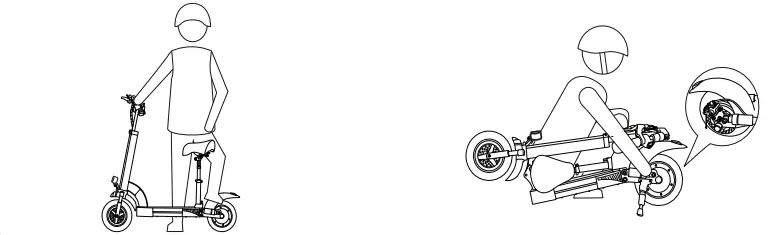
- Always place the scooter on its stand on a flat and stable surface.
Do not place the scooter with the front side down, as the stand may close and tip the machine.
Daily care and maintenance
Cleaning and storage
If you see a stain on the scooter body, wipe it off with a damp cloth. If the stain doesn’t come off, smear some toothpaste, brush it off with a toothbrush, and then wipe it off with a damp cloth. If you see scratches on the plastic parts, polish them with sandpaper or other abrasive material.
Note
- Do not use alcohol, gasoline, kerosene or other corrosive and volatile chemical solvents to clean the scooter as this may cause serious damage. Do not use high pressure water jets to clean the scooter.
- During cleaning, make sure the scooter is off, unplug the charging cable and close the rubber cover, as water leakage may cause electric shock or other major problems.
- When the scooter is not in use, keep it indoors in a dry and cool place. Do not leave it outside for long periods of time. Excessive sunlight, excessive heat and cold will accelerate tire deterioration and affect the life of the scooter and battery.
Maintenance:
- Always charge the battery before it runs out of power to extend the life of the battery. The battery pack performs better at room temperature and less well below 0°C. For example, below -20°C, the riding range is half or less than normal. When the temperature rises, the riding range is restored.
- The scooter can only use the original battery and the scooter can only be charged by the original charging adapter included with the scooter. (or a compatible battery model or charging adapter model approved by the manufacturer)
- Do not leave the battery in an environment where the ambient temperature i s abov e 50° C o r belo w -20°C
(e.g., do not leave the scooter or battery pack in a sun-drenched vehicle for an extended period of time) - If the scooter is expected to be idle for more than 30 days, keep the battery fully charged and in a dry, cool place.
- Remember to recharge the battery every 30 days to protect it from potential damage beyond the limited warranty.