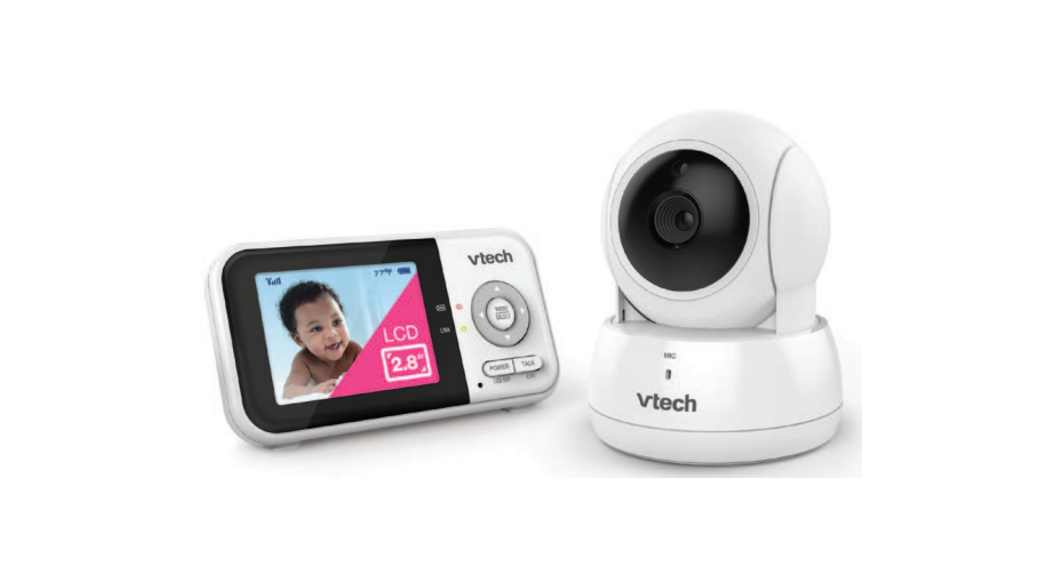
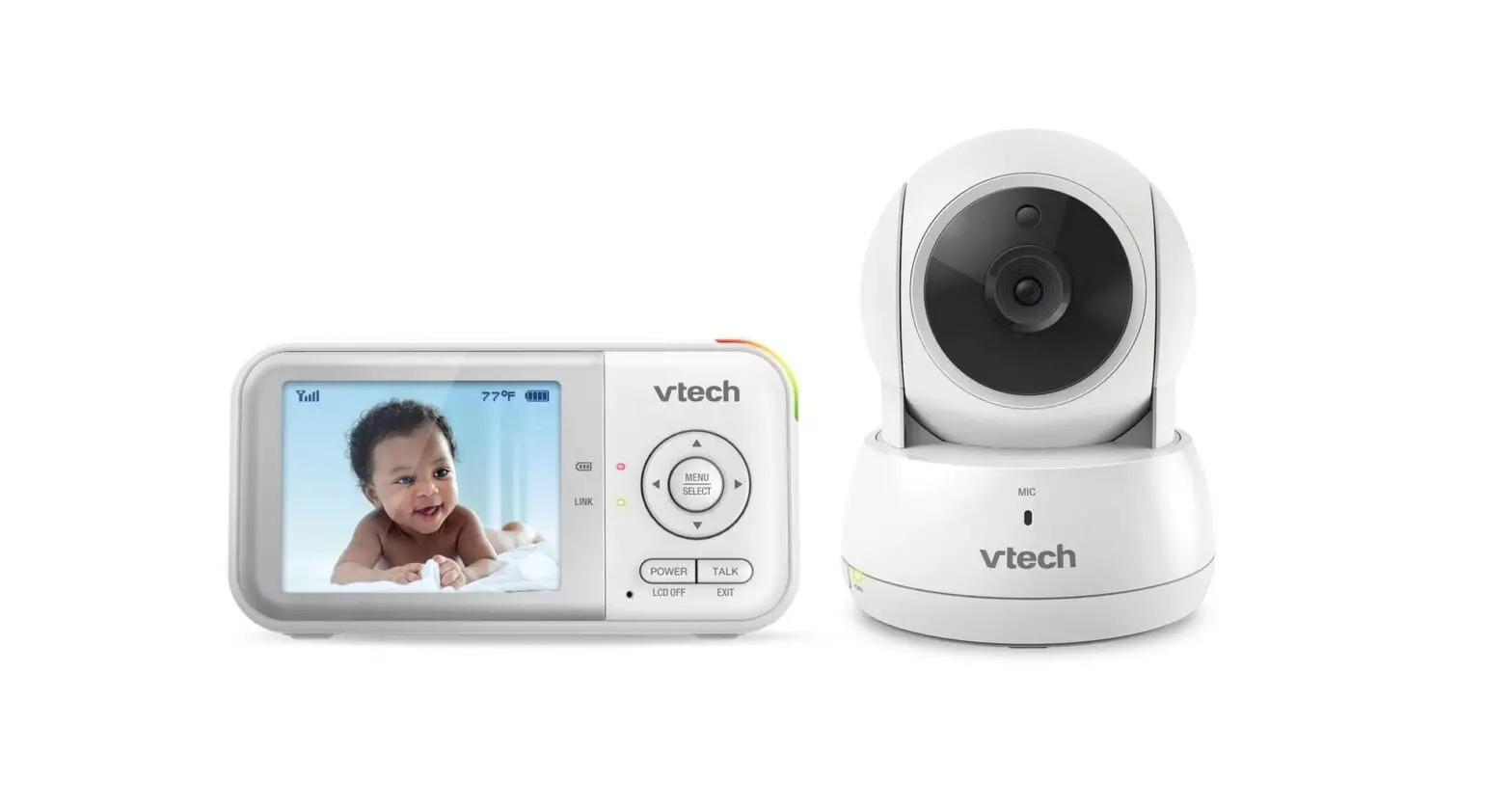
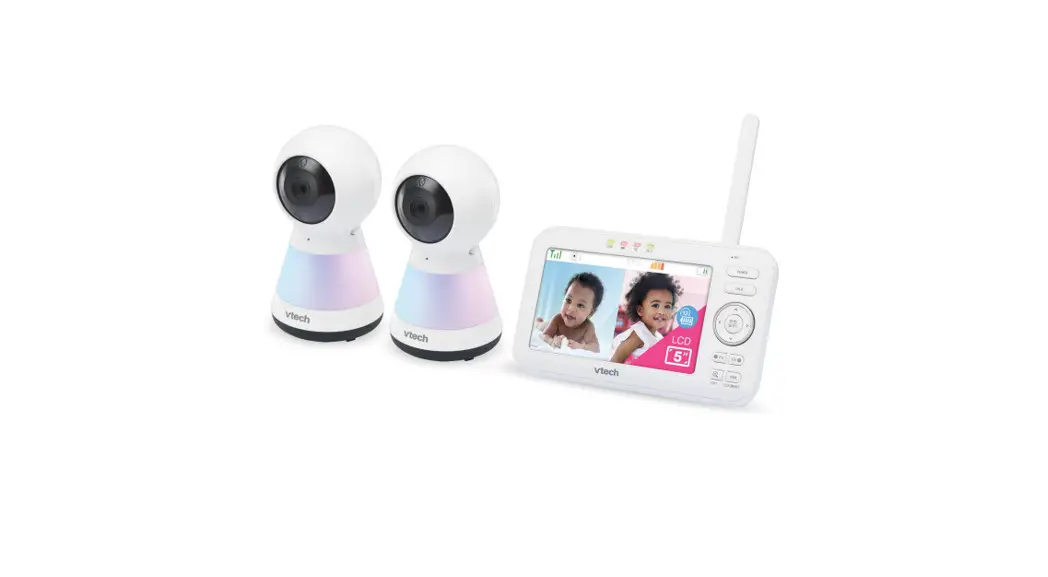
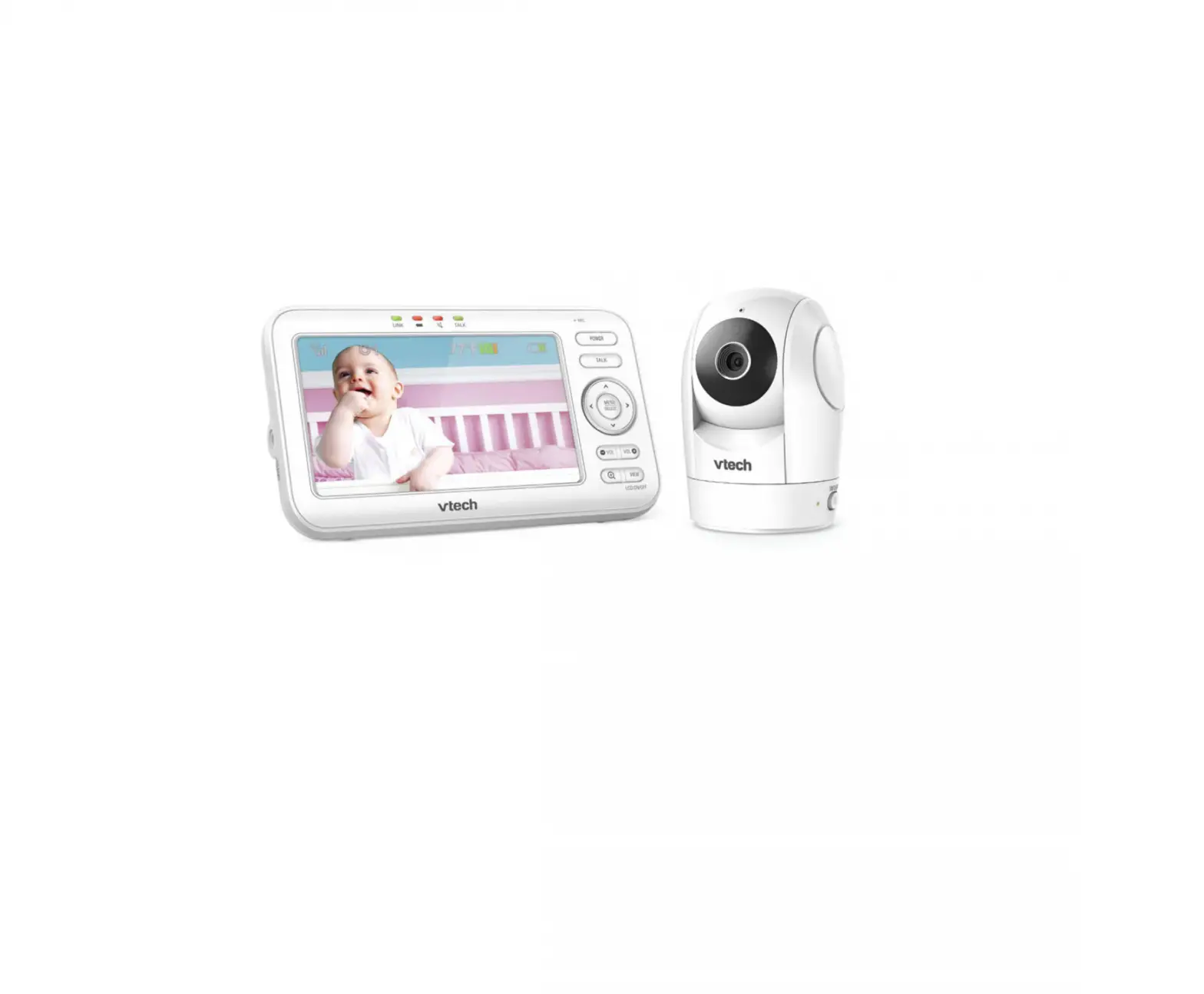
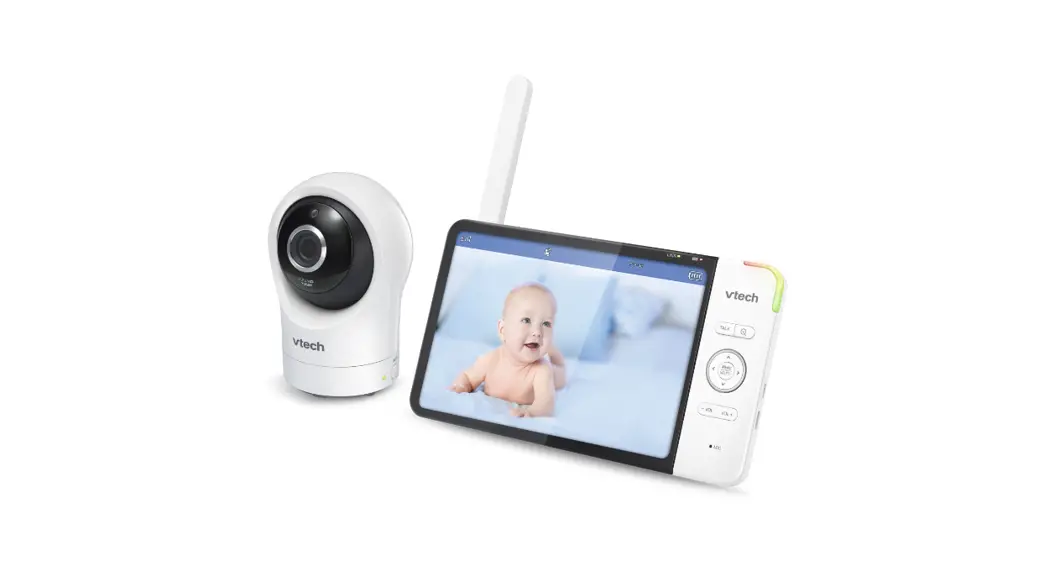
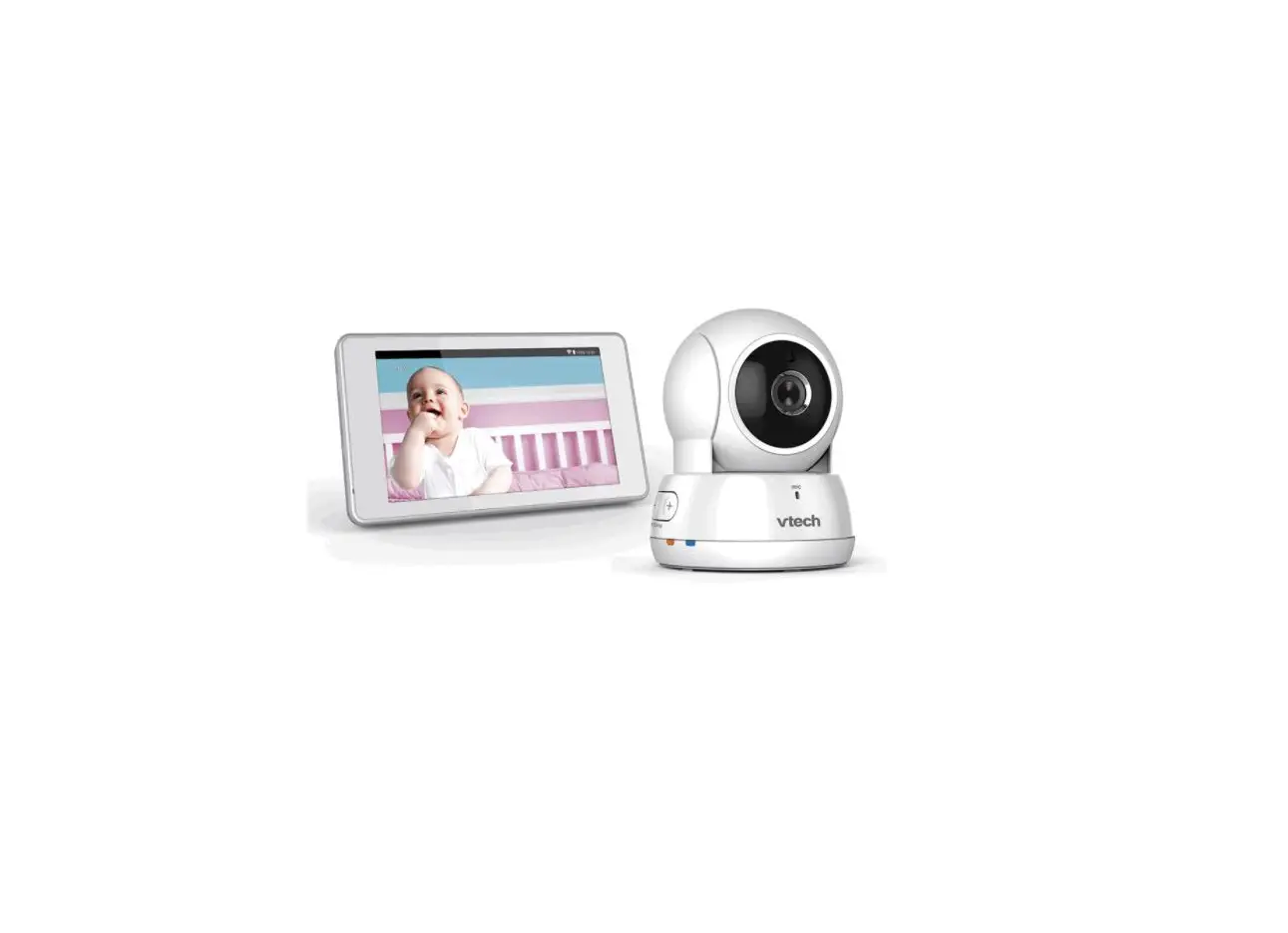
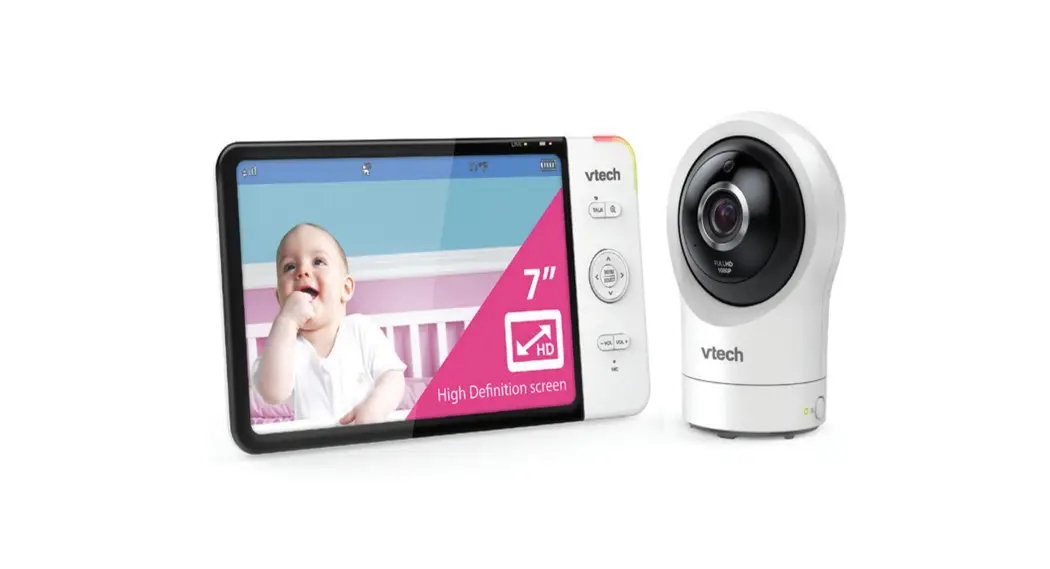
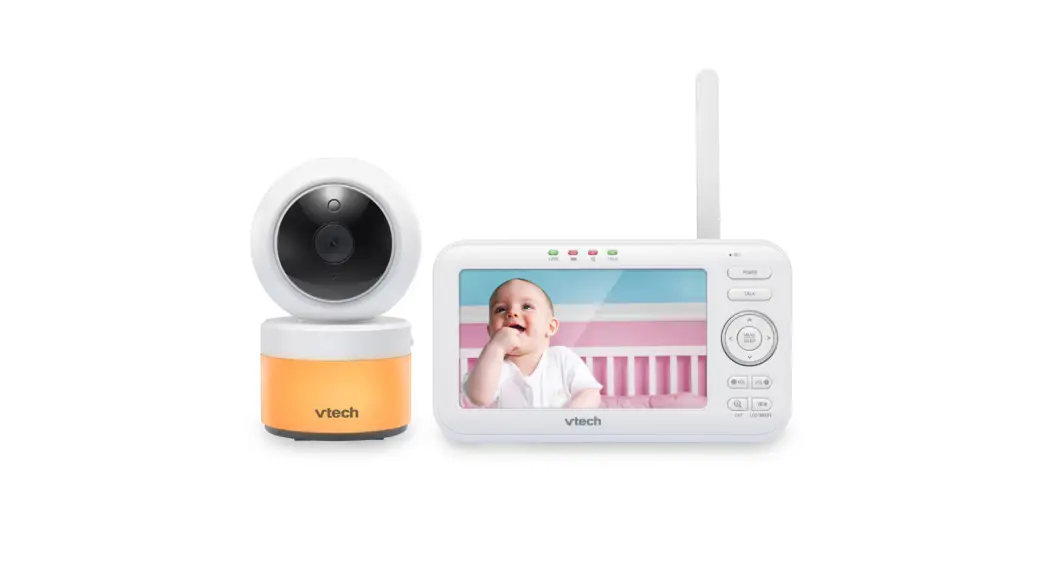
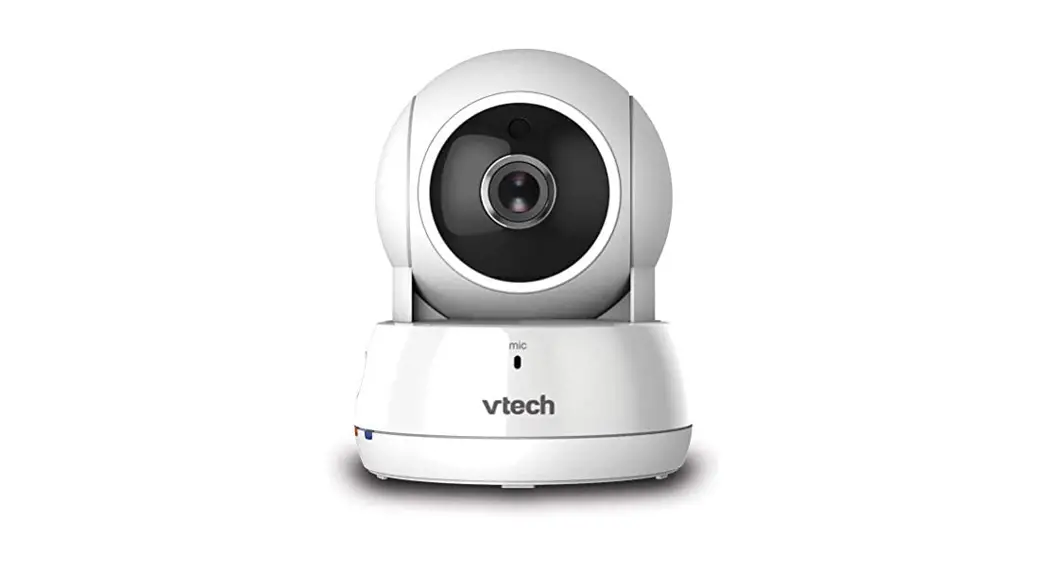
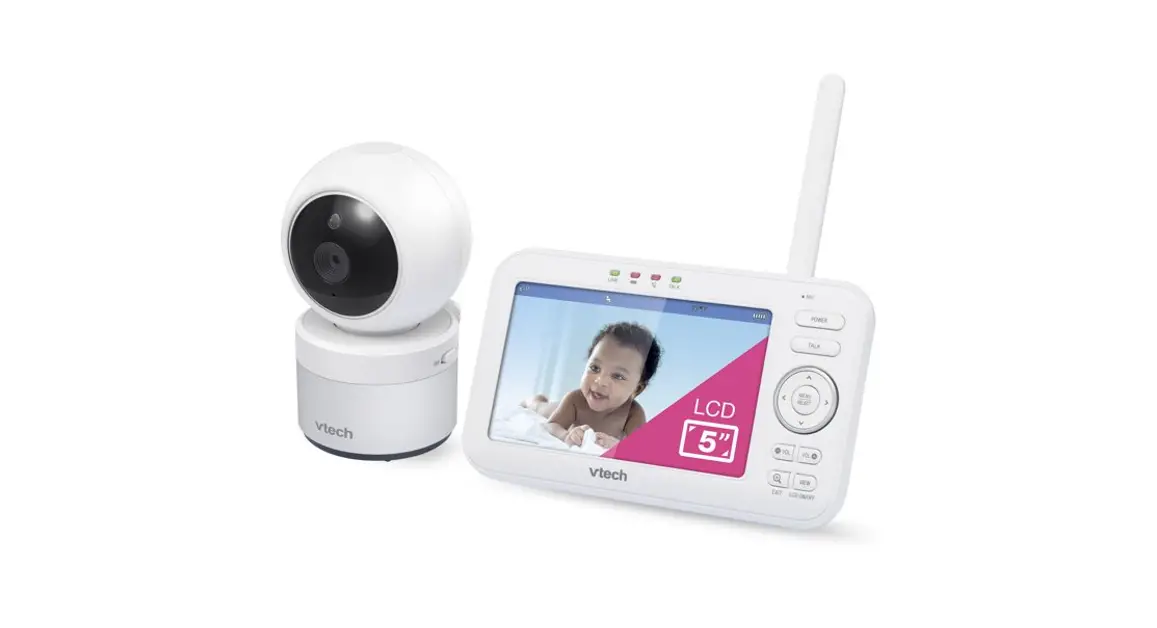
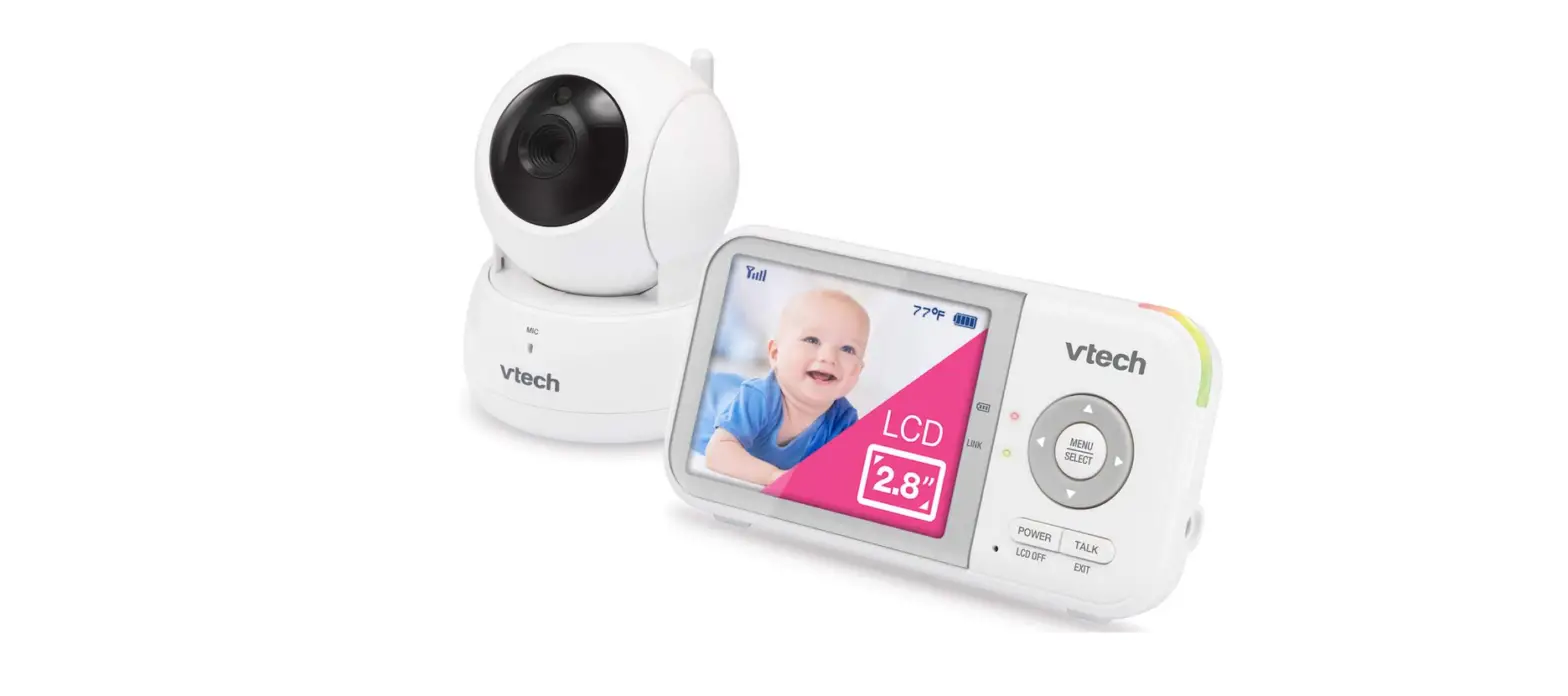
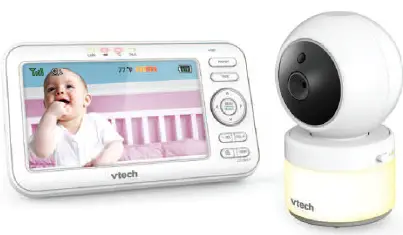
VM923 Pan & Tilt Video Baby Monitor
error
{
“error”: {
“message”: “You exceeded your current quota, please check your plan and billing details.”,
“type”: “insufficient_quota”,
“param”: null,
“code”: null
}
}
the following is the text from the user manual / instructions:
VM923
Important safety instructions
The applied nameplate is located at the bottom of the
17. This product should not be placed in any area where
What’s in the box
baby unit’s base.
proper ventilation is not provided. Slots and openings
2.8 Pan & Tilt Video Baby Monitor
When using your equipment, basic safety precautions should always be followed to reduce the risk of fire, electric shock and injury, including the following:
1. Follow all warnings and instructions marked on the product.
2. Adult setup is required.
3. CAUTION: Do not install the baby unit at a height above 2 metres.
4. This product is intended as an aid. It is not a substitute for responsible and proper adult supervision and should not be used as such.
5. This product is not intended for use as a medical monitor.
in the back or bottom of this product are provided for ventilation. To protect them from overheating, these openings must not be blocked by placing the product on a soft surface such as a bed, sofa or rug. This product should never be placed near or over a radiator or heat source.
18. Never push objects of any kind into this product through the slots because they may touch dangerous voltage points or create a short circuit. Never spill liquid of any kind on the product.
19. To reduce the risk of electric shock, do not disassemble this product, but take it to an authorised service facility. Disassembling or removing parts of the product other than via the battery door may
6. Do not use this product near water, for example, near to a bath, sink, swimming pool or shower.
7. CAUTION: Use only the battery provided. There may be a risk of explosion if a wrong type of battery is used for the parent unit. The battery cannot be subjected to high or low extreme temperature and low air pressure
expose you to dangerous voltages or other risks. Incorrect reassembling can cause electric shock when the product is subsequently used.
20. You should test the sound reception every time you turn on the units or move one of the components.
21. Periodically examine all components for damage.
8. Use only the power adaptors included with this product. Incorrect power adaptor polarity or voltage can seriously damage the product.
22. There is a very low risk of privacy loss when using certain electronic devices, such as baby monitors, cordless telephones, etc. To protect your privacy, make sure the product has never been used before purchase, reset the baby monitor periodically by powering off and then powering on the units, and power off the baby monitor if you are not intending to use it for some time.
23. The small parts of this monitor can be swallowed by babies or small children. Keep these parts out of reach of children.
24. Children should be supervised to ensure that they do not play with the product.
Quick start guide
x 2
x 2
Quick start guide
Power adaptor information: Parent unit output: 5V DC 1A VTech Telecommunications Ltd. Model: VT05EUK05100 Baby unit output: 5V DC 1A VTech Telecommunications Ltd. Model: VT05EUK05100
Rechargeable battery information: Zhuhai Great Power Energy Co., Ltd.
25. The product is not intended for use by persons (including children) with reduced physical, sensory or mental capabilities, or lack of experience and knowledge, unless they have been given supervision or instruction concerning use of the appliance by a person responsible for their safety.
VM923
Important safety instructions
The applied nameplate is located at the bottom of the
17. This product should not be placed in any area where
What’s in the box
baby unit’s base.
proper ventilation is not provided. Slots and openings
2.8″ Pan & Tilt Video Baby Monitor
When using your equipment, basic safety precautions should always be followed to reduce the risk of fire, electric shock and injury, including the following:
1. Follow all warnings and instructions marked on the product.
2. Adult setup is required.
3. CAUTION: Do not install the baby unit at a height above 2 metres.
4. This product is intended as an aid. It is not a substitute for responsible and proper adult supervision and should not be used as such.
5. This product is not intended for use as a medical monitor.
in the back or bottom of this product are provided for ventilation. To protect them from overheating, these openings must not be blocked by placing the product on a soft surface such as a bed, sofa or rug. This product should never be placed near or over a radiator or heat source.
18. Never push objects of any kind into this product through the slots because they may touch dangerous voltage points or create a short circuit. Never spill liquid of any kind on the product.
19. To reduce the risk of electric shock, do not disassemble this product, but take it to an authorised service facility. Disassembling or removing parts of the product other than via the battery door may
6. Do not use this product near water, for example, near to a bath, sink, swimming pool or shower.
7. CAUTION: Use only the battery provided. There may be a risk of explosion if a wrong type of battery is used for the parent unit. The battery cannot be subjected to high or low extreme temperature and low air pressure
expose you to dangerous voltages or other risks. Incorrect reassembling can cause electric shock when the product is subsequently used.
20. You should test the sound reception every time you turn on the units or move one of the components.
21. Periodically examine all components for damage.
at high altitude during use, storage or transportation. Disposal of battery in fire or a hot oven, mechanically crushing or cutting or the battery can result in an explosion. Leaving the battery in an extremely high temperature surrounding environment can result in an explosion or the leakage of flammable liquid of gas. Battery subjected to extremely low air pressure may result in an explosion or the leakage of flammable liquid or gas. Dispose of used batteries according to the information in instructions.
8. Use only the power adaptors included with this product. Incorrect power adaptor polarity or voltage can seriously damage the product.
22. There is a very low risk of privacy loss when using certain electronic devices, such as baby monitors, cordless telephones, etc. To protect your privacy, make sure the product has never been used before purchase, reset the baby monitor periodically by powering off and then powering on the units, and power off the baby monitor if you are not intending to use it for some time.
23. The small parts of this monitor can be swallowed by babies or small children. Keep these parts out of reach of children.
24. Children should be supervised to ensure that they do not play with the product.
Quick start guide
x 2
x 2
Quick start guide
Power adaptor information: Parent unit output: 5V DC 1A VTech Telecommunications Ltd. Model: VT05EUK05100 Baby unit output: 5V DC 1A VTech Telecommunications Ltd. Model: VT05EUK05100
Rechargeable battery information: Zhuhai Great Power Energy Co., Ltd.
25. The product is not intended for use by persons (including children) with reduced physical, sensory or mental capabilities, or lack of experience and knowledge, unless they have been given supervision or instruction concerning use of the appliance by a person responsible for their safety.
SAVE THESE INSTRUCTIONS
Cautions
1. Use and store the product at a temperature between 0oC and 40oC.
1 Connect the baby monitor
NOTES · The rechargeable battery in the parent unit is
built-in.
Strangulatio n Hazard
Keep this cord out of reach of children. The cord needs to be at least three feet away from the child at all times. Do not use with an extension cord. Do not remove this tag.
Risque d’étranglement Éloignez ce cordon des enfants. Le cordon doit se trouver à au moins trois pieds d’un enfant et ce, en tout temps. N’utilisez pas de rallonge. Ne retirez pas cette étiquette.
Riesgo de estrangulación Mantenga este cable fuera de la alcance de los niños. Este cable debe estar por lo menos tres pies fuera de la alcance del niño en todo momento. No lo use con una extensión inalámbrica. No quite esta etiqueta.
Li-ion battery, 3.6V, 2600mAh, 9.36Wh;
Model: ICR18650-2.6Ah-3.6V-1S1P
9. The power adaptors are intended to be correctly oriented in a vertical or floor mount position. The prongs are not designed to hold the plug in place if it is plugged into a ceiling, under-the-table or cabinet outlet.
10. For pluggable equipment, the socket-outlet should be installed near the equipment and should be easily
2. Do not expose the product to extreme cold, heat or direct sunlight. Do not put the product close to a heating source.
3. Mishandling batteries can cause burn, fire or explosion hazards.
4. Batteries should not be exposed to excessive heat such as bright sunshine or fire.
· Use only the power adaptors supplied with this product.
· Make sure the baby monitor is not connected to a switch-controlled electric outlet.
· Connect the power adaptor in a vertical or floor mount position only. The adaptor prongs are not
range
accessible.
11. Unplug this product from the wall outlet before cleaning. Do not use liquid or aerosol cleaners. Use a damp cloth for cleaning.
12. Do not cut off the power adaptors to replace them with other plugs, as this causes a hazardous situation.
13. Do not allow anything to rest on the power cords. Do not install this product where the cords may be walked on or crimped.
5.
Warning–Strangulation Hazard–
Children have STRANGLED in cords.
Keep this cord out of the reach of
children (more than 0.9m away). Do not
remove warning label on the adaptor
cord.
6. Never place the baby unit(s) inside the baby’s cot or playpen. Never cover the baby unit(s) or parent unit with anything such as a towel or a blanket.
designed to hold the weight of a baby monitor, so do not connect them to any ceiling, under-thetable, or cabinet outlets. Otherwise, the adaptor may not properly connect to the mains.
· Make sure the parent unit, the baby unit and the power adaptor cords are out of reach of children.
LCD
Channels
32
14. This product should be operated only from the type of power source indicated on the marking label. If you are not sure of the type of power supply in your home, consult your dealer or electricity supply provider.
15. Do not overload wall outlets or use an extension cord.
16. Do not place this product on an unstable table, shelf, stand or other unstable surfaces.
7. Other electronic products may cause interference with your baby monitor. Try installing your baby monitor as far away from these electronic devices as possible: wireless routers, radios, cellular telephones, intercoms, room monitors, televisions, personal computers, kitchen appliances and cordless telephones.
Specifications are subject to change without notice. © 2022 VTech Telecomunications Ltd. All rights reserved. 08/22. VM923_PlaySmart_EN_QSG_V1
Power requirements Parent unit: 3.6V, 2600mAh, 9.36Wh Li-ion battery Parent unit power adaptor: Output: 5V DC @ 1A Baby unit power adaptor: Output: 5V DC @ 1A
conditions at the time of use.
Nominal effective Actual operating range may vary according to environmental
2.8″ Colour LCD (QVGA 320×240 pixel)
Transmit frequency Baby unit: 2405 – 2475 MHz Parent unit: 2405 – 2475 MHz Maximum power used by the transmitter: 0.1W (100mW)
Frequency control Crystal controlled PLL synthesizer
Strangulatio n Hazard
Keep this cord out of reach of children. The cord needs to be at least three feet away from the child at all times. Do not use with an extension cord. Do not remove this tag.
Risque d’étranglement Éloignez ce cordon des enfants. Le cordon doit se trouver à au moins trois pieds d’un enfant et ce, en tout temps. N’utilisez pas de rallonge. Ne retirez pas cette étiquette.
Riesgo de estrangulación Mantenga este cable fuera de la alcance de los niños. Este cable debe estar por lo menos tres pies fuera de la alcance del niño en todo momento. No lo use con una extensión inalámbrica. No quite esta etiqueta.
Technical specifications
Basic operation – Parent unit
Use the menu
Press MENU to enter the menu, or save a setting. You can use the parent unit for advanced settings or operations, such as to play or stop the baby unit’s lullaby or to adjust the baby unit’s sound sensitivity.
While in the menu:
· Press or to scroll among the menu options.
· Press or to select an item.
· Press SELECT to confirm your
Submenu
selection.
Main menu
· Press TALK/EXIT to exit the menu
and return to live view.
Adjust parent unit speaker volume
1. Press MENU when in idle mode.
2. Press SELECT to choose . 3. Press or to select the desired volume
level, then press SELECT to confirm your selection.
Zoom
1. Press MENU when in idle mode. 2. Press or to choose . 3. Press SELECT to choose . 4. Press or to choose (Zoom in) or
(Zoom out), then press SELECT to confirm your selection.
Talk to your baby unit
Press and hold TALK and speak to your parent unit. Your voice is transmitted to the baby unit. When you finished talking, release TALK to hear your baby again.
Turn off the screen
Press POWER/LCD OFF to switch off the screen. You can still hear sounds from the baby unit.
Press and hold
Tip
· Press any key on the parent unit to turn the screen on again.
Overview – Parent unit
1 2
3
4
5
9
6
7 8
1 Battery LED light
5 LINK LED light
2 3-level sound indicator light 6 TALK/EXIT
3 Arrow Keys
7 POWER/LCD OFF
4 MENU/SELECT
8 Microphone
10 11 12
9 Power jack 10 Antenna 11 RESET 12 Speaker
Overview – Baby unit
1
7
2 8
3
4
5 9
6
10 11
1 Light sensor
2 Camera
3 Infrared LEDs
4 Microphone
5 POWER LED light
6
ON/OFF switch
7 Speaker 8 Antenna 9 Power jack 10 Slots for wall mounting 11 PAIR/RESET key
1 Connect the baby monitor (cont’d)
Charge the parent unit battery
When you have connected and turned the parent unit on, the battery charges automatically.
Notes
· Before using the baby monitor for the first time, charge the parent unit battery for 12 hours. When the parent unit battery is fully charged, the battery icon becomes solid .
· It takes longer to charge the battery when the parent unit is turned on. To shorten the charging time, turn the parent unit off while charging.
· The standby time varies depending on the sensitivity level you set, your actual use and the age of the battery.
The battery icon indicates the battery status (see the following table).
Battery indicators
Battery status
Action
The screen displays . The light flashes.
The battery icon becomes solid .
The battery has very little Charge without interruption (about power and may only be used 30 minutes). for a short time.
The battery is fully charged. To keep the battery charged, connect it to AC power when in use.
2 Power on or off the baby monitor
Slide the ON/OFF switch to power on or off your baby unit.
Press and hold POWER to power on or off your parent unit.
Press and hold
3 Positioning the baby monitor
Caution
· Keep the baby unit out of the reach of your baby. Never place or mount the baby unit inside the baby’s cot or playpen.
> 1 m
1m
Caution
· The default volume of your parent unit is level 3, and the maximum volume is level 5. If you experience feedback noise from your baby monitor while positioning:
– Make sure your baby unit and parent unit are more than 1 metre apart, OR
– Turn down the volume of your parent unit.
<1m
Note
· To avoid interference from other electronic devices, place your baby monitor at least 1 metre away from devices such as wireless routers, microwaves, mobile phones and computers.
4 Status check
Once you power on both your baby unit and parent unit, your parent unit displays images from the baby unit, and the LINK LED light turns on.
The baby unit’s POWER LED light turns on.
Parent unit icons
Status icons
Sub-menu icons Main menu icons
Status icons
Connection status · or displays when strong signal strength is detected between the baby
unit and the parent unit. · or displays when moderate or low signal strength is detected between
the baby unit and the parent unit.
Current view status · Displays the baby unit number of the baby unit being viewed.
Zoom · Displays when the current image on the parent unit has been zoomed in.
Night vision · Displays when the baby unit being viewed has activated the night vision
feature.
Talkback · Displays when the parent unit is talking to the baby unit.
Lullaby · Displays when a lullaby is playing.
Mute alert · Displays when the parent unit speaker volume is set to zero. · Displays when the parent unit is talking to the baby unit.
or
Real-time temperature · Displays the real-time temperature detected by the baby unit in Fahrenheit (oF)
or Celsius (oC) (e.g. 57 oF or 14 oC).
Battery status
·
animates when the battery is charging.
· displays solid when the battery is fully charged.
· displays when the battery is low and needs charging.
Main menu icons
Main Sub-menu menu
Volume
Parent unit speaker volume
· Adjust the parent unit’s speaker volume.
Settings
Zoom · Zoom in and out of the video displayed from the baby unit.
Temperature
Screen off timer · The parent unit display will turn off to conserve energy after your chosen
amount of time inactive.
Brightness · Adjust the parent unit’s LCD screen brightness level.
· Turn on/off temperature alert tone.
· Set the parent unit to beep whenever the room temperature detected by the baby unit falls outside of the set temperature range.
· Set the minimum/maximum temperature. · Set temperature display in Fahrenheit (oF) or Celsius (oC).
Parent unit icons (cont’d)
Sub-menu icons Main menu icons
Main menu icons
Main Sub-menu menu
Sound Detection
VOX (Voice Activated Alert) Sensitivity · You can choose to hear sounds from the baby unit all the time, or to only
hear sounds that exceed a certain level. Adjust the microphone sensitivity of your baby unit, where the higher the sensitivity level, the more sensitive the baby unit is in detecting sounds that will transmit to the parent unit. See Sound sensitivity and sound activation section.
Lullaby
Sound-activated screen · When it is on, and the baby unit detects no sound, the parent unit screen
stays off to save power. Once a sound is detected, the parent unit screen and speaker turns on automatically, and you can see and hear your baby. The parent unit will then turn off again after 50 seconds of no sound detection.
Note · When the parent unit screen is off and it receives alerts, for example, link
lost between parent unit and baby unit or battery is low, the parent unit screen and speaker will turn on for 10 seconds.
Lullaby volume · Adjust the baby unit’s speaker volume when playing the lullaby.
· Select one of the four melodies to play, or stop a lullaby.
Warning icons and messages
Battery low at Parent Unit
The battery is empty and needs to be recharged. Operation is in progress.
Temperature too high
The temperature detected by the baby unit is higher than the desired temperature alert range.
Temperature too low
The temperature detected by the baby unit is lower than the desired temperature alert range.
The parent unit is searching for baby unit or the link between the baby unit and the parent unit is lost, for example, due to out of No Link to Camera range.
The parent unit is connected to AC power.
Parent Unit Indication Lights
LINK
· On when the parent unit is linked to the baby unit. · Flashes when the link to the baby unit being viewed is lost.
· On when the parent unit is connected to AC power, or the battery is charging.
· Flashes when the parent unit battery is low and needs charging.
· Off when the parent unit is disconnected from AC power.
Sound sensitivity and sound activation
Adjust the sound sensitivity of the baby unit
You can choose to hear sounds from the baby unit all the time, or to only hear sounds that exceed a certain level. Use the parent unit to adjust the baby unit’s microphone sensitivity. The higher the sensitivity level, the more sensitive the baby unit will be in detecting sounds that transmit to the parent unit. The VOX sensitivity level is preset to the highest level.
VOX Sensitivity level
Description
Highest
High
Medium
Low
Lowest
The parent unit speaker is constantly on, and you will hear all sounds (including background noises) from your baby’s room.
The parent unit speaker turns on for soft babbling and louder sounds from your baby. It remains quiet when your baby sleeps soundly.
The parent unit speaker turns on for loud babbling and louder sounds from your baby. It remains quiet when your baby makes soft sounds.
The parent unit speaker turns on for crying and louder sounds from your baby. It remains quiet when your baby makes soft sounds.
The parent unit speaker turns on for loud crying or screeching sounds from your baby. It remains quiet when your baby makes soft sounds.
Sound activated screen
With sound activation turned on, the parent unit screen remains off to save power when the baby unit detects no sound. Once the baby unit detects sounds that are louder than the chosen sound sensitivity level, the parent unit screen turns on automatically. It will then turn off again after 50 seconds of no sound detection.
Dim mode
The dim mode helps save parent unit power. Your parent unit display will turn off automatically after 10 minutes of inactivity, when no keys are pressed or alerts are received from the baby unit.
10 min inactivity
Press any button
Note
· While the screen is turned off, any keypress or alert message will trigger the screen to return to the preset brightness level. After 10 minutes of inactivity, it will resume to dim mode.
Night vision
The baby unit has infrared LEDs that allow you to see your baby clearly at night or in a dark room. When the baby unit being viewed detects low light levels, the infrared LEDs are switched on automatically. The images from the baby unit are in black and white, and appears on the screen.
Notes
· It is normal to see a short white glare on your parent unit screen as the baby unit adapts to the dark environment.
· When the infrared LEDs are on, it is normal for the images to be in black and white.
Tip
· Depending on the surrounding and other interfering factors, like lighting, objects, colours and backgrounds, the display resolution may vary. Adjust the baby unit angle or place the baby unit at a higher elevation to prevent glare and a blurry display.
Mount the baby unit on dry wall (optional)
Notes
· Check for reception strength and camera angle before drilling the holes.
· The types of screws and anchors you need depend on the composition of the wall. You may need to purchase the screws and anchors separately to mount your camera unit.
Align the wall mount bracket and screws with the holes in the wall as shown. Tighten the screw in the middle hole first, so that the wall mount bracket position is fixed. You can tighten the other screw in the top hole.
Note
· Check for reception strength and camera angle before drilling the holes.
Place the wall mount bracket on a wall and then use a pencil to mark two holes in parallel.
Drill two holes in the wall (5.5mm drill bit). If you drill the holes into a stud, go to step 3.
-OR-
If you drill the holes into an object other than a stud, insert the wall anchors into the holes. Tap gently on the ends with a hammer until the wall anchors are flush with the wall.
Place the camera unit on the wall mount bracket, and then slide it forward until it locks into place. Connect the power adaptor to the camera unit and a power supply not controlled by a wall switch.
Frequently asked questions
Below are the questions most frequently asked about the baby monitor.
Why does the baby monitor not respond normally?
Try the following (in the order listed) for a common cure: 1. Disconnect the power to the baby unit and the parent unit. 2. Wait a few seconds before connecting power back to the baby unit and the parent unit. 3. Turn on the baby unit and the parent unit. 4. Wait for the parent unit to synchronize with the baby unit. Allow up to one minute
for this to take place.
Why doesn’t the baby unit and parent unit power-on light illuminate when the units are switched on?
Perhaps the parent unit is not connected to power. Insert the appliance plug into the parent unit and insert the adaptor in a wall socket. Then, press and hold POWER to switch on the parent unit and to establish connection with the baby unit.
Perhaps the baby unit is not connected to power. Insert the appliance plug into the baby unit and insert the adaptor in a wall socket. Then, slide the ON/OFF switch to ON to switch on the baby unit and to establish connection with the parent unit.
Why doesn’t my parent Make sure the power is not controlled by an electronic wall switch.
unit charge while connected to AC power?
You may have used the battery for a long time. See Warranty for repair/replacement.
Why is my screen in black and white?
The screen is in black and white during night-time or in a dark room when the night vision feature is activated. This is normal.
Why do I get glare or blurry display on my screen when viewing my baby at night?
During night-time or in a dark room, the surrounding and other interfering factors, like lighting, objects, colours and backgrounds may affect the image quality on your parent unit screen. Adjust the baby unit angle or place the baby unit at a higher elevation to prevent glare and a blurry display.
Why does the baby monitor produce feedback noise?
The parent unit and baby unit may be too close to each other. · Move the parent unit away from the baby unit until the noise stops; OR · Turn down the volume of your parent unit.
Why does the parent unit beep?
The baby unit may be out of range. Move the parent unit closer to the baby unit (but not less than 1 metre).
The parent unit may not have enough battery for the parent unit to perform normally. Charge the battery in the parent unit until the battery icon becomes solid .
The temperature of your baby’s room may be too high or too low.
Why does the parent unit react too quickly to other sounds?
The baby unit also picks up other sounds than those of your baby. Adjust the VOX sensitivity level to a lower level or lower the parent unit speaker volume. See Adjust the sound sensitivity of the baby unit.
Why don’t I hear a sound/Why can’t I hear my baby cry?
The parent unit speaker volume may be too low. See Adjust parent unit speaker volume to increase the volume.
You may have set a low VOX sensitivity level. See Adjust the sound sensitivity of the baby unit to set to a higher level.
Why can’t I establish a connection? Why is the connection lost every now and then? Why are there sound interruptions?
The baby unit may be out of range. Move the parent unit closer to the baby unit (but not less than 1 metre).
Other electronic products and wireless products may cause interference with your baby monitor. Try installing your baby monitor as far away from these devices as possible.
Customer service and product warranty
PRODUCT REGISTRATION
Visit www.vtech.co.uk/clubvtech/login to register your VTech product
By joining the VTech Club you can also enter competitions, find out about news and events, seek expert advice for parents
and let your kids play fun learning games and activities.
PROD
ONE YEAR
UCT WARR
ANTY
PRODUCT WARRANTY
Thank you for choosing this quality product from VTech.
1. The product detailed above is covered by a one year warranty from the date of purchase, against any defects in materials or workmanship.
2. The product may be returned to the place of purchase. Alternatively the product can be returned to VTech Electronics Europe Plc (see address below), with proof of purchase, without proof of purchase no replacement will be provided.
3. VTech Electronics Europe Plc will examine the product and if it is found to be defective due to faulty materials or workmanship, will replace the product at their discretion.
4. If the product covered by this warranty is damaged due to misuse, modification or unauthorized repair, or because of faulty batteries, battery discharge or incorrect electrical connections, then this warranty becomes void.
5. This warranty is personal to the original purchaser and is not transferable.
6. Breakages to the LCD screen are not covered by the warranty.
7. Products returned to VTech Electronics Europe Plc, should be sent to the address shown below and packed carefully to avoid damage in transit. Please do not include batteries or adaptors. Please include details of the fault together with your name and address, contact phone number and/or email address.
8. To keep an online record of your warranty, please register your product online at www.vtech.co.uk/clubvtech
VTech Electronics Europe Plc, c/o XPO Logistics, Warehouse 350, Cat & Fiddle Lane, West Hallam, DE7 6HE
THIS WARRANTY IS OFFERED AS AN EXTRA BENEFIT AND DOES NOT AFFECT CONSUMERS’ STATUTORY RIGHTS.
This warranty is valid for the UK and Ireland only. For products purchased outside the UK and Ireland, please contact your local distributor or place of purchase.
IMPORTANT Please retain this booklet with your sales receipt as proof of the date of purchase.
Customer Service Please call our Consumer Services Department on 03306 780149 (from UK) or +44 3306 780149 (outside UK) and a service representative will be happy to help you.
Declaration of Conformity
This product is intended for use within Europe and UK. This equipment complies with the essential requirements to EU’s Radio Equipment Directive (2014/53/EU) and the UK’s Radio Regulations 2017 on radio systems and telecommunication equipment. VTech Telecommunications Ltd. hereby declares that 2.8″ Pan & Tilt Video Baby Monitor VM923 is in compliance with the essential requirements and other relevant provisions of EU’s Radio Equipment Directive (2014/53/EU) and UK’s Radio Equipment Regulations 2017. The Declaration of Conformity for the VM923 is available from http://www.vtech.com/rtte-directive.
Disposal of batteries and product
General product care
To keep this product working well and looking good, follow these guidelines:
· Avoid placing it near heating appliances and devices that generate electrical noise (for example, motors or fluorescent lamps).
· DO NOT expose it to direct sunlight or moisture. · Avoid dropping the product or treating it roughly. · Clean with a soft damp cloth. · DO NOT immerse the parent unit and the baby unit in water and do not clean them under running water. · DO NOT use cleaning spray or liquid cleaners. · Make sure the baby unit and parent unit are dry before you connect them to the mains again.
The crossed-out wheelie bin symbols on products and batteries, or on their respective packaging, indicates they must not be disposed of in domestic waste as they contain substances that can be damaging to the environment and human health. The chemical symbols Hg, Cd or Pb, where marked, indicate that the battery contains more than the specified value of mercury (Hg), cadmium (Cd) or lead (Pn) set out in Battery Directive (2006/66/EC). The solid bar indicates that the product was placed on the market after 13th August, 2005. Help protect the environment by disposing of your product or batteries responsibly.
Credits: The Background Noise sound file was created by Caroline Ford, and is used under the Creative Commons license. The Stream Noise sound file was created by Caroline Ford, and is used under the Creative Commons license. The Crickets At Night sound file was created by Mike Koenig, and is used under the Creative Commons license. The Heart Beat sound file was created by Zarabadeu, and is used under the Creative Commons license.
Storage
When you are not going to use the baby monitor for some time, store the parent unit, the baby unit and the adaptors in a cool and dry place.
Adult supervision
· This baby monitor should be for use by adults only. · Do not place the baby unit inside the cot or playpen. · To ensure your children’s safety, do not allow them to touch or play with the baby monitor and its
accessories. THIS IS NOT A TOY.
Manufacturer: VTech Telecommunications Ltd. 23/F., Tai Ping Industrial Centre, Block 1, 57 Ting Kok Road, Tai Po, Hong Kong.
Importer: VTech Electronics Europe Plc. Napier Court, Abingdon Science Park, Abingdon, Oxon, OX14 3YT.
 Electronic Learning Toys | Best Learning Toys | VTech UK
 Product Support & R&TTE Compliance | VTech