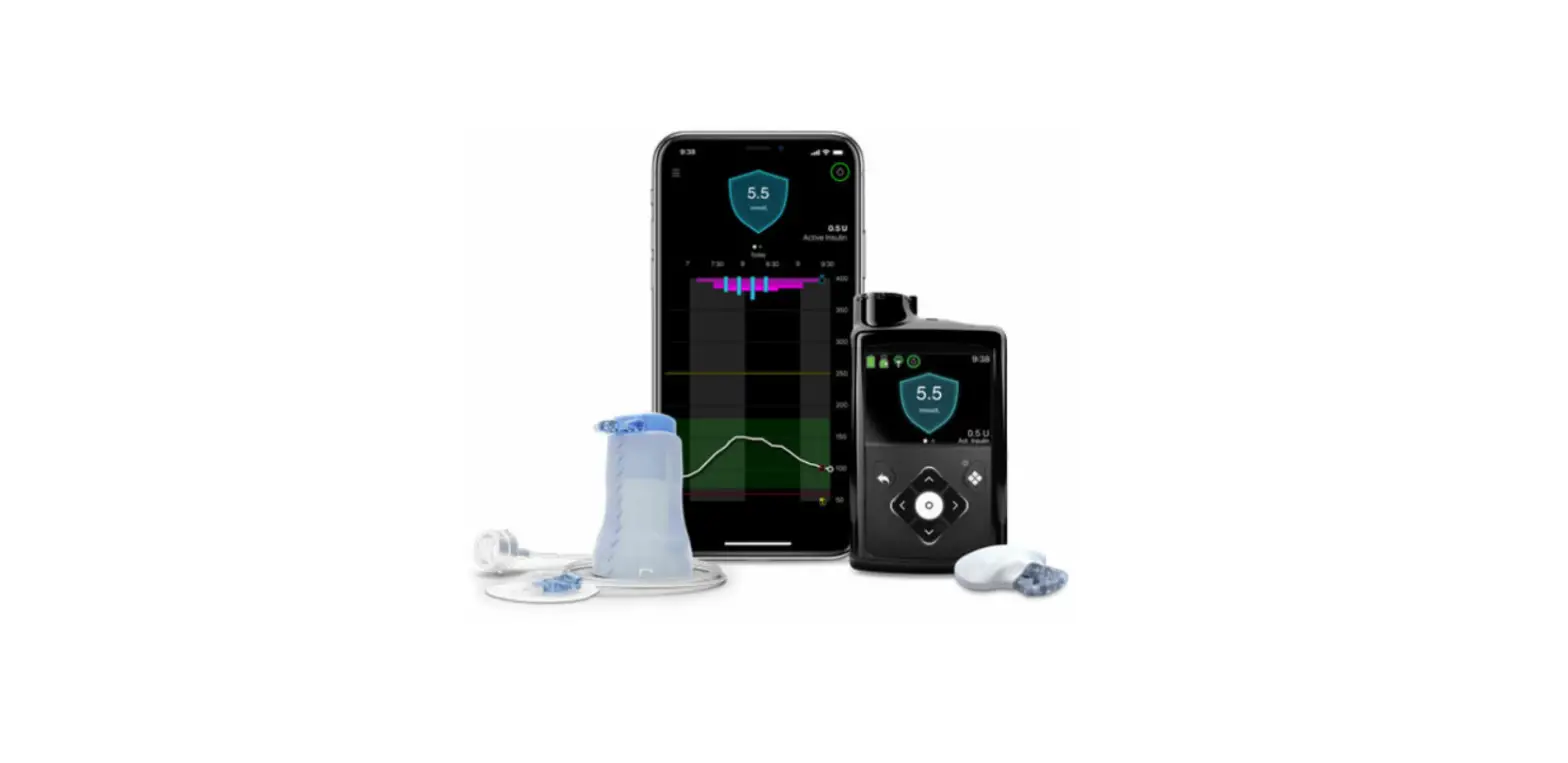

Medtronic MiniMed 780G Insulin Pump System
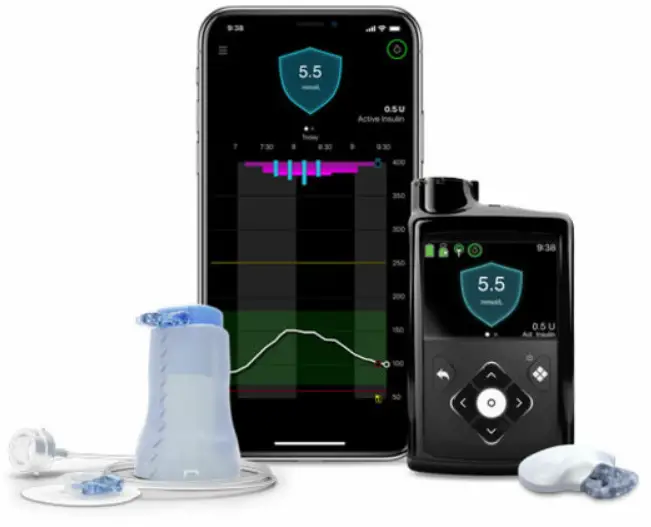
Product Information
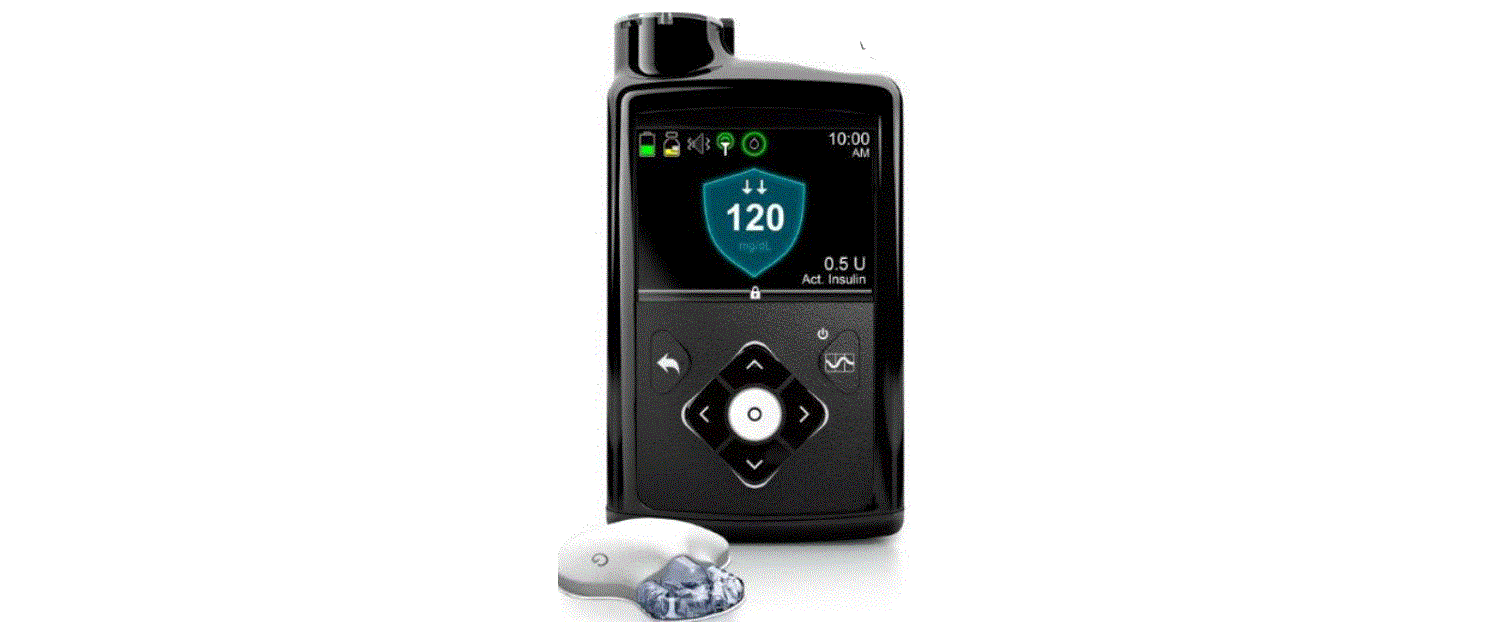
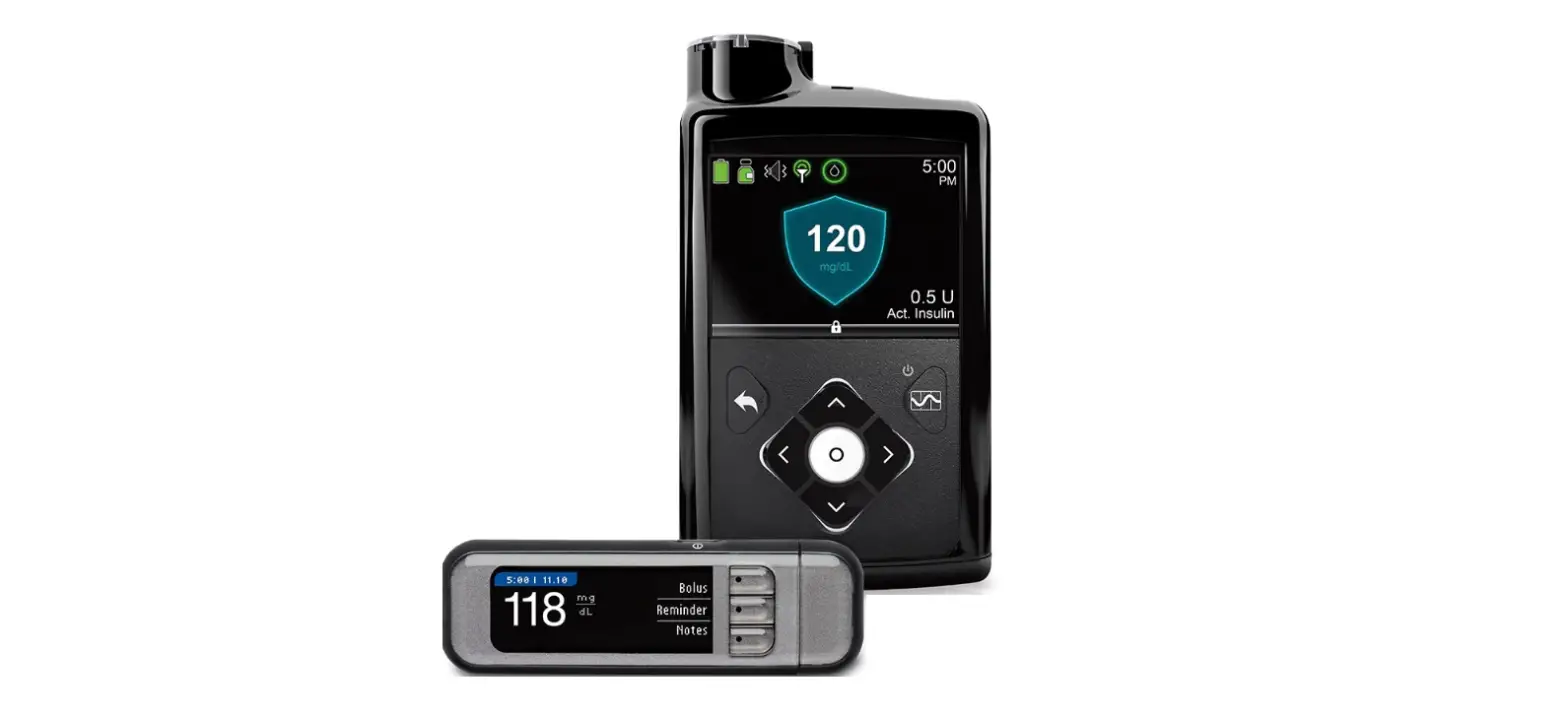
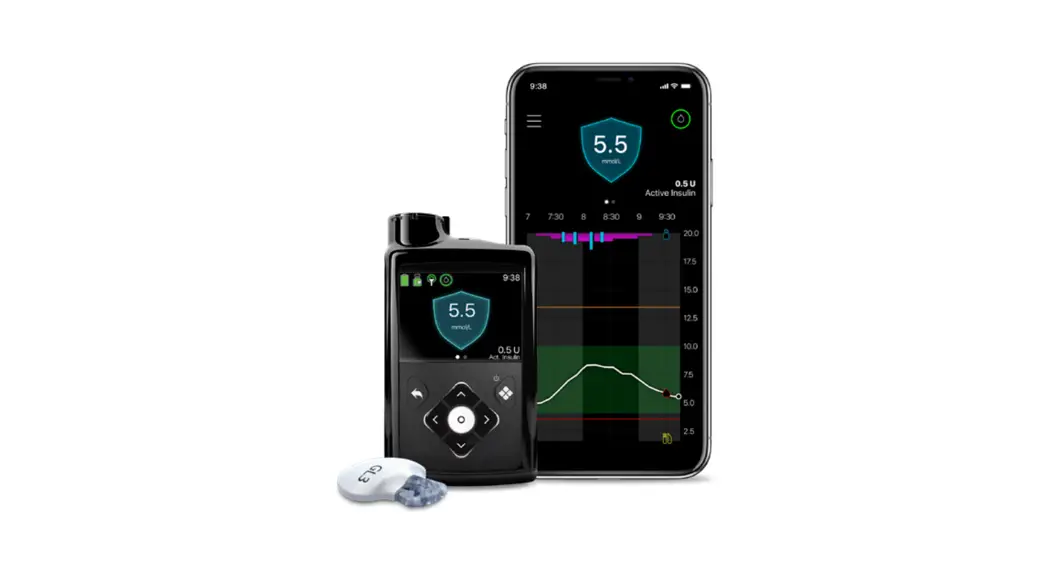
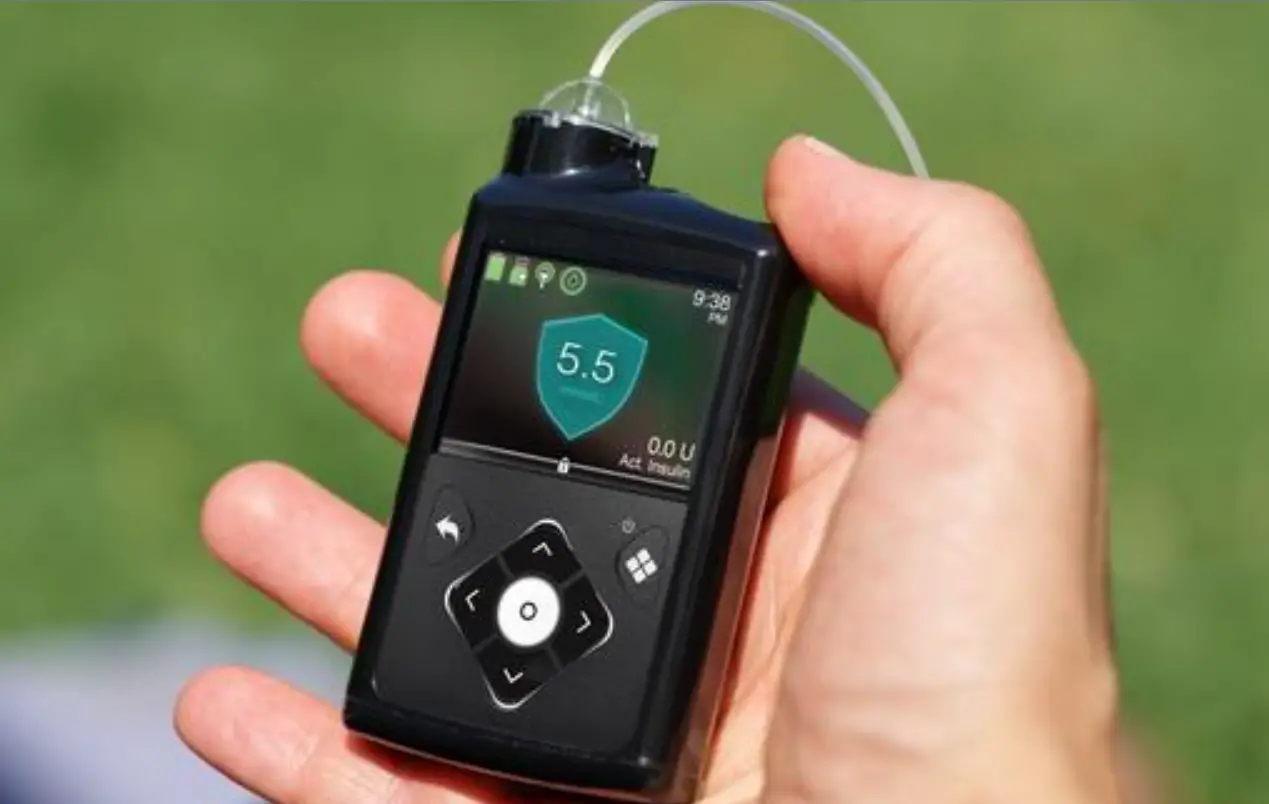
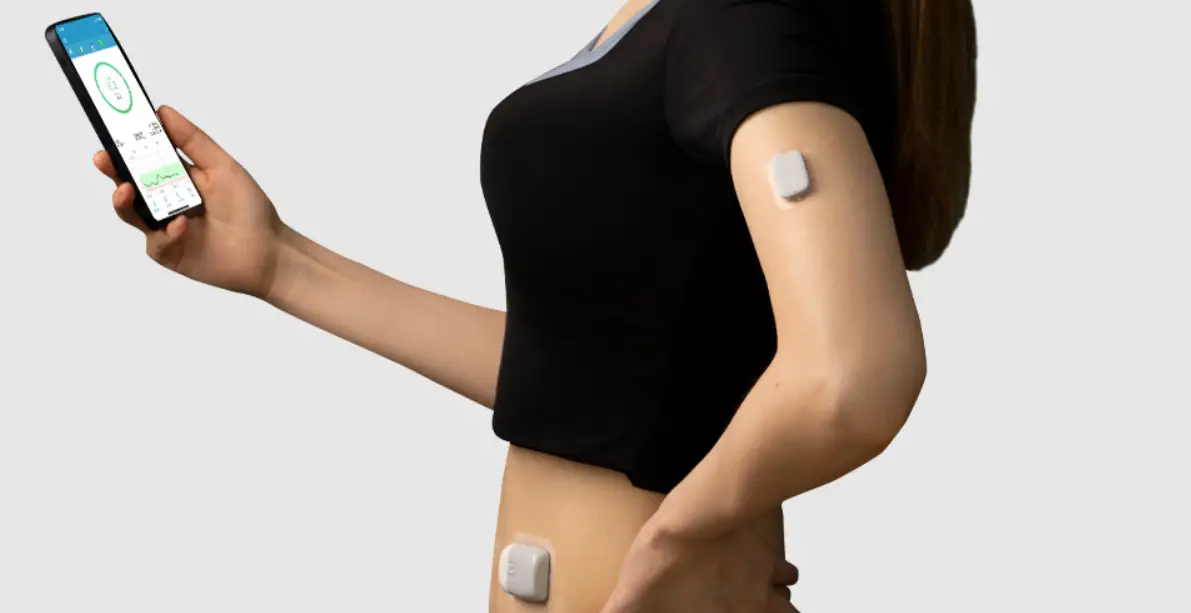
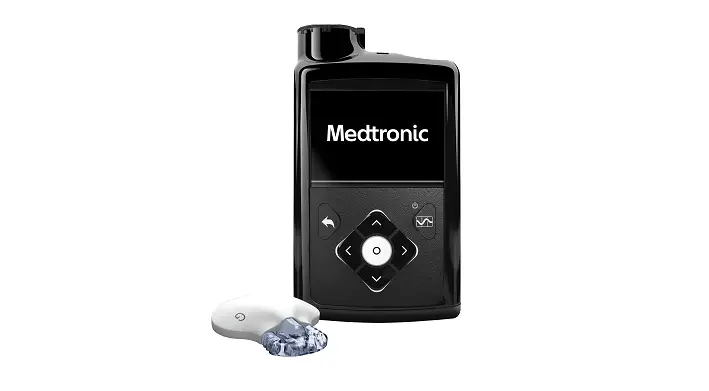
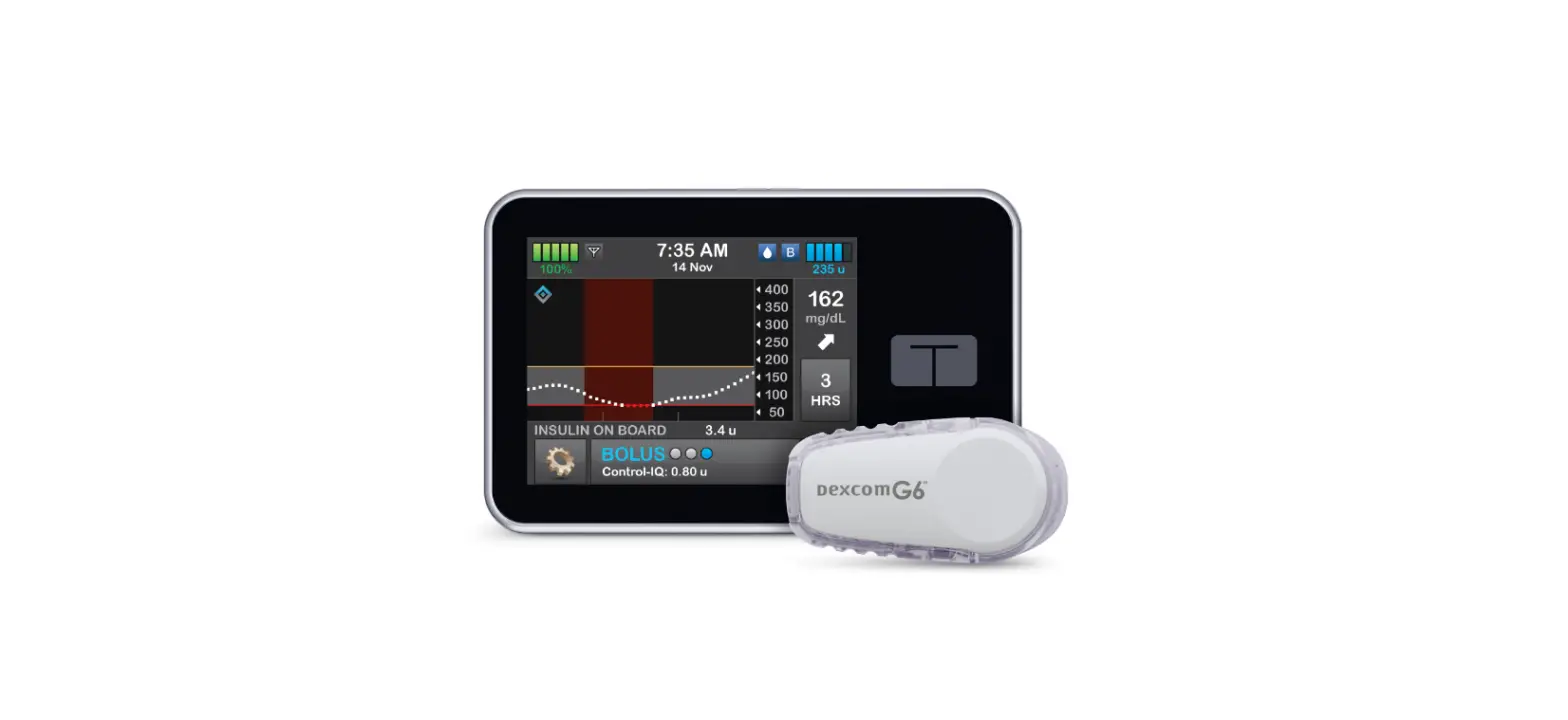
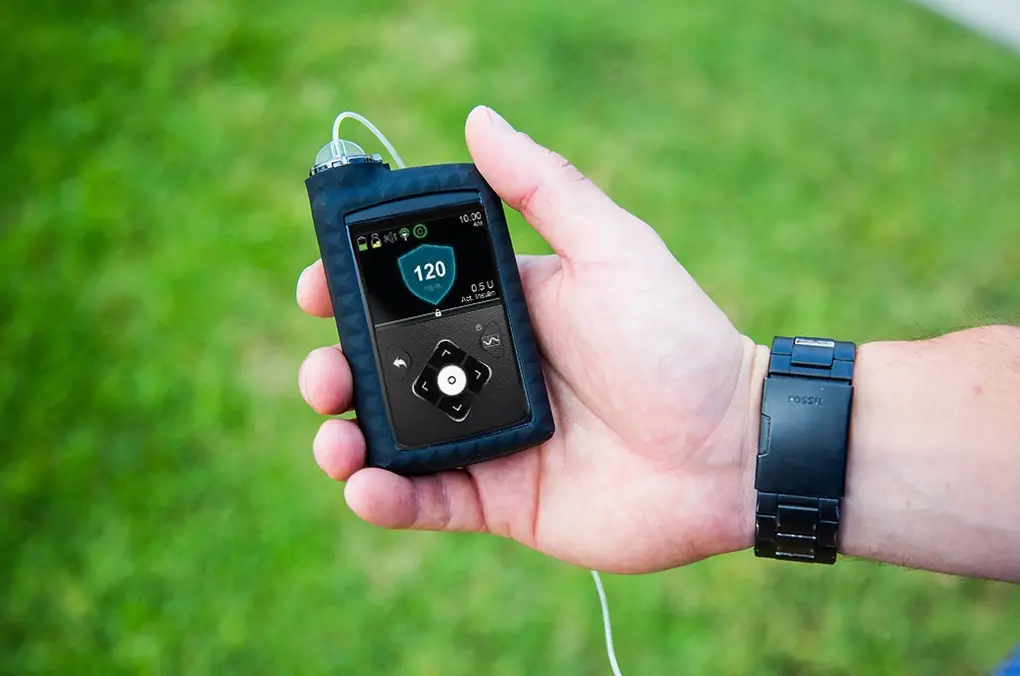
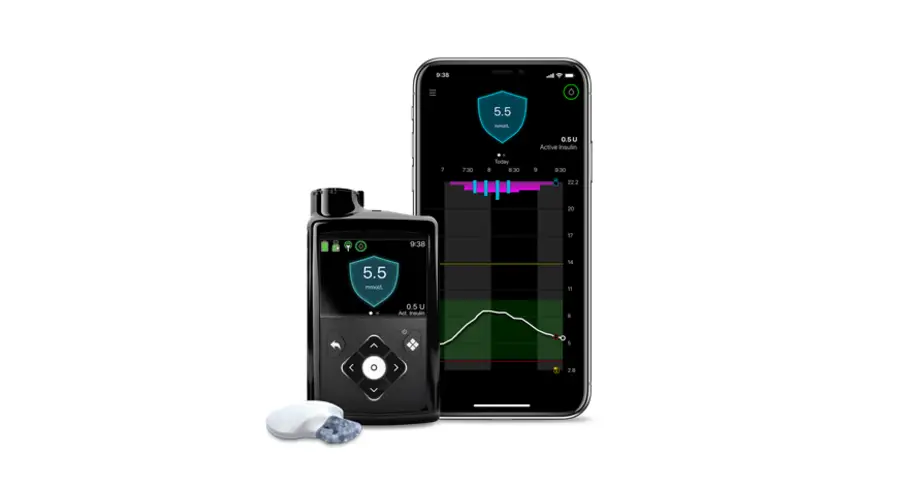
The MiniMedTM 780G System is a medical device that helps manage insulin delivery for people with diabetes. The device includes a pump, a blood glucose meter, and a continuous glucose monitoring (CGM) system. The device provides real-time glucose readings and uses algorithms to adjust insulin delivery based on the user’s glucose levels.
Product Usage Instructions
Stopping and Resuming Insulin Delivery:
- From the Home screen, press and select .
- Select Suspend All Delivery.
- Select Yes when prompted.
Resuming Basal Insulin Delivery:
- From the Home screen, press and select .
- Select Resume Basal.
- Select Yes when prompted.
Stopping a Bolus Delivery:
- From the Home screen, press and select .
- Select Stop Bolus.
- Select Yes when prompted.
- Select Done.
Manually Resuming Basal Insulin Delivery during a Suspend before Low or Suspend on Low Event:
- From the Home screen, press and select .
- Select Resume Basal.
- Select Resume Basal again.
- Select Yes when prompted.
Note: Basal insulin delivery can be manually resumed during a Suspend before low or Suspend on low event.
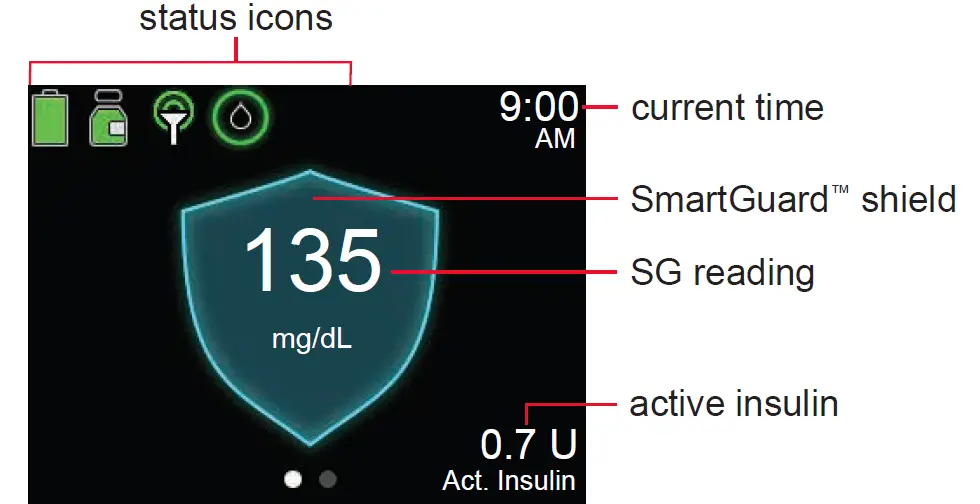
In some cases, menu choices appear but are greyed out if certain settings are turned on or off. The device also includes a SmartGuardTM feature that helps prevent hypoglycemia. The device should be used under the guidance of a healthcare professional.
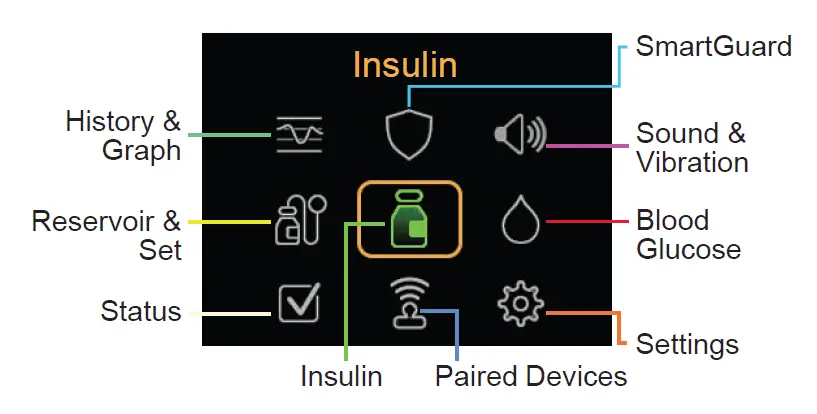
Main Menu
Home screen in SmartGuard feature
Stopping and resuming insulin delivery
| Stopping all insulin delivery The Suspend All Delivery option stops all insulin delivery (basal and bolus). | To stop all insulin delivery: 1. From the Home screen, press and select . 2. Select Suspend All Delivery. 3. Select Yes when prompted. |
| Resuming basal insulin delivery | To resume basal insulin delivery: 1. From the Home screen, press and select . 2. Select Resume Basal. 3. Select Yes when prompted. NOTE: Basal insulin delivery can be manually resumed during a Suspend before low or Suspend on low event. |
| The Resume Basal option restarts the basal delivery after the pump has been suspended. The Resume Basal option does not restart a bolus delivery. | |
| Stopping a bolus delivery | To stop a normal bolus, or the Now portion of a Dual Wave™ bolus: 1. From the Home screen, press and select . 2. Select Stop Bolus. 3. Select Yes when prompted. 4. Select Done. To stop a Square Wave™ bolus or the Square portion of a Dual Wave™ bolus: 1. From the Home screen, press and select . 2. Select Bolus. 3. Select Stop Bolus. 4. Select Yes when prompted. 5. Select Done. |
| The Stop Bolus option stops a bolus delivery only. The Stop Bolus option does not stop the basal delivery. | |
| Manually resuming basal insulin delivery during a Suspend before low or Suspend on Low event. | To manually resume basal insulin delivery: 1. From the Home screen, press and select . 2. Select Resume Basal. 3. Select Resume Basal again. 4. Select Yes when prompted. |
| If unable to wait for the pump to automatically resume the basal insulin during a Suspend before low or Suspend on low event, manually resume the basal delivery. |
History & Graph | SmartGuard | |
| History | SmartGuard Checklist | |
| Sensor Glucose Review* | Temp Target* | |
| Graph | SmartGuard Settings* | |
| Time in Range* | SmartGuard* | |
Sound & Vibration | Reservoir & Set | |
| Silence Sensor Alerts* | New Reservoir & Set | |
| Volume | Fill Cannula | |
| Sound | ||
| Vibration | ||
| Alert Settings | ||
Insulin | Blood Glucose | |
| Bolus Basal Suspend All Delivery Delivery Settings | Enter BG | |
Status | Paired Devices | |
| Suspend All Delivery | Pair New Device | |
| SmartGuard Checklist | Pair CareLink | |
| Pump | Mobile | |
| Sensor* | Meter | |
| Sensor | ||
Settings | In some cases, menu choices appear, but are | |
| greyed out if certain settings are turned on or off. | ||
| Alert Settings Delivery Settings | ||
| Device Settings | ||
In some cases, menu choices appear, but are greyed out if certain settings are turned on or off.
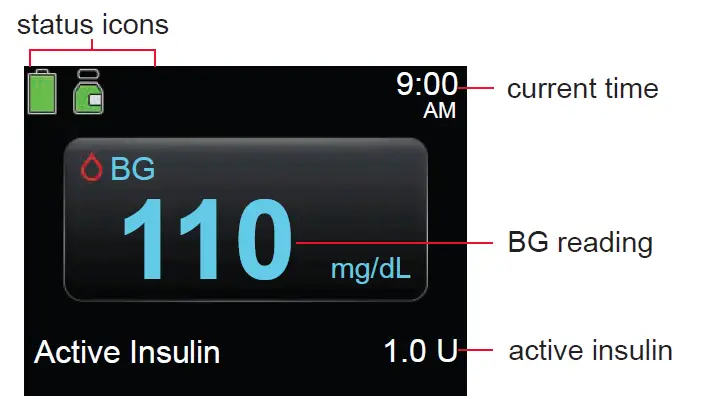
Home screen without CGM in Manual mode
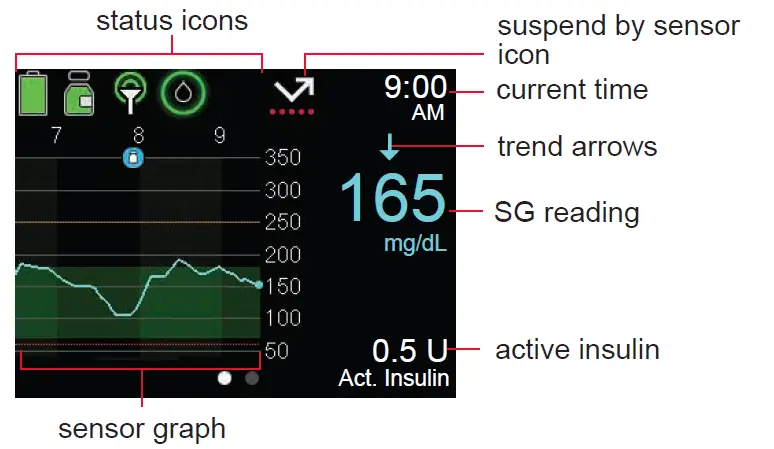
Home screen with CGM in Manual mode
© 2021 Medtronic. All rights reserved. Medtronic, Medtronic logo and Further,
Together are trademarks of Medtronic. All other brands are trademarks of a Medtronic company.
MiniMed™, SmartGuard™, Dual Wave™, and Square Wave™ are trademarks of Medtronic MiniMed, Inc.
Medtronic MiniMed
18000 Devonshire Street Northridge, CA 91325 USA
1800 646 4633
+1818 576 5555
www.medtronicdiabetes.com
 Medtronic Diabetes Australia | Insulin Pumps & CGM