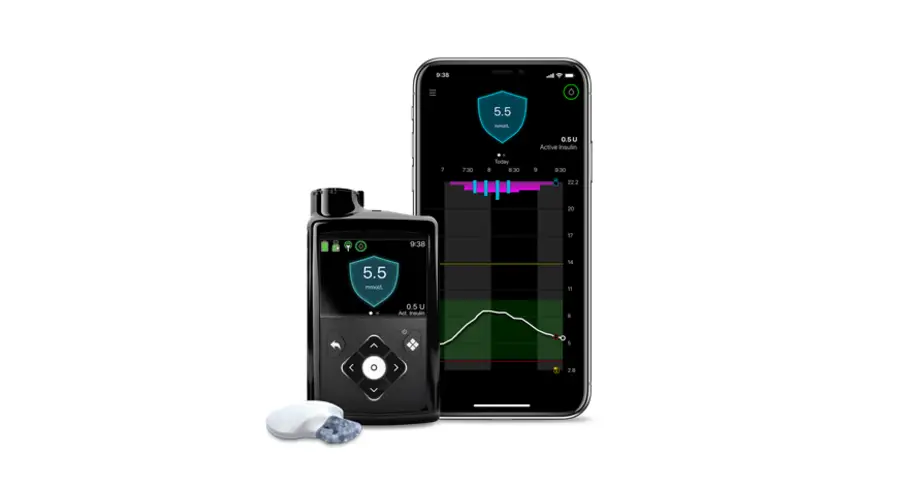
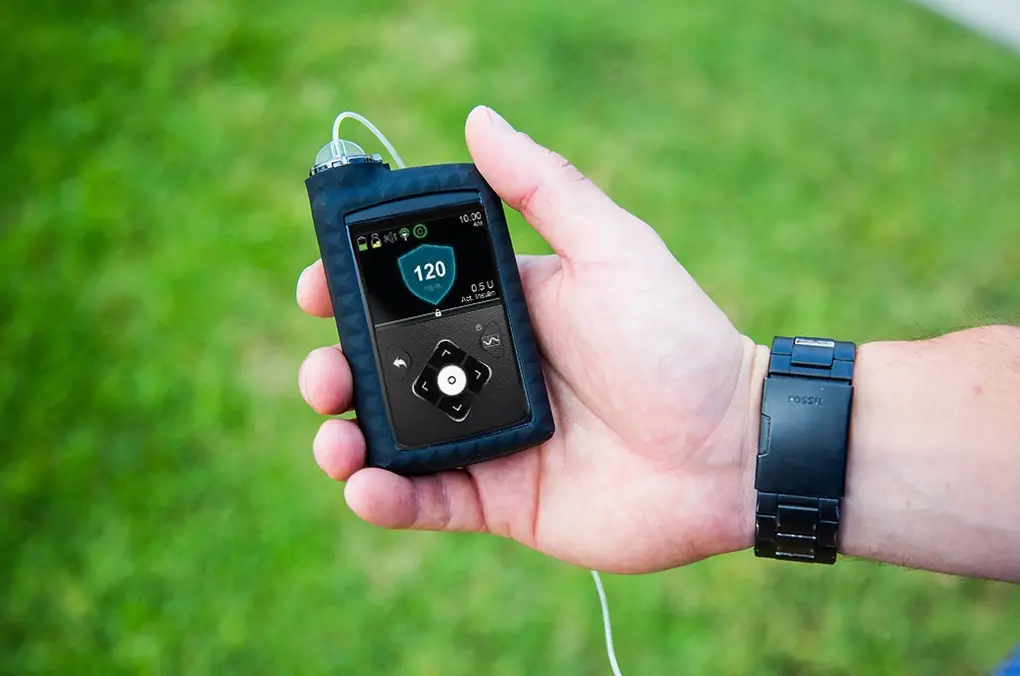
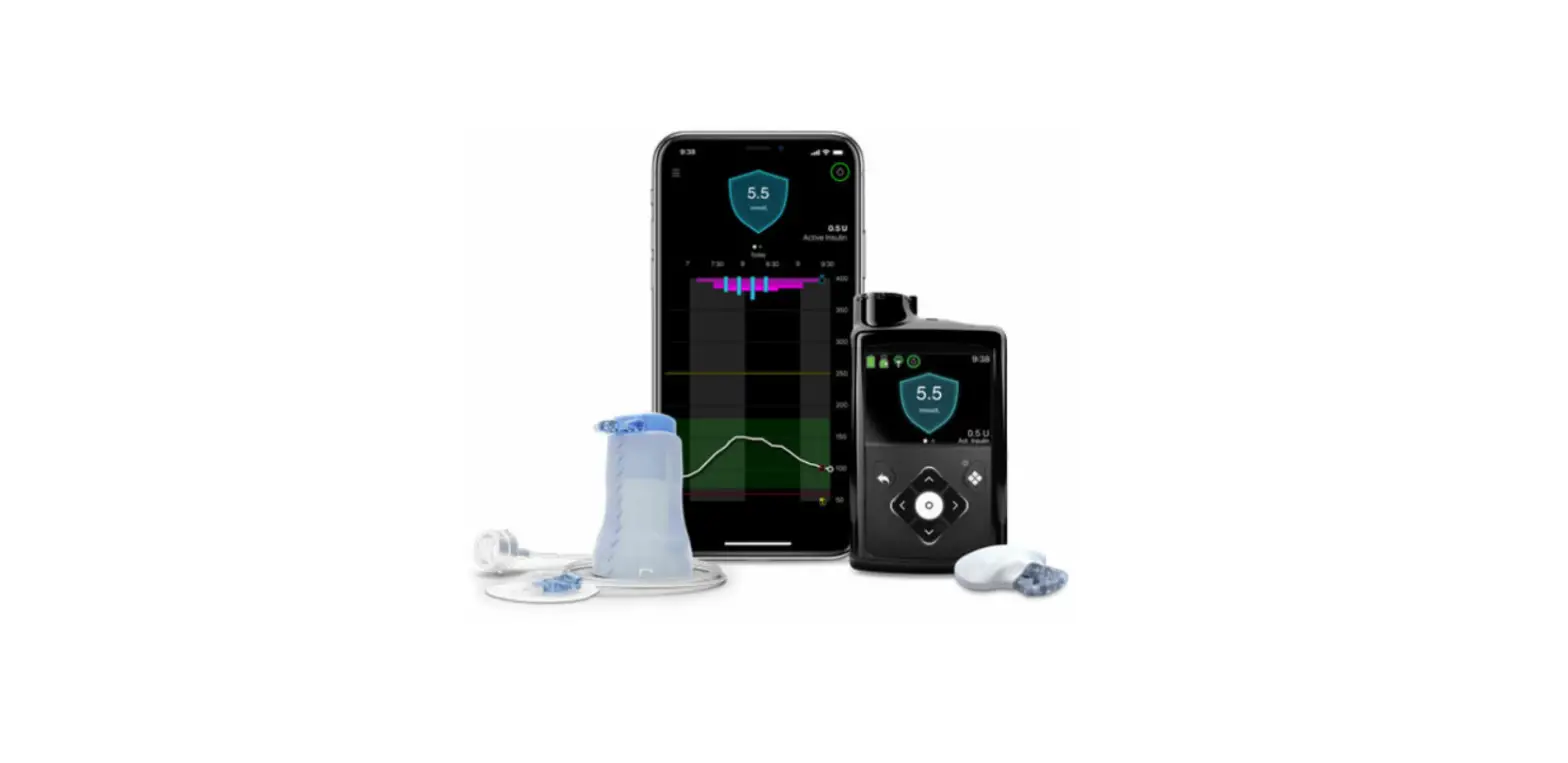
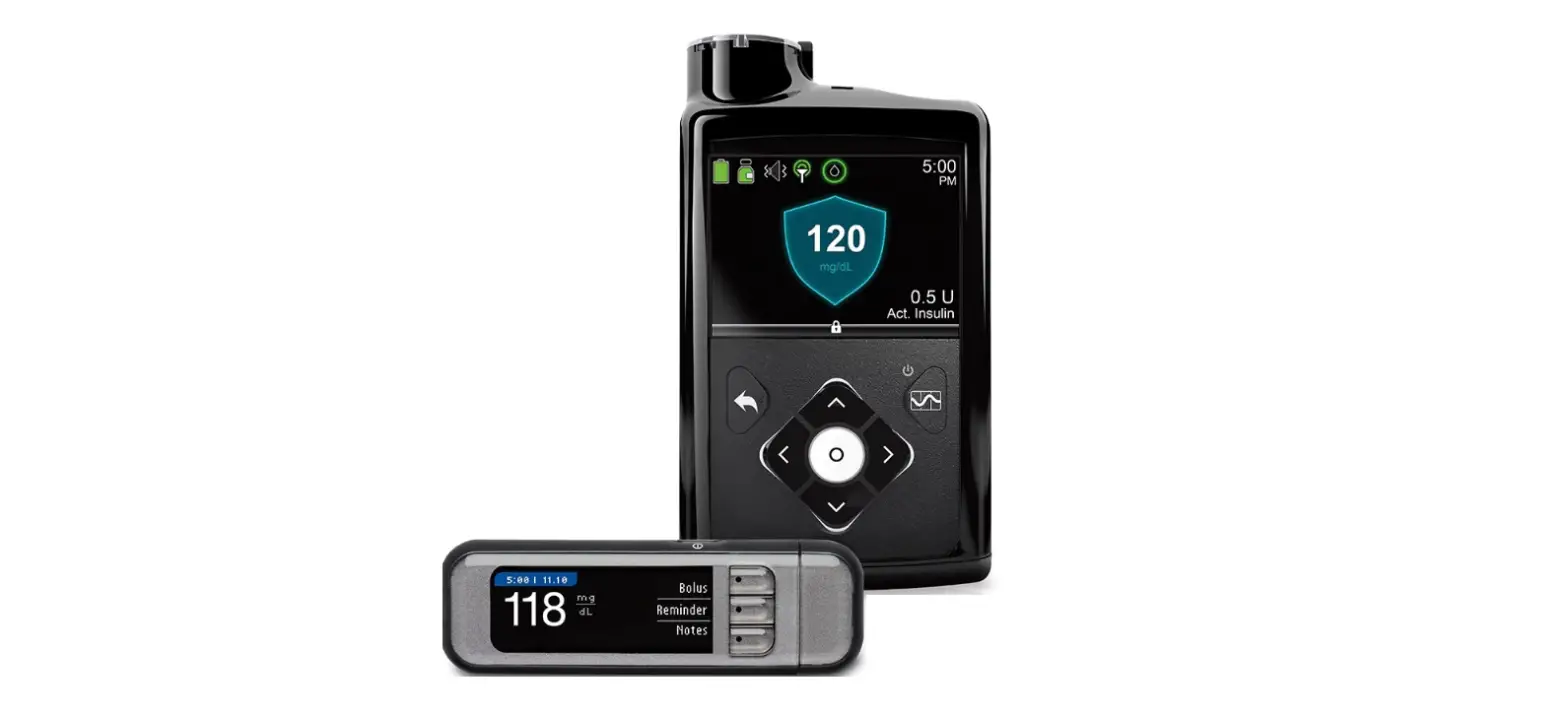
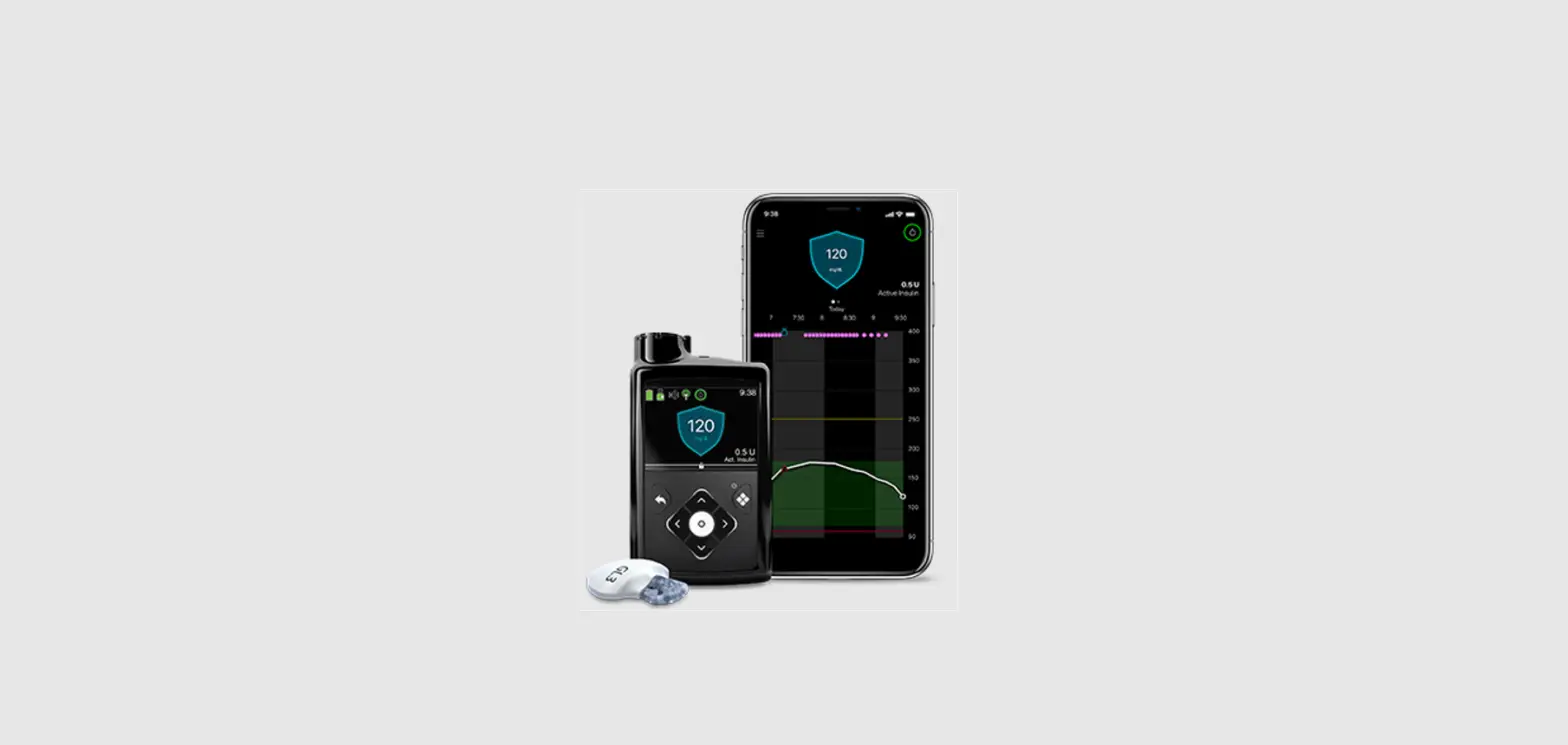
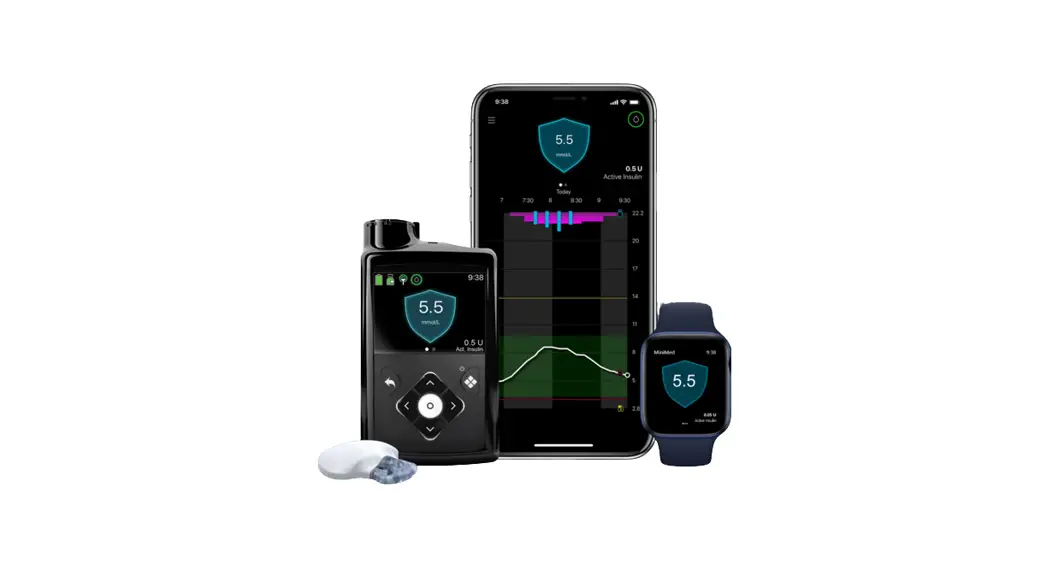
MiniMed 780G System
Product Information: MiniMedTM 780G system with GuardianTM 4
sensor
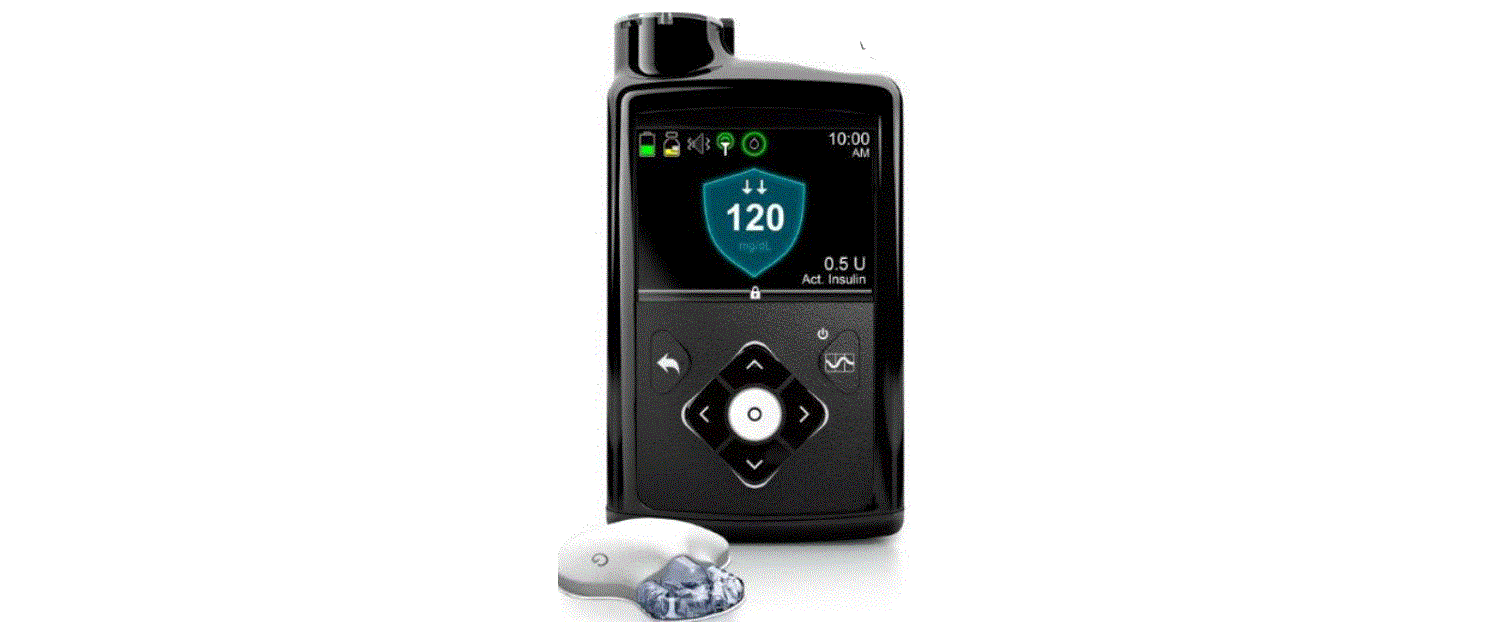
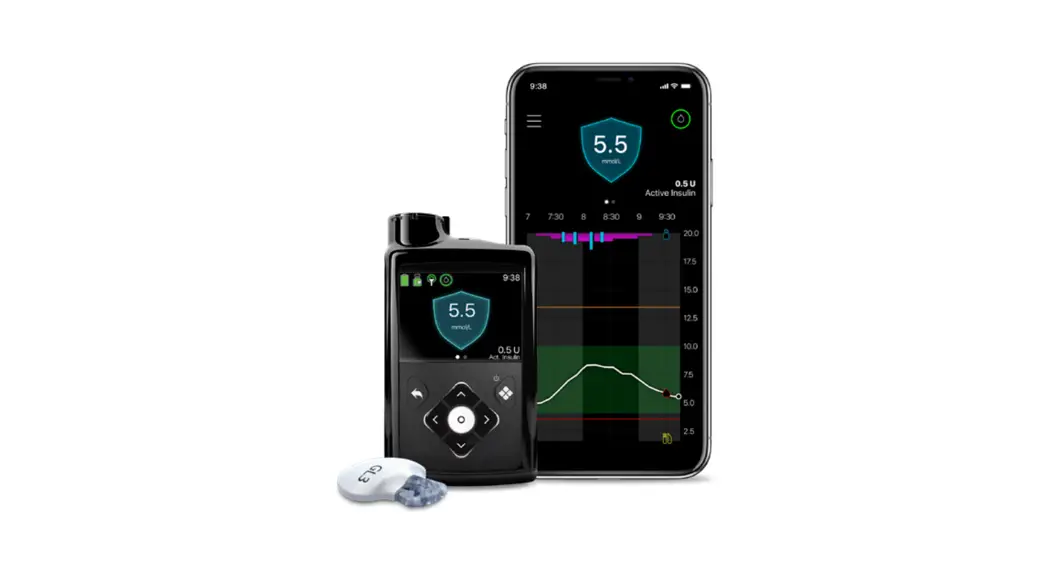
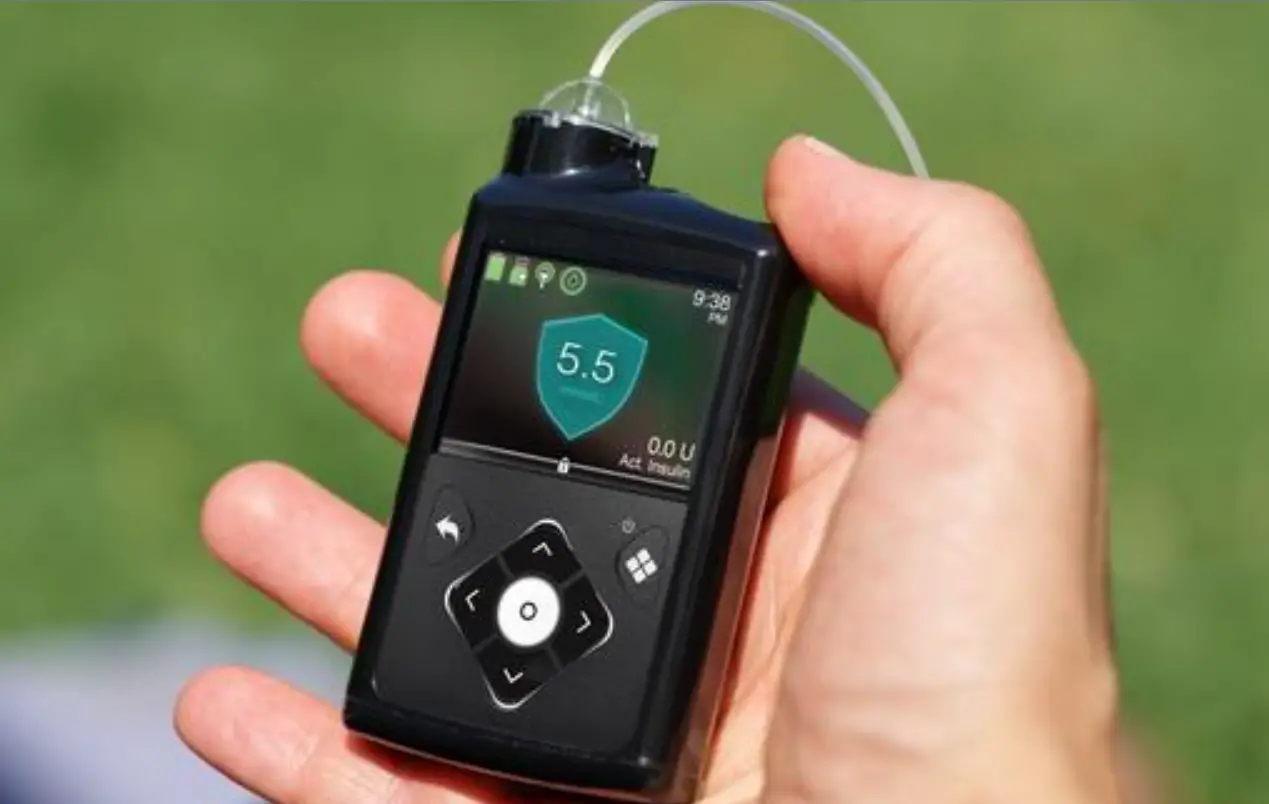
The MiniMedTM 780G system with GuardianTM 4 sensor is a
continuous glucose monitoring system designed to help manage
diabetes. The system is equipped with a sensor that can be inserted
into the body to monitor glucose levels continuously, eliminating
the need for frequent fingersticks. The system also comes with a
pump that delivers insulin to the body based on the sensor
readings, allowing for more accurate and personalized insulin
dosing.
Top 5 Tips for Product Usage
- Location, location, location: Approved sensor
insertion locations vary by age. Please refer to the user guide for
details. Choose a flat area on the back of your arm where you can
pinch an inch that’s also free of scar tissue for best
results. - Do not fear if Sensor Updating appears: Since
the system is free of calibrations, additional system checks
constantly assess sensor reliability and, from time to time, this
may lead to a Sensor Updating alert. In most cases, this resolves
on its own and is unlikely to result in a need to change the
sensor. No action is required unless the pump alerts you. - Make it stick: If additional tape isn’t
enough, consider using an optional skin adhesive after you insert
the sensor but before you apply the first Oval Tape. - Wash your hands to test a BG: Keep your hands
fresh and clean when testing blood glucose as your pump is using
all entered BG readings to calibrate the sensor. Using a 70%
alcohol wipe or hand sanitizer is okay. - Make your alerts work for you: Personalize
high and low glucose limits within your sensor settings. Use the
Silence Sensor Alerts feature when getting an audible alert may
cause frustration. For example, during an important meeting, a
movie, or a nap! Note that the High SG Alert, Low SG alarm, and the
SmartGuardTM exit alert cannot be silenced.
If you need a sensor replacement, tape kit, or additional
training, you can request them or get extra help by visiting
bit.ly/OnlineReplacement. If you have more questions, you can call
Tech Support at 1-800-646-4633 (option 1) 24 hours a day, 365 days
per year. For more resources, use the QR code or visit
www.medtronicdiabetes.com/support. We’re with you on this
journey!
Top 5 Tips
MiniMedTM 780G system with GuardianTM 4 sensor
1 Location, location, location
Approved sensor insertion locations vary by age. See user guide.
Where you insert your sensor can make a big difference. In fact, it’s best to choose a flat area on the back of your arm where you can “pinch an inch” that’s also free of scar tissue.
2 Do not fear if “Sensor Updating” appears!
Since your system is free of calibrations, additional system checks constantly assess sensor reliability and, from time to time, this may lead to a Sensor Updating alert. If so, don’t worry. In the majority of cases, this resolves on its own and is unlikely to result in a need to change the sensor. More importantly, there is nothing you need to do unless the pump alerts you.
3 Make it stick
If additional tape isn’t enough, consider using an optional skin adhesive. The key here is to use it after you insert the sensor but before you apply the first Oval Tape.
4 Wash your hands to test a BG
Since your pump is using all entered BG readings to calibrate the sensor, and may ask you for one from time to time, it’s important to keep your hands fresh and clean. Using a 70% alcohol wipe or hand sanitizer is okay.
5 Make your alerts work for you
If you prefer to have different high and low glucose limits at different times of day, you can personalize these alerts within your sensor settings. In fact, you may want to consider using the Silence Sensor Alerts feature* when getting an audible alert may cause frustration. For example, during an important meeting, a movie, or a nap!
*Doesn’t silence: High SG Alert, Low SG alarm or the SmartGuardTM exit alert
Need a sensor replacement, tape kit, or additional training? Request any of these or get extra help here: bit.ly/OnlineReplacement
Have more questions? Call Tech Support at 1-800-646-4633 (option 1) 24 hours a day, 365 days per year.
Need more help? Use the QR code or visit www.medtronicdiabetes.com/support to explore all resources that Medtronic provides.
We’re with you on this journey
Consult with healthcare provider about treatment decisions. Important safety information: MiniMedTM 780G system with SmartGuardTM technology with GuardianTM 4 sensor The MiniMedTM 780G system is intended for continuous delivery of basal insulin at selectable rates, and the administration of insulin boluses at selectable amounts for the management of type 1 diabetes mellitus in persons seven years of age and older requiring insulin as well as for the continuous monitoring and trending of glucose levels in the fluid under the skin. The MiniMedTM 780G System includes SmartGuardTM technology, which can be programmed to automatically adjust insulin delivery based on the continuous glucose monitoring (CGM) sensor glucose values and can suspend delivery of insulin when the SG value falls below or is predicted to fall below predefined threshold values. The Medtronic MiniMedTM 780G System consists of the following devices: MiniMedTM 780G Insulin Pump, the GuardianTM 4 Transmitter, the GuardianTM 4 Sensor, One-press serter, the Accu-ChekTM Guide Link blood glucose meter, and the Accu-ChekTMGuide Test Strips. The system requires a prescription from a healthcare professional. The GuardianTM 4 Sensor is intended for use with the MiniMedTM 780G system and the Guardian 4 transmitter to monitor glucose levels for the management of diabetes. The sensor is intended for single use and requires a prescription. The GuardianTM (4) sensor is indicated for up to seven days of continuous use. The GuardianTM 4 sensor is not intended to be used directly to make therapy adjustments while the MiniMedTM 780G is operating in manual mode. All therapy adjustments in manual mode should be based on measurements obtained using a blood glucose meter and not on values provided by the GuardianTM 4 sensor. The GuardianTM 4 sensor has been studied and is approved for use in patients ages 7 years and older and in the arm insertion site only. Do not use the GuardianTM 4 sensor in the abdomen or other body sites including the buttocks, due to unknown or different performance that could result in hypoglycemia or hyperglycemia. WARNING: Do not use the SmartGuardTM feature for people who require less than 8 units or more than 250 units of total daily insulin per day. A total daily dose of at least 8 units, but no more than 250 units, is required to operate in the SmartGuardTM feature. WARNING: Do not use the MiniMedTM 780G system until appropriate training has been received from a healthcare professional. Training is essential to ensure the safe use of the MiniMedTM 780G system. WARNING: Do not use SG values to make treatment decisions, including delivering a bolus, while the pump is in Manual Mode. When the SmartGuardTM feature is active and you are no longer in Manual Mode, the pump uses an SG value, when available, to calculate a bolus amount. However, if your symptoms do not match the SG value, use a BG meter to confirm the SG value. Failure to confirm glucose levels when your symptoms do not match the SG value can result in the infusion of too much or too little insulin, which may cause hypoglycemia or hyperglycemia. Pump therapy is not recommended for people whose vision or hearing does not allow for the recognition of pump signals, alerts, or alarms. The safety of the MiniMedTM 780G system has not been studied in pregnant women, persons with type 2 diabetes, or in persons using other anti-hyperglycemic therapies that do not include insulin. For complete details of the system, including product and important safety information such as indications, contraindications, warnings and precautions associated with system and its components, please consult https://www.medtronicdiabetes.com/important-safety-information#minimed-780g and the appropriate user guide at https://www.medtronicdiabetes.com/download-library. US-CGM-2100068 © 2023 Medtronic. All rights reserved. Medtronic, Medtronic logo and Engineering the extraordinay are trademarks of Medtronic. Third party brands are trademarks of their respective owners. All other brands are trademarks of a Medtronic company.
 bit.ly/OnlineReplacement
 Customer Support | Medtronic Diabetes