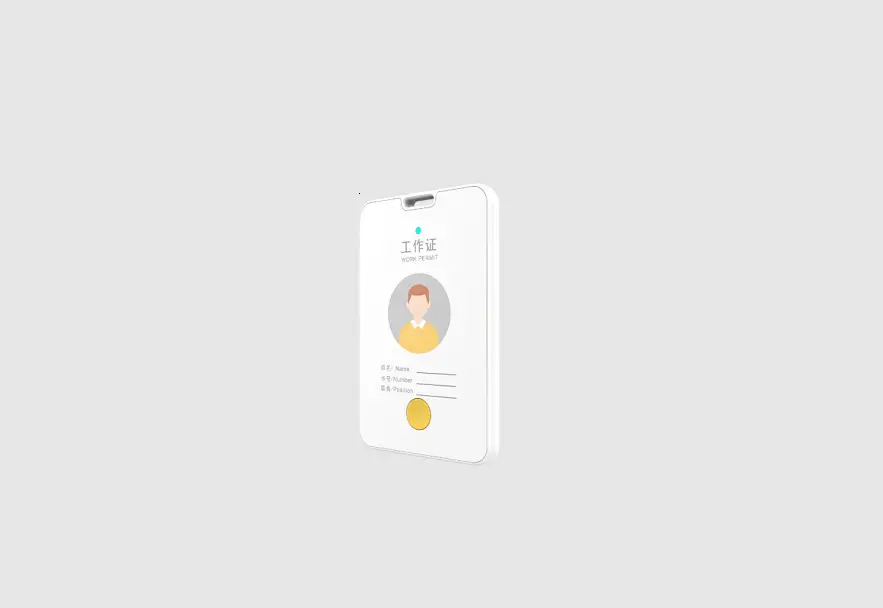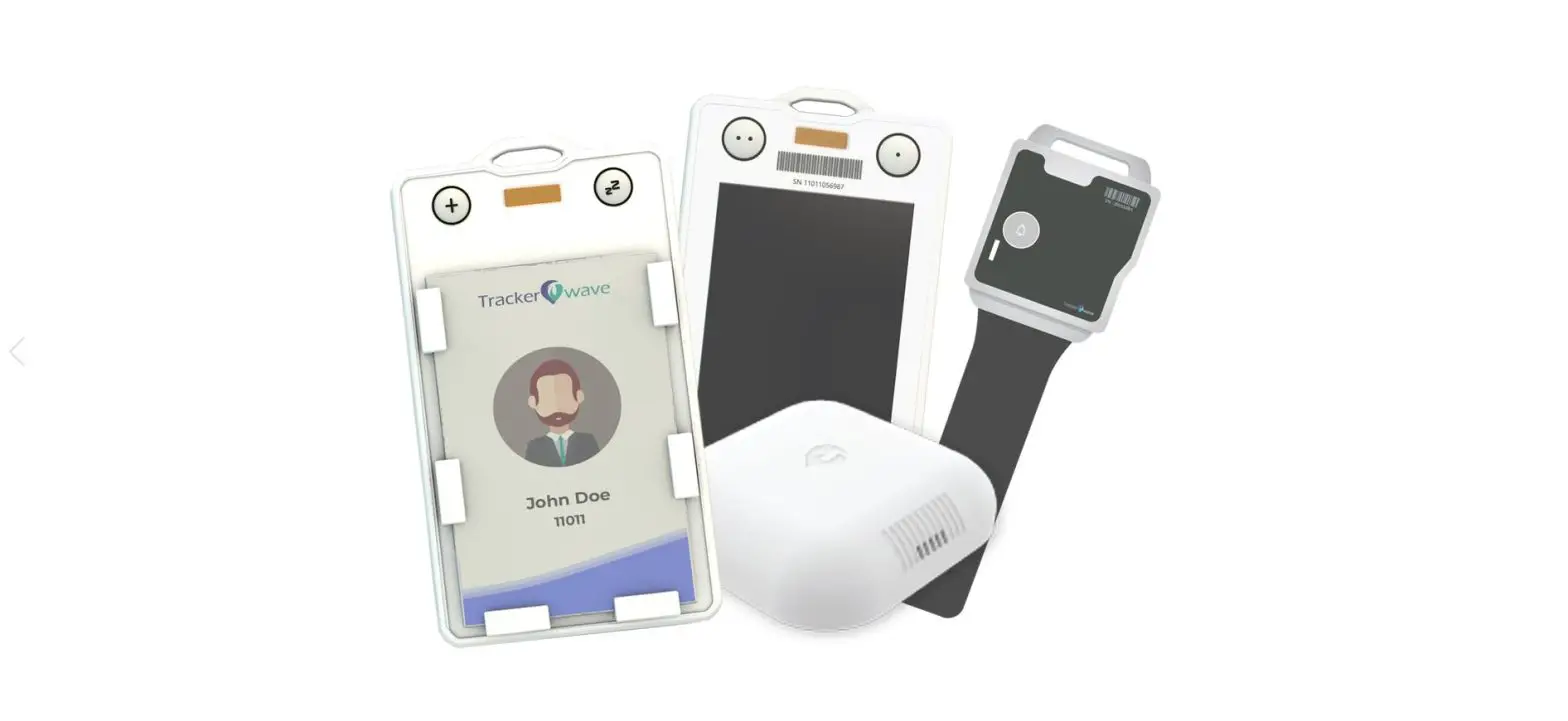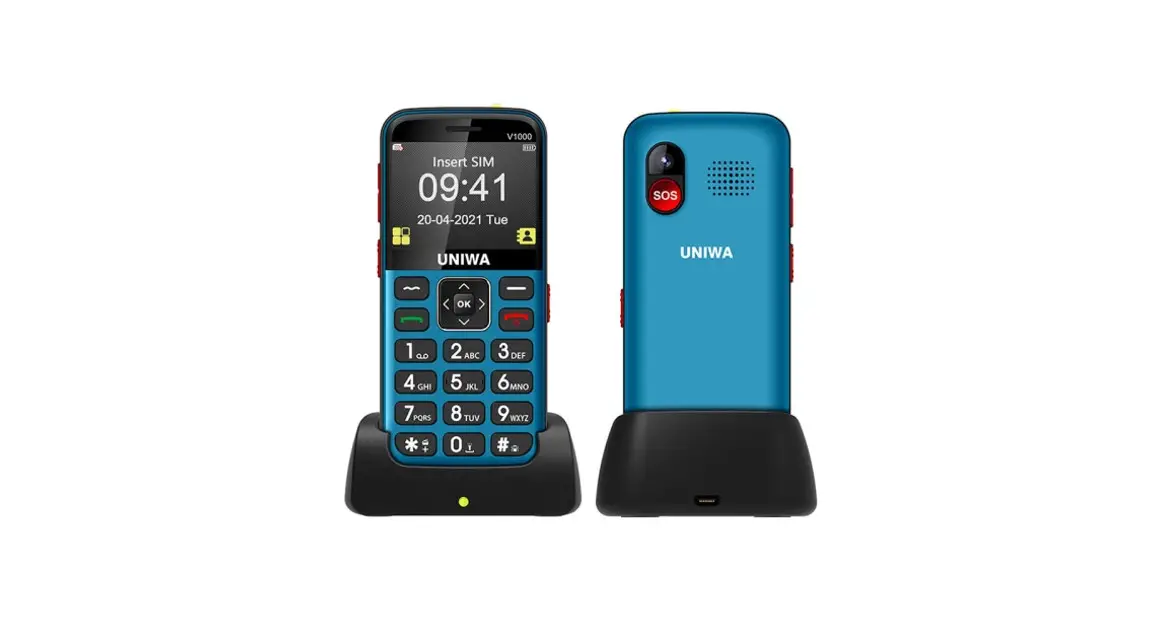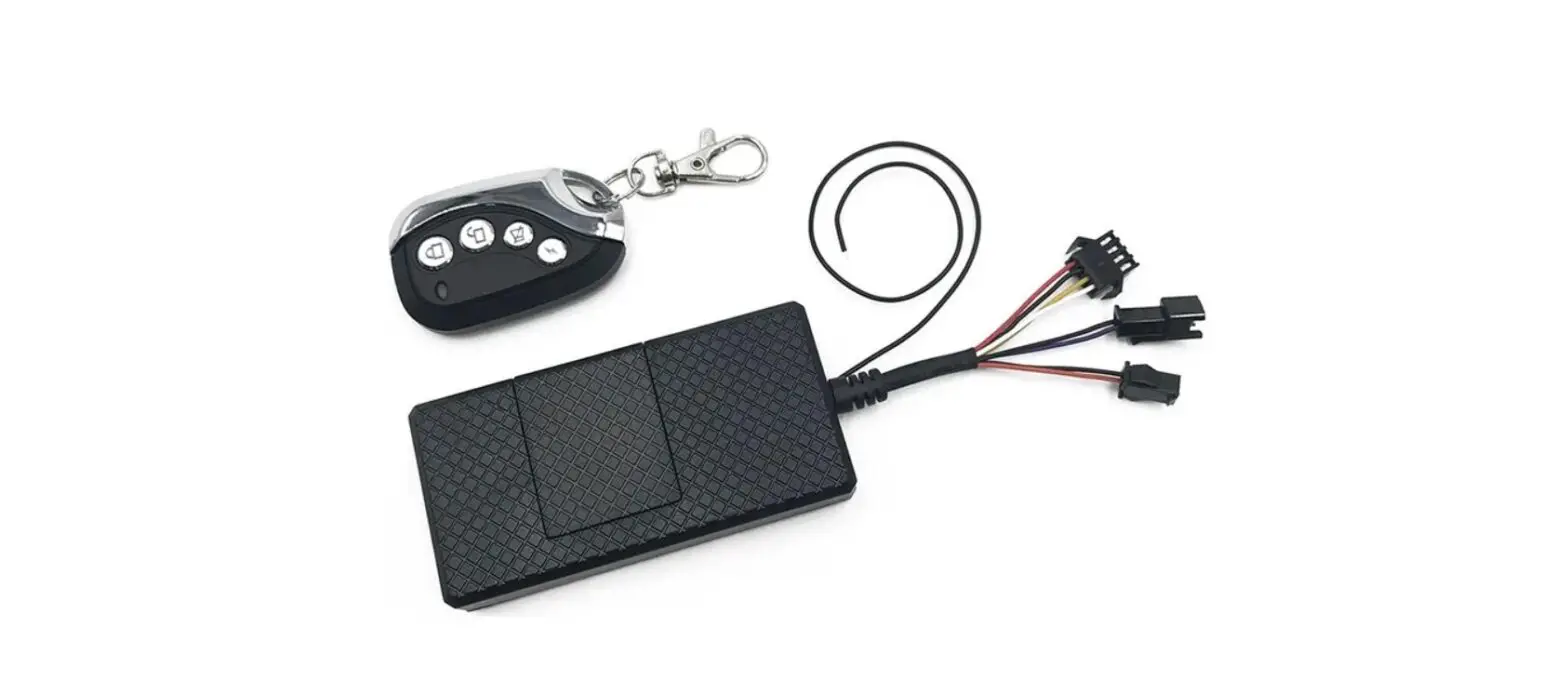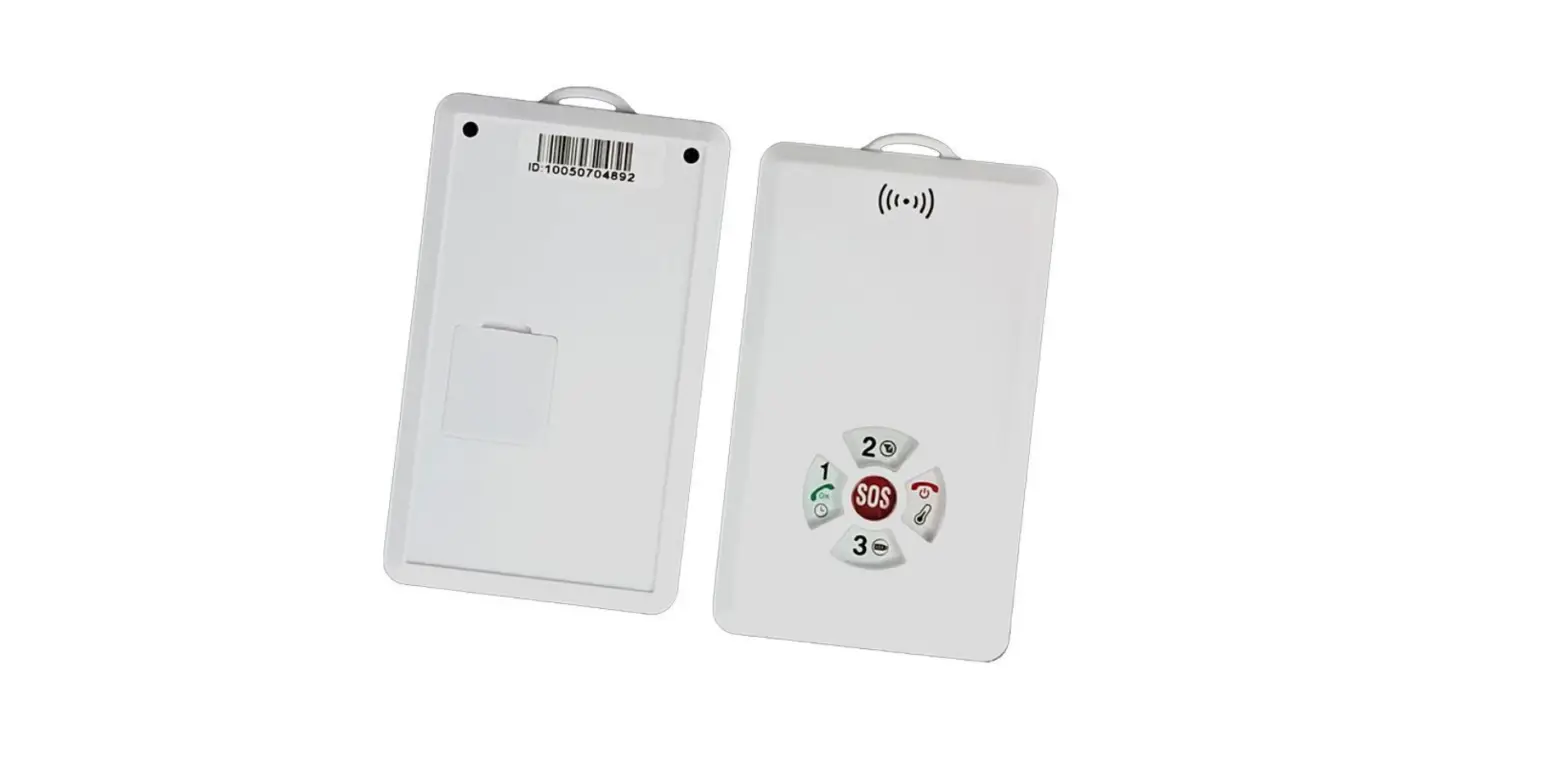

UniGuard ID01 4G ID Card
Features
- Real-time tracking by APP/Platform
- History Playback and Historical location report
- Geo-fence alarm
- Call to 3 family numbers
- SOS alert number, call and location SMS report
- Current time check
- Current battery status check
- Voice monitoring
- Two way voice speaking
- 1000mAh rechargeable battery
Specs
| Item | Details |
| Dimension | 100*60*8 mm |
| Weight | 58g |
| Material | Anti-fire ABS |
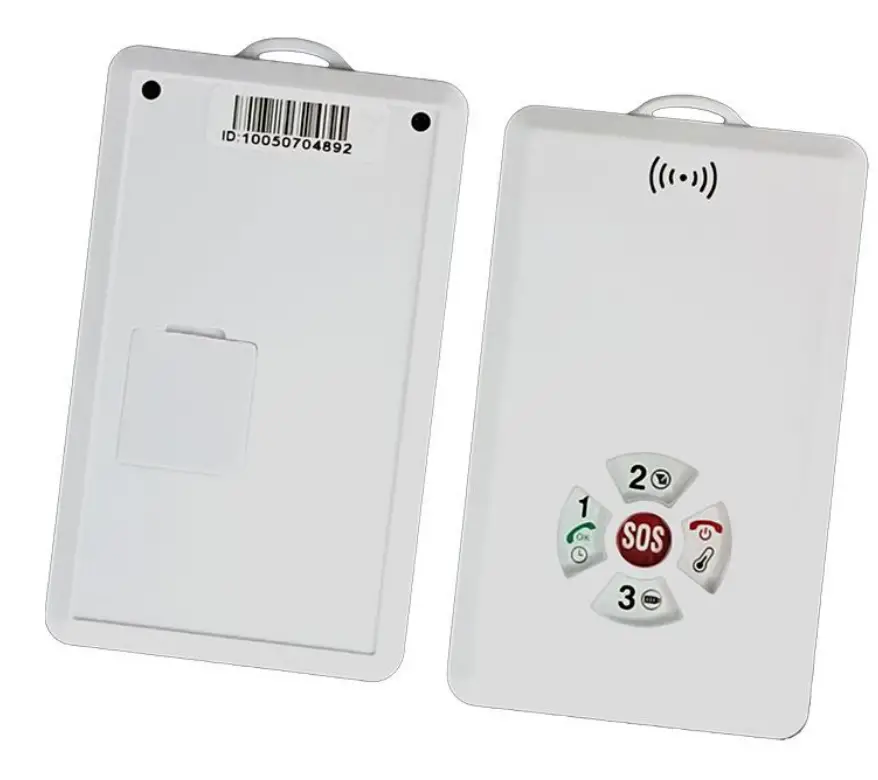
| Button | 5 buttons (Call 1 Call2 Call 3, SOS, Switch) |
| Wearing | Rope |
| Network | 4G + 2G |
| GSM Module | SIMCOM LTE A7680C |
| GPS Chip | AT6558R |
| OTA | YES |
| Positioning | GPS+Beidou+WIFI+LBS+AGPS |
| Battery | Rechargeable battery 1000mAh |
| Charge time | About 3hrs |
| Standby | 5 days |
| Charging port | USB |
| Microphone | Built-in |
| Speaker | Built-in |
Install SIM Card
Prepare a micro SIM card with Call, SMS and network activated. Insert 4G SIM card with activated GPRS data; Make sure SIM card with full balance; If SIM card with PIN code, must remove it advance.
Device light description
| Light | Signal | Flashing | ON | OFF |
| Red | Power | Charging | Fully charged | |
| Blue | GPS | GPS located | GPS unlocated | |
| Yellow | GSM/GPRS | GPRS connected | GPRS failed |
| Button | Description |
|
Call1 | Call: press 3 seconds to call the first number, and broadcast: ”Calling family number 1“ |
| Message: when there is a new message, a single click to broadcast the message | |
| Time check: double click to broadcast the current time: “Nine Forty, Wednesday” | |
| Call2 | Call: press 3 seconds to call the second number, and broadcast: “Calling family number 2” |
| Network check: double click to broadcast the connection status: “Connect platform successfully” | |
| Call3 | Call: press 3 seconds to call the third number, and broadcast: “Calling family number 3” |
| Battery check: double click to broadcast battery status: “Battery level 65%” | |
| Switch | Press 3 seconds to switch on device |
| Press 6 seconds to switch off device | |
| SOS | Call: press 6 seconds to call SOS number periodically 3 times. If not answered, call the family number. (When SOS alert is triggered, device first send SMS link to report location first.) |
| If number is not set, broadcast: ”Number not setup” | |
Command-List
Note: All Alarms only will be sent to admin Number Only
| Command | Function |
| admin123456 15012404563 | Set admin number |
| noadmin123456 15012404563 | Remove admin number |
| password123456 888888 | Change password |
| apn123456 APN APNname APNpassword | Set APN |
| adminip123456 www.gpspos.net 8800 | Set IP Port |
| smslink123456 | google link |
| fix020s060m***n123456 | Set upload interval, moving at 20s, stopping at 60mins |
| monitor123456 15012404563 | Device call back to start voice monitoring |
| lowbattery123456 on | Turn on low battery alert (below 20%) |
| lowbattery123456 off | Turn off low battery alert |
| IPAPN123456 | IP APN Checking |
| IMEI123456 | Check device IMEI and ICCD |
| check123456 | Check device status |
| reset123456 | Restart device. |
| ver123456 | Check device version |
| LBS123456 1 | Turn on LBS position mode (Default) |
| LBS123456 0 | Turn off LBS position mode |
| mod123456 0 | Power saving mode |
| mod123456 1 | Smart working mode |
| mod123456 300 | GPS Tracking mode, minimum interval is 300 seconds |
| Familynumber123456 Tel1 Tel2 Tel3 | Setup call1 call2 call 3 phone number |
| whitenum123456 13512341234 | Set white number list. After setting up, only white list and family number can call device. |
| ckauthnum123456 | Check admin and family number |
| almclock123456 08:00 1111111 | Set alarm clock. (here alarms at 8 am) |
Web platform GPS tracking software
- Website: www.gpspos.net
- Default IMEI as user name, password 123456.
- Searching APP name: GPSPOS at Appstore, POSGPS at Google play
 Loading...