QUICK START GUIDE
INSTALL . WINDOWS VERSION
WELCOME
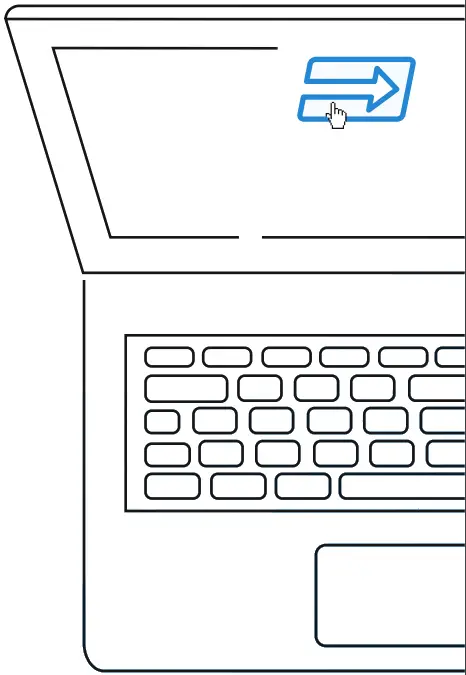
Plug the provided USB key on one of your PC available USB ports, the AutoPlay will run automatically, choose the Open folder to view files option.
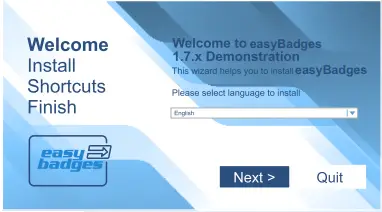
Double-click on easy badges executable file and the Installation Wizard will run, the Welcome view is displayed where you can verify the Serial Number of your product and also select the language to install.
To proceed with the installation click the Next button.
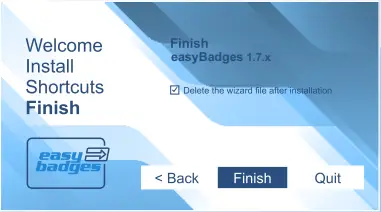
Click Finish to install easy badges
INSTALL . MAC VERSION
WELCOME
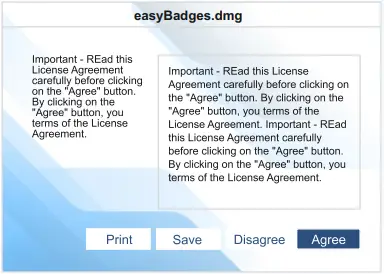
Plug the USB key and double click on USB drive icon, then double-click on easybadges.dmg file and the end user license agreement appears, click Agree in order to proceed.
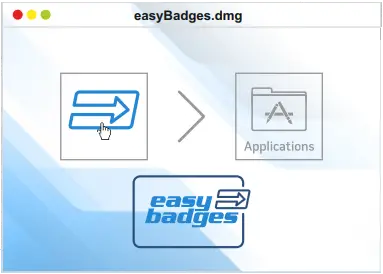
Now drag and drop easy badges icon into the Applications alias in order to install.
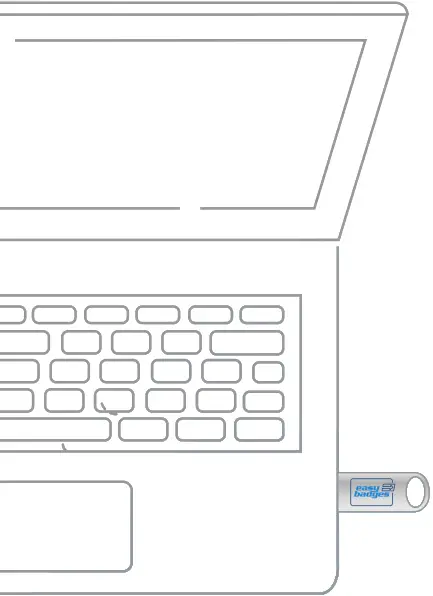

Plug the USB key into your PC or MAC
HOW TO START WELCOME VIEW
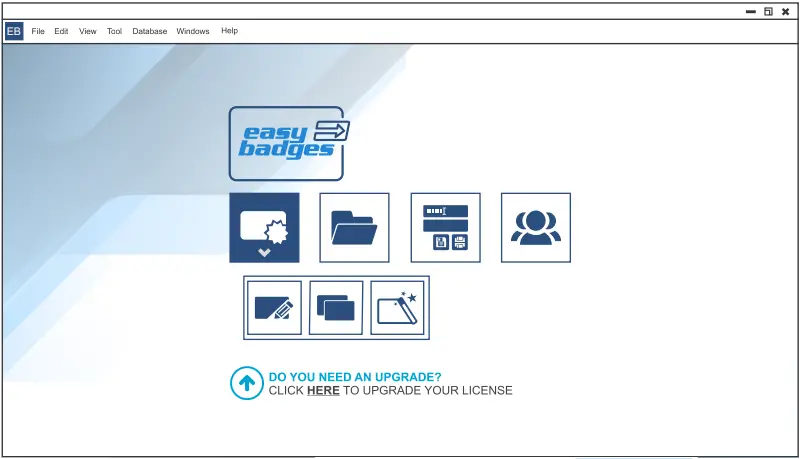
 Create a Card
 Create a New Card
 Open Templates
 Create a Card Using Wizard
 Open a Card
 Production Mode
 Users Login
HOW TO START DESIGN VIEW
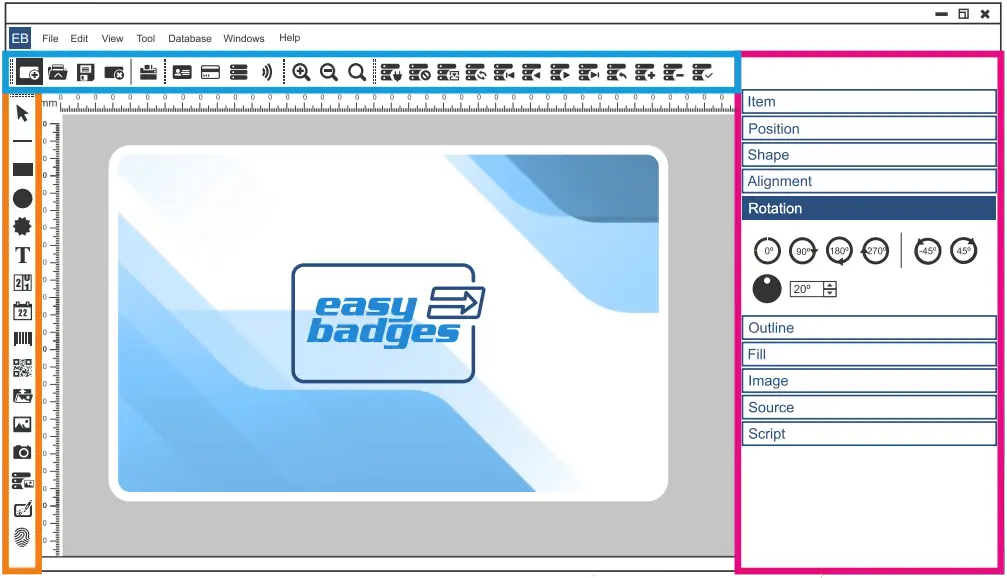
 Document options
 Layout items
 Items Properties
HOW TO START DATABASE VIEW
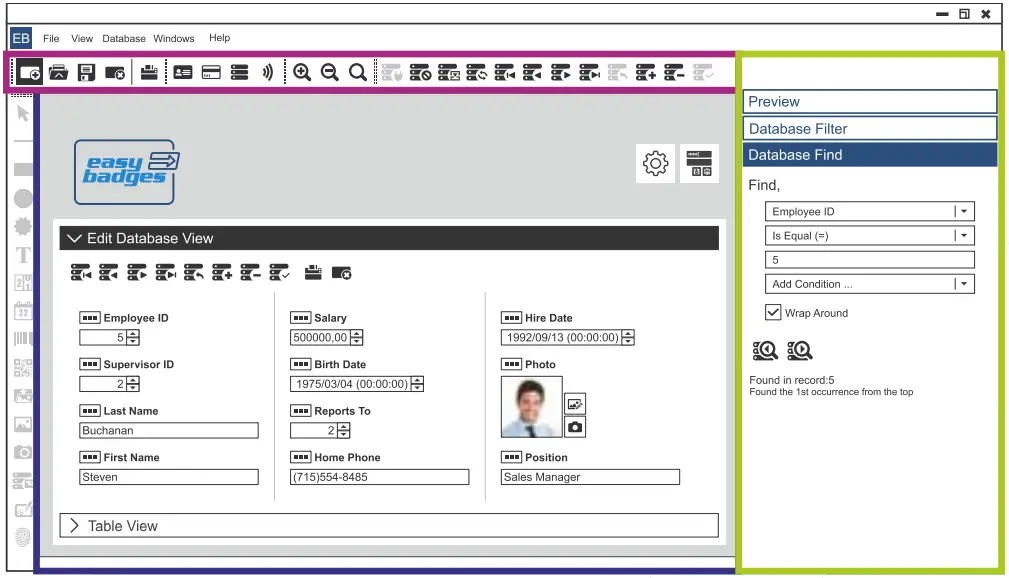
 Document options
 Edit Database and Table view
 Database Search
ID CARD SOFTWARE NEED HELP?
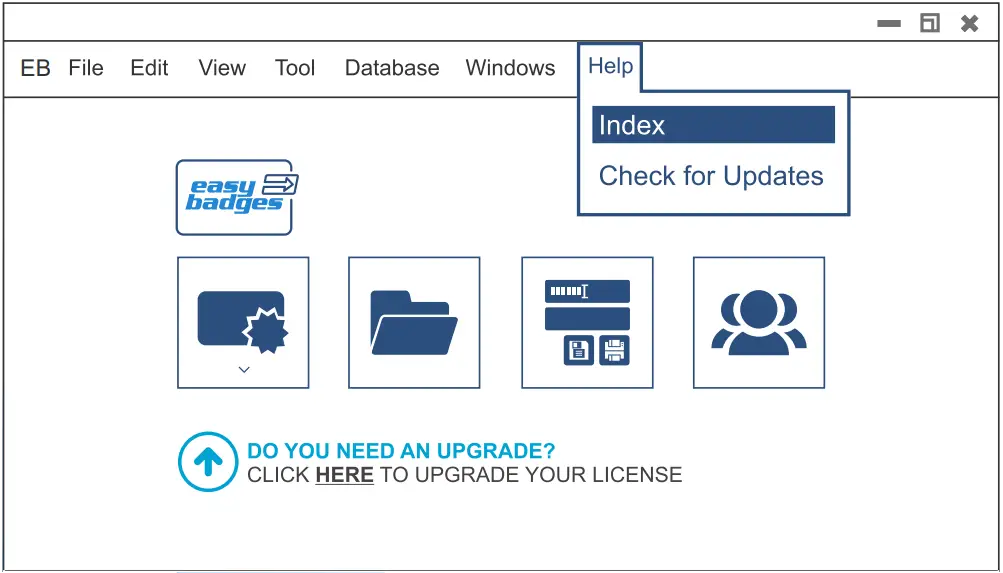
* Access embedded full manual – HELP MENU> Index

 Customer Service & Sales:
Phone:(855) 436-0527
e-mail: [email protected]
easybadges.com
easyBadges
 Easy Badges | ID Badge Printers & ID Card Printers | The Easier Way to do ID
 Easy Badges | ID Badge Printers & ID Card Printers | The Easier Way to do ID