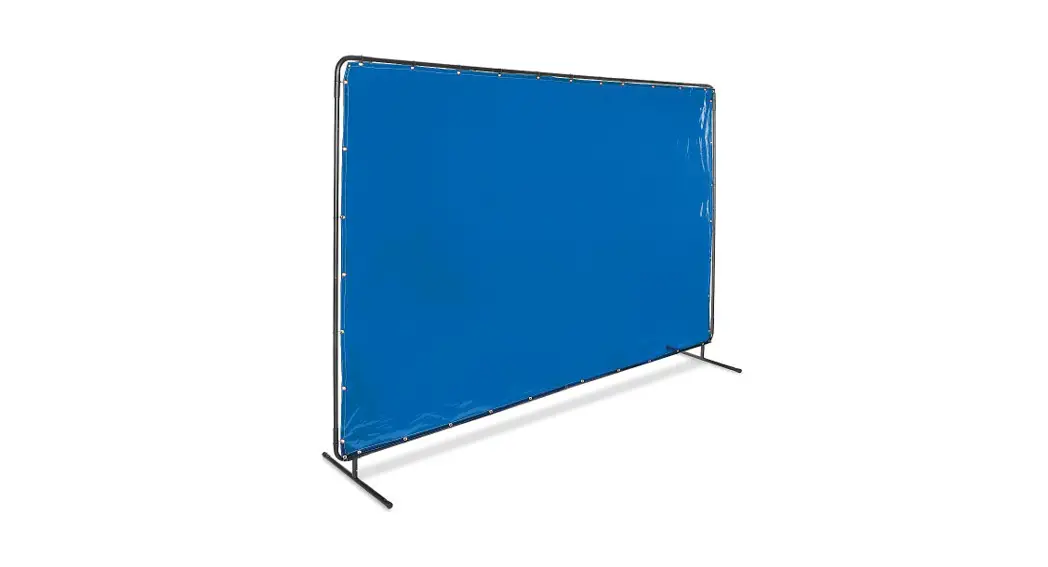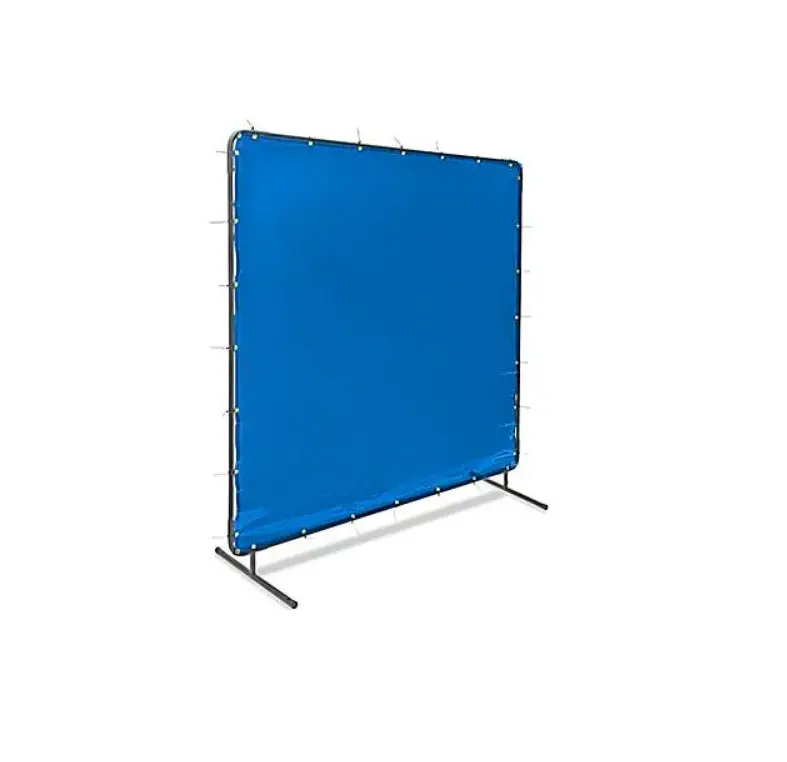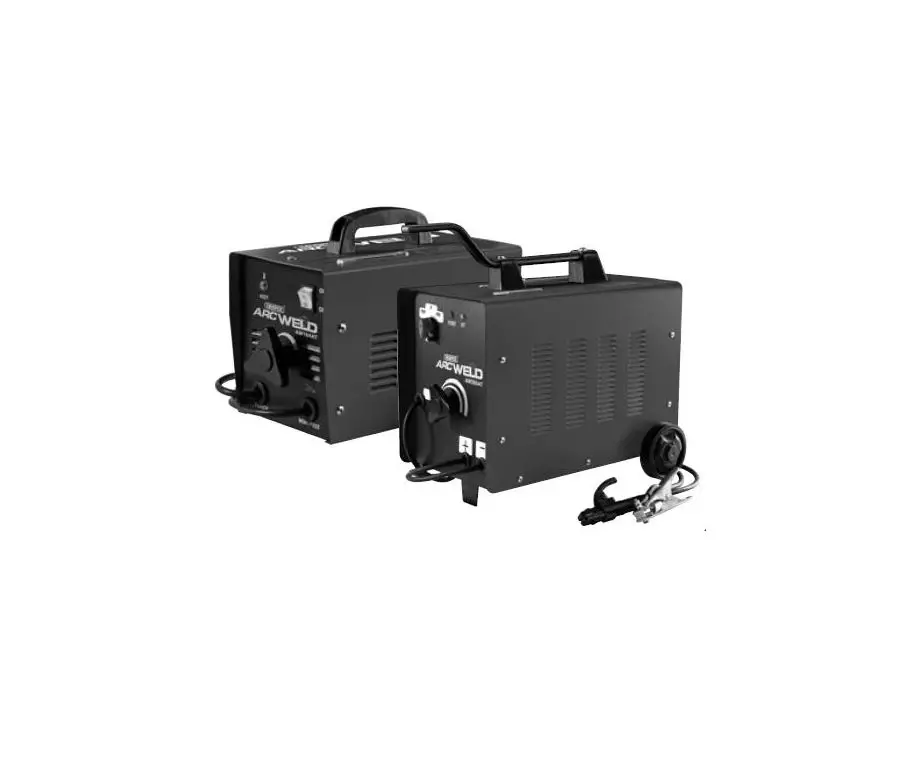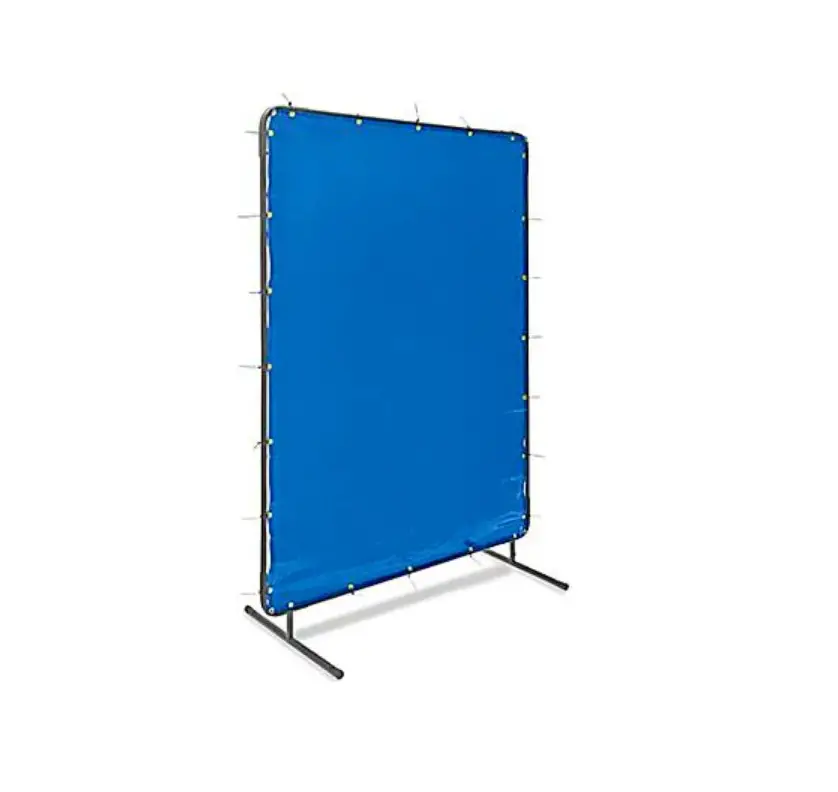
ULINE H-6699 Welding Screen User Guide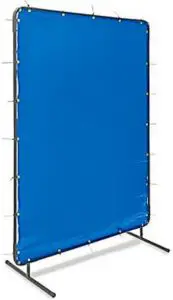
PARTS
- Long Tapered Tube (A) x 2

- Medium Non-Tapered Tube (B) x 2
- Short Tapered Tube (C) x 2

- Short Non-Tapered Tube (D) x 2
- Foot (E) x 2

- Corner (F) x 2

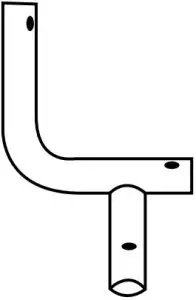
- Corner with Foot Adapter (G) x 2

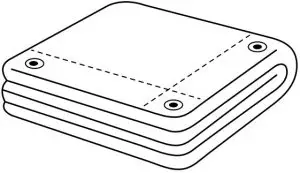
- Curtain x 1

- Curtain Tie x 25






ASSEMBLY
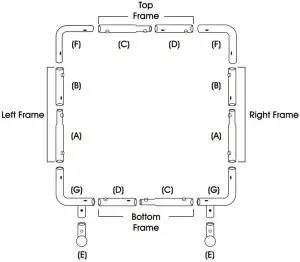
- Assemble the top and bottom frames by connecting the short tapered (C) and short non-tapered (D) tubes until pins snap and lock in place.
- Assemble the left and right frames by connecting the medium non-tapered (B) and long tapered (A) tubes until pins snap and lock in place.
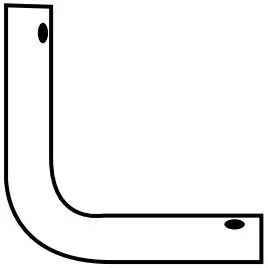
- Connect the left and right corners (F) to the top, left and right frames until pins snap and lock in place.
- Connect the corners with foot adapter (G) to the bottom, left and right frames until pins snap and lock in place.
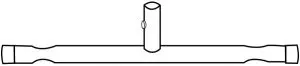
- Connect the foot (E) to each corner with foot adapter (G) until pins snap and lock in place.
- With frame assembled, begin attaching the screen to the frame using the curtain ties.
Contact US
Phone: 1-800-295-5510
Web: uline.com