PiRacer Pro Al Kit DonkeyCar Project
Product Information:
The PiRacer Pro Al Kit is a complete package that includes a
Raspberry Pi 4GB, Micro SD card 64GB, On-road chassis, PiRacer Pro
expansion board, IMX219-160 camera, acrylic camera spacer, camera
holder, remote control handle, 6Pin Dupont Line, micro SD card
reader, spanner, screwdriver, 8.4V battery charger, screws pack,
and track map.
The package can be customized with different options and
components depending on the user’s requirements. The kit comes with
a 3.7V, 2600mAh 18650 lithium battery x4 (two in parallel and two
in series) that can be charged using the provided 8.4V battery
charger.
Product Usage Instructions:
- Fix the camera holder and antenna on the PiRacer Pro expansion
board. - Connect the motor, servo, and ESC power cable to the
corresponding interface as shown in the figure below. Make sure to
connect them correctly to avoid any issues while running the
car. - Fix the PiRacer Pro expansion board on the chassis of the
car. - Fix the Raspberry Pi on the expansion board using M2.5
screws. - Install the Raspberry Pi and connect it to the expansion board
with a 6PIN cable. - Insert the camera onto the camera holder with nylon screws.
Ensure that an acrylic plate is padded between them to avoid short
circuiting, and then connect it to the Raspberry Pi with a
cable. - Download the PiRacer Pro image from Wiki, extract the .img
file, and then use the programming software, such as Diskimager, to
program it to the TF card. - In order to use the voltage and current display function and
drive motor normally, please update the relevant program provided
by Wiki. For specific operations, please refer to the PiRacer Pro
Al Kit on Wiki. - Connect the handle receiver to the computer host. The handle
has three modes, and the default is mode 1. You can short press the
HOME button to switch to mode 2 or press the HOME button for more
than 7 seconds to switch mode 3. When used with the program, it is
recommended to use Mode 2 or Mode 3. - When testing the motor, you can adjust the deflection angle of
the accelerator and servo by yourself to make the car run more
stably.
Contact Information:
For inquiries, you can contact Waveshare through Tel.
0755-83040855, 0755-83040832, QQ 2881669565, or 2880803593.
Consultation Time is from 9:00-12:00 and 14:00-18:00 on weekdays
and from 9:00-12:00 and 14:00-17:00 on Saturdays.
If you need after-sales support, please refer to the after-sales
contact information provided on Waveshare’s official website.
Please provide the product model and purchase information when
inquiring about products.
PiRacer Pro Al Kit
Assembly Manual
Package Content
How to Assemble?
1. Fix the camera holder and antenna on the PiRacer Pro expansion board.
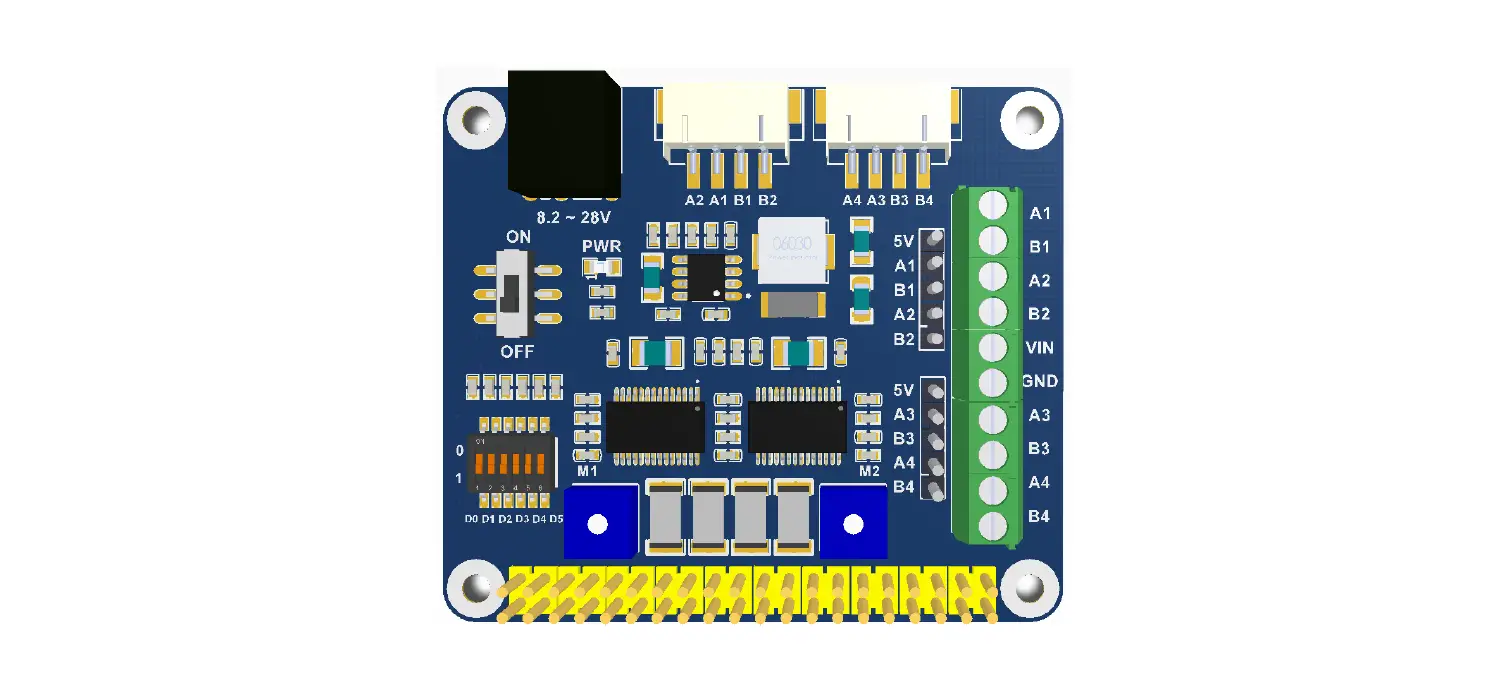
2. Connect the motor, servo and ESC power cable to the corresponding interface, and pay attention to the connection as shown in the figure below, otherwise the car cannot run.
3. Fix the PiRacer Pro expansion board on the chassis
of the car.
4.Fix the Raspberry Pi on the expansion board with M2.5.
Contact Us
Inquiries Tel. 0755-83040855 0755-83040832
QQ 2881669565
2880803593
Consultation Time
9:00-12:00 14:00-18:00 Weekday
9:00-12:00 14:00-17:00 Saturday
Support: Please get the after-sales contact information on Waveshare official website. Please provide product model and purchase information when inquiring about products.
Waveshare
Waveshare
Chinese Website Chinese Wiki
Waveshare
Waveshare
English Website English Wiki
1. Raspberry Pi 4GB * 1
Options
2. Micro SD card 64GB x 1
Options
3. On-road chassis x 1 4. PiRacer Pro expansion board x 1 5. IMX219-160 camera x 1 6. Acrylic camera spacer x 1 7. Camera holder x 1 8. Remote control handle x 1
9. 6Pin Dupont Line x1
10. Micro SD card reader x 1
11. Spanner x 1
12. Screwdriver x 2
13. 8.4V battery charger x 1
14. Screws pack x 1
15. Track Map x 1
Remarks There are different packages for you, and the components on the above with the suffix (Options) are only included in the complete package.
Screw Pack Comparison Table: Does not include the screws that come with the fan.
M3 *8 M3 Nut
M2.5*5
Nylon Insulation Column
M3*40
M2 *8 M2 Nylon Nut
M2.5*30
5.Install the Raspberry Pi and connect it to the expansion board
with a 6PIN cable.
M2 *8 M2 Nylon Nut
M2.5*5
6.Insert the camera onto the camera holder with nylon screws. Note that an acrylic plate needs to be padded between them to avoid short circuit, and then connect to the Raspberry Pi with a cable. The installation is complete.
How to Use?
1. Install Image
Download the PiRacer Pro image from Wiki, extract the .img file, and then use the programming software, such as Diskimager, to program it to the TF card.
2. Update Your Program
In order to use the voltage and current display function and drive motor normally, please update the relevant program provided by Wiki. For specific operations, please refer to the PiRacer Pro Al Kit on Wiki.
3. How to Use the Handle
Connect the handle receiver to the computer host. The handle has three modes and the default is mode 1. You can short press the HOME button to switch to mode 2, or press the HOME button for more than 7 seconds to switch mode 3. When used with the program , it is recommended to use Mode 2 or Mode 3.
4. Test the Motor
When testing the motor, you can adjust the deflection angle of the accelerator and servo by yourself to make the car run more stably.
FAQ
1. What battery does PiRacer Pro come with? It comes with 3.7V, 2600mAh 18650 lithium battery X4
Two in parallel and two in series).
2. How to charge the battery? We provide an 8.4V battery charger. Please plug into the
8.4V circular port on the expansion board to charge, and pay attention to the battery that can not be reversed. Before charging, please make sure that the car is assembled correctly. When you install the battery for the first time, you need to charge it.
3. How to judge the charging status
The delivered battery charger has an indicator. The red light indicates that the battery is charging, and the green light indicates that the battery is fully charged or the power supply is not connected.
4. What to do when the wireless handle is not working properly?
After the wireless controller is powered on, it is recommended that you press and hold the HOME button for 7 seconds to switch the controller to XBOX mode, which is convenient for working with Raspberry Pi demos.
Reverse the battery will damage the device!