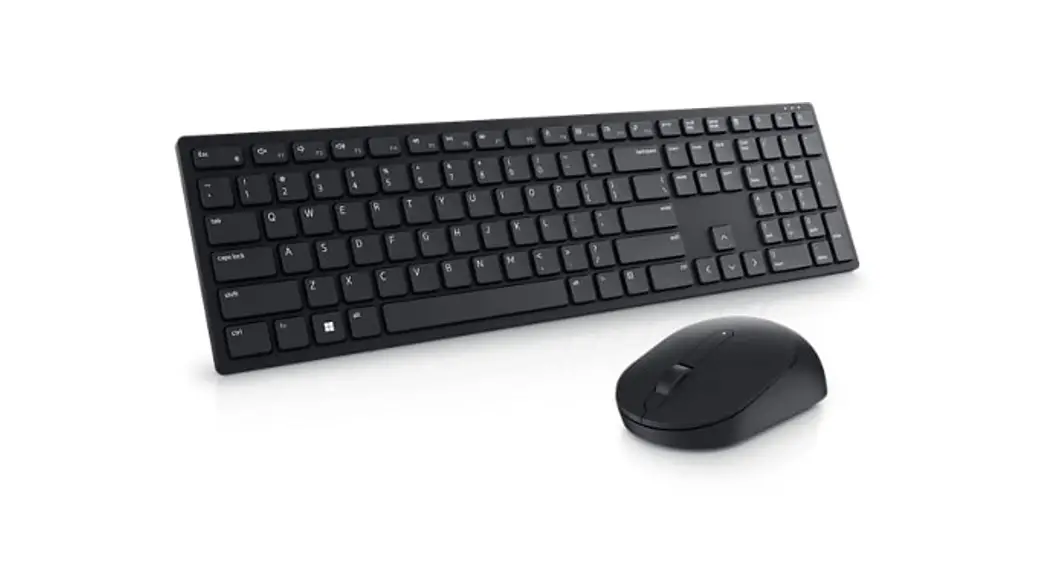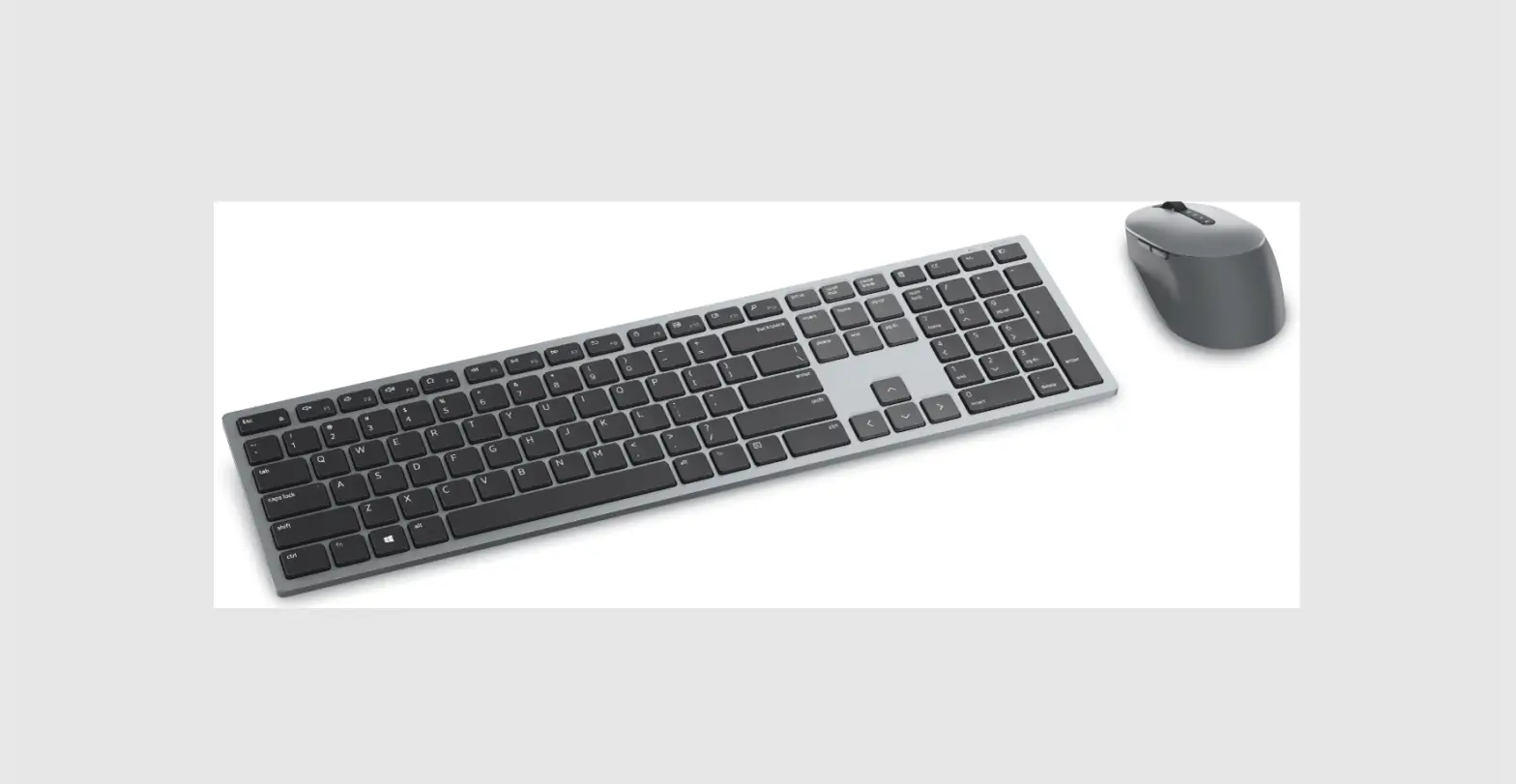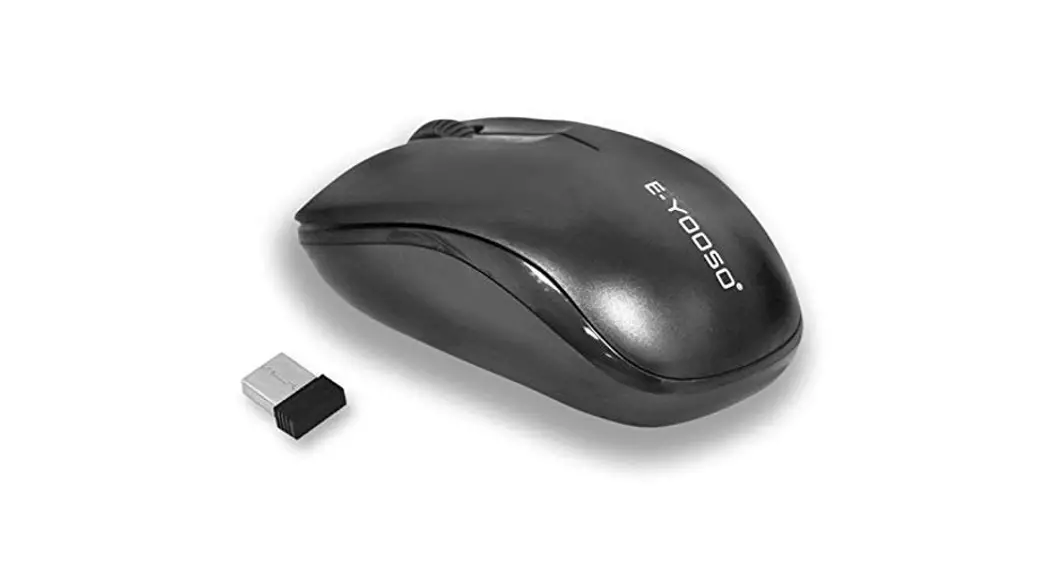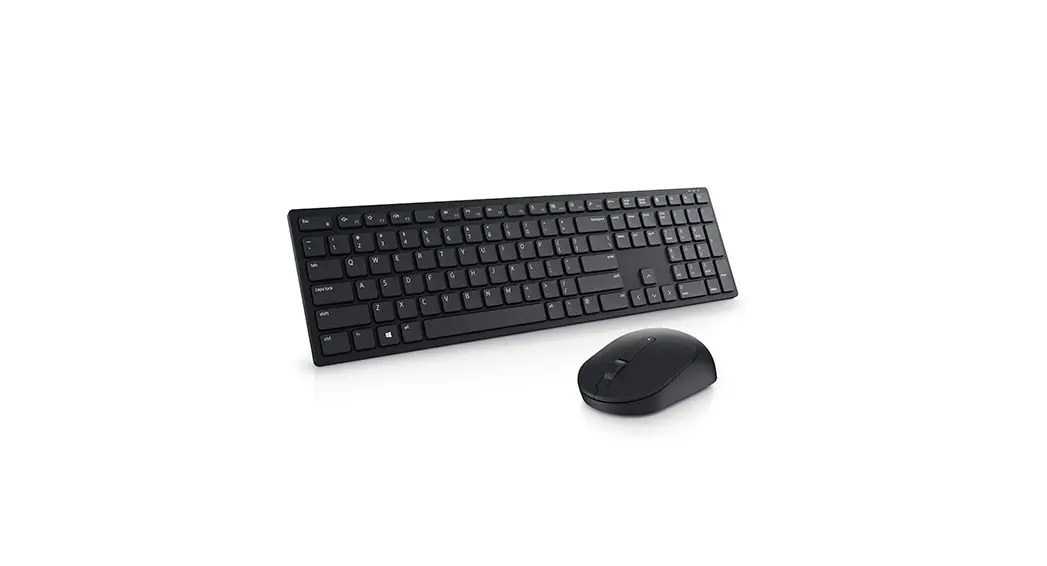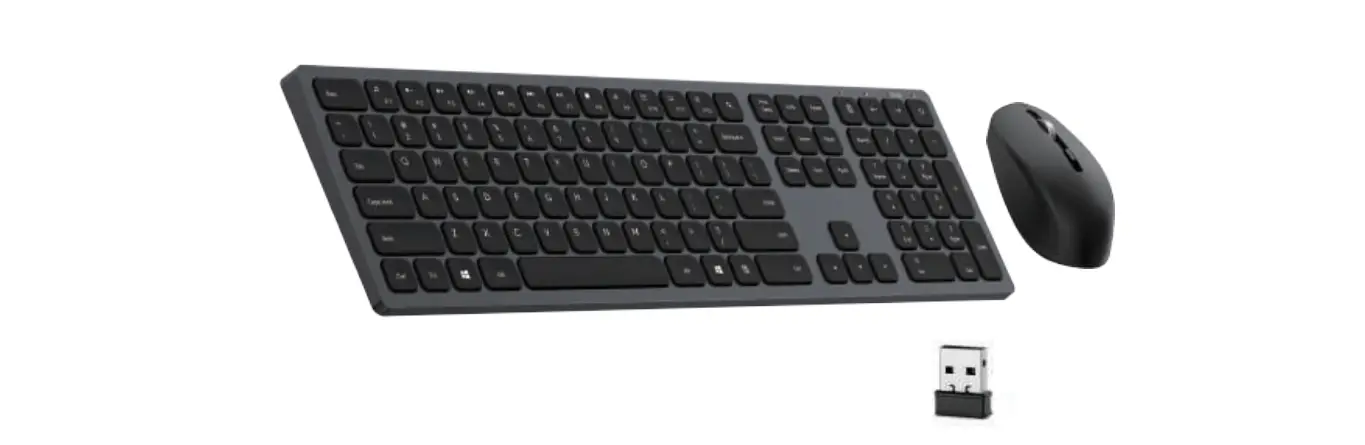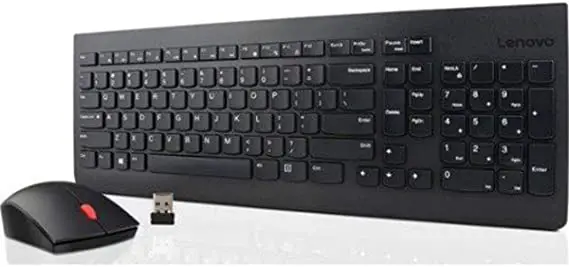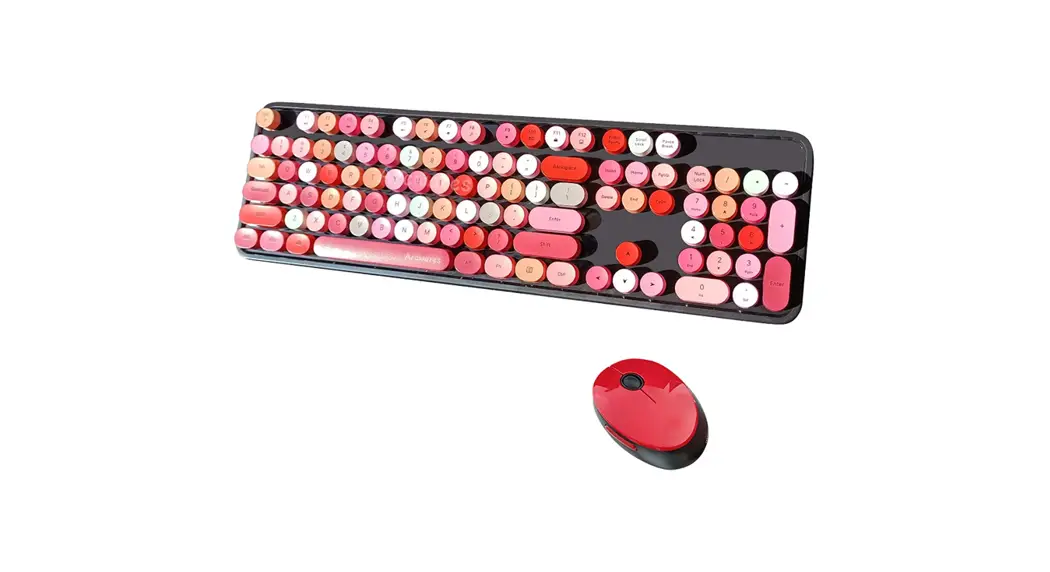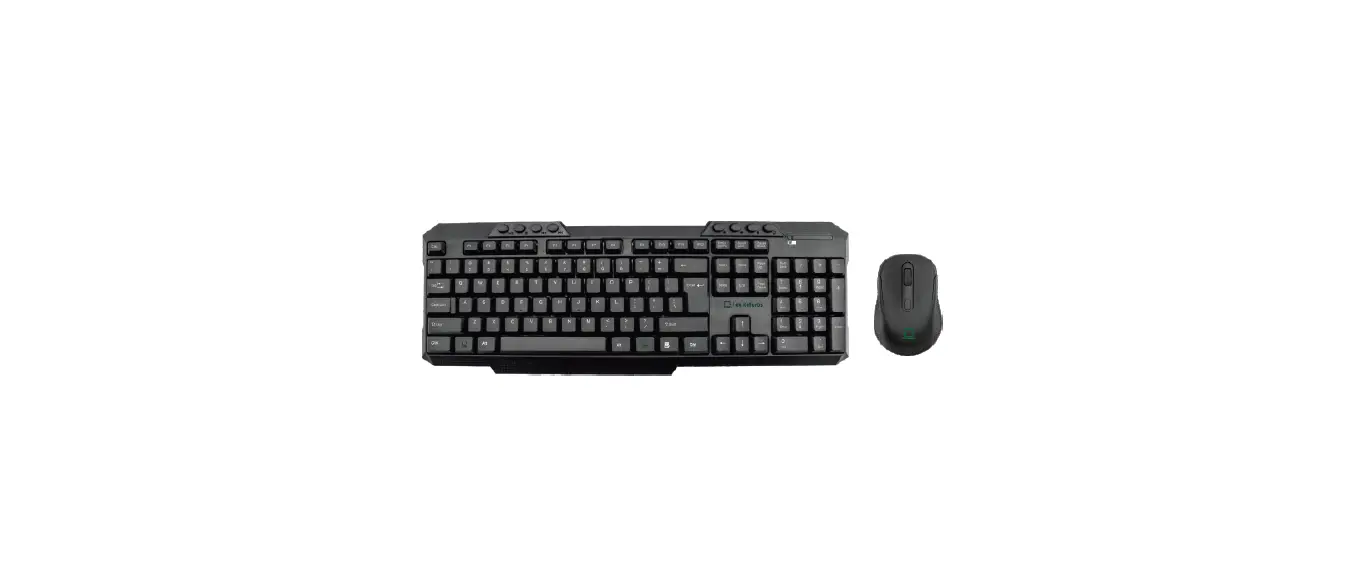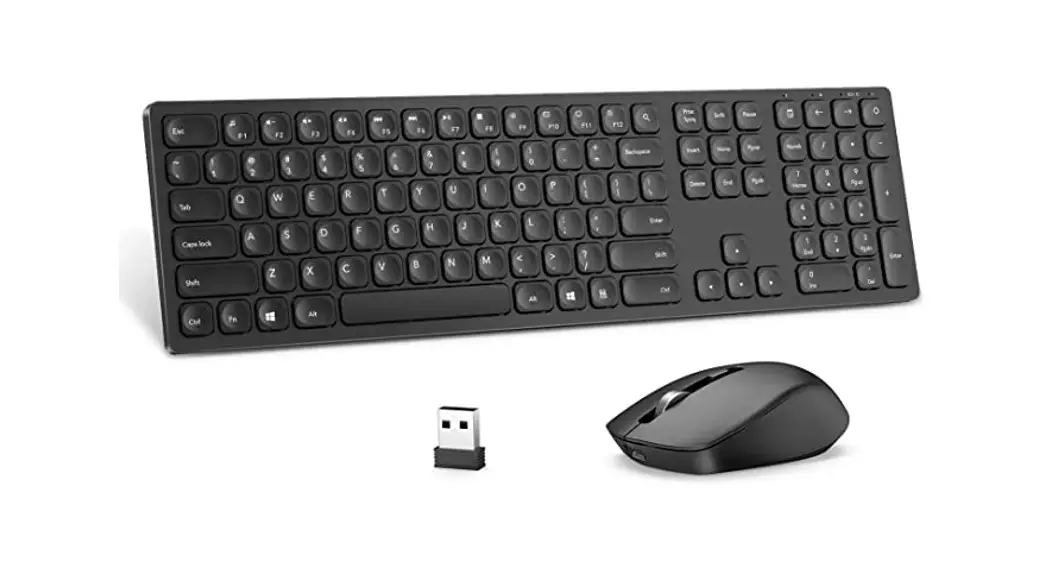

Lenovo 4X30T25796 Ultraslim Wireless Combo Keyboard and Mouse
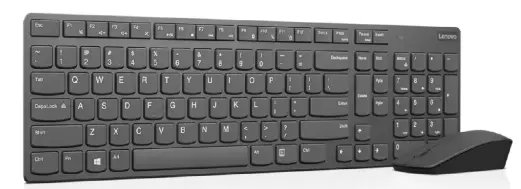
IN THE BOX

INSTRUCTIONS
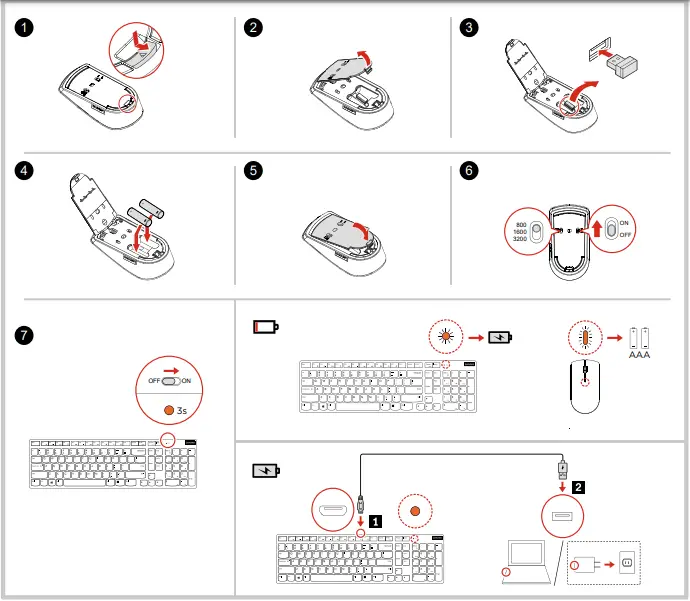
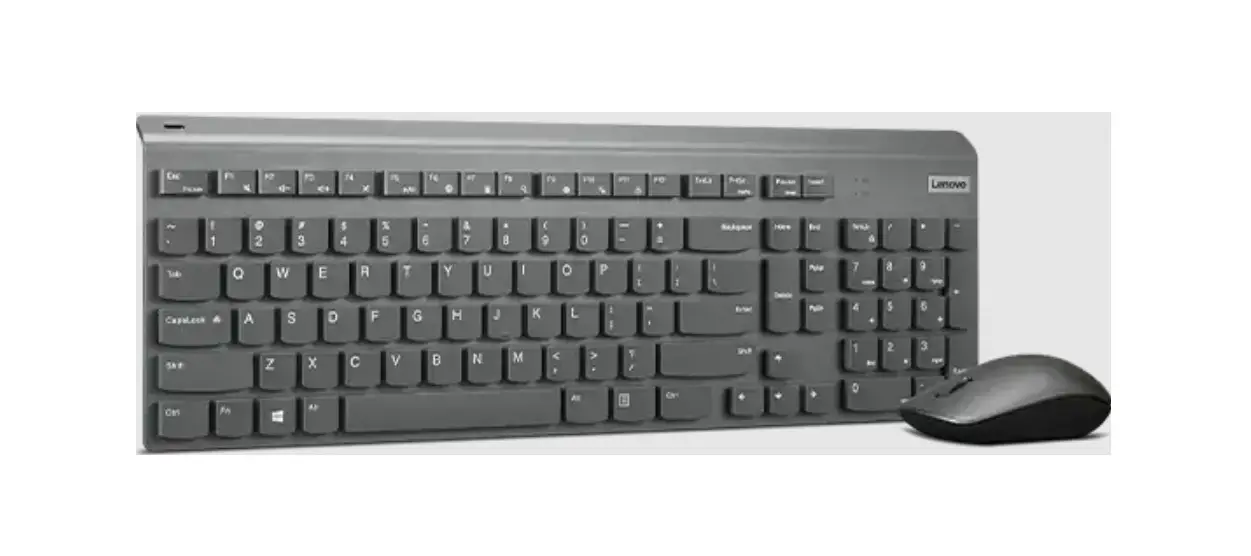
Press Fn+F1-F11 to use the shortcut functions. The shortcut functions are denoted by the icons printed on the keys. To use all the shortcut functions, download and install the keyboard software from https://www.lenovo.com/support/keyboards.
Note: The function of Fn+F9 works for Windows® 10 only.
Trademarks
LENOVO and the LENOVO logo are trademarks of Lenovo.
Windows is a trademark of the Microsoft group of companies.
All other trademarks are the property of their respective owners. © 2019 Lenovo.
https://www.lenovo.com/safety
 Lenovo Support | Drivers, Troubleshooting, Warranty, Repair | Lenovo Support US
 Regulatory Compliance | Personal Computer Safety | Lenovo US