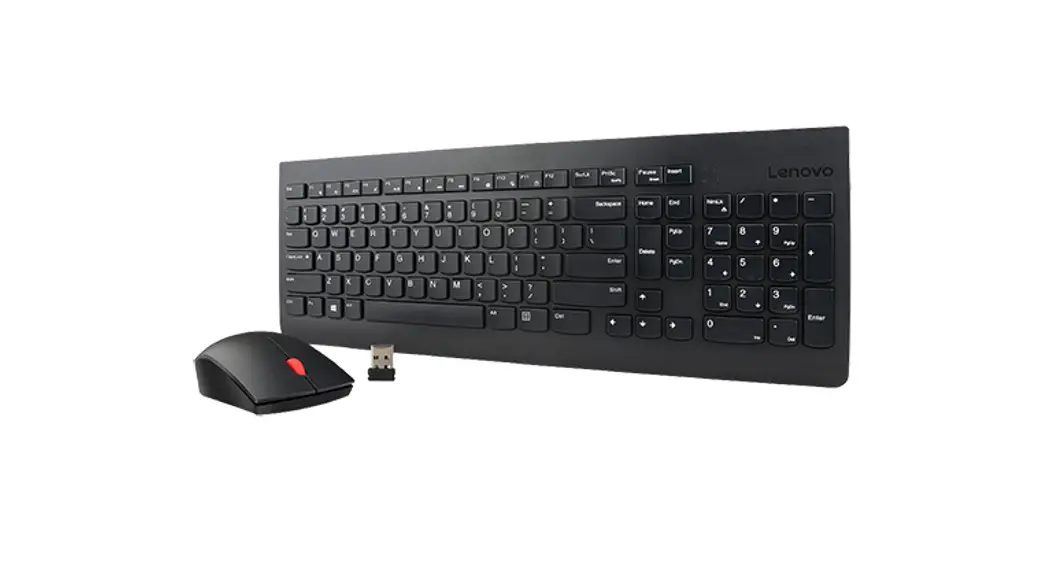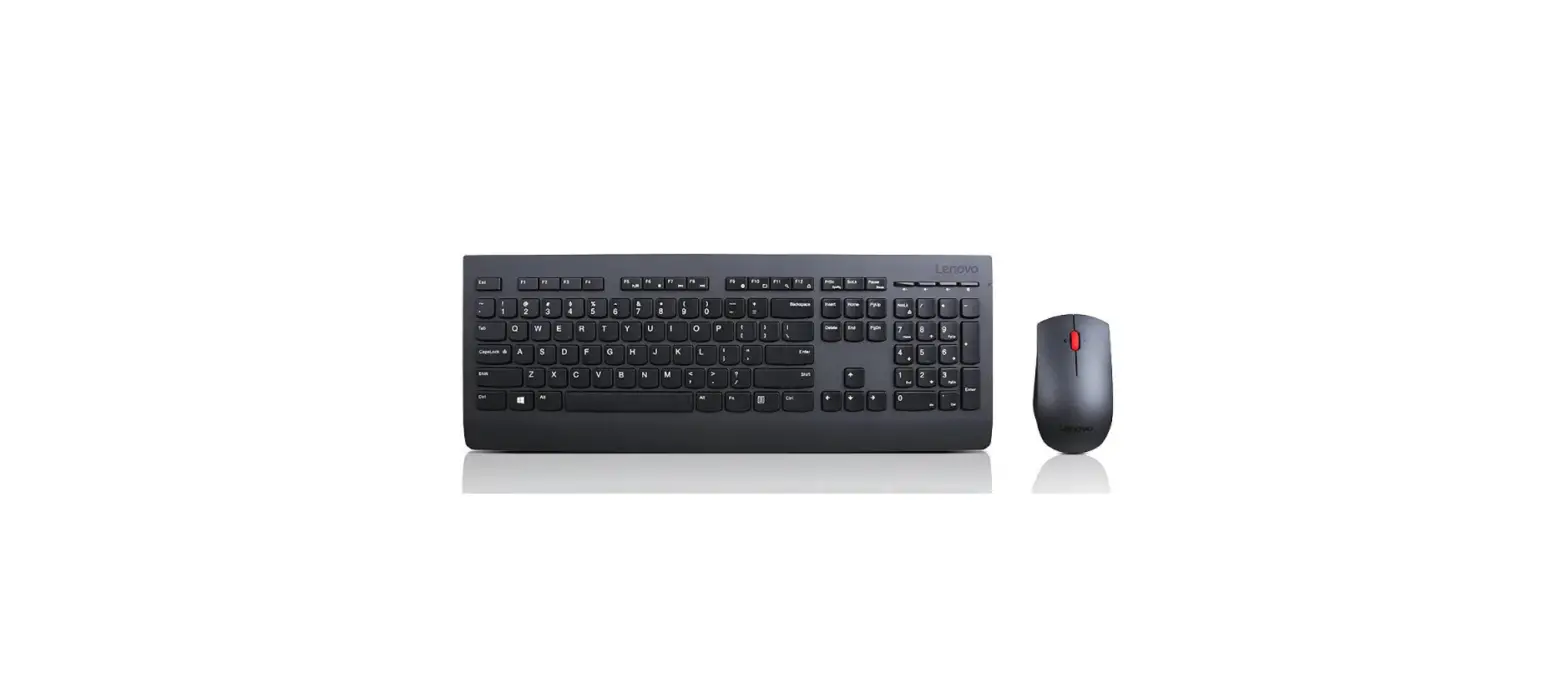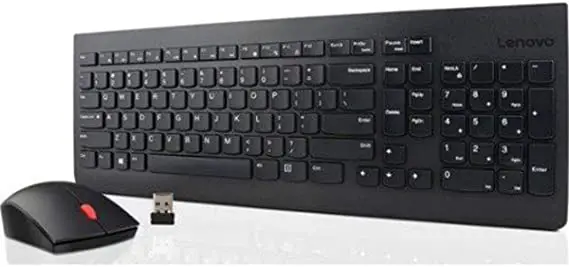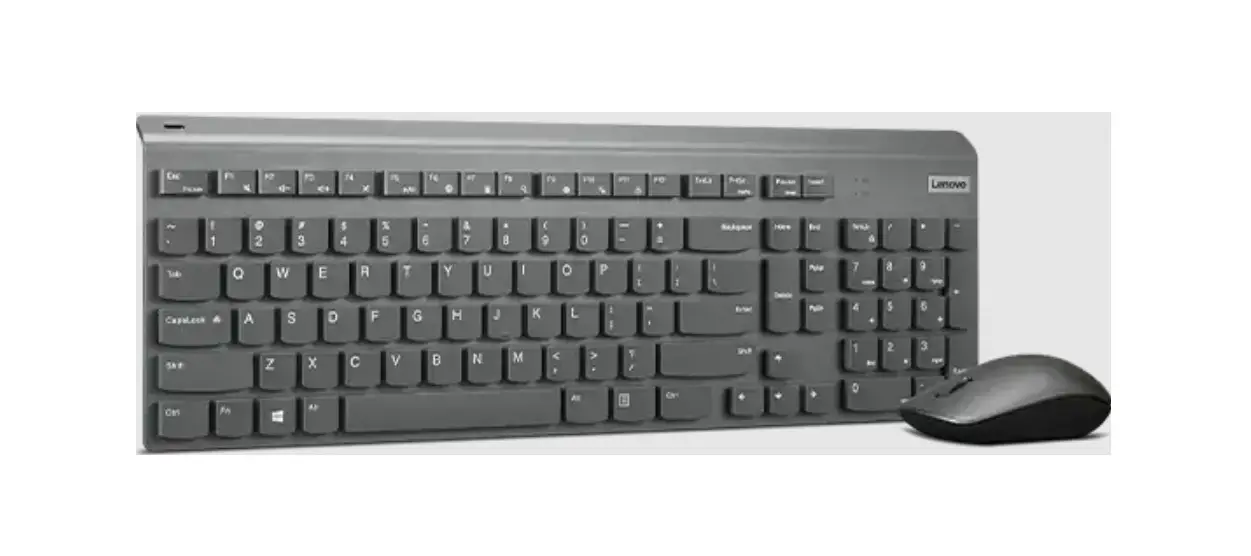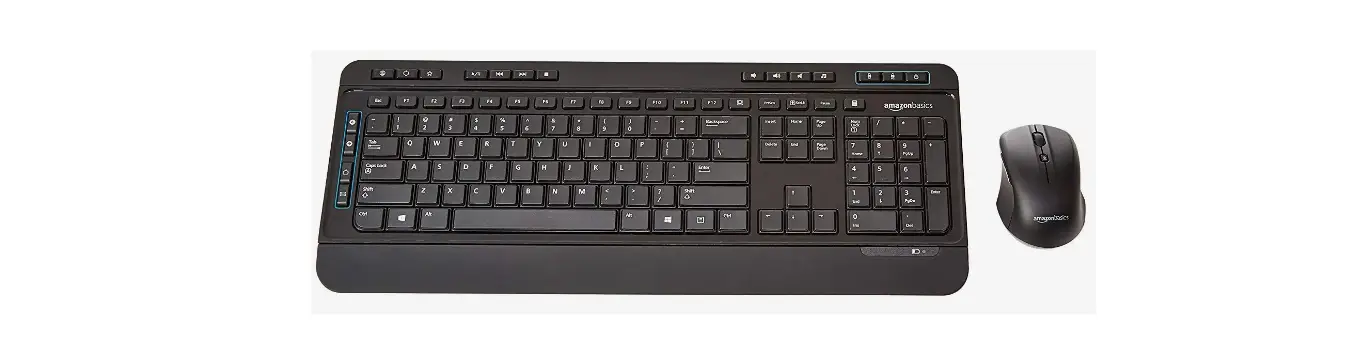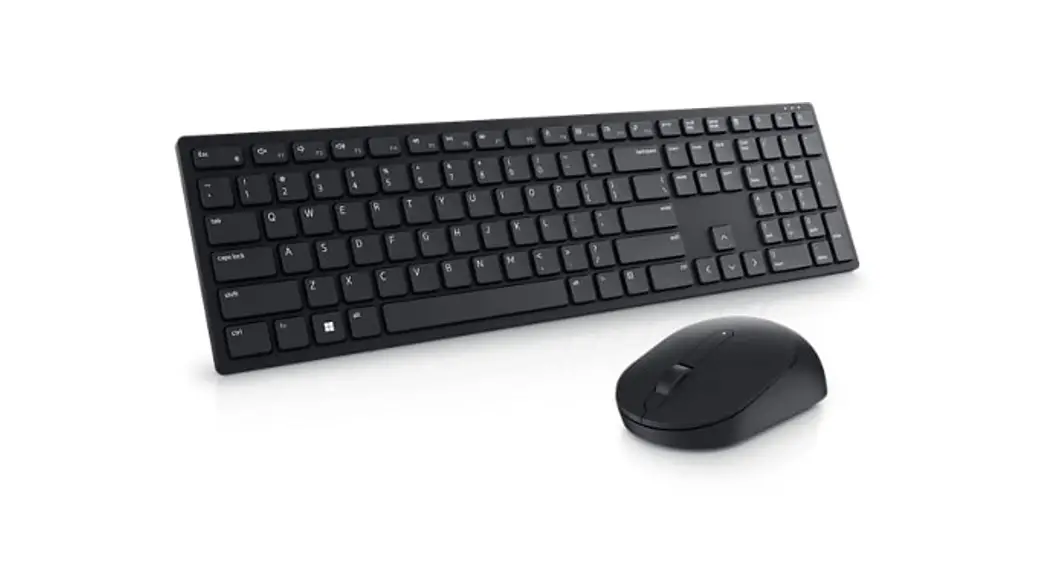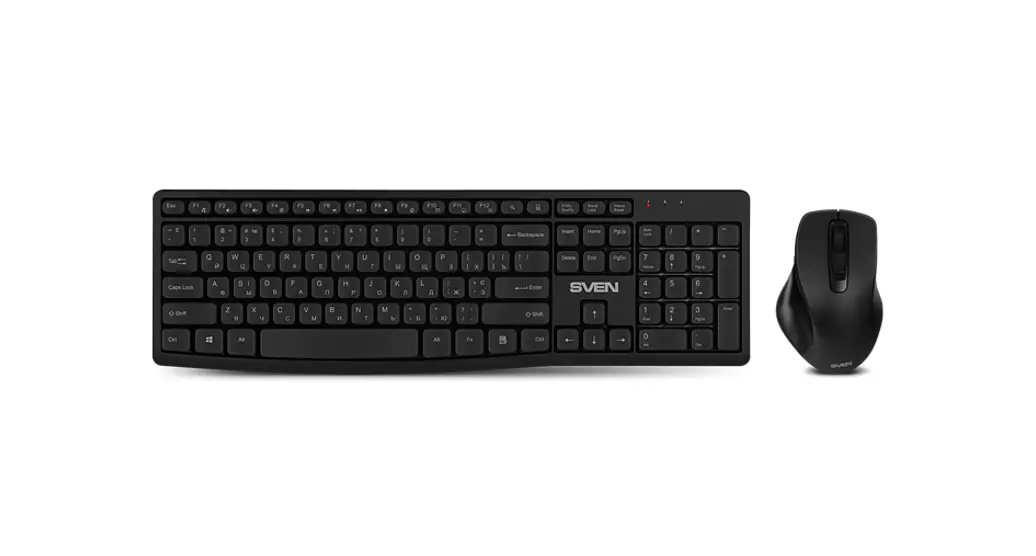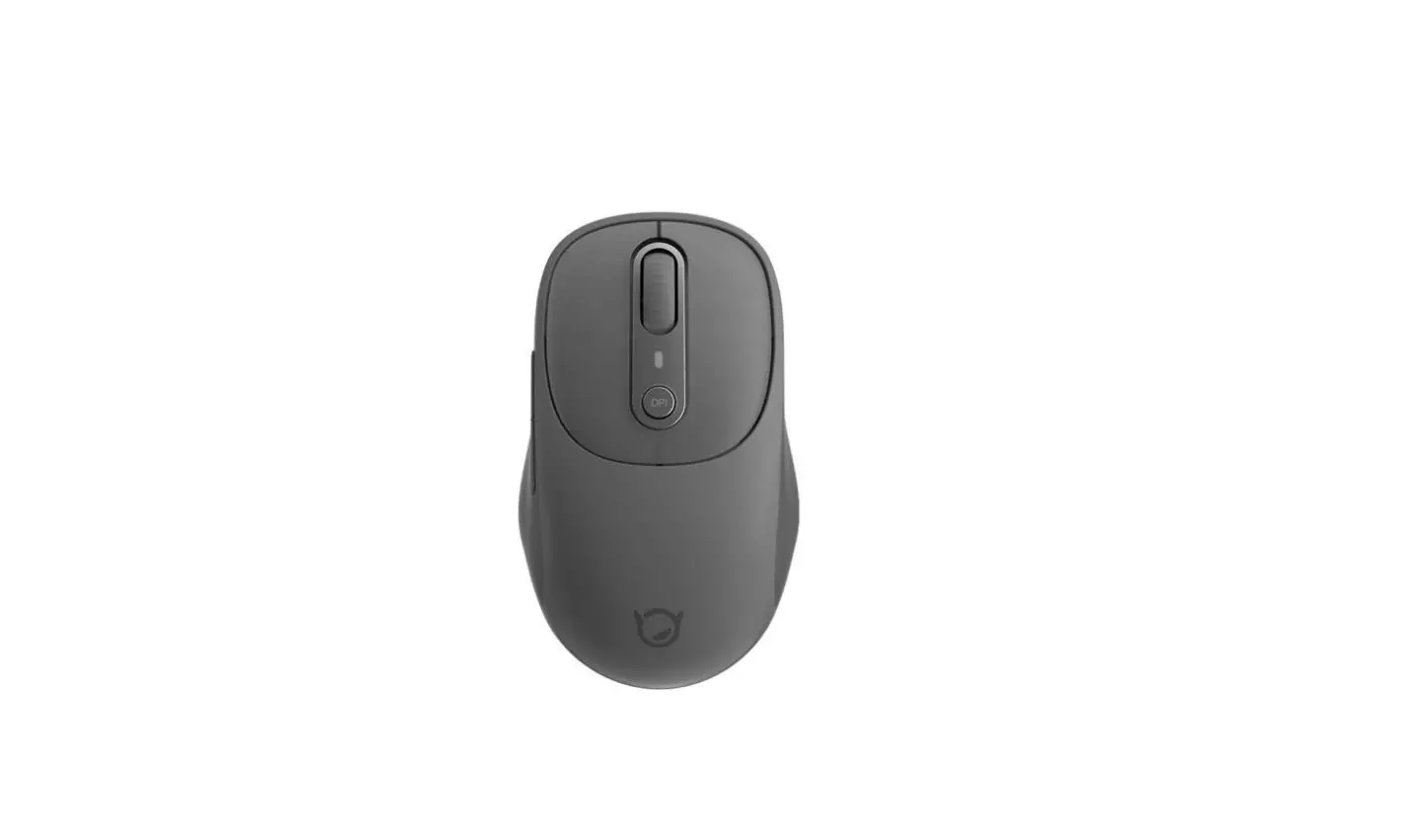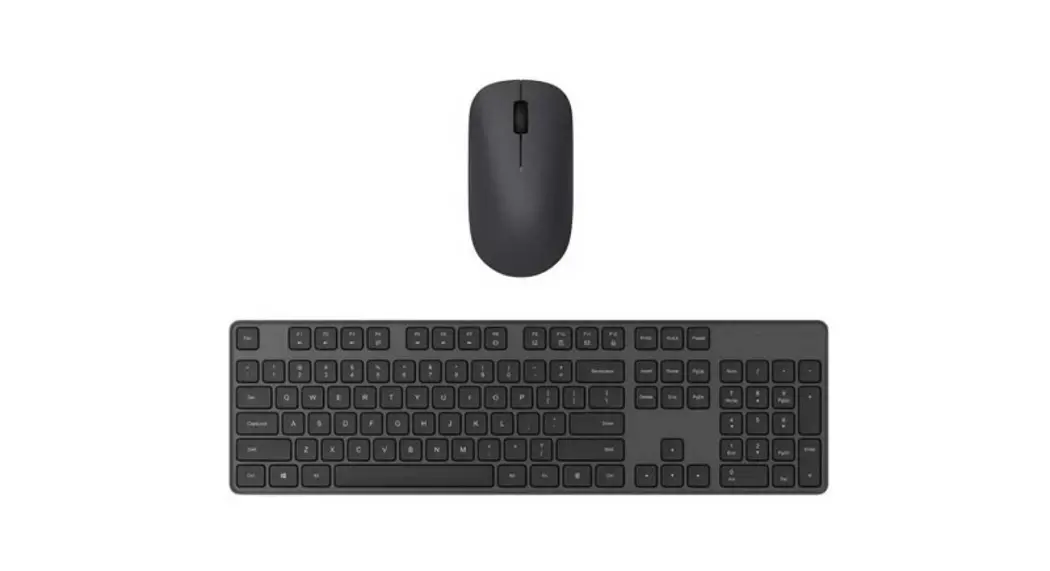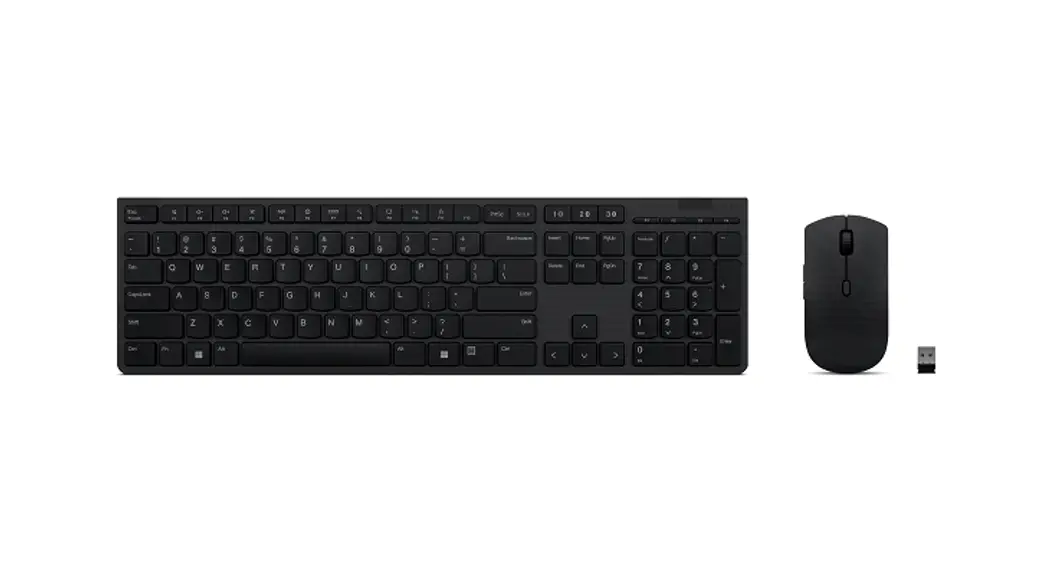

Lenovo Professional Wireless Rechargeable Combo Keyboard and Mouse
User Guide

Professional Wireless Rechargeable Combo Keyboard and Mouse
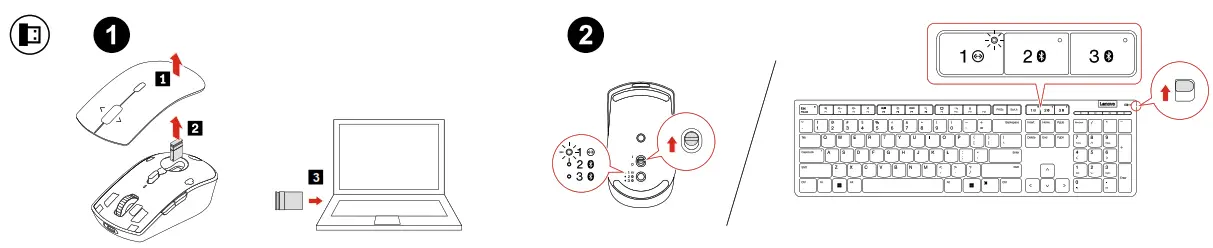
USB receiver pairing
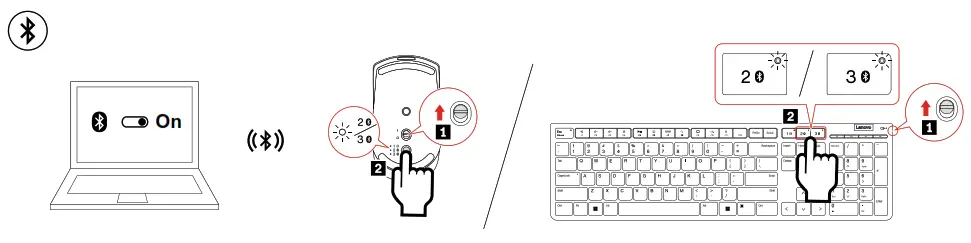
Bluetooth pairing
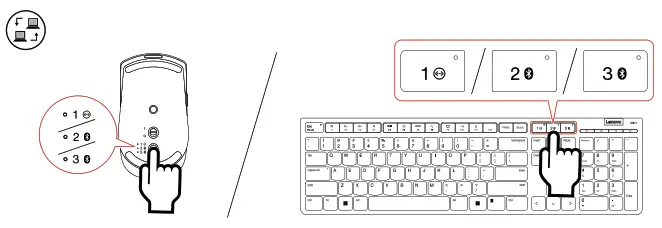
Select paired device
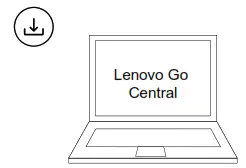
 https://support.lenovo.com/downloads/lenovo_go_app
Download software to customize the functions
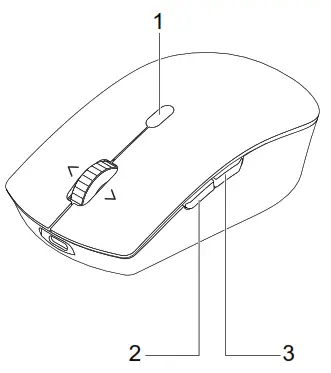
- 3 DPI settings
- Forward
- Backward
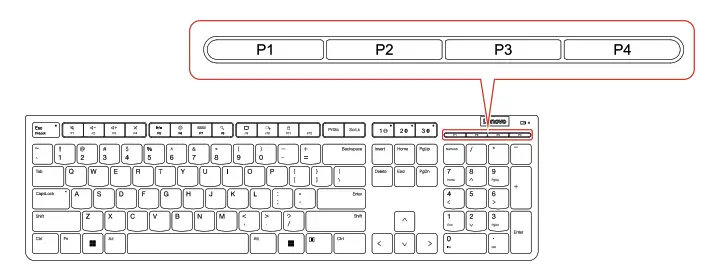
P1: Launch Calculator
P2: Display and hide the desktop
P3: Open Task View
P4: Open Settings
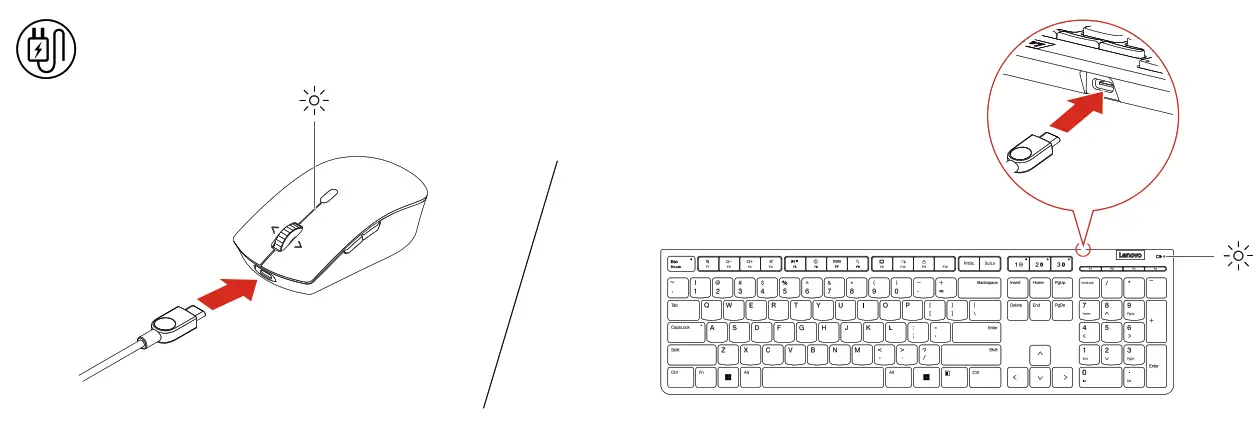
 : Blinking amber
 : Blinking white
 : Solid white
Safety information
 The operating temperature range for the product is between 0°C (32°F) and 40°C (104°F).
General battery notice
DANGER
Batteries supplied by Leno for use with your product have been tested for compatibility and should only be replaced with approved parts. Except the battery specified by Leno, a disassembled or modified battery is not covered by the warranty.
Battery abuse or mishandling can cause overheat, liquid leakage, or an explosion.
To avoid possible injury, do the following:
- Do not open, disassemble, or service any battery.
- Do not crush or puncture the battery.
- Do not short-circuit the battery, or expose it to water or other liquids.
- Keep the battery away from children.
- Keep the battery away from fire.
- Do not leave the battery in an extremely high-temperature environment or an extremely low air pressure environment.
- Stop using the battery if it is damaged, or if you notice any discharge or the buildup of foreign materials on the battery leads. We recommend that the batteries be charged about once every three months to prevent overcharge.
- Do not put the battery in trash that is disposed of in landfills. When disposing of the battery, comply with local laws or regulations.
Built-in rechargeable battery notice
DANGER
- Do not attempt to replace the internal rechargeable lithium batteries.
- Replacement of the battery must be done by a Leno-authorized repair facility or technician.
- Only recharge the battery strictly according to instructions included in the product documentation.
- Leno-authorized repair facilities or technicians recycle Leno batteries according to local laws and regulations.
https://support.lenovo.com (1P) PN: SP41L38975 Printed in China
References
 Lenovo configurator
 Lenovo Support | Drivers, Troubleshooting, Warranty, Repair | Lenovo Support US
-
Lenovo Go Central for Windows 10 (64 bit), Windows 11 (64-bit) - Lenovo Support US
-
Supplementary Information for Accessories - Lenovo Support US
-
Lenovo EU Declaration of Conformity Compliance Information | Lenovo US
-
Regulatory Compliance | UK Declaration of Conformity | Lenovo US
 Lenovo configurator
 Lenovo Support | Drivers, Troubleshooting, Warranty, Repair | Lenovo Support US
 Lenovo EU Declaration of Conformity Compliance Information | Lenovo US