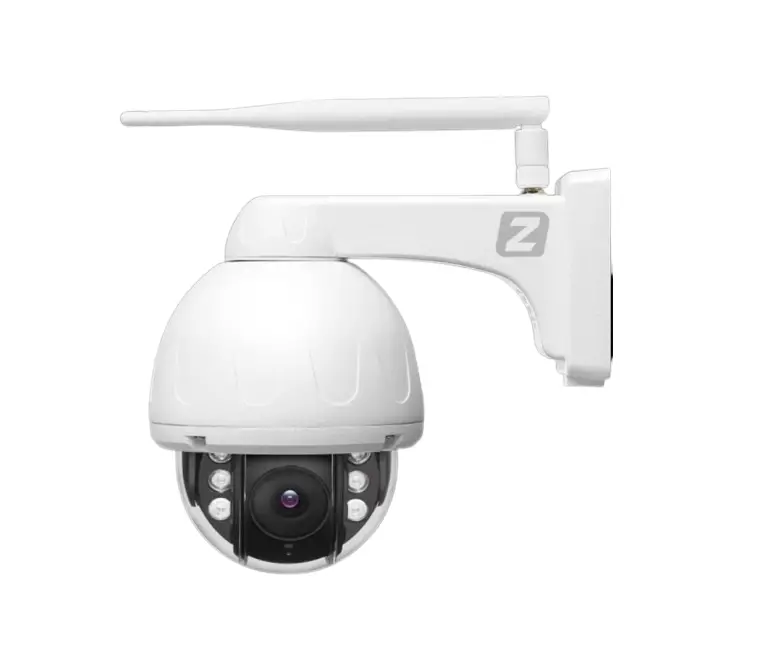
zintronic How To Set Humanoid Tracking Using Camhipro Application User Guide
Humanoid tracking settings
Humanoid tracking proper settings:
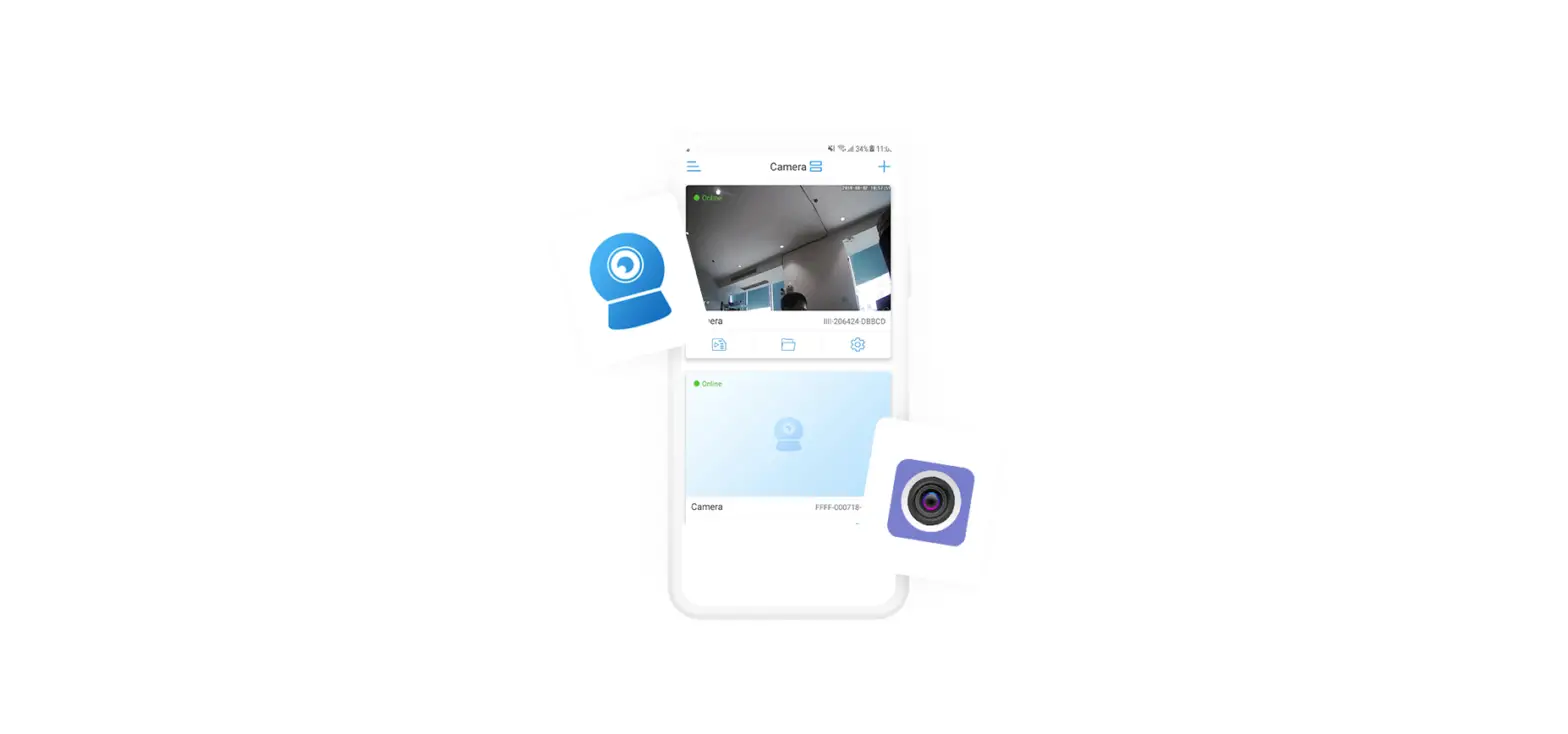
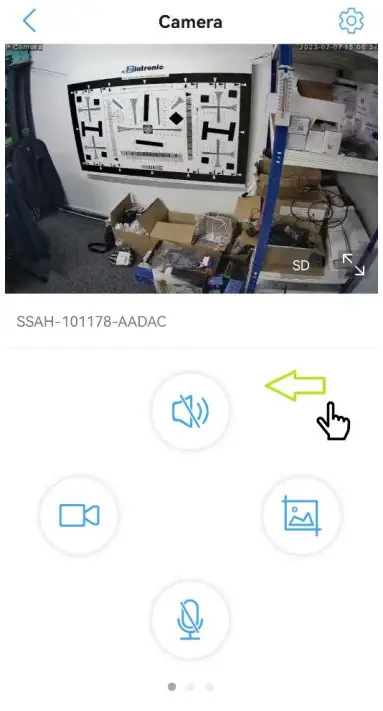
- Open Cam Hi Pro application and get live preview, than catch the white part of the screen and move to the left side like on the screen below:

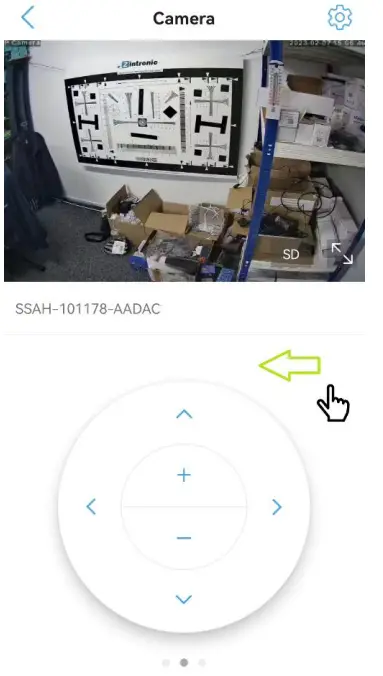
- It will show another options, catch again the white part of the screen and move to the left side like on the screen below:

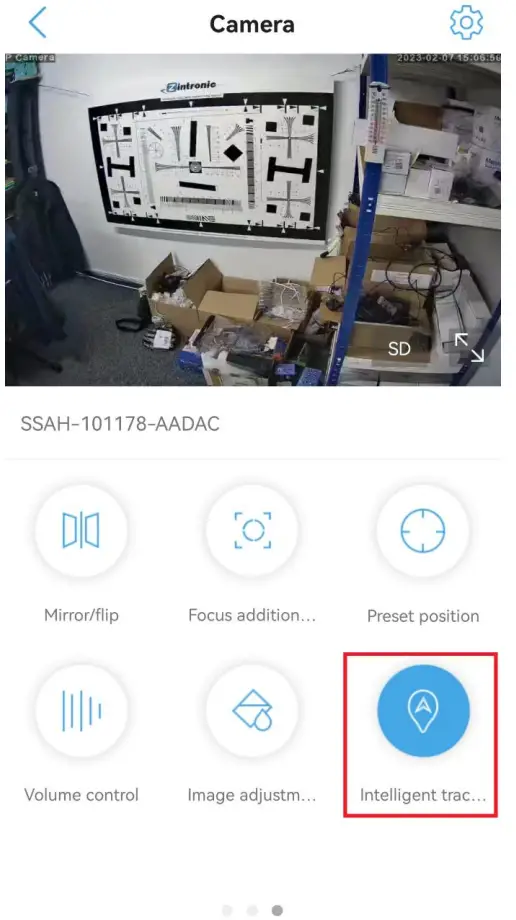
- It will show another options, find and press an option called “Intelligent tracking”:

- Humanoid tracking is set properly
CUSTOMER SUPPOR
 ul. J. K. Branickiego 31A 15-085 Bialystok
 +48 (85) 677 70 55
 [email protected]