LASER Charge USB Port Charging Station with LED Light User Guide
Product Overview
PLEASE READ THIS MANUAL BEFORE USING YOUR CHARGING CASE
Special operating instructions
- Do not operate in temperatures above 30 degrees, in high humidity or near water.
- Keep the case open while charging for correct ventilation.
- Keep the charging case on a sturdy, level surface while in operation.
- Please ensure power is turned off while not in use.
- Replacement fuses must be of the same factory specification (as noted below).
- Do not disassemble this device. There are no user serviceable parts.
Instruction
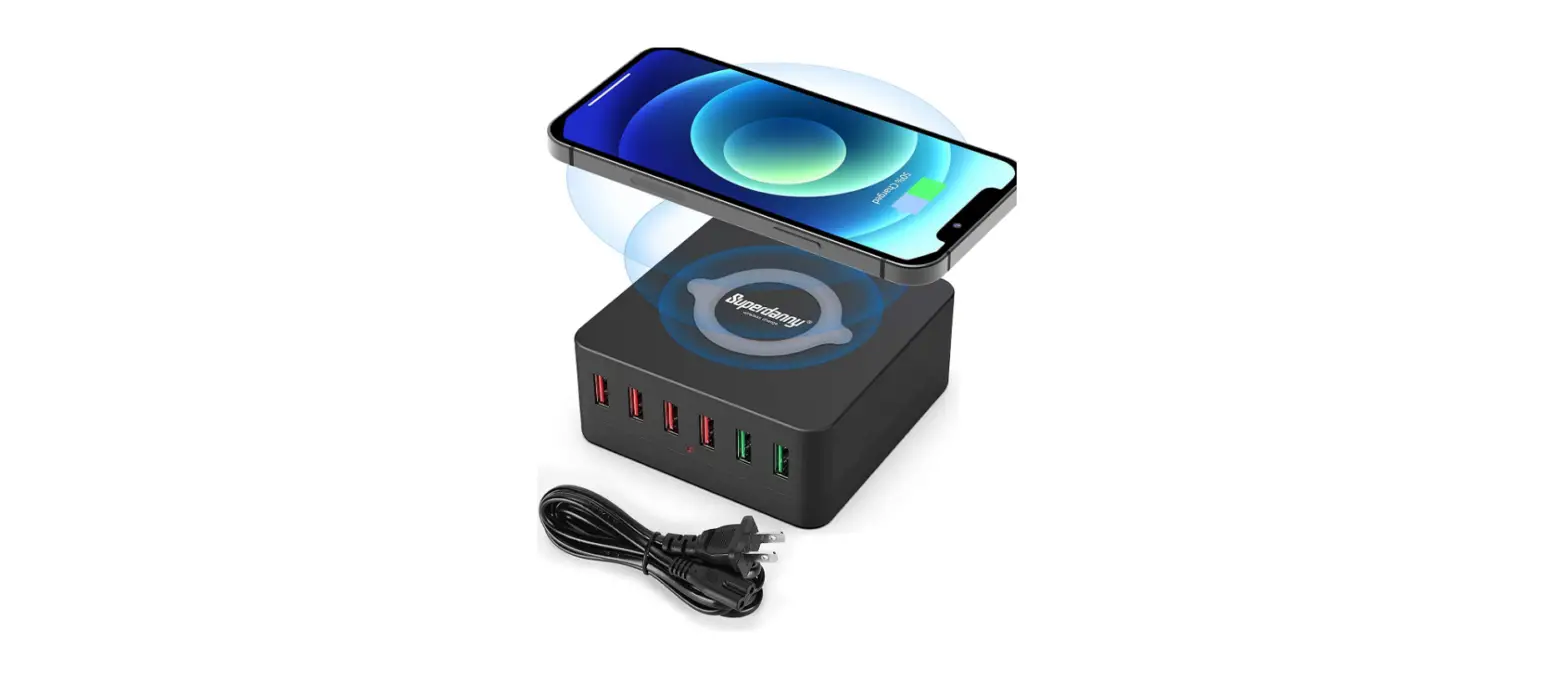
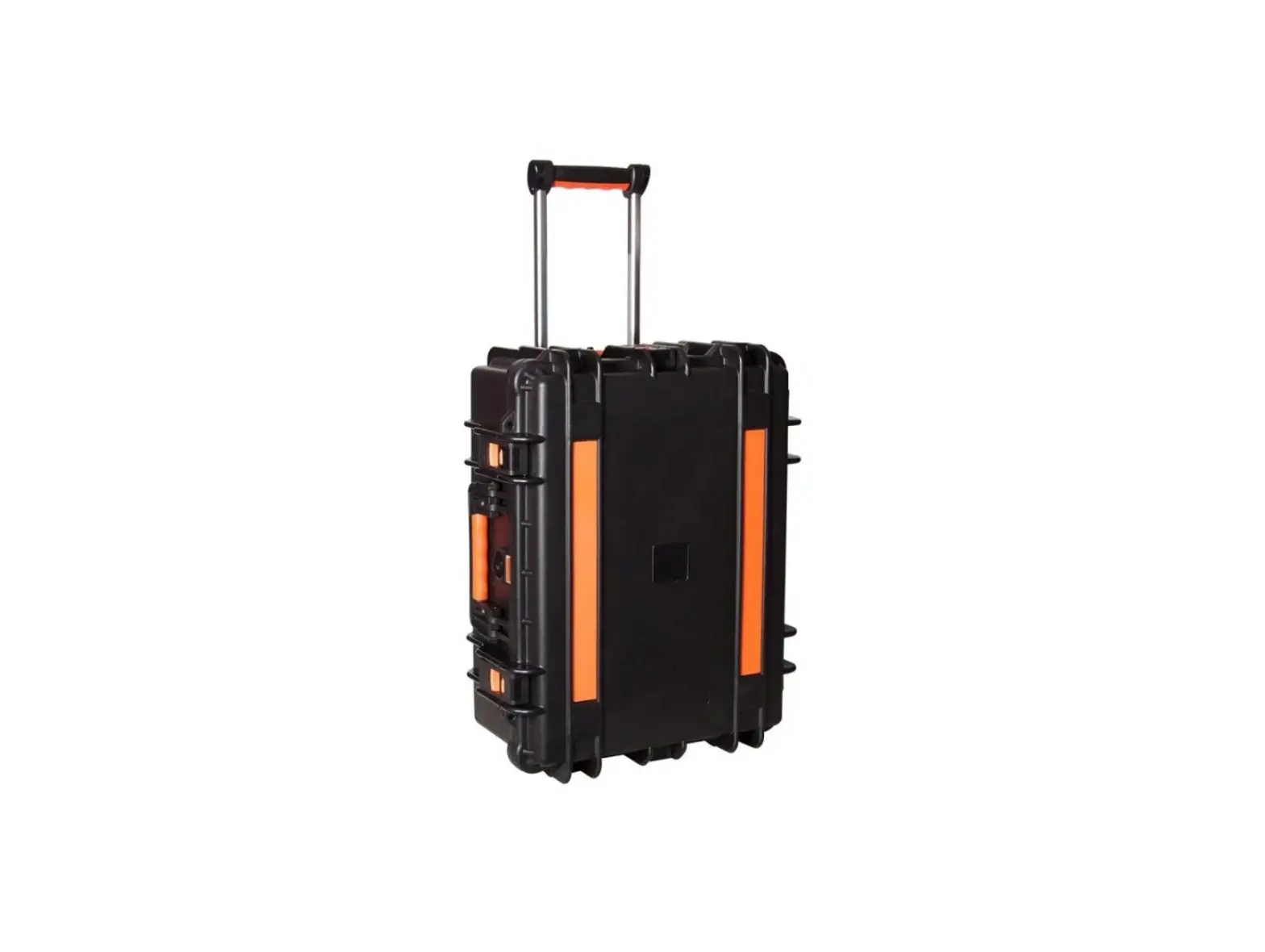
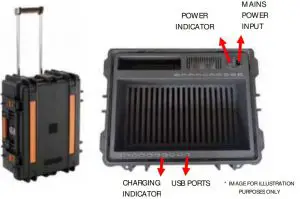
This charging station is suitable for charging multiple tablets and smart phones. It will store and charge up to 20 devices (PW-QCS15; 15 Devices, PW-QCS20; 20 devices). Observe the LED indicators for the charging status. RED indicates charging in progress, and GREEN indicates charging is complete.
Operation
Plug-in the mains power cable and turn on. Connect your devices using their USB charging cables (not supplied) and position them in the holding slots. Ensure the case lid is left open while charging for correct air flow.
SPECIFICATIONS
| Model | PW-QCS15, PW-QCS20 |
| Input | 100-240V AC 50/ 60Hz 3.6A |
| Output | 5V DC 2100m A x 20ports |
| Standard | GB4943.1-2011, UL/ CUL60950, EN60950 |
| Charge indicators | GREEN: Standby / Charging complete, RED: Charging underway |
| Fuse | T6.3AL / 250V ac |
| Protection | Over-voltage, over-current, short circuit |
| Dimension | L559* W443* D248 |
| Working temperature | 0º C ~ 30º C |
| Storage temperature | -20º C ~ 50º C |
| Working humidity | 10% ~ 95% |