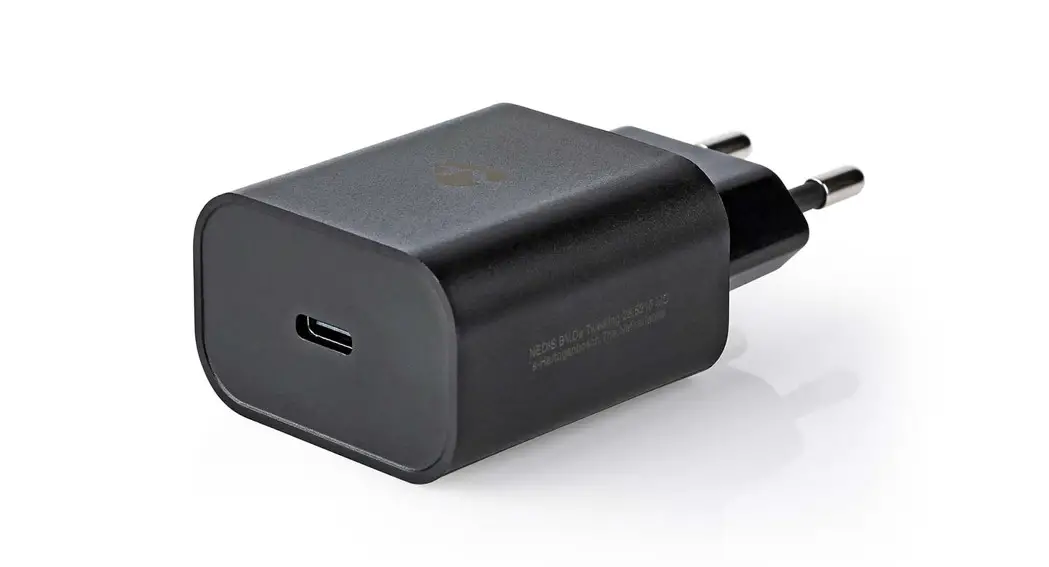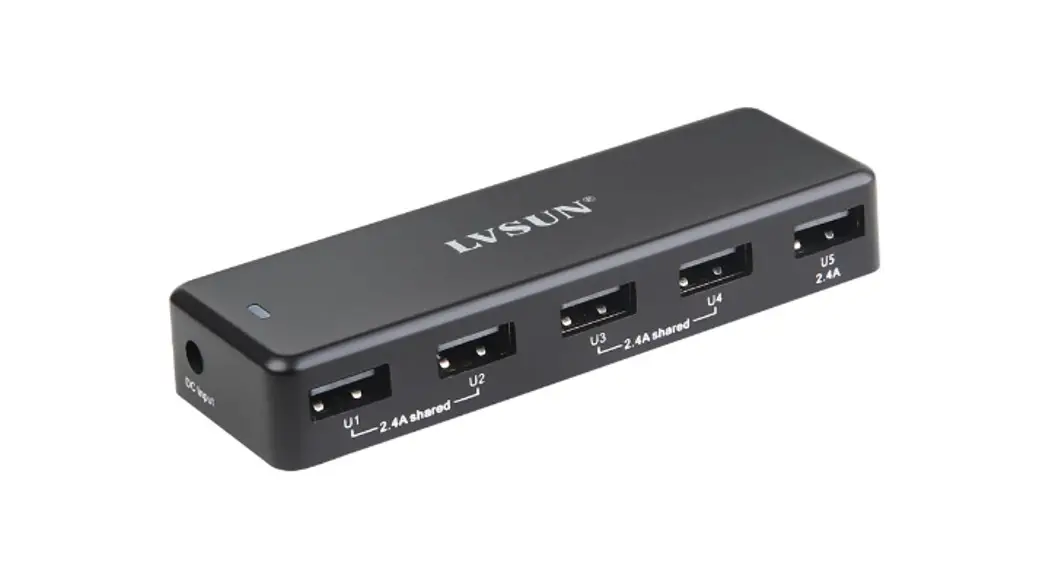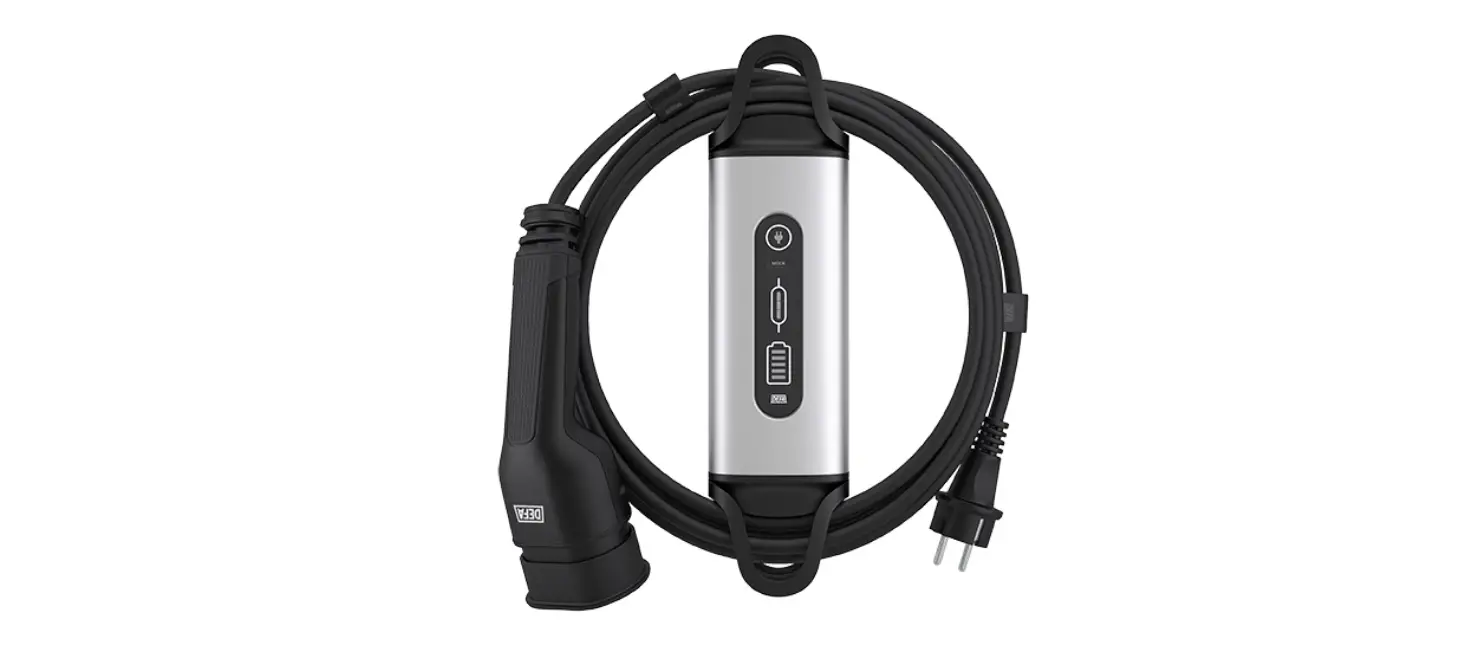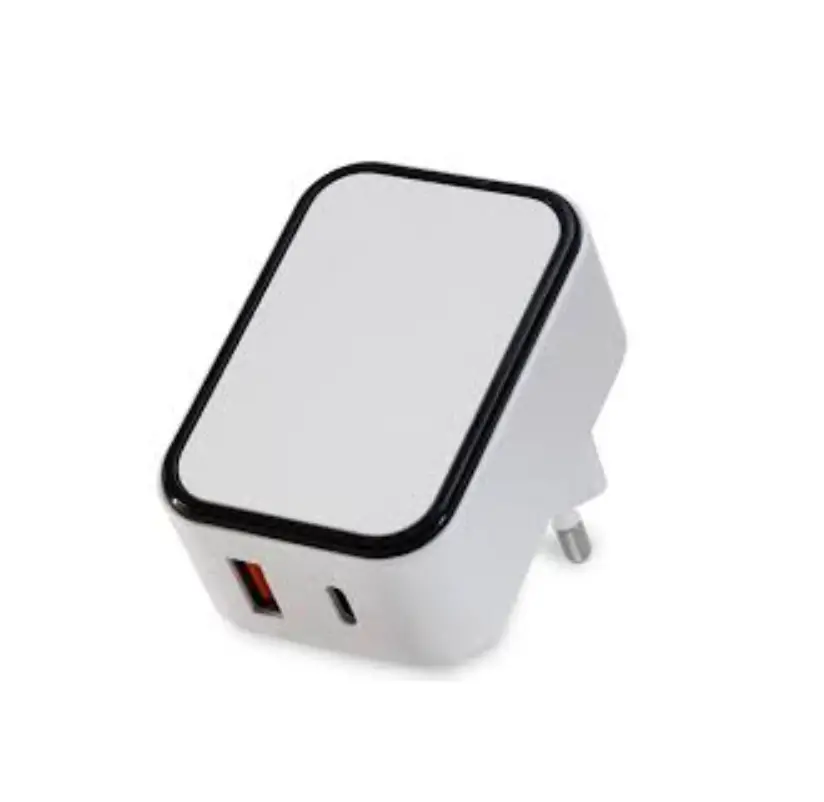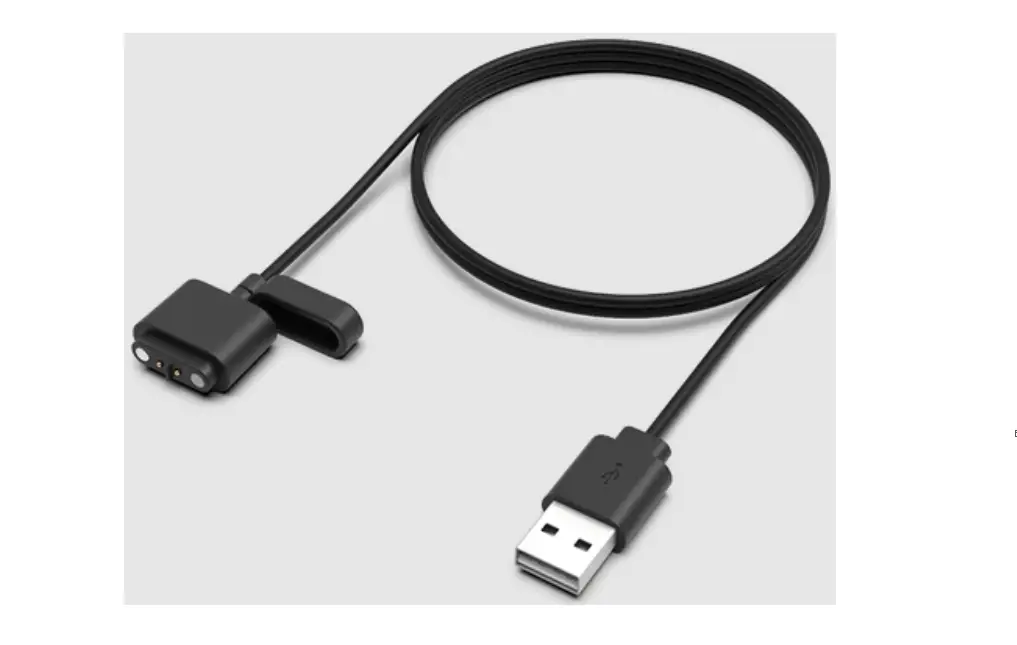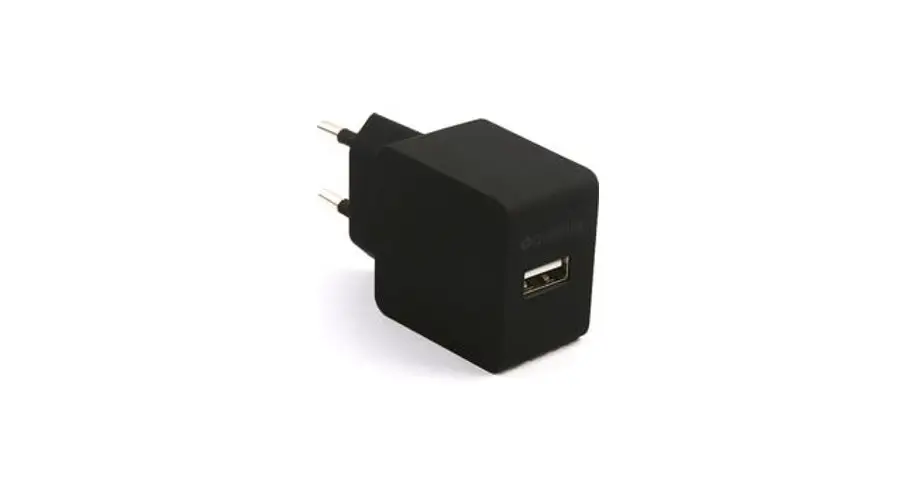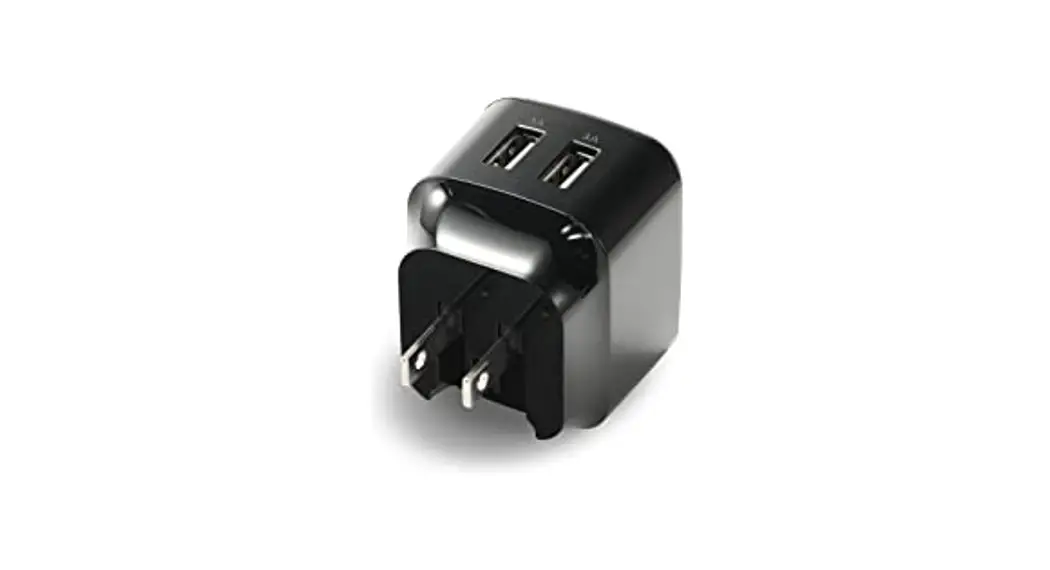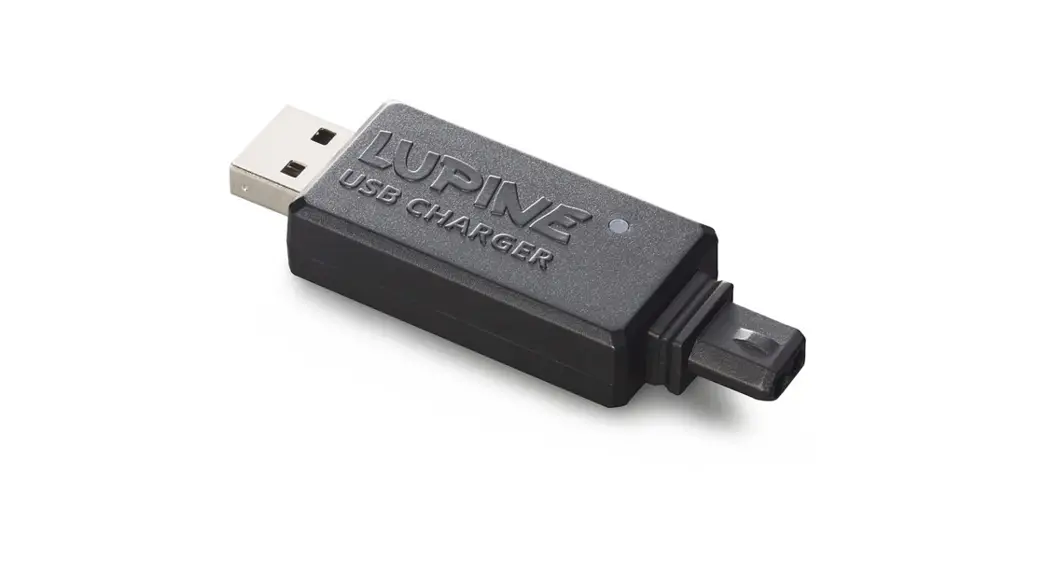

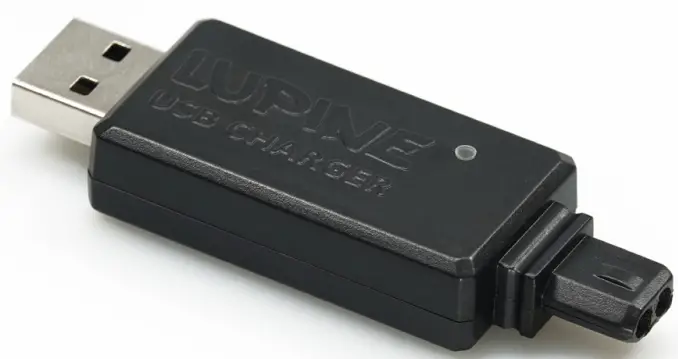
USB CHARGER
Quick Guide
Charging
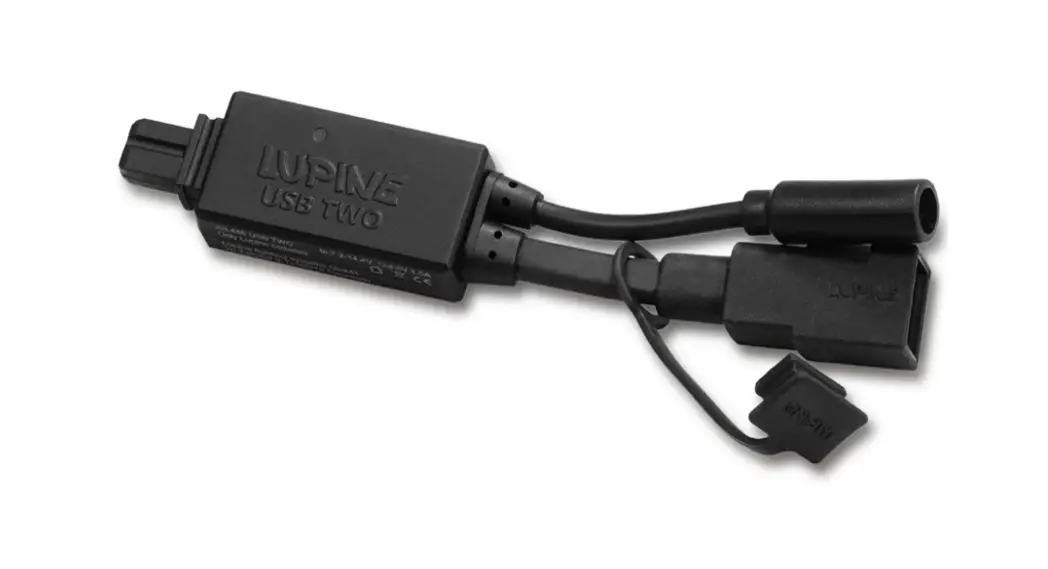
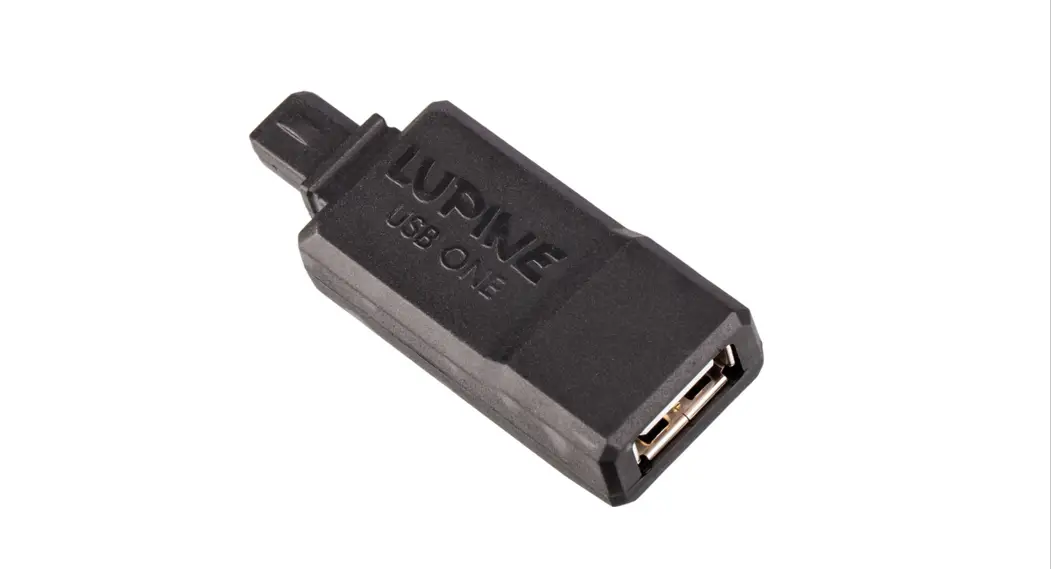
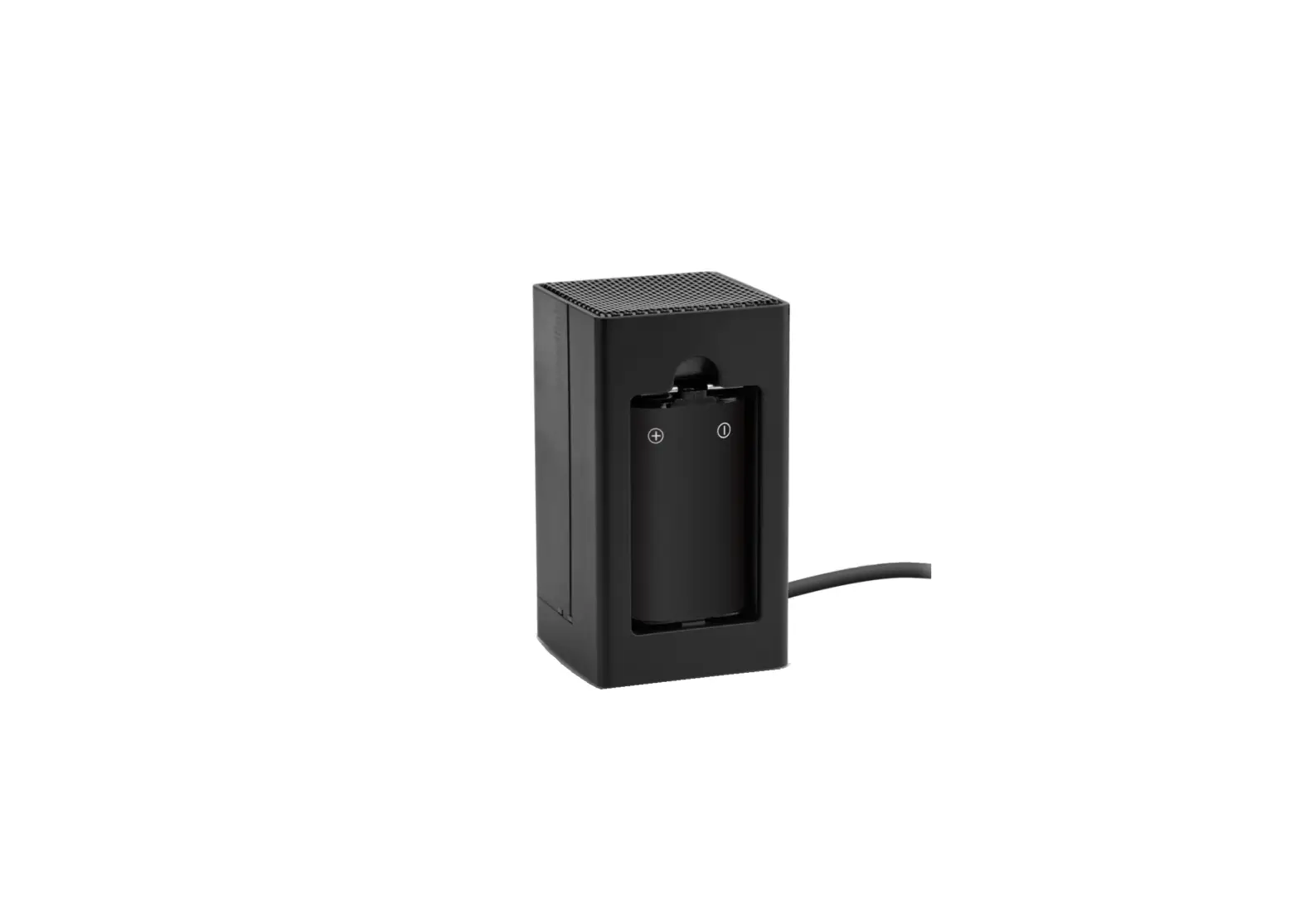
- First, connect the USB CHARGER with the Lupine battery.
- Then connect the USB CHARGER with the USB Port.
 Ready or full
 Charging
 Ready or full
 Charging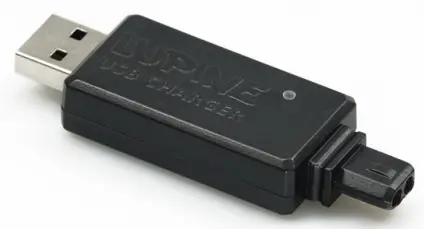
Nach dem Laden
Attention! You can leave the USB CHARGER connected to the USB Port. However if you disconnect it from the USB Port, also disconnect it from the battery itself.
Technical Data
| Input: | USB Port |
| Charging Current: | up to 1000 mA |
EC Declaration of Conformity: www.lupine.de/ce/
Lupine lighting systems GmbH
Im Zwiesel 9
92318 Neumarkt
 Lupine Lighting Systems - We are the Light