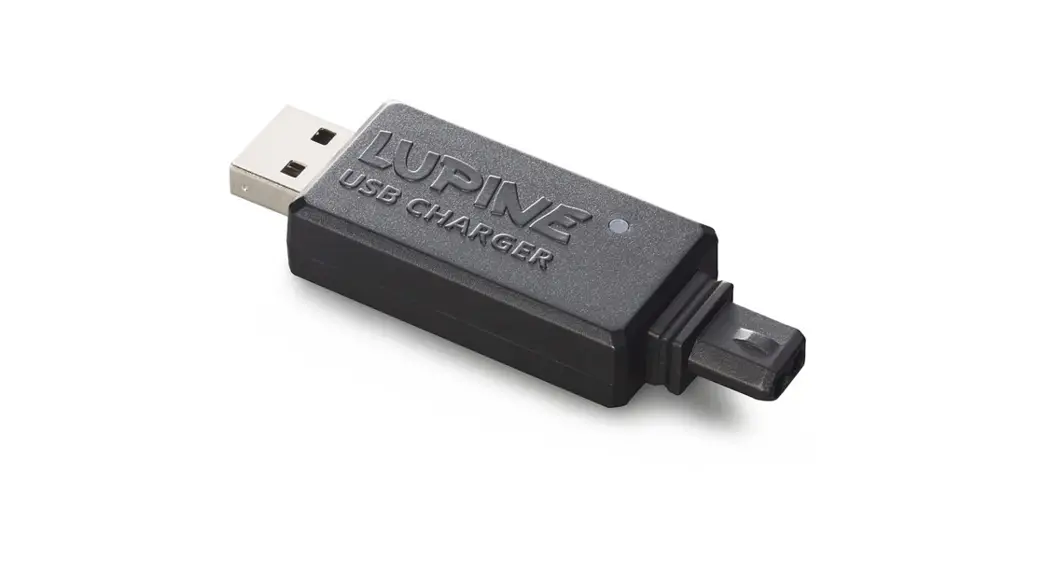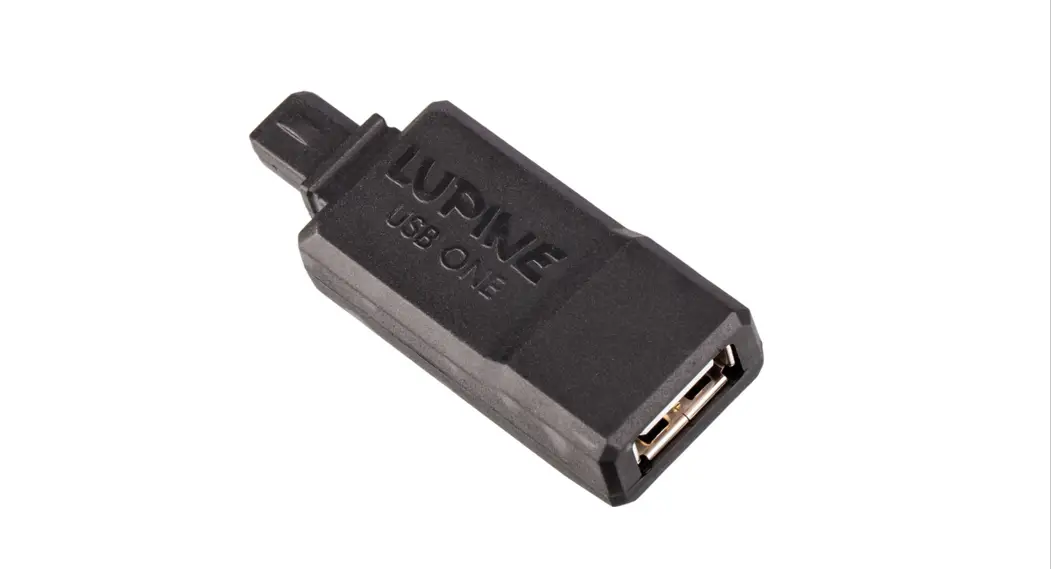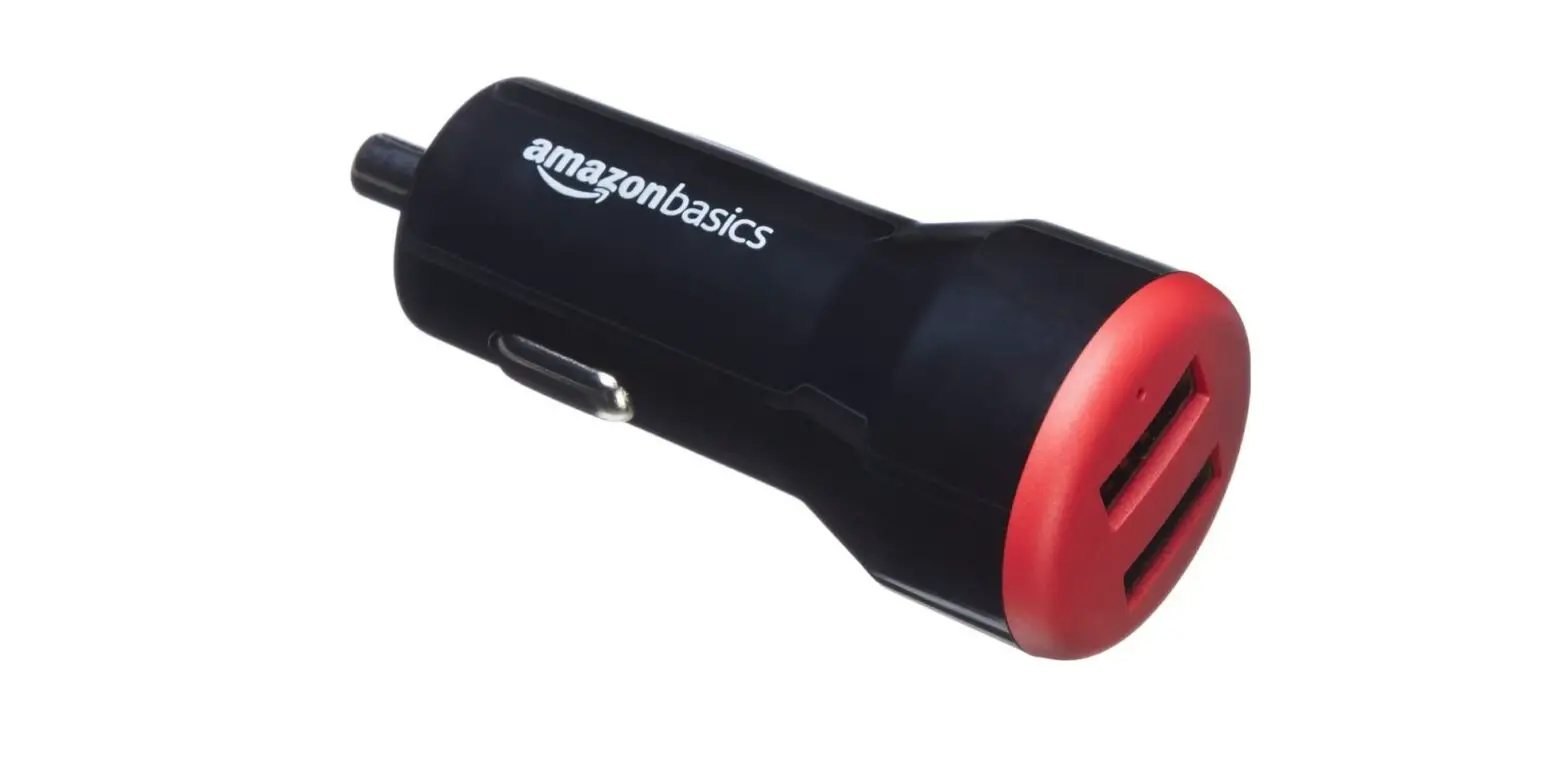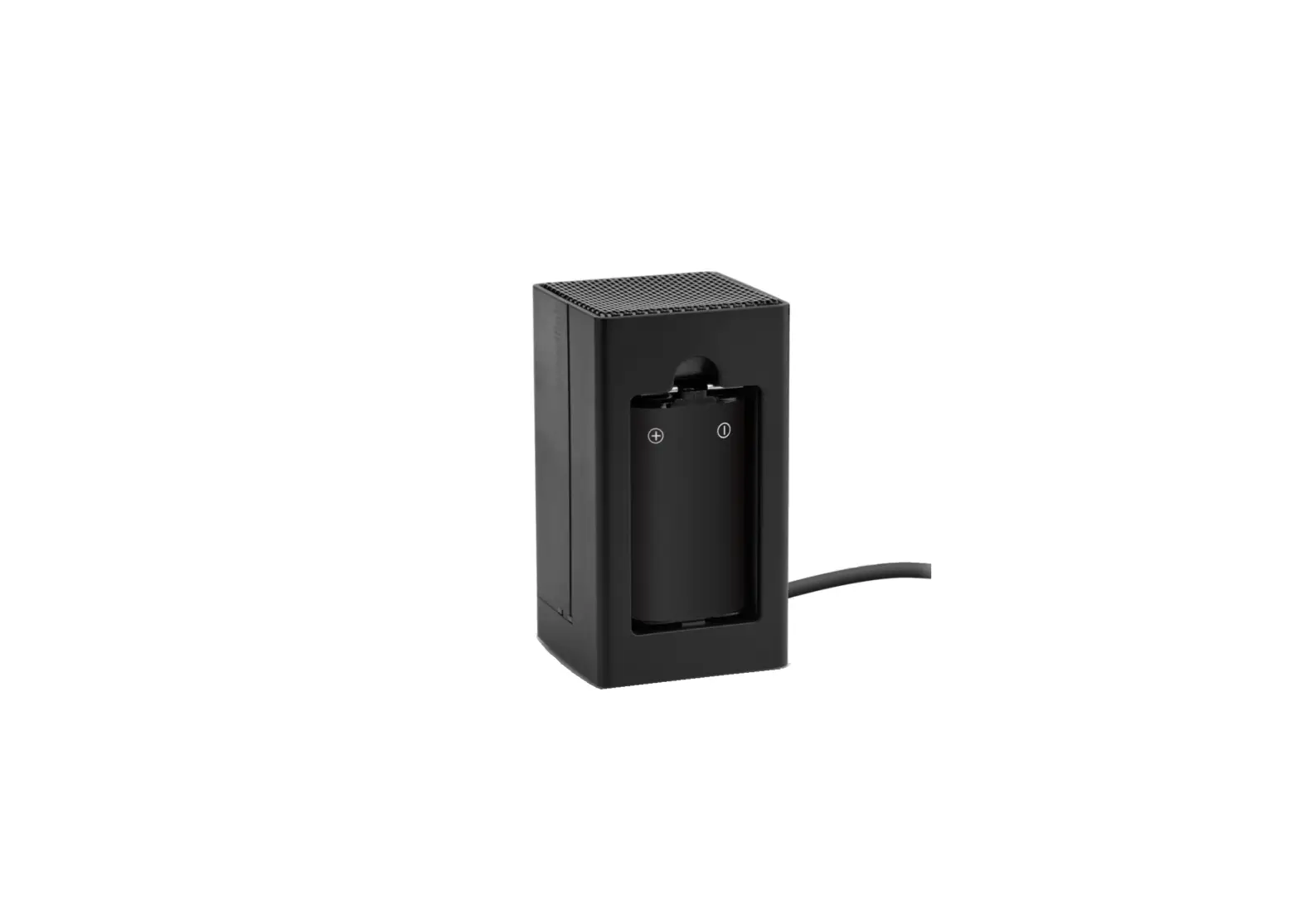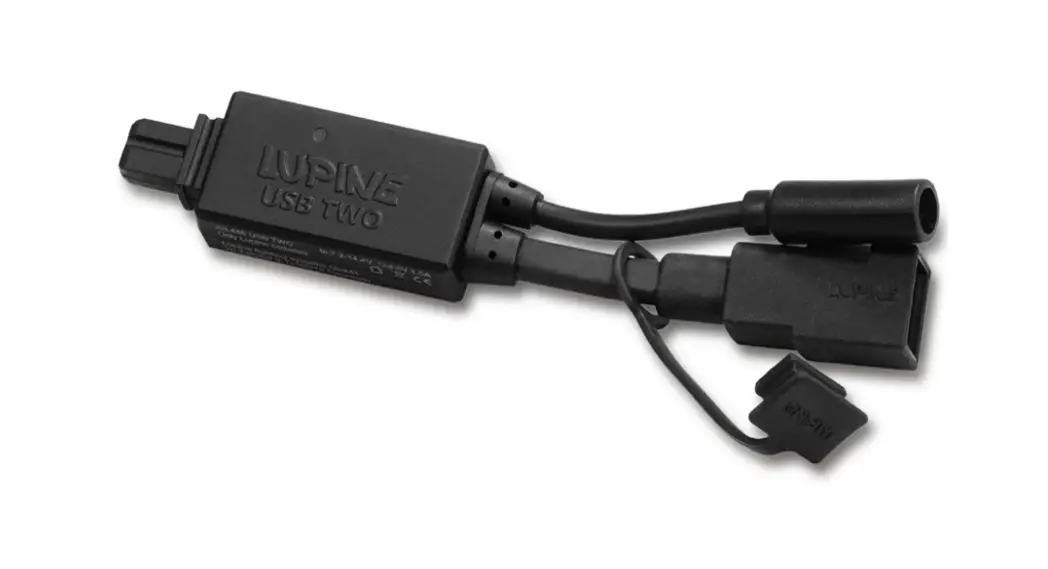

USB Two Charger Adapter
User Guide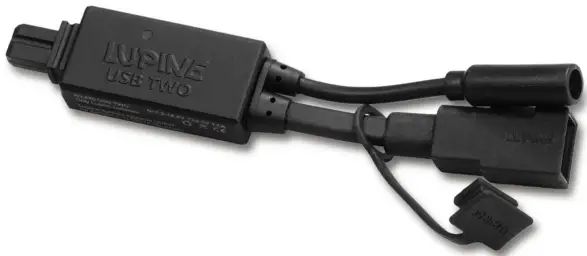
 Charging
 Charging
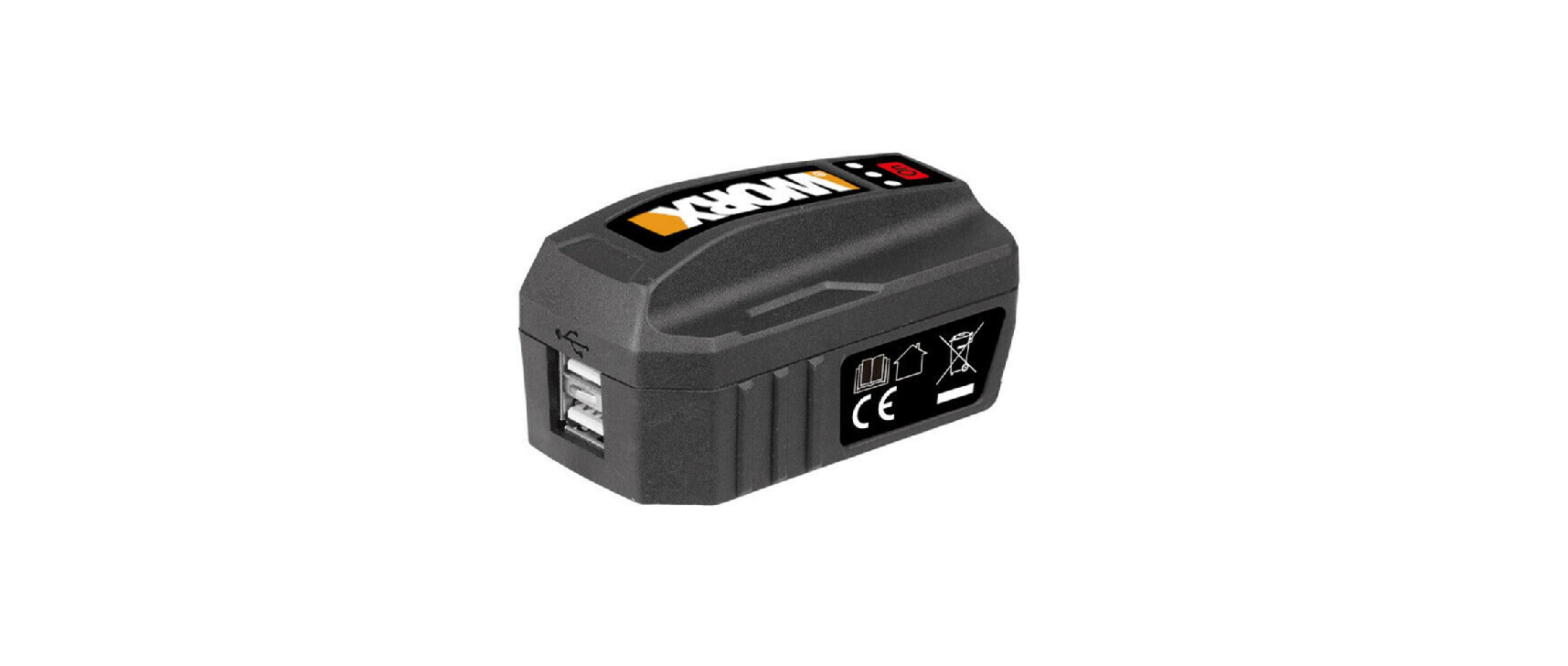
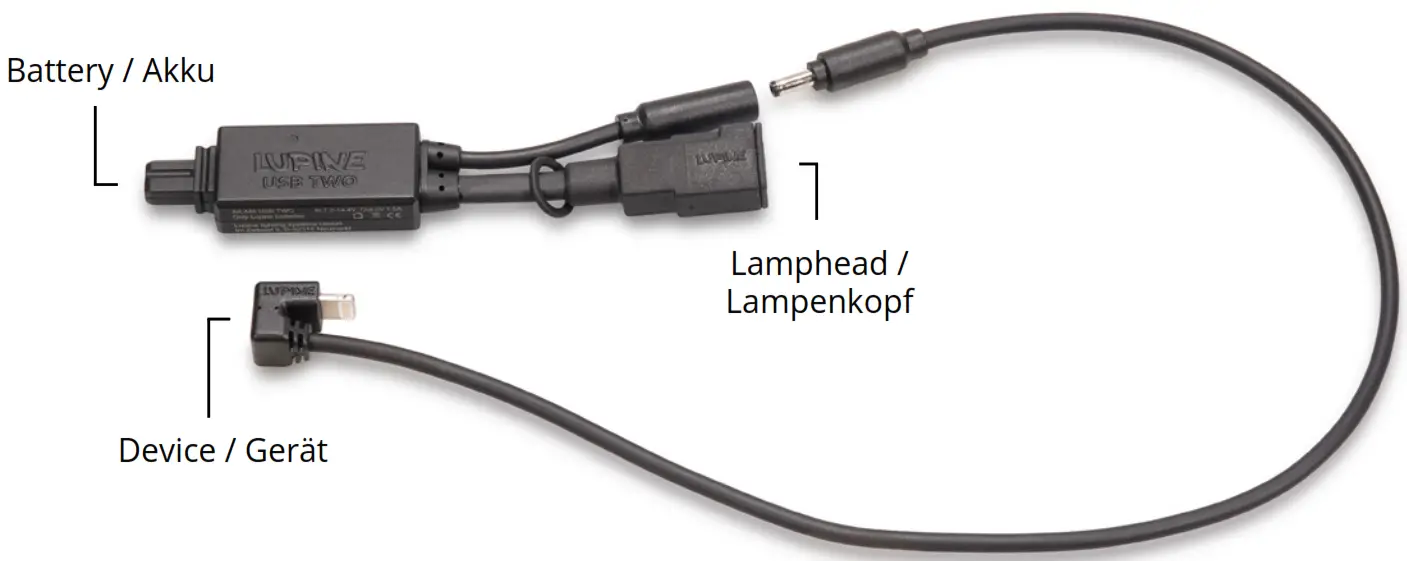
- Connect the USB TWO to your Lupine battery.
- Connect the device you want to charge, with the cable of the USB TWO.
- Connect the Lupine lamp head with the USB TWO.

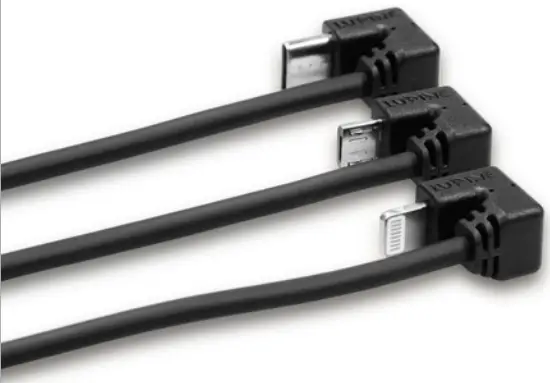
Note: As soon as an electrical consumer is plugged in, the blue status LED lights up.
After Charging
Attention! When charging is complete. Disconnect the USB TWO from the battery to prevent a harmful deep discharge.
Technical Data
| Input: Input Voltage: Output: Output Voltage: Charging Current: | Lupine Battery 7.2 V – 14.4 V USB 5 V up to 1500 mA |
EC Declaration of Conformity: www.lupine.de/ce/
Lupine lighting systems GmbH
I’m Zwiesel 9
92318 Neumarkt