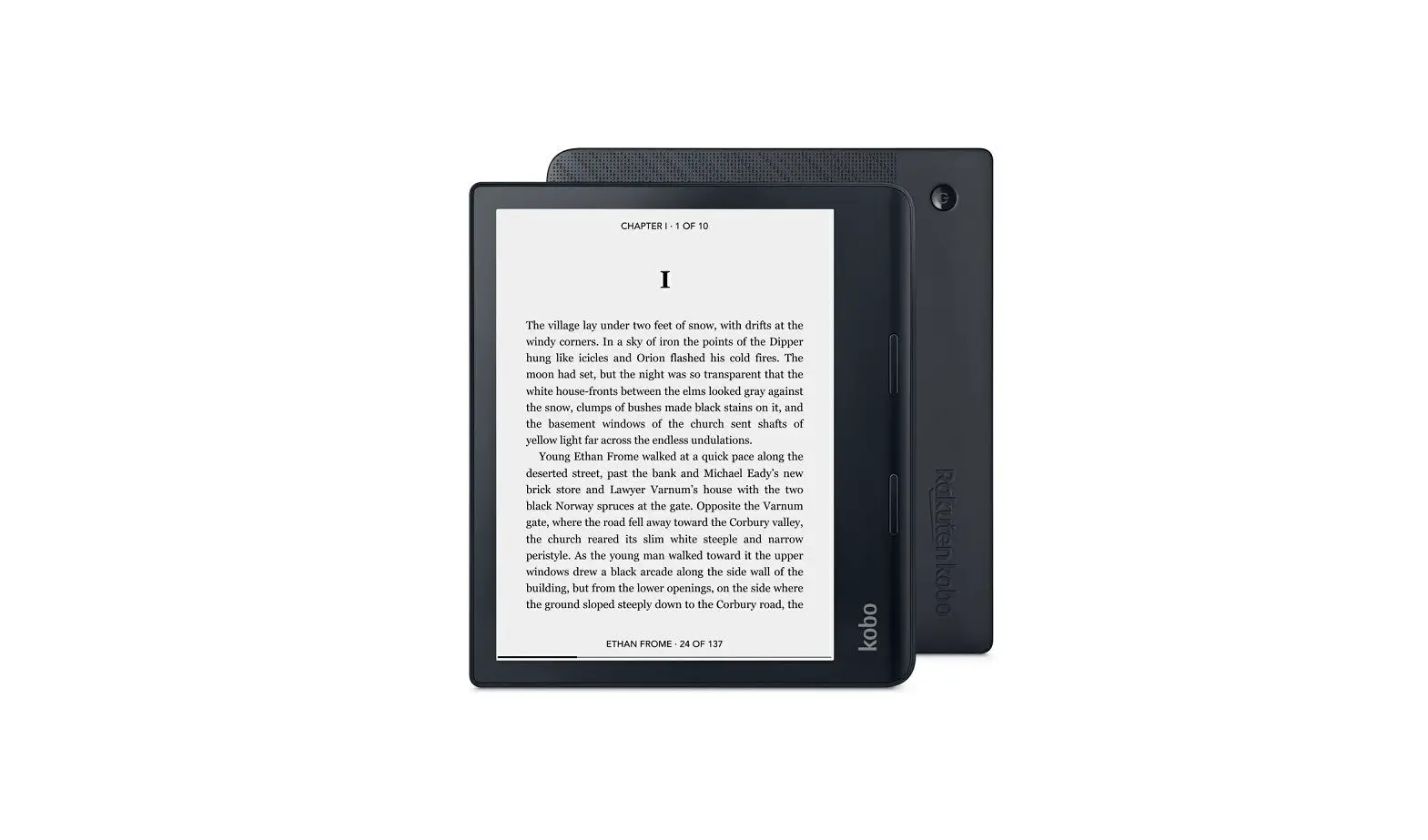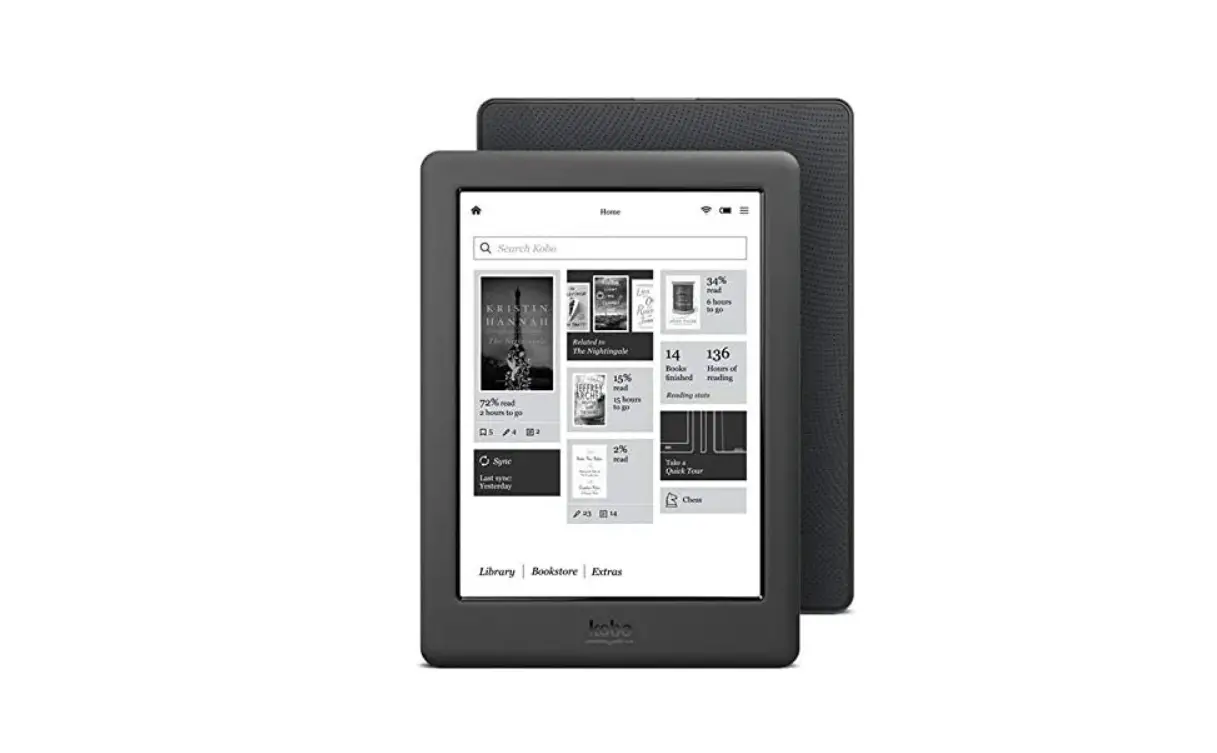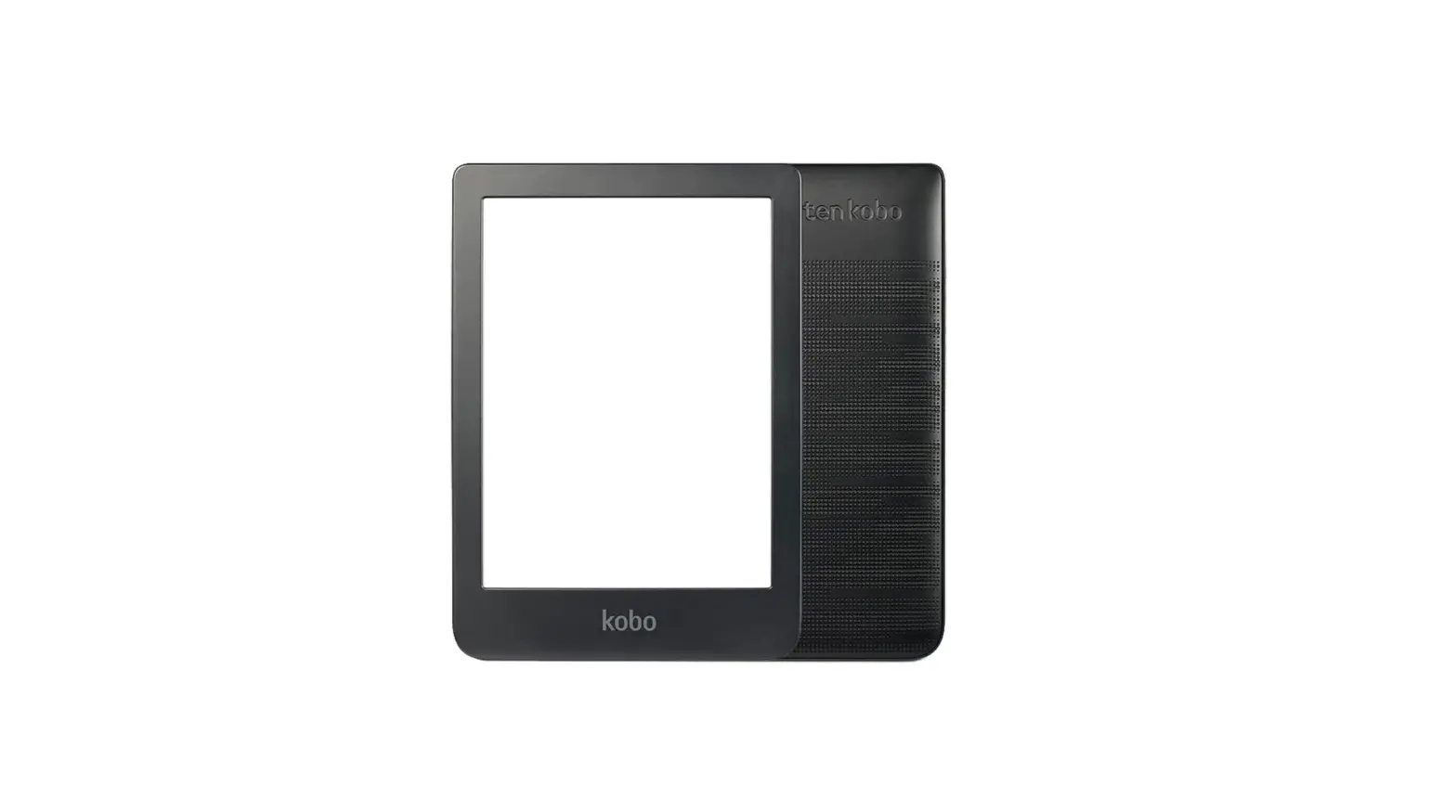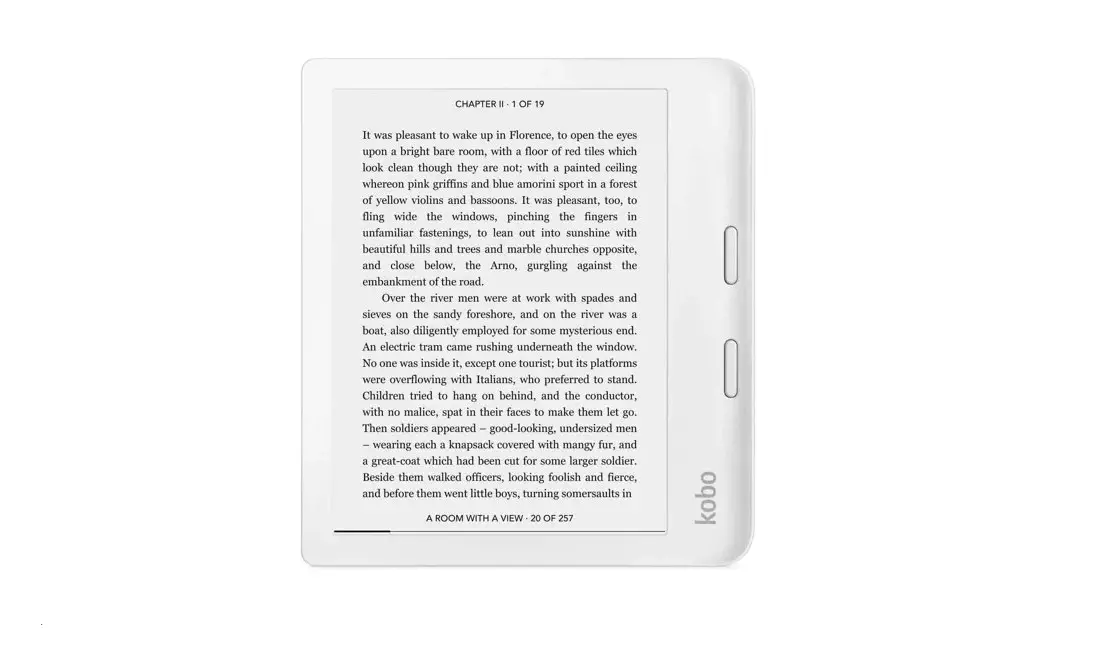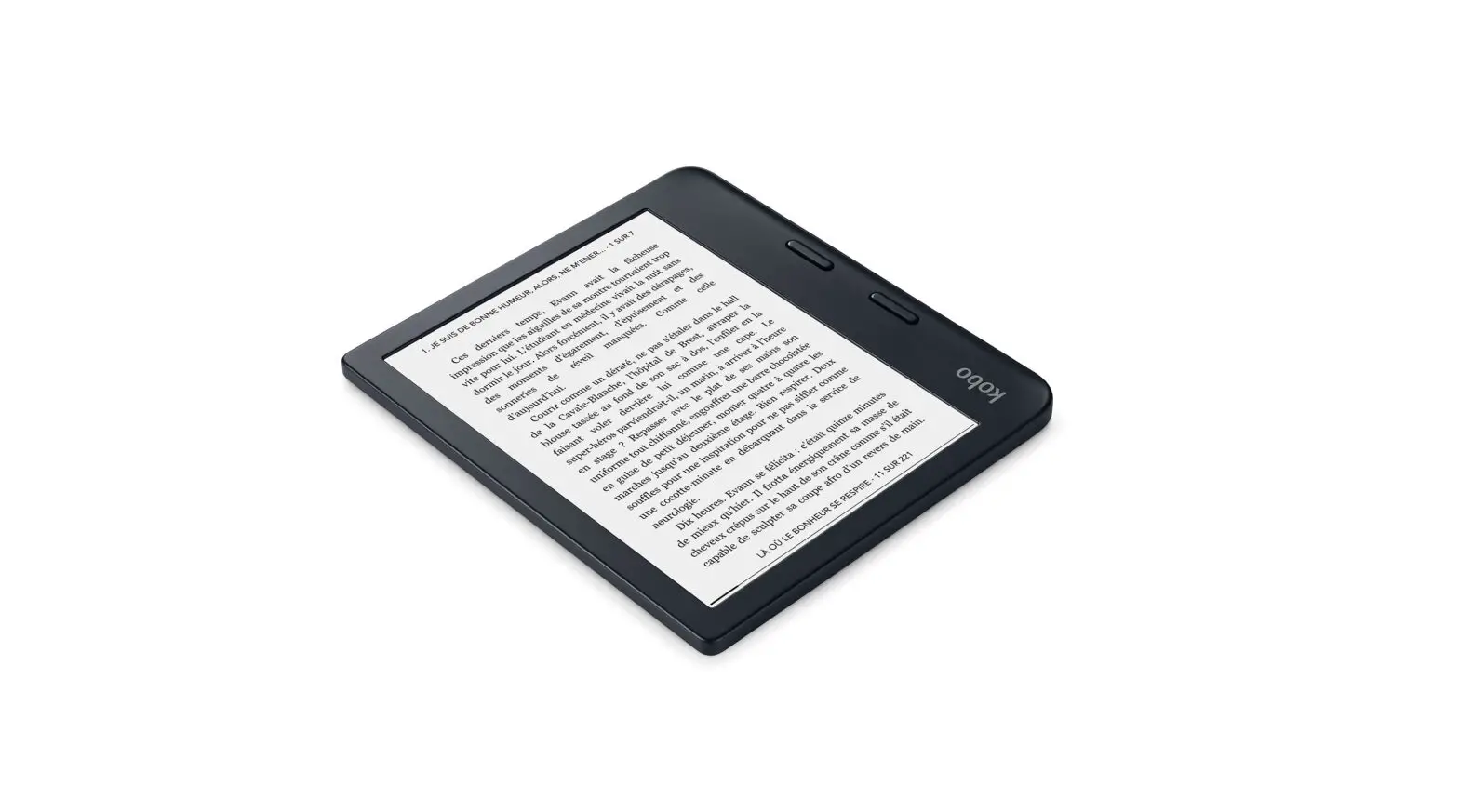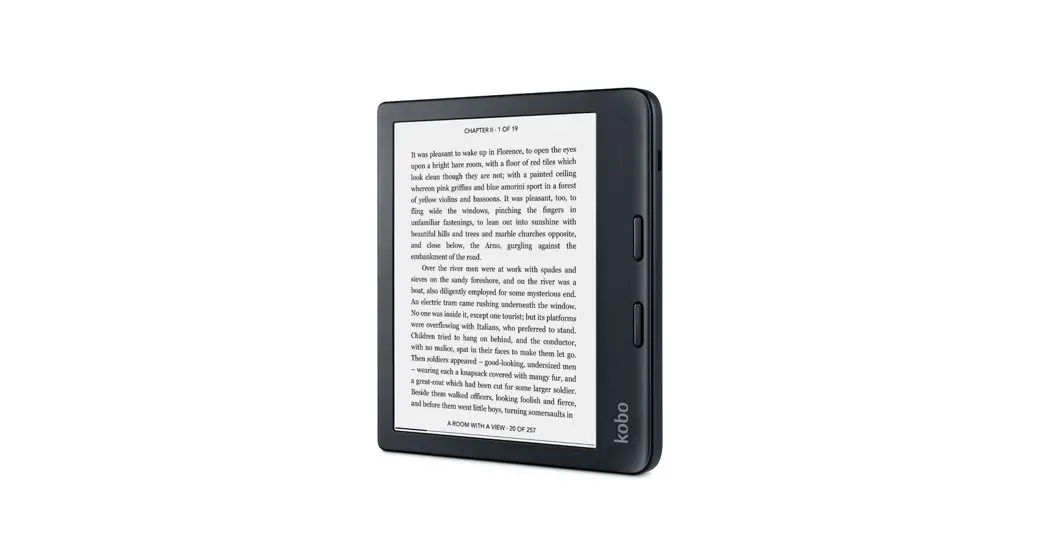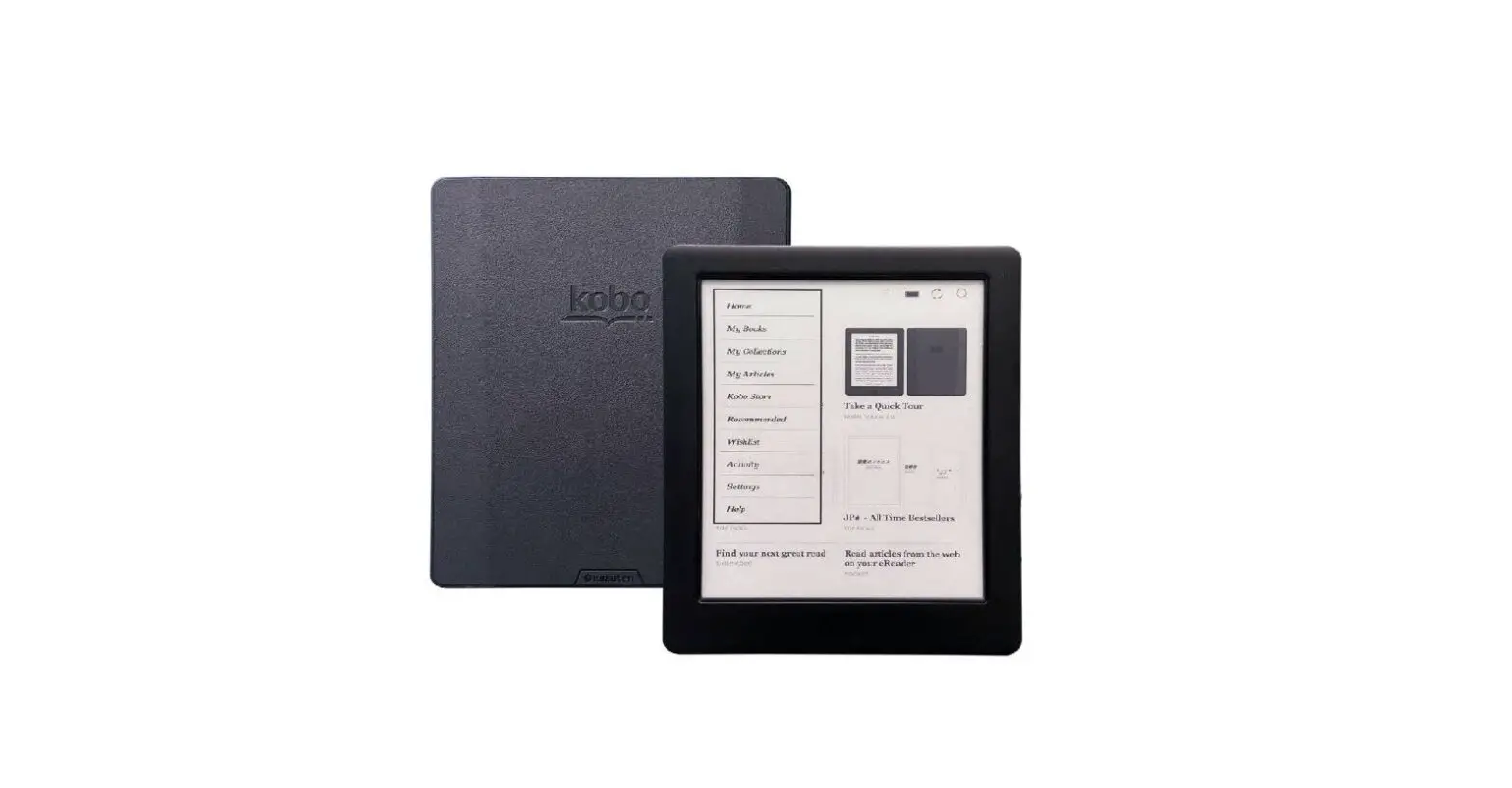

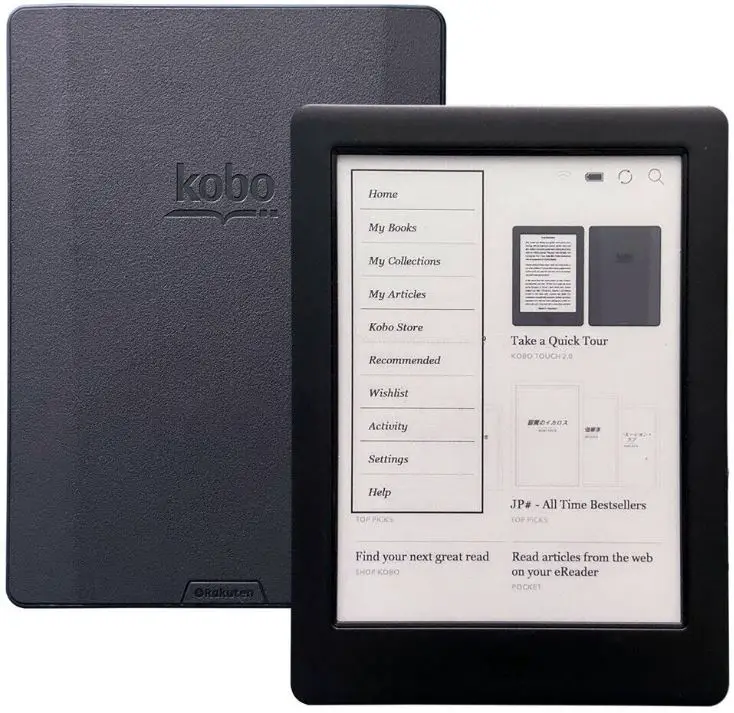
Kobo N778K eReader 8 inch Ebooks Magnetic Capa
Product Information
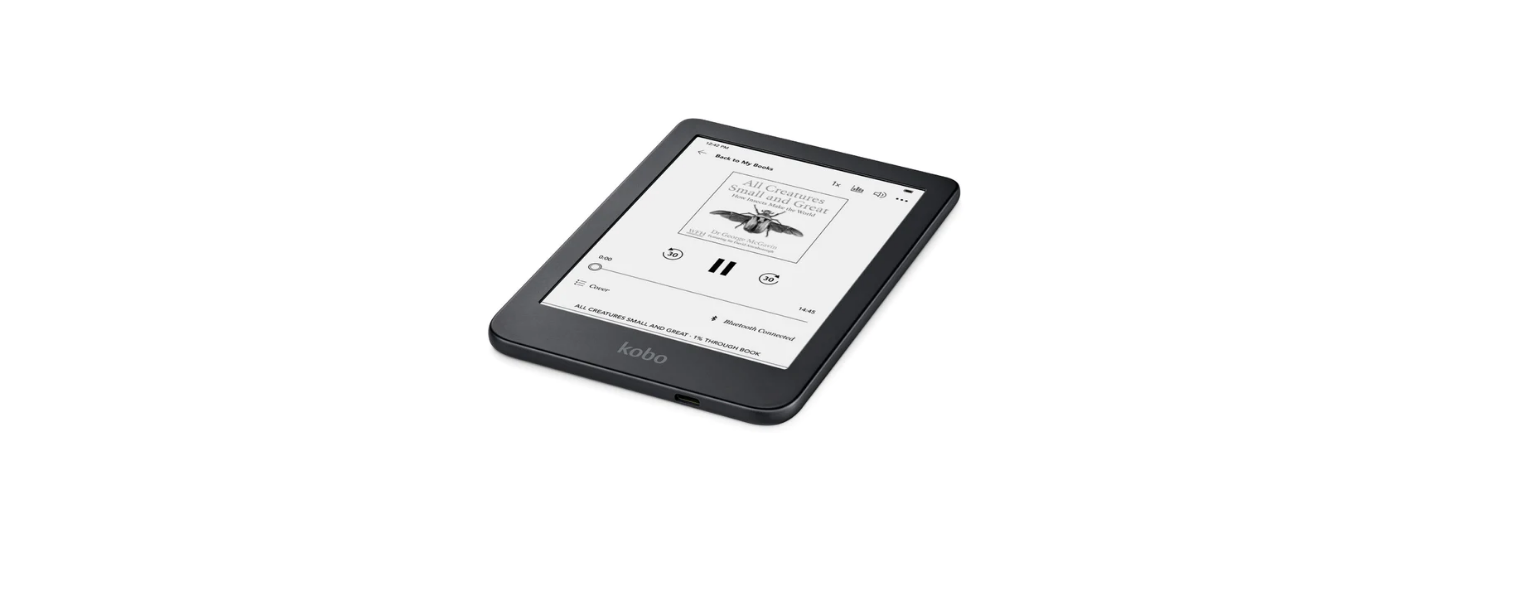
The product is an eReader that can be turned on or off by pressing and holding the power button. It can be charged by connecting to a power source. It can also be paired with a Kobo Stylus (sold separately) to mark up eBooks and documents or create notebooks. The product can be used with the free Kobo App, which allows for reading on a smartphone or tablet.
Product Usage Instructions
- To turn on the eReader, press and hold the power button.
- To turn off the eReader, press and hold the power button again.
- If necessary, charge the eReader by connecting it to a power source.
- To mark up eBooks and documents or create notebooks, pair the eReader with a Kobo Stylus (sold separately).
- To read on a smartphone or tablet, download the free Kobo App.
Power
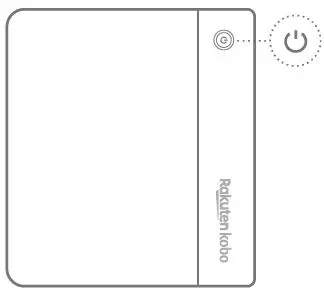
- Press and hold the power button to start or turn off your eReader.
Connection
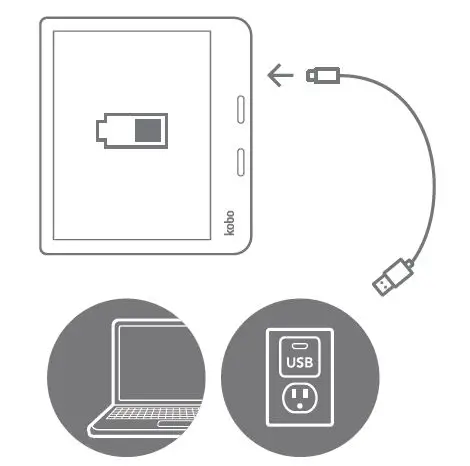
- If necessary, charge by connecting to a power source.
Pair Pen

- Pair with a Kobo Stylus* to mark up eBooks and documents or create notebooks.
- Kobo Stylus sold separately, not included.
APP
Download the free Kobo App


- Enjoy reading on your smartphone or tablet.
Need some help?
 Rakuten Kobo
 The Best Reading App for eBooks – Kobo | Rakuten Kobo United States