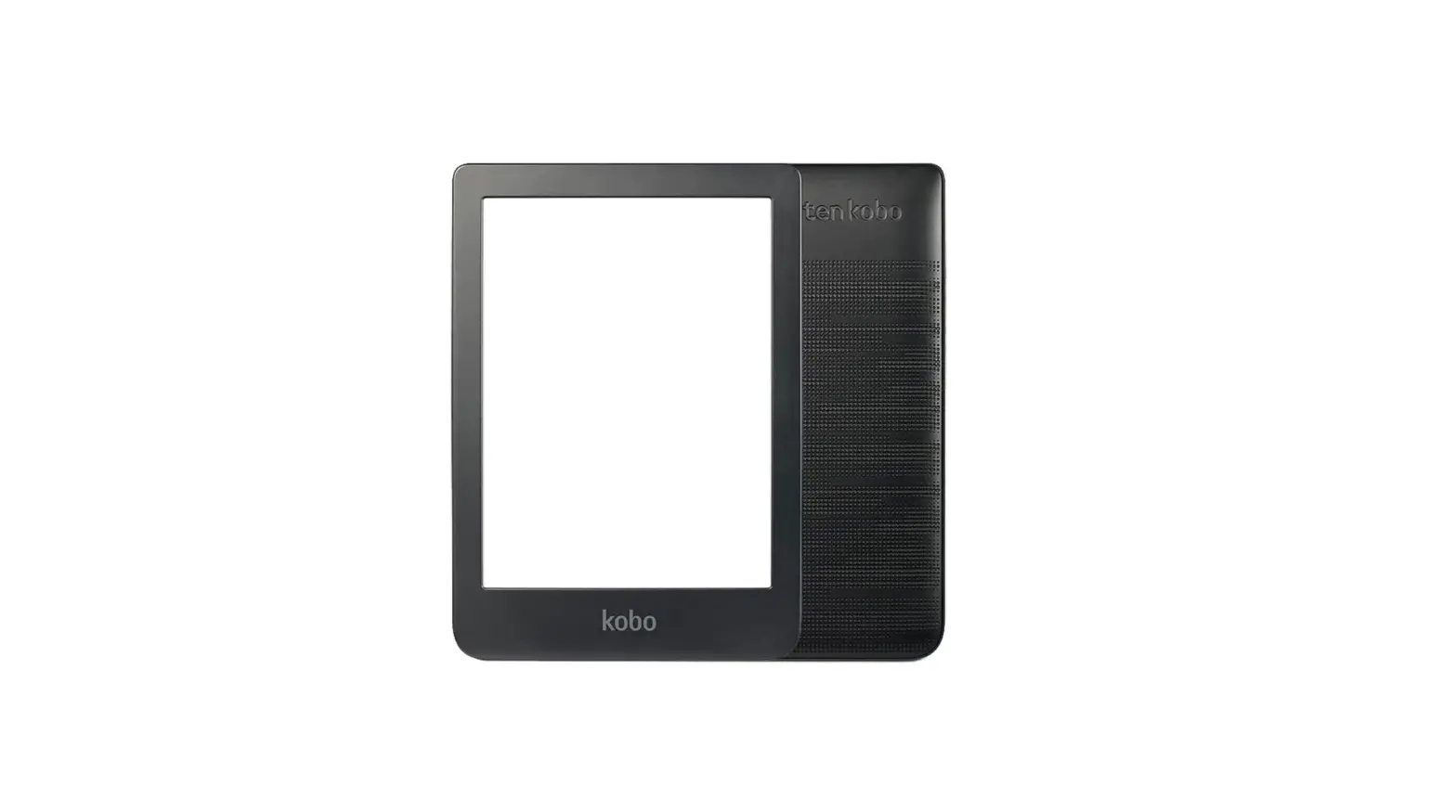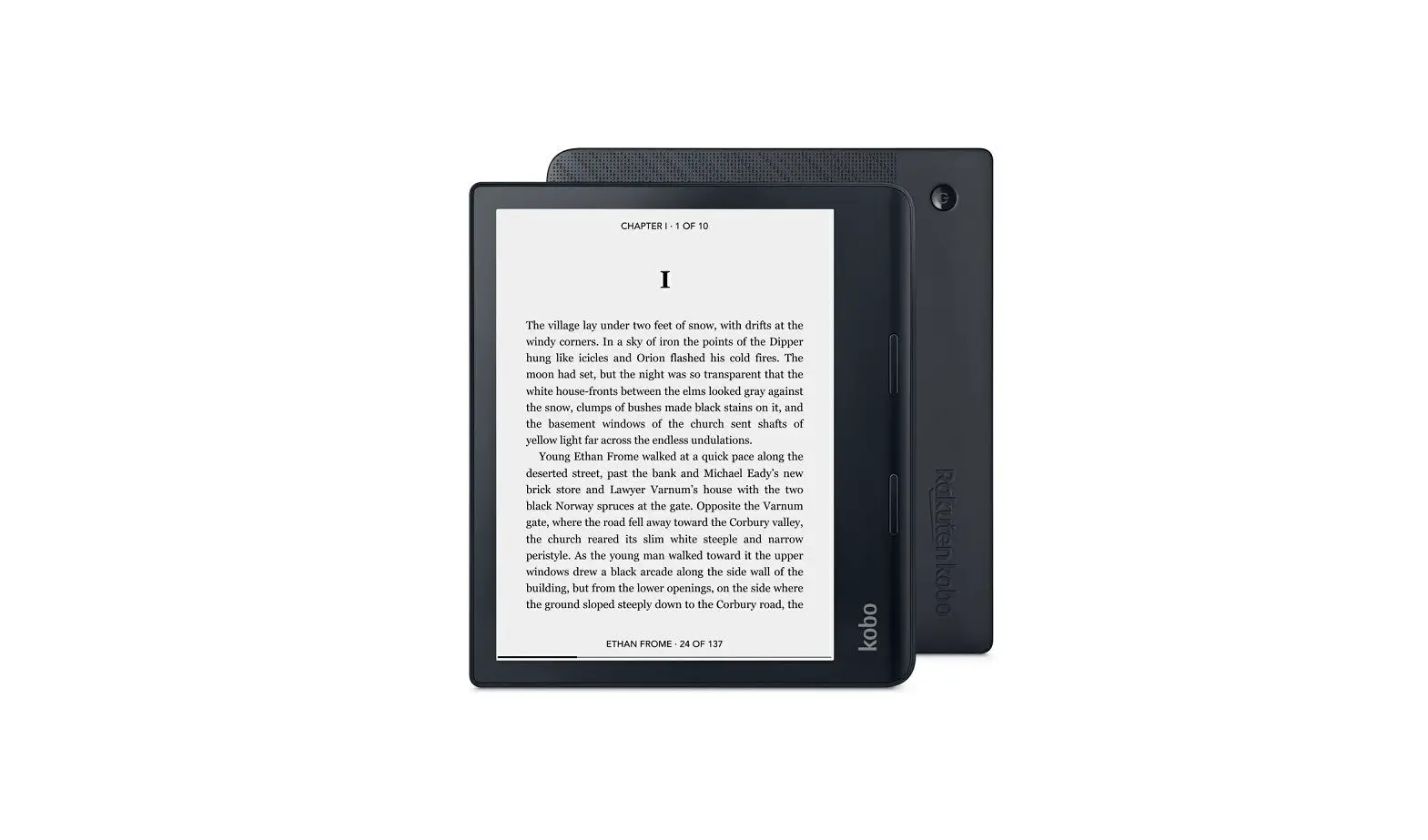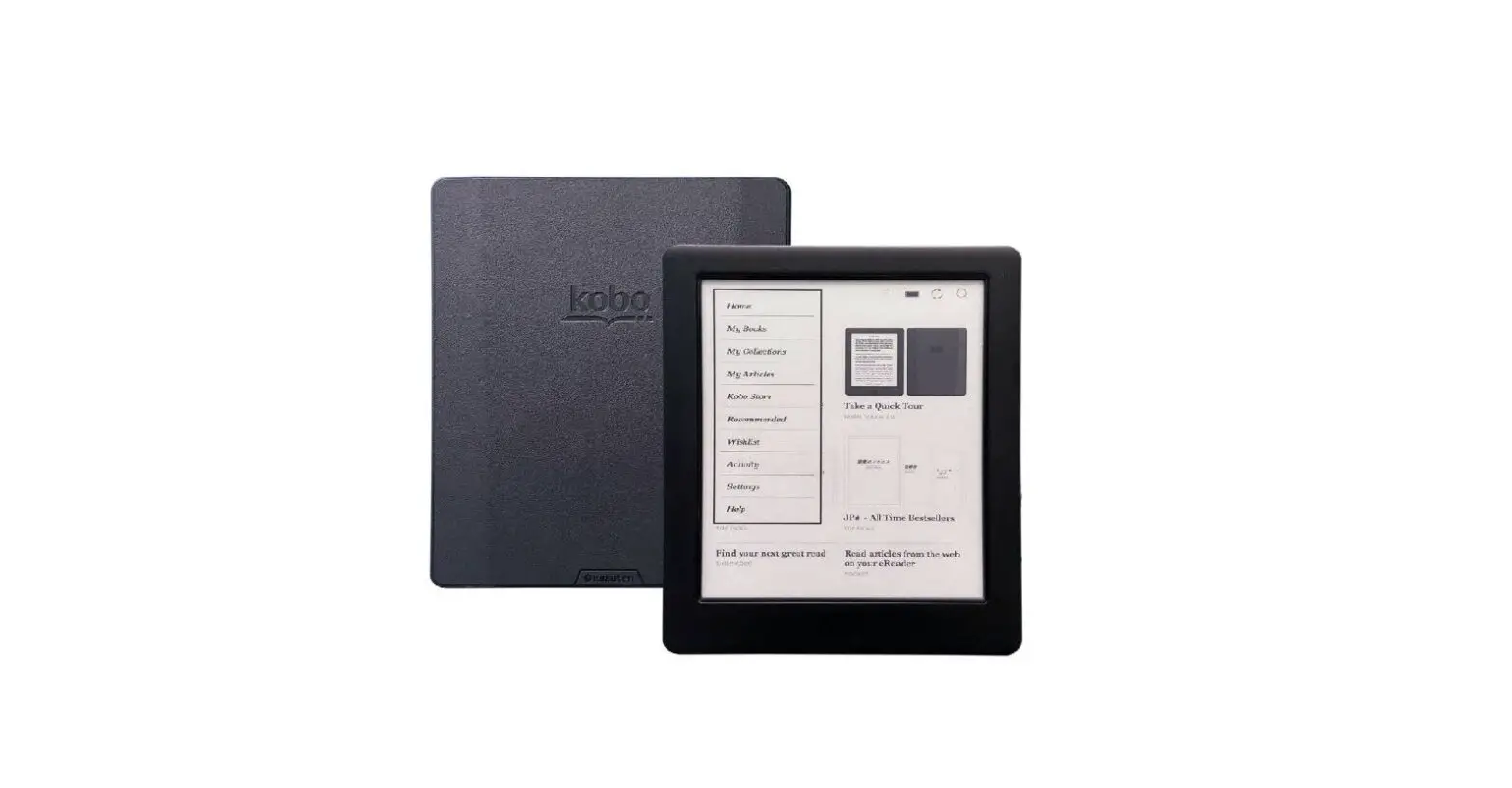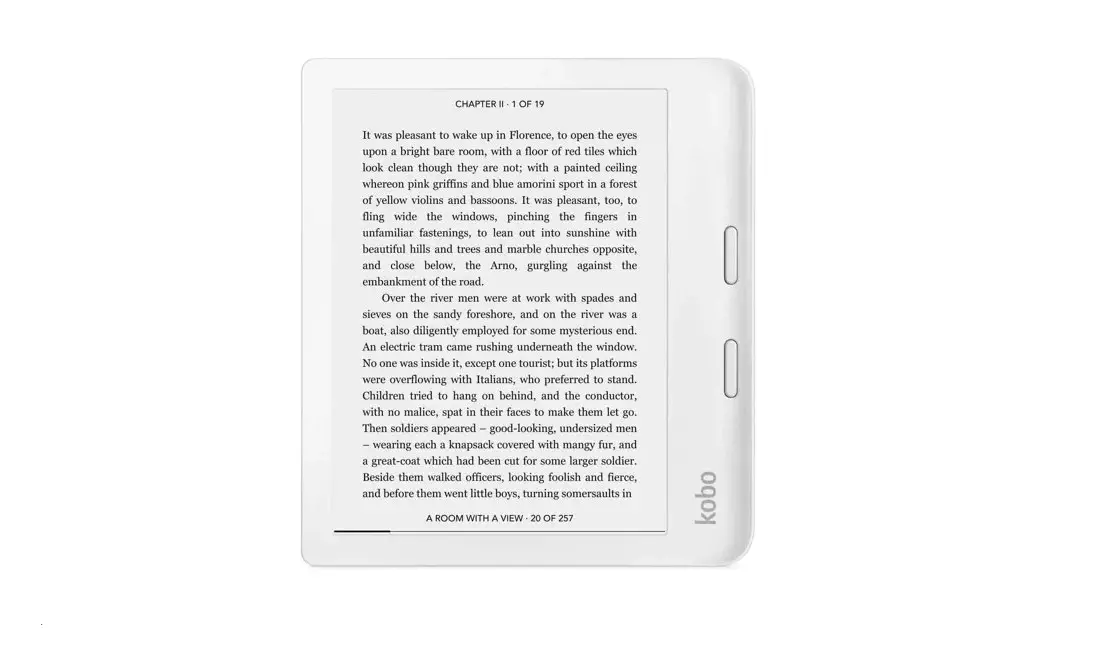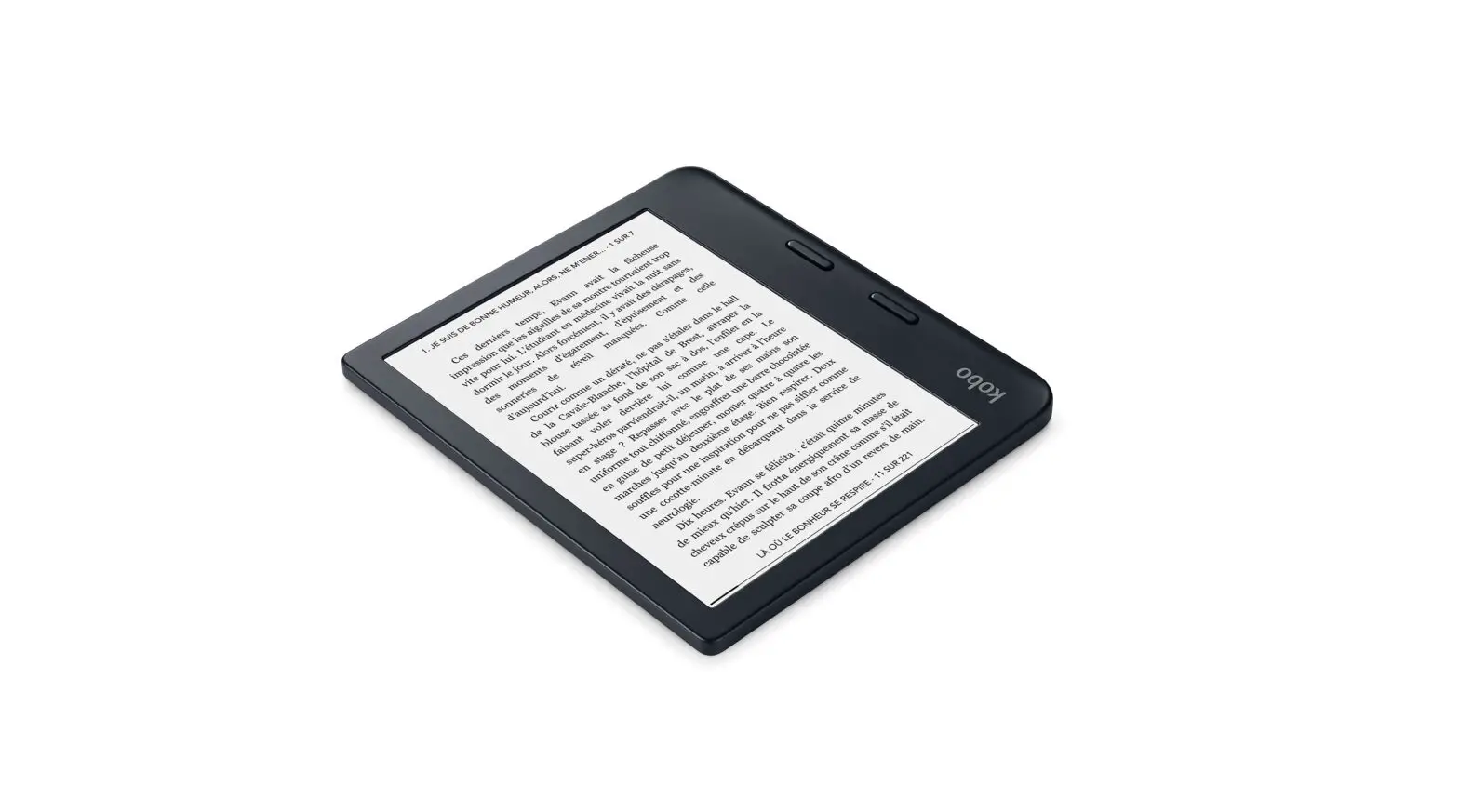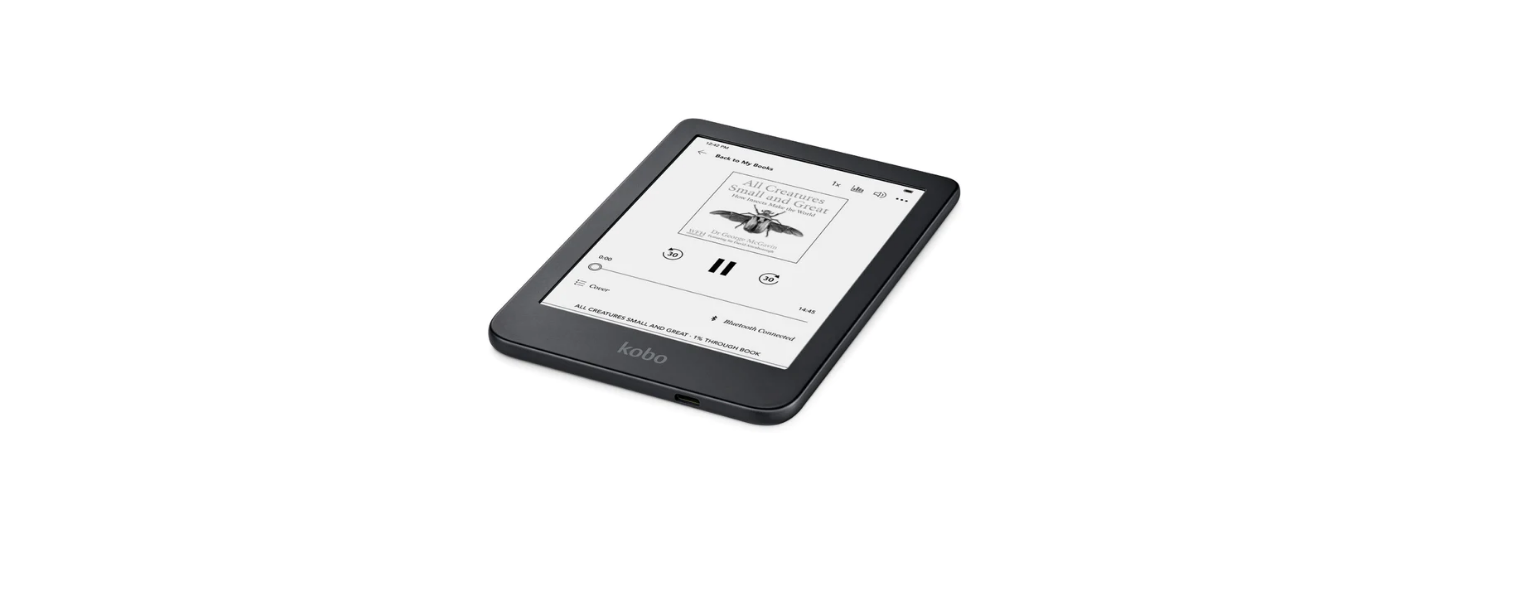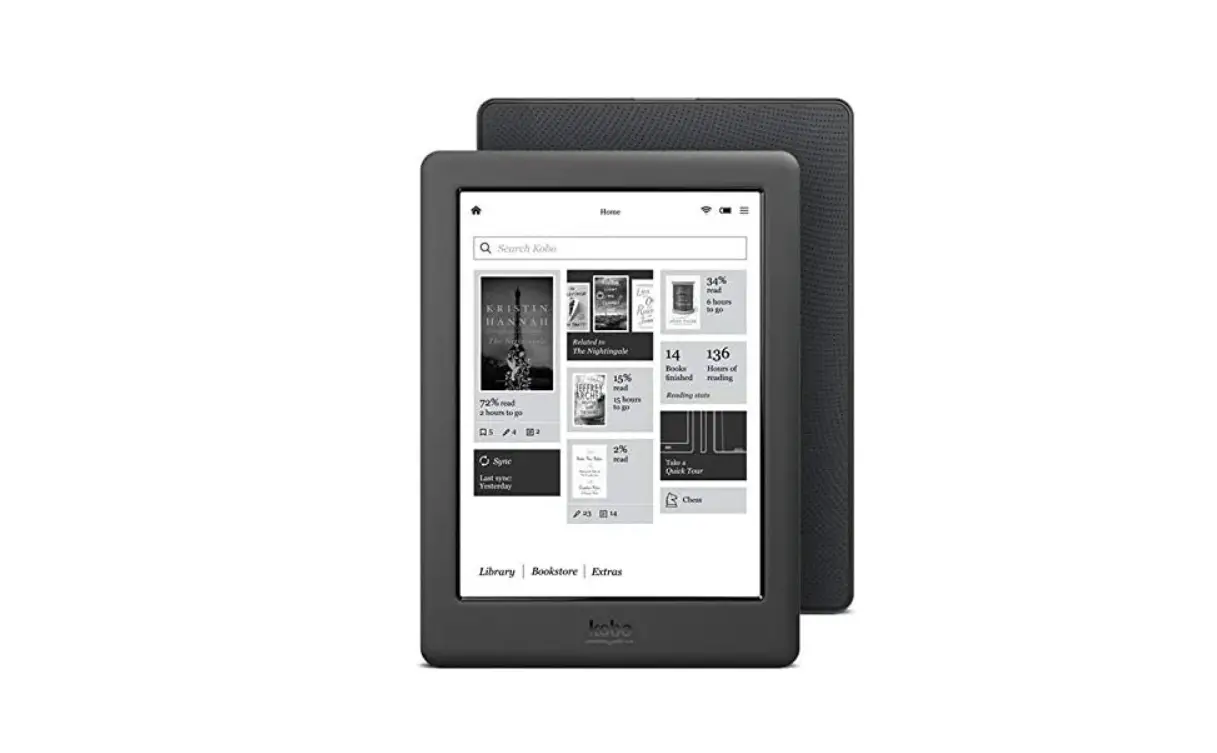

Kobo Elipsa B00s9p0amq 6 Inch Touch Screen Digital Electronic Book Reader User Guide

Kobo Elipsa B00s9p0amq 6 Inch Touch Screen Digital Electronic Book Reader User Guide

kobo elipsa Logo

kobo elipsa B00S9P0AMQ 6 Inch Touch Screen Digital Electronic Book Reader
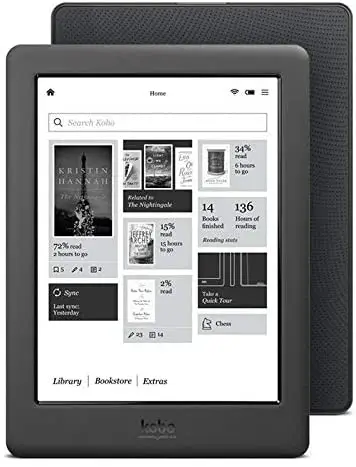
kobo elipsa B00S9P0AMQ 6 Inch Touch Screen Digital Electronic Book Reader

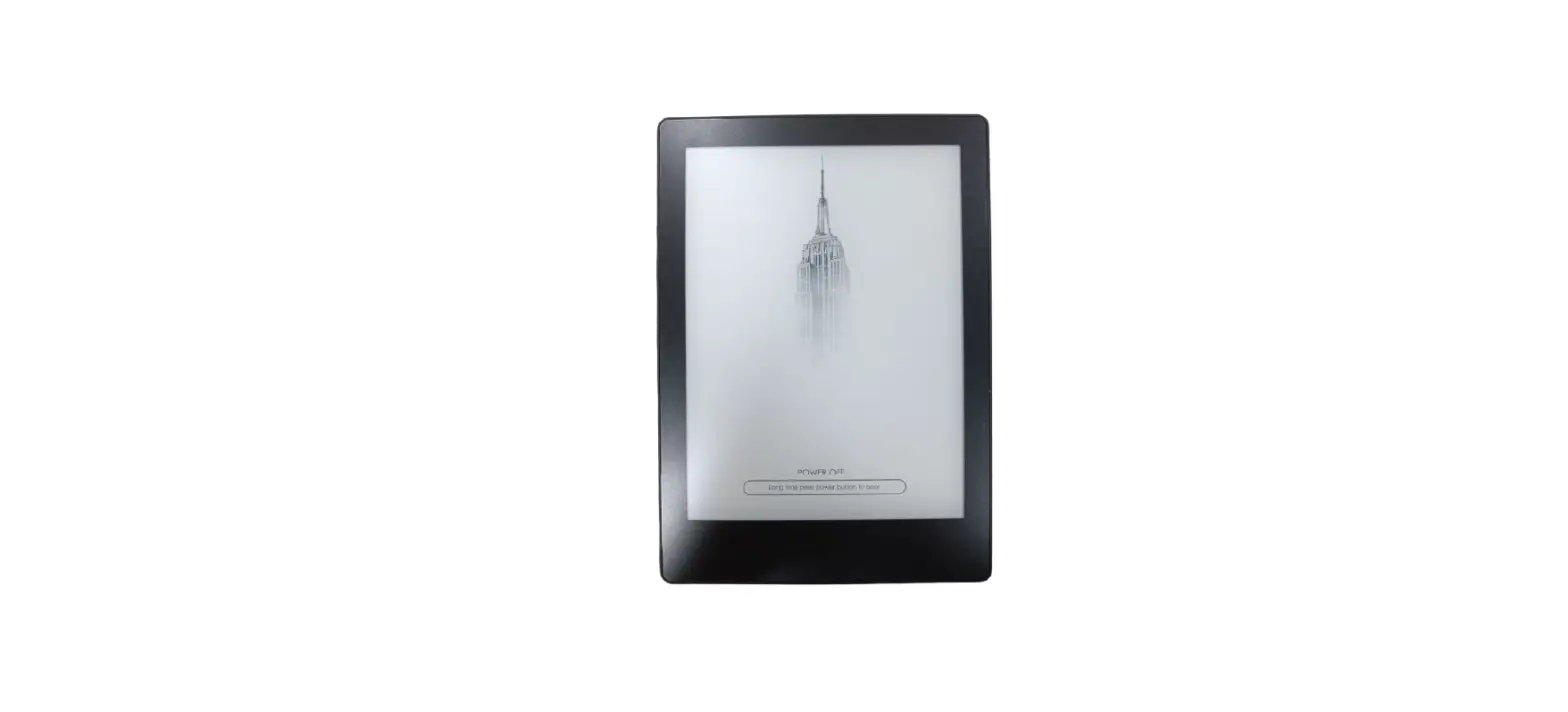
Press and hold the power button to start or turn off your eReader.
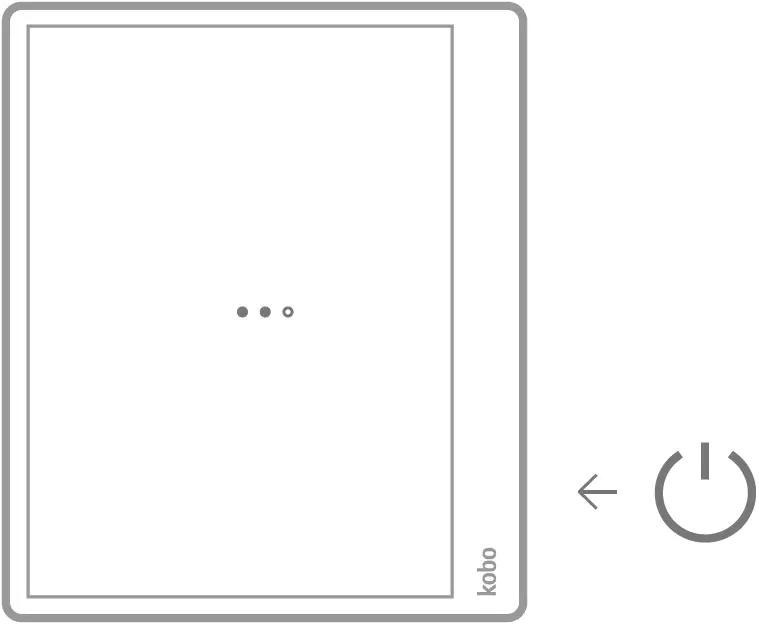
Press the Power Button

If necessary, charge by connecting to a power source.
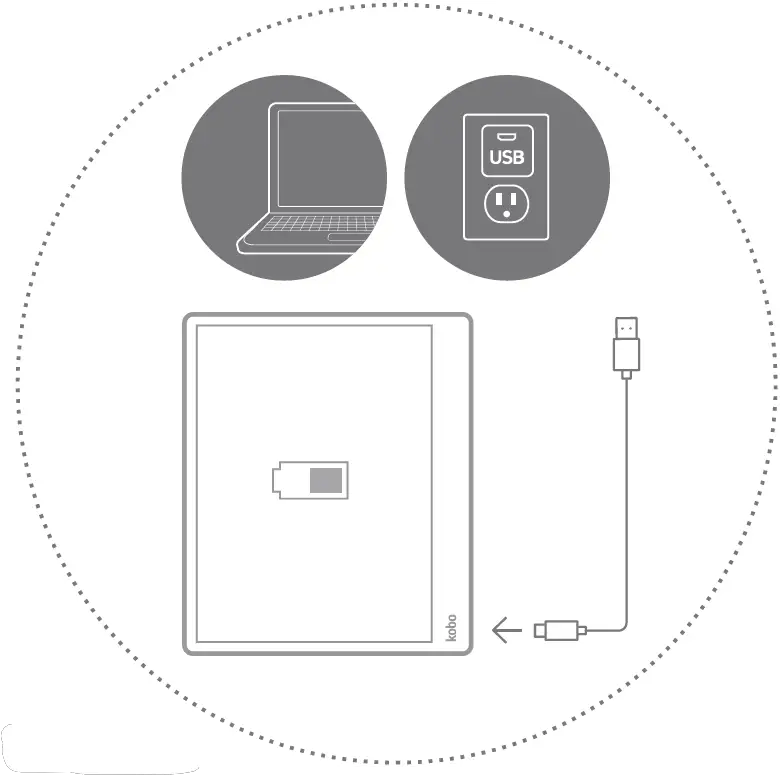
Connecting the Power Source

Need some help?
help.kobo.com

Download the free KoboApp
Enjoy reading on your smartphone or tablet.

PlayStore and iOS Store

kobo.com/apps

Documents / Resouces

Download manual
Here you can download full pdf version of manual, it may contain additional safety instructions, warranty information, FCC rules, etc.


Related Manuals