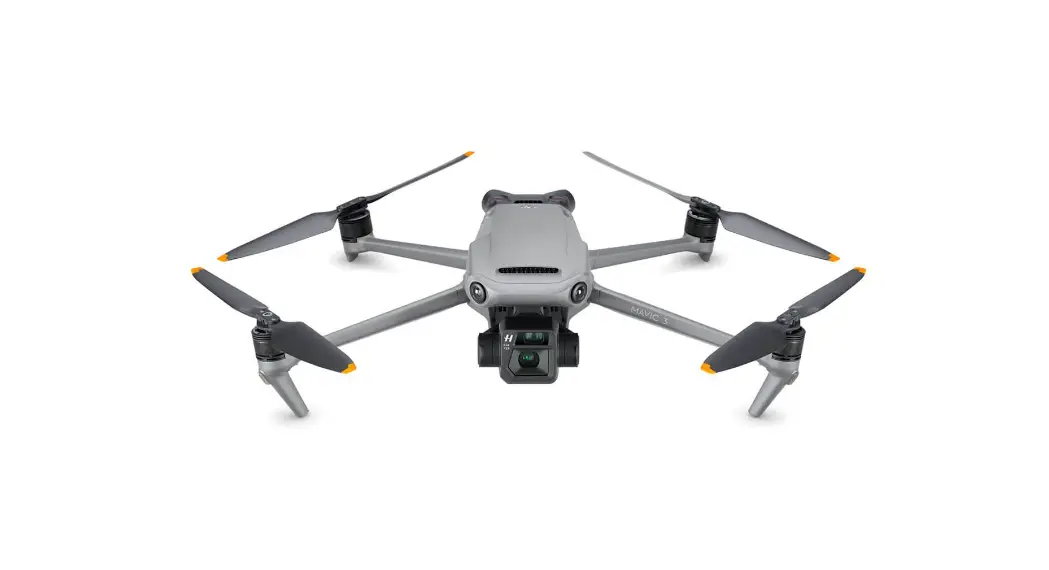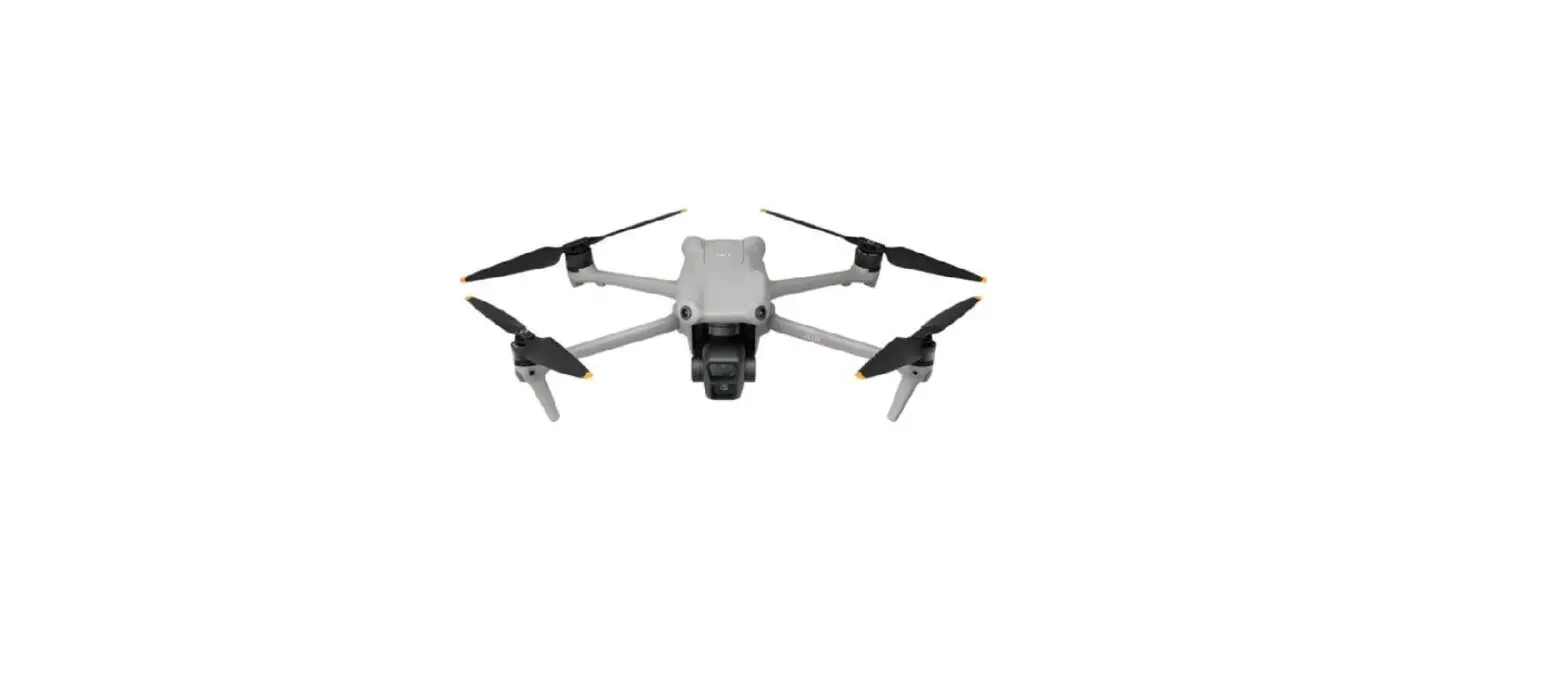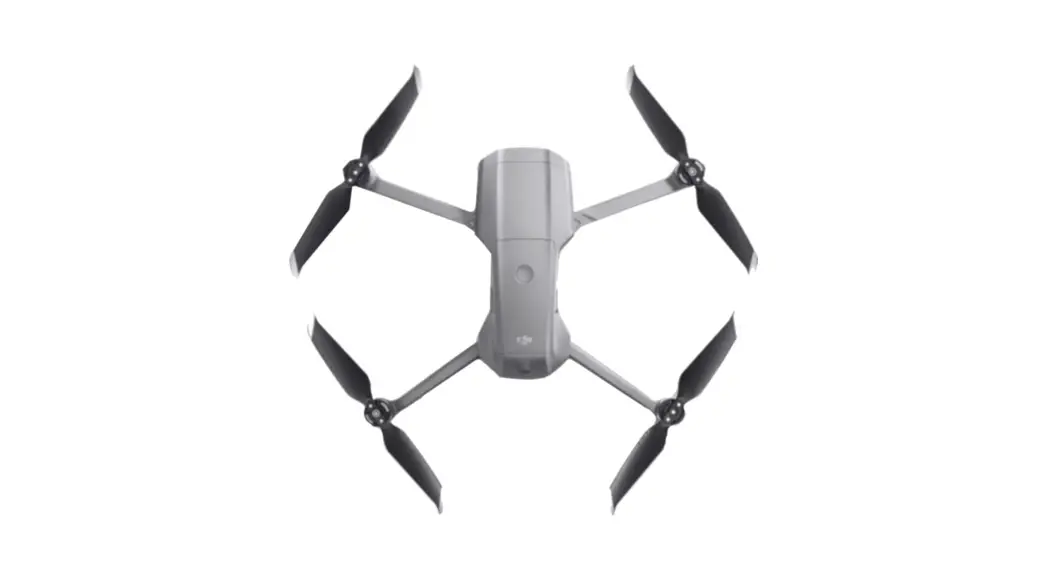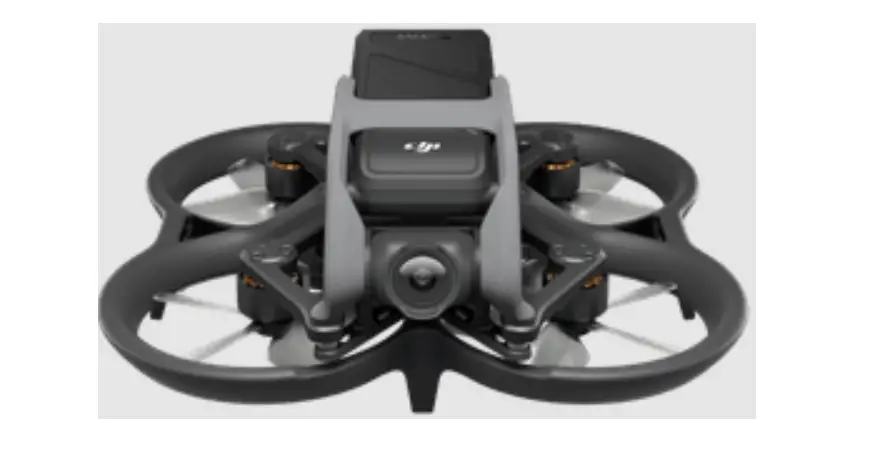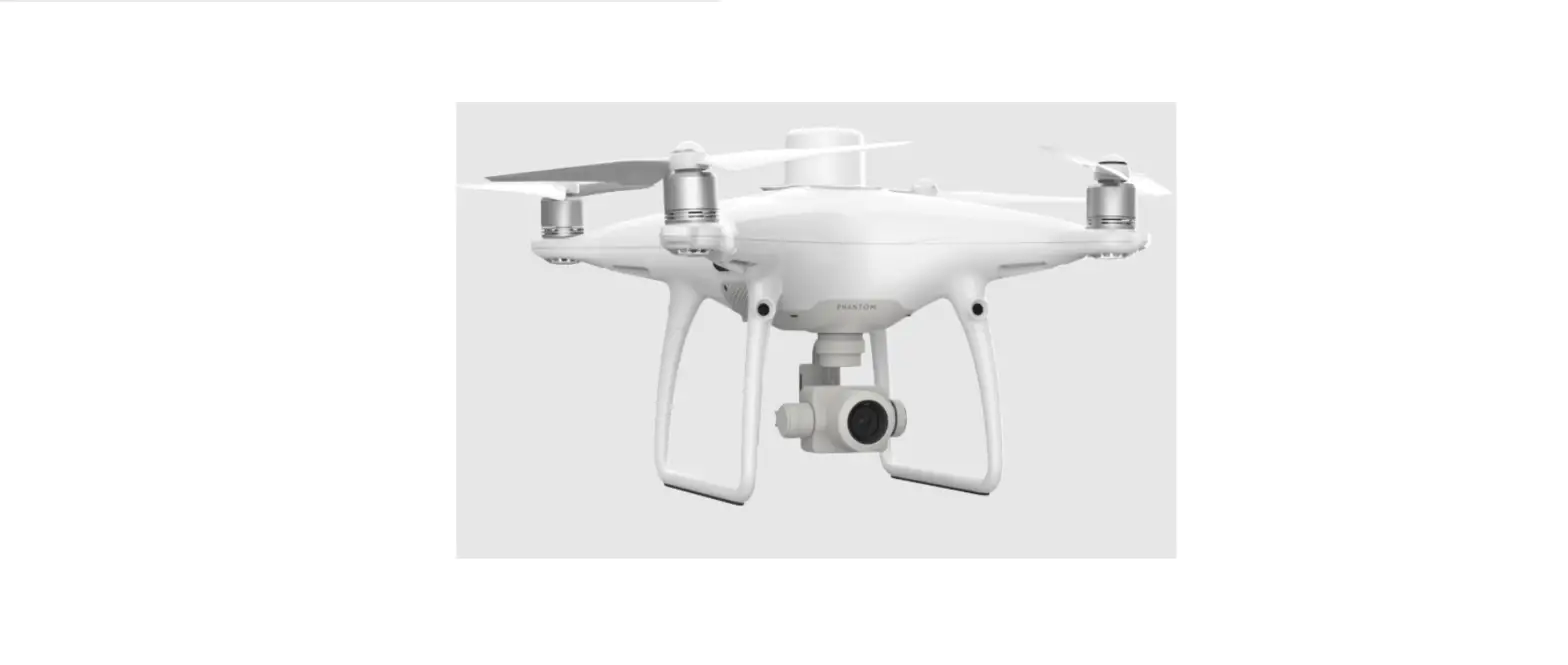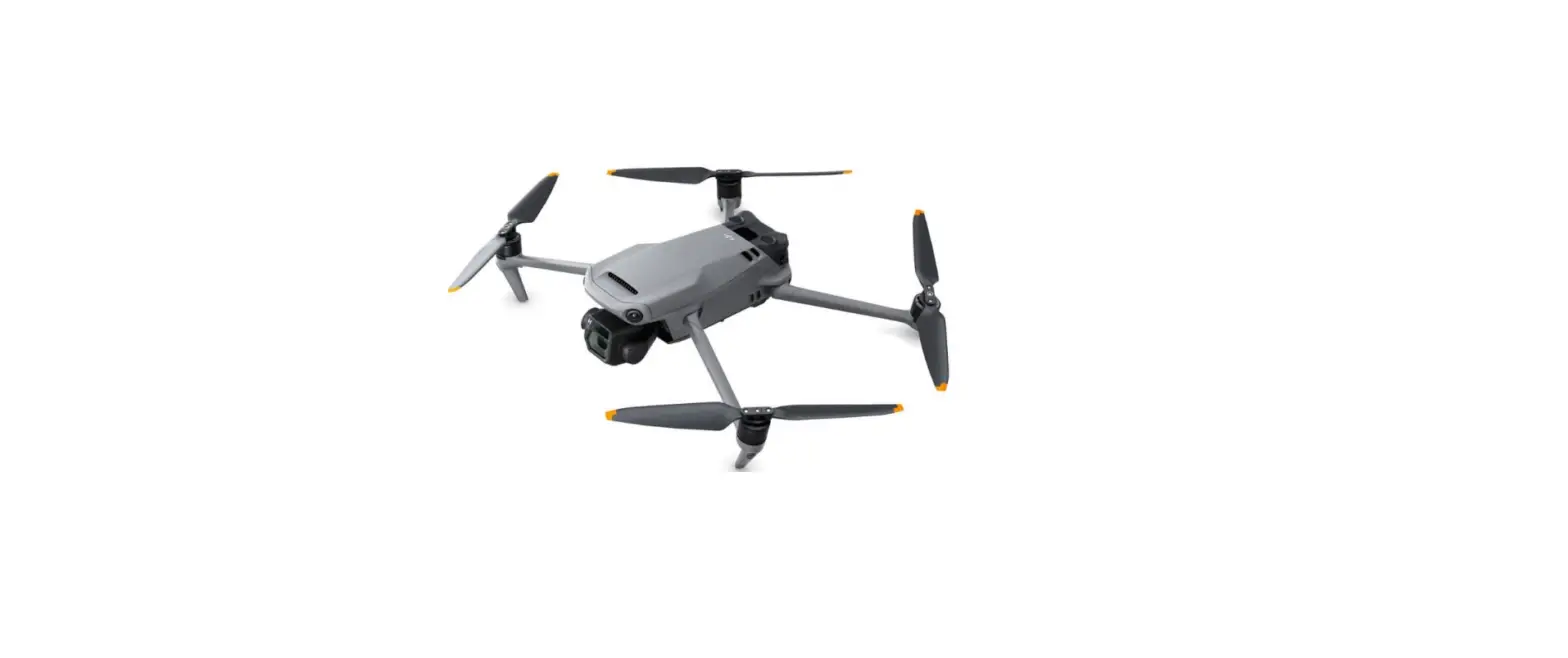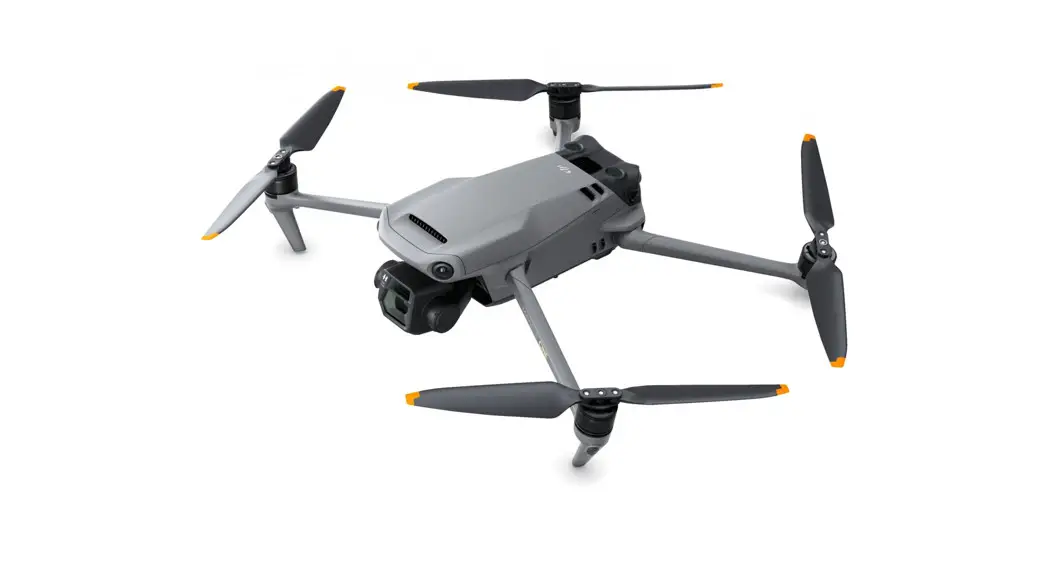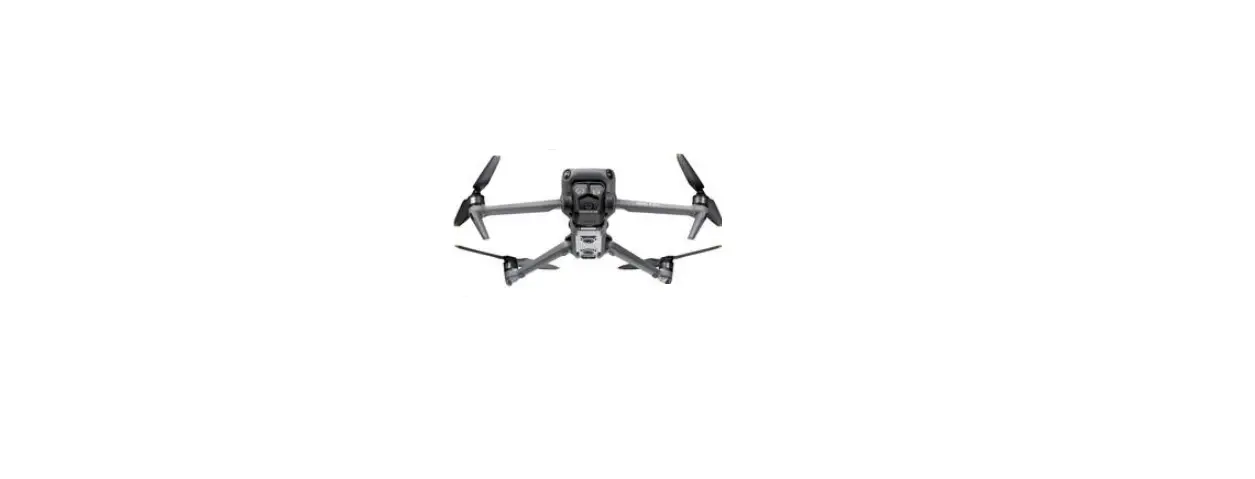
dji Mavic 3 Pro Quadcopter 100% RtR Camera Drone
Product Information
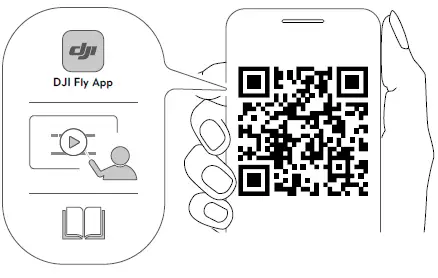
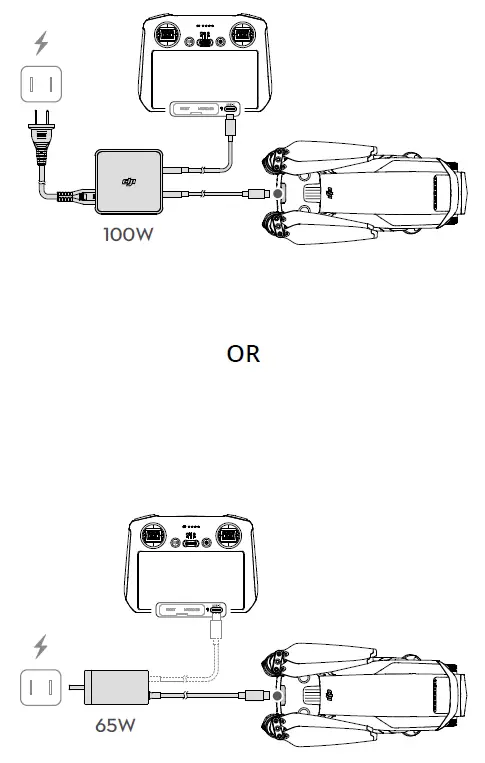
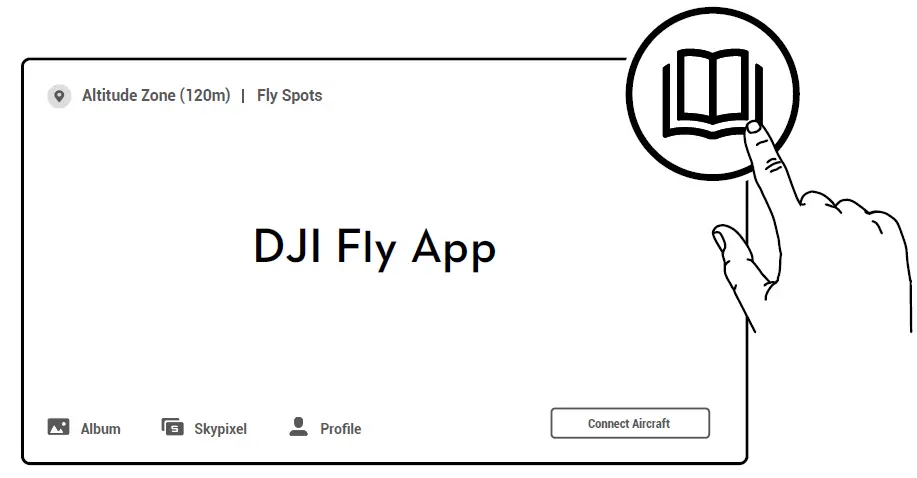
The product is a drone manufactured by DJI, which comes with a 100W or 65W power adapter. The drone can be controlled using the DJI Fly App, which can be downloaded from https://s.dji.com/guide56. The drone has an Altitude Zone of 120m and can be connected to various features including Fly Spots, Academy, Album, Skypixel, Profile, and Connect Aircraft.
Product Usage Instructions
To check the battery level of the drone, press the power button once. To power on/off the drone, press the power button and then press and hold it. The mode of the drone can be switched to Mode 2 by using the DJI Fly App. For more information and updates on the
product, visit https://www.dji.com/mavic-3-pro/downloads. For any support or assistance, contact DJI SUPPORT.
SCAN
PWER AND BATTERY INTRUCTIONS
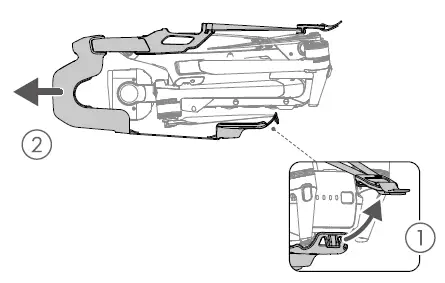
INSTALLATION INSTRUCTIONS
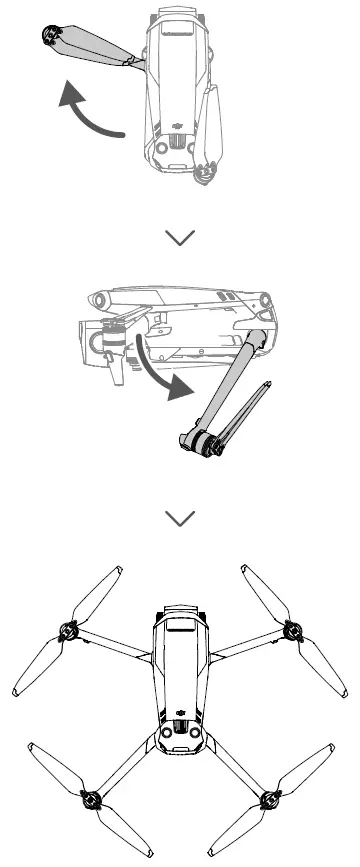
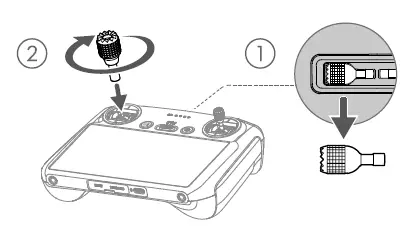
USING
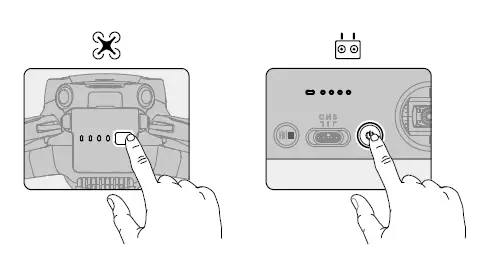
Check battery level: press once.
Power on/off: press, then press and hold.
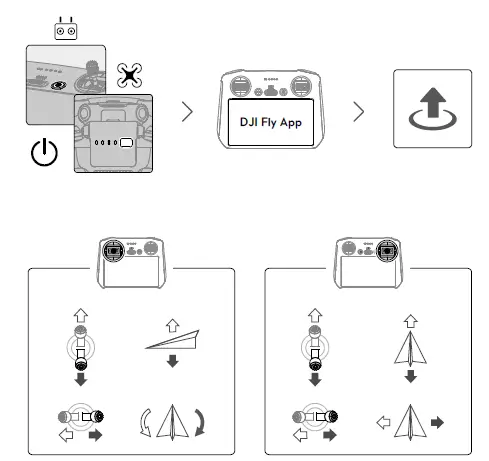
Mode 2
WE ARE HERE FOR YOU
Contact
DJI SUPPORT
SUBSCRIBE FOR MORE INFO
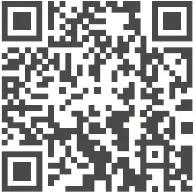
https://www.dji.com/mavic-3-pro/downloads
Dji and MAVIC are trademarks of DJ.
Copyright © 2023 DJI All Rights Reserved.