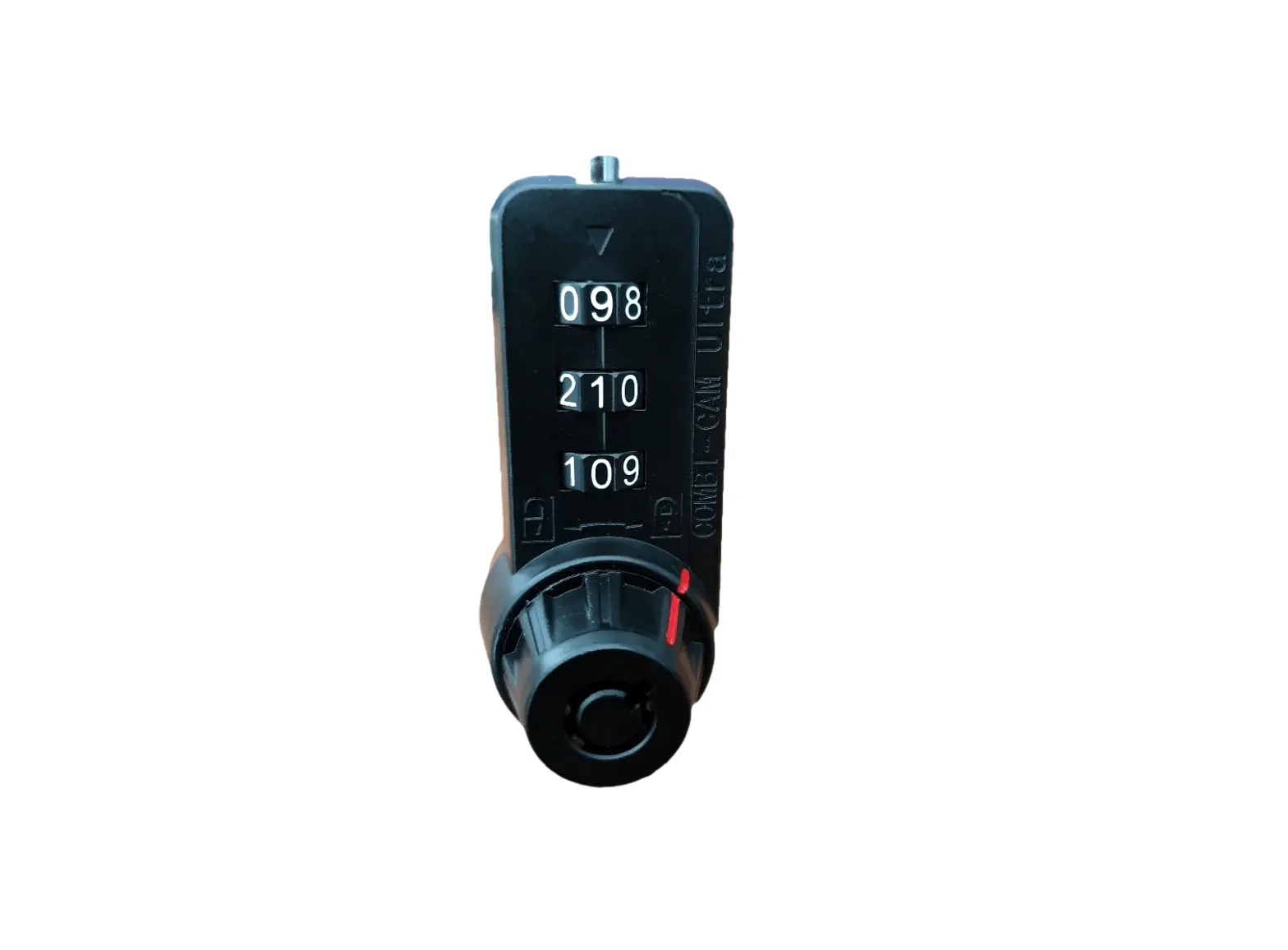

7440 Combi-Cam Ultra 3-Dial
Combination Cam/Locker Lock
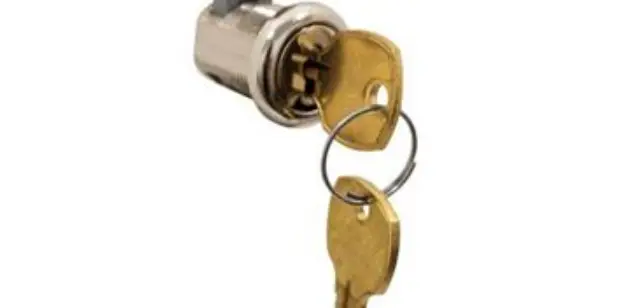
The Combi-Cam Ultra will retrofit a standard ¾” cam lock and can be mounted horizontally or vertically on flush or overlay applications. It offers dual access with both keys or combinations.
INSTALLATION INSTRUCTIONS
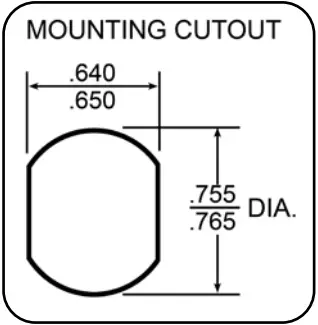
Step1 Insert lock body through front of ¾” drilled hole (*See below note on use of optional stabilizer pin).
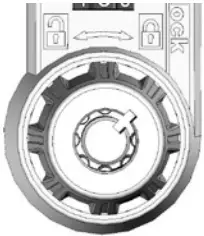
Step 2 Note clear, distinct locked and unlocked indicators on front of lock. Knob will be turned to the ‘open’ position to release the lock.
Step 3 Thread cylinder nut onto lock body and tighten into place.
Step 5 Attach 90 degree stop cam (note direction of stop cam impacts turning radius for lock).
Step 6 Attach straight cam (which hole you use will depend on your specific application).
Step 7 Secure with cam nut and washer.
Step 8 Test to confirm cam orientation and cam swing are correct for your application.
STOP CAM PLACEMENT
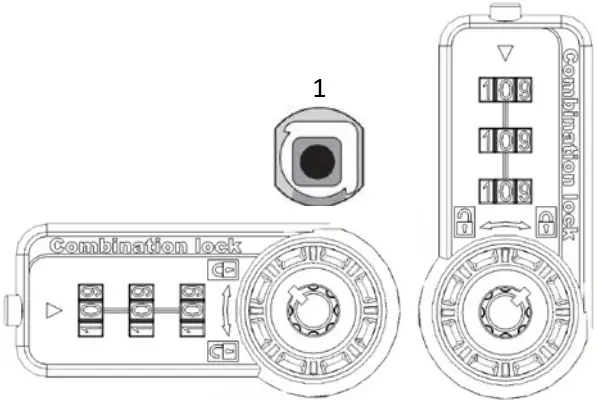
- Correct placement of stop cam in the locked position
Unlocked Locked
INCLUDED COMPONENTS
Included but not shown below: fixing nut and stabilizer pin
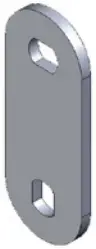
STRAIGHT CAM
1-1/2″ straight cam

STOP CAM
90° (degree) stop cam
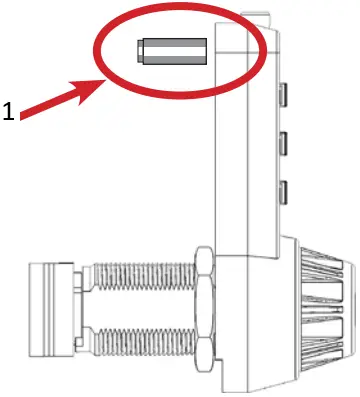
- Stabilizer Pin / Stabilizer Hole
This lock comes with an optional stabilizer pin that can be inserted into a stabilizer hole drilled 2″ up from the center of the cylinder hole to keep the lock straight and avoid twisting after installation.
DIMENSIONS
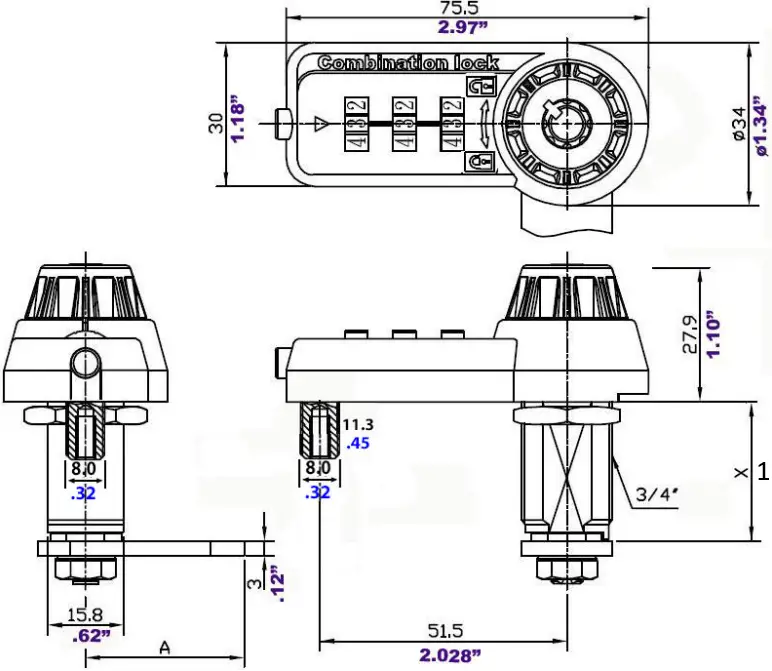
- Cylinder length
Cylinder Mounting Holes
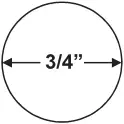
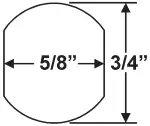
WOOD METAL
800-525-0954 | www.olympuslock.com | [email protected]
 Olympus Lock, Inc. - The cabinet lock innovators.