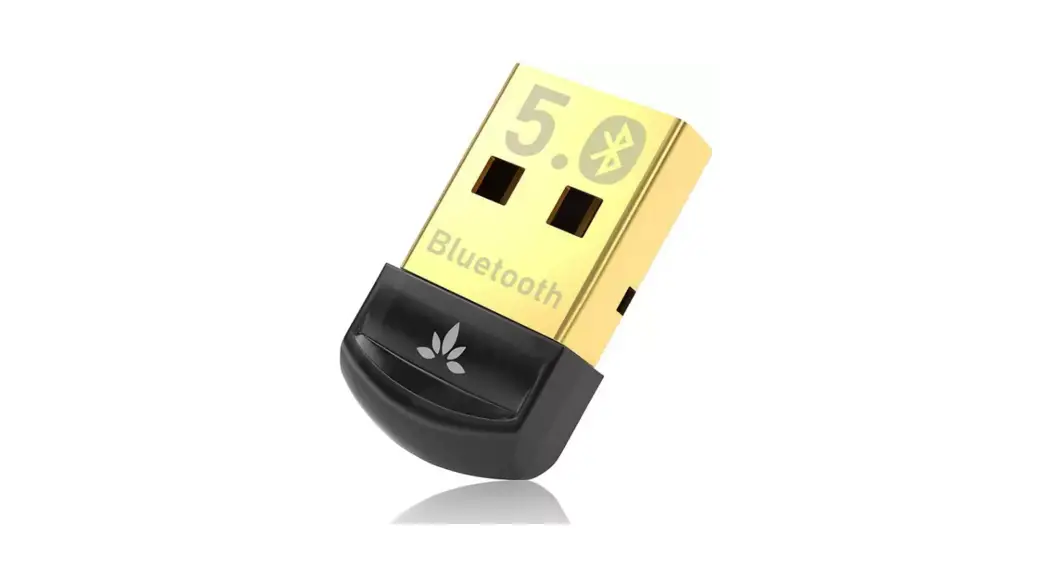
beyerdynamic 86487 USB Wireless Adapter User Manual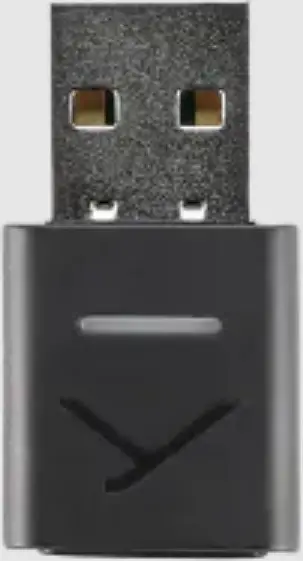
This manual describes the most important functions of the beyerdynamic USB WL Adapter.
SAFETY INSTRUCTIONS
- Please read these instructions carefully and completely before using the product.
- Please observe all instructions given, especially those concerning the safe use of the product.
- Do not use the product if it is defective.
- The company beyerdynamic GmbH & Co. KG accepts no liability for damage to the product or injury to persons caused by careless, improper or incorrect use of the product, or by use for purposes not specified by the manufacturer.
Intended use
Only use the product as described in this product manual. beyerdynamic accepts no liability for damage to the product or injury to persons caused by careless, improper or incorrect use of the product, or by use for purposes not specified by the manufacturer.
beyerdynamic is not liable for damage to USB devices that do not comply with the USB specifications.
beyerdynamic is not liable for damage resulting from connection interruptions due to batteries being empty or too old, or due to exceeding the Bluetooth® transmission range.
Please also observe the relevant country-specific regulations before using the product.
Risk of swallowing
- Keep small parts, such as product, packaging and accessories, away from children and pets. They constitute a choking hazard if swallowed.
Environmental conditions
- Do not expose the product to rain, snow, liquids or moisture.
ABOUT THIS MANUAL
This manual describes the most important functions of the beyerdynamic USB WL Adapter.
The information in this manual refers to the default settings of the specified software version. A newer version may be available.
- You can find information about software updates under “Firmware update”
SUPPLIED ACCESSORIES
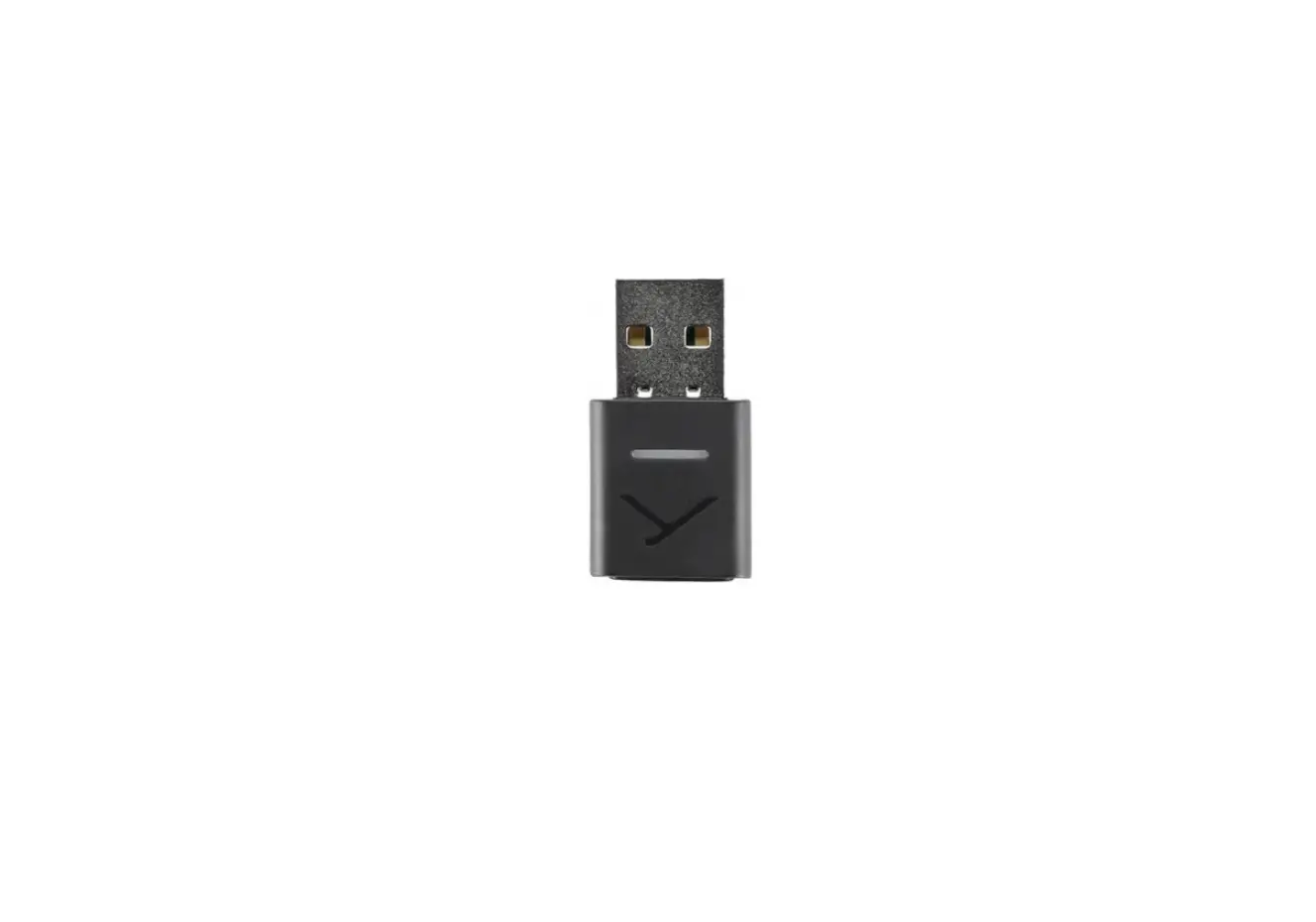
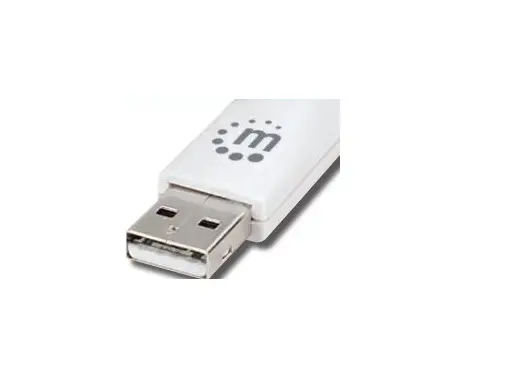
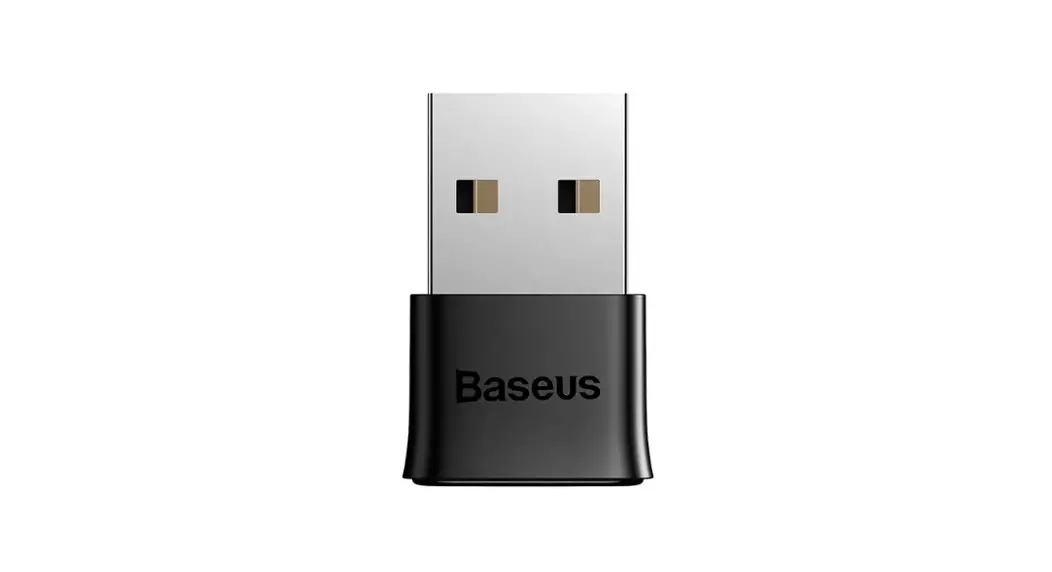
- USB WL Adapter
- Quick Start Guide
PRODUCT OVERVIEW
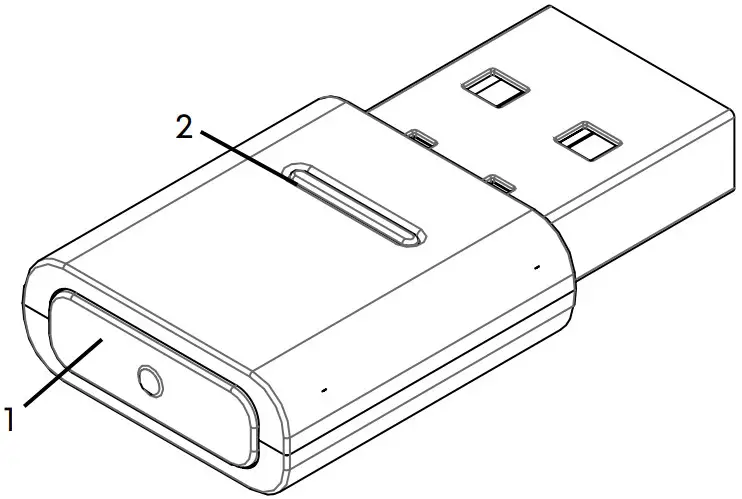
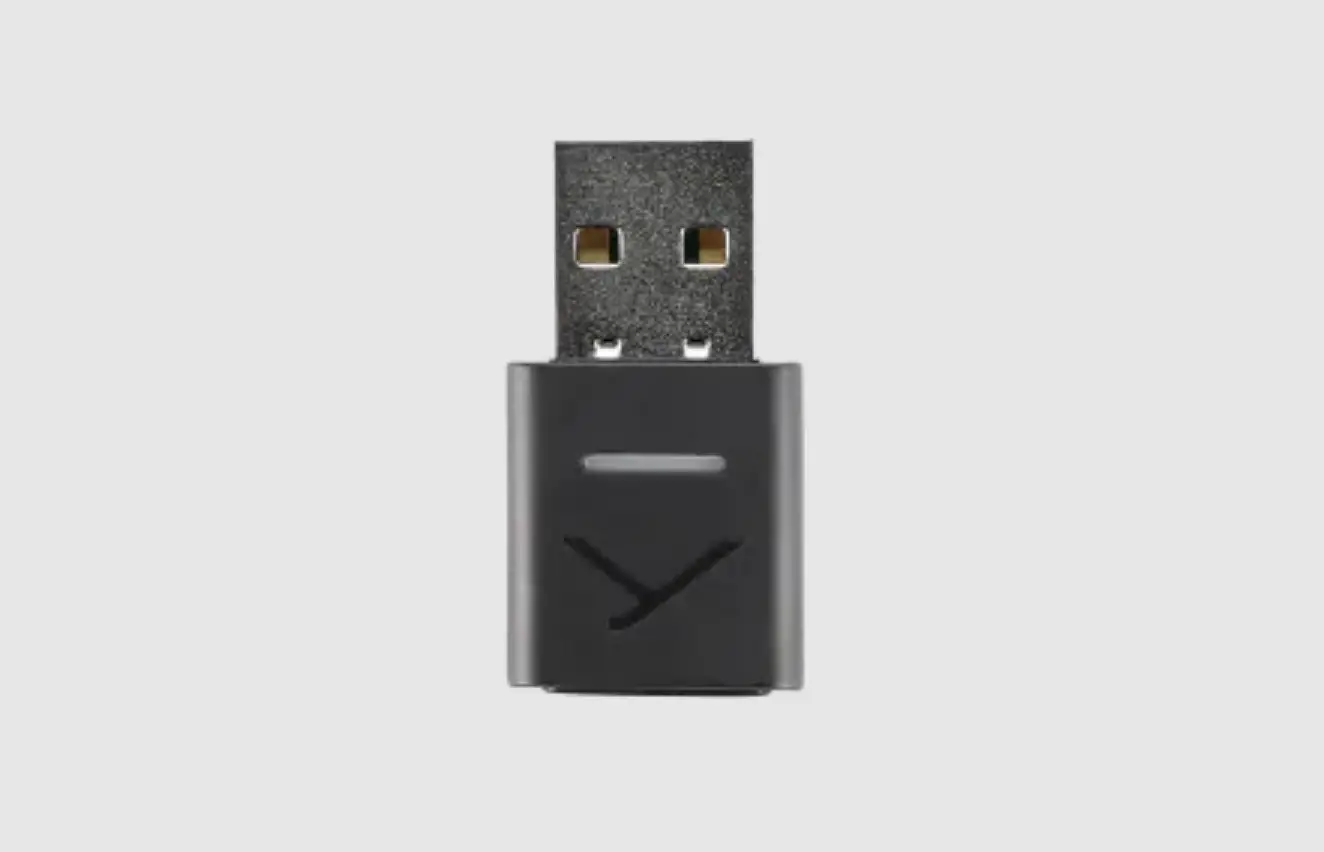
- Sync button
- Status LED display
PRODUCT DESCRIPTION
The Bluetooth® modules built into PCs and notebooks are general devices that do not map all the functions needed to operate a hands-free system or a headset in conjunction with a Unified Communications software solution. A USB WL Adapter is therefore required.
The USB WL Adapter gives you:
- High quality audio playback (A2DP)
- Volume level synchronised with the operating system (macOS / Windows)
- Detection of microphone use and switching to HFP
- Fully synchronised buttons on the beyerdynamic device The following Bluetooth® profiles are supported:
- HFP (wideband voice / HD Audio (l6kHz); AT commands from the hands-free channel are understood and converted into commands for the USB HID device.)
- A2DP (high quality audio playback; AVRCP for volume synchronisation; profile commands are converted into commands for the USB HID device.)
FIRST STEPS
Removing from packaging and storing
- Remove the USB WL Adapter from the packaging. This provides the best protection and prevents damage
FIRMWARE UPDATE
Firmware updates are carried out via USB-HID using the beyerdynamic Update Hub: https://byr.li/firmwareupdate
SUPPORTED AUDIO CODECS
The USB WL Adapter supports the SBC audio codec.
Please note that only the codecs available in the playback device can be used for audio transmission.
Playback device and the beyerdynamic Bluetooth® device automatically select the best mutually available codec: In this case SBC.
OPERATION
Inserting / removing the USB WL Adapter
The following platforms/operating systems are supported:
- Windows 10 (32bit/ 64bit) and future Windows releases
- macOS 10.14.6 (Mojave) and 10.15.7 (Catalina) and future operating systems
Plugging in:
- Plug the USB WL Adapter into the USB port on the desired PC/laptop.
Once plugged in, the USB WL Adapter is displayed as “USB WL Adapter” on the computer.
Removal:
- Pull the USB WL Adapter out of the USB connection on the PC/lapto
Connecting compatible Bluetooth® products from beyerdynamic and laptop/PC with USB WL Adapter via Bluetooth® (pairing)
Before you can use compatible Bluetooth® products from beyerdynamic, you must connect them with your mobile phone or another Bluetooth®-enabled device. The connection process may differ depending on the device. With the USB WL Adapter, a laptop/PC can be connected with up to three Bluetooth®-enabled devices from beyerdynamic.
Pairing with a USB WL Adapter on a PC/laptop is described here.
- Please refer to the relevant operating instructions of the device you wish to pair the beyerdynamic USB WL Adapter with
Connect the USB WL Adapter to a suitable beyerdynamic Bluetooth® device:
- The output device (PC/laptop) is switched on.
- The beyerdynamic Bluetooth® device is switched on
- Plug the USB WL Adapter into the USB port on the PC/ laptop.
- Press the Sync button (1) on the USB WL Adapter for 3 seconds..
The LED display flashes alternately blue and red. - Carry out pairing as described in the operating instructions of your beyerdynamic Bluetooth® product.
After successful pairing, the LED display of your USB WL Adapter flashes alternately blue and white three times.
Briefly pressing the Sync button (1) causes the USB WL adapter to start searching for a device in the pairing list and establish a connection with it.
Deleting the list of already connected devices:
- Press the Sync button (1) on the USB WL Adapter for 10 seconds.
The LED display flashes yellow.
The list of already connected Bluetooth® devices (maximum 3) is deleted.
Overview of the LED displays
| LED display | Function |
| Lights up steady white | No connection, not in pairing mode |
| Flashes rapidly red and blue | Pairing mode |
| Flashes three times blue and white | Pairing successful |
| Flashes rapidly yellow | Pairing list cleared |
| Lights up steady blue | Device connected |
| Lights up steady green | Call in progress |
| Lights up steady red | Mute |
USB WL Adapter-supported functions
When paired with PC or laptop devices, the USB WL Adapter enables the use of functions such as mute and call functions (hang up) that are often not supported by the playback devices.
- Please refer to the operating instructions of your beyerdynamic Bluetooth® product.
HELP WITH PROBLEMS / FAQ
| The volume of the Bluetooth® device cannot be adjusted from the PC. | |
| The audio signal transmitted by the USB WL Adapter is not processed by the receiving device. |
|
| No audio output. | |
| There is no Bluetooth® connection. |
|
| Bluetooth device is connected to another/the wrong device. | |
| There is already a Bluetooth® connection to another playback device. |
|
| Microphone does not work. | |
| USB WL Adapter is not recognised on the input device. |
|
| Bluetooth® device fails or has no range, or noise is heard. | |
| There is interference with other devices. |
|
| Batteries are empty |
|
| Other devices are paired. |
|
| Signal transmission is disturbed. |
|
| The Bluetooth® signal may be impaired by obstacles between the hands-free device and the USB WL Adapter |
|
| USB transmission faulty |
|
| No audio output. | |
| There is no Bluetooth® connection. |
|
Please also observe the troubleshooting information in the operating instructions of the Bluetooth® device used.
CLEANING AND MAINTENANCE
- Use a soft cloth moistened with alcohol cleaner to clean the USB WL Adapter. Make sure that no liquid enters the USB connector.
- Do not use cleaners containing solvents, as these can damage the surface.
DISPOSAL
This symbol on the product, in the user manual or on the packaging means that your electrical and electronic devices must be disposed of separately from household waste at the end of their life cycle. There are separate collection systems for recycling in the EU.
- For further information, please contact your local authorities or the dealer where you purchased the product. Returning batteries is free of charge.
EU/UK DECLARATION OF CONFORMITY
beyerdynamic hereby declares that this radio transmission device complies with the EU Directive 2014/53/EU and the UK Directive “The Radio Equipment Regulations 2017”.
- The full text of the EU/UK declaration of conformity can be found on the Internet at: www.beyerdynamic.com/cod
TECHNICAL DATA
ISM band frequency range: 2.400 to 2.4835 GHz
Transmitting power: 2.5 mW (Class 2)
Length x width x height (mm): 31 x 17 x 6
Weight: 3 g
- You can find more detailed information about the technical data online at:
www.beyerdynamic.com/usb-adapter.html#product-downloads
WARRANTY CONDITIONS
beyerdynamic provides a limited warranty for the original beyerdynamic product you have purchased.
- You can find detailed information about beyerdynamic’s warranty conditions on the Internet at: www.beyerdynamic.de/service/garantie
REGISTERED TRADEMARKS
Windows is a registered trademark or trademark of Microsoft Corporation in the United States of America or other countries.
iPhone, iPod touch, iPad, macOS and Mac are trademarks of Apple Inc. registered in the United States and other countries.
Android is a trademark of Google LLC.
The Bluetooth® word mark and logos are registered trademarks of Bluetooth® SIG, Inc. and any use of such marks by beyerdynamic under licence. Other trademarks and trade names belong to their respective owners.
USB type A, USB type B and USB type C are trademarks of USB Implementers.
FCC / IC REGULATION
FCC ID: OSDUSBBTADAPT
Canada IC: 3628C-USBBTADAPT
NOTE: This equipment has been tested and found to comply with the limits for a Class B digital device, pursuant to Part 15 of the FCC Rules. These limits are designed to provide reasonable protection against harmful interference in a residential installation. This equipment generates, uses and can radiate radio frequency energy and, if not installed and used in accordance with the instructions, may cause harmful interference to radio communications. However, there is no guarantee that interference will not occur in a particular installation. If this equipment does cause harmful interference to radio or television reception, which can be determined by turning the equipment off and on, the user is encouraged to try to correct the interference by one or more of the following measures:
- Reorient or relocate the receiving antenna.
- Increase the separation between the equipment and receiver.
- Connect the equipment into an outlet on a circuit different from that to which the receiver is connected.
- Consult the dealer or an experienced radio/TV technician for help
NOTICE:
This device complies with Part 15 of the FCC Rules [and with Industry Canada licenceexempt RSS standard(s)].
Operation is subject to the following two conditions
- this device may not cause harmful interference, and
- this device must accept any interference received, including interference that may cause undesired operation.
NOTICE:
Changes or modifications made to this equipment not expressly approved by beyerdynamic GmbH & Co. KG may void the FCC authorization to operate this equipment.
NOTICE:
This Class B digital apparatus complies with Canadian ICES-003.
Radio frequency radiation exposure information:
For body worn operation, this radio frequency device has been tested and meets the FCC RF exposure guidelines when used within a minimum distance to the human body
CONSUMER ALERT
Most users do not need a license to operate this wireless microphone system. Nevertheless, operating this microphone system without a license is subject to certain restrictions: the system may not cause harmful interference; it must operate at a low power level (not in excess of 50 milliwatts); and it has no protection from interference received from any other device.
Purchasers should also be aware that FCC is currently evaluating use of wireless microphone systems, and these rules are subject to change.
For more information, call the FCC at 1-888-CALL-FCC (TTY: 1-888-TELL-FCC) or visit the FCC´s wireless microphone website at www.fcc.gov/cgb/wirelessmicrophones.
This device operates on a no-protection, no-inteference basis. Should the user seek to obtain protection from other radio services operating in the same TV bands, a radio licence is required. For further details, consult Innovation, Science and Economic Development Canada’s document Client Procedures Circular CPC-2-1- 28,
Voluntary Licensing of Licence-Exempt Low-Power Radio Apparatus in the TV Bands.
TRADEMARKS
Windows is a registered trademark or trademark of Microsoft Corporation in the United States and other countries.
iPhone, iPod, iPod touch, iPad, macOS and Mac are trademarks of Apple Inc., registered in the U.S. and other countries.
Android is a trademark of Google LLC.
The Bluetooth® word mark and logos are registered trademarks of Bluetooth® SIG, Inc. and all use of these trademarks by beyerdynamic is licensed. Other trademarks and trade names are the property of the respective owners.
USB Type-A, Type-B and Type-C are trademarks of USB Implementers.
beyerdynamic GmbH & Co. KG
Theresienstraße 8
74072 Heilbronn / Germany
Phone +49 7131 617-300
E-Mail [email protected]
www.beyerdynamic.com
For further distributors worldwide, please go to www.beyerdynamic.com Non-contractual illustrations. Subject to change without notice.

 Downloads
 Garantie
 Headphones & Microphones |beyerdynamic
 Garantie