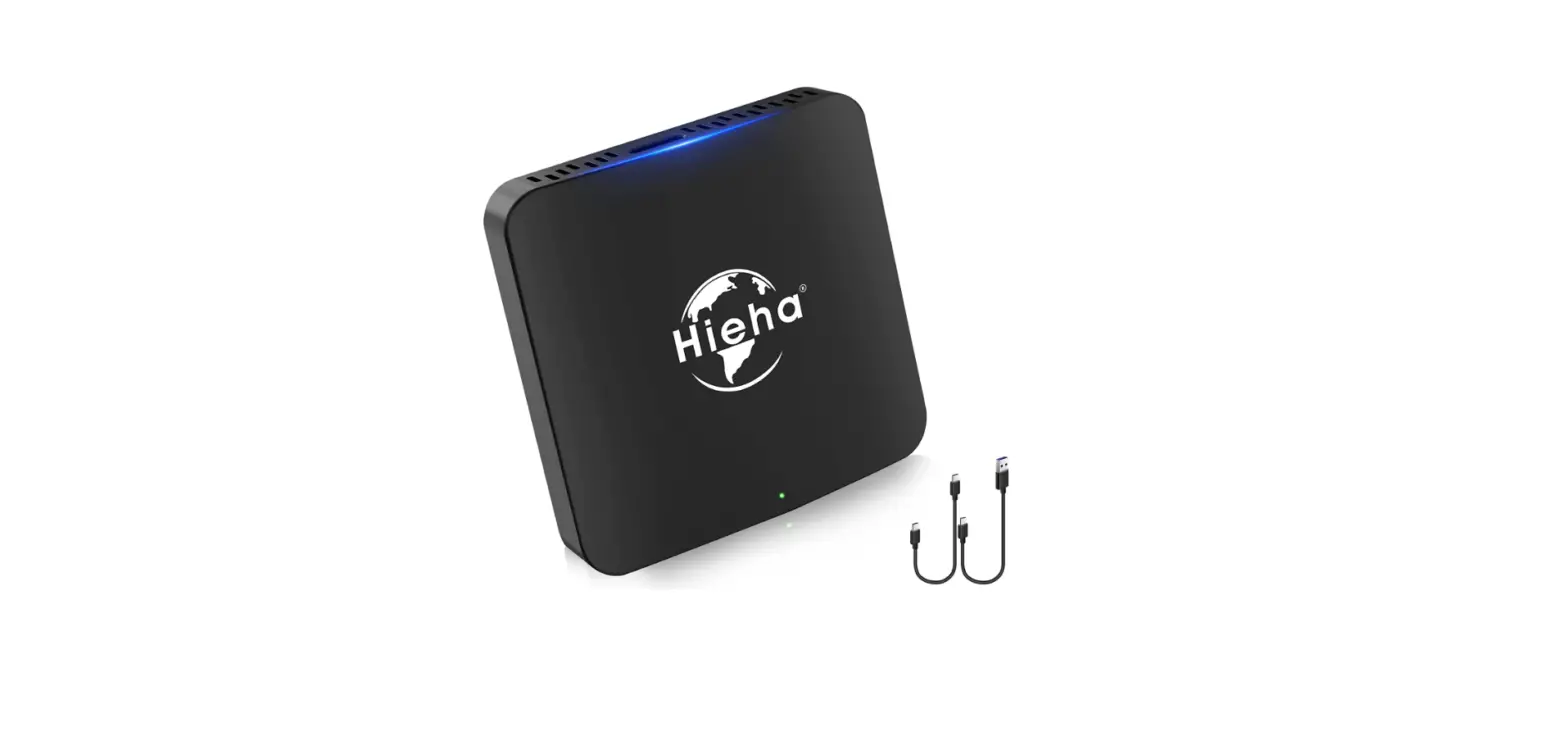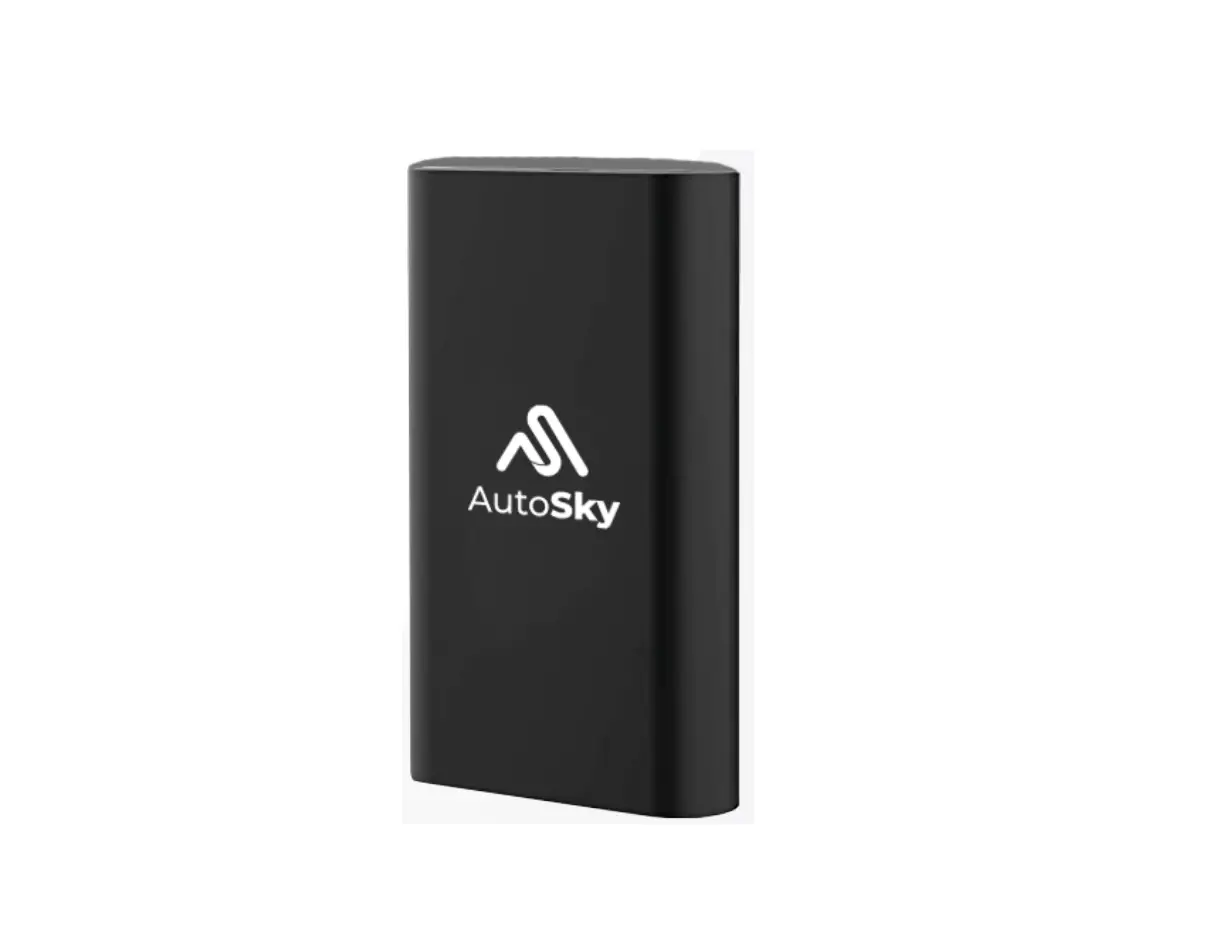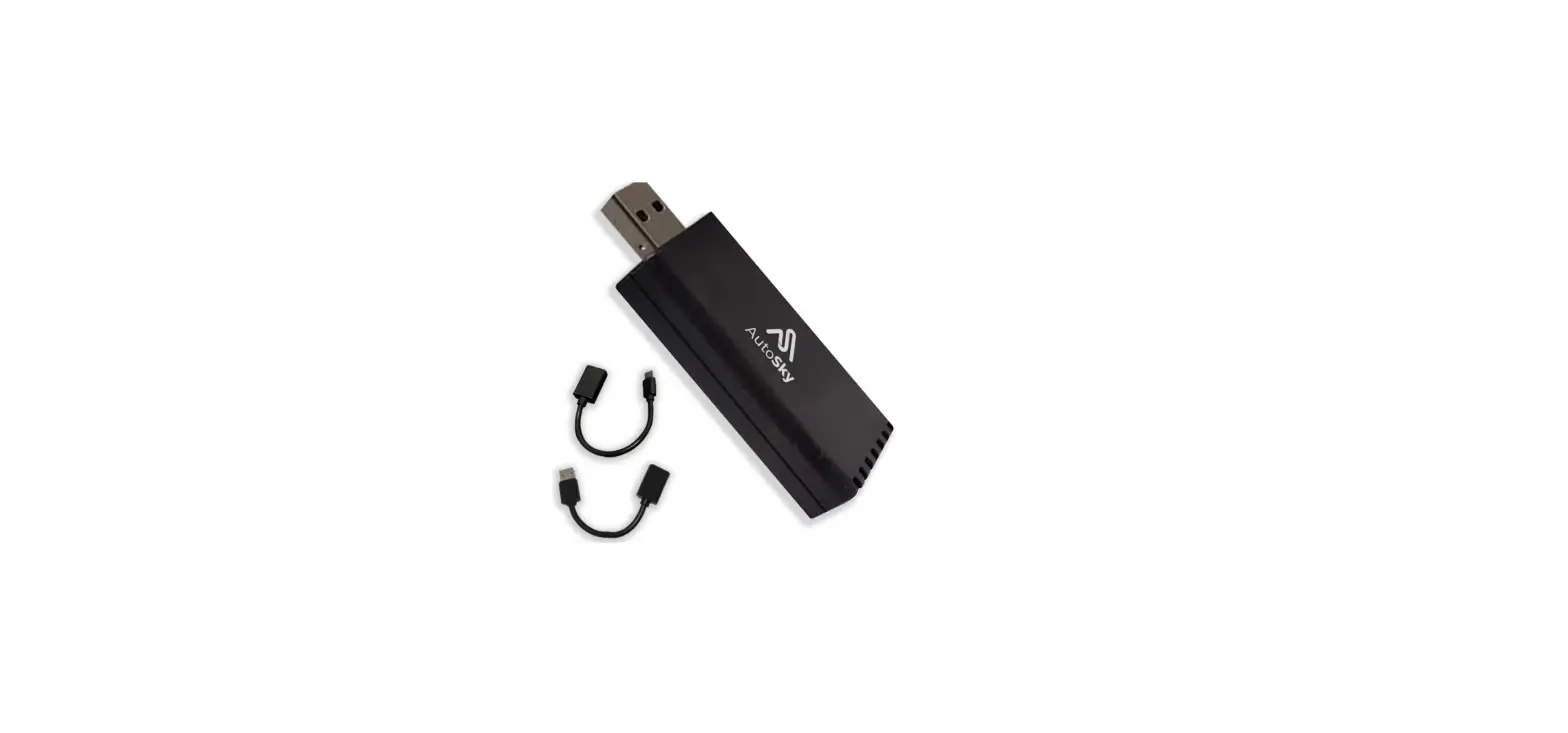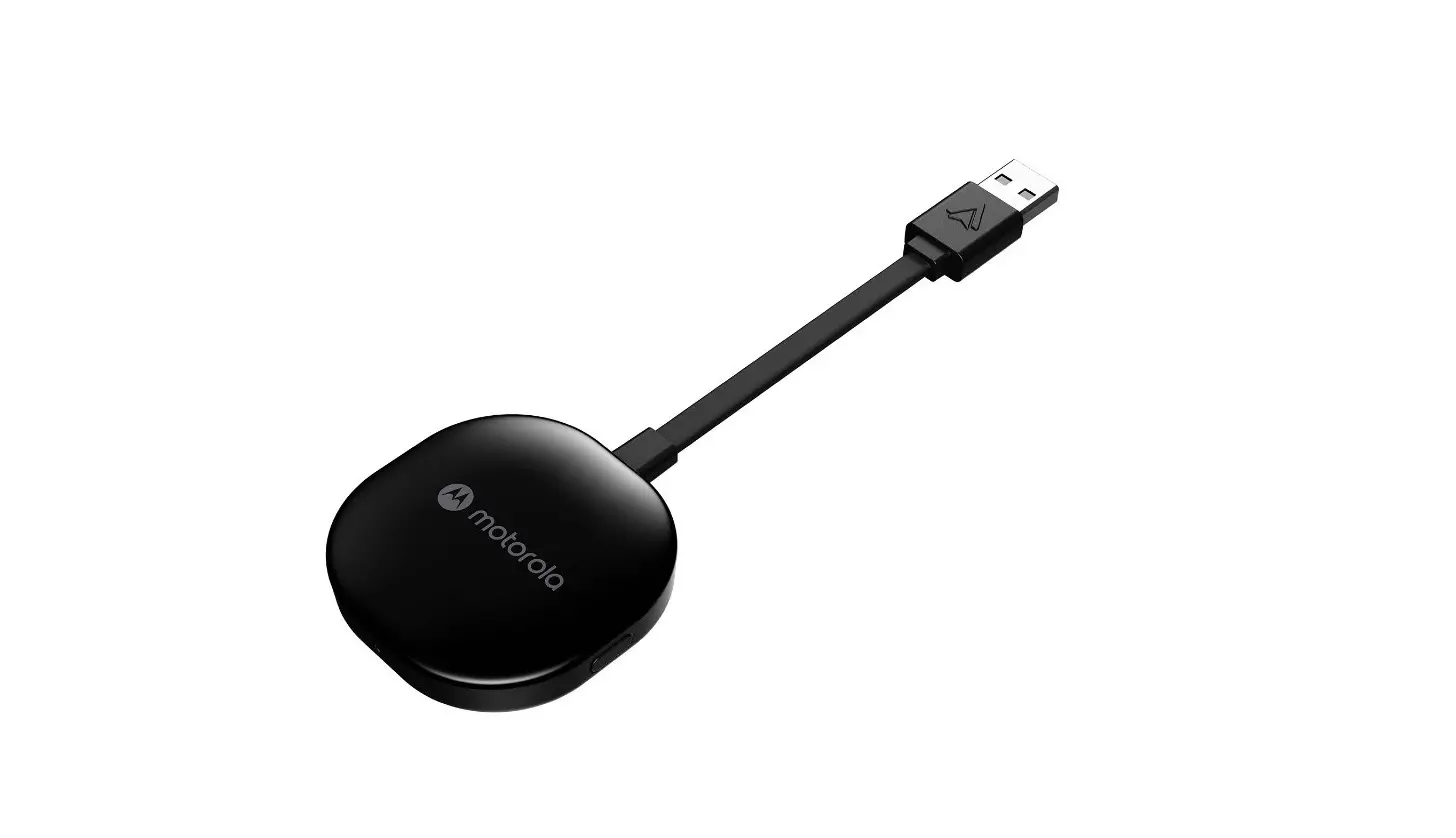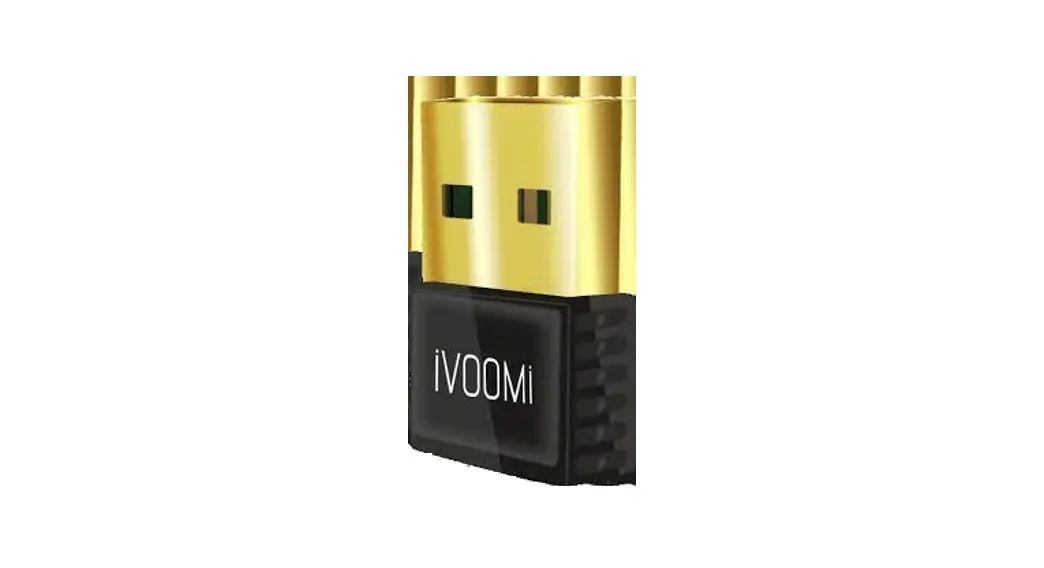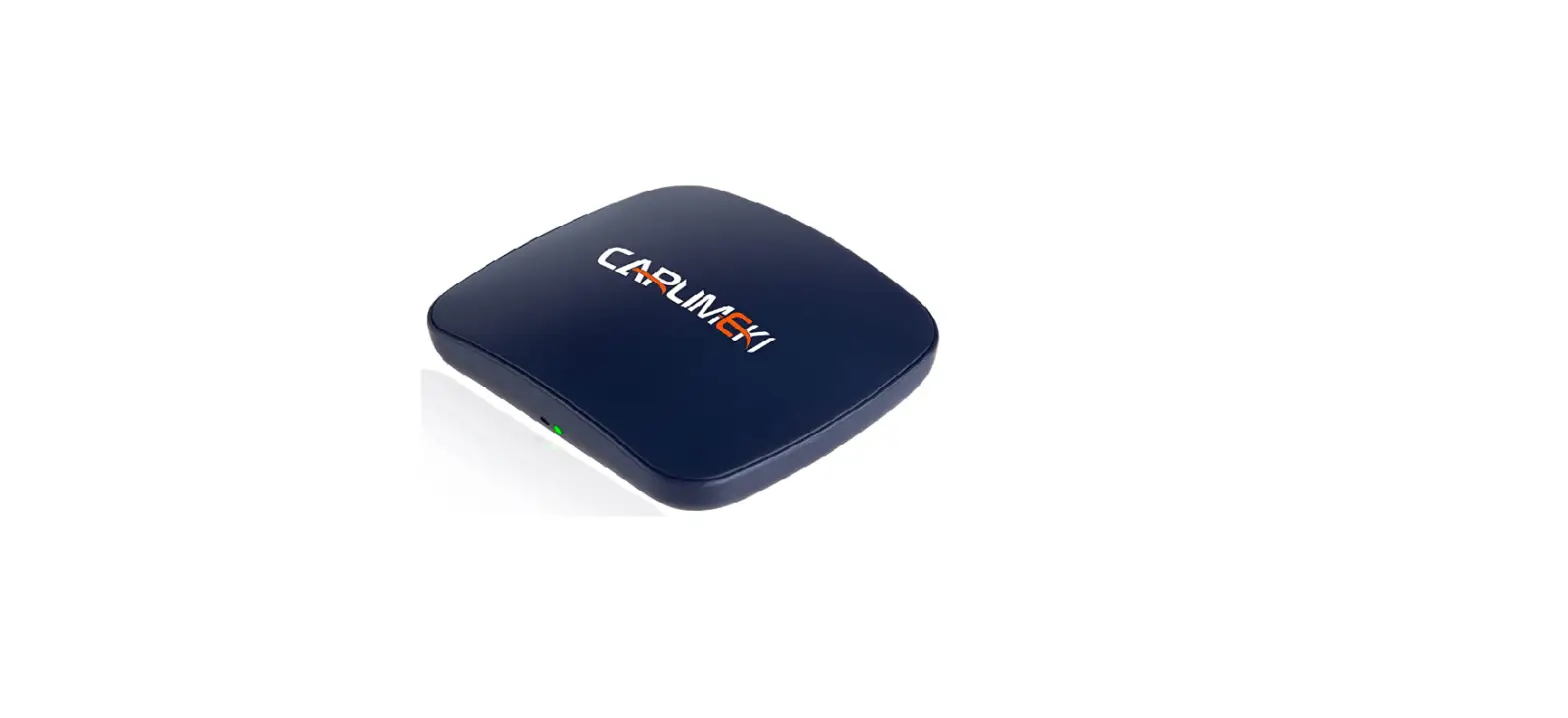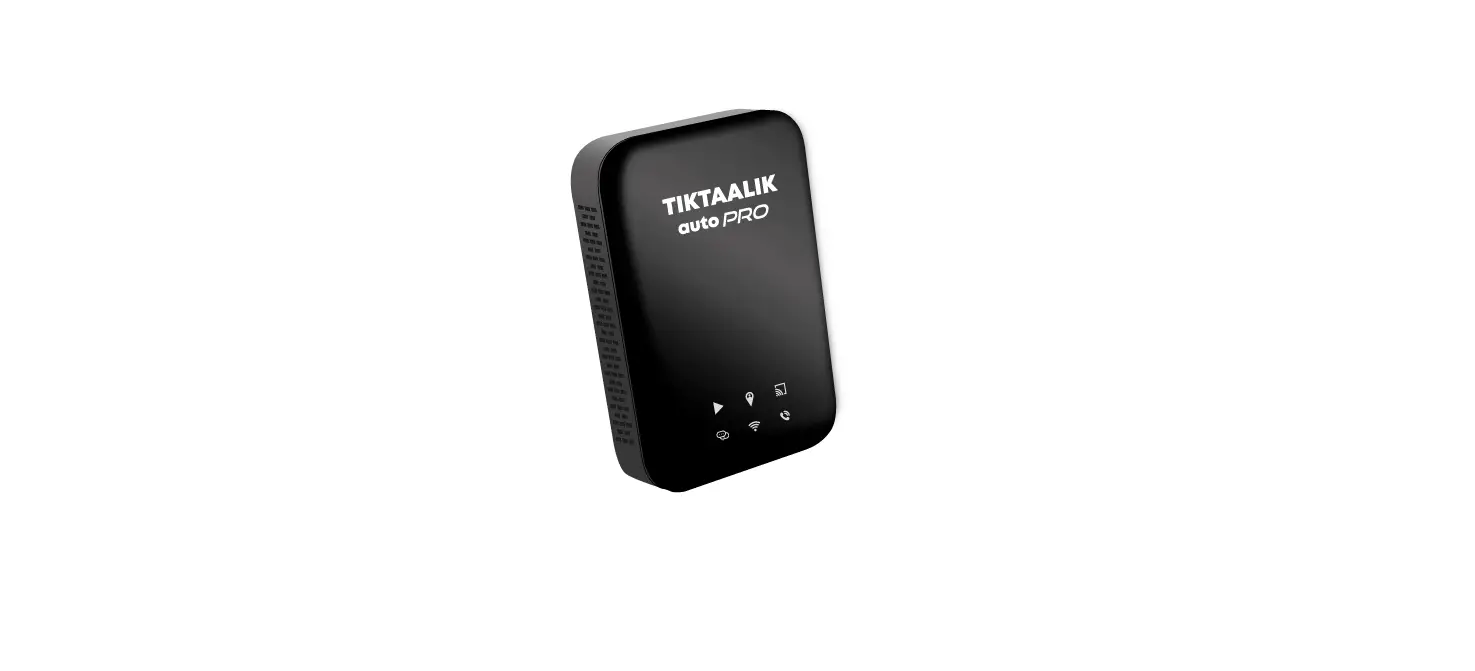

TIKTAALIK autoPRO Wireless Adapter
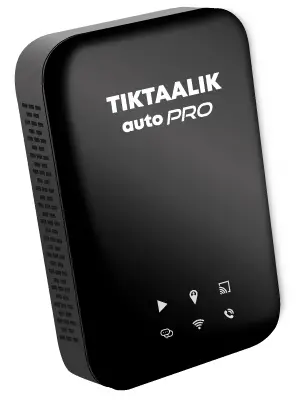
Product Information
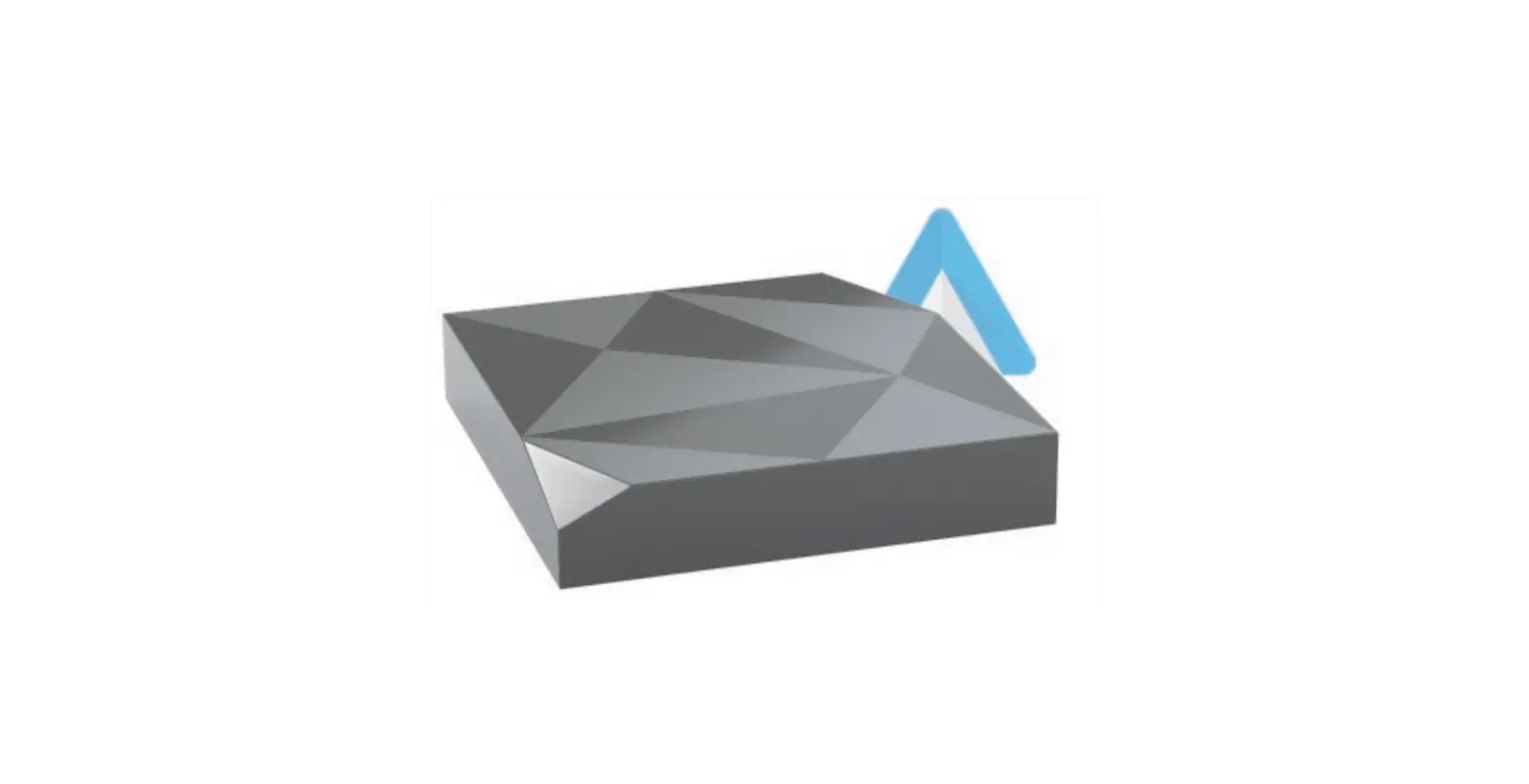
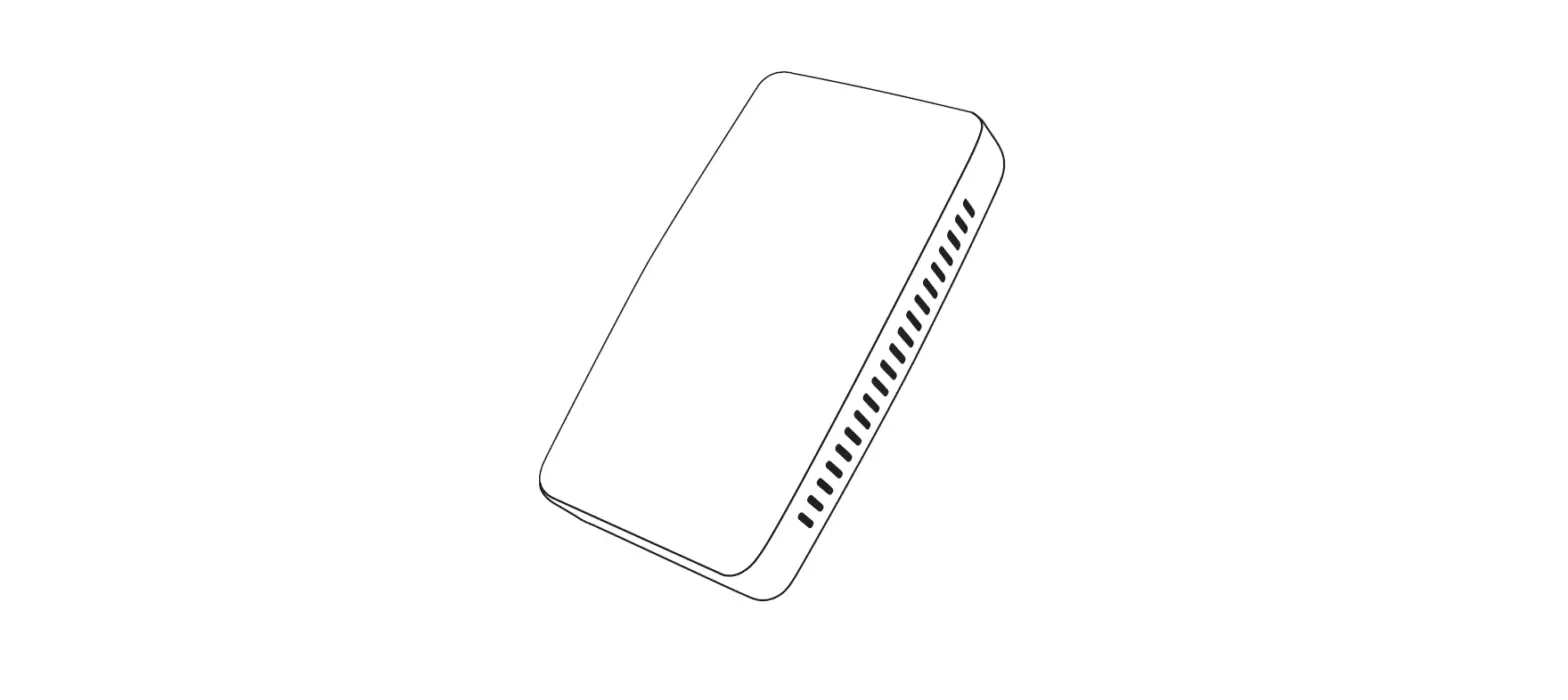
The TIKTAALIK autoPRO is a Bluetooth enabled device featuring a RK3328 Quad-Core 1.8GHz CPU with 2GB RAM and 8GB ROM. It is compatible with wired Carplay or Android auto required compatible smartphones such as iPhone-iOS 10 and Android 9. The device can operate in a working environment of -20 to 65C and has a size of 85x58xl7mm with a weight of 65g. The product is CE certified and made in China.
Product Usage Instructions
- Connect the TIKTAALIK autoPRO to your vehicle’s wired Carplay or Android auto system.
- Ensure that your smartphone is compatible with the device. Compatible smartphones include iPhone-iOS 10 and Android 9.
- Turn on Bluetooth on your smartphone and pair it with the TIKTAALIK autoPRO.
- You can now use your smartphone’s apps and features through your vehicle’s display system.
- For further information on using the TIKTAALIK autoPRO, refer to the manual provided.
NOTICE
TIKTAALIKAutopro is compatible to original display on a vehicle with wired carplayor Android Auto.
Product specification
- Bluetooth version: 5.0
- CPU: RK3328 Quad-Core 1.8GHz
- RAM/ROM:2GB/8GB
- Compatible Vehicle: wired Carp lay or Ando rid auto required
- Compatible Smartphones : iPhone-iOS 10 :$. & Android 9 S
- Working Environment: -20- 65″C
- Size: 85x58xl7mm
- Weight:65g
Product connection method
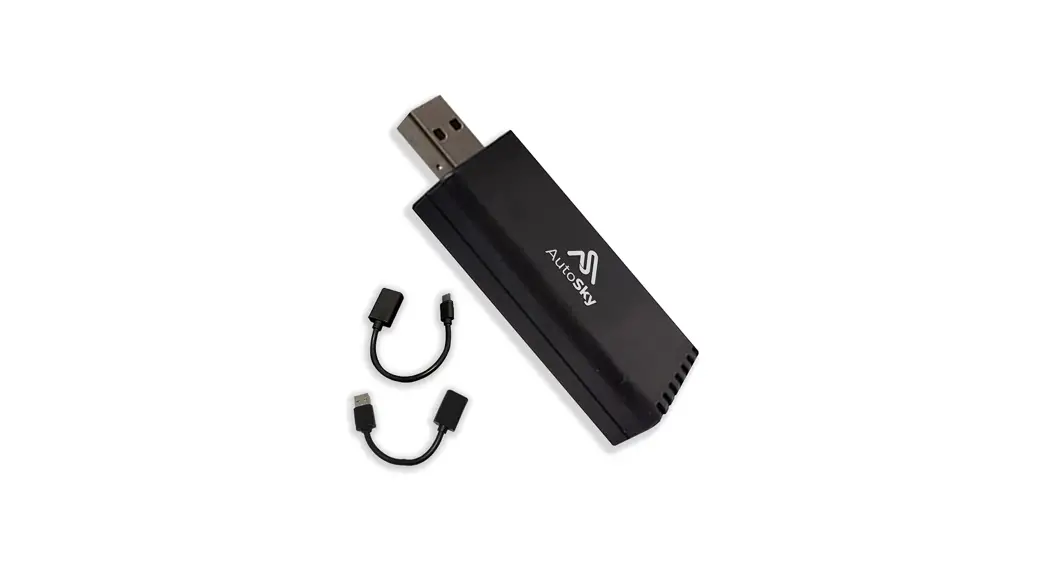
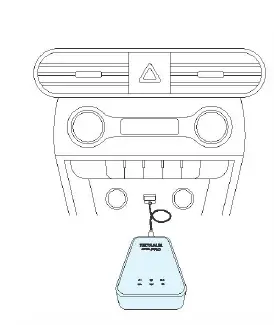
- Connect the cable to the Tiktaalik Auto Pro and plug it into the vehicle USB port

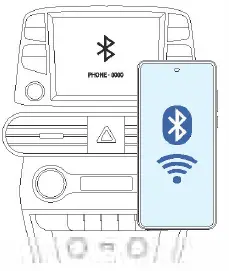
- Touch the Bluetooth icon and connect your phone with the device

- Touch the desired platform (carplay or Android Auto) on the main screen that pops up after connecting.

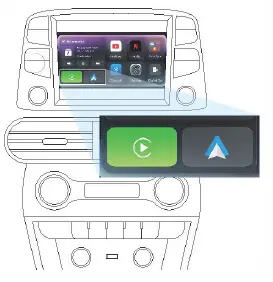
Main screen
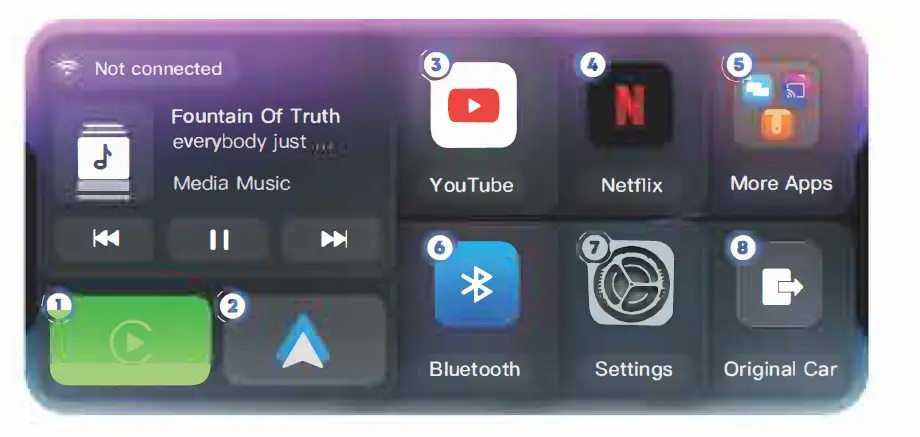

- CarPlay
Convert Wired CarPlay to Wireless Connection - Android Auto
Convert wired Android Auto to wireless Android Auto

- Youtube
- Youtube Play
- Netflix
- Netflix Play
- Mirroring
- Mirroring-Link for both iPhone and Android Phone
- TV Cast
- Phone screen for You Tube APP Mirror-link with AppleCast and AndroidCast
- use Disk
- USB Media Play Music and Video
- Bluetooth connection
- Bluetooth connection mode
- Settings
- General setting
- Original car
- Switch Back to Original car Media System
 ct5inc.com