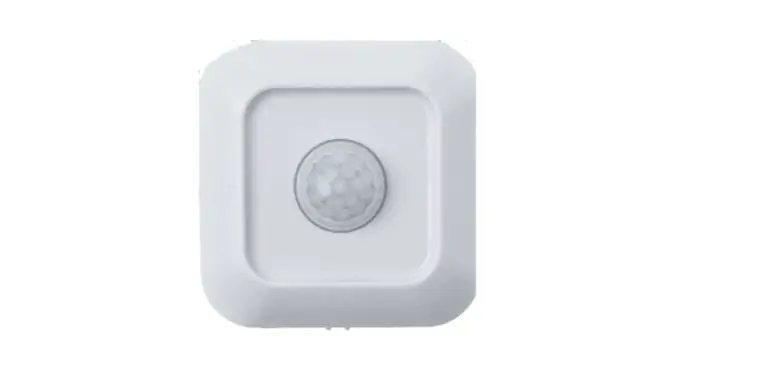
ADS1303 Valuable Tracking Sensors
Product Information
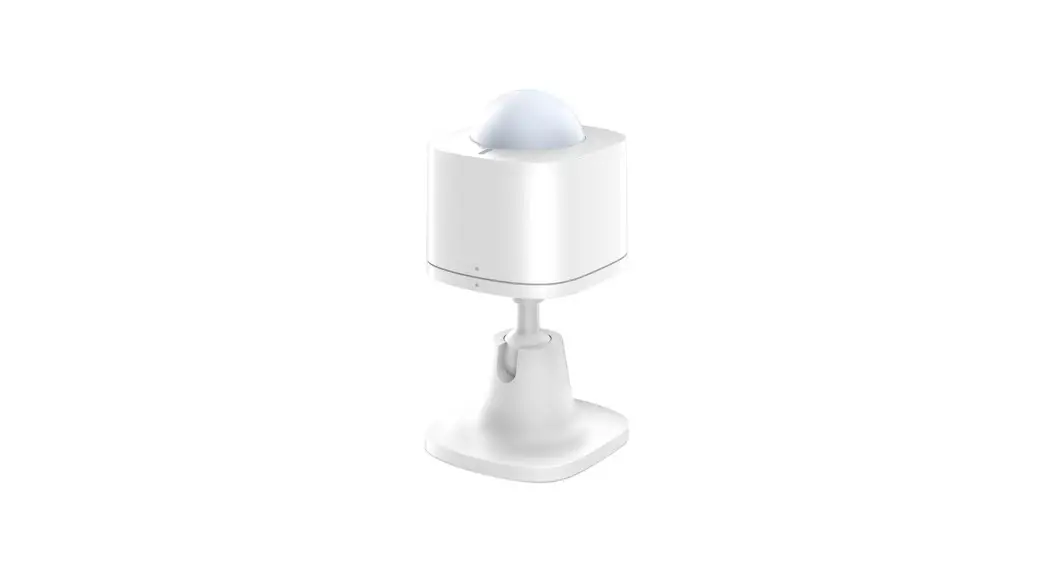
The Valuable Tracking Sensors is a professionally calibrated
sensitivity sensor designed to keep track and log your valuable
items. It can be placed on the doors of safes, purses, and other
valuable items around the house to prevent theft. The sensor is
compatible with all Home8 systems and features self-configuring and
easy installation. It has an internal antenna, LED indicator, and a
low battery status alarm. The sensor also has 3-axis acceleration
detection/monitoring capabilities.
Key Features and Specifications:
- Works with all Home8 systems
- Self-configuring and easy installation
- Device is not controlled by the Arm/Disarm Remote Control
- Internal Antenna
- Low battery status alarm
- LED indicator
- 3-axis acceleration detection/monitoring
System Requirement:
To use the Valuable Tracking Sensors, you will need the
following:
- A router with a 10/100Mbps RJ45 LAN port and DHCP service
- An Apple iPhone, iPad, or Android mobile device with iOS
(version 8.1 above) or Android (version 4.1 above)
Product Usage Instructions
Chapter 3. Valuable Tracking Sensor Setup
3.1 Power on the sensor
Before using the sensor, remove the plastic pull tab from the
sensor to power it up.
3.2 Adding the Sensor to the System
To add the sensor to the system, follow these steps:
- Make sure the Security Shuttle is powered on and connected to
your router. - Tap the menu icon to show the sidebar menu.
- Tap Device Management. If you have multiple security shuttles,
swipe left to find the one you want the sensor to connect to. - After selecting the security shuttle, tap the plus icon (+)
located to the right of Sensor List.
3.3 Positioning the sensor
Place the sensor on the door of safes, purses, or any other
valuable items you want to track.
3.4 Remove Sensor
If you need to remove the sensor from the system, follow the
instructions provided in the user manual.
Valuable Tracking Sensors
ADS1303
User Manual
ValuablehTroacmkingeS8encsoarsrUes.ecr oMamnual
V1.0 2017
1-844-800-6482 | [email protected]
1
Table of Contents
Table of Contents ……………………………………………………………………………… 1 Chapter 1. Introduction ……………………………………………………………………… 1
1.1 System Requirement ………………………………………………………………………………….. 1
Chapter 2. Hardware Overview…………………………………………………………… 2 Chapter 3. Valuable Tracking Sensor Setup………………………………………… 3
3.1 Power on the sensor ………………………………………………………………………………………. 3 3.2 Adding the Sensor to the System………………………………………………………………………3 3.3 Positioning the sensor……………………………………………………………………………………..7 3.4 Remove Sensor …………………………………………………………………………………………….. 7
Chapter 4. Starting to Use the Valuable Tracking Sensor …………………….. 8
4.1 Valuable tracking…………………………………………………………………………………………8
Appendix Glossary of Terms …………………………………………………………. 10
Valuable Tracking Sensors User Manual V1.0 2017
1
Chapter 1. Introduction
The Valuable Tracking Sensors is a professionally calibrated sensitivity sensor to keep track and log your valuable items. You can place this sensor on the door of safes, purses, and other valuable items around the house to make sure no one tries to steal them. Share activity logs with anyone you would like to share with.
Key Features and Specifications: Works with all Home8 systems Self-Configuring and easy installation Device is not controlled by the Arm/Disarm Remote Control Internal Antenna Low battery status alarm LED indicator 3-axis acceleration detection/monitoring
1.1 System Requirement
This section explains the system requirement when using the sensor.
Router with
Network
– 10/100Mbps RJ45 LAN port
– DHCP service
An Apple iPhone, iPad, or Android mobile device with:
Mobile Device
– iOS (version 8.1 above)
– Android (version 4.1 above)
* See Appendix Glossary of Terms.
Valuable Tracking Sensors User Manual V1.0 2017
1
Chapter 2. Hardware Overview
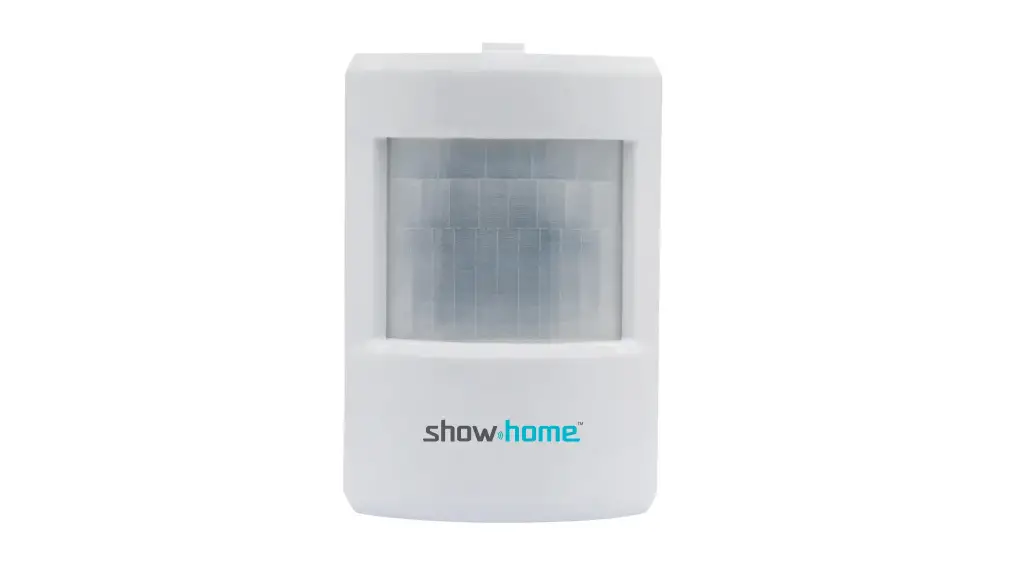
This section provides an overview of the Activity Tracking Sensor.
Valuable Tracking Sensors User Manual V1.0 2017
2
Chapter 3. Valuable Tracking Sensor Setup
3.1 Power on the sensor
Before putting the sensor in use, please remove the plastic pull tab from the sensor to power up the sensor. (photo for new sensor with a plastic pull-out)
3.2 Adding the Sensor to the System
Before you begin using the sensor, it will need to be added to the system first. For details, see the subsections below. To activate the sensor, complete the following steps. Note:
Make sure the Security Shuttle is powered on and connected to your router. 1. Tap the menu icon to show the sidebar menu.
2. Tap “Device Management”. If you have more than one security shuttle, you may need to swipe left more than once to find the one you wish the sensor to connect to. After selecting the security shuttle, tap the plus icon “+” located to the right of “Sensor List”.
Valuable Tracking Sensors User Manual V1.0 2017
3
3. Select “Sensor”.
4. Follow the on-screen instructions. When finished, press “Next”.
Valuable Tracking Sensors User Manual V1.0 2017
4
5. After scanning the QR code located on the bottom of the camera, the “sensor adding” process will begin.
Valuable Tracking Sensors User Manual V1.0 2017
5
6. When the activation is completed, the sensor will be added to the device management page. In the illustration shown below, the name of the Security Shuttle is “Location 1” and the name of the sensor is “Activity Sensor 01800xxxx”.
Valuable Tracking Sensors User Manual V1.0 2017
6
3.3 Positioning the sensor
After the “sensor adding” process has been completed, you can place the device on the desired items.
3.4 Remove Sensor
To remove the sensor from the current Security Shuttle, tap “Remove Sensor”.
Valuable Tracking Sensors User Manual V1.0 2017
7
Chapter 4. Starting to Use the Valuable Tracking Sensor
At this stage, your sensor is now ready for use.
4.1 Valuable tracking
When you use the valuable tracking sensor, you need to arm the system first. When someone moves your valuable item with valuable tracking sensor on it, you will get a push notification. You can also check the VideoGram for more details of the even triggered. 1. Tap the VideoGram icon to enter the VideoGram page.
Valuable Tracking Sensors User Manual V1.0 2017
8
2. You can click on each detected event for details.
Valuable Tracking Sensors User Manual V1.0 2017
9
Appendix Glossary of Terms
Arm: The cameras and other security related sensors in the system are actively monitoring the surroundings. Any suspicious activity that has been detected by the camera or sensor will prompt the app to immediately send a notification. A recording will also be performed by the camera(s) that witnessed the event. Disarm: The cameras and other security related sensors in the system are no longer actively monitoring the surroundings. The system will not react to any suspicious activity detected by these devices. No notification will be sent. Note: If the continuous recording function is turned on, video recording will always work regardless if the system is armed or disarmed. For more details regarding the continuous recording function, see Section 4.8 Turn On/Off Continuous Recording. Event: An event is created when any camera or sensor detects an activity, or is manually triggered by the user. Security Shuttle: Functions as a secure and intelligent hub to manage the devices and communicate with the cloud server. Currently, there are three types OPU1120, OPU2120, and OPU3120.
Valuable Tracking Sensors User Manual V1.0 2017
10
 VPN Mantap | Aplikasi VPN Terbaik Gratis Sepuasnya
 More Security for Less | home8 Pro Security & Safety Systems