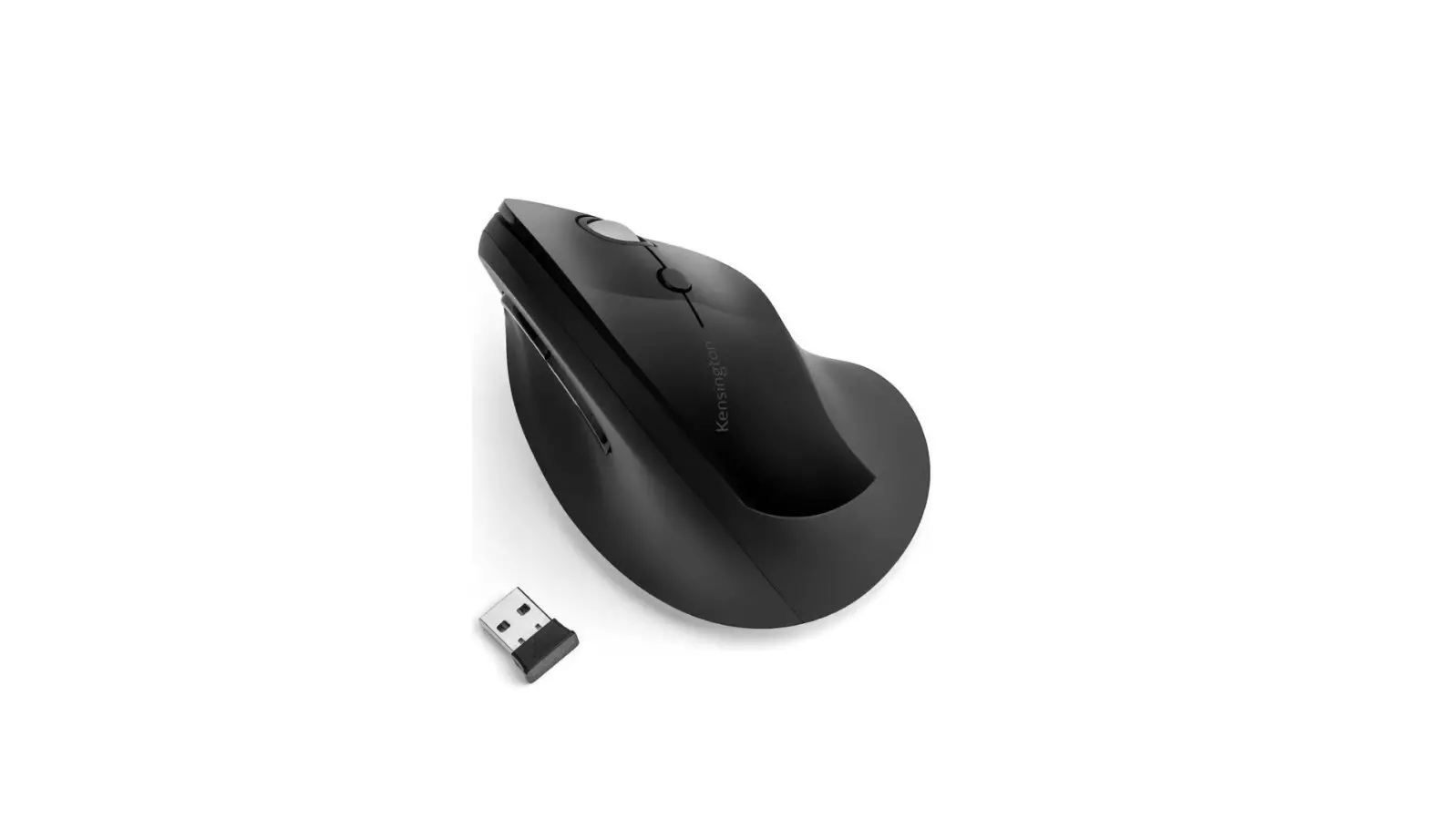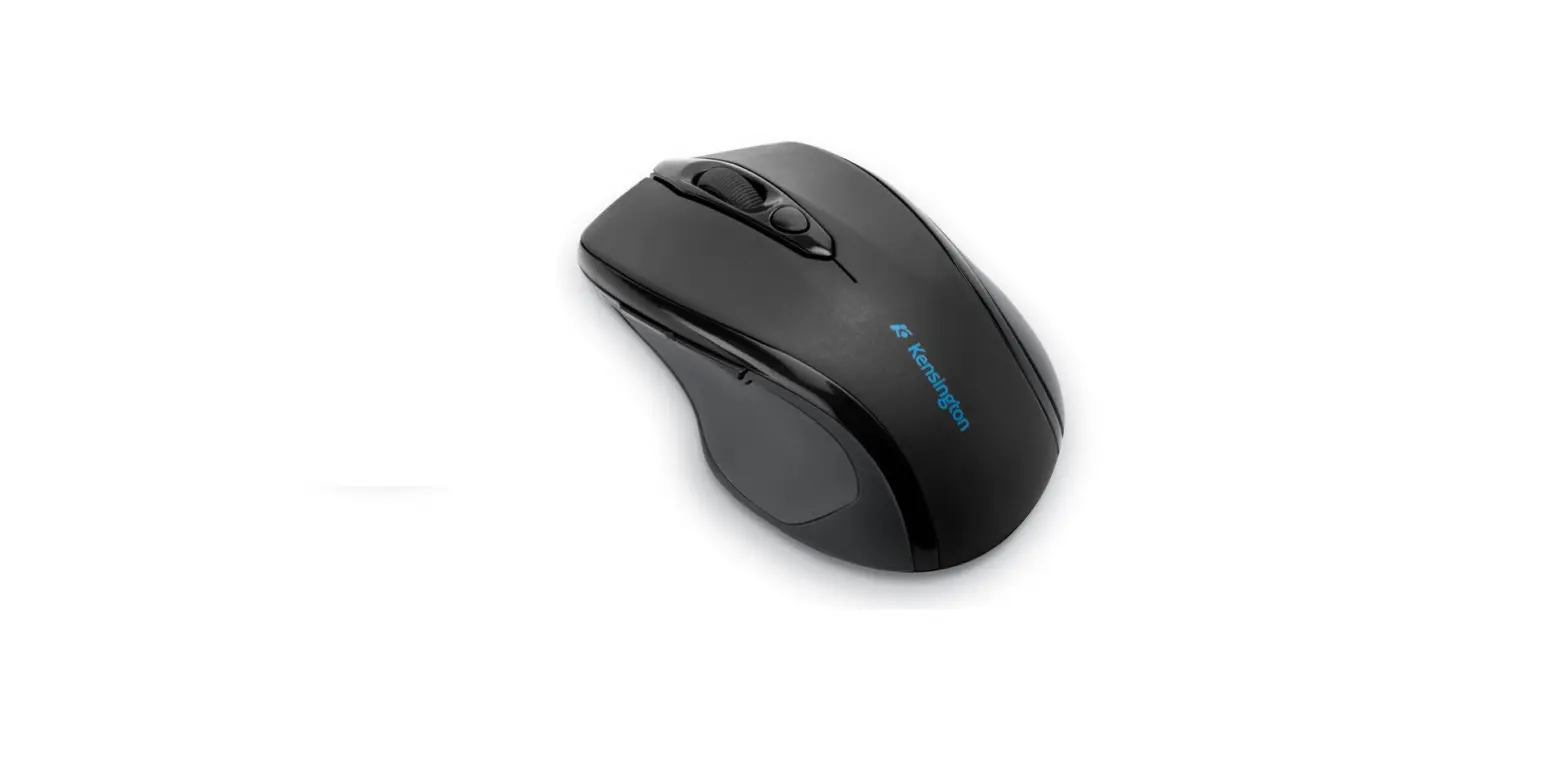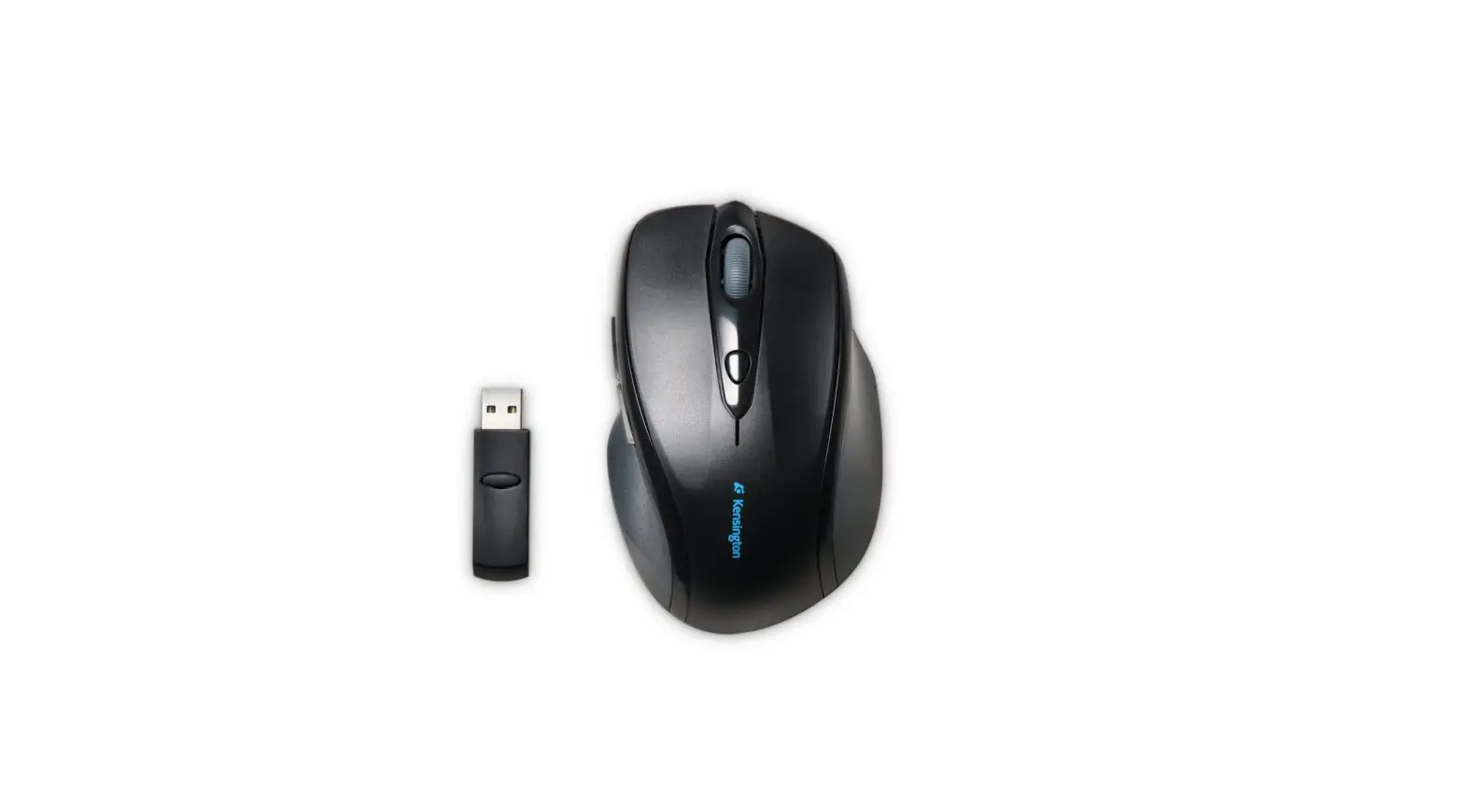

Kensington K72422WW Pro Fit Wireless Mouse

Product Description
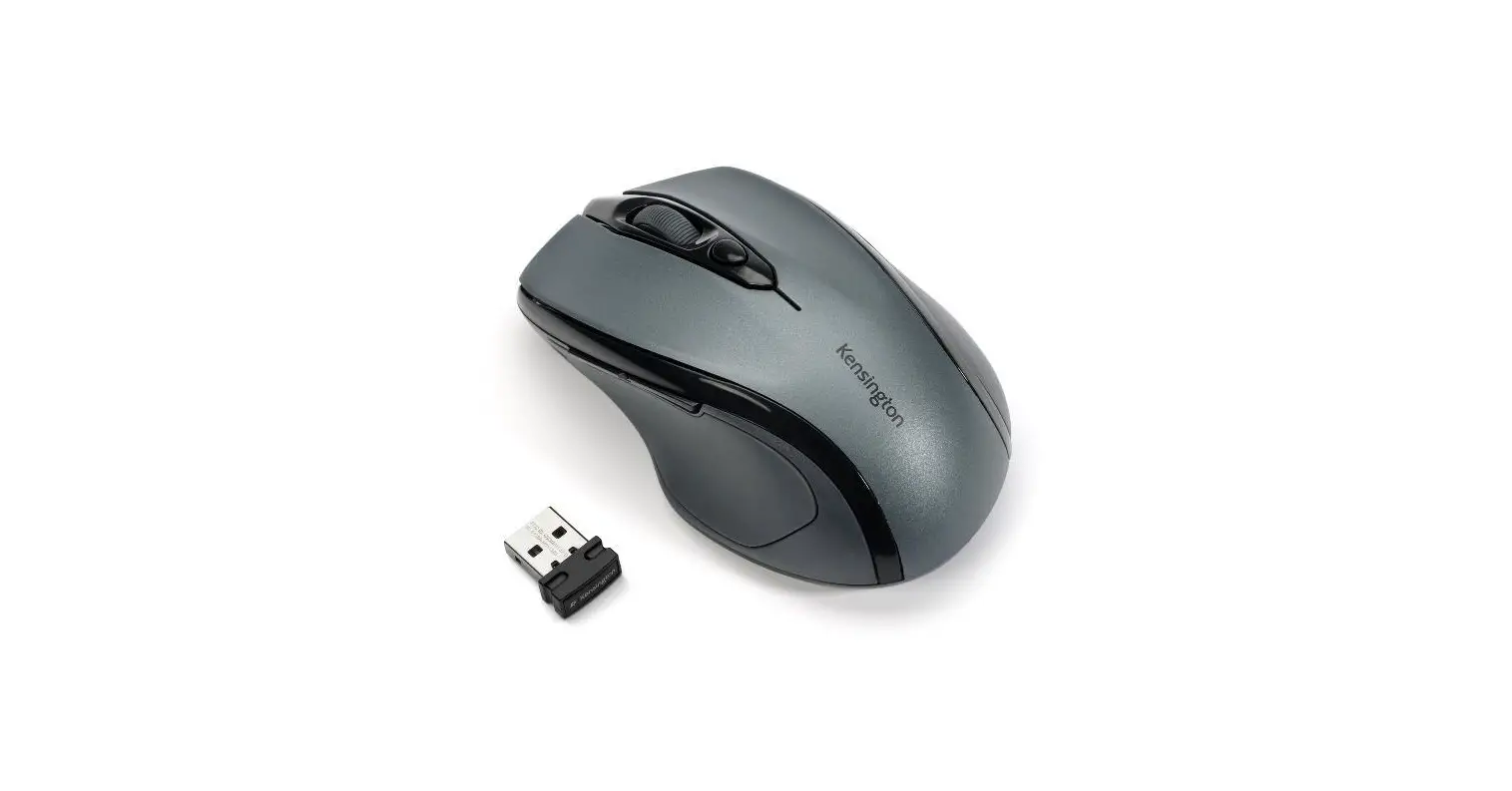
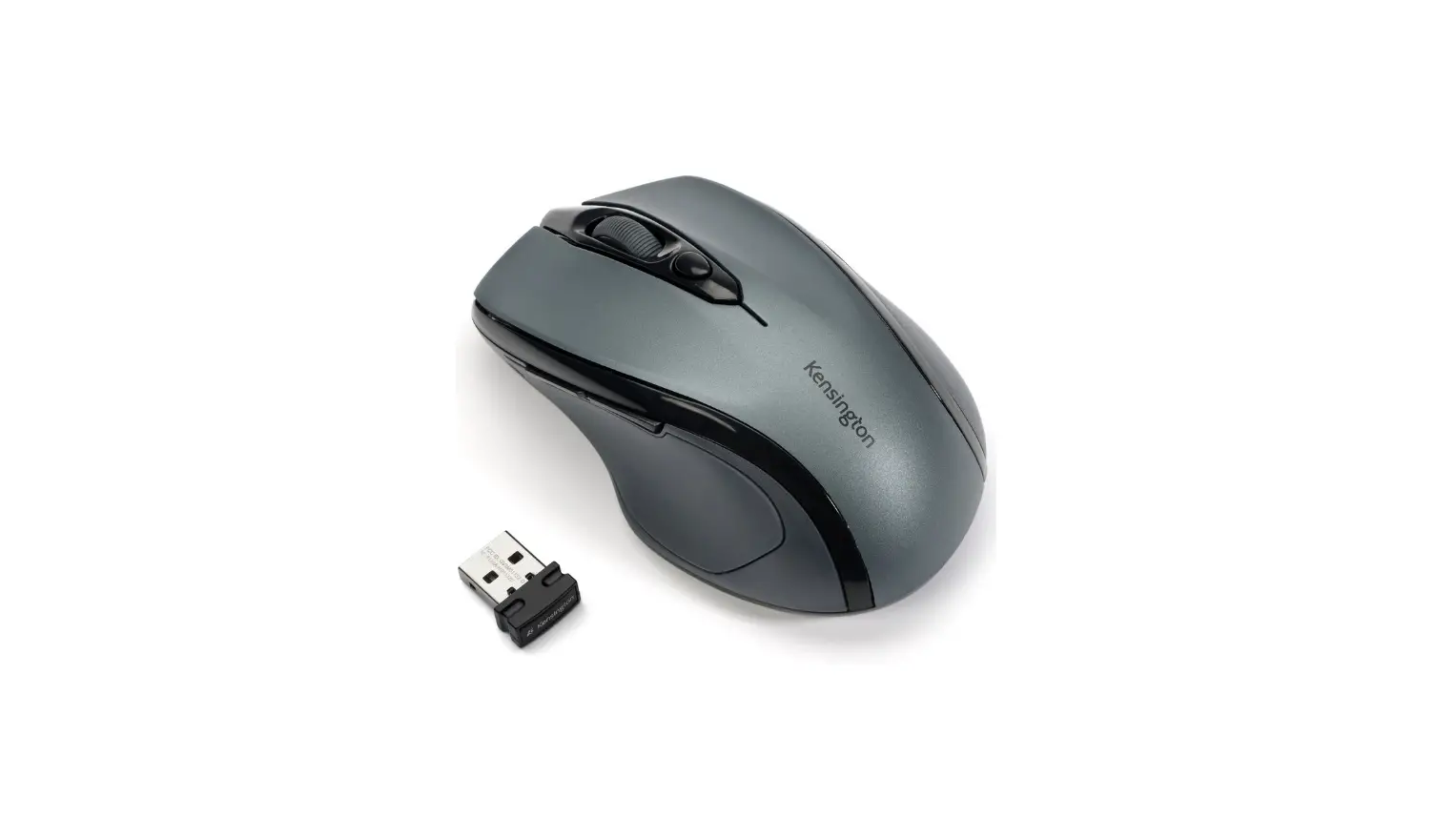
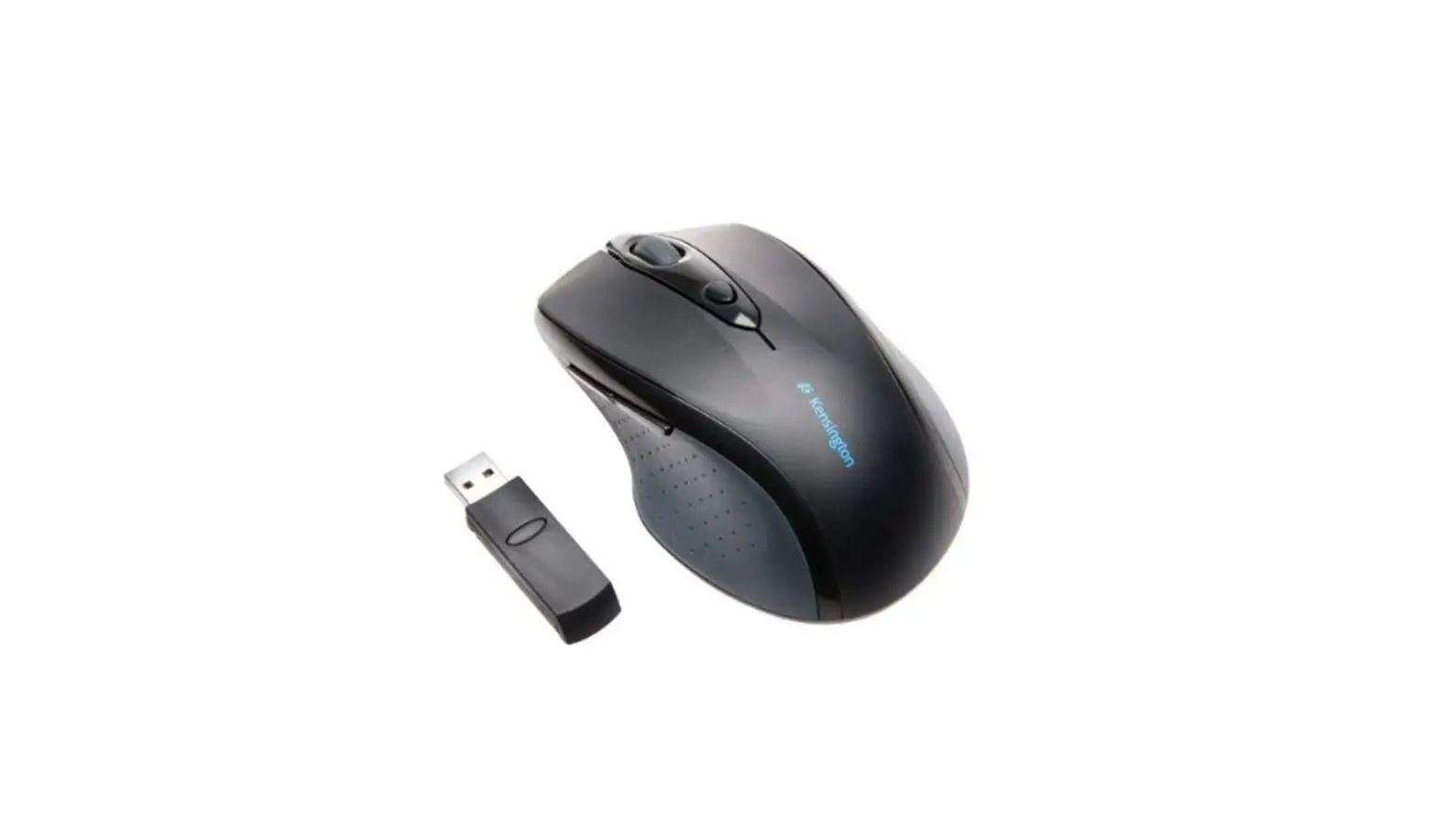
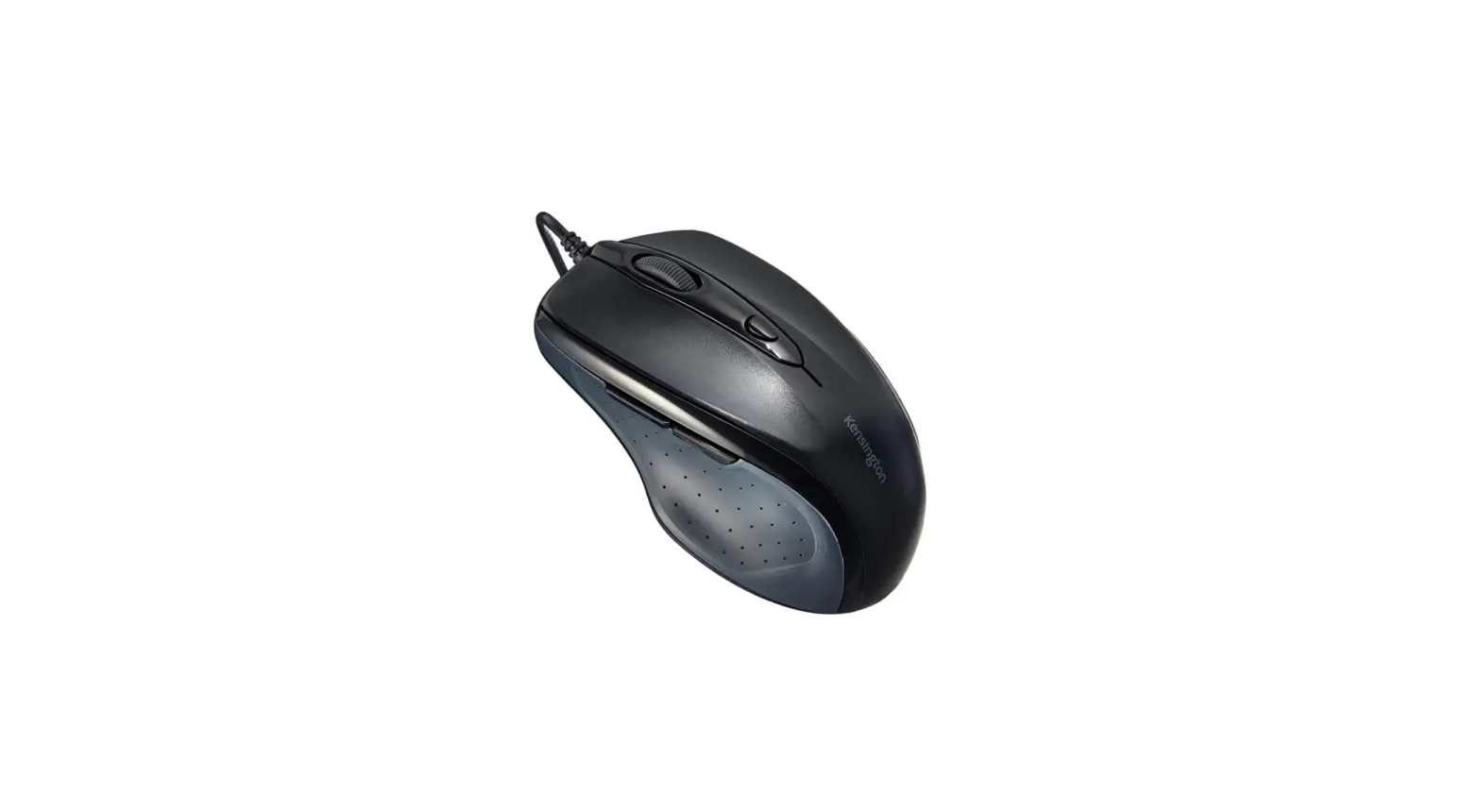
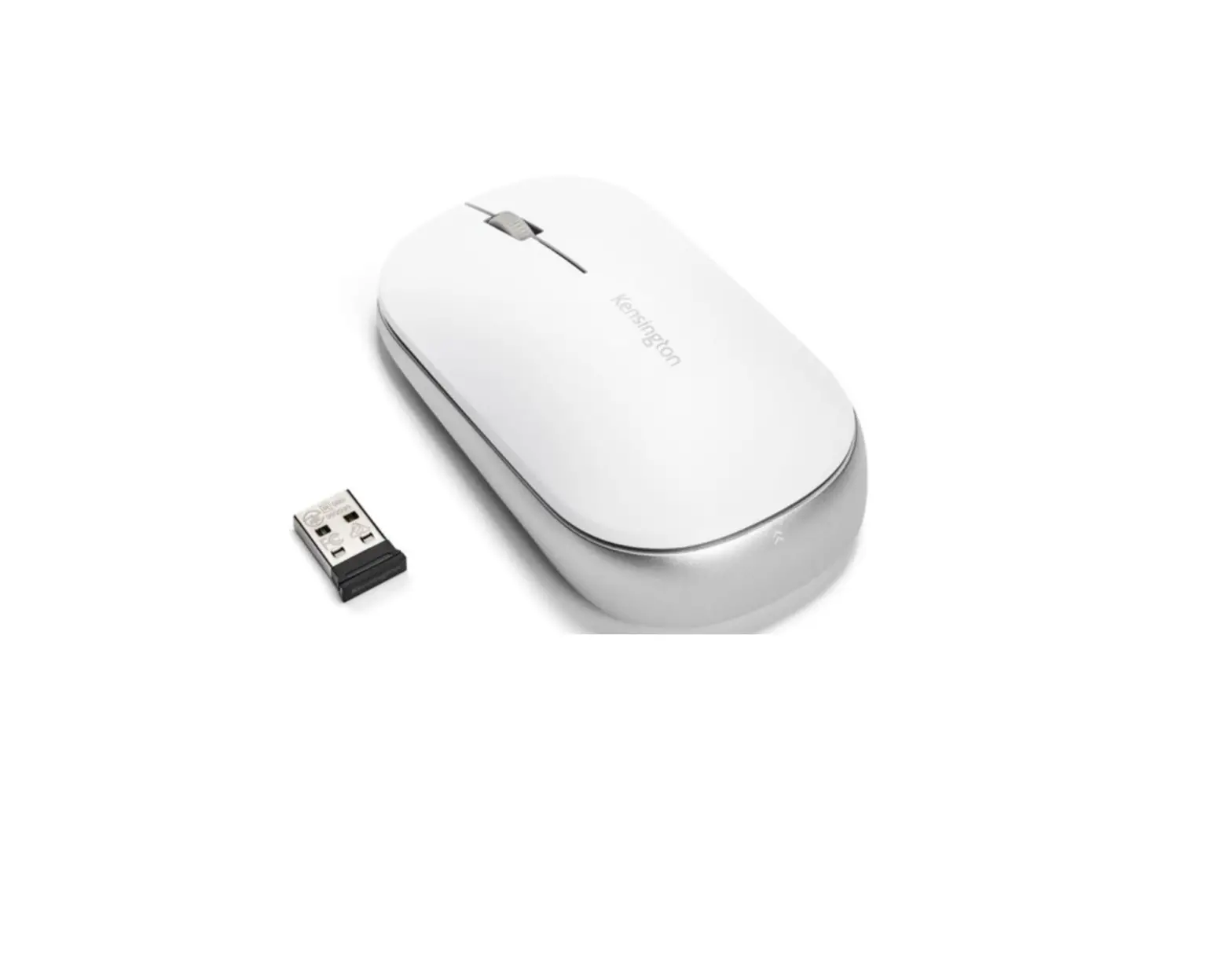
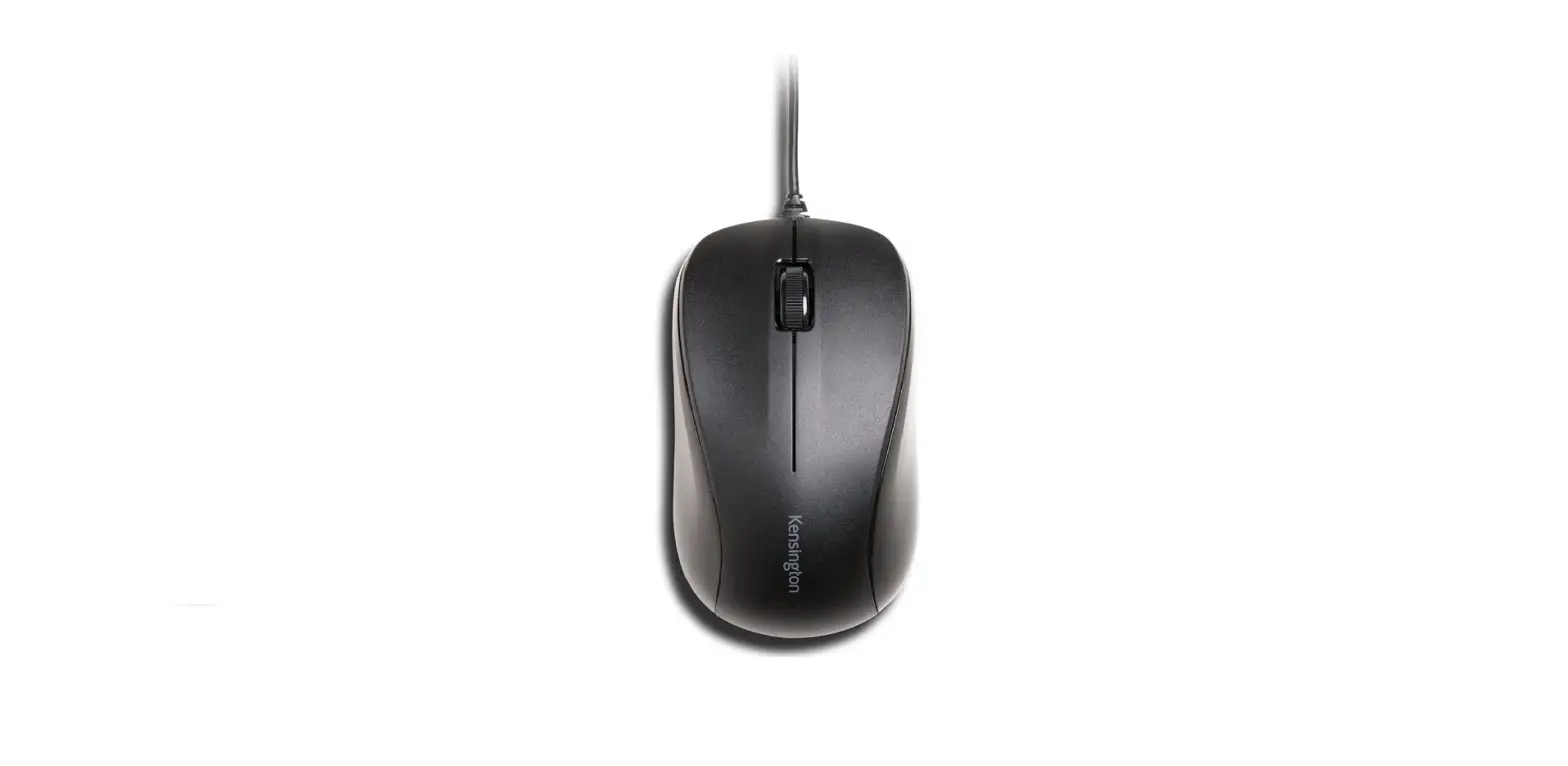
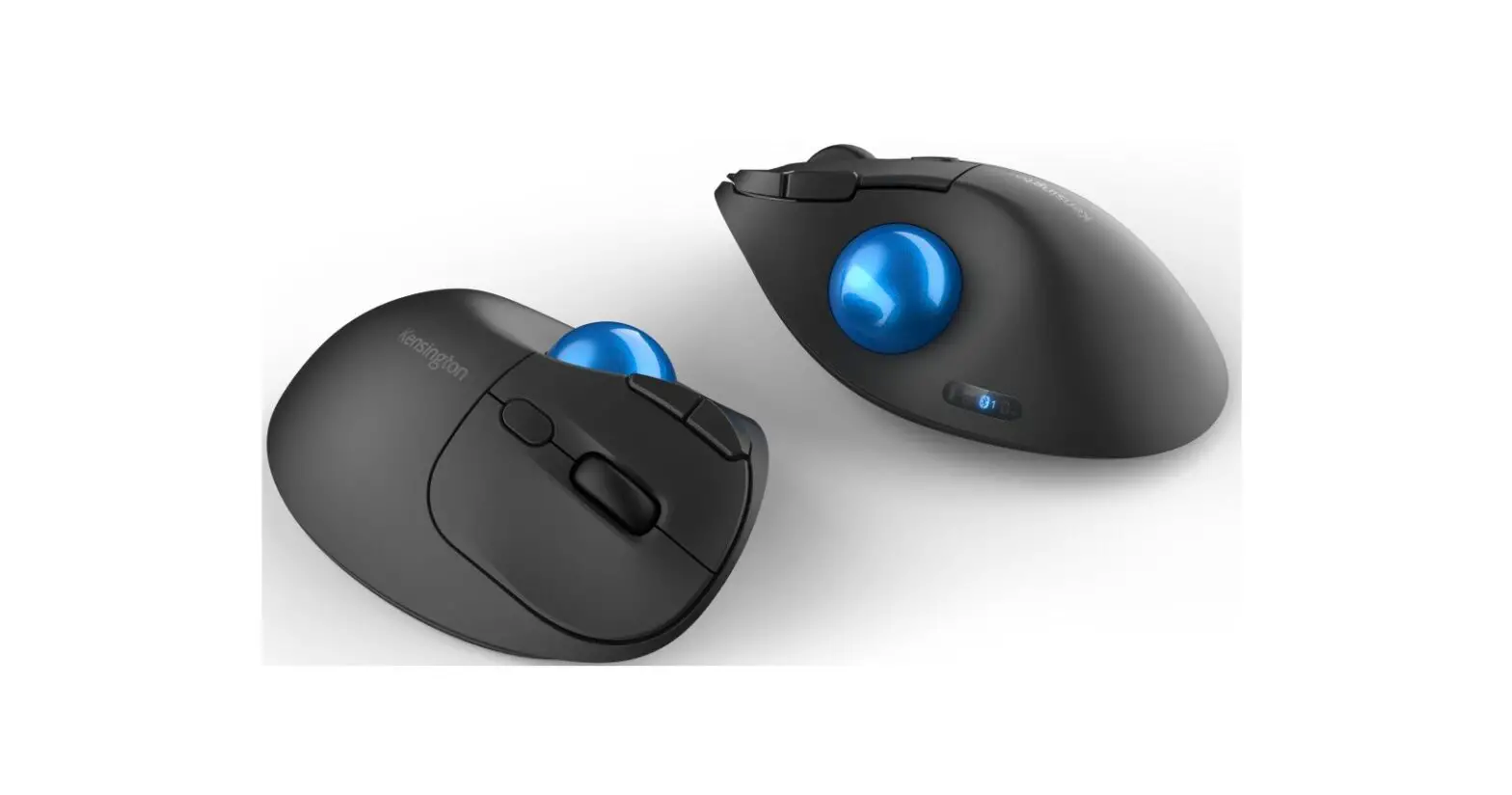
We’ve designed a mouse that not only fits your hand but also your style sensibilities. The ergonomic right-handed design provides hours of comfort and with four colors to choose from, it’s easy on the eyes, too. The Pro Fit® Mid-Size Wireless Mouse is built to deliver years of service backed by a limited lifetime warranty. Perfect for desktop and mobile users alike, the Pro Fit® Mid-Size Wireless Mouse has a nano receiver that operates 2.4 GHz to reduce interference in crowded office environments. The receiver is so small you can leave it in your computer, or slide it into the Pro Fit’s built-in receiver storage compartment.
The Pro Fit® Mid-Size Wireless Mouse is big enough to feel just right in your hand, yet small enough to pack easily in your travel bag. And no matter where your work takes you, the high-definition optical sensor delivers precise, responsive cursor control on a variety of surfaces. And it operates for up to 12 months on 2 AAA batteries, included.
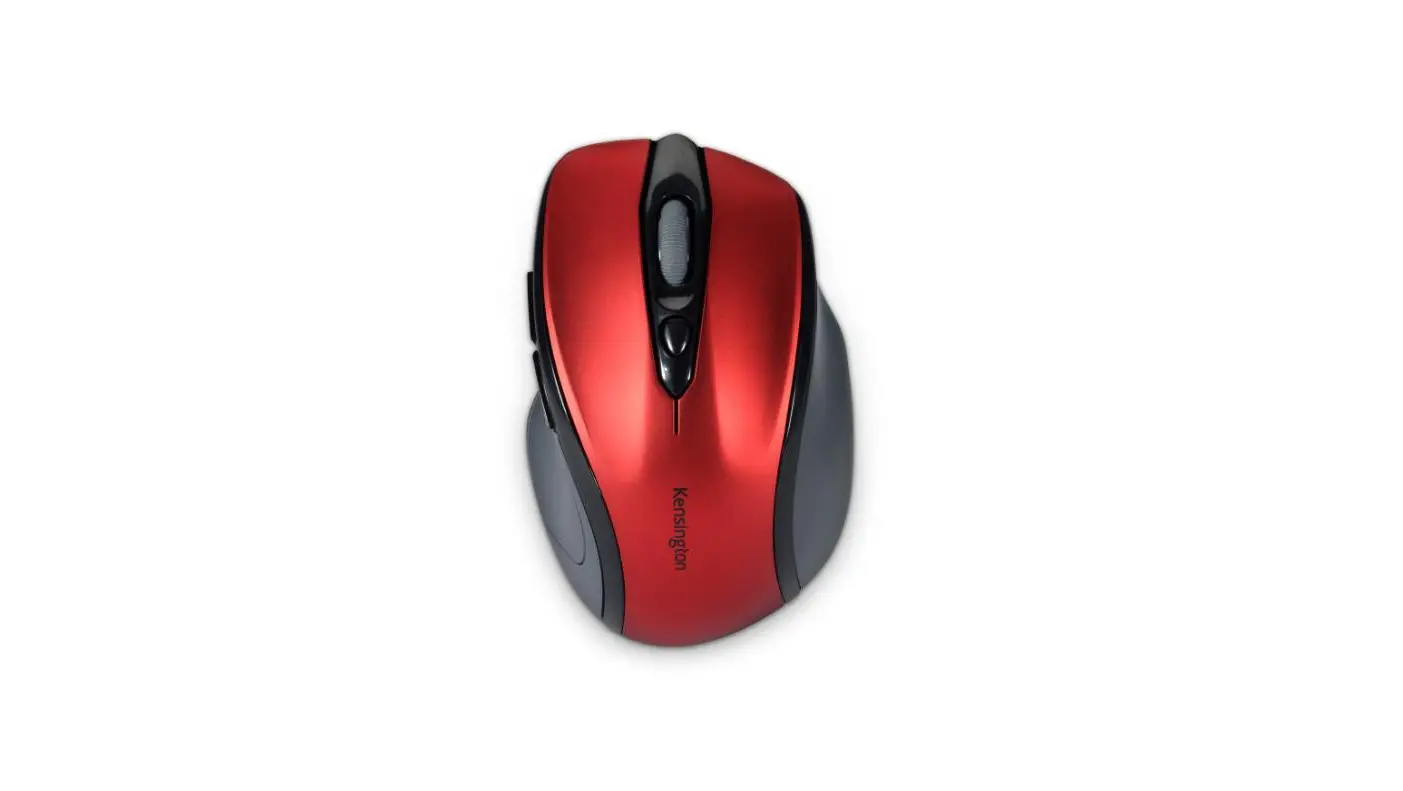
Kensington’s K72422WW computer mouse is practical and will have your team ready for the workday. This computer mouse comes in a modern red design and will be a great addition to your office. It has 5 keys. You can simply connect it to your computer via USB. This computer mouse is manufactured for right-handed users. Take advantage of exceptional quality and all-around excellent service, from the moment you order to the delivery of your purchase.
Features
- Compact size for travel convenience
- Clutter-free wireless technology and storable nano receiver
- The Ergonomic right-handed design fits your hand perfectly
- 2.4 GHz wireless for long range with minimal interference
- Scroll wheel with middle button and pointer speed quick-select
- High-definition optical sensor for responsive control and Switchable DPI of 800/1200/1600
- Extended battery life of up to 12 months
- Built to last with a limited lifetime warranty
- 2 AAA batteries included
Specifications
- Best For: Desktop PCs, Laptops
- Color: Red
- Compatibility: Chrome OS 44 or above, macOS 10.10 or above, macOS 10.9, macOS X 10.11, Vista, Windows 10, Windows 7, Windows 8, XP
- Connectivity: Wireless
- Controls: DPI Adjustment, Navigation Buttons, Scrollwheel
- DPI: 1200, 1600, 800
- Sensor: Optical
- Product type: Mouse
- Connectors: USB
- Wireless technology: 2.4 GHz
- Use: Right-handed
- Application: Desktop
- No. of keys: 5
- Rechargeable: No
- Resolution (max.): 1600 dpi
- Weight: 0.110 kg
Important Information
Product information
- Depth 102mm
- Width 66mm
- Height 35mm
- Gross weight 0.11kg
Retail Packaging Information
- Depth 200mm
- Width 135mm
- Height 80mm
- Gross weight 0.19kg
- UPC# 085896724223
- Unit Quantity 1
Master Case Information
- Depth 440mm
- Width 155mm
- Height 223mm
- Gross weight 1.44kg
- UPC# 50085896724228
- Unit Quantity 5
Shipping Information
- Minimum Order Quantity 1
- Warranty Period 24
General information
- Recycled % 0
FAQ’s
The dimensions of the Kensington K72422WW Pro Fit wireless mouse are 3 x 5.25 x 8 inches.
I have not used these on Windows 10. I use window 7 for my work laptop
Yes. The photo is pretty true to the color.
y closest observations of this marvelous little device make it out to be 1 5/8″ at its highest point, 2 5/8″wide, and 4 1/8″ long. It is by far the best mouse that I have ever used.
I usually have mine 1-3 feet away from my laptop. I mostly use it on the armrest of our couch while my computer is on my lap or on its stand.
I didn’t notice a hole in mine and it seems heavy enough. Works very well for me.
Yes, it will come with 2 units of AAA batteries.
Yes, you can use a USB Port with this mouse. Notice the port connection on the left side of the photo. As for moving between operating systems, I can tell you it works with MS 7, MS 8, and 8.1 and finally with MS Operating System 10. As for the older systems, I think you may have to ask Microsoft or look at the description of the device to see which systems it is capable of with 100%.
Yes, it will.
Check to be sure the batteries are inserted correctly, and that they’re not simply worn out. Fresh batteries are the cure for many wireless mouse problems. Power switch: Many mouse devices have a switch on the bottom so that you can turn them off and save your battery when not in use.
Plug and Play 2.4GHz Wireless Connection Simply insert the standard USB nano receiver into your device and you’ll be up and scrolling quickly as the mouse driver will download and install automatically.
Check that the battery of the mouse is charged. Make sure that the receiver (dongle) is firmly plugged into the computer. If your mouse and receiver can operate on different radio channels, make sure that they are both set to the same channel.
Press and hold the Connect button on the bottom of the mouse. If your device has a battery indicator light, it will blink and alternate between red and green to indicate that the device is discoverable. On the computer, open the Bluetooth software. The Bluetooth software is typically located in Control Panel.
With proper care, a wireless mouse should last you three to five years.
Kensington’s Pro Fit® Full-Size Wireless Mouse provides ergonomics for right-handed users. It’s plug-and-play through a 2.4 GHz wireless connection and the high-definition optical sensor accommodates 800, 1200, and 1600 DPI.
Download this PDF Link: Kensington K72422WW Pro Fit Wireless Mouse Specifications and Datasheet