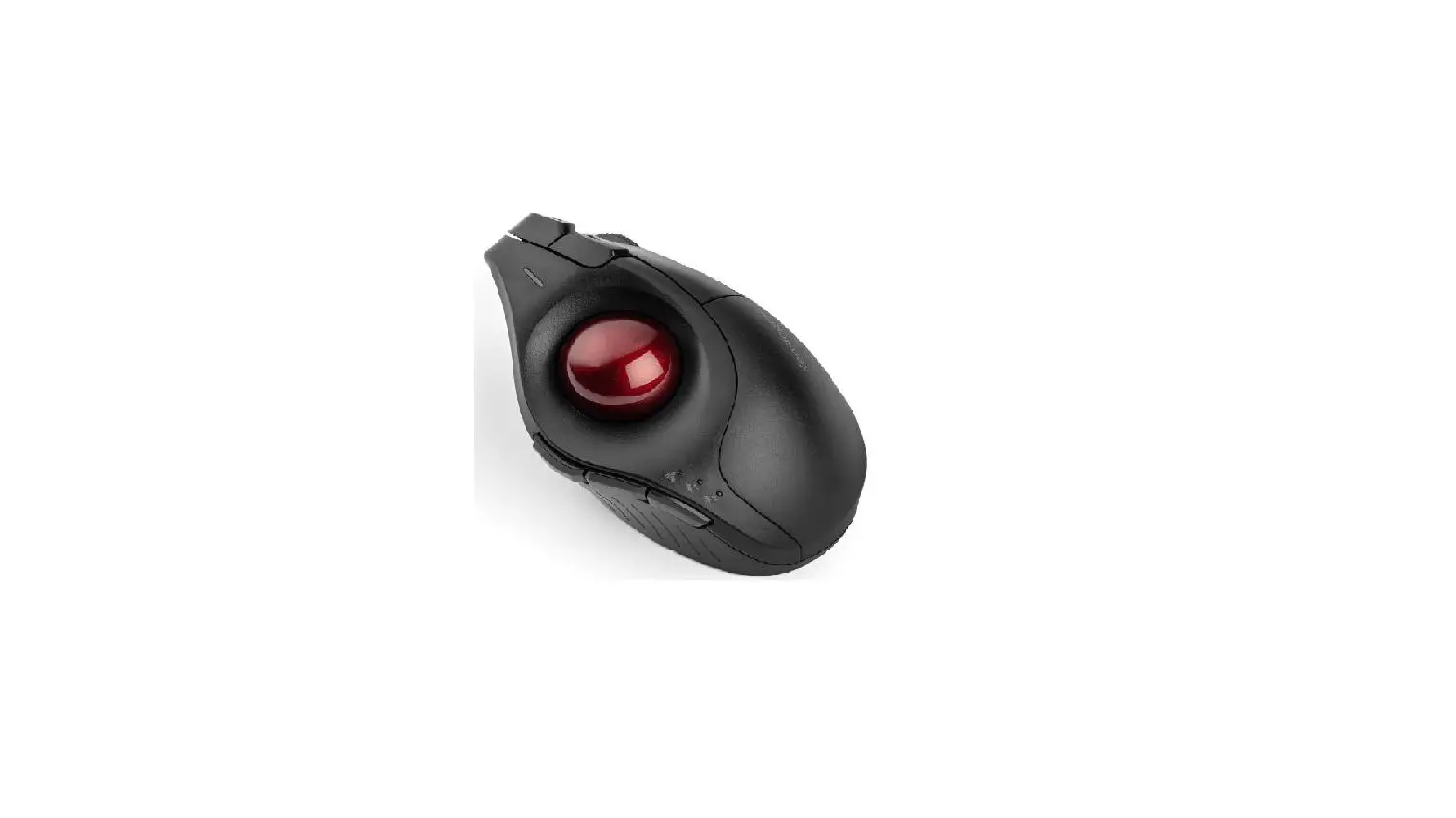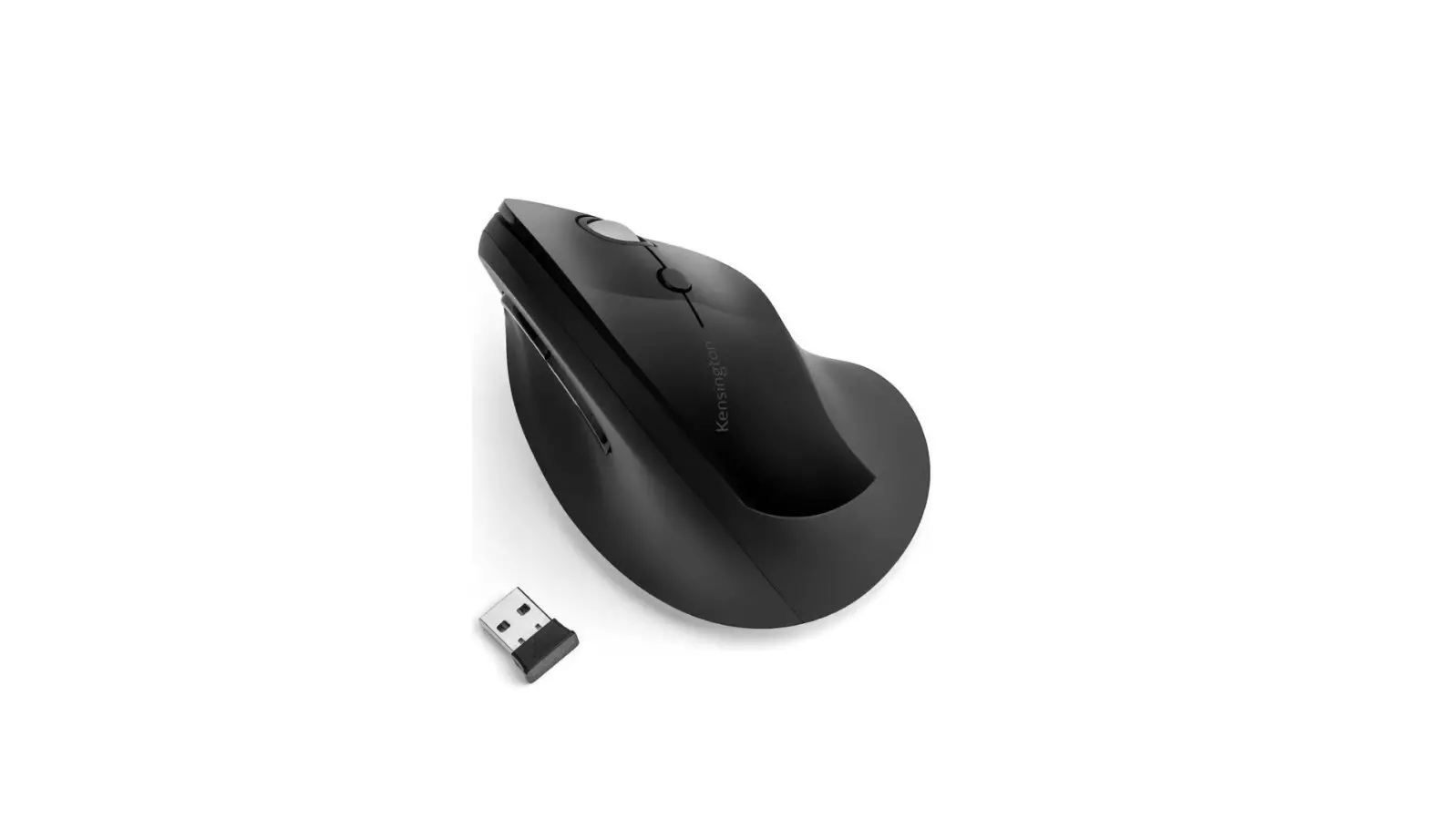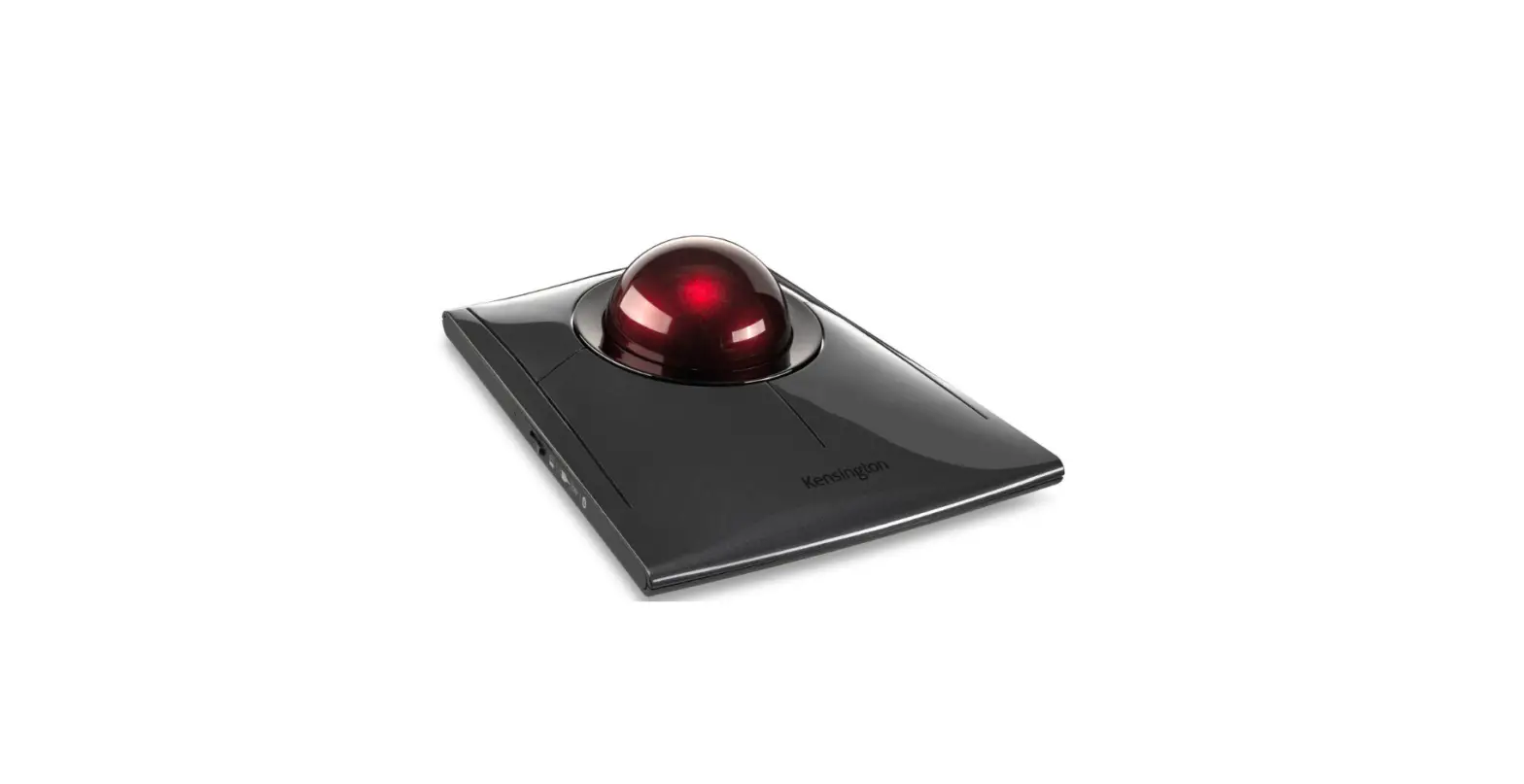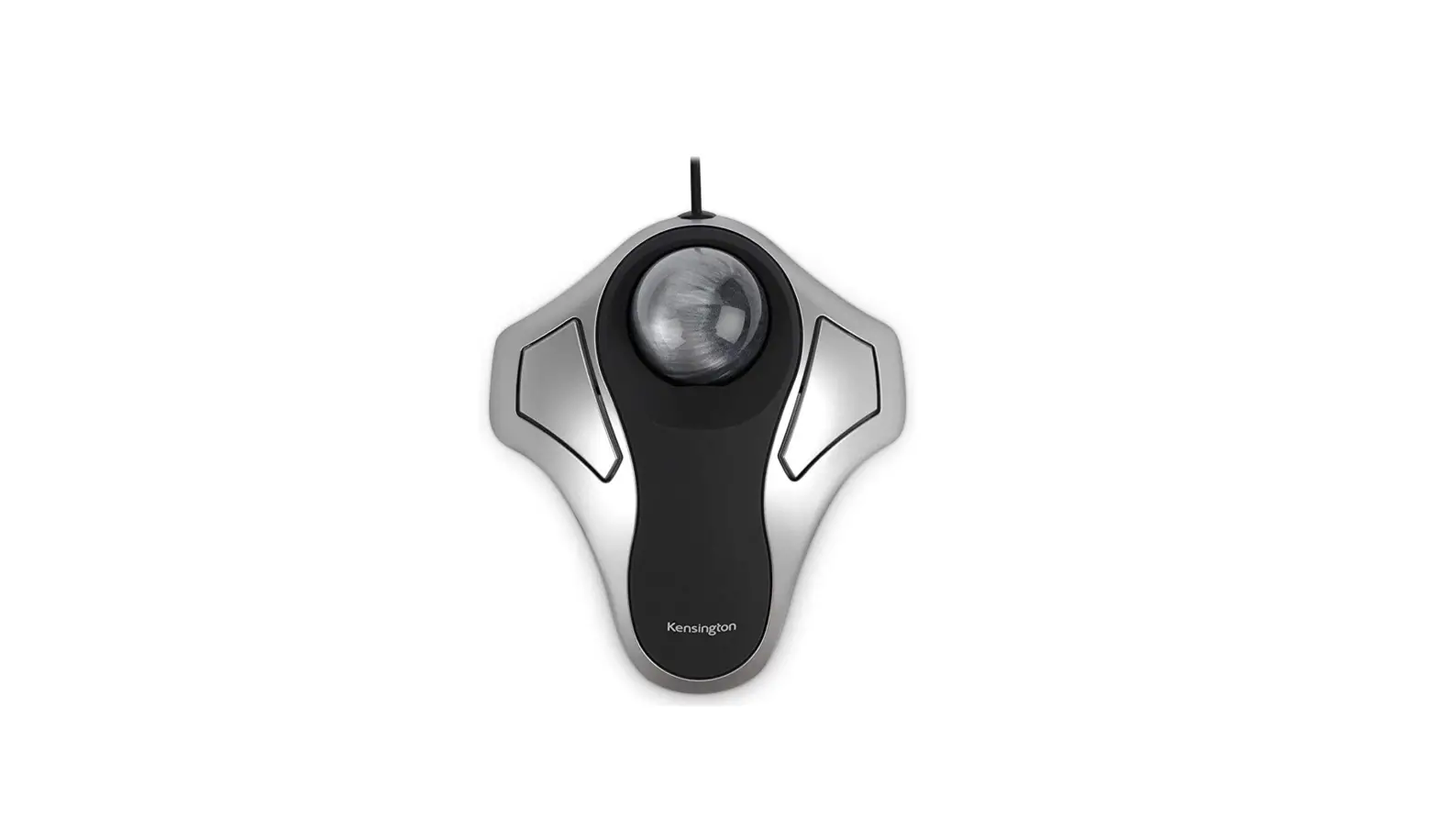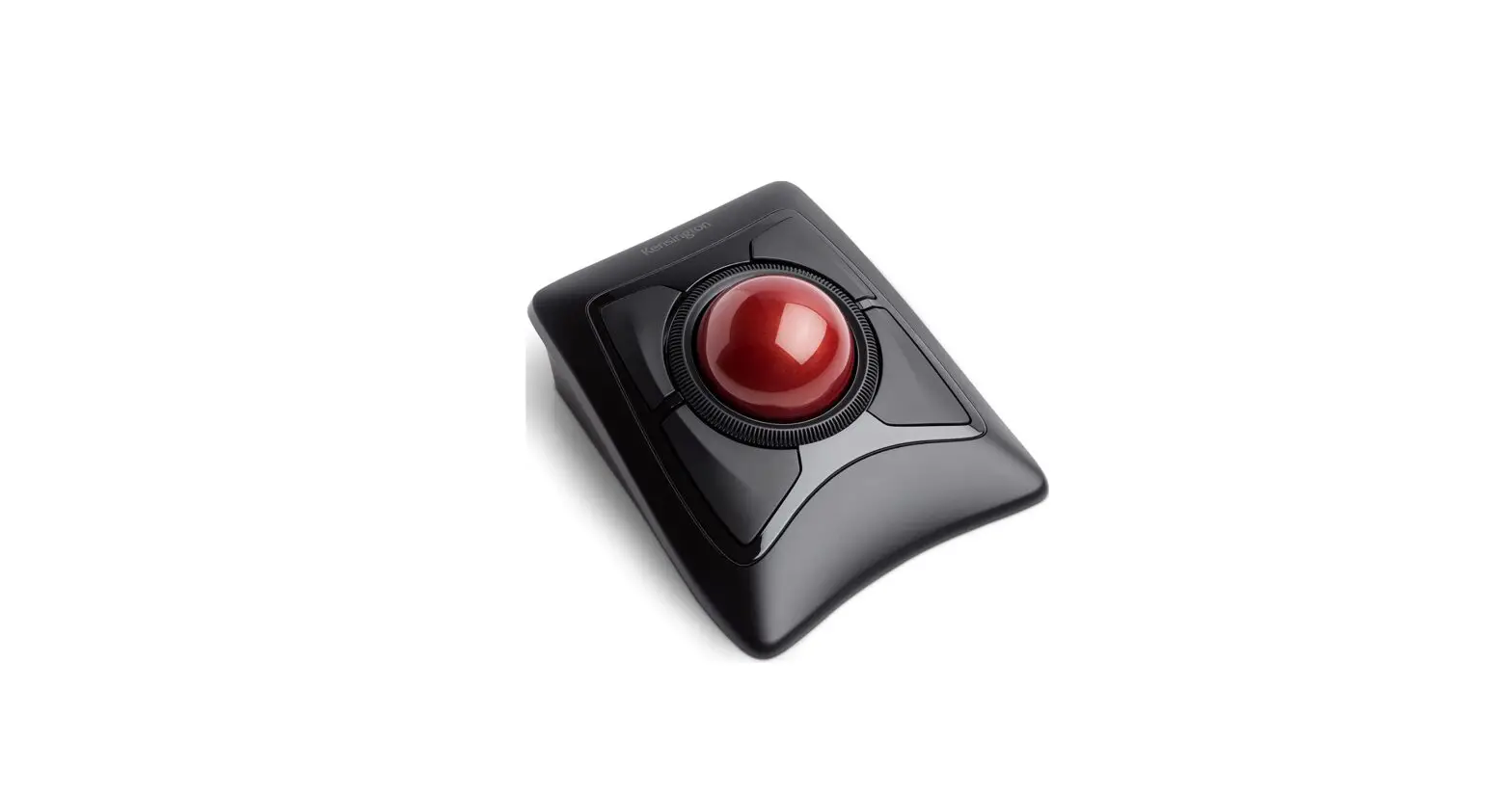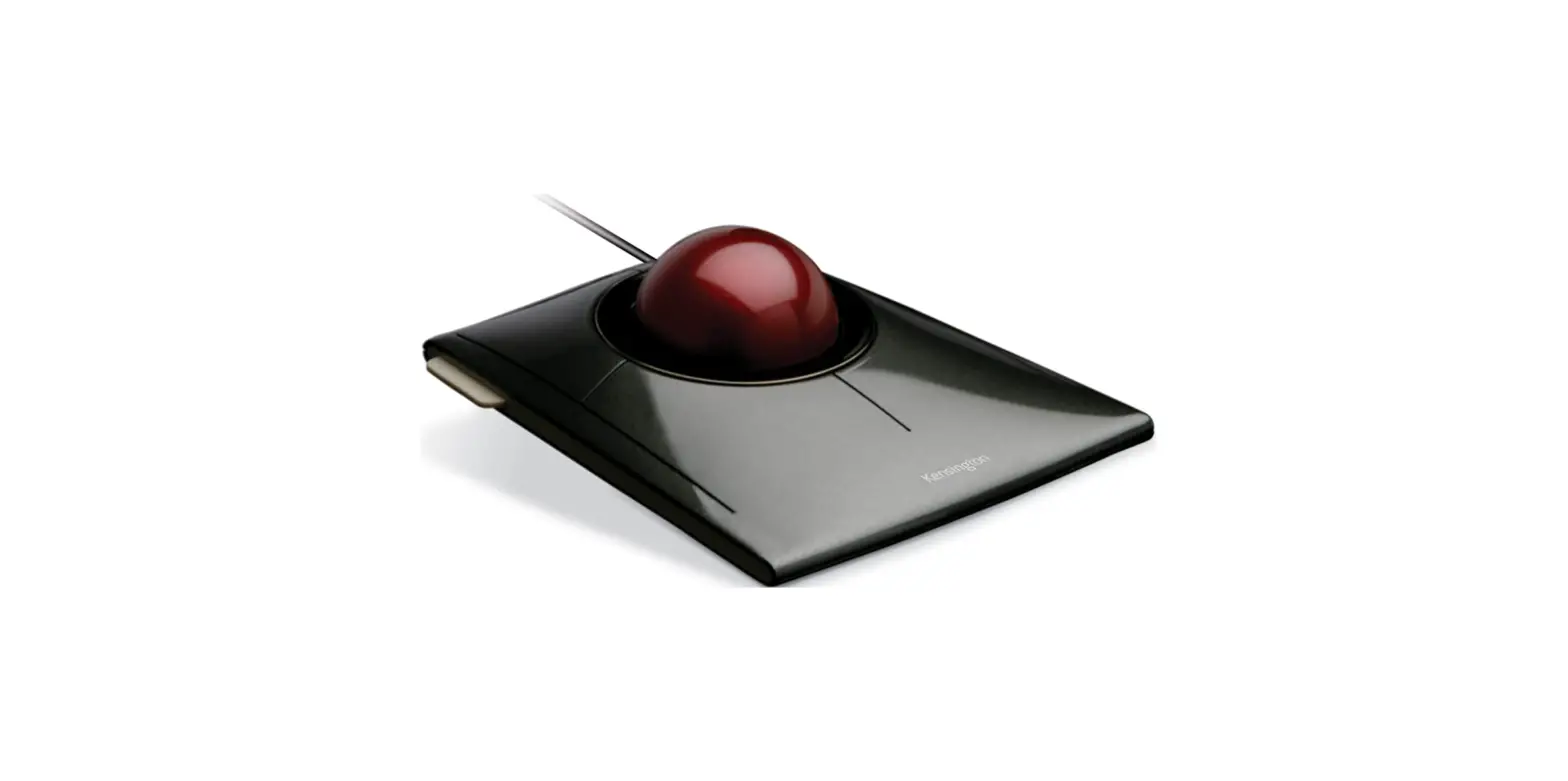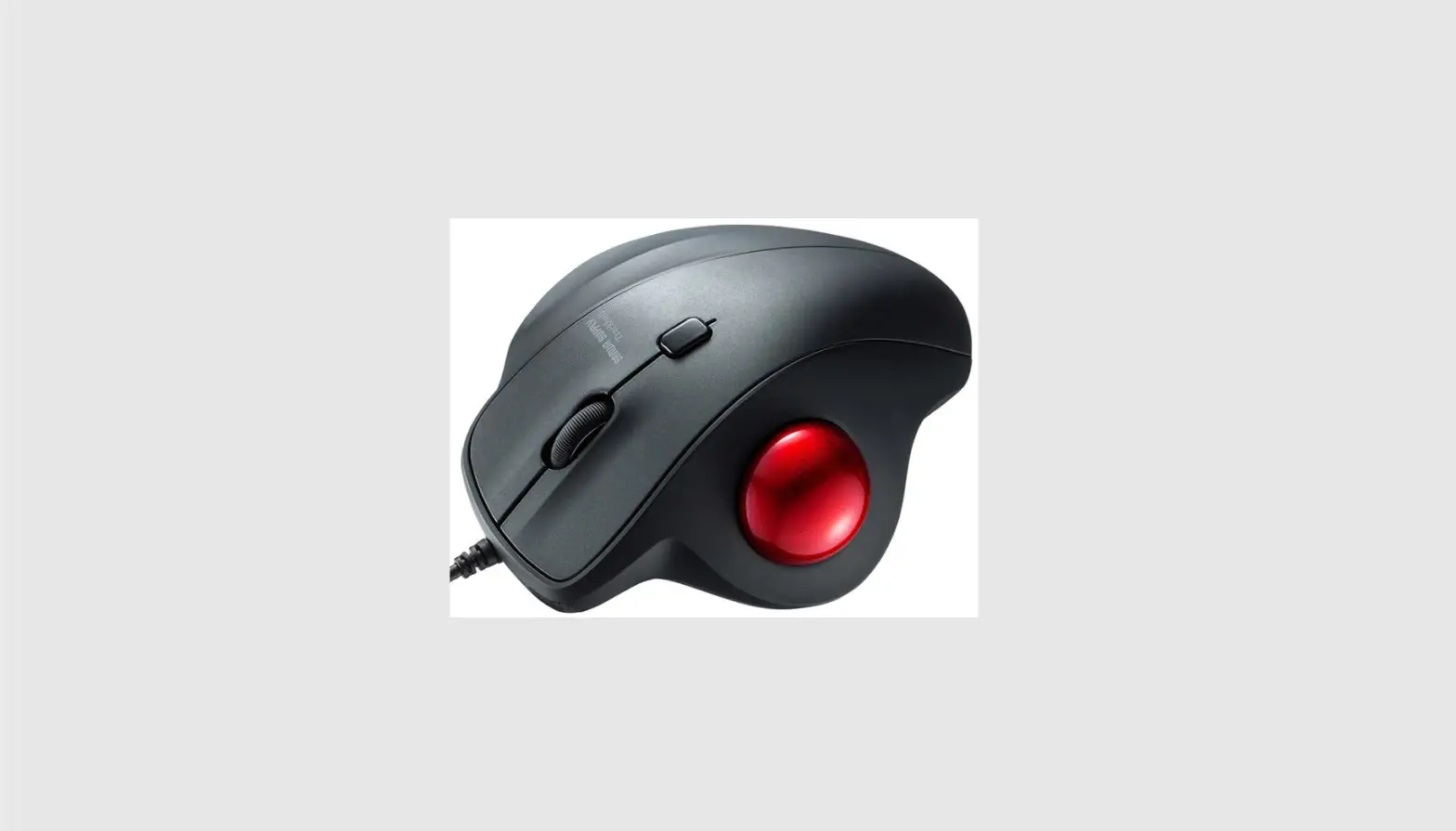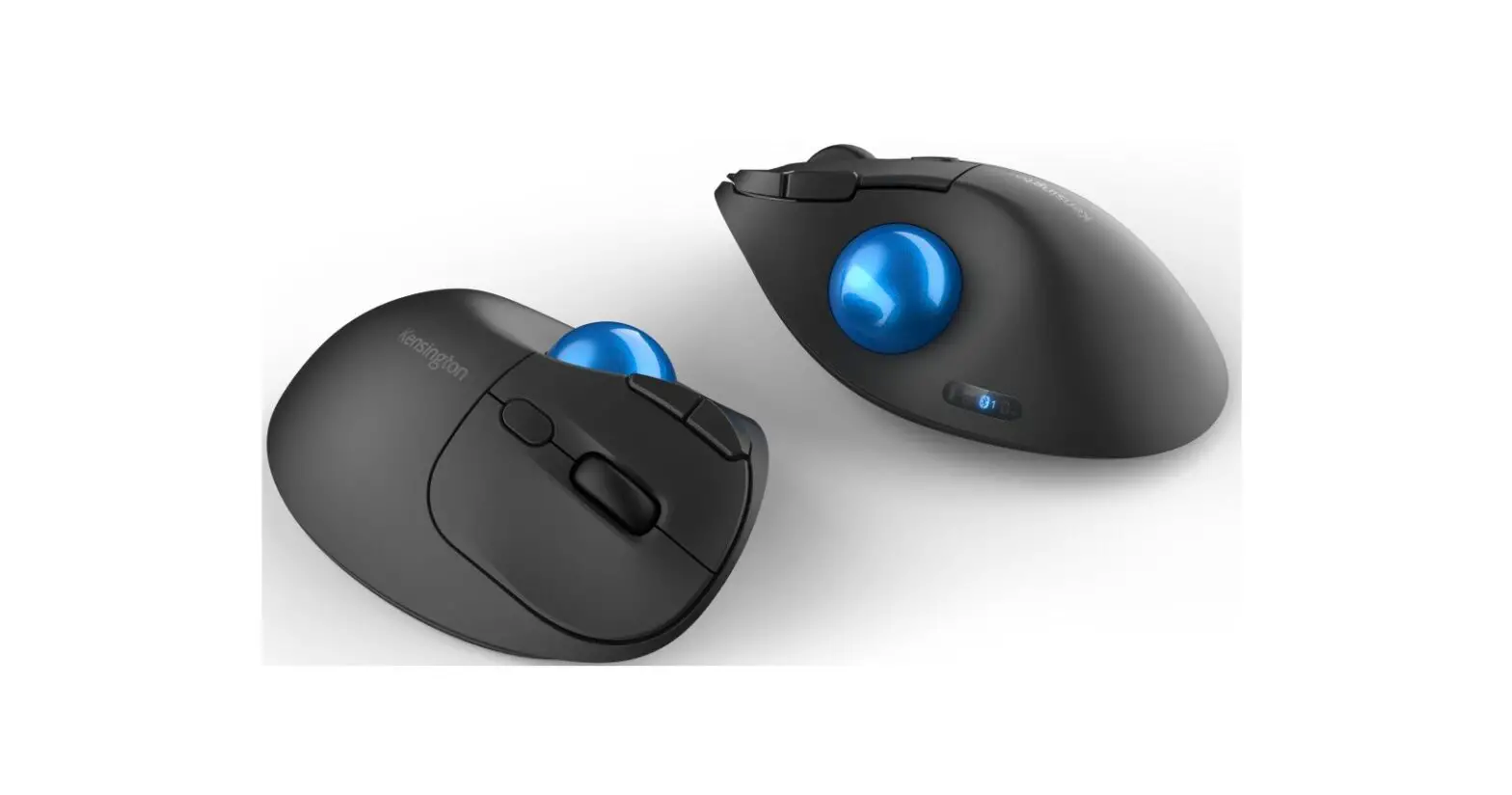
Kensington Pro Fit Ergo TB550 Trackball Mouse User Guide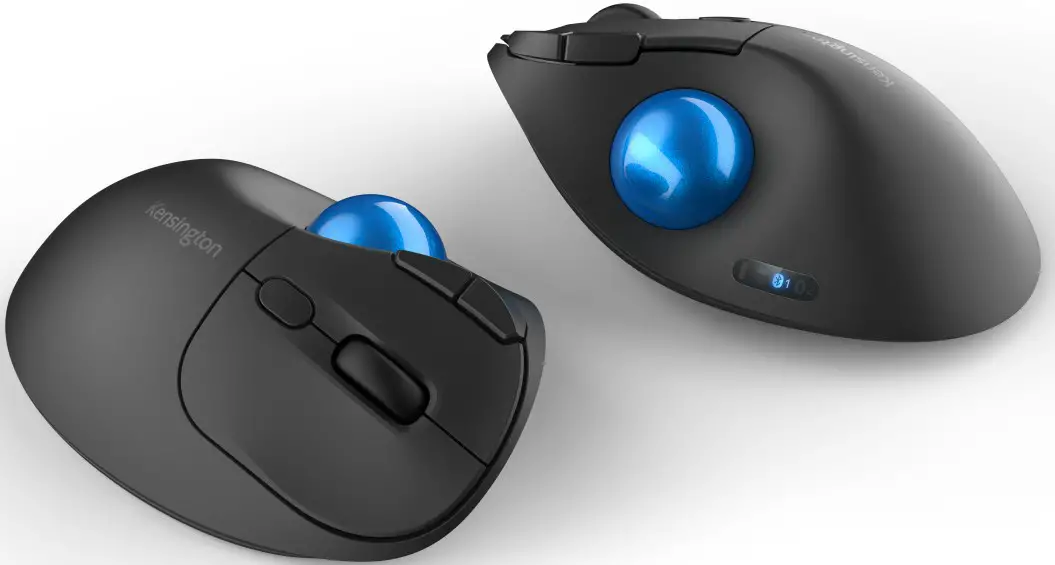
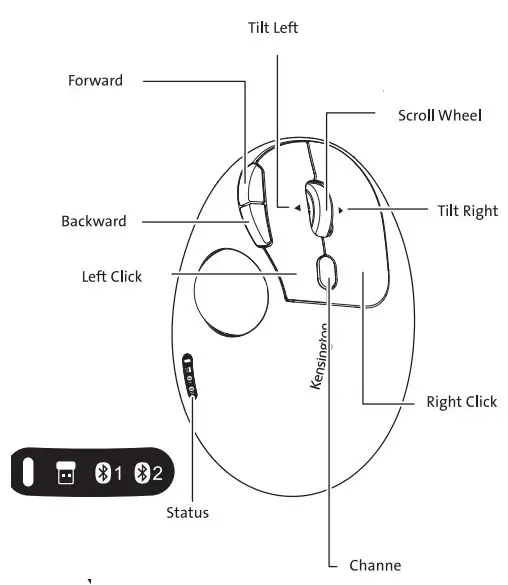
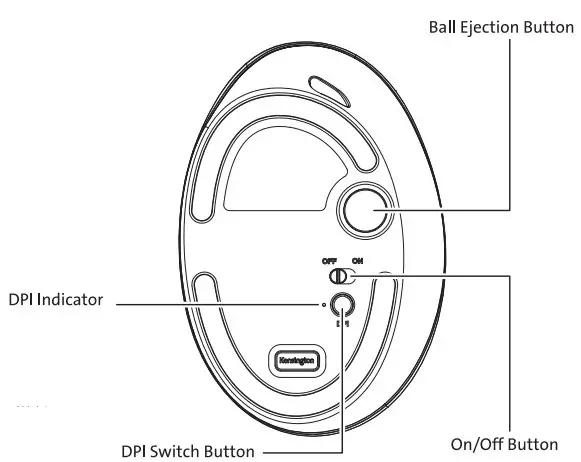
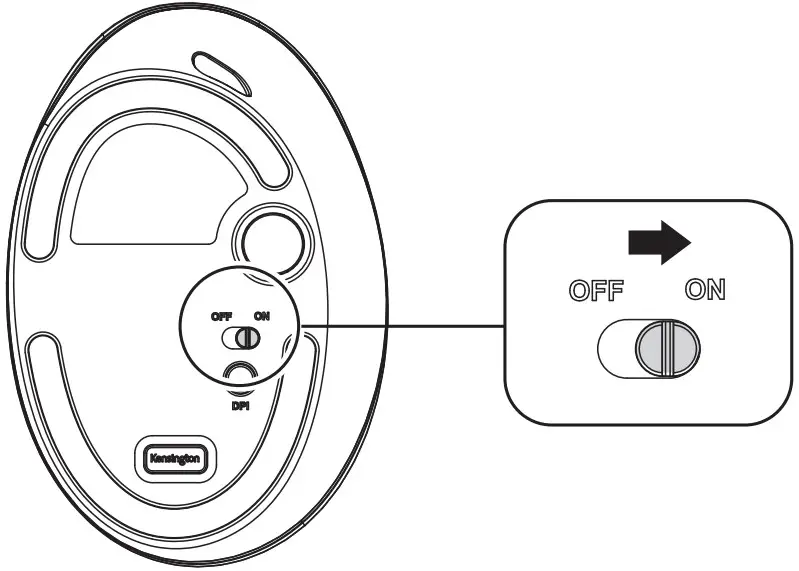

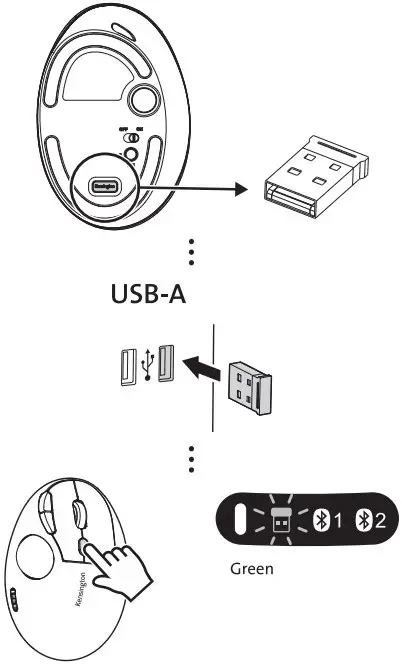
Fiahing Green: Note connented
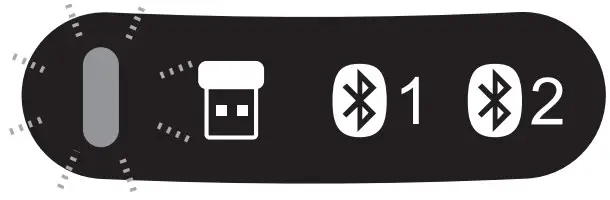
 BIuetooth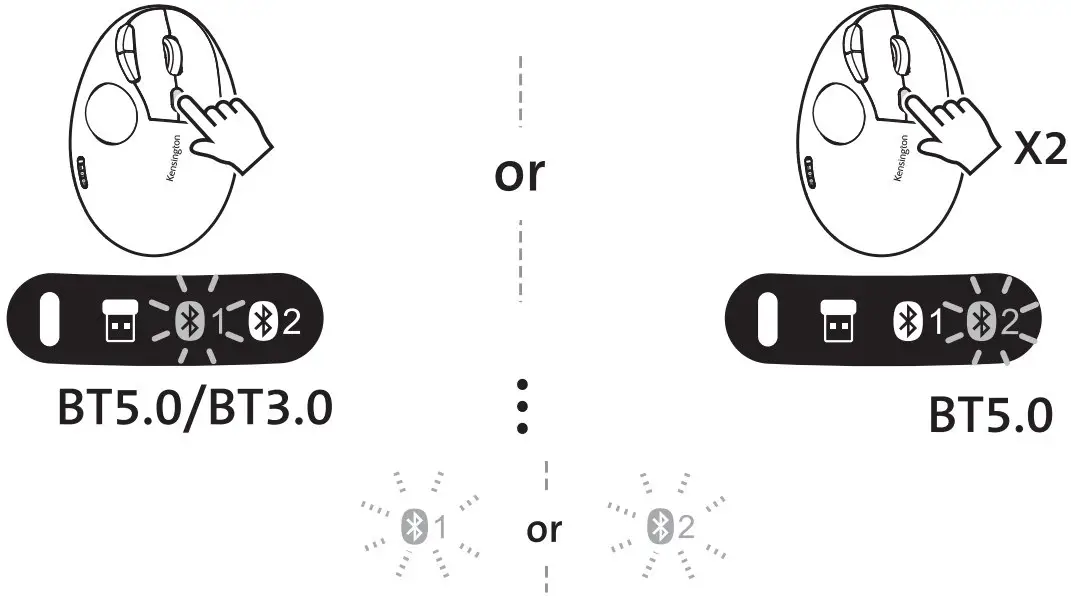
Fast Flashing Blue : Pairing Mode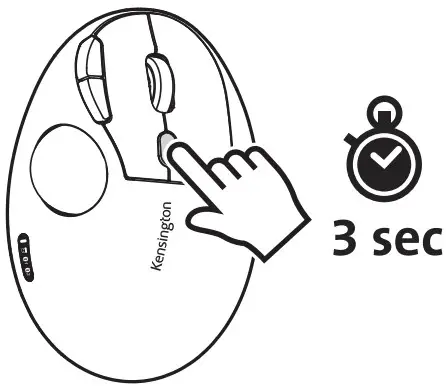
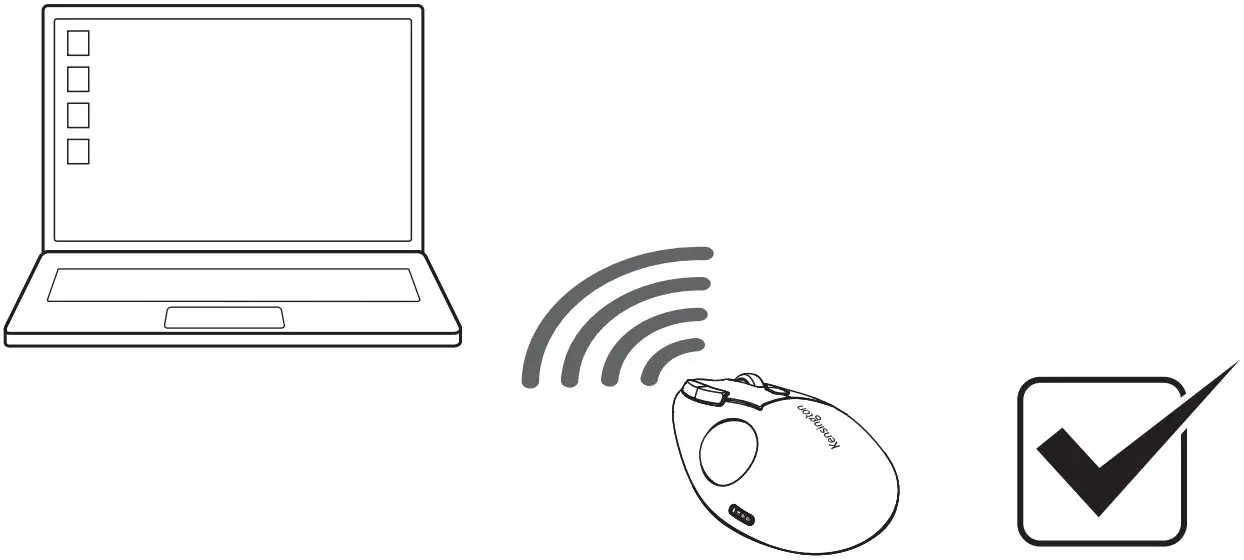
Solid Blue: Connented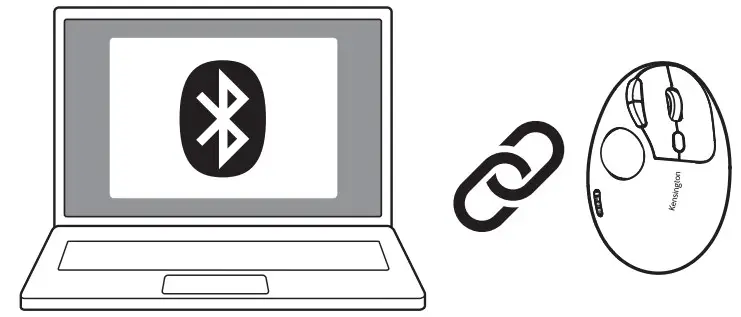
Slow Flashing Blue: Not connected
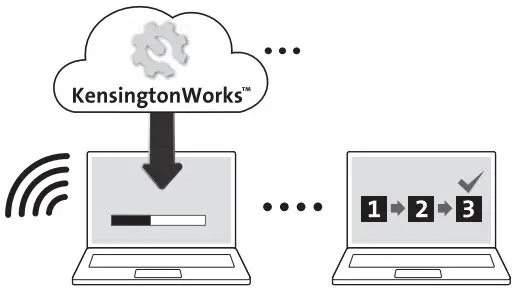
Flashing Red: Low Battery
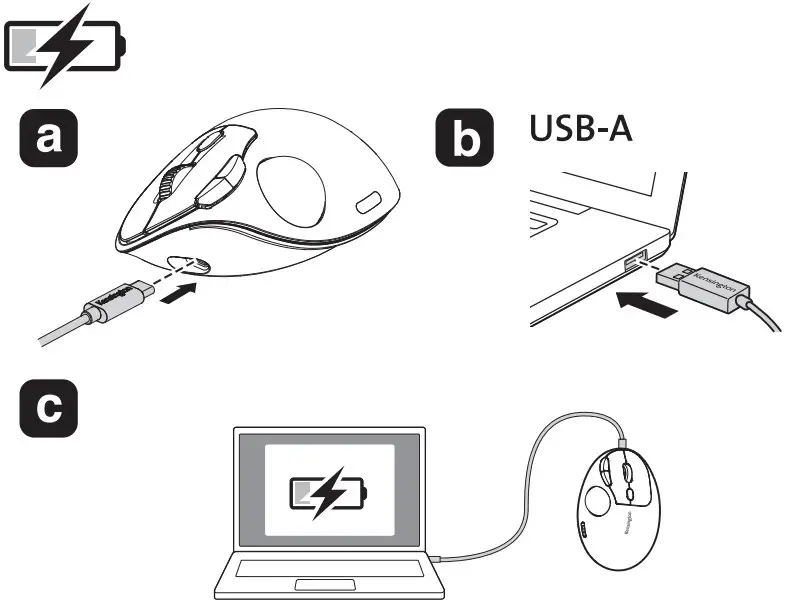
Solid Red: Charging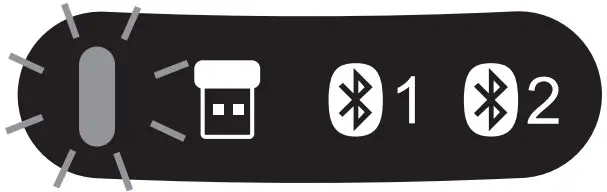
Solid Garrge: Fully Charging
 IMPORTANT: Computer User Health Information
Use of a keyboard, mouse, or trackball may be linked to serious injuries or discomfort. Recent medical research of occupational Injuries has linked normal, seemingly harmless activities as a potential cause of Repetitive Stress Injuries (“RSI”). Many factors may be linked to the occurrence of RSI, including a person’s own medical and physical condition, overall health, and how a person positions and uses his or her body during work and other activities (including use of a keyboard, mouse, or trackball). Some studies suggest that the amount of time a person uses a keyboard, mouse, or trackball may also be a factor. Consult a qualified health professional for any questions or concerns you may have about these risk factors.
When using a keyboard, mouse, or trackball, you may experience occasional discomfort in your hands, arms, shoulders, neck, or other parts of your body. However, if you experience symptoms such as persistent or recurring discomfort, pain, throbbing, aching, tingling, numbness, burning sensation, or stiffness, even if such symptoms occur while you are not working at your computers. DO NOT IGNORE THESE WARNING SIGNS. PROMPTLY SEE A QUALIFIED HEALTH PROFESSIONAL. These symptoms can be signs of sometimes permanently disabling RSI disorders of the nerves, muscles, tendons, or other parts of the body.
A CAUTION: Never spray liquid cleaner directly on the trackball RF TECHNICAL SPECIFICATION Operating Frequency Range: 2.403-2.480 GHz Maximum RF Output Power 20dBm
SAFETY AND USAGE GUIDELINES
- In the absence of proper operation and if customer-initiated troubleshooting is unsuccessful, switch off device and contact Kensington technical support: www.kensington.com
- Do not disassemble product or expose it to liquid, humidity, moisture, or temperatures outside the specified operating ranges of 0° C (32° F) to 40° C (104° F).
- If your product is exposed to out-of-range temperatures, switch it off and allow temperature to return to the normal operating range.