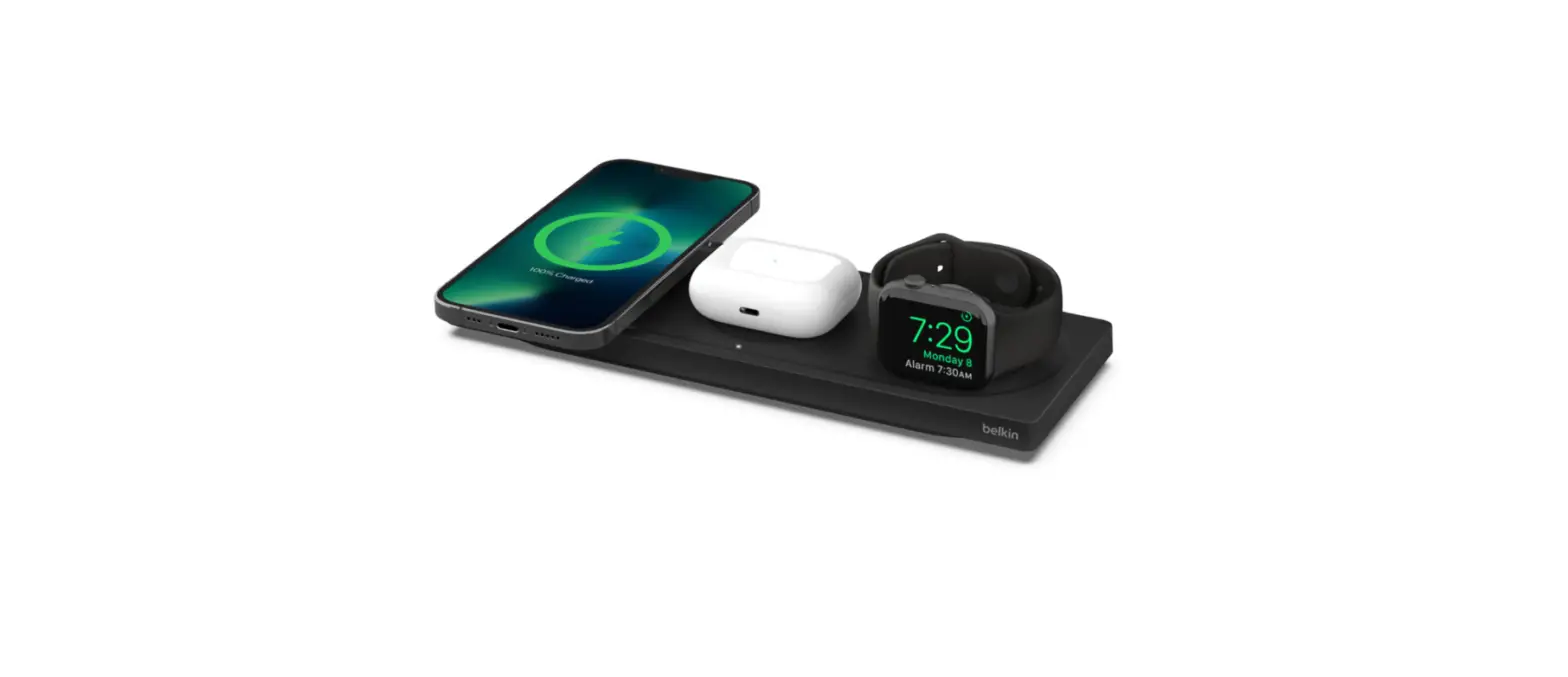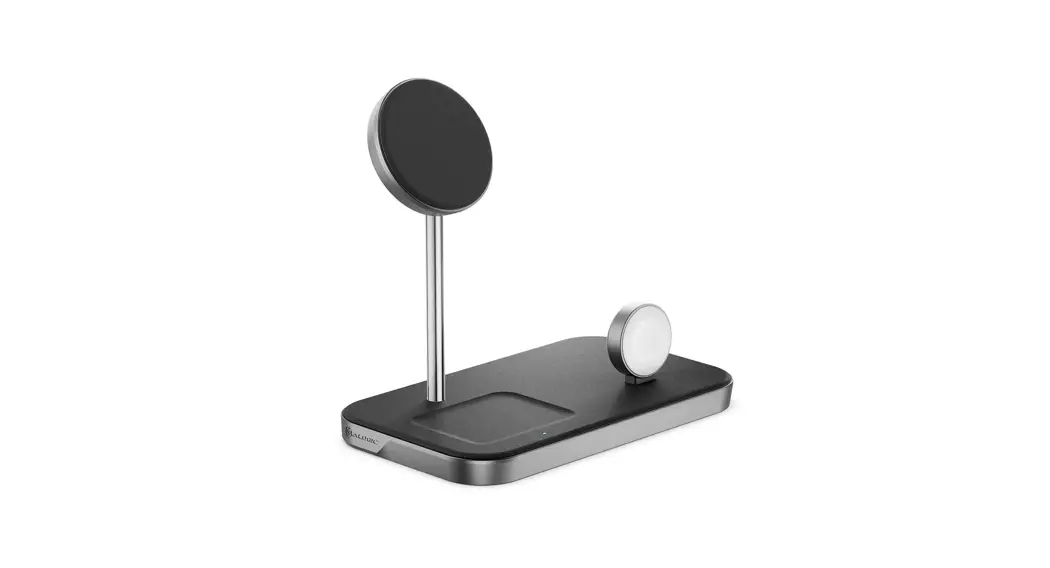
 555132 MagSpeed 3-In-1 Wireless 15W Charging Station
User Manual

 Package Contents
 Package Contents
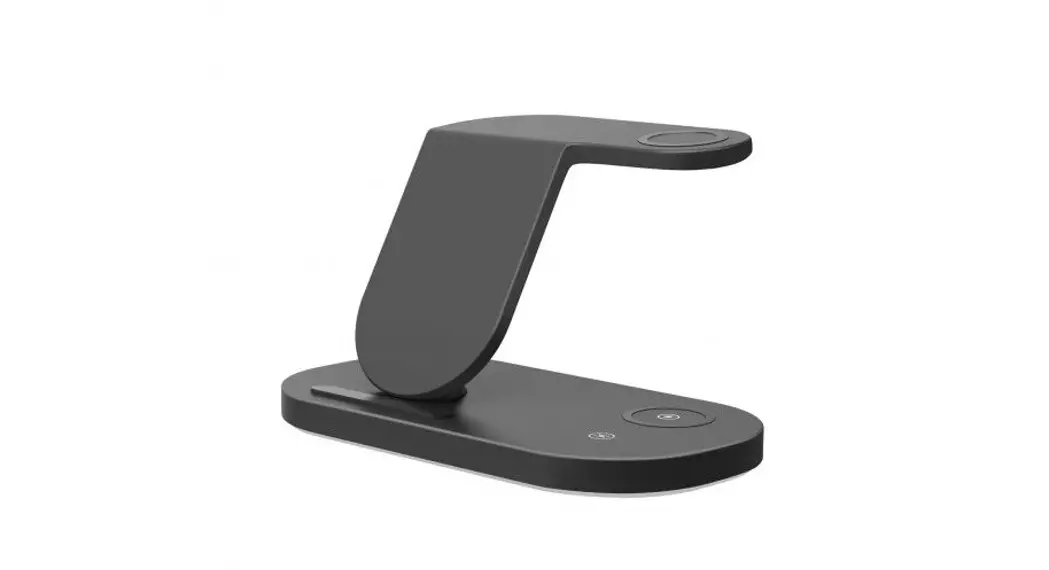
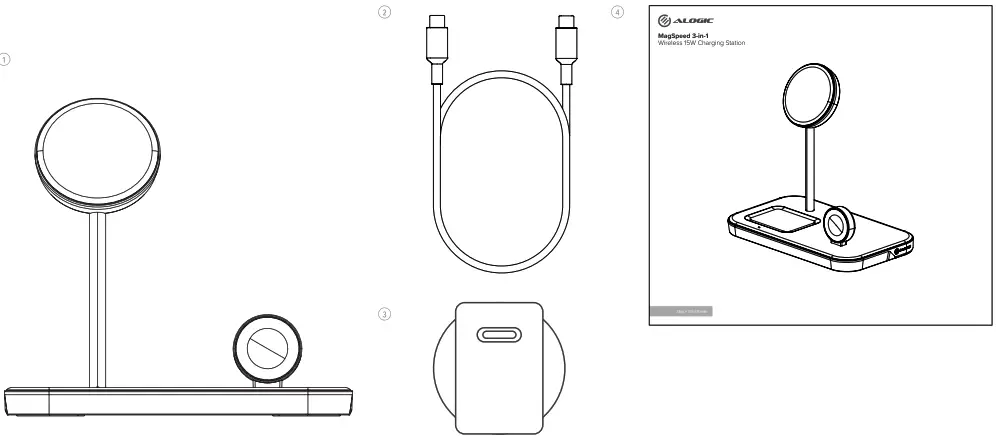
| 1 | MagSpeed 3-in-1 Wireless 15W Charging Station |
| 2 | USB-C to USB-C Cable (1m) |
| 3 | 20W Adapter |
| 4 | User Manual |

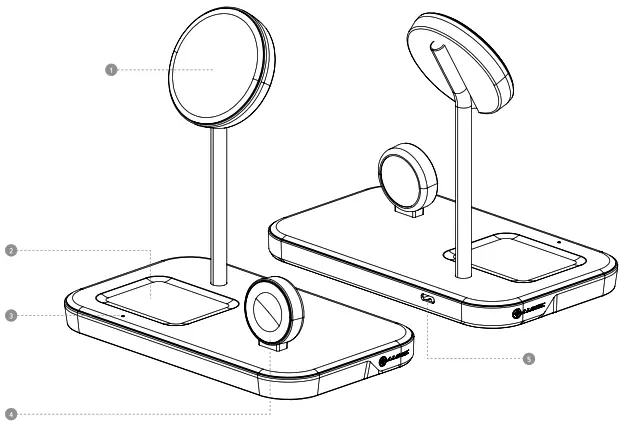
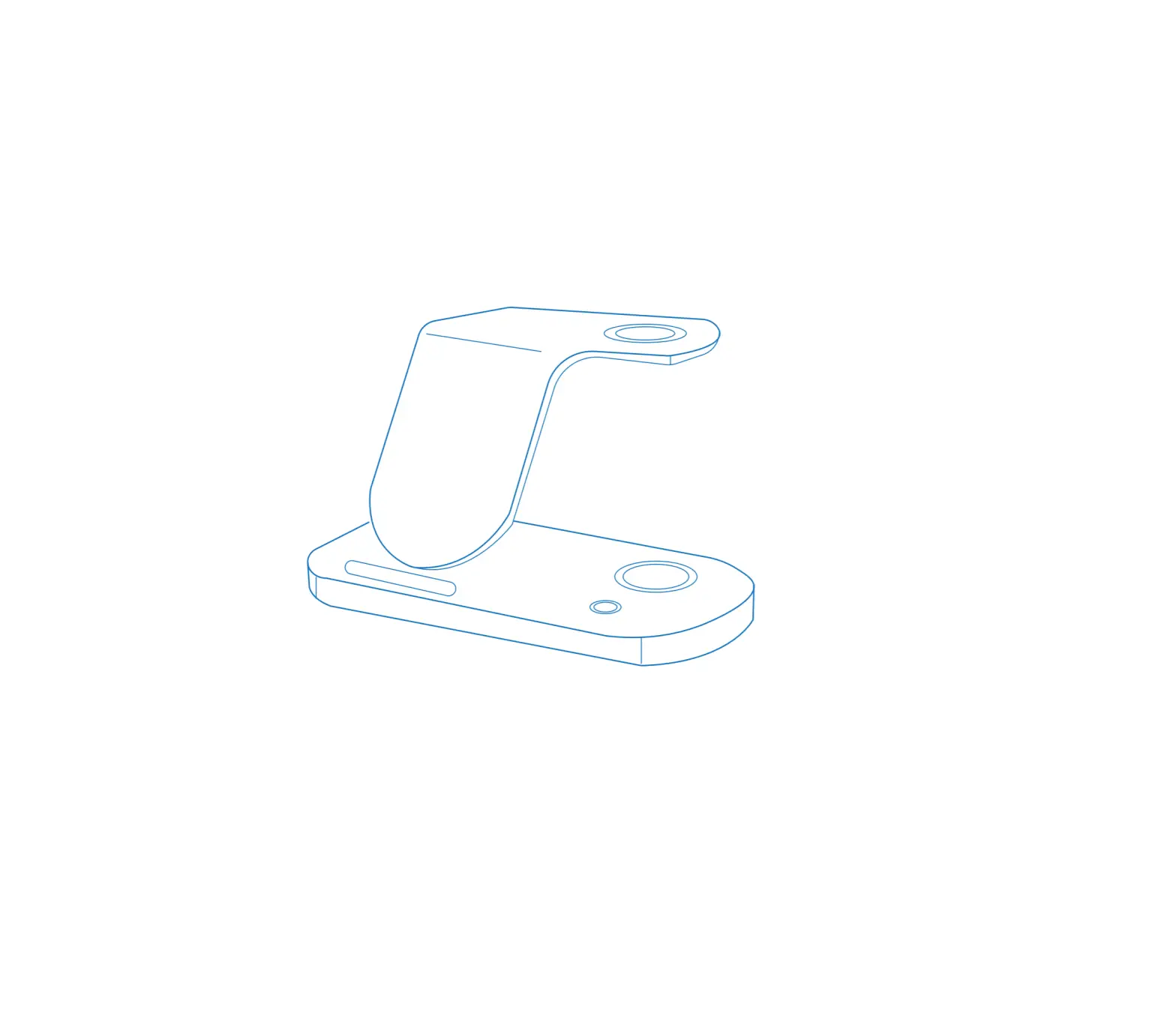
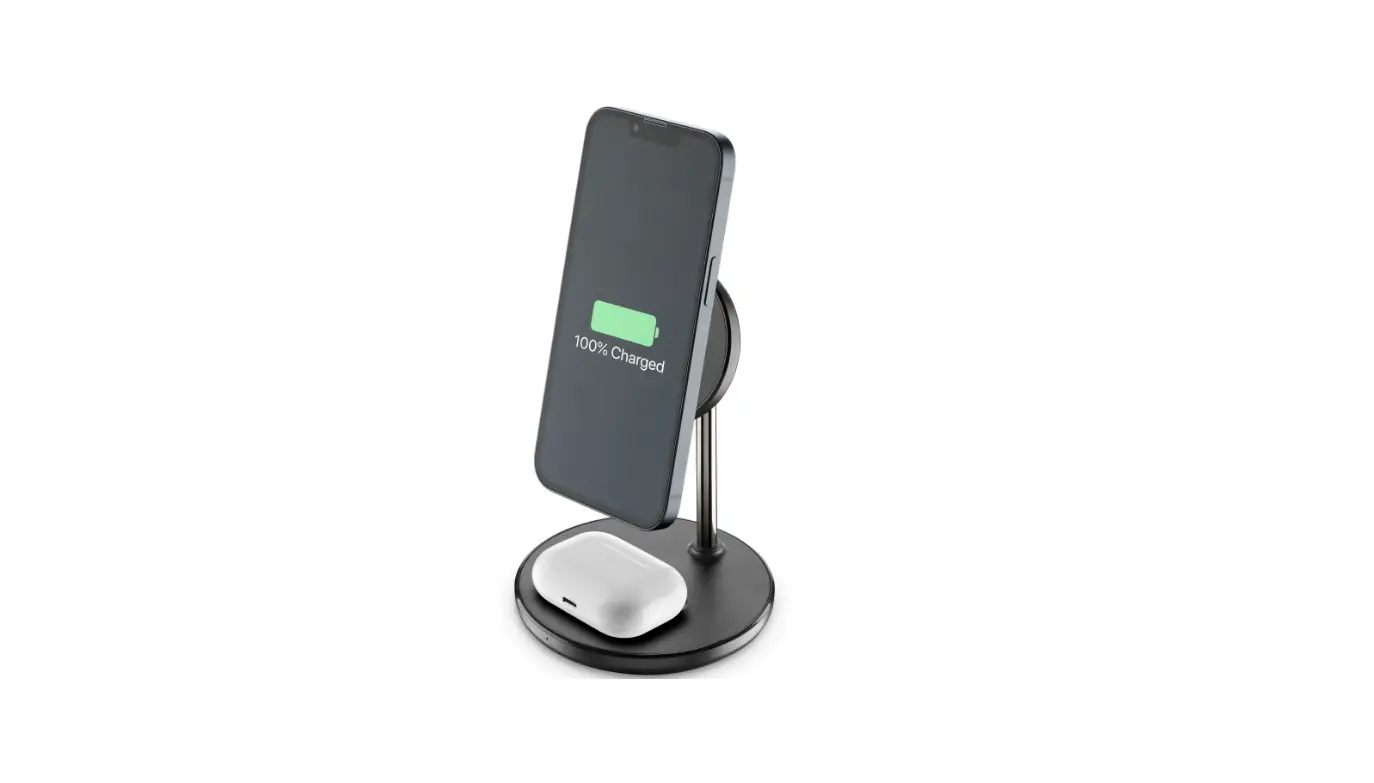
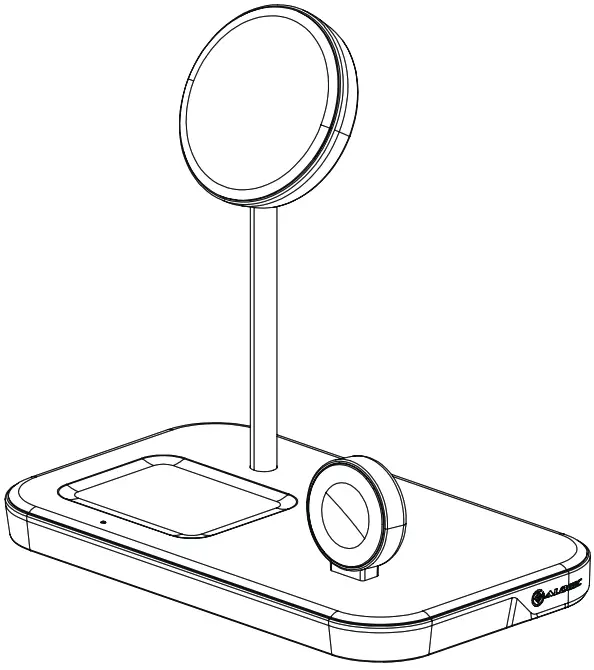
| 1 | MagSafe Compatible Wireless Charging Pad |
| 2 | Wireless charging pad |
| 3 | LED Indicator |
| 4 | Apple Watch Charger |
| 5 | USB-C Connector |

Charging MagSafe Compatible and wireless charging devices
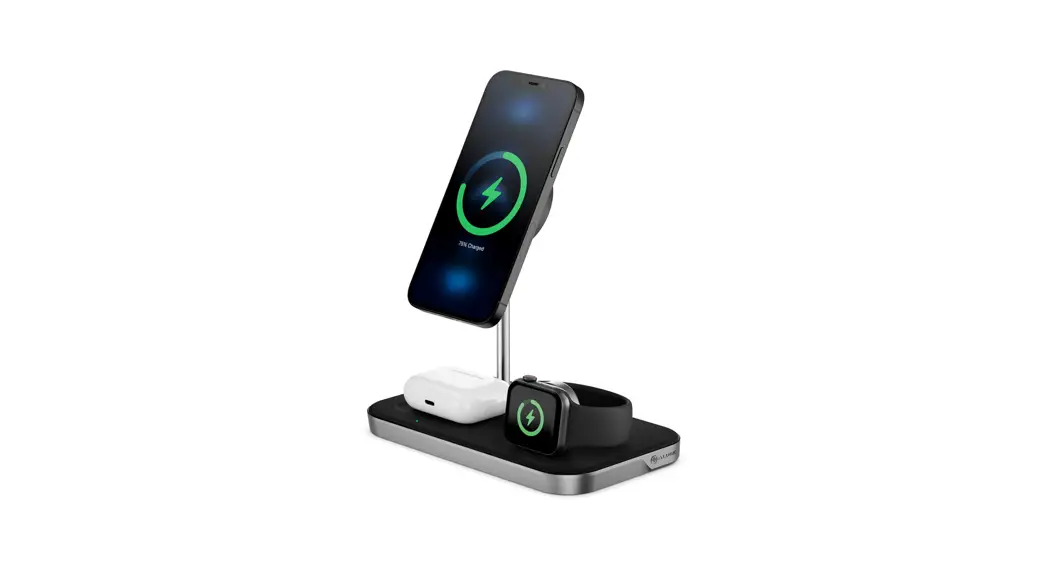
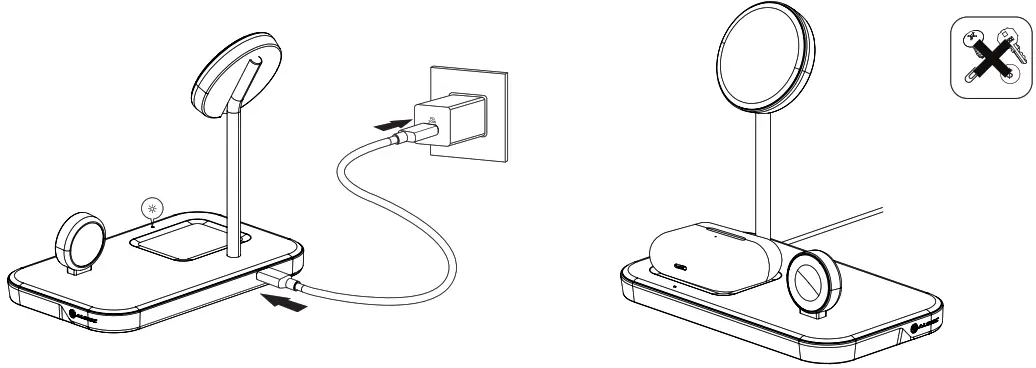
- Connect the available USB-C cable to the USB-C port 0 and connect the other end to a power source.
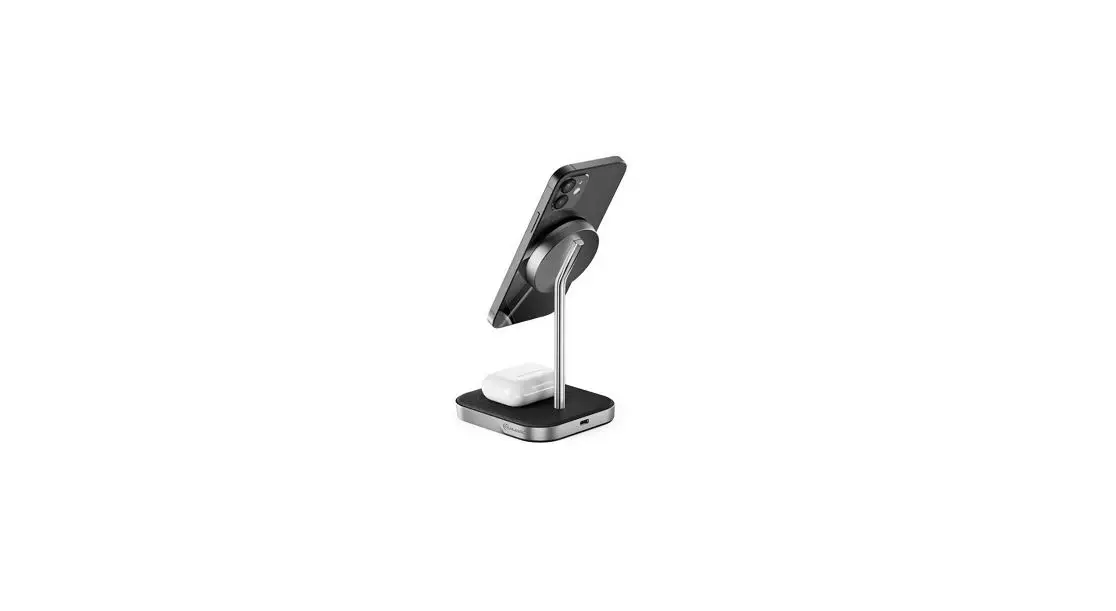
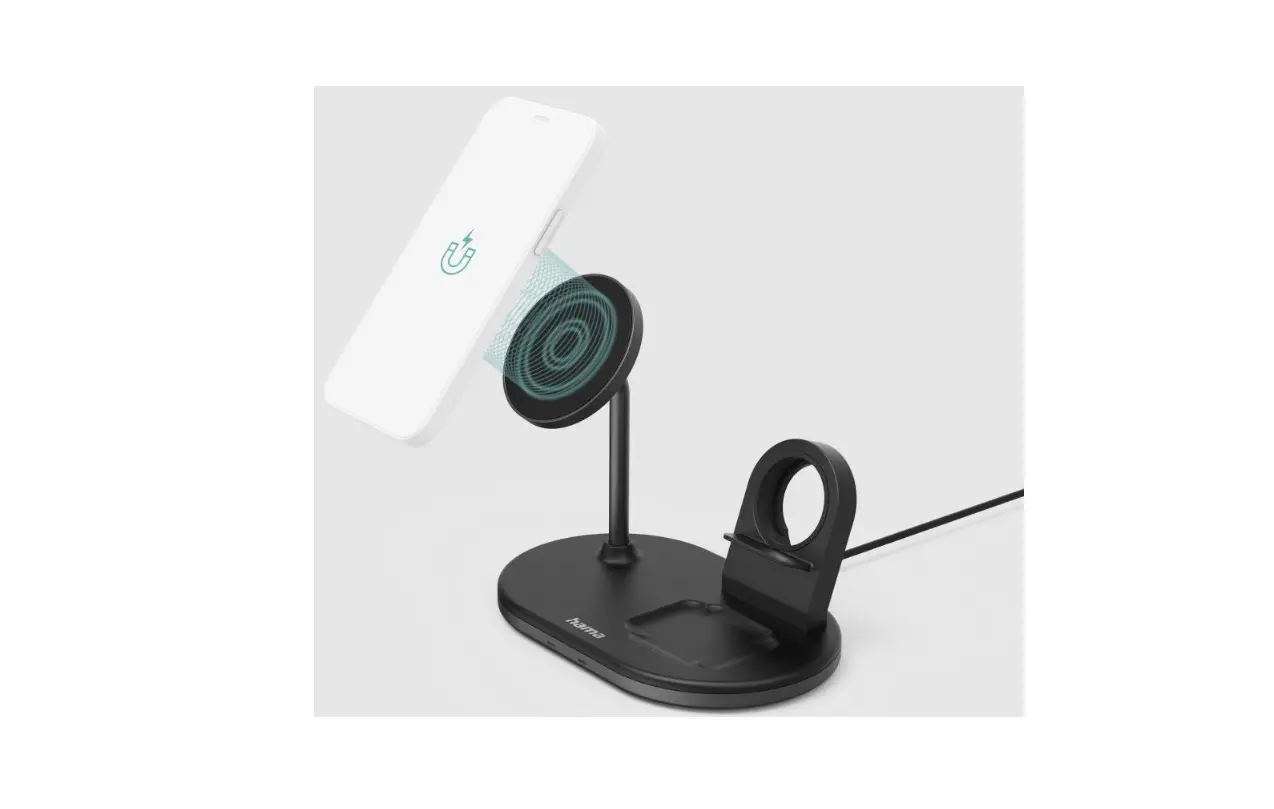
- Place your AirPods/Pro devices on the wireless charging pad on the base

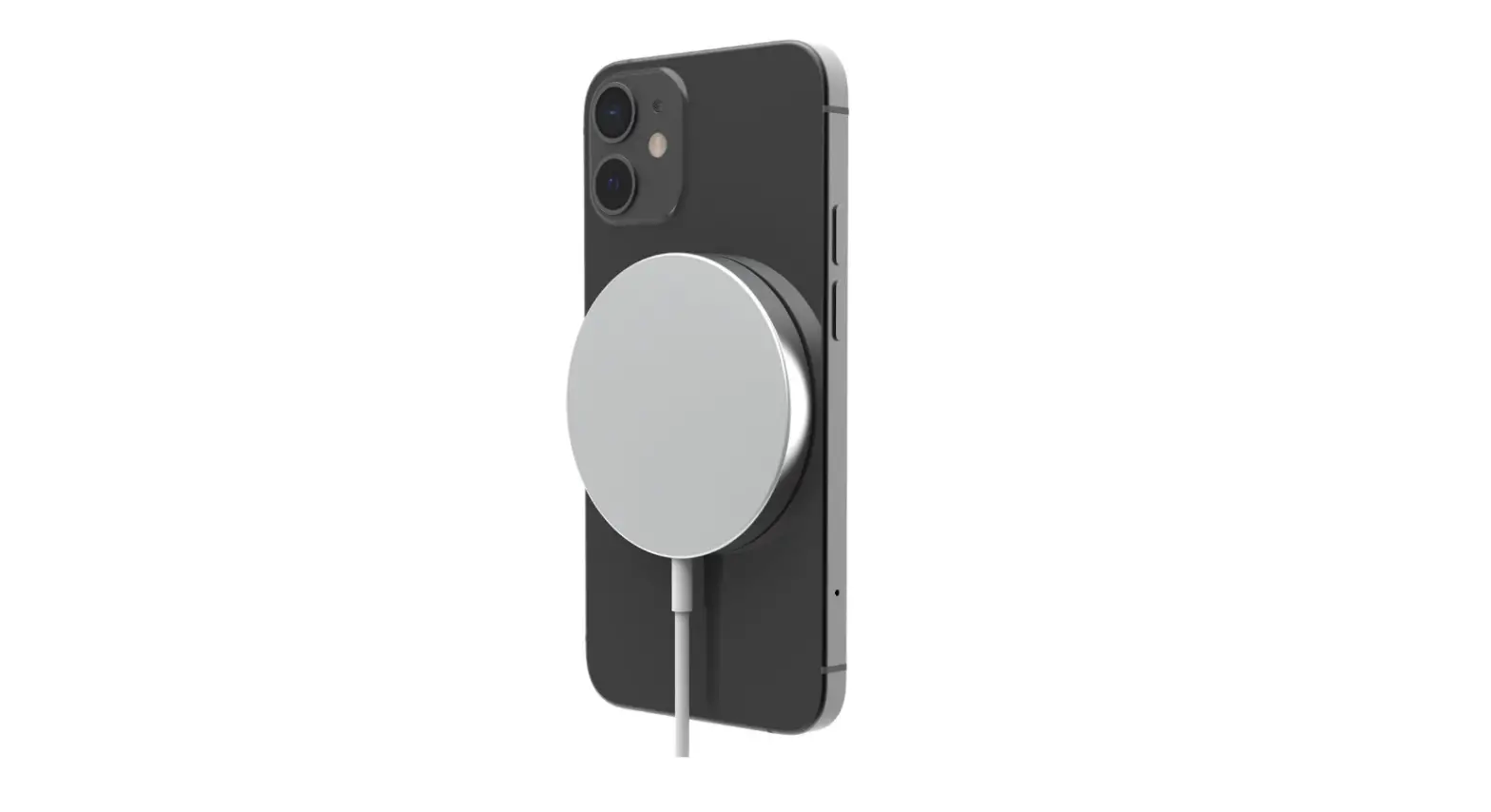
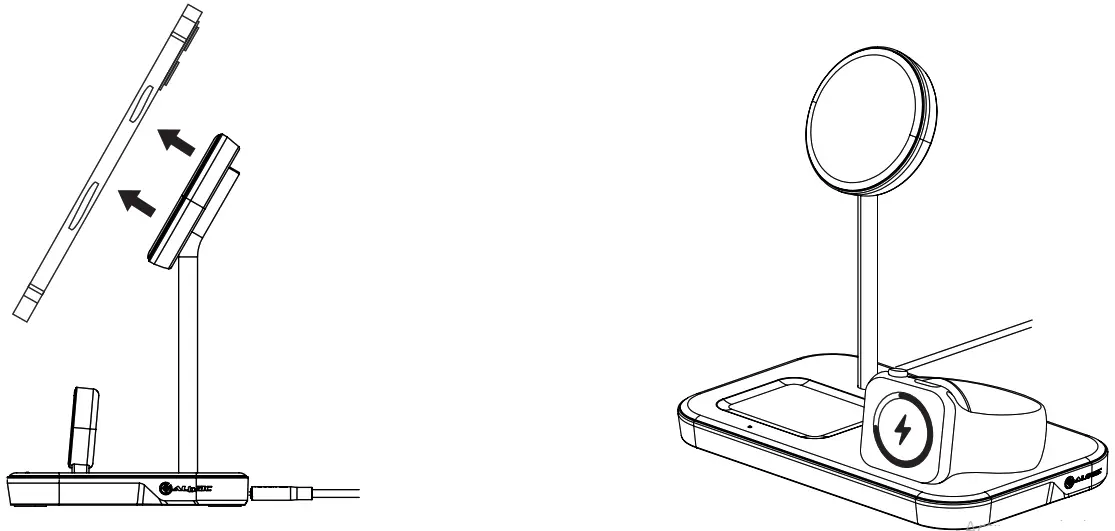
- Mount your MagSafe Compatible iPhone device by placing it on the center of the top charging pad 1 The integrated magnet will align itself to the phone once it has been attached to the MagSafe Wireless Charging base.
- Connect your Apple Watch to the watch charging module vertically aligned with the base
 Understanding the LED lights and their meanings
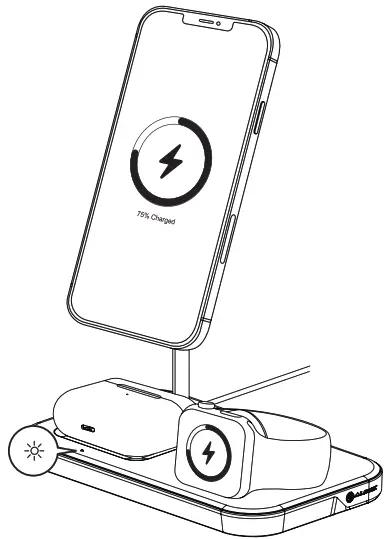
| Indication | Meaning |
| White breathing LED | The device is charging |
| Solid white LED | The device is fully charged or the charger is ready to be used |
| Flashing red LED | Charging halted due to the presence of a foreign metallic object |
 Troubleshooting
 Troubleshooting
| Symptom | Solution |
| The wireless device does not commence charging | • Move the device slightly on the charging surface. Align the center of the device roughly with the MagSafe outline. • Ensure that your device supports the MagSafe/Magnetic wireless charging standard |
| Wireless device stops charging before fully charged | • Ensure device is roughly aligned with the on the wireless charging pad. • Thick cases can interfere with wireless charging — if using a case try removing your device from the case while charging |
Warnings
- This device uses Inductive charging. Do not place metallic objects (aside from devices that support wireless charging) on top of the charging pad.
- Avoid placing phone cases that include metallic portions on the charger. In rare cases, it may not be possible to detect smaller metallic objects, such as foil logos on phone cases, and the charger may continue to operate. In these cases, the metallic object will heat up and may cause damage to the device being charged over time.
- This device is designed for indoor use only.
- Do not deliberately damage the device or expose it to damp direct sunlight or high-temperature conditions.
- It is normal for the device to be slightly warm to touch during operation. Provide adequate ventilation and do not cover the device while in operation.
- Disassembling or failing to properly use and care for your device will void the warranty on the product
- Do not use the product if it becomes damaged as this could pose a risk of causing damage to connected devices.
- ALOGIC bears no responsibility for damage to the device or incidental damages arising from improper use or lack of care. ALOGIC will not be held liable for the repair or replacement of the device or other damages in these circumstances.
Specifications
| Model | MSP31CS1SWAU |
| Dimensions | 92mm x 102mm x 172mm (L x W x H) |
| Weight | 438g |
| Material | ABS & Aluminium |
| Output | MagSafe Wireless Charging (15W Max) Wireless Charging (5W Max) Apple Watch Charger (5W Max) |
| Input | USB-C DC 9V/3A (Max), 12V/3A (Max) |
| Warranty | 2 Years |
| Working Frequency Bands (Wireless Charger) | Output 1: 114.40-205.12 kHz Output 2: 126.60-128.90 kHz Output 3: 325.28-327.68 kHz for EU compliance -11.66dBpA/m at 10m -10.55dBpA/m at 10m -17.85dBpA/m at 10m |
FCC Compliance Statement
This device complies with Part 15 of the FCC Rules. Operation is subject to the following two conditions:
- this device may not cause harmful interference, and
- this device must accept any interference received, including interference that may cause undesired operation.
Changes or modifications not expressly approved by the party responsible for compliance could void the user’s authority to operate the equipment.
This equipment has been tested and found to comply with the limits for a Class B digital device, pursuant to Part 15 of the FCC Rules. These limits are designed to provide reasonable protection against harmful interference in a residential installation. This equipment generates, uses, and can radiate radio frequency energy and, if not installed and used in accordance with the instructions, may cause harmful interference to radio communications. However, there is no guarantee that interference will not occur in a particular installation.
If this equipment does cause harmful interference to radio or television reception, which can be determined by turning the equipment of and on, the user is encouraged to try to correct the interference by one or more of the following measures:
- Reorient or relocate the receiving antenna.
- Increase the separation between the equipment and receiver.
- Connect the equipment into an outlet on a circuit different from that to which the receiver is connected.
- Consult the dealer or an experienced radio/TV technician for help.
This equipment complies with FCC radiation exposure limits set forth for an uncontrolled environment. This equipment should be installed and operated with a minimum distance of 20cm between the radiator and your body.
Responsible Party – U.S. Contact Information
ALOGIC USA LLC
3730 Parish Ave
Fremont CA 94536 USA
EU Declaration of Conformity
Hereby, ALOGIC Corporation declares that this product is in compliance with Directive 2014/53/EU. The full text of the EU declaration of conformity is available at the following internet address by clicking on the Compliance Documentation link at: www. a logic.co
Quick Start Guide