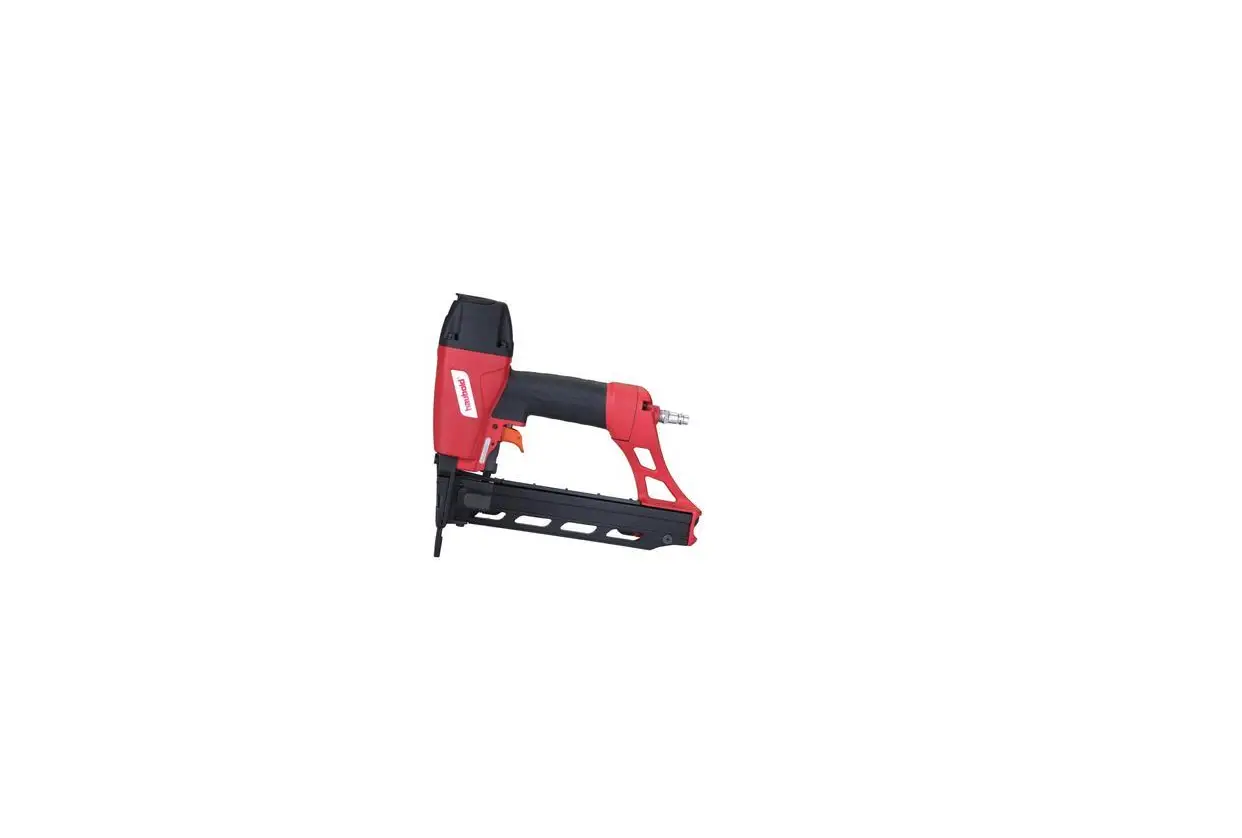
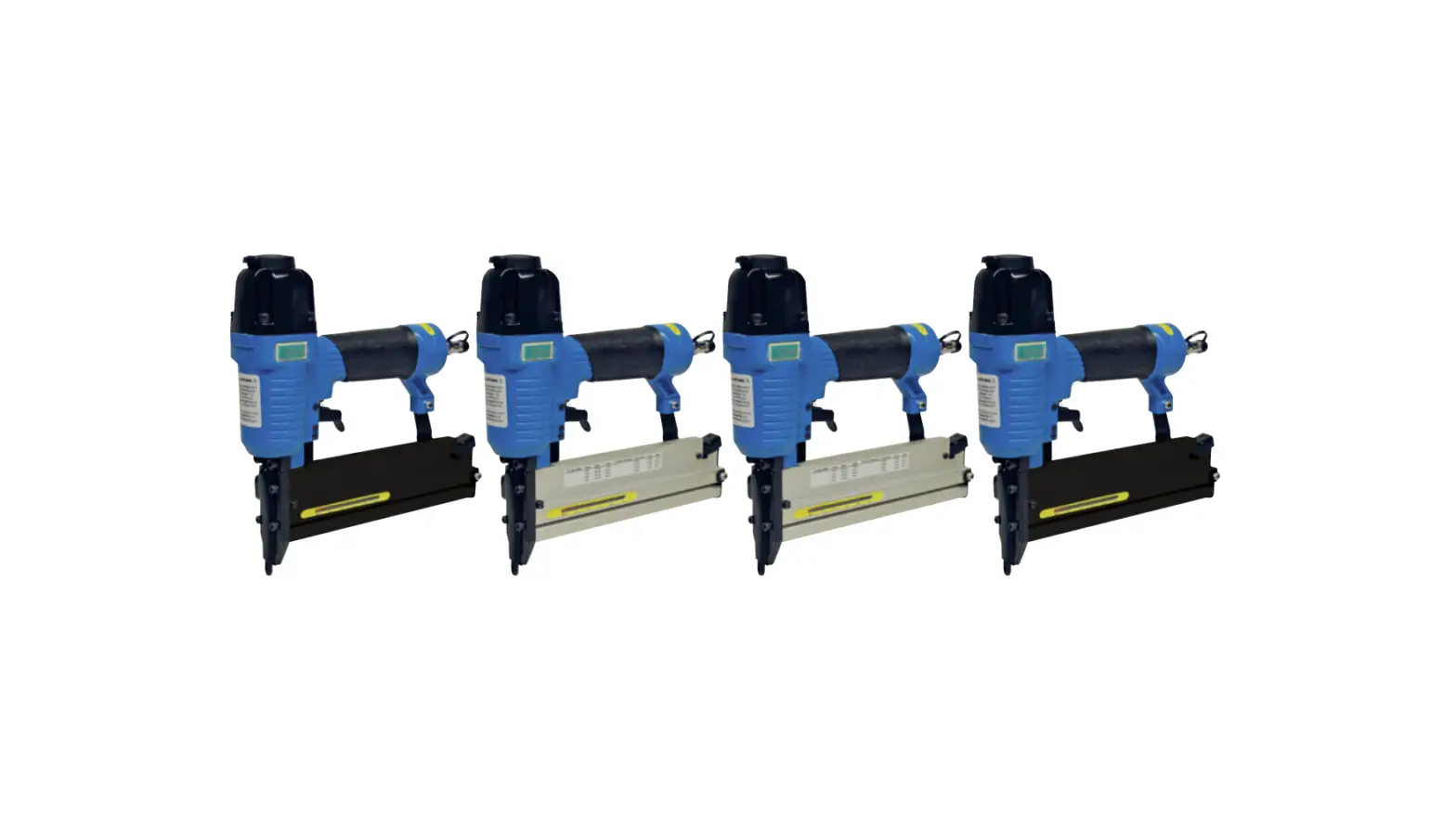
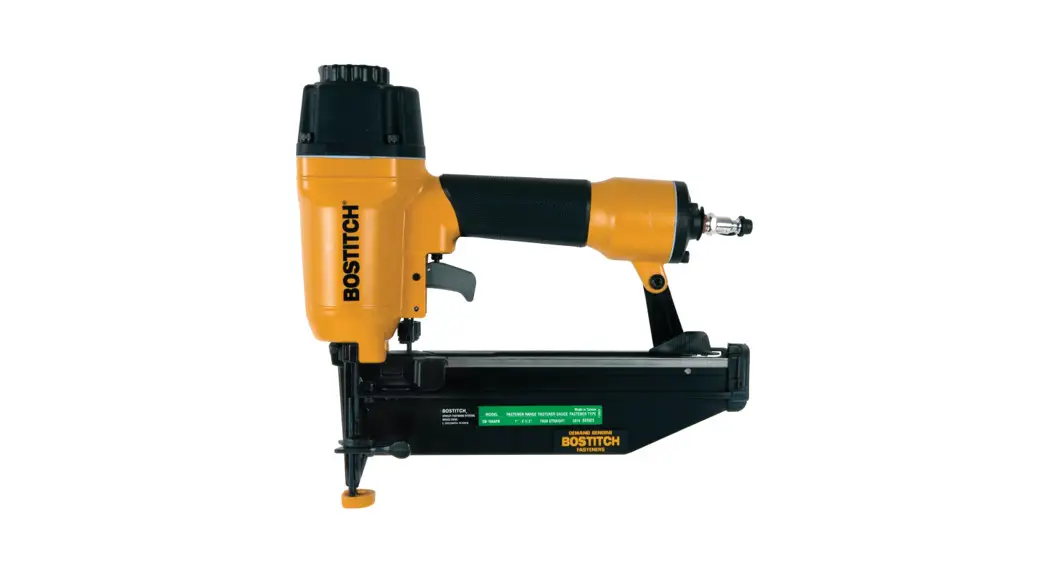
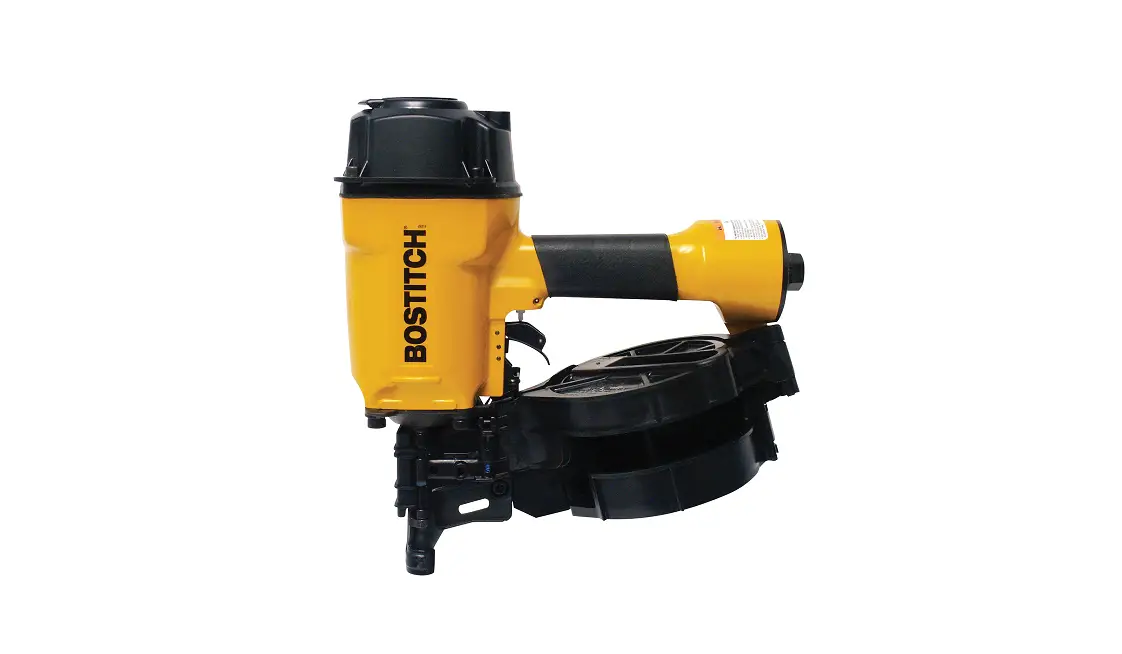
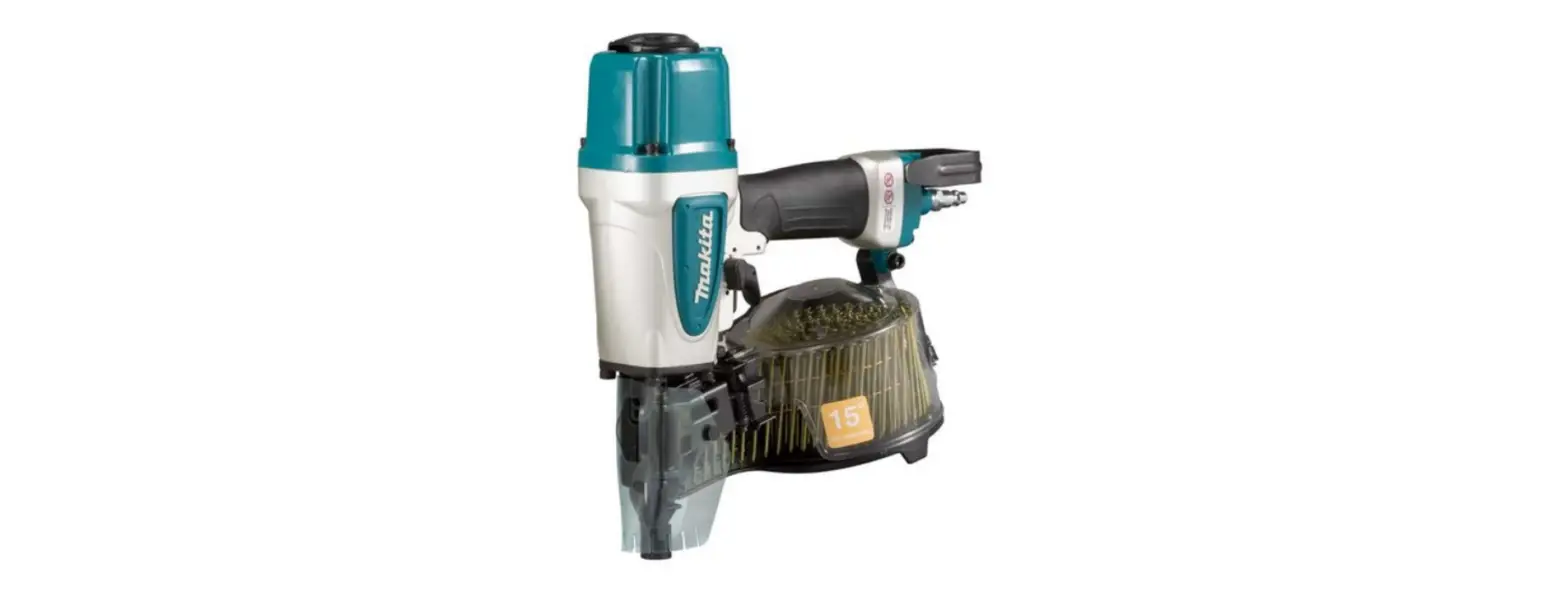
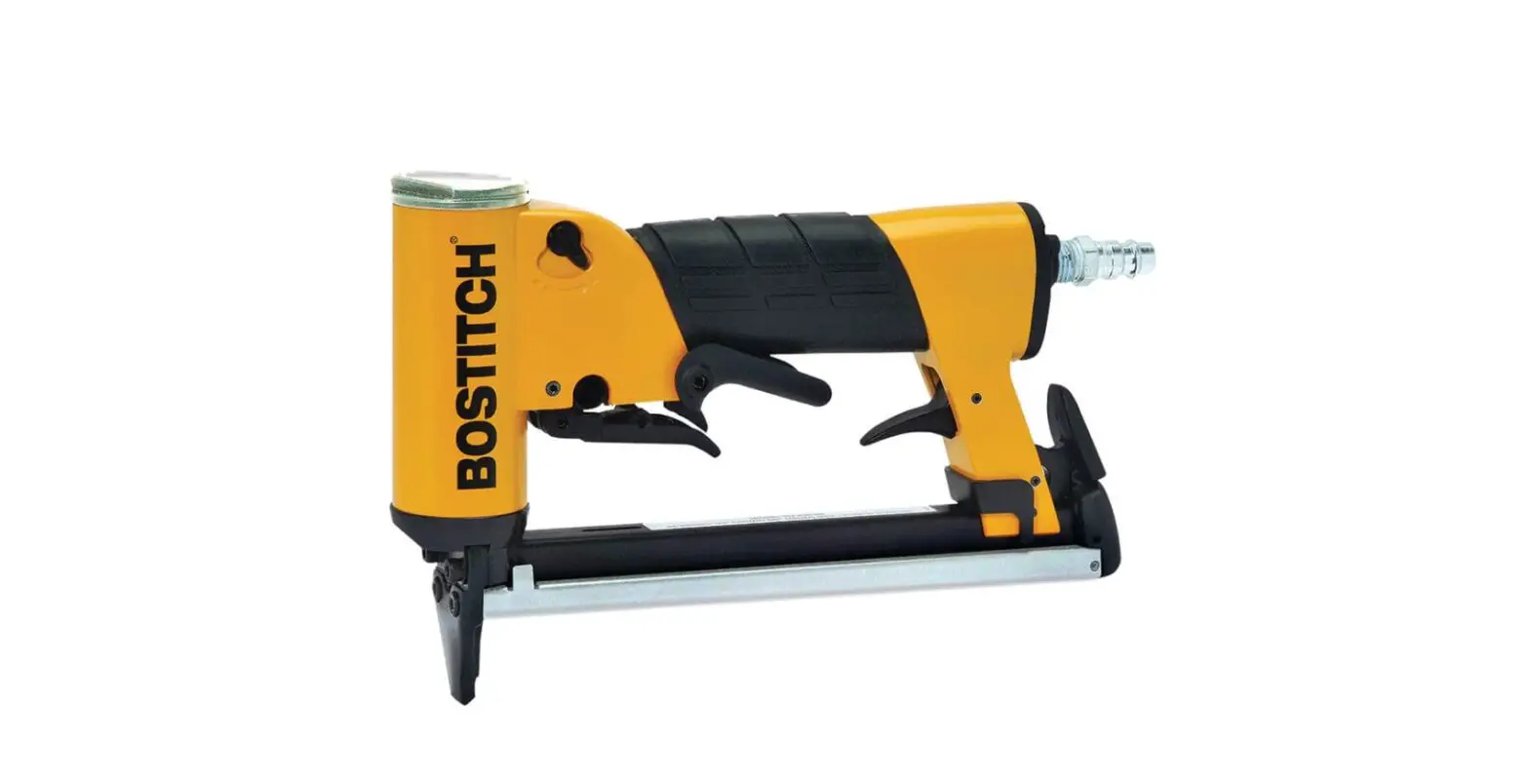
PN7965 Coil Nail Stapler
Product Information:
The Inliner DC PN765 and PN7965 are tools used for drive-in
procedures. They are equipped with safety devices and can be
operated manually or automatically. The tool has distance selectors
that allow you to choose between two pre-set distances (40mm, 60mm,
80mm, 120mm) using quick release levers. There are optical pressure
indicators to show which distance is set. The tool requires an air
supply for operation.
Product Usage Instructions:
Manual Mode:
- Ensure the “Manual” mode is selected using the switch (5).
- Connect the air supply.
- Place the unit on a wall element or similar surface.
- Activate the Work Piece Contact (1).
- Press the safety button (2).
- Activate the corresponding trigger (3).
- The drive-in process should occur.
Automatic Mode:
- Ensure the “Auto” mode is selected using the switch (5).
- Connect the air supply.
- Place the unit on a wall element or similar surface.
- Activate the Work Piece Contact (1).
- Press the safety button (2).
- Activate the corresponding trigger (3).
- Push or pull the Inliner DC to trigger the drive-in procedure
when reaching the set distance. - Note: Misfires may occur if the maximum sliding speed is
exceeded.
Please refer to the relevant safety instructions and operating
manual for complete information on using the Inliner DC tool.
Ensure to read and understand all relevant documents before using
the unit.
Inliner DC PN765 PN7965
No. 014748 + No. 576118
Sic he rhe itshinwe ise : Die Be die nung sa nle itung se tzt sic h a us de r G e rä te spe zifisc he n Be die nung sa nle itung und de r Be trie b sa nle itung Inline r DC zusa m m e n (und g g f. de m ,,G e ne ra l Sa fe ty O pe ra ting Ma nua l”).
Le se n Sie unb e ding t a lle Do kum e nte so rg fä ltig b e vo r Sie da s G e rä t b e tre ib e n, und b e a c hte n Sie e insc hlä g ig e Sic he rhe itsvo rsc hrifte n.
Sa fe ty instruc tio ns: The o pe ra ting instruc tio n c o nta ins the :
– o pe ra ting instruc tio n Inline r DC – to o l- spe c ific o pe ra ting instruc tio ns – a nd, if a pplic a b le , the “G e ne ra l Sa fe ty O pe ra ting Ma nua l”
Re a d a nd unde rsta nd the re le va nt do c um e nts c a re fully b e fo re using the unit, a nd c o nside r the re le va nt sa fe ty instruc tio ns.
!! Ac htung !! Die Auslö se sic he rung m uss je de rze it e inwa ndfre i le ic htg ä ng ig funktio nie re n! Da s Fixie re n je g lic he r Art ist ve rb o te n!
!! C a utio n !! The wo rk pie c e c o nta c t m ust a lwa ys wo rk sm o o th! Any kind o f fixing is fo rb idde n!
2
Sic he rhe itse inric htung e n / Sa fe ty de vic e s
1: Auslösesicherung / Work Piece Contact 2: Sicherungsknopf / Safety Button 3: Auslösehebel / Trigger
2
3 3
1
3
Be die ne le m e nte / O p e ra ting d e vic e
1: Umschalter / Switch: Manuell – Automatik 2: Umschalter / Switch: eng (narrow) / weit (far)
2 1
3: Abstandswahl / Distance selector : ,,eng” (narrow) 4: Abstandswahl / Distance selector : ,,weit” (far)
4 3
4
Be trie b
Vor dem Betrieb können zwei von vier Abständen(40[mm]; 60[mm]; 80[mm]; 120[mm]) mit Hilfe der Schnellspannhebel (8)u.(9) voreingestellt werden. Mit der Umschalttaste (6) kann dann zwischen diesen beiden Abständen umgeschaltet werden. Zusätzlich verfügt der Inliner DC über zwei optische Druckanzeigen(7) mit deren Hilfe man erkennen kann welcher Abstand (eng oder weit) gerade eingestellt ist. Der Inliner DC kann manuell oder automatisch betrieben werden. Mithilfe der Umschalttaste (5) kann zwischen den beiden Betriebsarten umgeschaltet werden
6 5
7 9 8
Mo de s
Before operation, two of four distances (40 [mm], 60 [mm], 80 [mm], 120 [mm]) can be pre-set by using the quick release levers (8) and (9). Use the switch (6) to choose between these two distances. In addition, the Inliner DC has two optical pressure indicator (7) to show which distance (narrow or wide) is set. The Inliner DC can be operated manually or automatically. Use the switch (5) to choose between the two modes.
5
Tie fe nve rste llung
Um die Eintreibtiefe an das Verarbeitungsmaterial anzupassen, gibt es die Möglichkeit der Tiefenverstellung. Durch Einlegen oder Entfernen der Abstandsbleche (20) kann die Eintreibtiefe stufenweise um je 1mm verstellt werden. Dazu müssen die Befestigungsschrauben (16) gelöst und das Abstandsblech (20) zwischen der Geräteaufnahme (17) und dem Inliner DC (19) geschoben oder entfernt werden. Bitte die Einbaurichtung beachten (siehe Foto). Danach die Schrauben wieder fest anziehen. Je nach Gerätetyp sind 2-3 Abstandsbleche im Lieferumfang enthalten. Das Abstandsblech hat eine Dicke von 1mm d.h. pro montiertes/demontiertes Abstandsblech wird das Gerät bzw. die Mündung um 1mm angehoben oder gesenkt.
De pth a djustm e nt
To adjust the depth of drive, there is the possibility of depth adjustment. By inserting or removing the spacer plates (20), the drive depth can be adjusted step by step by 1mm. For adjustment, unscrew the mounting screws (16) and add or remove an spacer (20) between the tool fixation (17) and the Inliner DC (19). Please consider the installation direction (see picture). Then tighten the screws. Depending on the tool type, 2-3 spacing plates are included in the delivery. The spacer has a thickness of 1 mm. For each mounted / disassembled spacer, the device or mouth is raised or lowered by 1mm.
6
16
17
20 19
Ma nue lle s Auslö se n
Zum Auslösen des Gerätes im ,,Manuell” Modus müssen folgende Bedingun-
gen erfüllt sein:
1.
Der ,,Manuell” Modus muss eingestellt sein
2.
Das Gerät steht auf einem Wandelement (oder ähnlich) und die
Auslösesicherung (1) ist betätigt
3.
Luftversorgung ist angeschlossen
4.
Ein Sicherungsknopf (2) ist betätigt
5.
Der dazugehörende Auslösehebel (3) ist betätigt
6.
Ein Eintreibvorgang wird ausgelöst
2
3
Auto m a tisc he s Auslö se n
1
Zum Auslösen des Gerätes im ,,Automatik” Modus müssen folgende Bedingun-
gen erfüllt sein:
1.
Der ,,Automatik” Modus muss eingestellt sein
2.
Das Gerät steht auf einem Wandelement (oder ähnlich) und die
Auslösesicherung (1) ist betätigt
3.
Luftversorgung ist angeschlossen
4.
Ein Sicherungsknopf (2) ist betätigt
5.
Der dazugehörende Auslösehebel (3) ist betätigt
6.
Durch Schieben / Ziehen des Inliner DC wird beim Betätigen/Erreichen
des eingestellten Abstands ein Eintreibvorgang ausgelöst.
7.
Wird die maximale Schiebegeschwindigkeit überschritten kann es zu
Aussetzern kommen.
7
Ma nua l re le a se
To release the tool in “Manual” mode, the following conditions must be
fulfilled:
1.
The “Manual” mode must be set
2.
The unit is placed on a wall element (or similar) and the Work Piece
Contact (1) is activated
3.
Air supply is connected
4.
Press the safety button (2)
5.
The corresponding trigger (3) is actuated
6.
A drive-in process should happen
2
3
Auto m a tic re le a se
1
To release the tool in the “automatic” mode, the following conditions must be
fulfilled:
1.
The “Auto” mode must be set
2.
The unit is placed on a wall element (or similar) and the Work Piece
Contact (1) is activated
3.
Air supply is connected
4.
Press the safety button (2)
5.
The corresponding trigger (3) is actuated
6.
Pushing / pulling the Inliner DC causes a drive-in procedure to be
triggered when pressing / reaching the set distance.
7.
If the maximum sliding speed is exceeded, misfires may occur.
8
G e rä te type n / To o l type s
Inline r DC PN765 – 650410
Inline r DC PN7965 – 650411
9
Mo nta g e o ptio ne n für Ve rlä ng e rung Art.Nr.:576836 Asse m b ling – O ptio ns – Exte nsio n576836
Griff und Verlängerung in zwei Positionen schwenkbar Handle and Extension rotatable in two positions
27
Verlängerung einseitig montiert Extension on one side
Verlängerung beidseitig montiert Extension on two sides
28