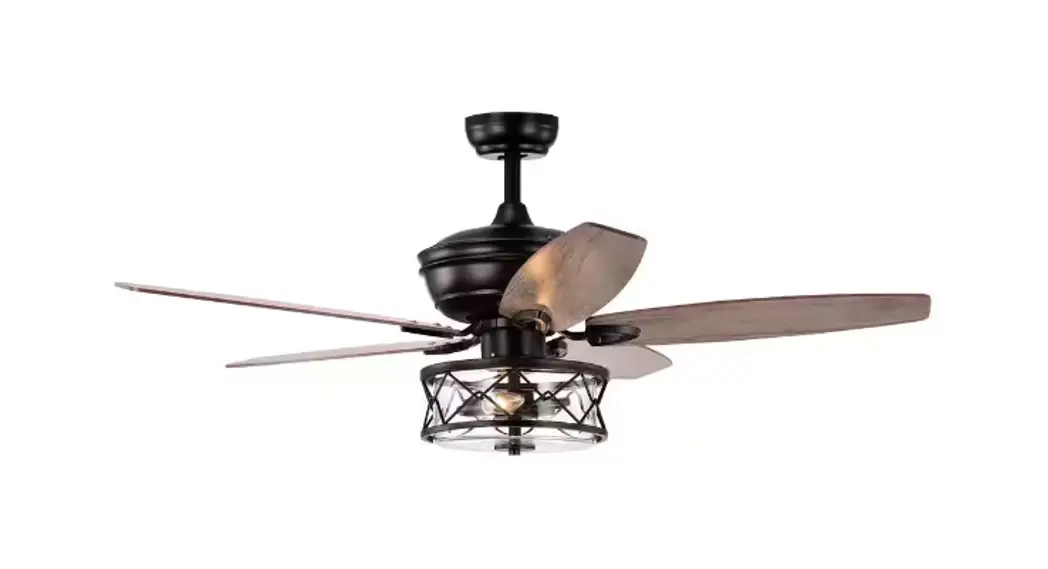
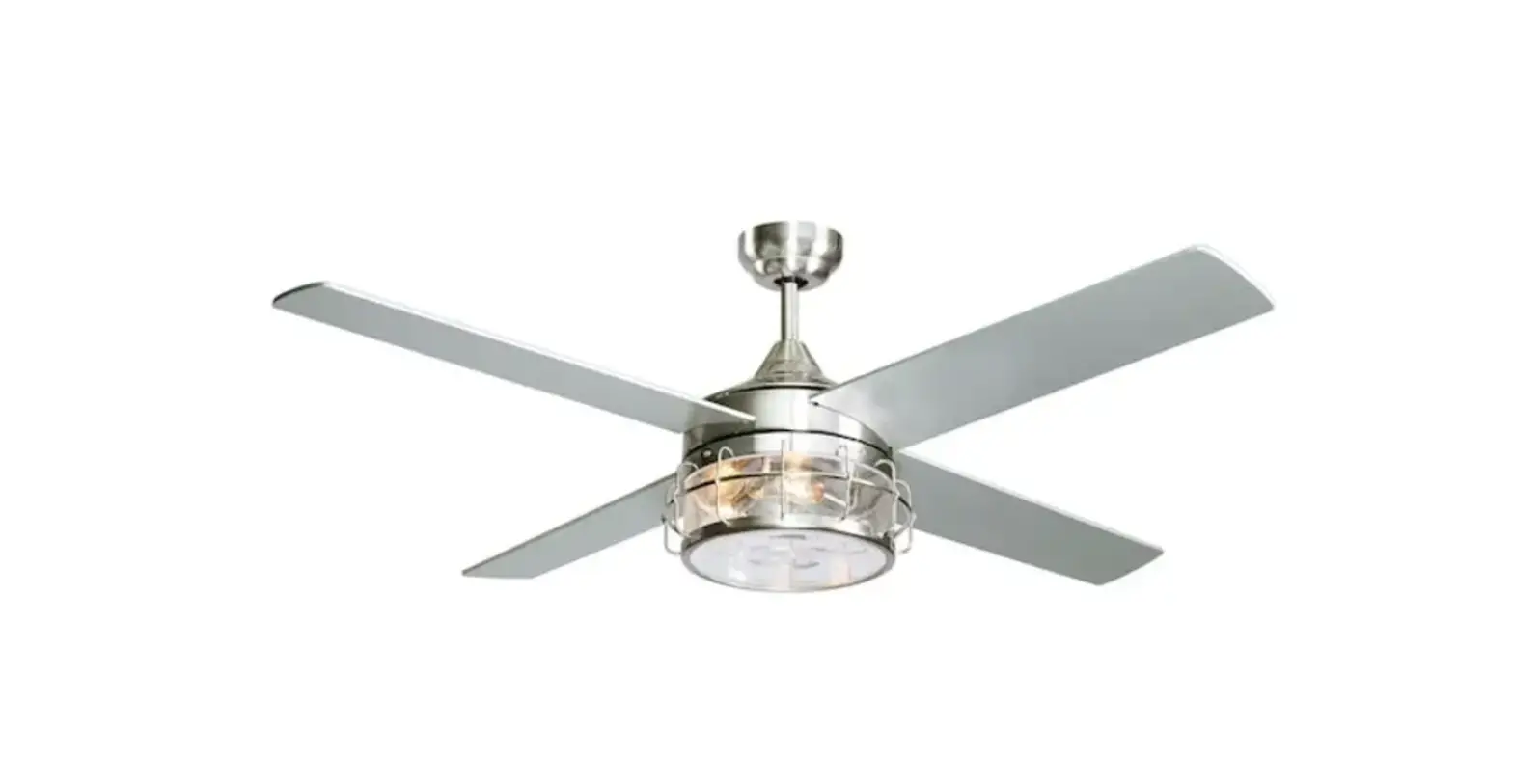
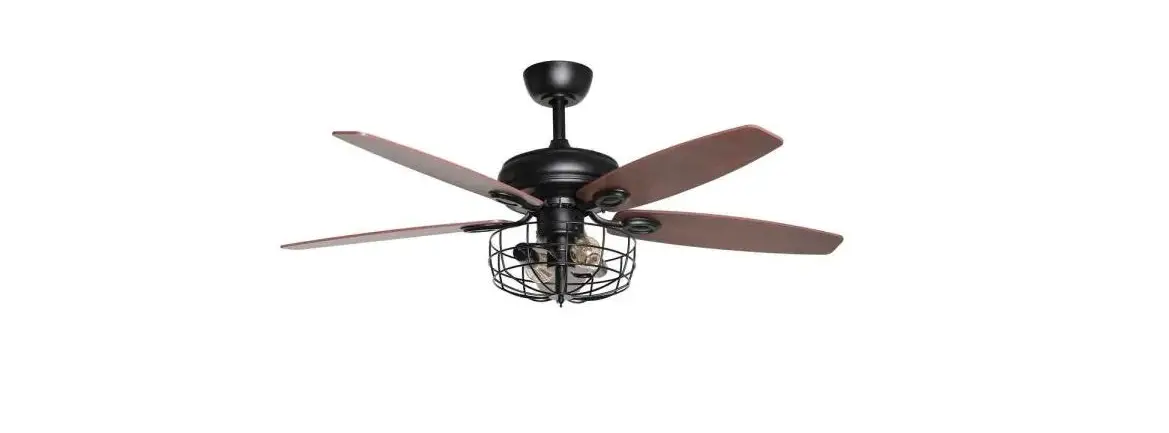
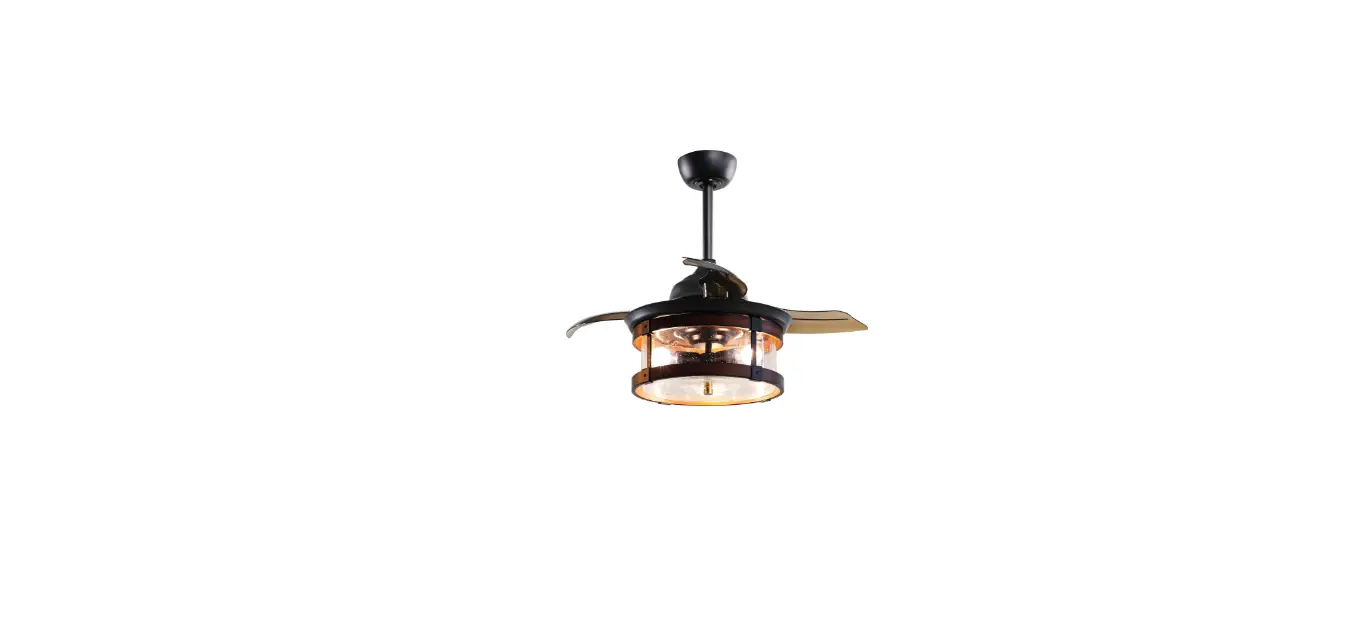
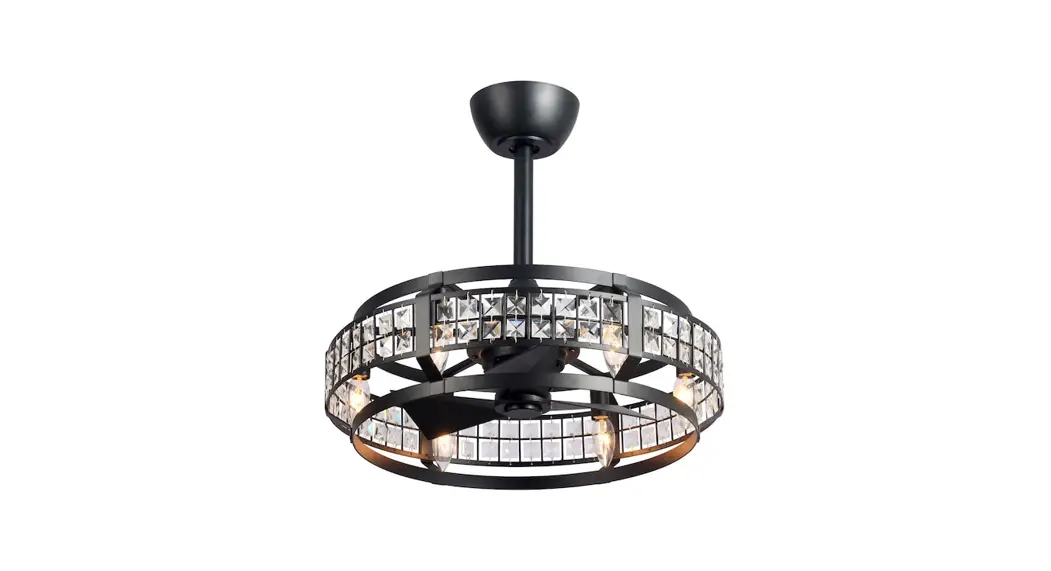
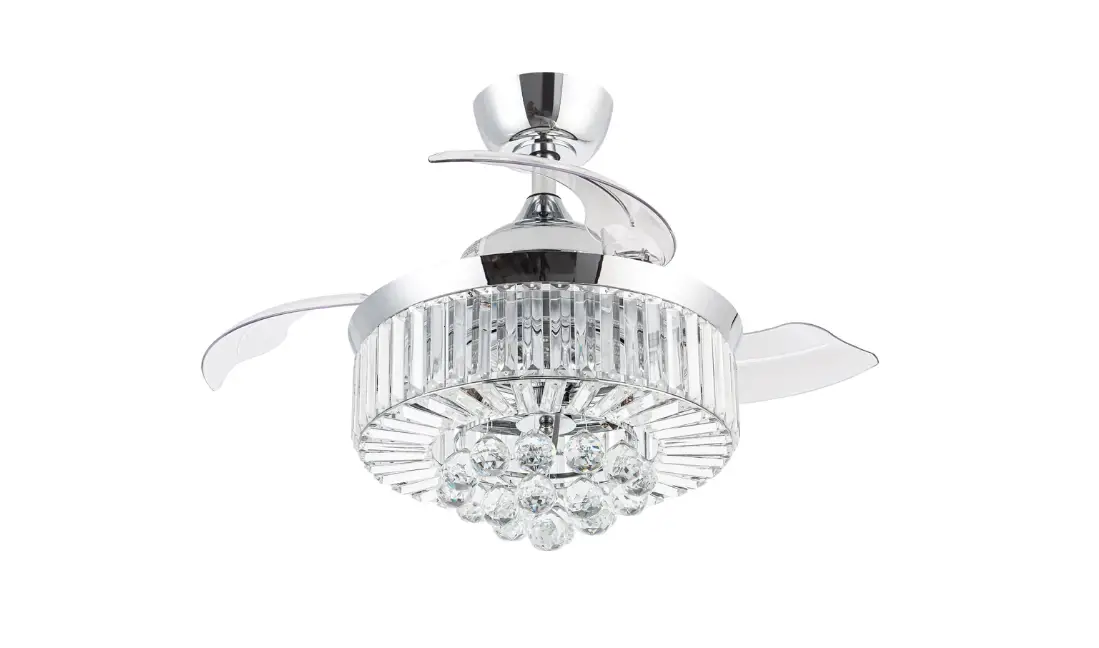
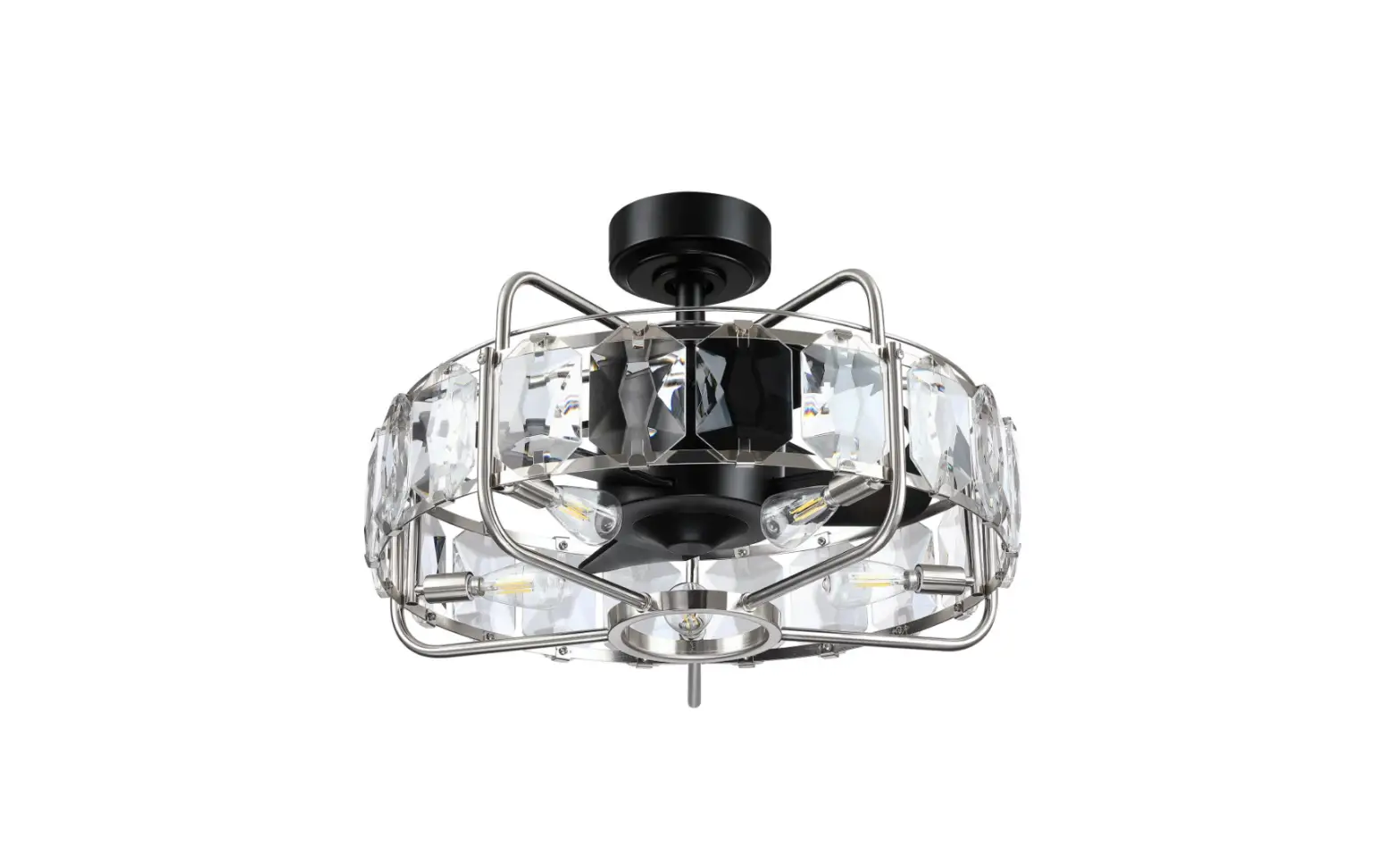
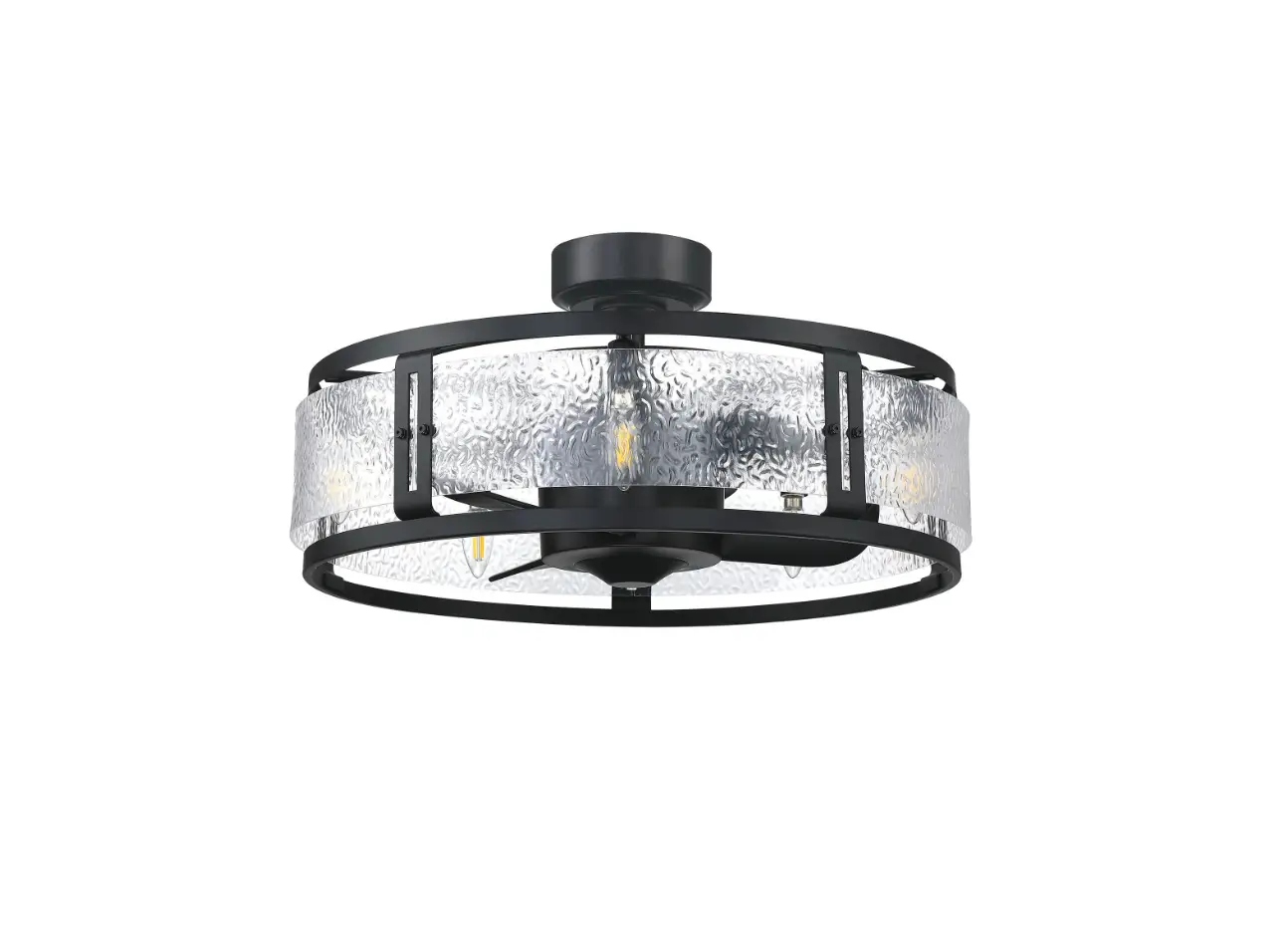
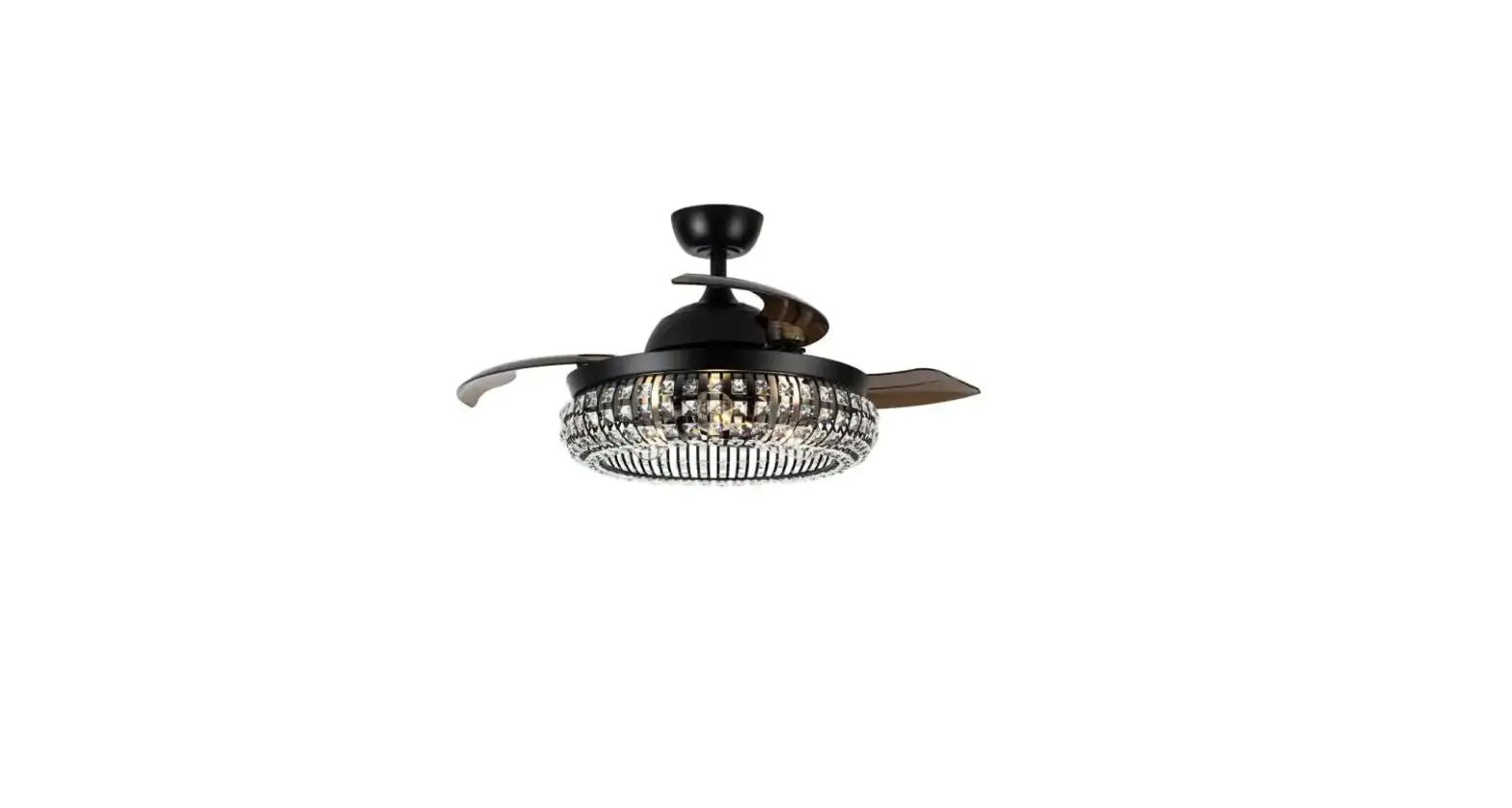
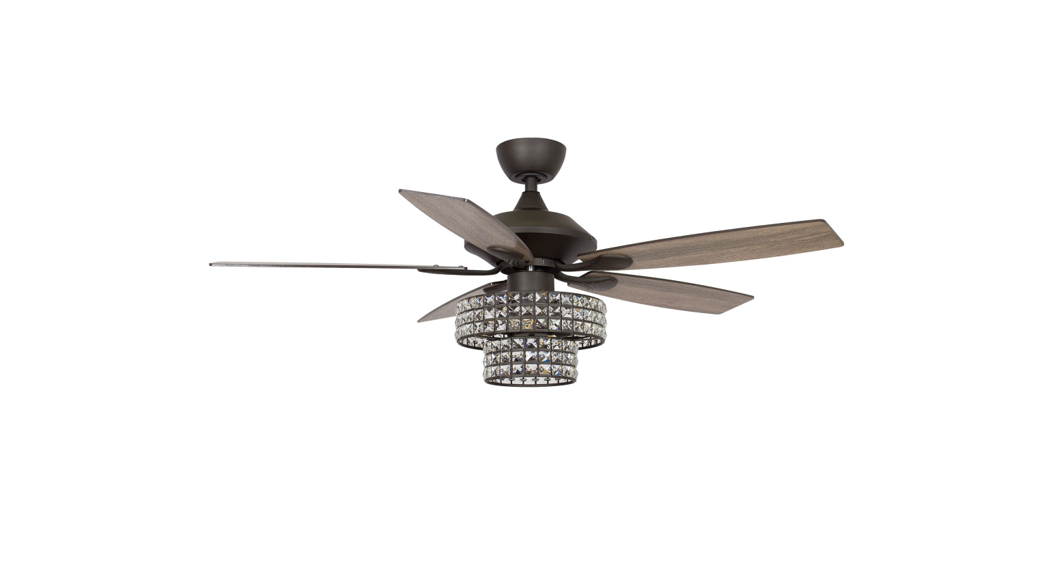
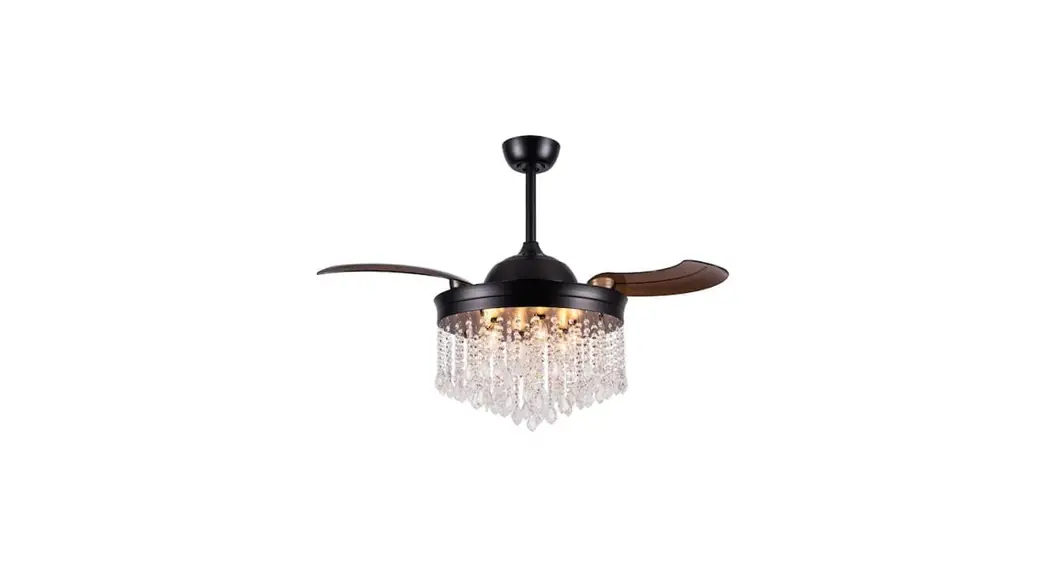
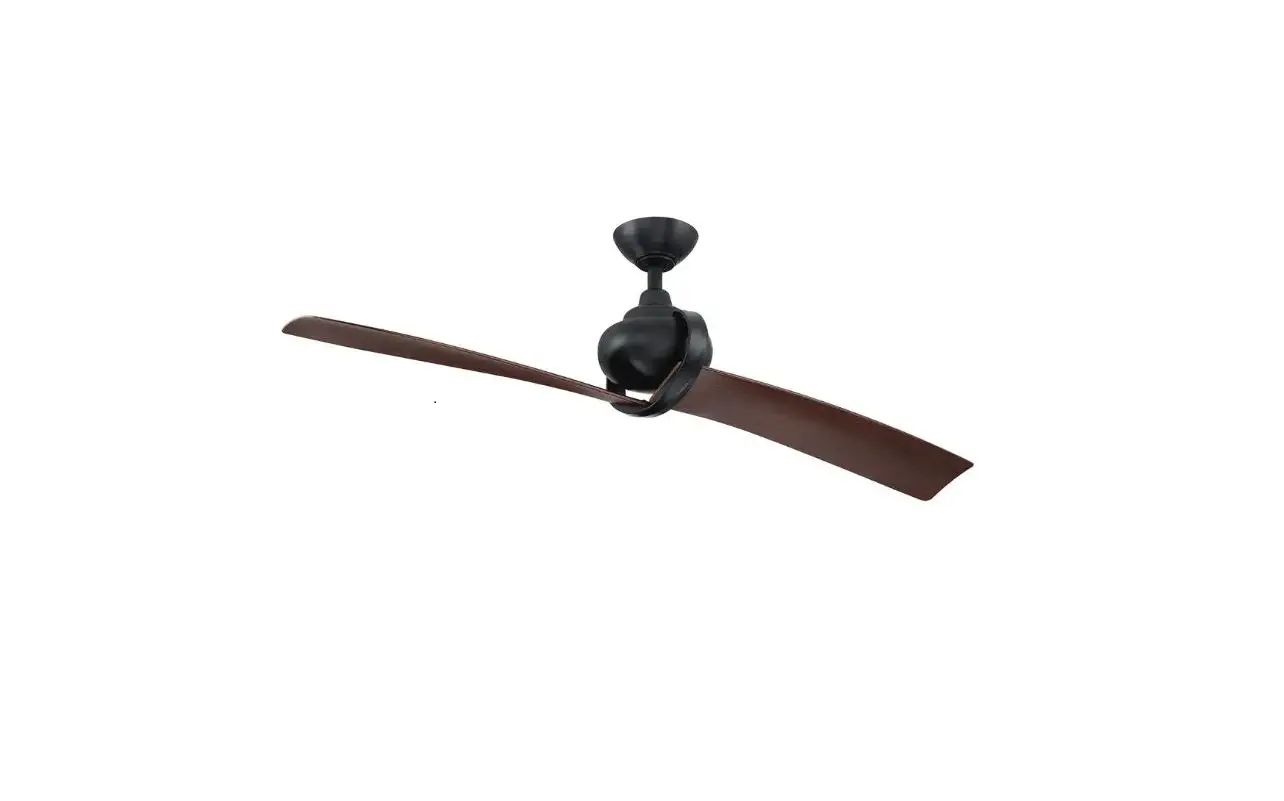
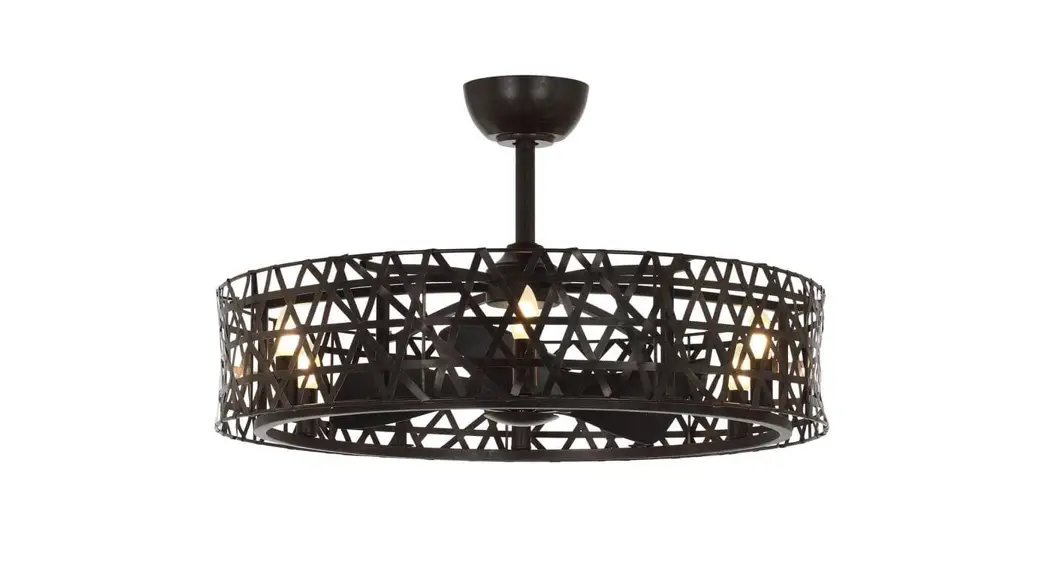
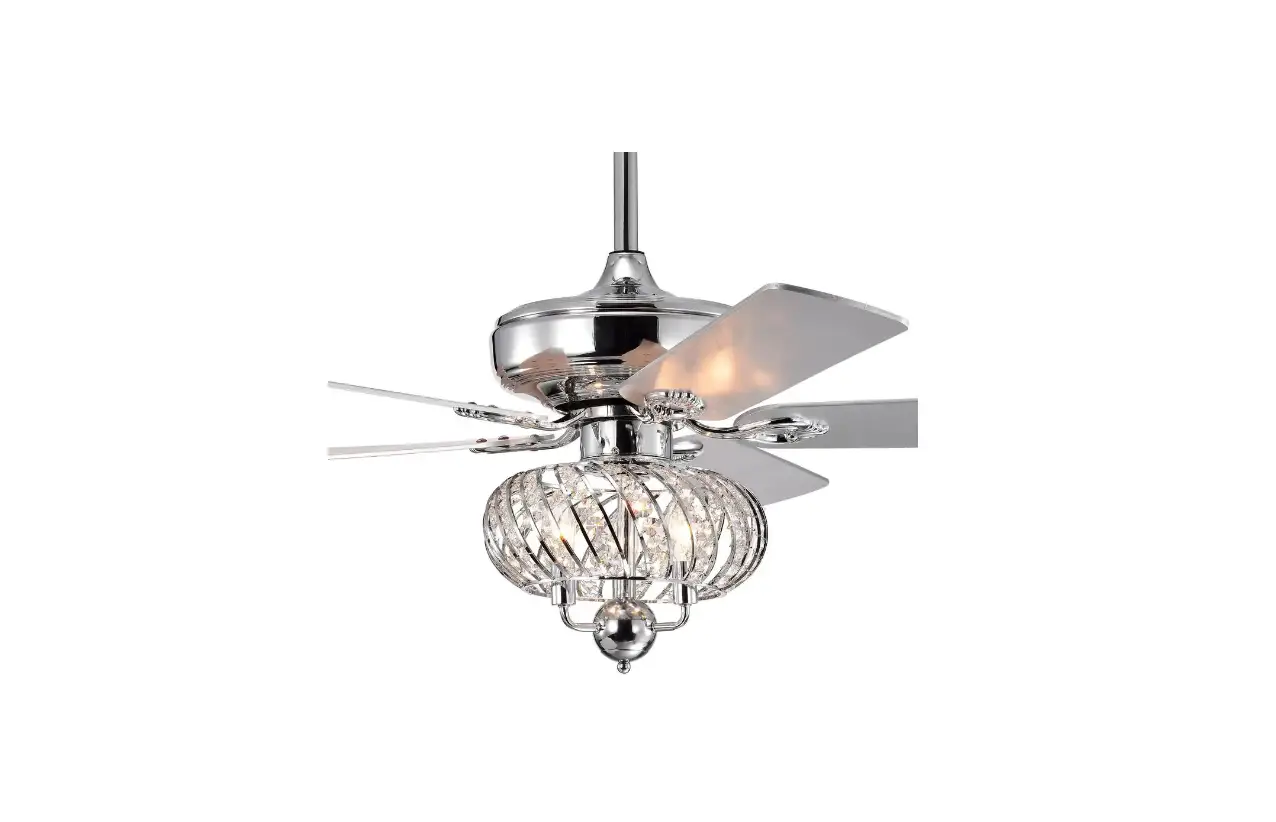
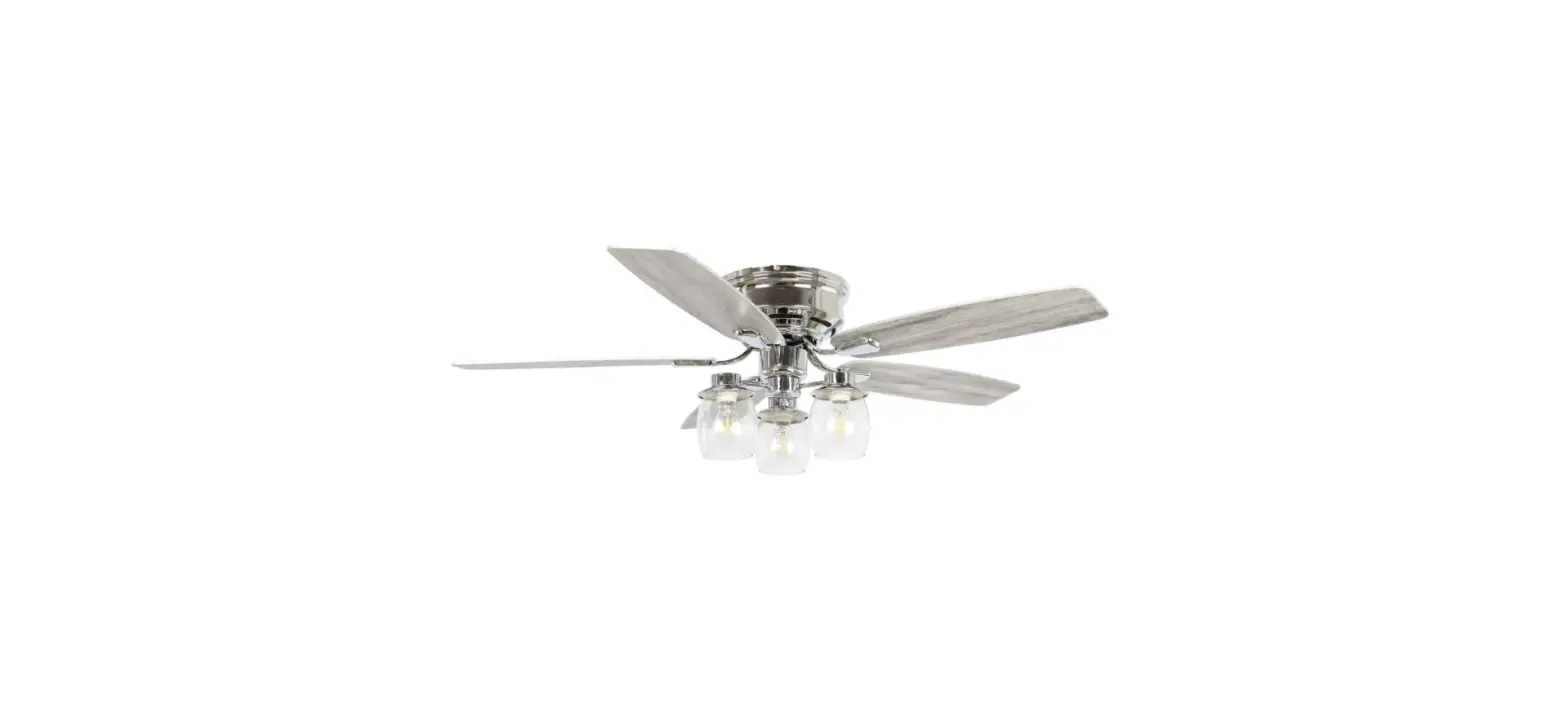
BBCPD1725A2 Ceiling Fan
Product Information
Product Name: CEILING FAN
Model Number: BBCPD1725A2
Manufacturer: Parrotuncle
Product Description: This ceiling fan is
designed to provide cooling and air circulation in indoor spaces.
It comes with a remote control and features a timer function. The
fan has a sturdy construction and is designed for easy installation
and operation.
Product Usage Instructions
Important Safety Instructions:
- Before starting the installation or servicing the fan, make
sure to shut off the power at the main fuse box or circuit
panel. - Read all instructions and safety information carefully before
installing the fan. - Ensure that all electrical connections comply with local codes
and regulations. - If you are not familiar with electrical wiring, it is
recommended to hire a qualified electrician. - Select a suitable location for the fan that allows sufficient
clearance for the blades to rotate and at least seven (7) feet of
clearance between the floor and the fan blade tips. - The fan should be mounted at least thirty (30) inches away from
walls or other upright structures. - The outlet box and ceiling support joist used for installation
must be securely mounted and capable of supporting at least 100
pounds.
Installation Steps:
- Ensure that all the provided accessories are available and
complete. - Start by shutting off the power at the fuse or circuit
breaker. - Follow the provided instructions to assemble the fan
components, including the blade screws, plastic wire nuts, screws,
mounting screws, washer, metal plates, timer, remote control,
locking pin, hanger bracket, canopy, decorative cover, coupling
cover, ball/downrod assembly, hanging pin, blade, fan-motor
assembly, switch housing, LED assembly, acrylic shade, and outlet
box washers. - Make sure to use the wire connecting nuts supplied with the fan
and the remote controller for proper electrical connections. - Refer to the wiring diagram provided in the manual to connect
the AC power supply wires (L-Black, N-White) and the ground
wire. - Securely mount the receiver canopy and ensure that the light is
kept in the ON position and the fan is set to high speed. - Double-check all connections and ensure they are secure.
- Turn on the power at the fuse or circuit breaker.
Operating Instructions:
- Use the remote control to adjust the fan speed and timer
settings as desired. - Make sure to keep the light at the ON position and the fan at
high speed for optimal performance.
Note: For any further assistance or
troubleshooting, refer to the detailed instructions provided in the
Parrotuncle Owner’s Installation Manual.
CEILING FAN
BBCPD1725A2
Installation & Operating Instructions for the Parrotuncle Owner’s Installation ,Manual
WARNING: SHUT POWER OFF AT FUSE OR CIRCUIT BREAKER
box and the ungrounded conductor on the other side of the outlet box.
BBCPD1725A2
Installation & Operating Instructions for the Parrotuncle Owner’s Installation ,Manual
WARNING: SHUT POWER OFF AT FUSE OR CIRCUIT BREAKER
THANK YOU FOR YOUR PURCHASE Thank you for purchasing this quality product. To ensure correct function and safety, please read and save all instructions before using the product
SAFETY TIP
1. To avoid possible electric shock, turn off the electricity at the main fuse box or circuit panel before you begin the fan installation or before servicing the fan or installing accessories.
2. Read all instructions and safety information carefully before installing your fan and save these instructions. 3. Make sure all electrical connections comply with local codes or ordinances and the National Electrical Code. If you are unfamiliar with
electric wiring, please use a qualified and licensed electrician. 4. Make sure you have a location selected for your fan that allow clear space for the blades to rotate, and at least seven (7) feet of clearance between the floor and
the fan blade tips. The fan should be mounted at least thirty (30) inches from walls or other upright structures. 5. WARNING: The outlet box and ceiling support joist used must be securely mounted, and capable of supporting at least 100 pounds . To
reduce the risk of fire, electric shock or personal injury, mount to the outlet box marked acceptable for fan supported and use mounting screws provided with the outlet box. The box must be supported directly by the building structure. 6. WARNING: To reduce the risk of fire, electric shock or personal injury, mount to outlet box marked “acceptable for fan support” and use mounting screws provided with the outlet box most outlet boxes commonly used for the support of lighting fixtures are not acceptable for fan support and may need to be replaced. Consult a qualified electrician if in doubt. 7. Electrical diagrams are for reference only. Light kits that are not packed with the fan must UL listed and marked suitable for use with the model fan you are installing. Switches must be UL. general use switches. Refer to the instructions packaged with the light kits and switches for proper assembly. 8. After installation is complete, check that all connections are absolutely secure. 9. After making electrical connections, spliced conductors should be turned upward and pushed carefully up into outlet box. The wires should be spread apart with the grounded conductor and the equipment-grounding conductor on one side of the outlet box. 10. WARNING: To reduce the risk of electrical shock and fire, do not use this fan with any solid-state fan speed control device, or rheostat. 11. Do not separate the reverse switch until the fan has come to a complete stop. 12. Do not insert anything into the fan blades while they are rotating. 13. WARNING: To Reduce The Risk Of Personal Injury, Do Not Bend The Blade Brackets When Installing The Brackets, Balancing The Blades, Or Cleaning The Fan. Do Not Insert Foreign Objects In Between Rotating Fan Blades. 14. To avoid personal injury or damage to the fan and other items, be cautious when working around or cleaning the fan. 15. Do not use water or detergent when cleaning the fan or fan blades. A dry dust cloth or lightly dampened cloth will be suitable for most cleaning. NOTE: The important safety precautions and instructions appearing in the manual are not meant to cover all possible conditions and situations that may occur. It must be understood that common sense and caution are necessary factors in the installation and operation of this fan. NOTE: This product is not intended for use by persons (including children) with reduced physical, sensory or mental capabilities are different or are impaired, or lack of experience or knowledge, unless such persons are supervised or trained to operate the appliance by a person responsible for their safety. NOTE: Children should be supervised to ensure that they do not use appliances as a toy.
Blade screws(7PCS) Plastic wire nut (4PCS) Screw (2PCS)
BBCPD1725A2
Installation & Operating Instructions for the Parrotuncle Owner’s Installation ,Manual
WARNING: SHUT POWER OFF AT FUSE OR CIRCUIT BREAKER
Mounting screws (2PCS) Washer (2PCS)
Metal plate(3PCS)
1368
TIMER
REMOTE CONTROL(1PCS)
“R” Locking Pin
Hanger bracket
Canopy Decorative cover Coupling cover
4.5″ Ball/downrod assembly Hanging Pin
Blade(3PCS)
Fan-motor assembly
Metal plate(3PCS)
Switch housing LED assembly
Acrylic shade Pls check whether above accessories are completed or not?Yes,and install.
BBCPD1725A2
Installation & Operating Instructions for the Parrotuncle Owner’s Installation ,Manual
WARNING: SHUT POWER OFF AT FUSE OR CIRCUIT BREAKER
Outlet box washers
6to9 in
FROM POWER SOURCE AC 120 VO LT 60Hz 3.5AMPS.
BBCPD1725A2
Installation & Operating Instructions for the Parrotuncle Owner’s Installation ,Manual
WARNING: SHUT POWER OFF AT FUSE OR CIRCUIT BREAKER
Use wire connecting nuts supplied with the fan
AC IN L(Black)
AC IN N(White) Ground wire
Ground wire
Ground wire
Gray Yellow Red
Gray Red
Yellow
NL
White Blue Blue White
WIRE NUT
Use wire connecting nuts supplied with the remote controller.
RECEIVER CANOPY
LIGHT MUST BE KEPT AT THE ON P0SITION
FAN MUST BE KEPT AT THE HIGH SPEED
BBCPD1725A2
Installation & Operating Instructions for the Parrotuncle Owner’s Installation ,Manual
WARNING: SHUT POWER OFF AT FUSE OR CIRCUIT BREAKER
BBCPD1725A2
Installation & Operating Instructions for the Parrotuncle Owner’s Installation ,Manual
WARNING: SHUT POWER OFF AT FUSE OR CIRCUIT BREAKER
Yellow
BBCPD1725A2
Installation & Operating Instructions for the Parrotuncle Owner’s Installation ,Manual
WARNING: SHUT POWER OFF AT FUSE OR CIRCUIT BREAKER
40W
60W
LED indicated light Turn up the speed of the fan
Turn down the speed of the fan
Short press: ON/OFF the light Long press: Adjust the brightness of the light 8 3V CR2032 battery X 1pcs
a. WARNING: Chemical Burn Hazard. Keep batteries away from children. b) This product contains a lithium button/coin cell battery. If a new or used lithium button/coin cell battery is swallowed or enters the body, it can cause severe internal burns and can lead to death in as little as 2 hours. Always completely secure the battery compartment. If the battery compartment does not close securely, stop using the product, remove the batteries, and keep it away from children. If you think batteries might have been swallowed or placed inside any part of the body, seek immediate medical attention. 8 c) The cells shall be disposed of properly, including keeping them away from children; and d) Even used cells may cause injury
14.6in 2.1in
4.5in 8.4in
BBCPD1725A2
Installation & Operating Instructions for the Parrotuncle Owner’s Installation ,Manual
WARNING: SHUT POWER OFF AT FUSE OR CIRCUIT BREAKER
size of product(Total weight: 10.1 KGS)
5.9in
66in
Ø66in
BBCPD1725A2
Installation & Operating Instructions for the Parrotuncle Owner’s Installation ,Manual
WARNING: SHUT POWER OFF AT FUSE OR CIRCUIT BREAKER
TROUBLESHOOTING GUIDE
Table of Contents 1. Fan / Remote is not working 2. Fan is noisy 3. Fan Wobbles 4. Light is not working
Please refer to the instruction sheet for detailed directions and descriptions of installation steps and requirements.
1. FAN / REMOTE IS NOT WORKING
Ensure the remote is within the 20 foot range of the receiver To reset the remote control: 1) Turn off power to fan using the wall switch or circuit breaker. 2) Remove ba eries from remote. 3) Wait 10 seconds. 4) Replace ba eries and turn power on Check ba eries to insure they are good and oriented correctly Check to make sure the frequency switches (DIP Switches) from the remote to the receiver are set to the same frequency Check the main and branch circuit fuses or breakers If using a Variable Speed Wall Switch, ensure it is specifically designed for use with a ceiling fan. Check the line wire connec ons to the fan and the switch wire connec ons in the switch housing per the instruc ons If fan s ll does not work, please contact Customer Service [email protected]
2. THE FAN IS NOISY
Make sure all motor housing screws are ghtened Make sure the screws that a ach fan blade to motor are ght Make sure the wire nut connectors are not ra ling against each other or the interior wall of the switch housing Allow 24-hour break in period. Most noises associated with the new fan may disappear during this me If using a ceiling light kit, make sure the glassware is secured ghtly Make sure there is a short distance/gap from the ceiling to the top of the canopy. The canopy should not touch the ceiling! Make sure your ceiling box is secure and that the rubber isolator pads are used between the moun ng bracket and outlet box
BBCPD1725A2
Installation & Operating Instructions for the Parrotuncle Owner’s Installation ,Manual
WARNING: SHUT POWER OFF AT FUSE OR CIRCUIT BREAKER
3. THE FAN WOBBLES
Verify all blades and blade bracket screws are secure (most fan wobble problems are caused by loose parts). Once fan is properly installed, run the ceiling fan for 10 minutes to let the fan self-adjust. If wobble occurs a er running the fan for 10 minutes, verify blade level using the following process:
a) select a point on the ceiling above the p of one of the blades. Then select the fan blade and measure from the center of the selected blade to point on the ceiling. Rotate the fan un l the next blade is posi oned and repeat the measurement using the same point from the ceiling for every blade. Measurements should be within 1/8 inch.
b) If all devia on are less than 1/8 inch and the fan continues to wobble, please contact Customer Service Support@parr otuncle.com to order a complimentary Blade Balancing Kit – If all devia ons are less than 1/8 inch and the fan con nues to wobble, please contact Customer Service Support@parrotuncle .com to order a complimentary Blade Balancing Kit
4. LIGHT IS NOT WORKING
Check Bulb to make sure it is installed correctly Remove non-working bulb and replace with a bulb that is known to be a good working bulb To reset the remote control: 1) Turn off power to fan using the wall switch or circuit breaker. 2) Remove ba eries from remote. 3) Wait 10 seconds. 4) Replace ba eries and turn power on
BBCPD1725A2
Installation & Operating Instructions for the Parrotuncle Owner’s Installation ,Manual
WARNING: SHUT POWER OFF AT FUSE OR CIRCUIT BREAKER
AFTER INSTALLATION WOBBLE” The fan blades have been adjusted in the factory to minimize any wobble
NOTE:CEILING FANS TEND TO MOVE DURING OPERATION DUE TO THE FACT THAT THEY ARE MOUNTED ON A RUBBER CROMMET. IF THE FAN WAS MOUNTED RIGIDLY TO THE CEILING, IT WOULD CAUSE EXCESS VIBRATION. MOVEMENT OF A FEW CENTIMENTERS IS QUITE ACCEPTABLE AND DOES NOT SUGGEST ANY PROBLEM
TO REDUCE THE FAN WOBBLE: PLEASE CHECK THAT ALL SCREWS WHICH SECURED THE MOUNTING
BRACKET AND DOWNROD ARE SECURE.
BALANCING A WOBBLING CEILING FAN:
1.Check that all blade and blade arm screws are secure. 2.Most fan wobbling problems are caused when blade levels are unequal. Check this level by selecting a point on the ceiling above the tip of one of the blades. Measure this distance.Rotate the fan until the next blade is positioned for measurement. Repeat for each blade. The distance deviation should be equal within 1/8″(0.32cm). 3.If the blade wobble is still noticeable, interchanging two adjacent (side by side) blades can redistribute the weight and possibly result in smoother operation. WARNING: TO REDUCE THE RISK OF PERSONAL INJURY, DO NOT BEND THE BLADE ARM WHILE INSTALLING, BALANCING THEBLADES, OR CLEANING THE FAN. DO NOT INSERT FOREIGN OBJECTS BETWEEN ROTATING FAN BLADES.
NOISE When it is quiet(especially at night) you may hear occasional small noises. This is normal. Please allow a 24-hour “breaking-in” period, most noises associated with a new fan disappear during the time.
CARE AND CLEANING
1.Periodic cleaning of your ceiling fan is the only maintenance required. Use a soft brush or lint free cloth to avoid scratching the paint finish. Please make sure to turn off electricity power before you clean your fan
2.Do not use water when cleaning your ceiling fan. It could damage the motor or the blades and create the possibility of an electrical shock. 3.Motor has permanently lubricated ball bearing. No need to oil NOTE: MAKE SURE THE POWER IS OFF AT THE ELECTRICAL PANEL BOX BEFORE YOU ATTEMPT ANY CLEANING OR REPAIRS.