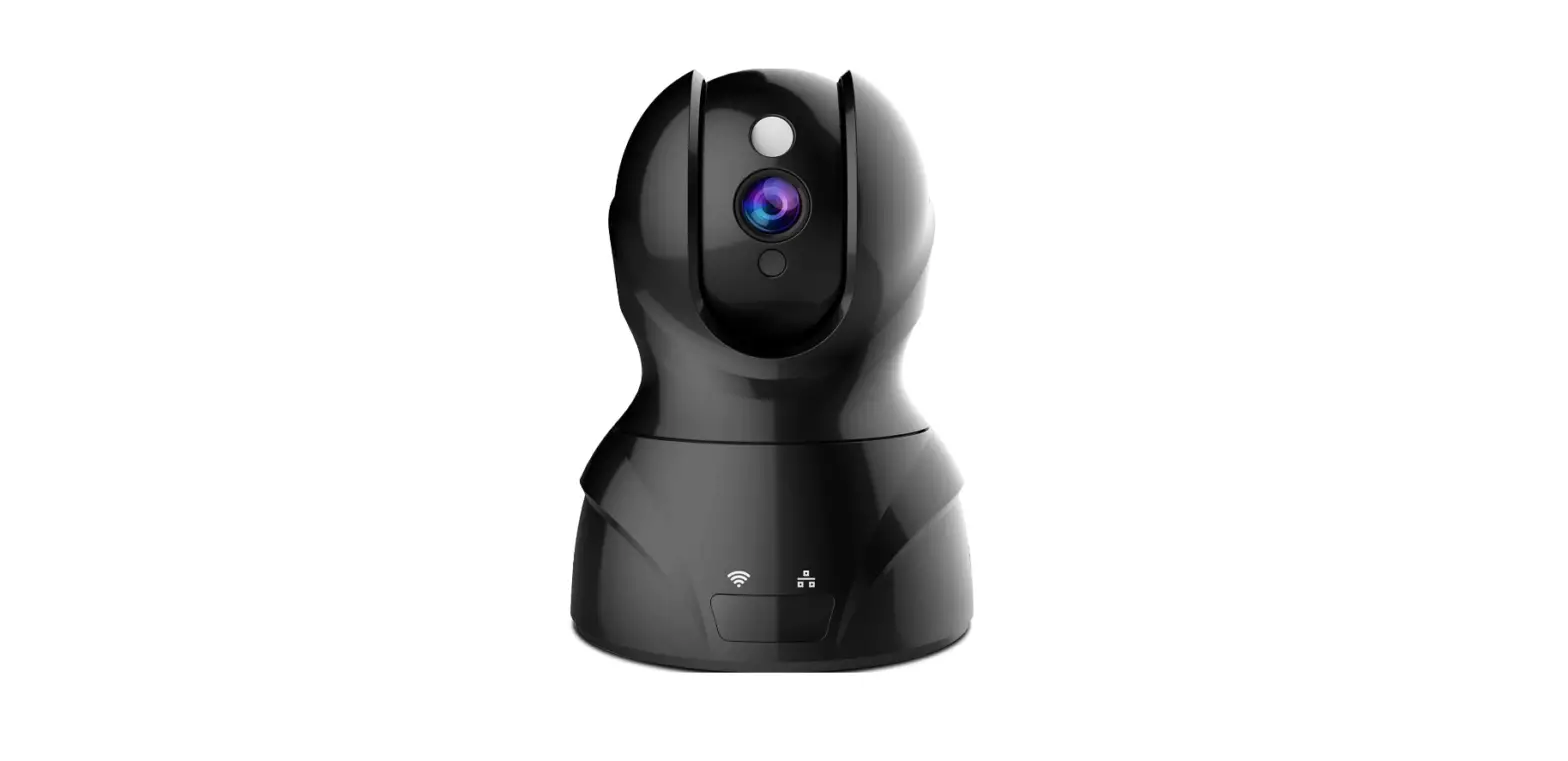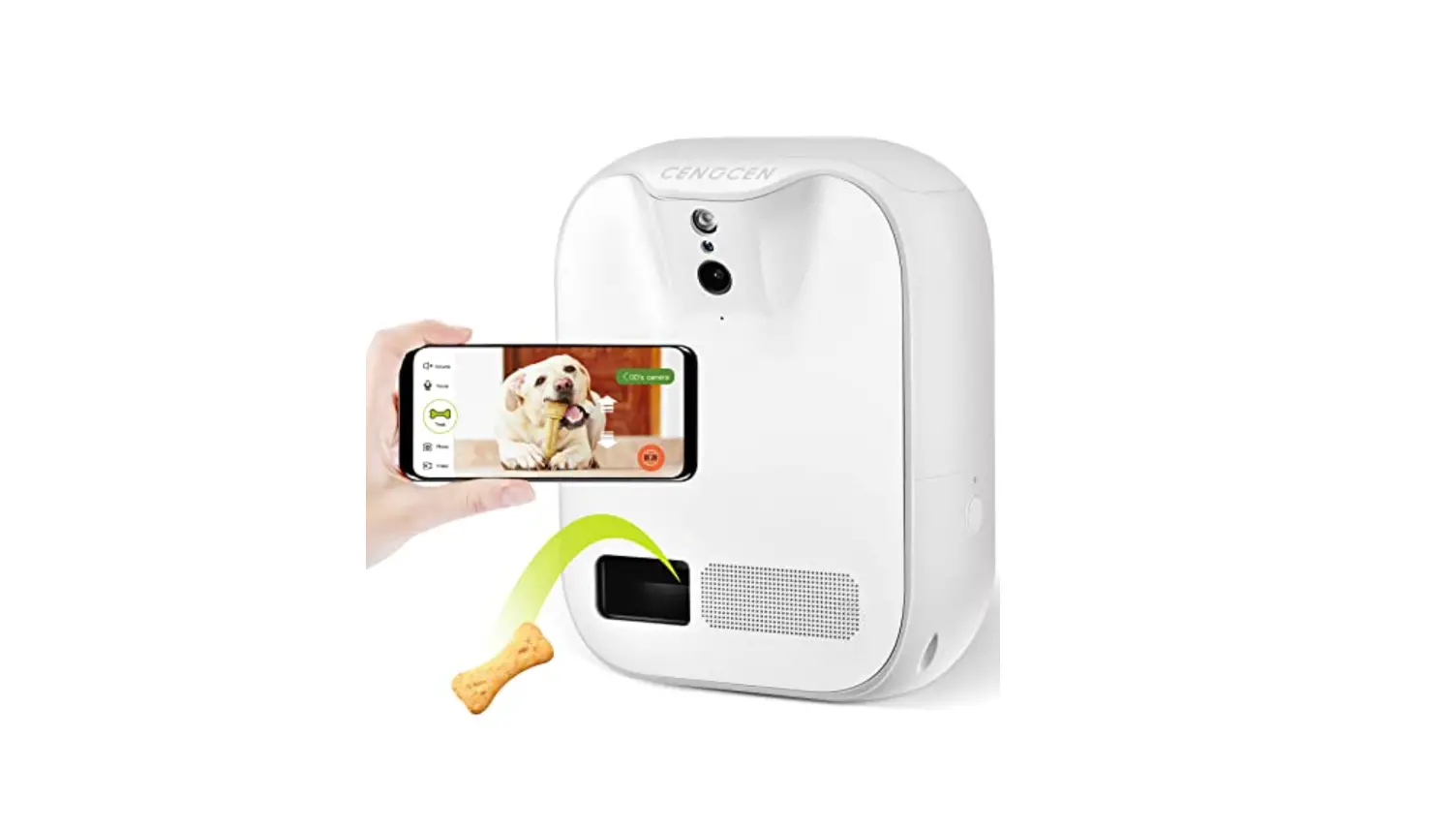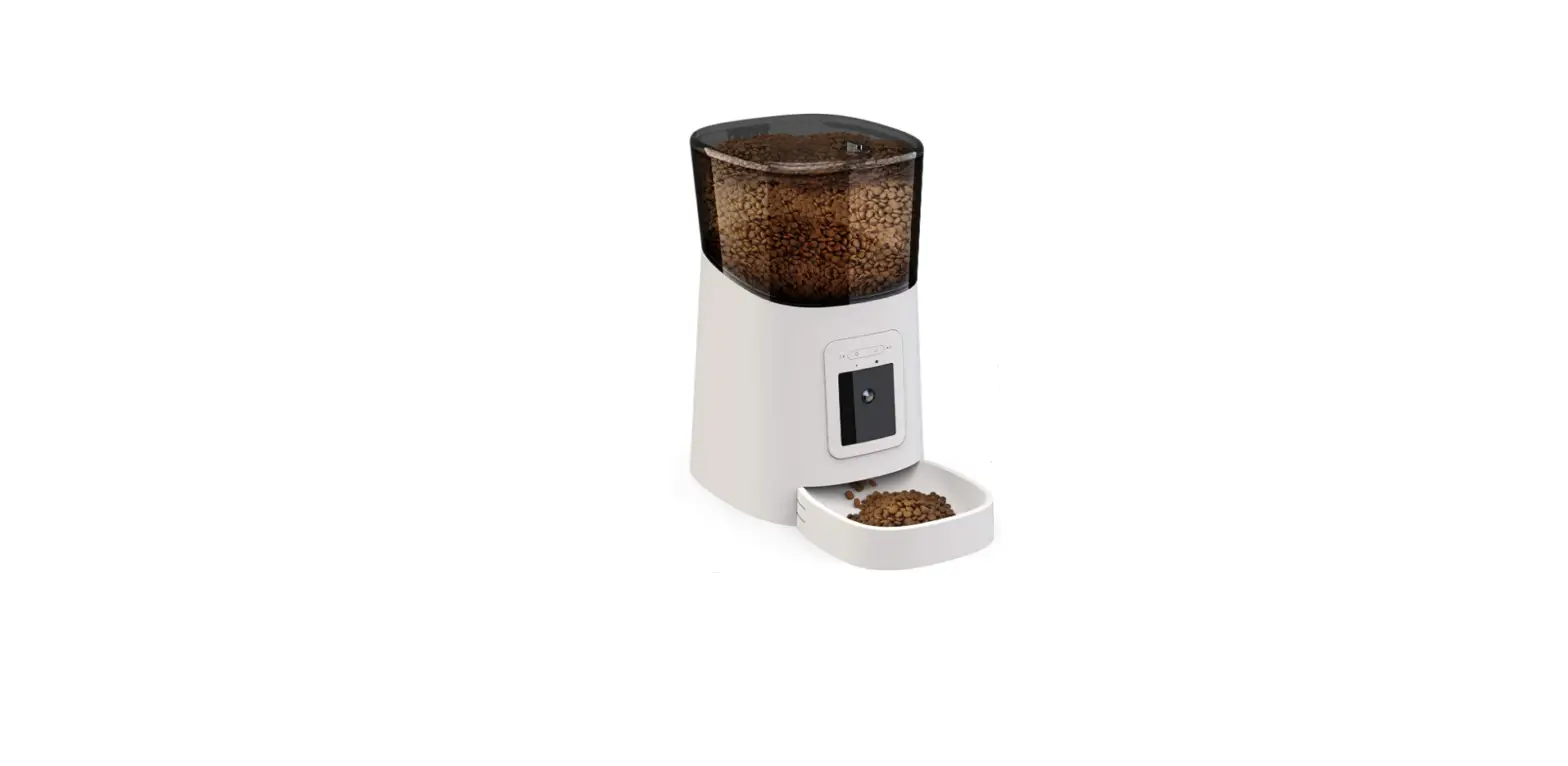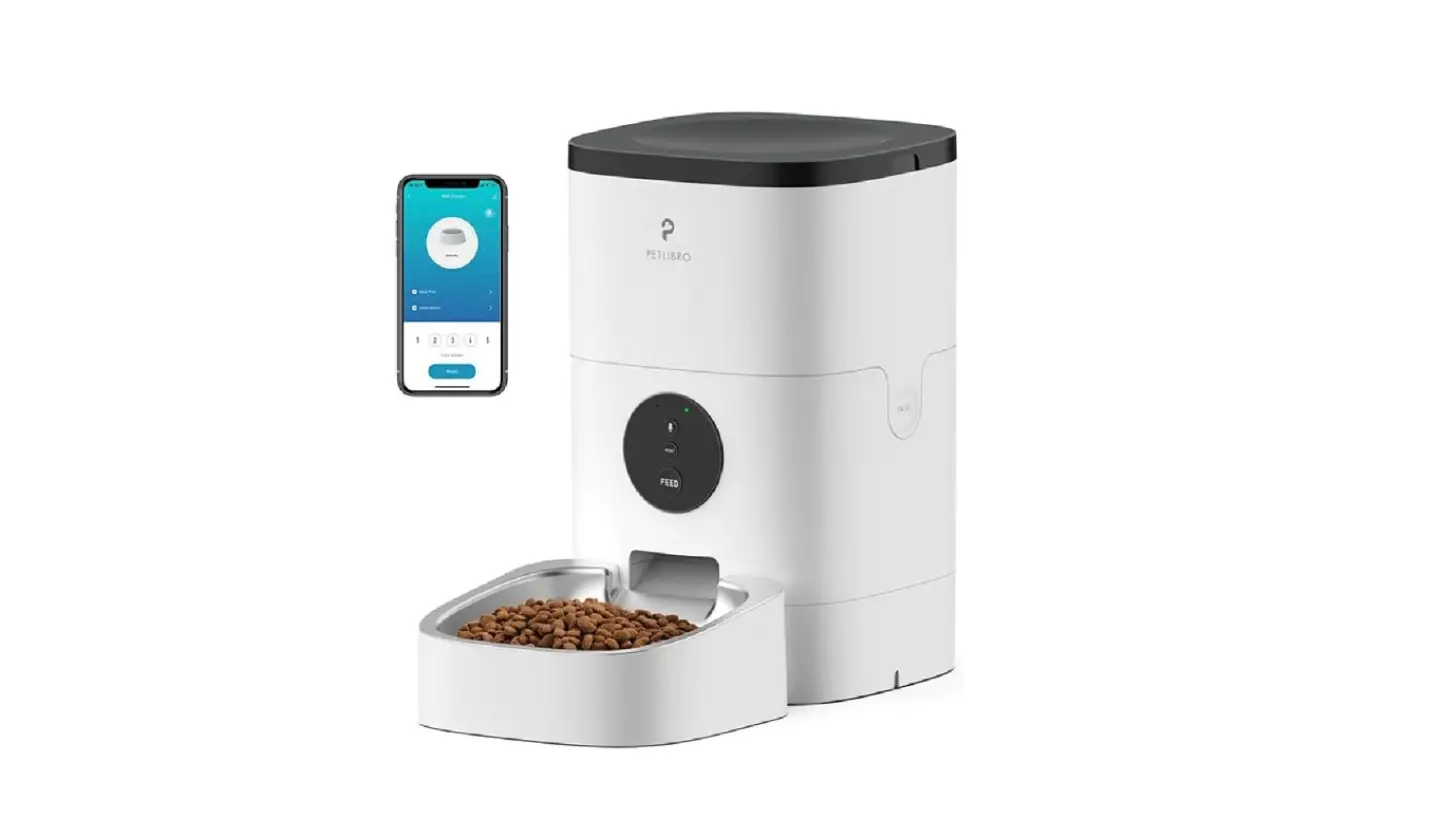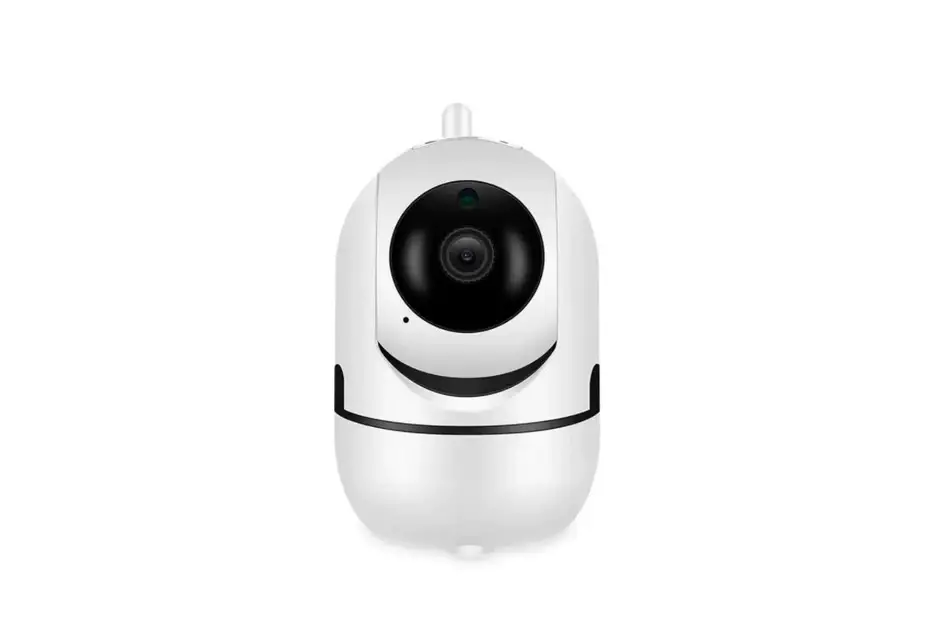

petrust QQ005 WiFi Pet Feeder with Camera
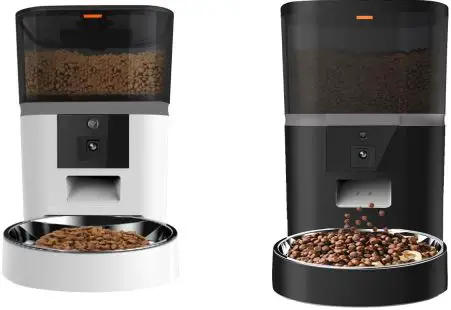
Product Information:
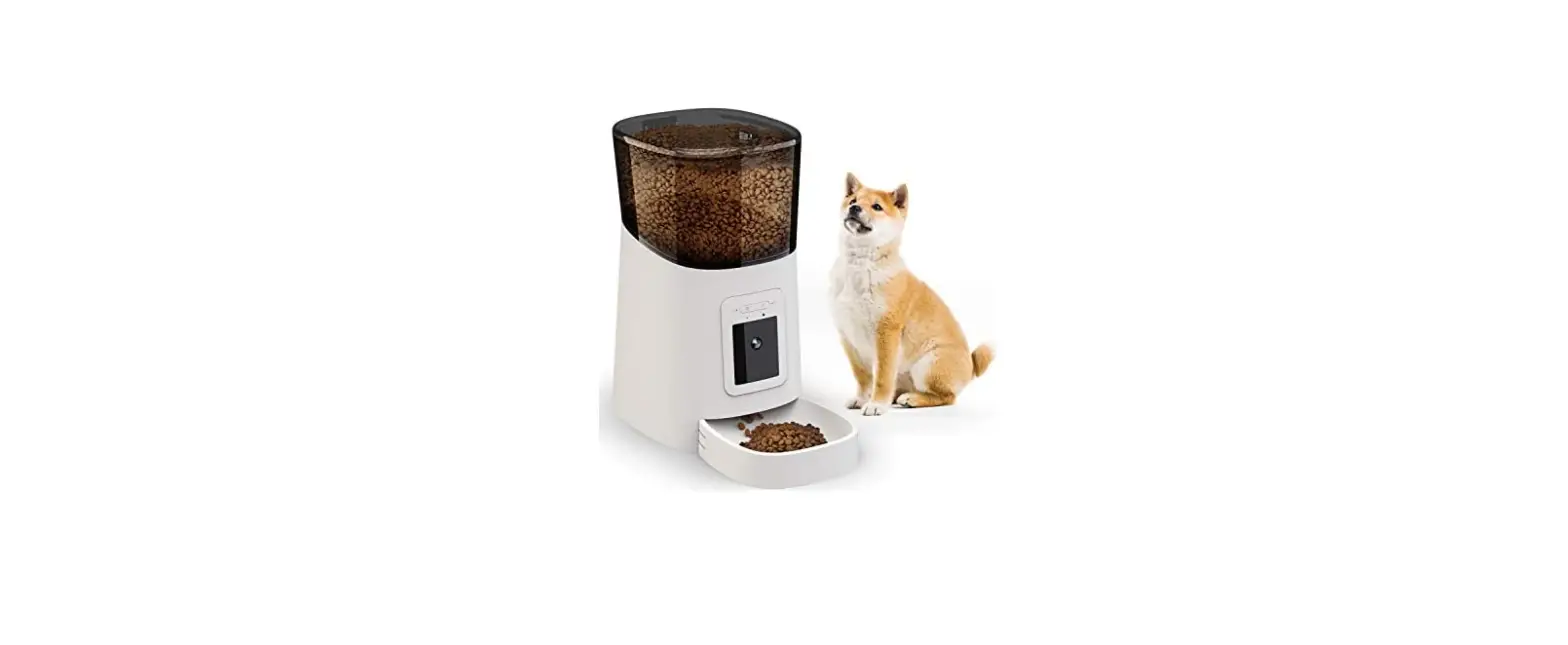
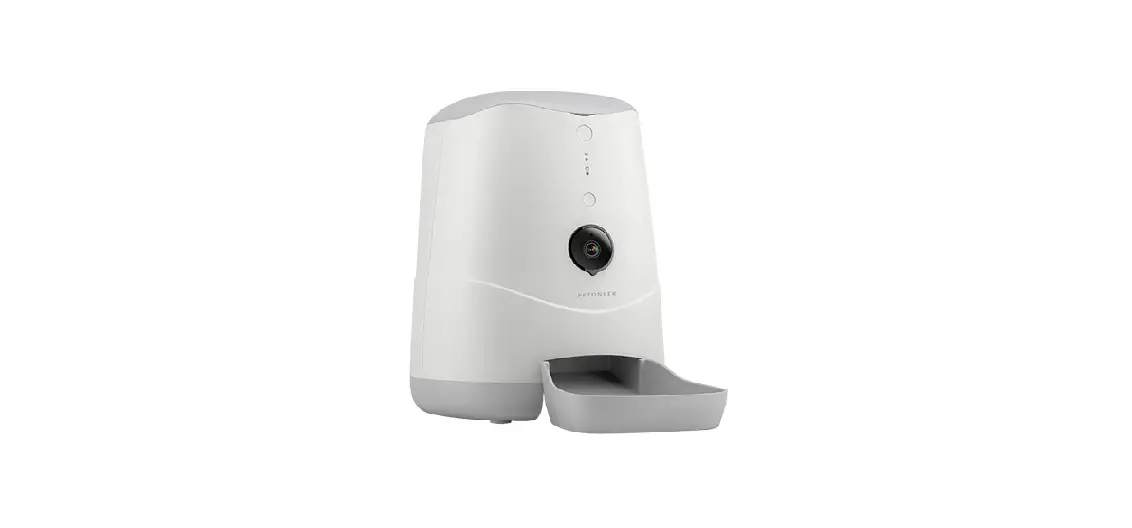
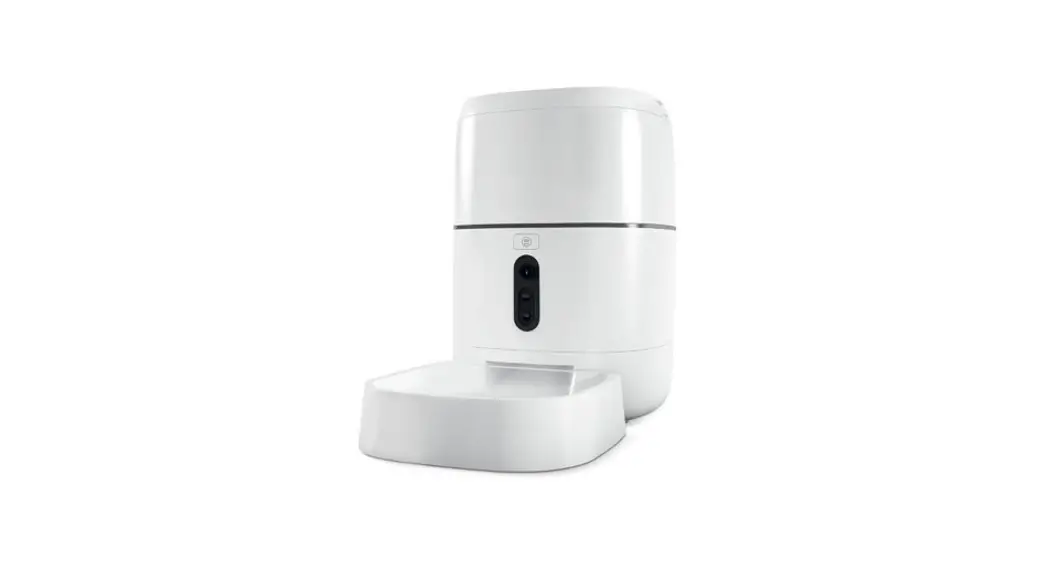
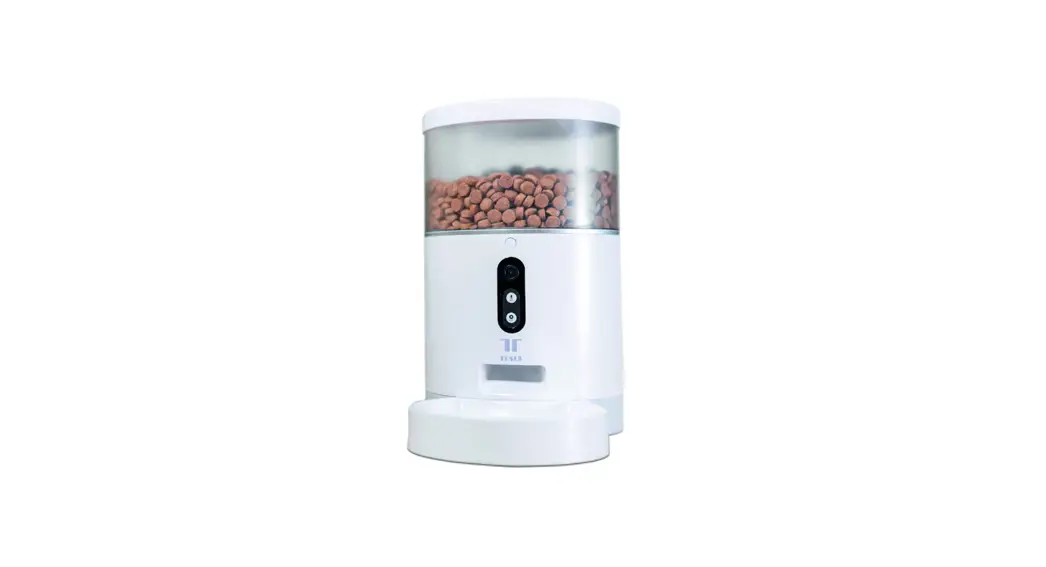
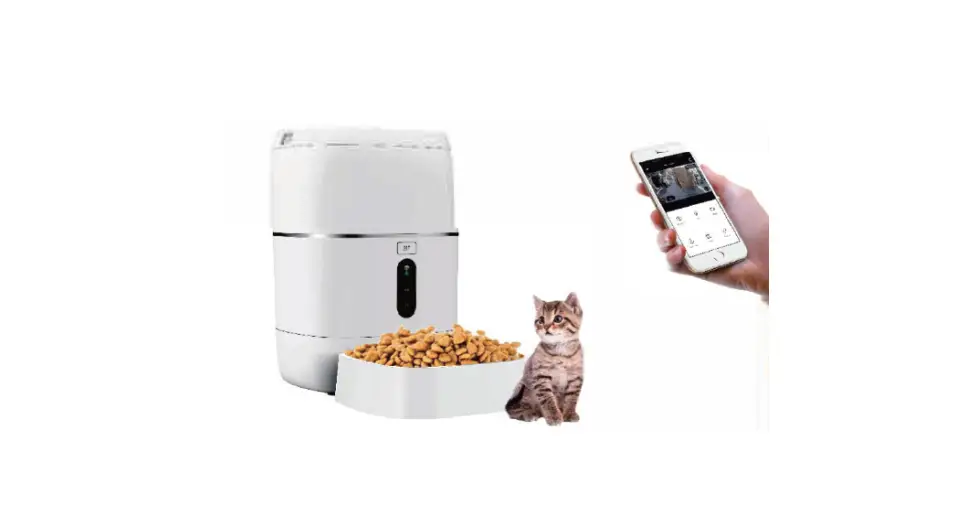
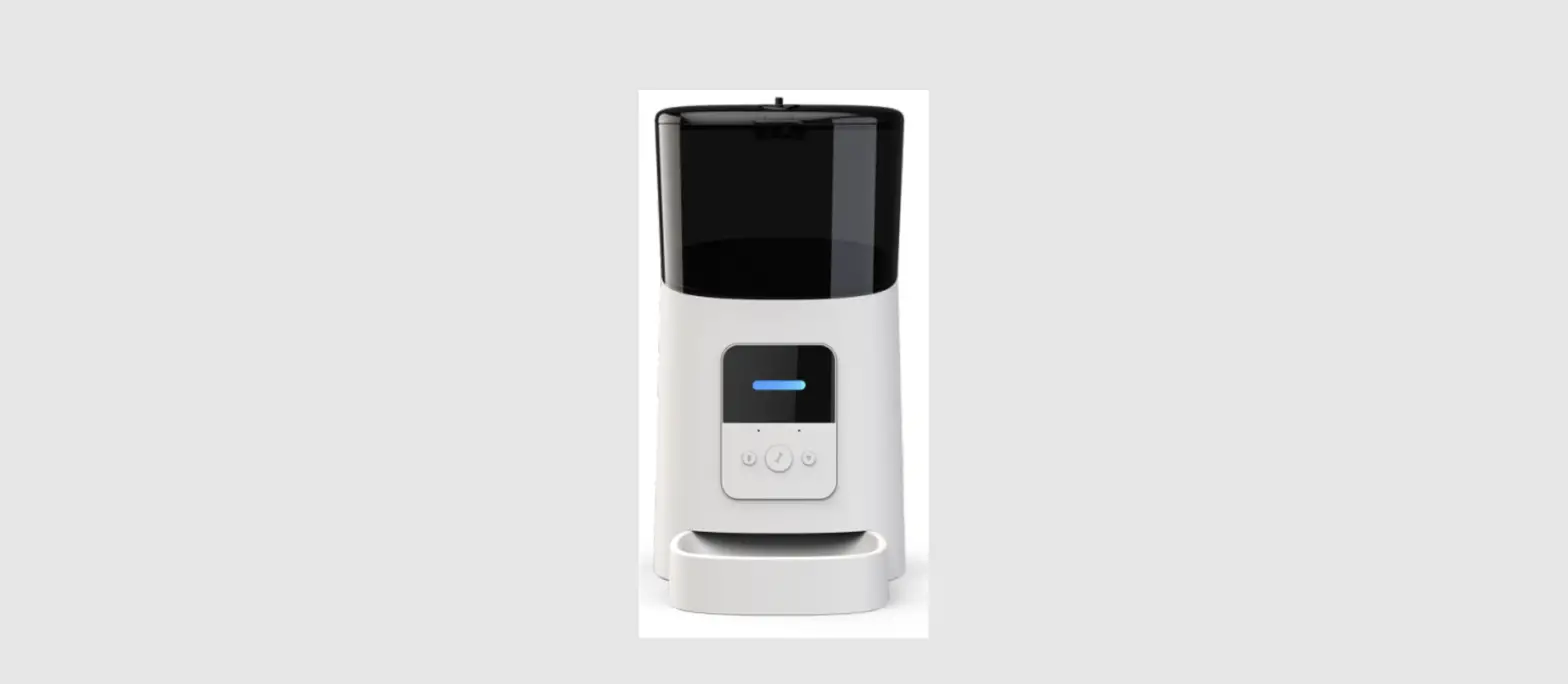
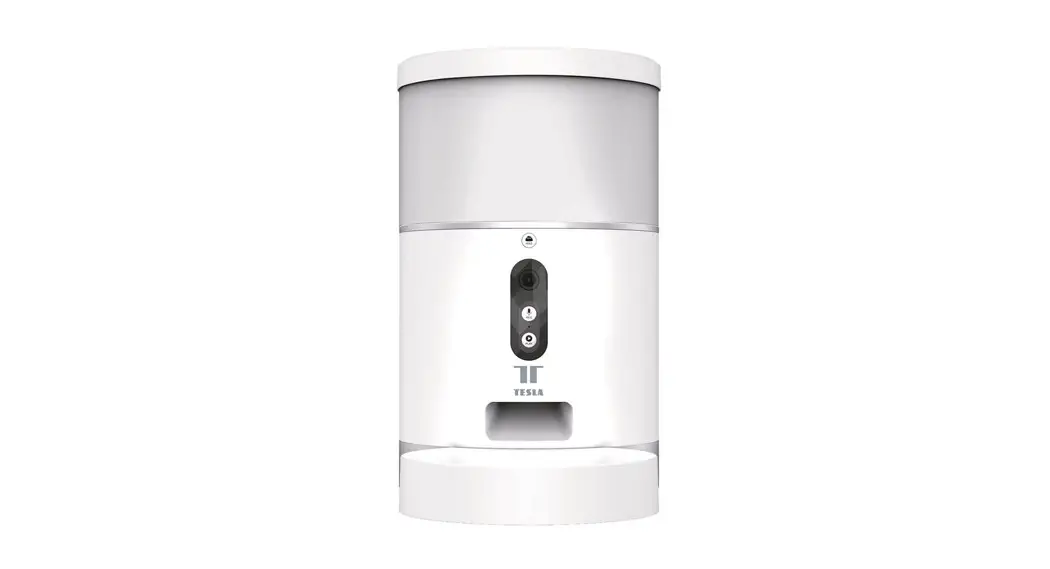
The QQ005 WiFi Pet Feeder with Camera is a convenient and innovative device that allows you to feed your pets remotely. It has automatic feeding capabilities based on a schedule and allows for manual feeding via a mobile app. The feeder has a 6-liter hopper that can hold dry food up to 15mm in diameter, with up to 20
portions per meal. The stainless-steel bowl is easy to clean, and the device has a dual power supply; adapter & AA battery x4 (not included). It has a 0.3 Megapixel/480P HD camera and supports 2.4G Wi-Fi standards IEEE 802.11b/g/n. The feeder comes with one-way audio, enabling you to talk to your pets anytime,anywhere.
Features:
- Automatic feeding by schedule and manual feeding via mobile app
- 6-liter hopper with dry food maximum up to 15mm in diameter
- Stainless steel bowl easy to clean
- Dual power supply: adapter & AA battery x4(not included)
- 0.3 Megapixel/480P HD
- 2.4G Wi-Fi standards IEEE 802.11b/g/n
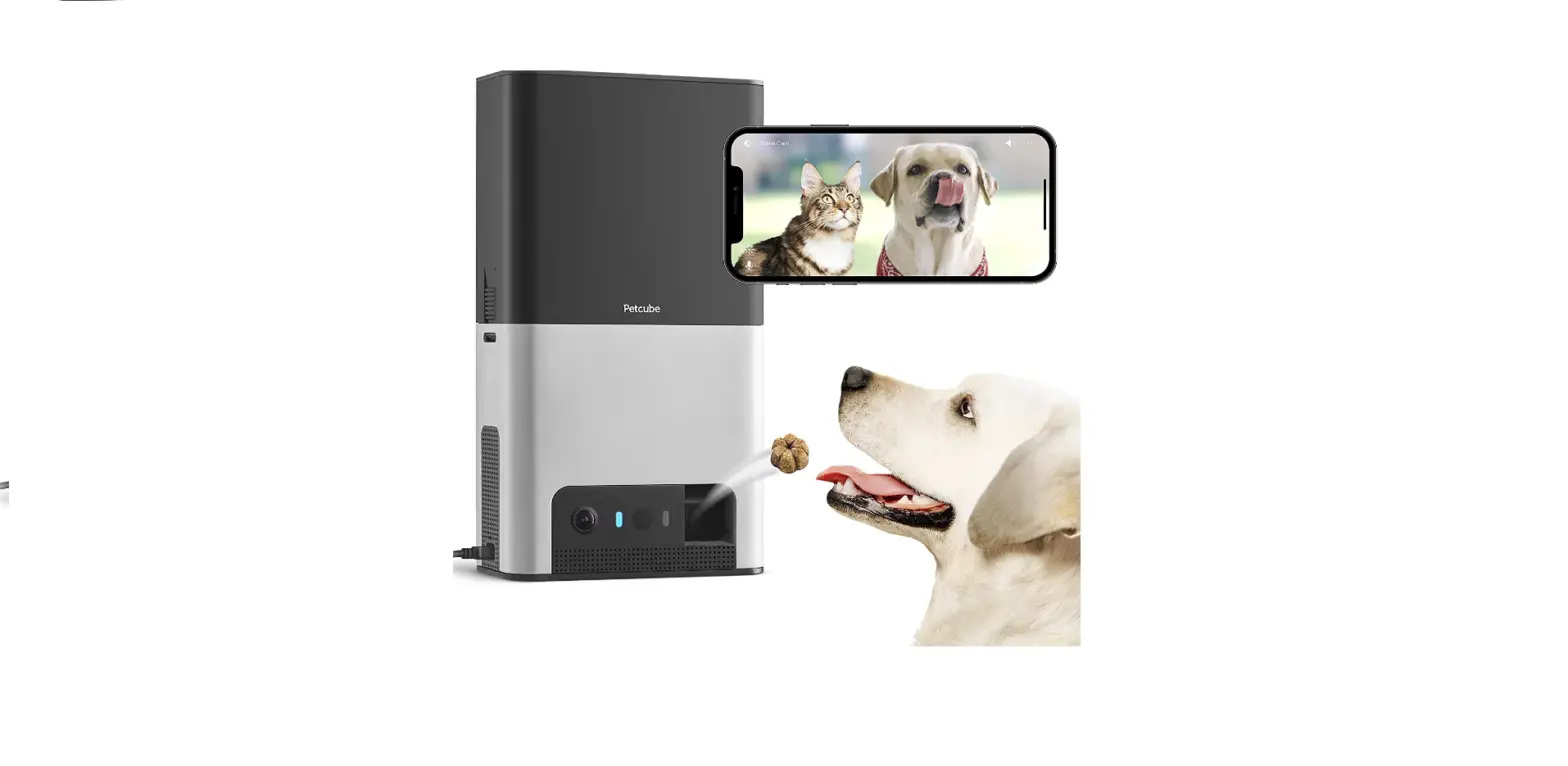
- Support smartphones (iOS & Android) to surveillance and feeding from anywhere anytime
- One-way audio—Talk to your pets anytime, anywhere
What’s Included?
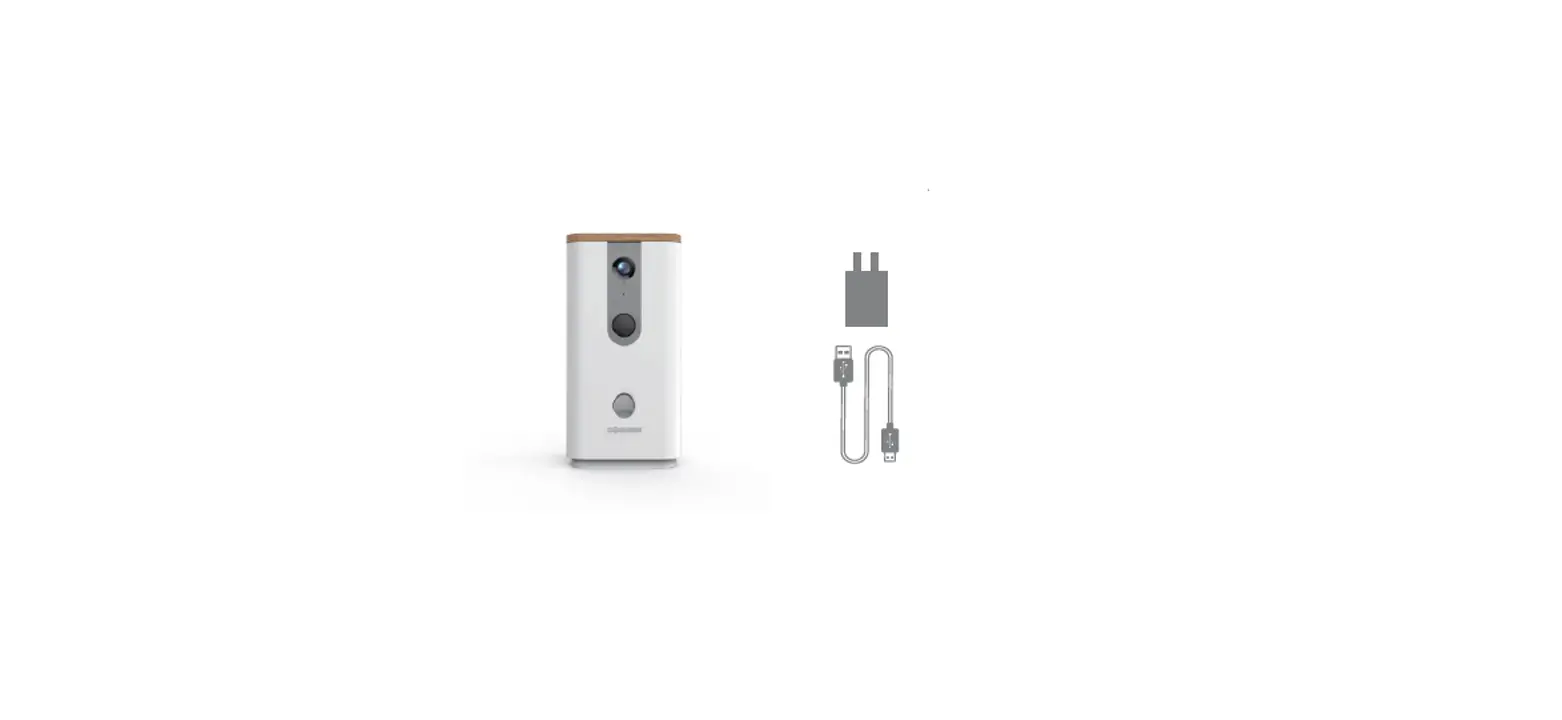
- Pet Feeder x 1
- Power Adapter x 1
- Quick Start Guide x 1
Specification Table:
| Specification | Model | QQ005 |
|---|---|---|
| Hopper capacity | 6 L | |
| Food size | 5mm to 15mm | |
| Feeding type | Dry food only | |
| Feeding portions per meal | Up to 20 portions | |
| Food per portion | About 7-9g | |
| Auto feeding meals | 10 meals per day | |
| Camera | 0.3 Megapixel 480P HD | |
| One-way audio | Talk to your pet anytime, anywhere | |
| Real-time share | Share this device’s ID to your family | |
| Power | DC 5V 1A | |
| Battery | AA battery x4 | |
| Power consumption | 5W | |
| Storage temperature | 0- 95%RH | |
| Operating humidity | 20- 80%RH | |
| Storage humidity | 0- 95%RH | |
| Giftbox Dimensions | 220mm x195mm x265mm(LxWxH) | |
| Package Dimensions | 465*405*550mm(8pcs/carton) | |
| Net Weight | 1.9kg | |
| Certification | CE; FCC; RoHS; | |
| Warranty | One year |
Product Usage Instructions
- Step 1: Assemble the Feeder
Follow the instructions provided in the Quick Start Guide to assemble the feeder. - Step 2: Install the Mobile App
Search for and download the “WiFi Pet Feeder” app from the App Store or Google Play Store. Once downloaded, open the app and create an account. Then, follow the in-app instructions to connect your feeder to your Wi-Fi network. - Step 3: Set Up Your Feeding Schedule
Using the app, you can set up a feeding schedule for your pet.
You can also manually feed your pet using the app at any time. - Step 4: Monitor and Talk to Your Pet
You can use the app to monitor your pet via the camera, and you can also talk to your pet using the one-way audio feature. - Step 5: Maintain Your Feeder
Regularly clean the feeder’s hopper and bowl to ensure proper functioning. - Step 6: Power the Feeder
The feeder can be powered through an adapter or with AA batteries (not included).
With these steps, you should be able to use your QQ005 WiFi Pet Feeder with Camera to feed and monitor your pet from anywhere, anytime!