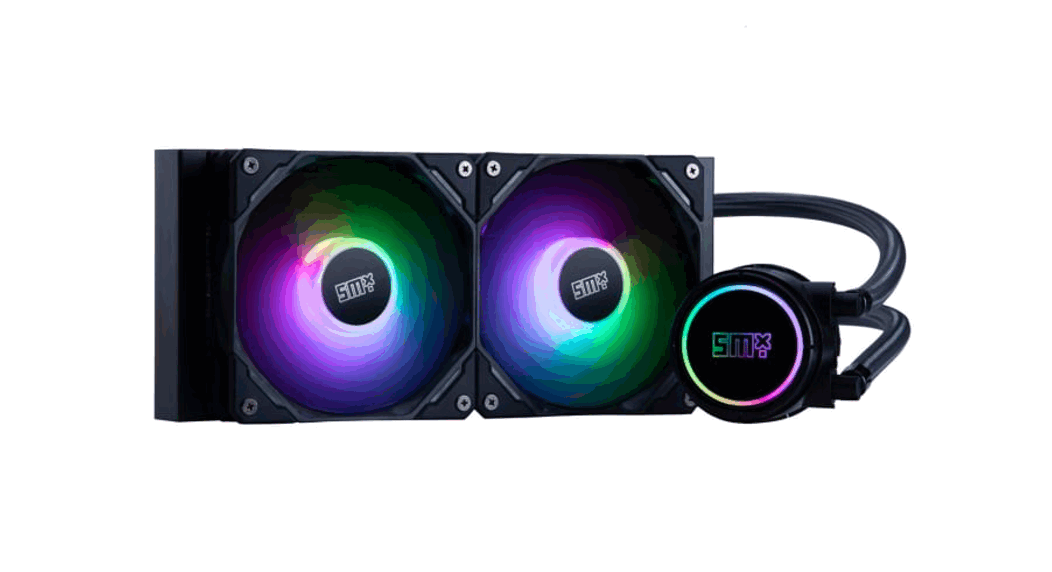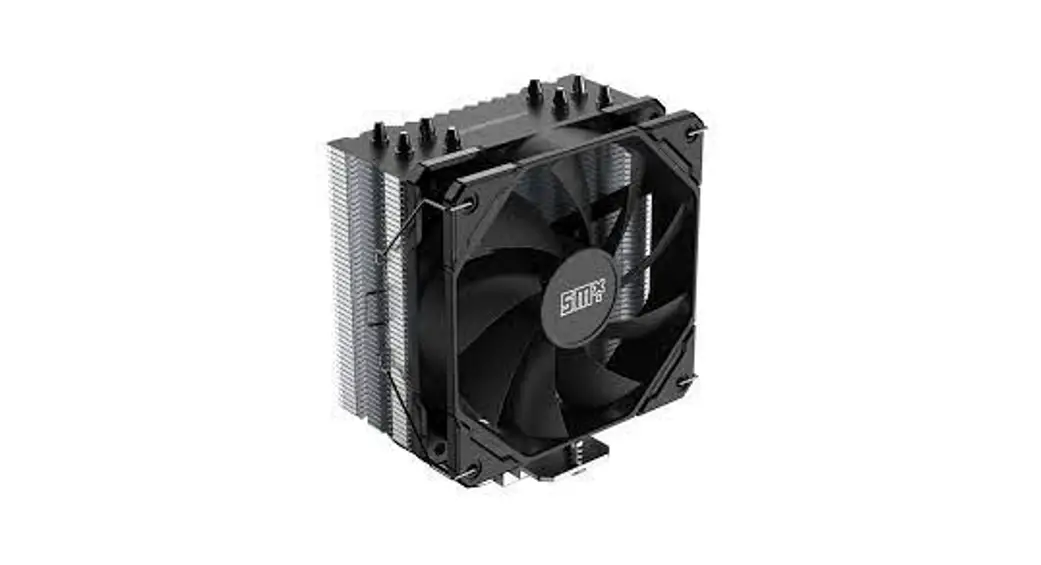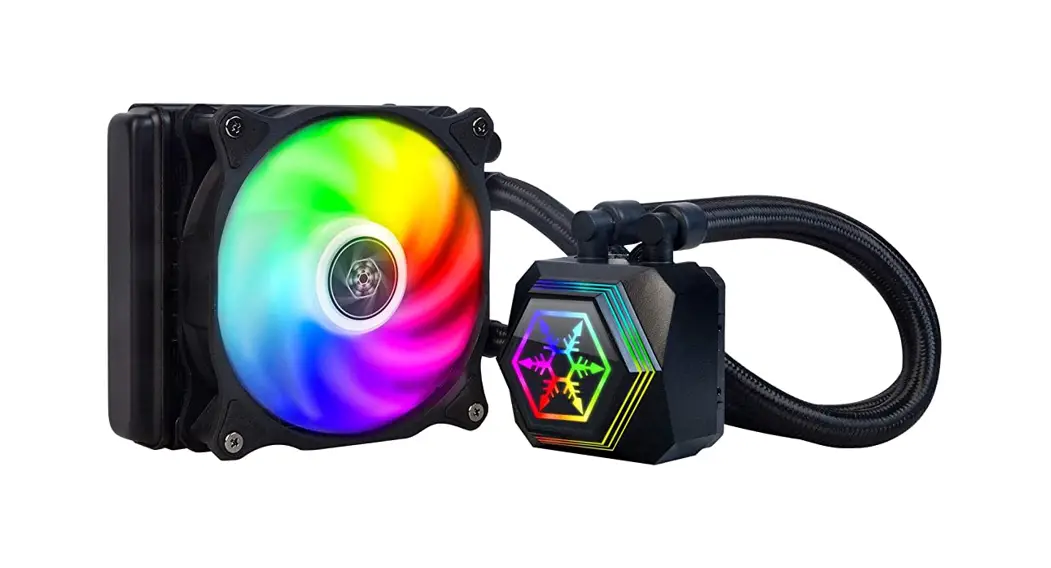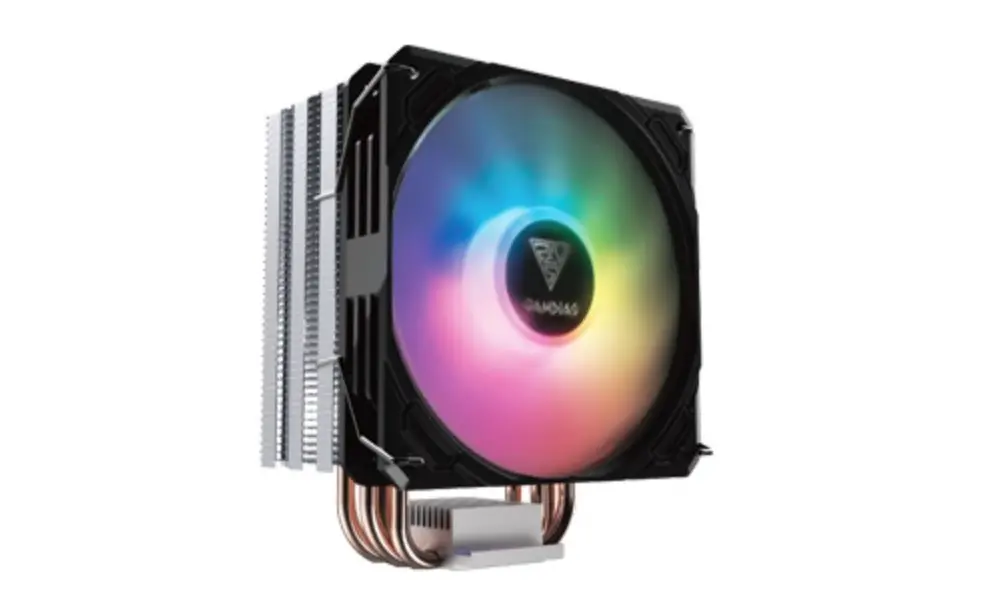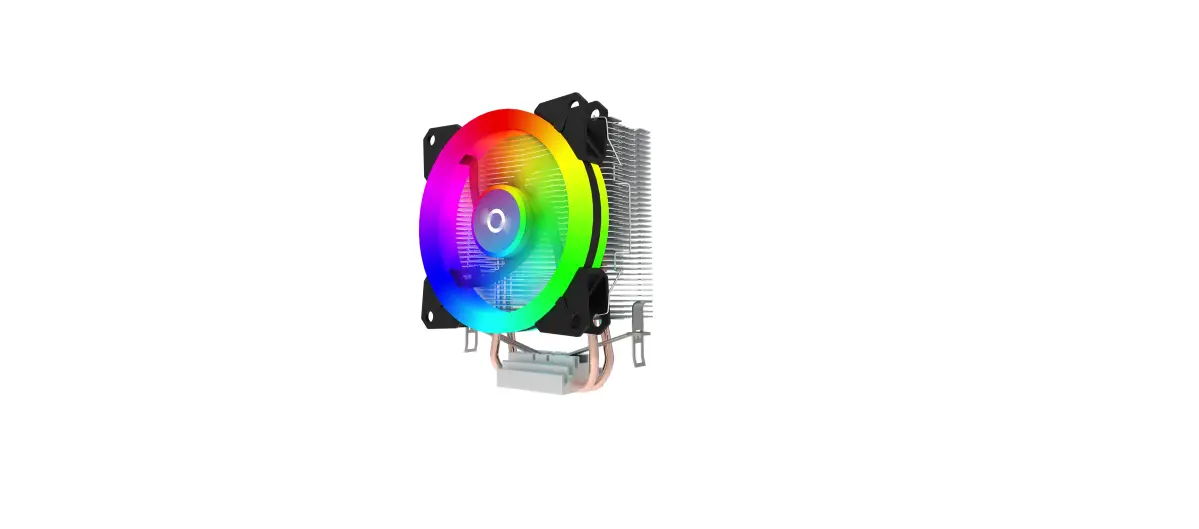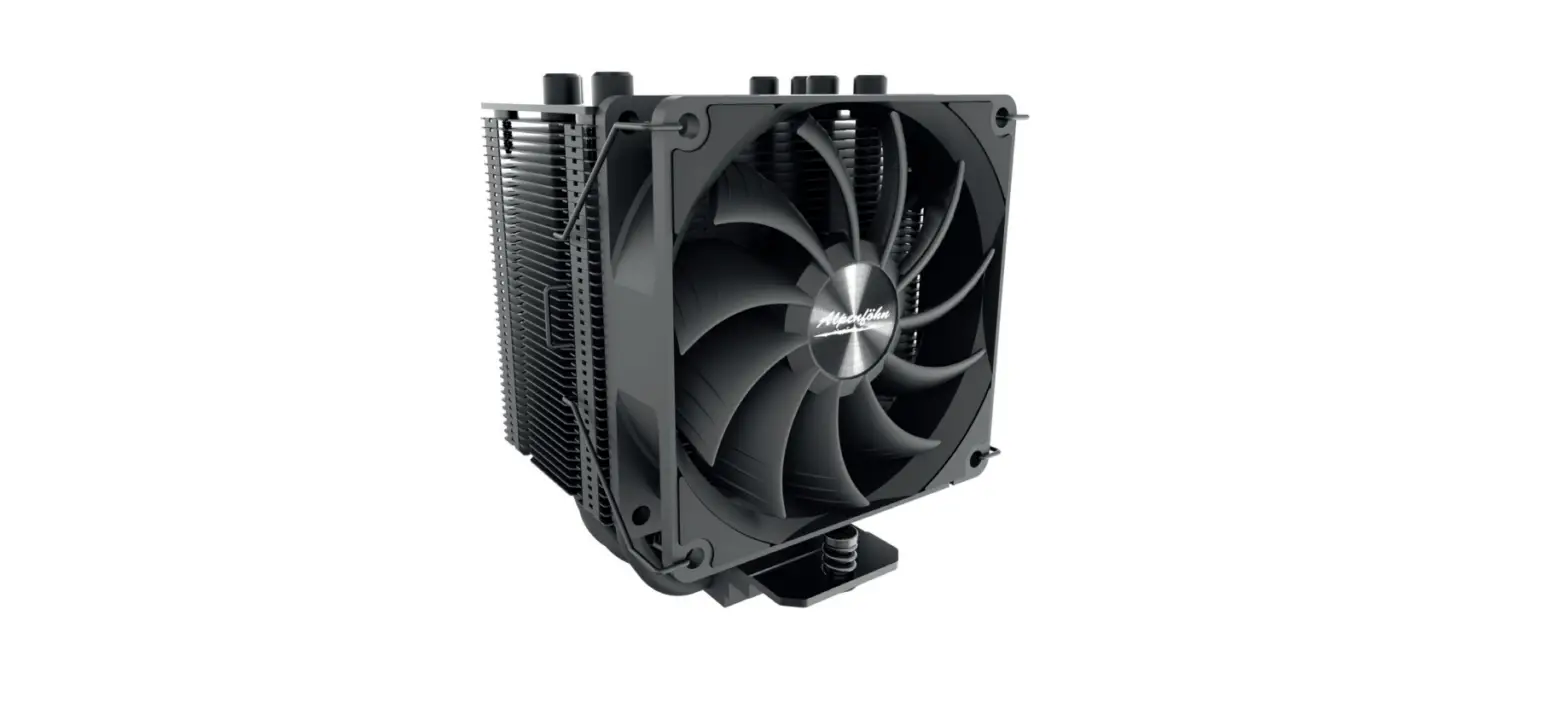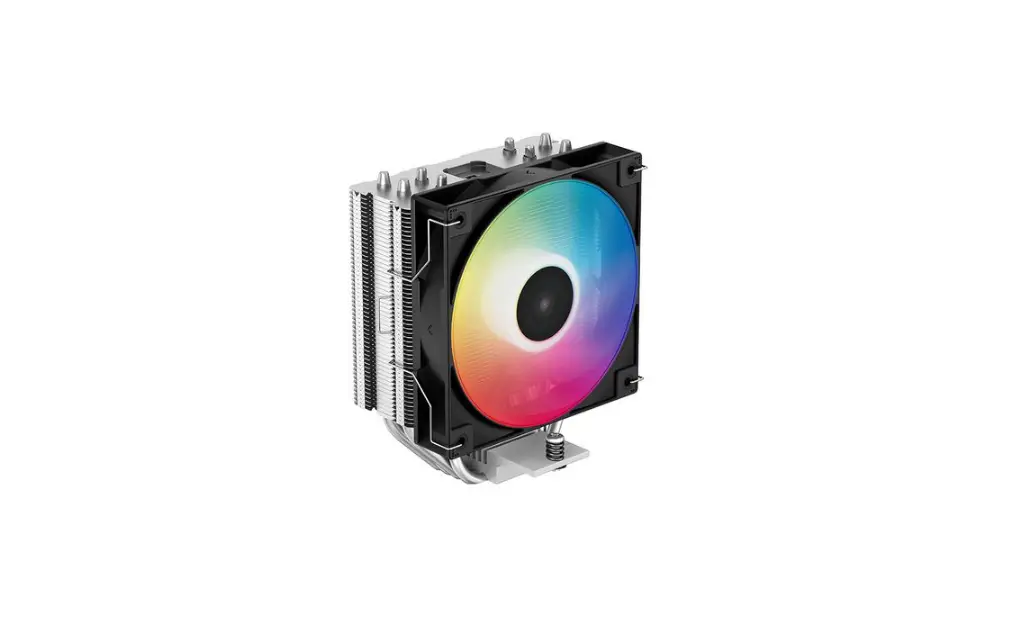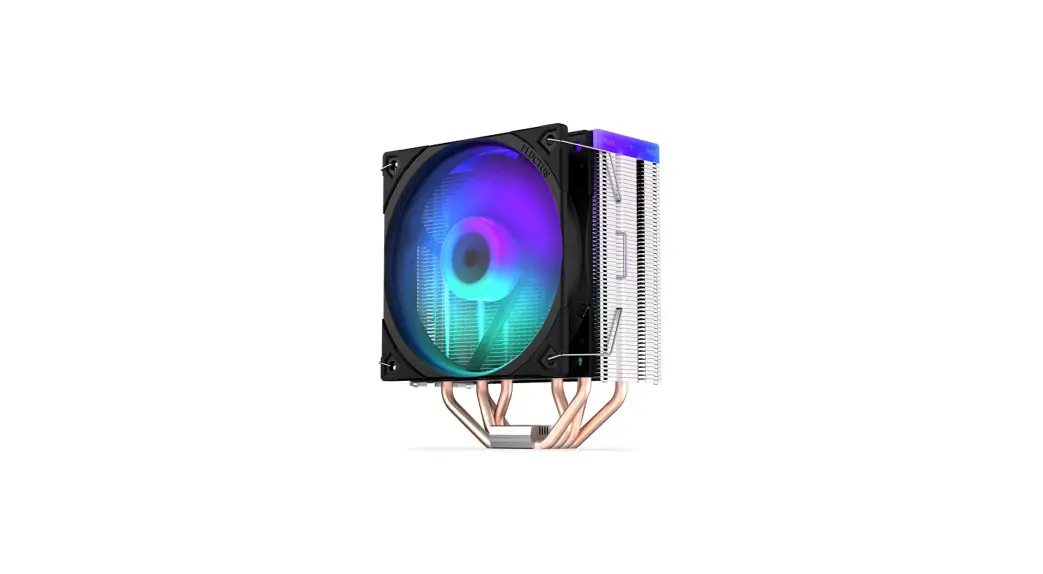

Frosty cooler guide
Model: SMX-CPUFRD-120
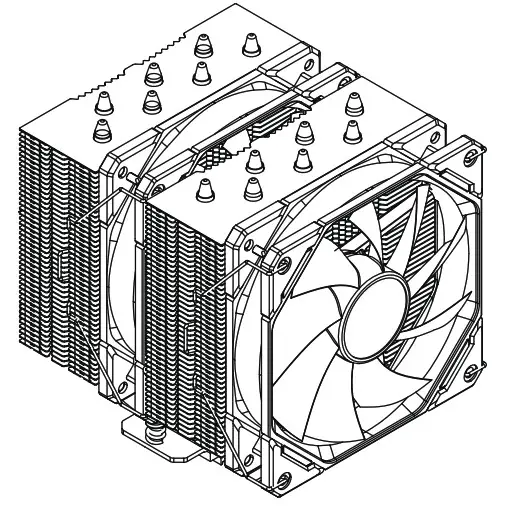
SMX-CPUFRD-120 CPU Coolers
BEFORE YOU USE THIS PRODUCT, READ THIS GUIDE CAREFULLY.
DO NOT THROW IT OUT, YOU MAY NEED IT LATER.
WHAT YOU’LL FIND IN THE PACKAGE
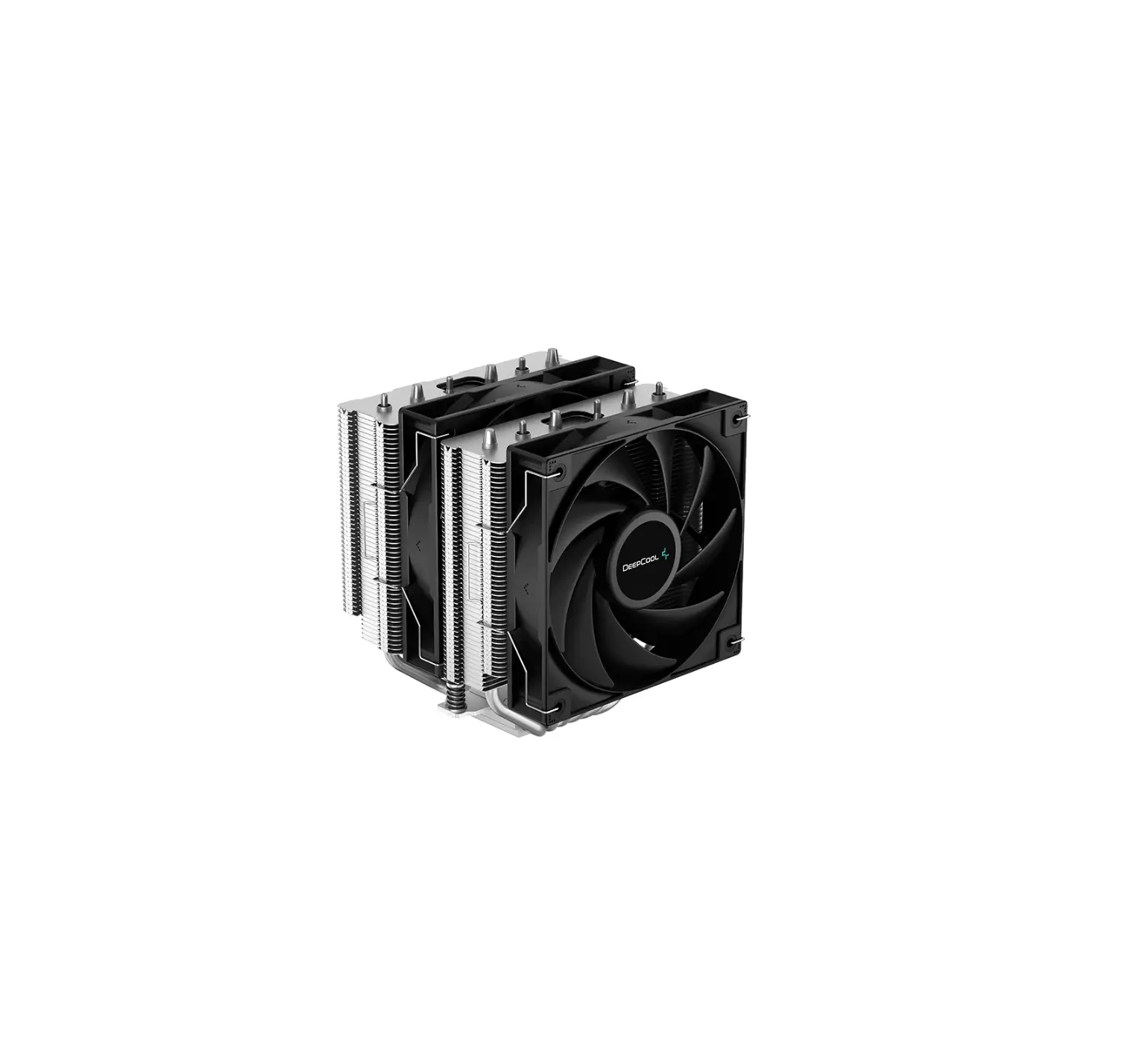
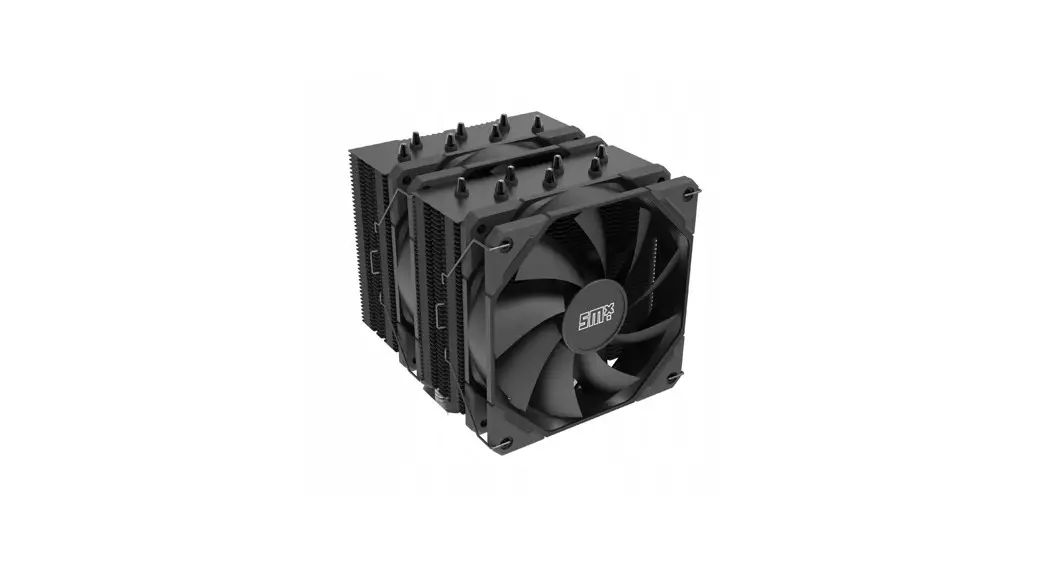
- CPU cooler
- Thermal paste
- Installation set
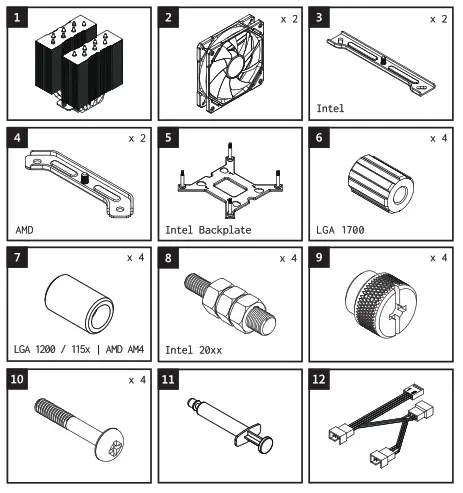
COMPONENT LIST
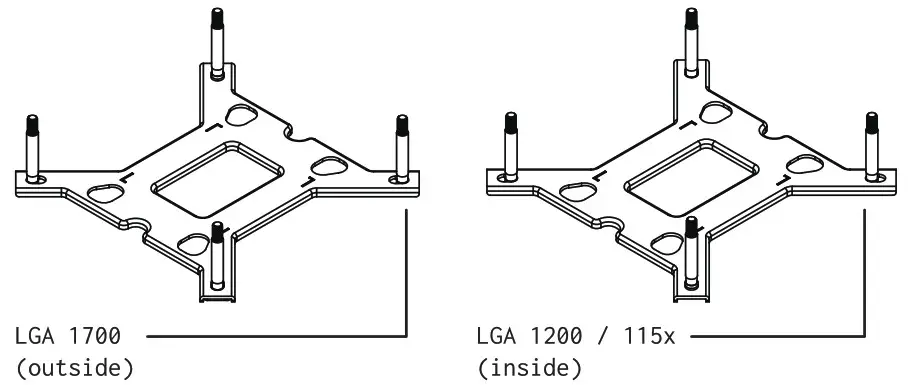
HOW TO INSTALL THE BACKPLATE
- FOR THE INTEL PROCESSORS

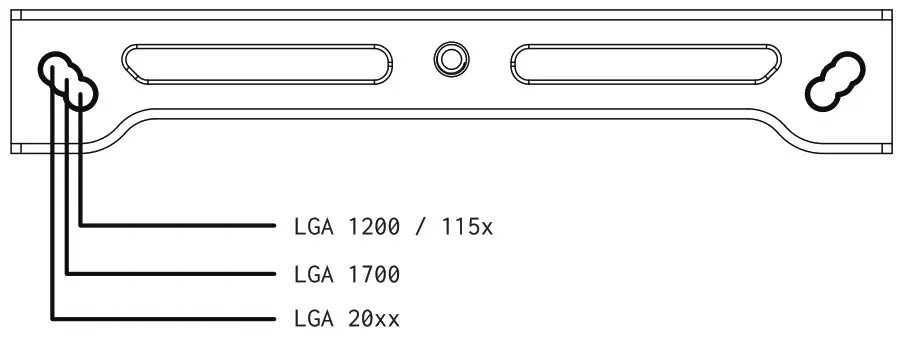
HOW TO ADJUST THE SPACING OF THE COOLER’S MOUNTING
- FOR INTEL PROCESSORS

HOW TO INSTALL THE COOLING SYSTEM ON YOUR MOTHERBOARD
Intel LGA 1700|1200/115x
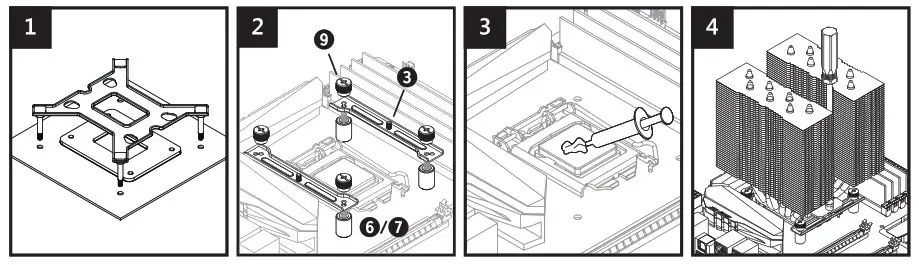
- Install the cooler’s backplate on the rear of the motherboard – carry the mounting screws through the motherboard’s mounting holes. Pay attention to the cutouts intended for elements, which stick out.
- Put appropriate spacers (6 or 7) on the mounting screws.
Put on the mounting bars (3) and then tighten the nuts (9). - Put the thermal paste, which is included in the set, on the processor.
- Put the heatsink on the processor and tighten both screws alternately.
Intel LGA 20xx
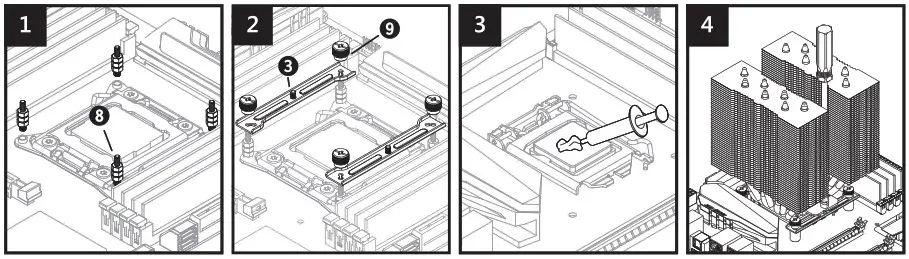
- Screw on appropriate spacer bolts (8) to the processor’s socket on the motherboard.
- Put on the mounting bars (3) and then tighten the nuts (9).
- Put the thermal paste, which is included in the set, on the processor.
- Put the heatsink on the processor and tighten both screws alternately until you feel resistance.
AMD AM4
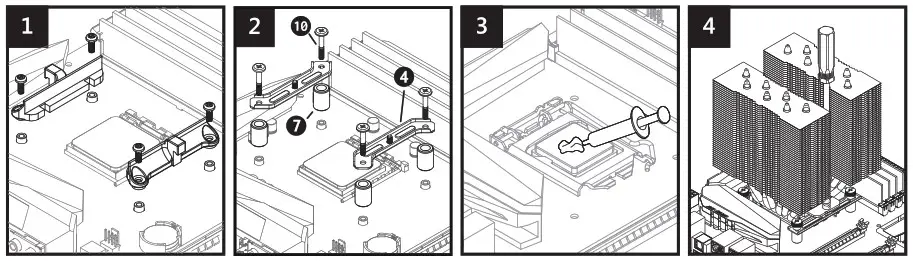
- Remove the stock processor socket’s mounting bracket from the motherboard.
- Prepare the motherboard for further installation as shown – the stock backplate’s threads must stick out above the laminate’s surface.
- Put appropriate spacers (7) and mounting bars (4) on the motherboard and then tighten the screws (10).
HOW TO INSTALL THE FANS
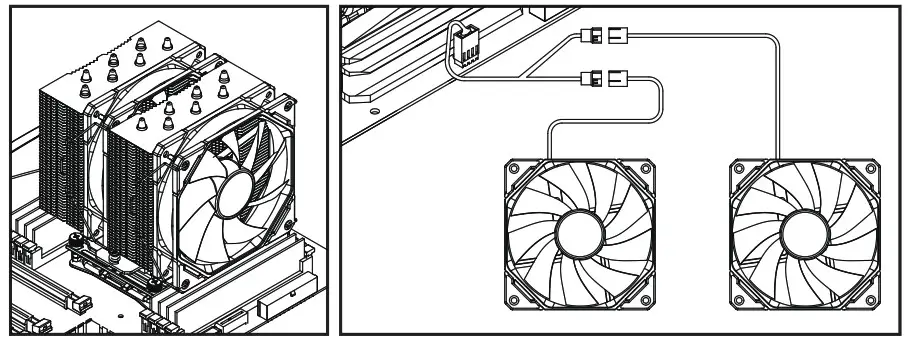
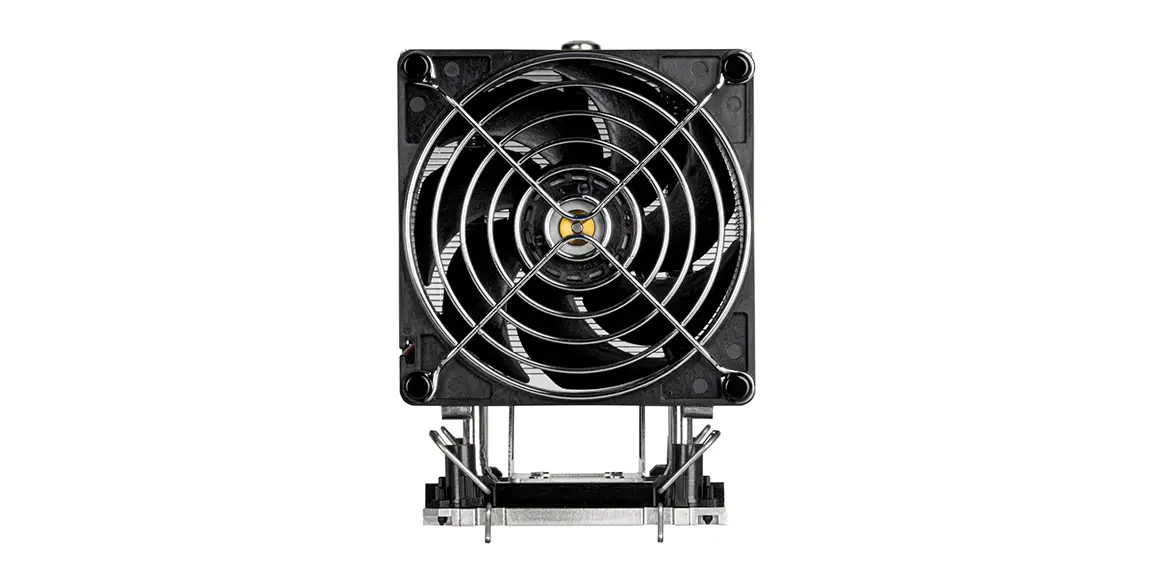
- Fasten the fans’ latches on the heatsink. Make sure that both fans blow air in the same direction.
- Connect the fans’ PWN header to the PWM 1-2 Splitter (12), and then connect the splitter to the “CPU_FAN” header on the motherboard.
SPECIFICATION
| TDP | 250 W |
| Overall Dimension | 157 x 122 x 140 in (H x W x D) |
| Heatsink | 7 x CD 6 mm Heatpipe (Copper Base) Aluminum Fin |
| Overall weight | 1100 g |
| Fan Dimension | 120 x 120 x 25 mm (2 Fans Included) |
| Fan Speed | 700 – 1800 ± 10% RPM |
| Rated Voltage | 12 V |
| Power Input | 2.4 W / Fan |
| Bearing Type | Hydraulic Bearing |
| Connector | 4-PIN PWM |
| MTBF | 50,000 Hrs |
| Socket compatibility | Intel LGA 1I5x / 1200 / 1700 / 20xx AMD A114 |
| Noise level | 15.2 – 35.2 dB(A) |
WARRANTY AND TECHNICAL SUPPORT
Your cooler has 24 months of manufacturer’s warranty. You can find more information on our website www.silvermonkey.com/support.
If you have questions about using the product – contact us at [email protected].
Manufacturer:
Silver Monkey sp. z 0.0.
ul. Twarda 18, @@-105 Warszawa
Poland
DISPOSAL AND THE EU COMPLIANCE STATEMENT
 We, as the manufacturer of this equipment, declare that it meets the rules of the appropriate EU directives. If you need a copy of the EU Declaration of Conformity – contact us.
 Do not throw this equipment out with other household waste.
This equipment is made from materials that may be harmful to the environment and human health, if the product is disposed of in the wrong way. When you need to throw away an old product, take it to a designated collection point.