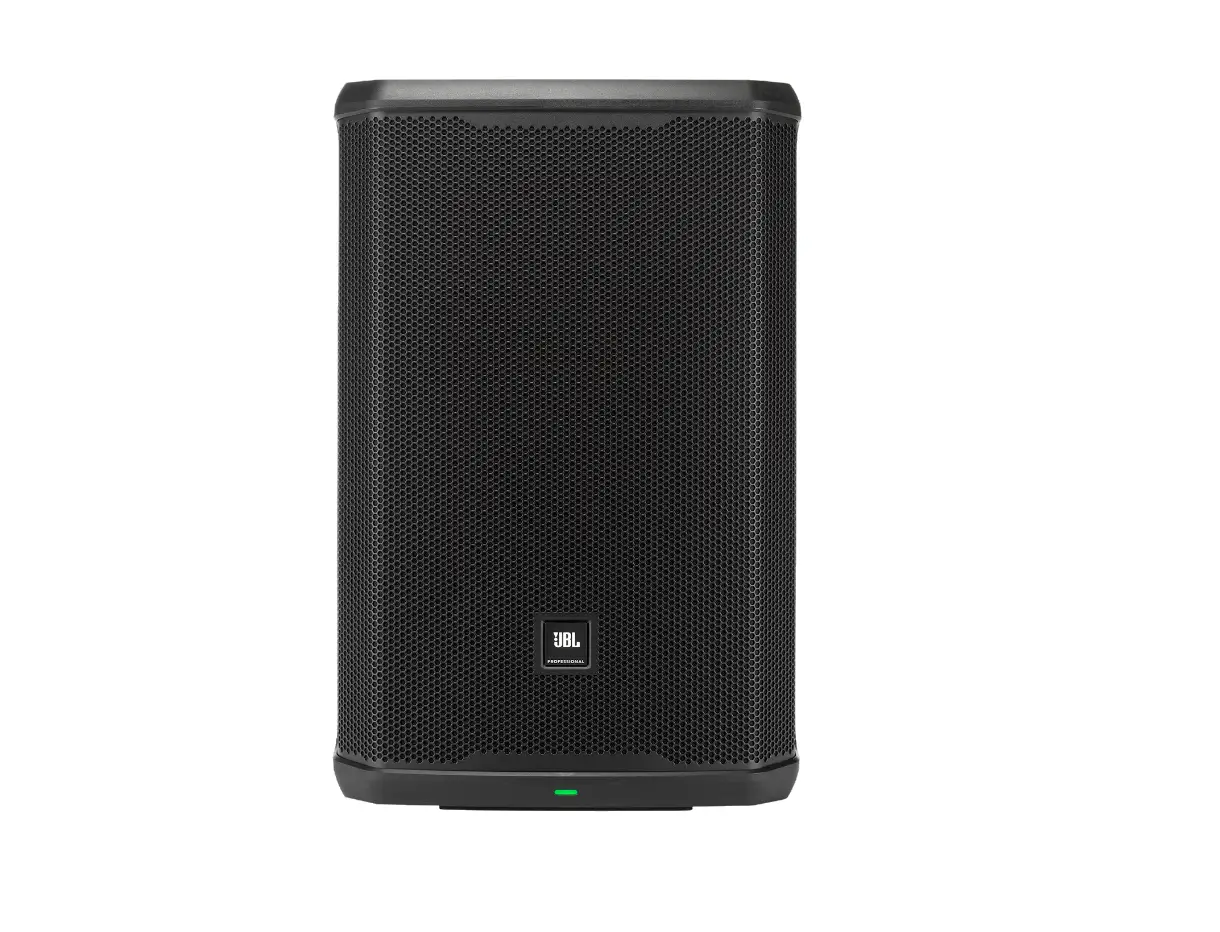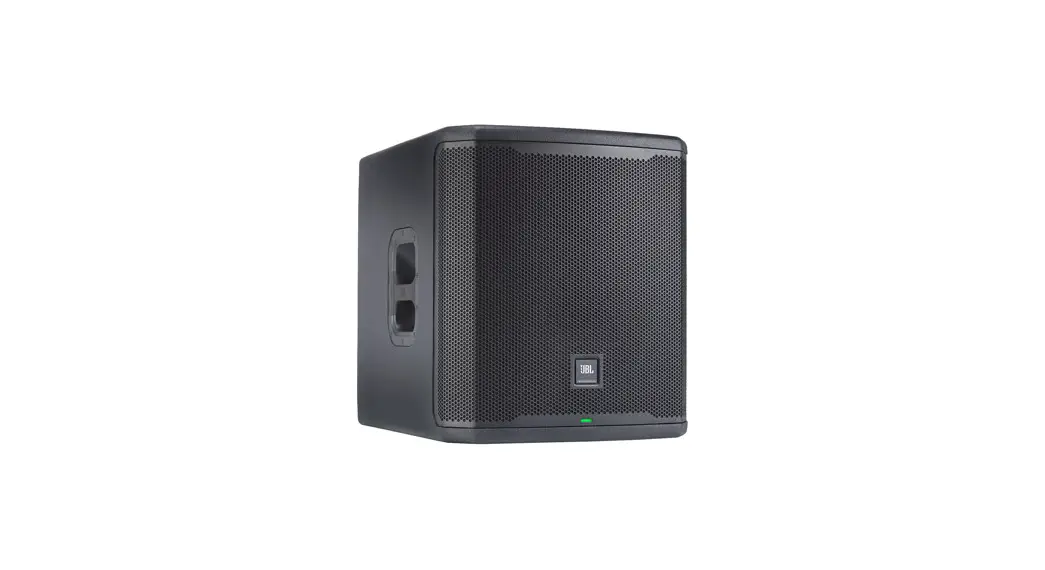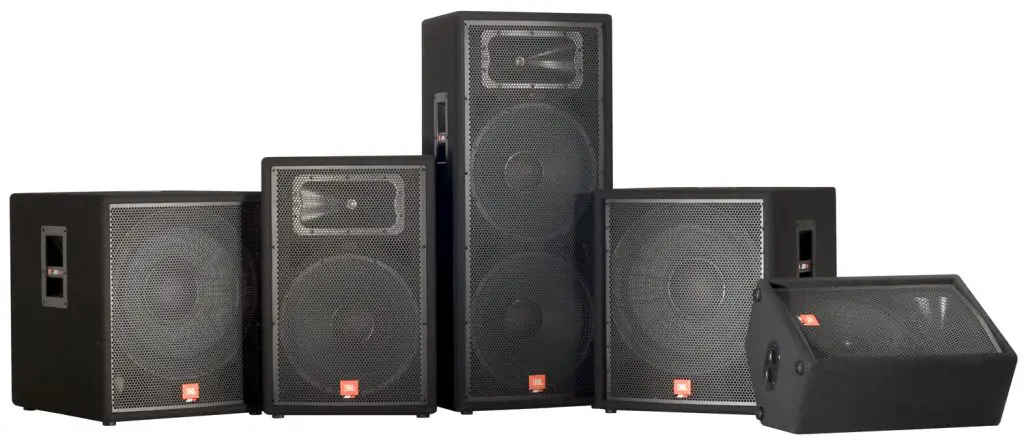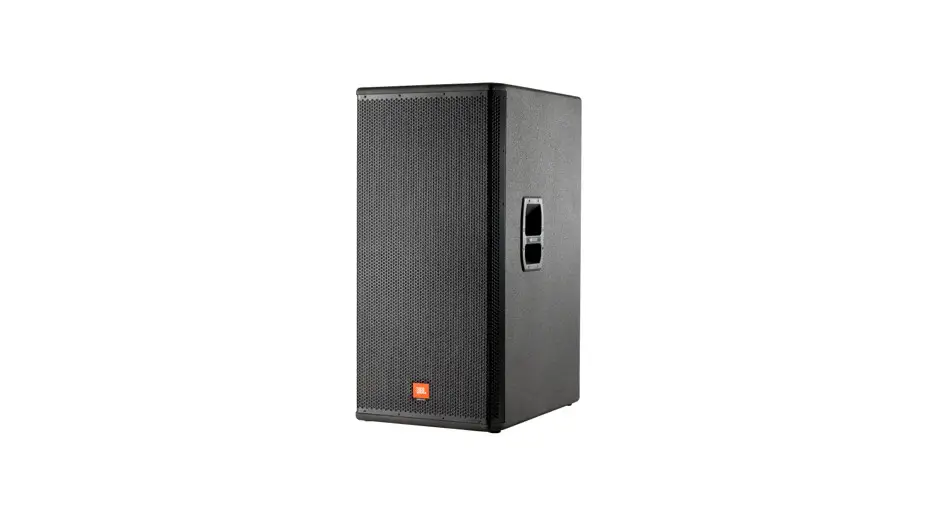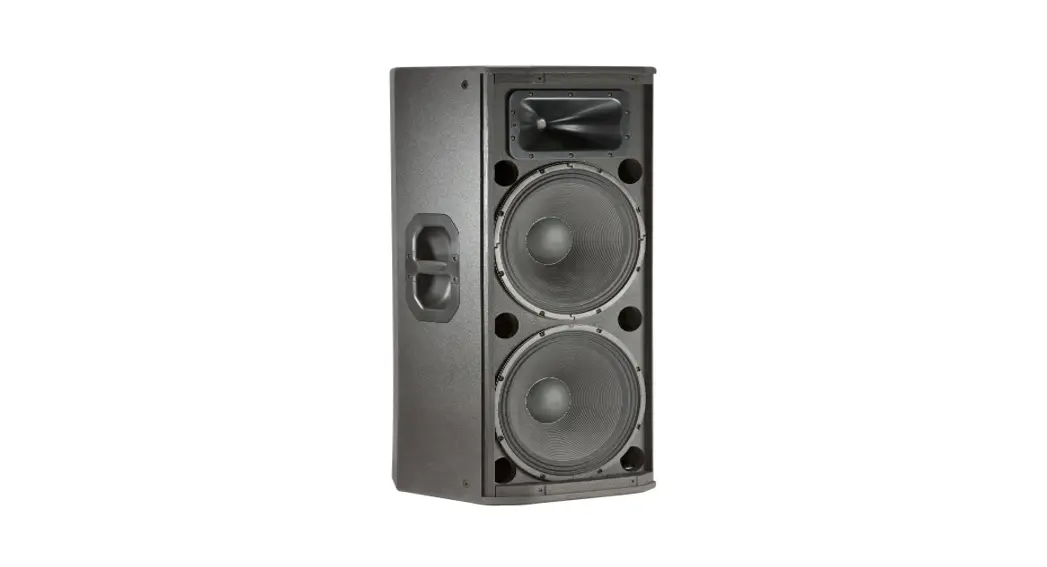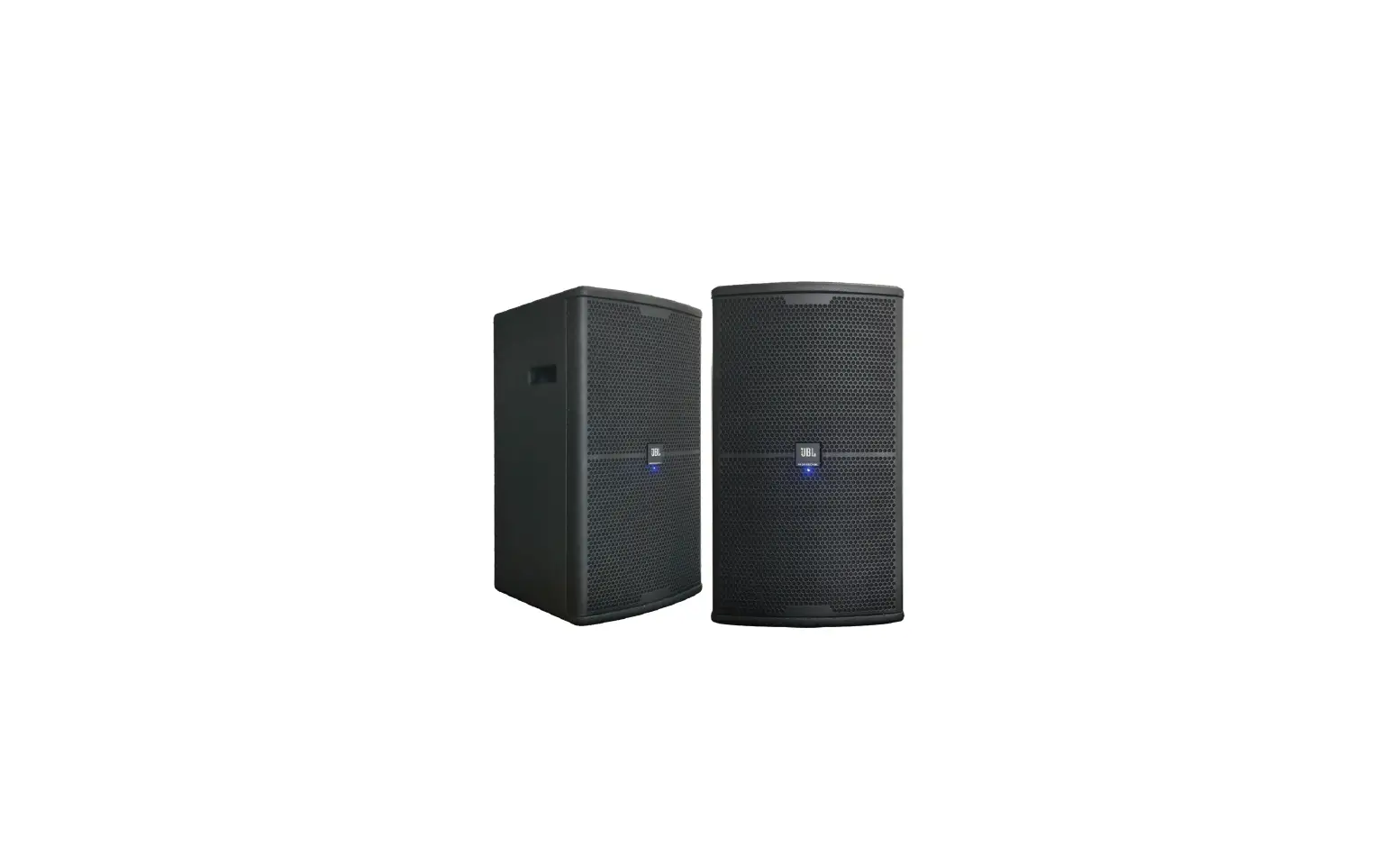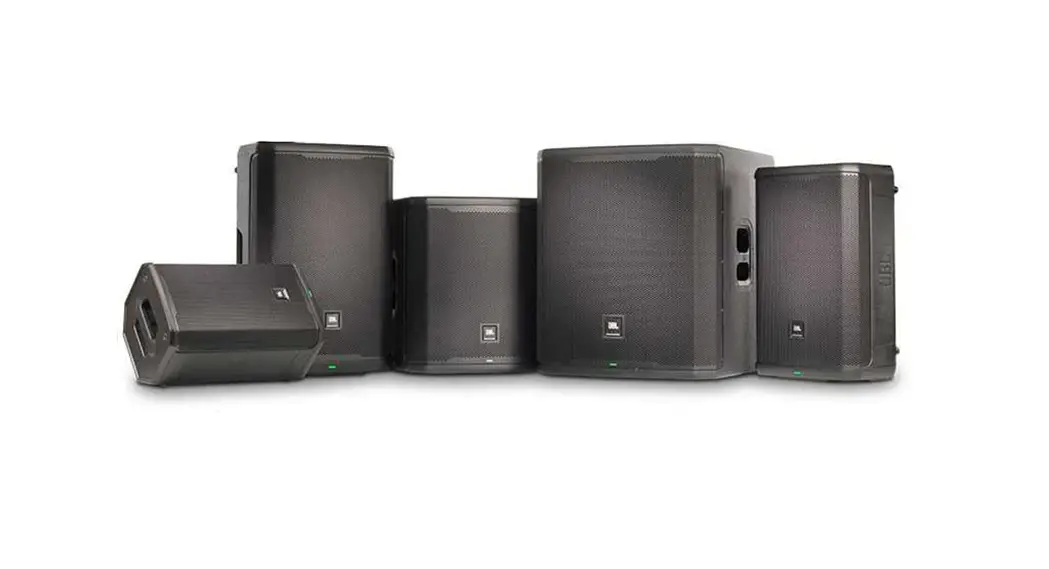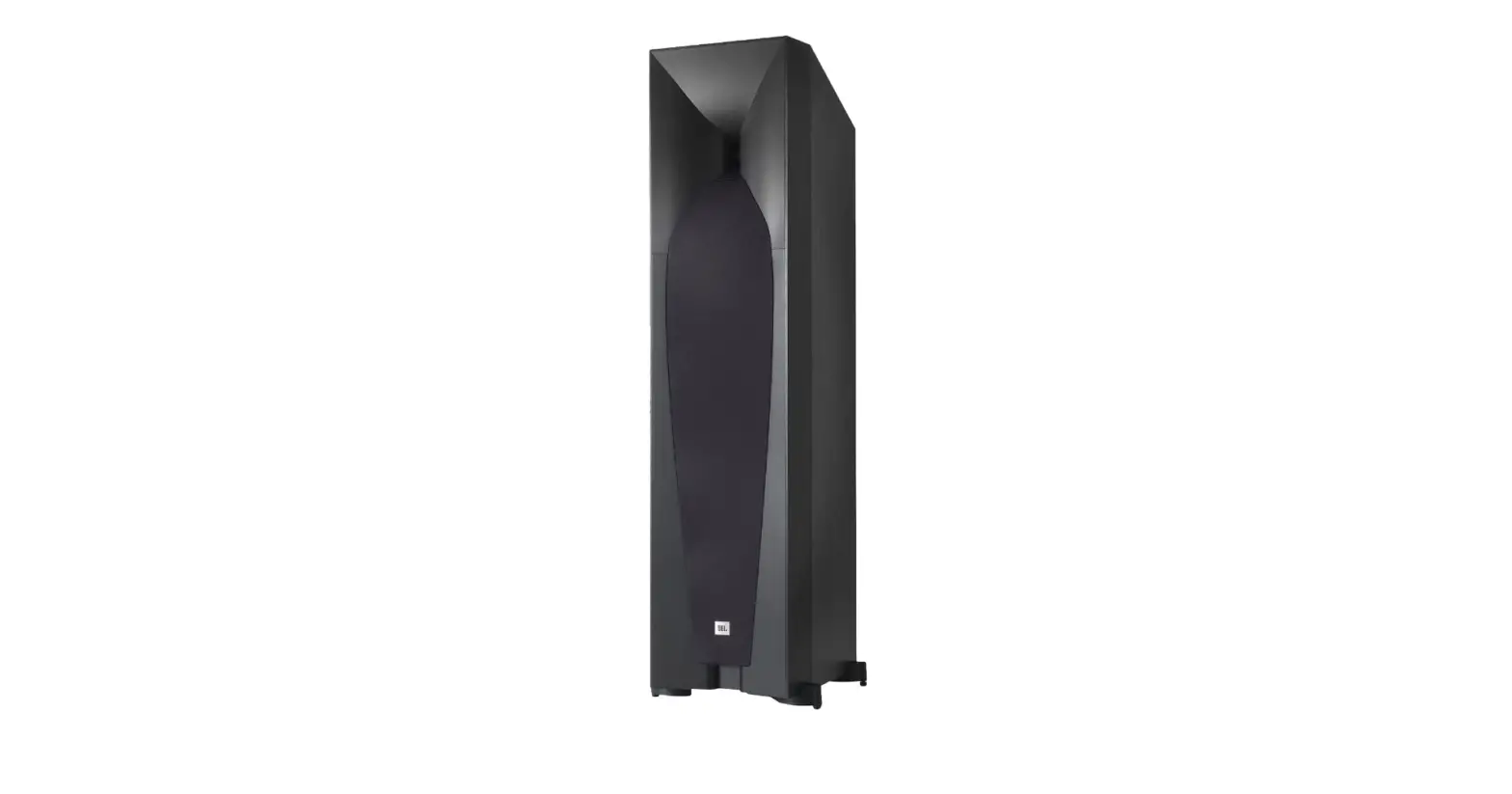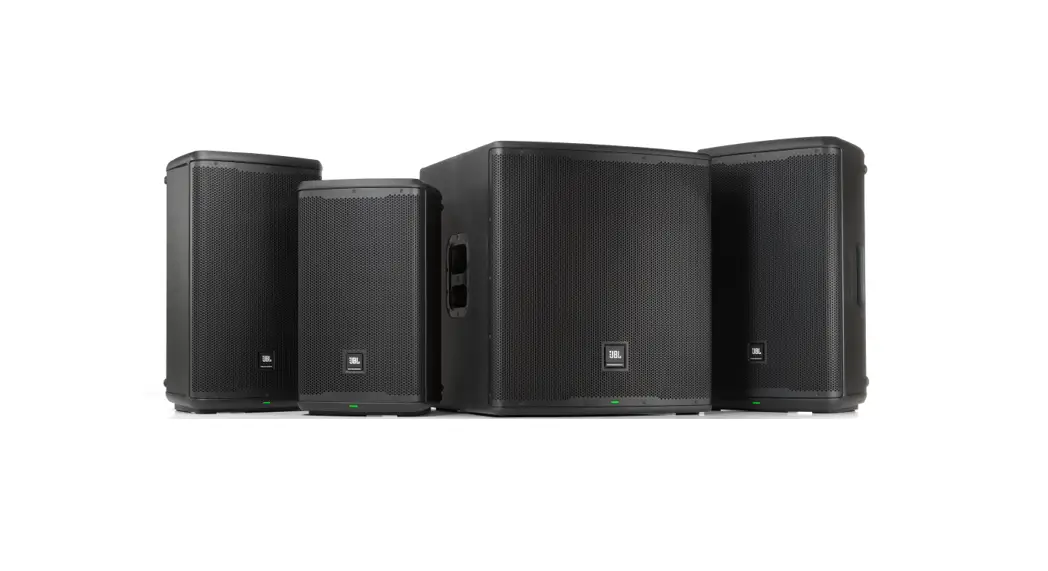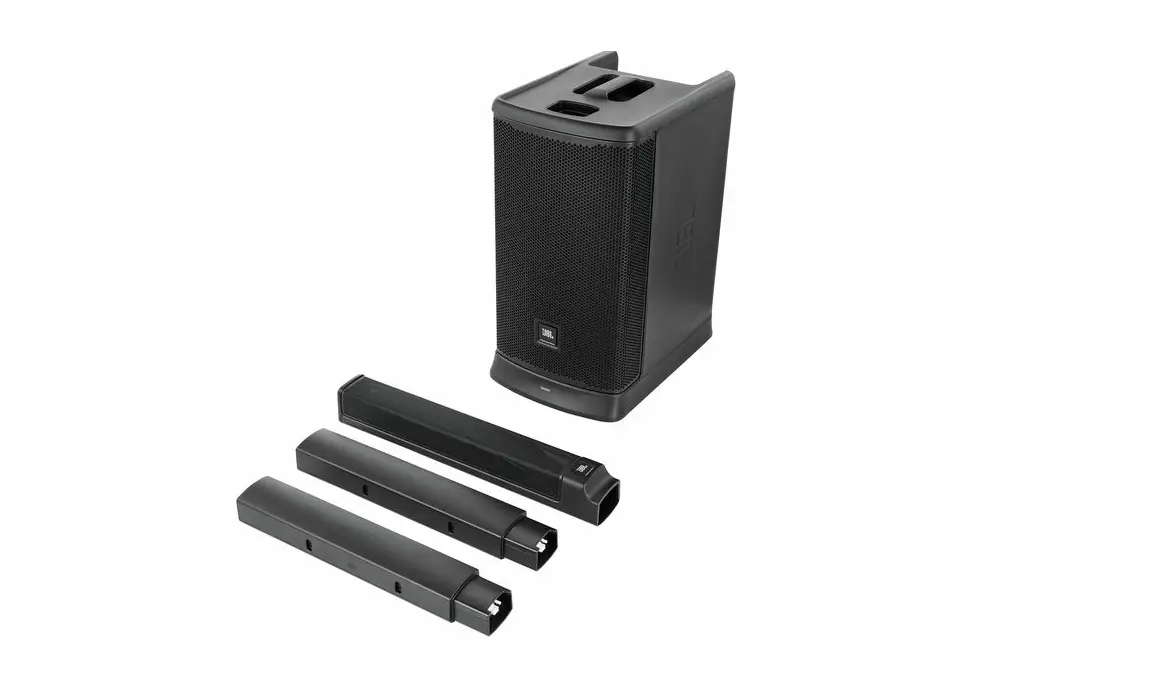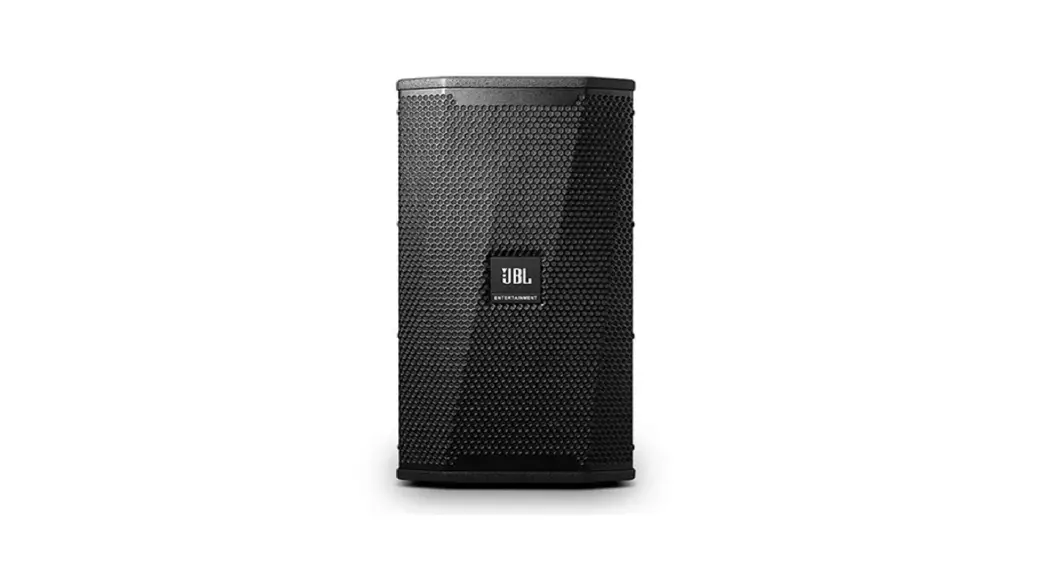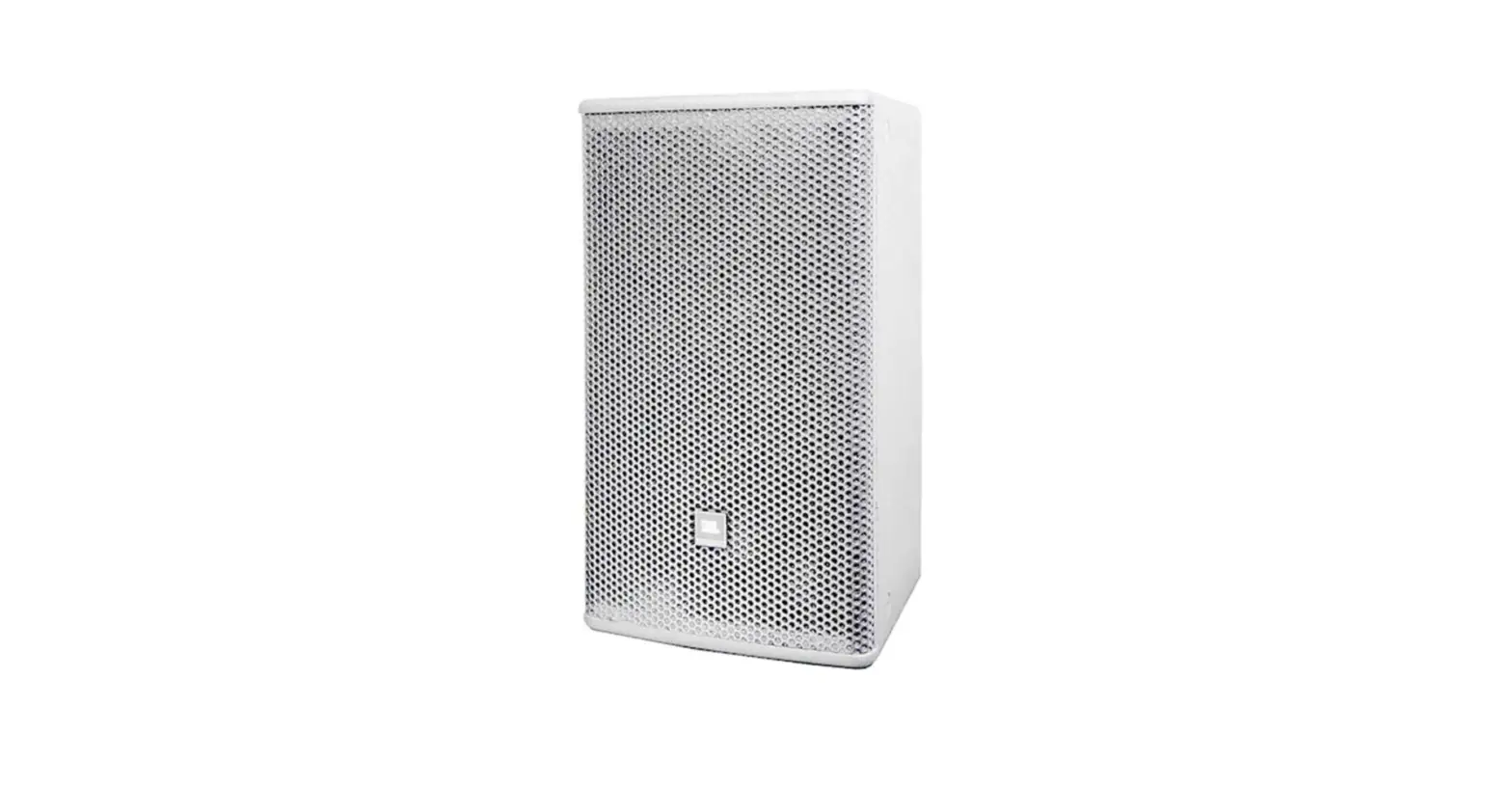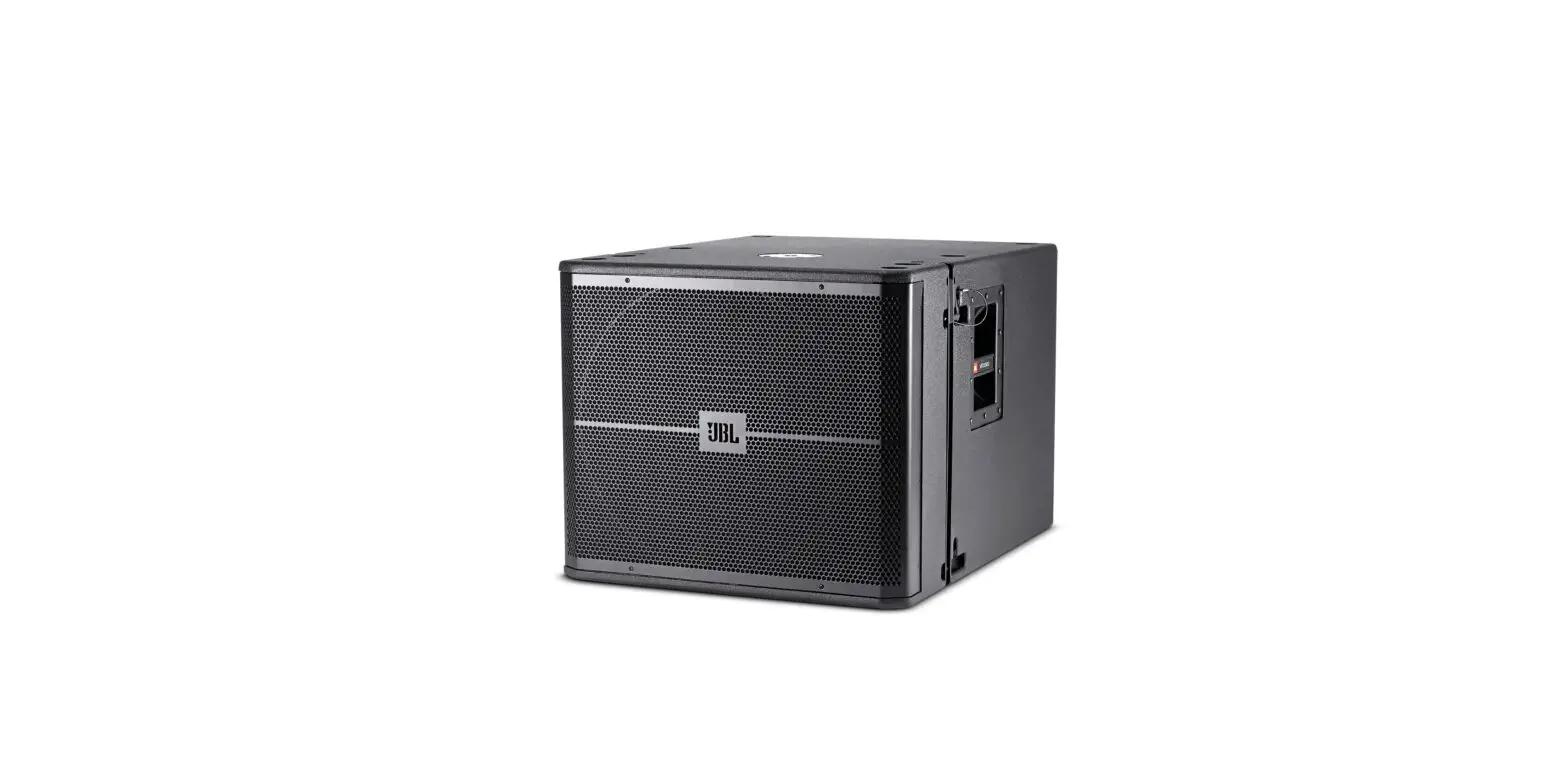

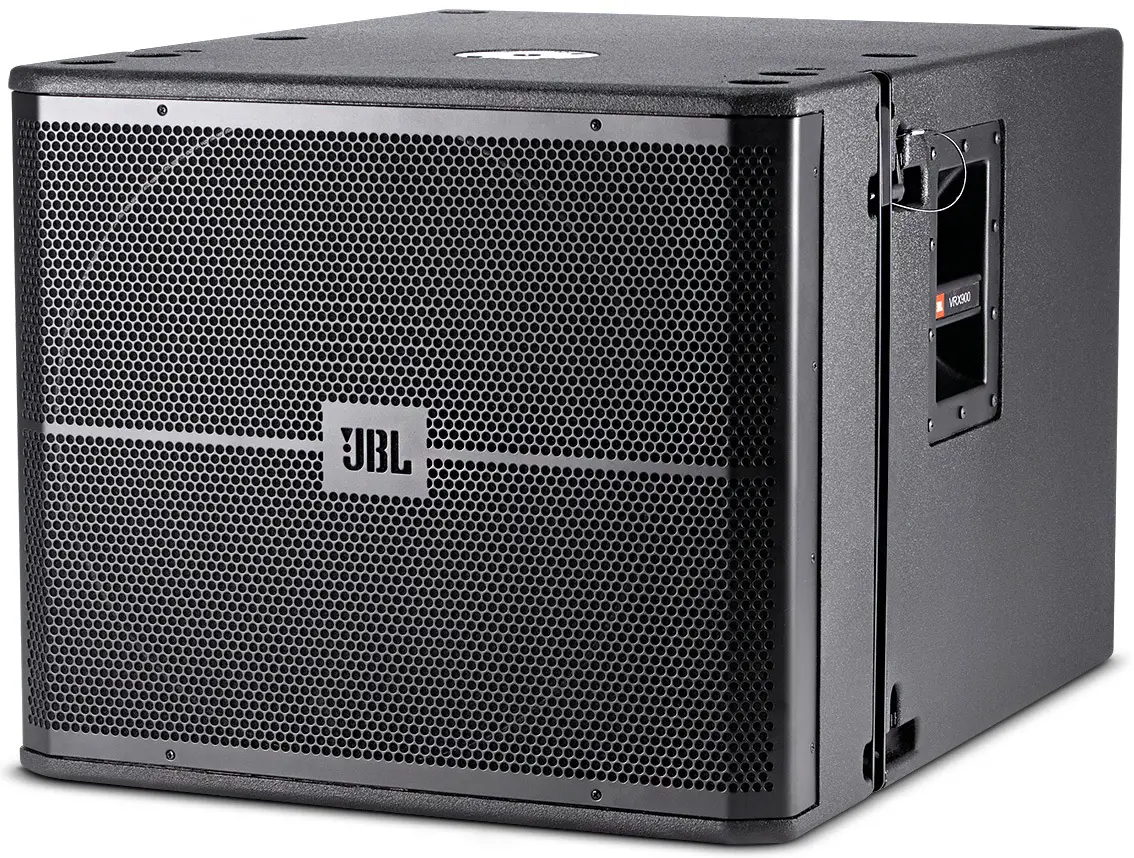
JBL PRX 915/918 XLF Professional Loudspeakers
POWER ON THE UNIT
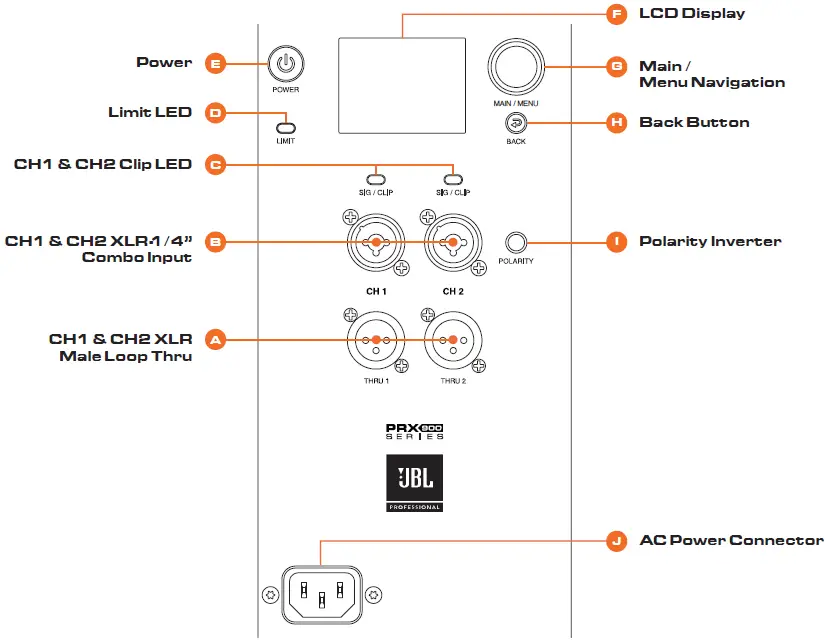
- Connect the power cord to the AC Power Connector (J).
- Press the Power Button [E] for .5 seconds to engage power.
PLUG IN THE INPUTS
- Turn the Main Volume (G) to the left until the LCD screen displays -100db before connecting inputs.
- Connect your devices to the Input Jacks (B).
- Turn the Main Volume (G) until the desired volume is reached.

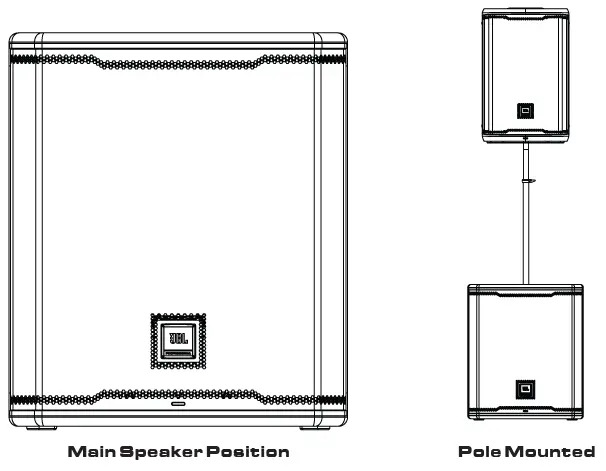
PLACE IN DESIRED LISTENING POSITION
JBL PRO CONNECT
- The JBL Pro Connect app is a Bluetooth Low Energy control application used to remotely control the features within the PRX915/918XLF. The app is a free download on iOS and Android.
- It is recommended that all users download the app and ensure their unit is operating on the latest firmware for the best experience.

For complete documentation, visit www.jblpro.com/prx900.
JBL Professional 8500 Balboa Blvd. Northridge, CA 91329 USA. © 2022 Harman International Industries, Incorporated. prx915-918XLF Quickstart Guide – 03/2022