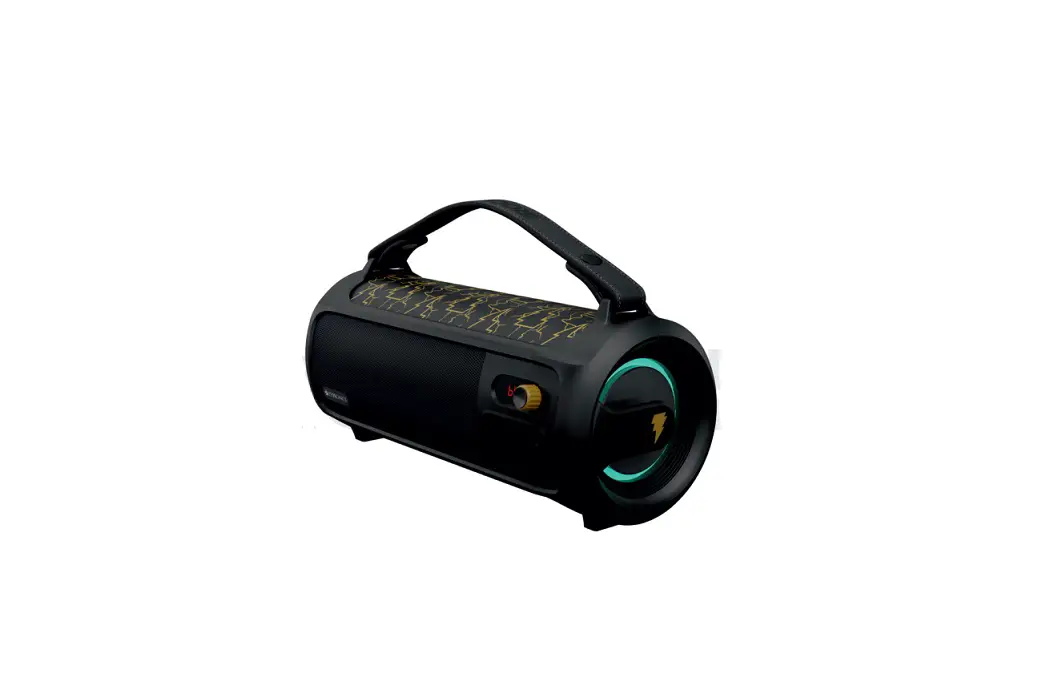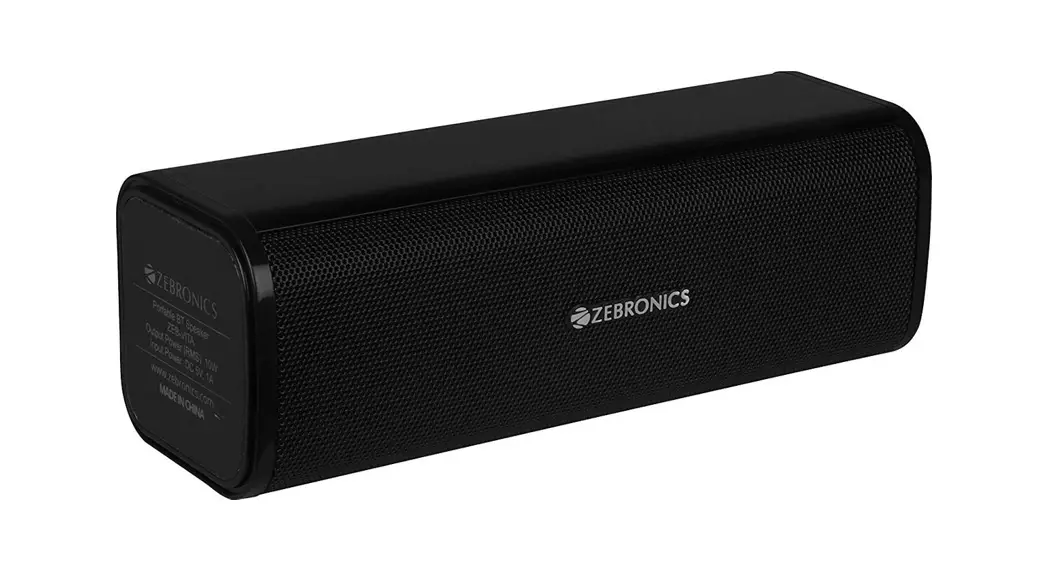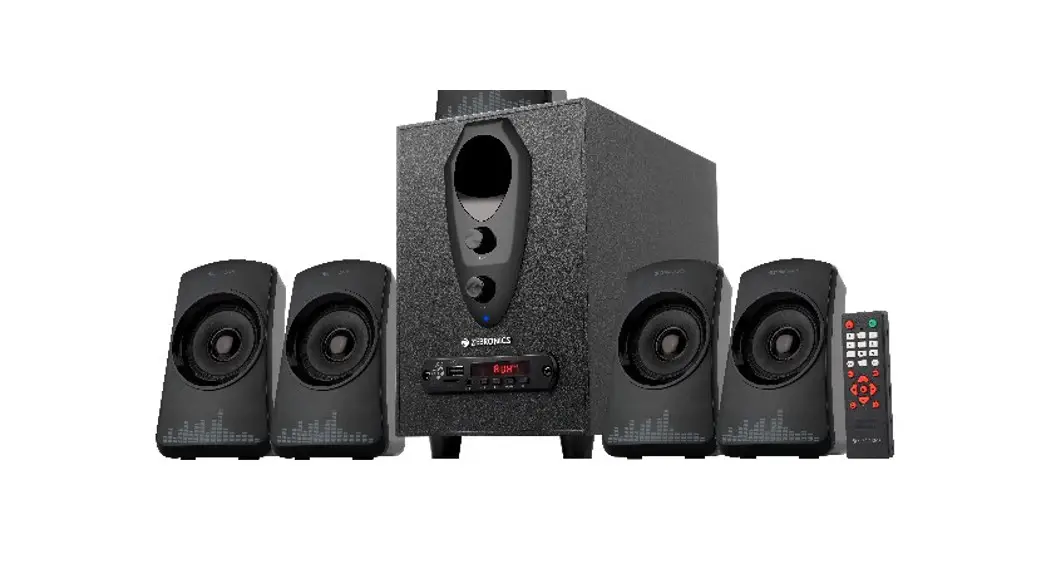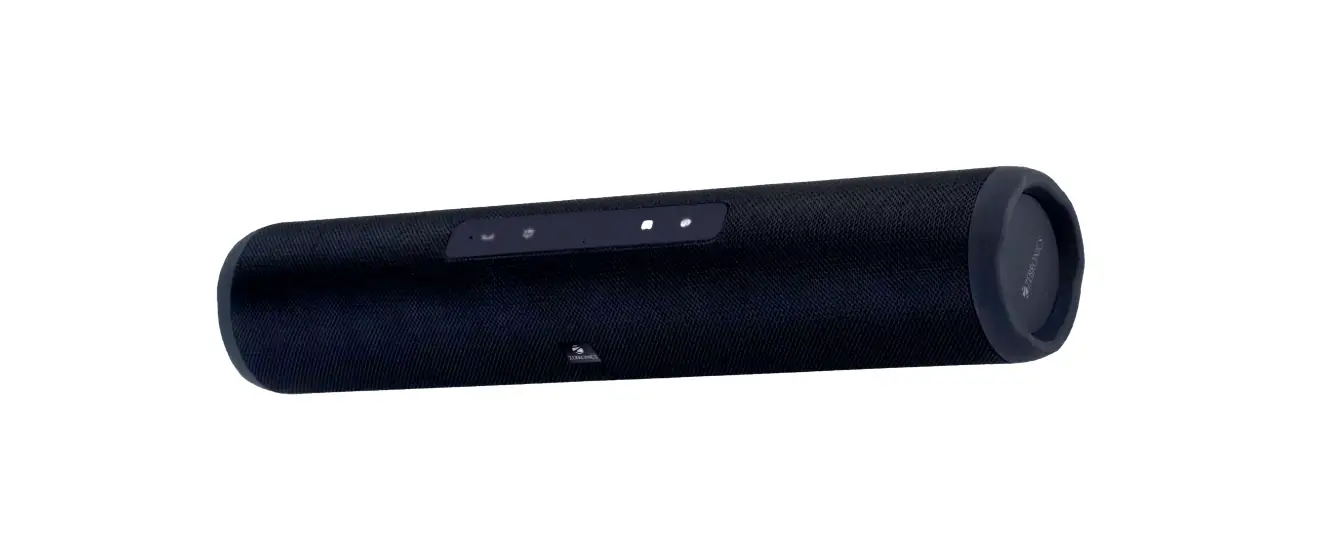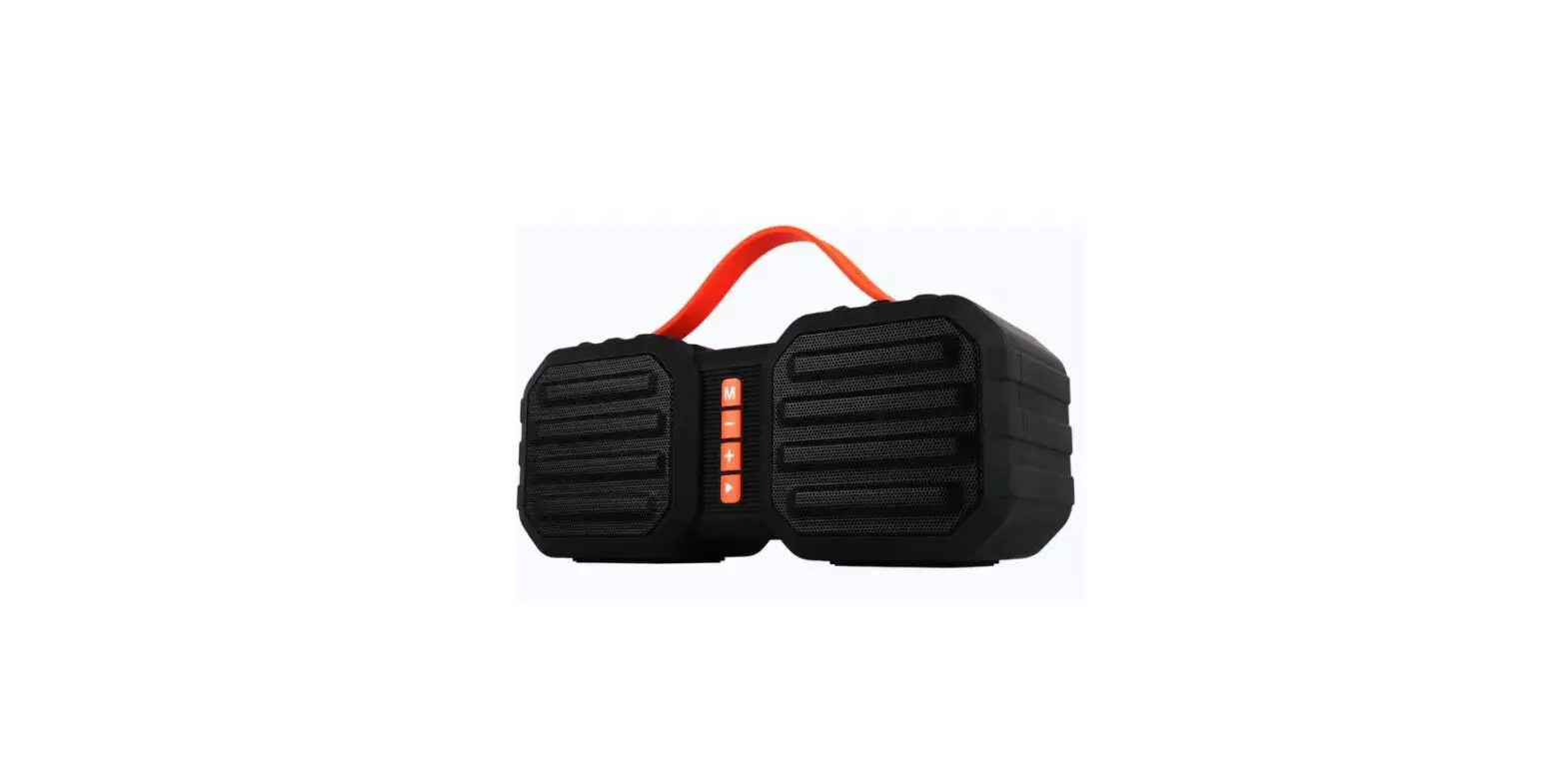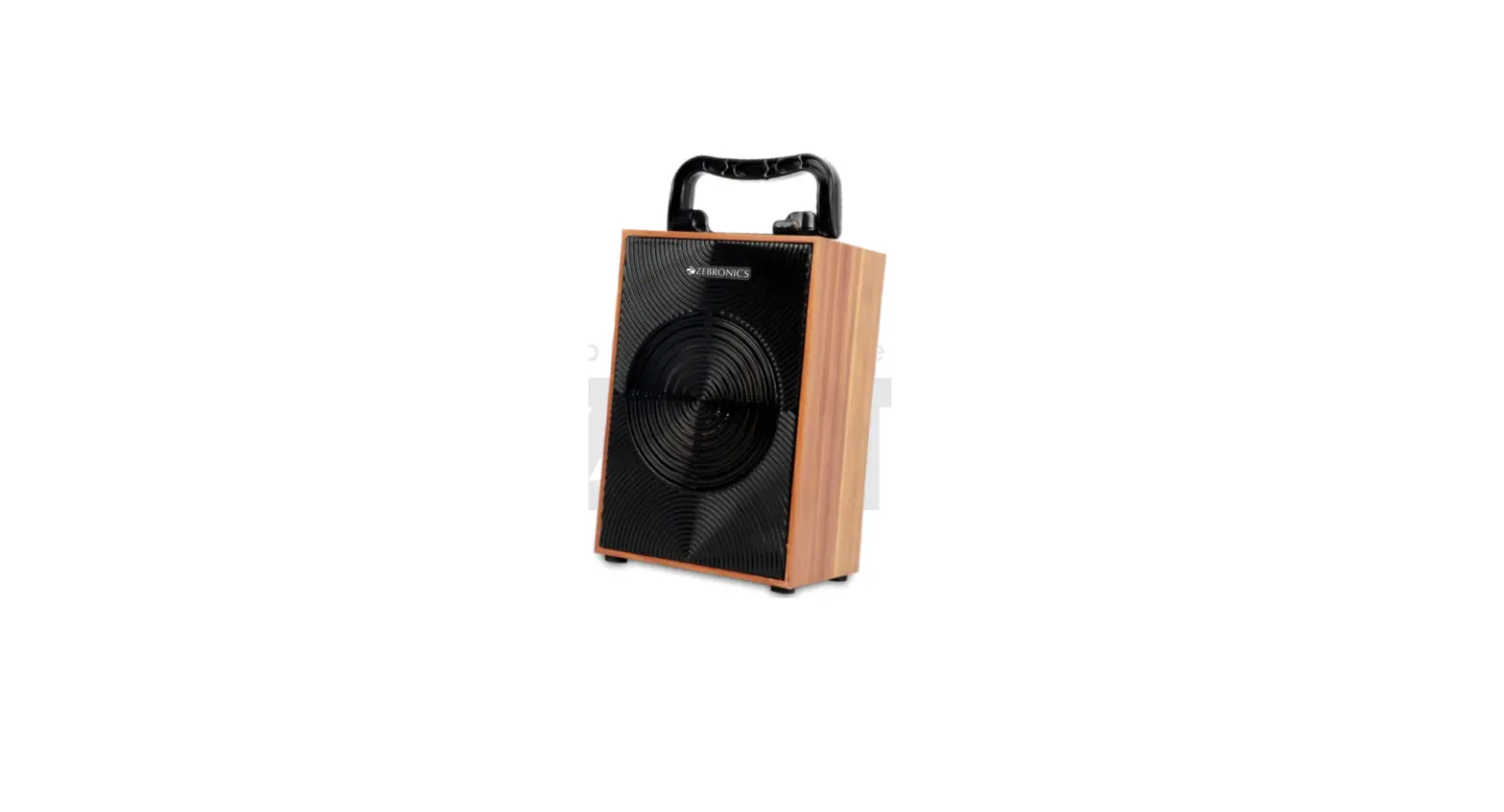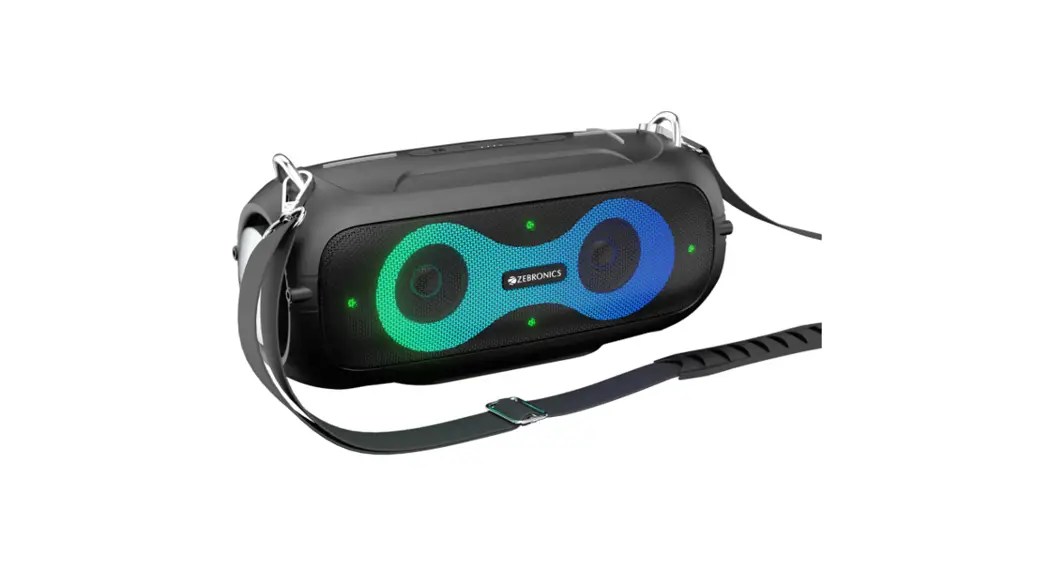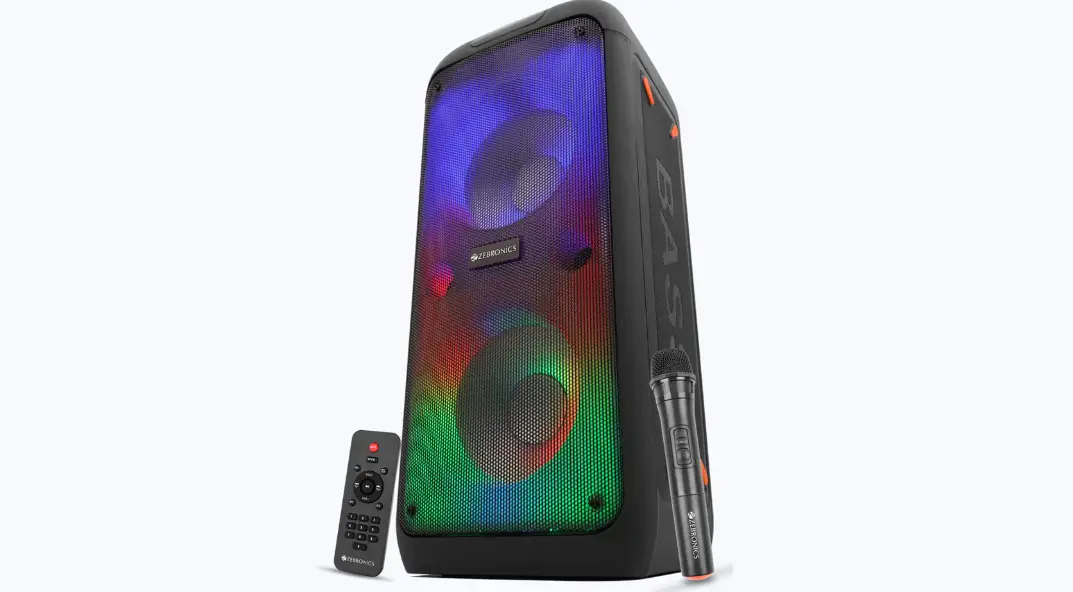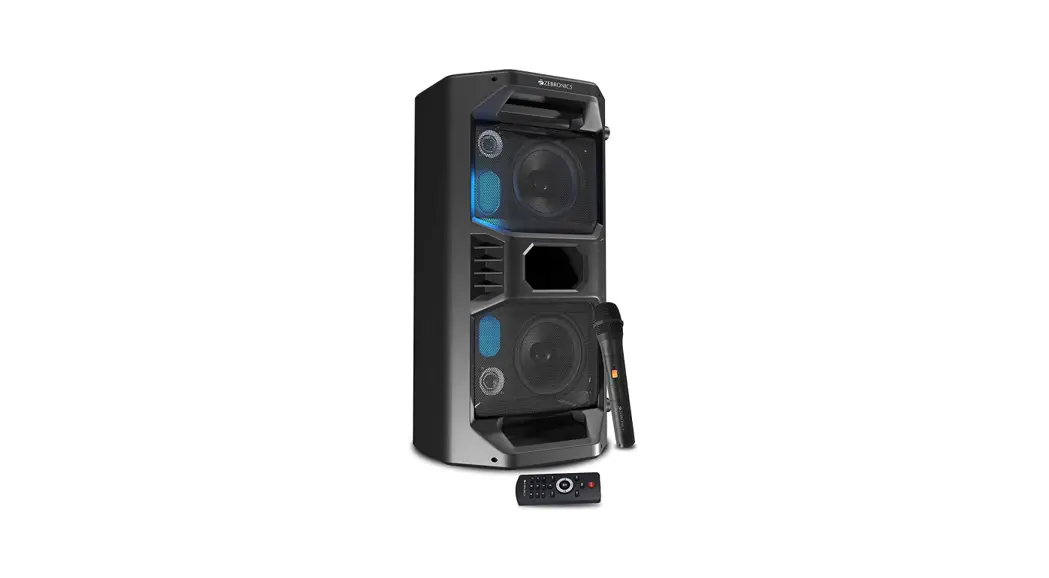
Portable Bluetooth Speaker
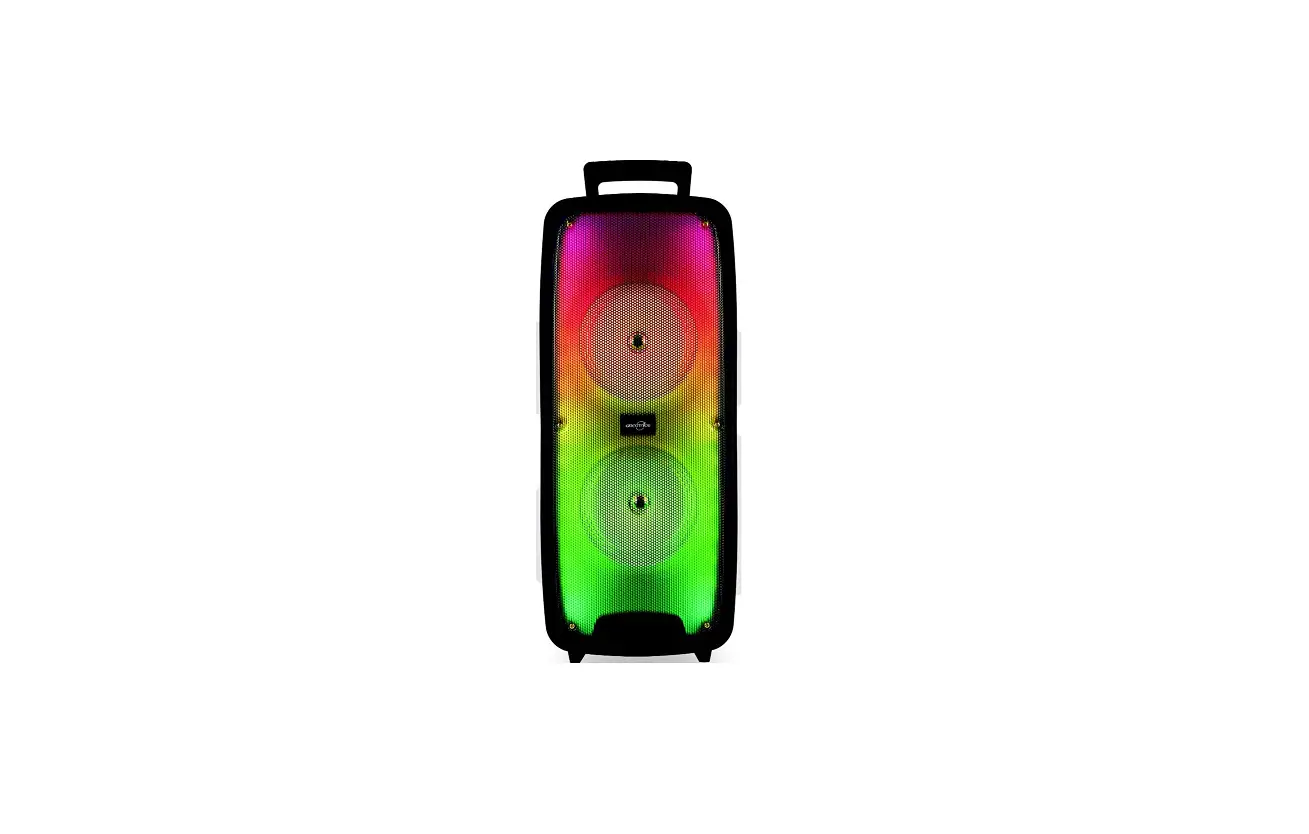
Zeb-Space Deck Pro
User Manual
www.zebronics.com
Thank you for purchasing ZEB-SPACE DECK PRO portable BT speaker. Please read this user manual carefully before usage & save it for future reference.
Note:
- Avoid the use of this product in a high temperature and high humidity environment.
- Avoid self disassembling of the product, or it will result in the failure of the warranty.
- Please charge the product with a power adaptor output rated voltage of 5VDC.
Features
Wireless BT
Supports USB & mSD card
Built-in FM Radio
AUX Input
TWS Function
Media /Volume control
LED Display
LED Lights
Microphone input jack
Wireless Mic
Built-in rechargeable battery
Specifications
Output Power (RMS) :40W (20W + 20W)
BTVersion : 5.0
Driver Size :(120mm+38mm)x 2
Speaker Impedance:8Ω+8Ω
Frequency Response : 70Hz-20kHz
S/N Ratio : ≥65dB
Max. Supported
USB/SSD memory size : 32GB
Supported
Audio formats: M P3, WAV, WMA, FLAC
Charging time: 5 H
Playback time: 6-6.5 H*
Product dimension : 242 x 242 x 470 mm
(W x D x H)
Net. weight : 3.84kg
* at 50% Volume
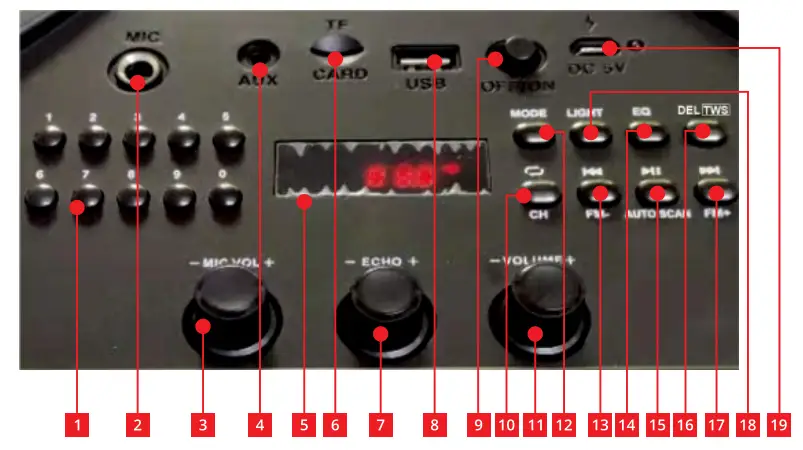
| 1 | NUMERIC SELECTION BUTTON |
| 2 | MIC INPUT |
| 3 | MIC VOL -/+ |
| 4 | AUX INPUT |
| 5 | LED DISPLAY |
| 6 | MICRO SD CARD SLOT |
| 7 | ECHO -/+ |
| 8 | USB SLOT |
| 9 | ON/OFF SWITCH |
| 10 | SWITCH PLAYER MODE |
| 11 | VOLUME -/+ |
| 12 | MODE SELECT |
| 13 | PREY. TRACK / PREV. FM CHANNEL |
| 14 | EQUALIZER |
| 15 | PAUSE / PLAY; SCAN FM CHANNEL |
| 16 | TWS FUNCTION |
| 17 | NEXT TRACK / NEXT FM CHANNEL |
| 18 | LIGHT MODE |
| 19 | DC 5V CHARGING PORT |
Instructions for Use:
Button functions
- Press the Mode button to change the input mode of the speaker.
- Press the “
 ” button to change the NEXT/PREY. track or channel when in BT mode, MD, USB, or FM mode respectively.
 - Short Press the “
 ” button to Play/Pause the track being played.
 - Press the “
 button to switch player mode to Loop playback or Repeat playback.
 - Long press the “DEL” button, when the display appears “DEL”, then press the “button, it will delete the current Music(USB/SSD Mode).
 button to switch player mode to Loop playback or Repeat playback.
Charging the Speaker
- Connect the USB charging cable to the DC 5V Charging port of the speaker and insert the other end into a USB power source/adapter.
- Red LED glows indicating that the battery is being charged. The Red LED will turn off once it is fully charged.
Pairing your device with Bluetooth Speaker
- Power ON the speaker until you hear the indication tone for Bluetooth mode.
- Blue LED indicates that your speaker is now ON and is in pairing mode.
- Switch ON BT on your phone or tablet and search for nearby BT devices.
- Search for the BT name “ZEB-SPACE DECK PRO” and tap to connect it.
Micro SD/ USB mode
Connect the Micro SD card / USB device to the respective ports of ZEB-SPACE DECK PRO and the speaker would automatically start playing from the Micro SD card/USB device.
AUX mode
Connect the speaker to an audio source (phone, TV, PC) using the 3.5mm cable provided in the box. Once connected, change the speaker to AUX mode, and thereafter audio can be streamed via the speaker from the connected source. Short press the “ button is mute, press once again”“exit mute.
FM Radio mode
Change the speaker to FM mode. Once the speaker is in FM mode, Long press the “” button once to start scanning for FM channels. Once the scanning is complete, press the “ “button to change the channels. TWS Function When two Speakers are in BT mode, long-press the “TWS” button to enter TWS mode. Once they are connected successfully, the main speaker will display “A” and the other speaker will display “B”. Now turn ON BT on your phone and connect to the BT name “ZEB–SPACE DECK PRO”. Long press the “TWS” button to exit TWS mode.
ISO 9001:2015 Certified Company
www.zebronics.com