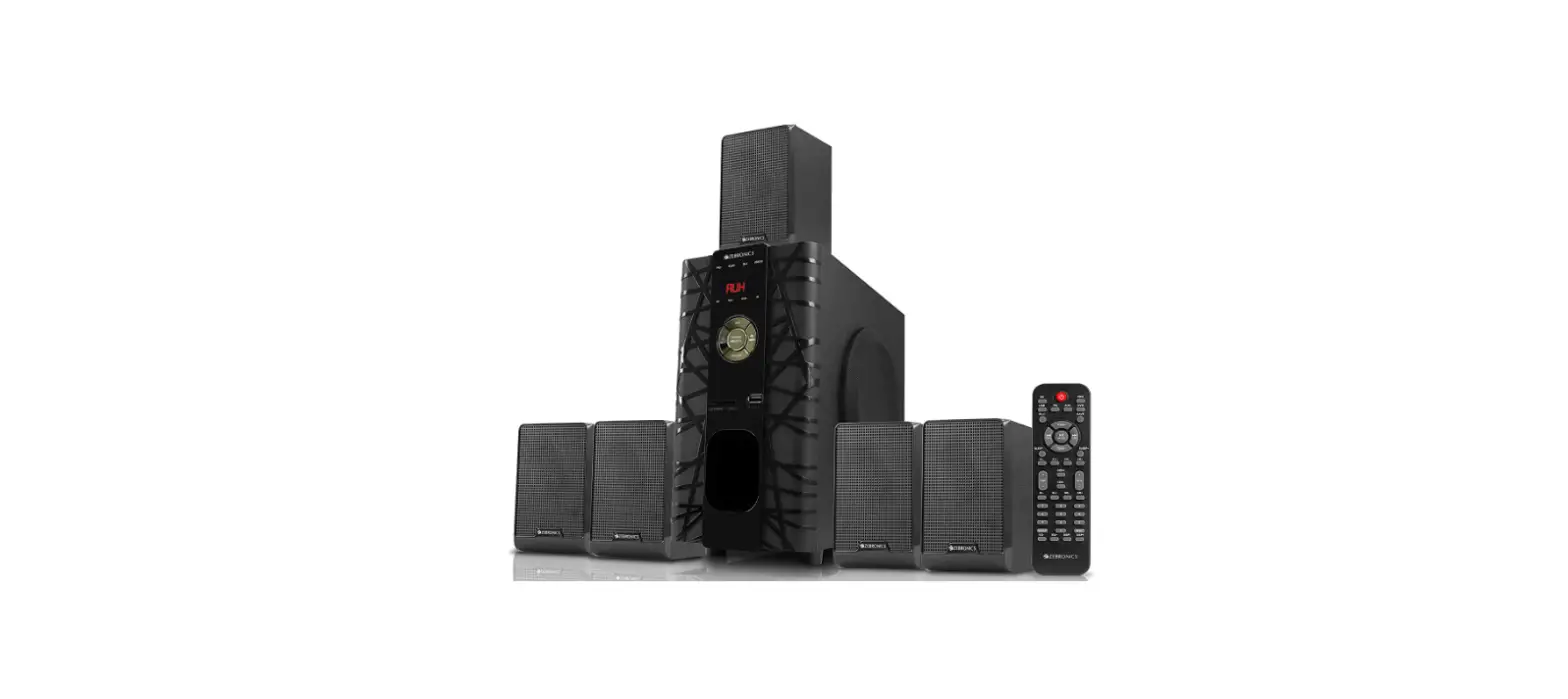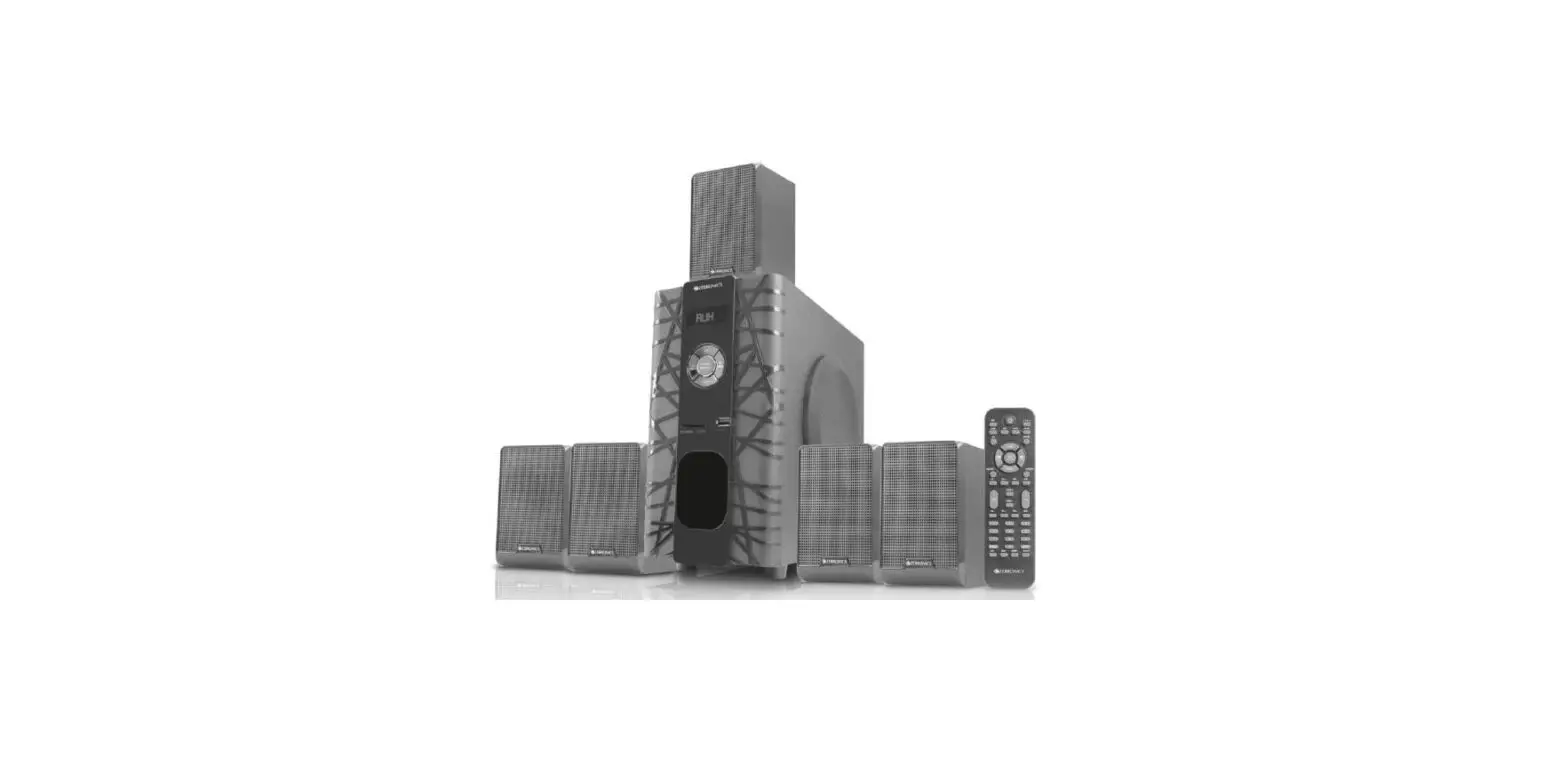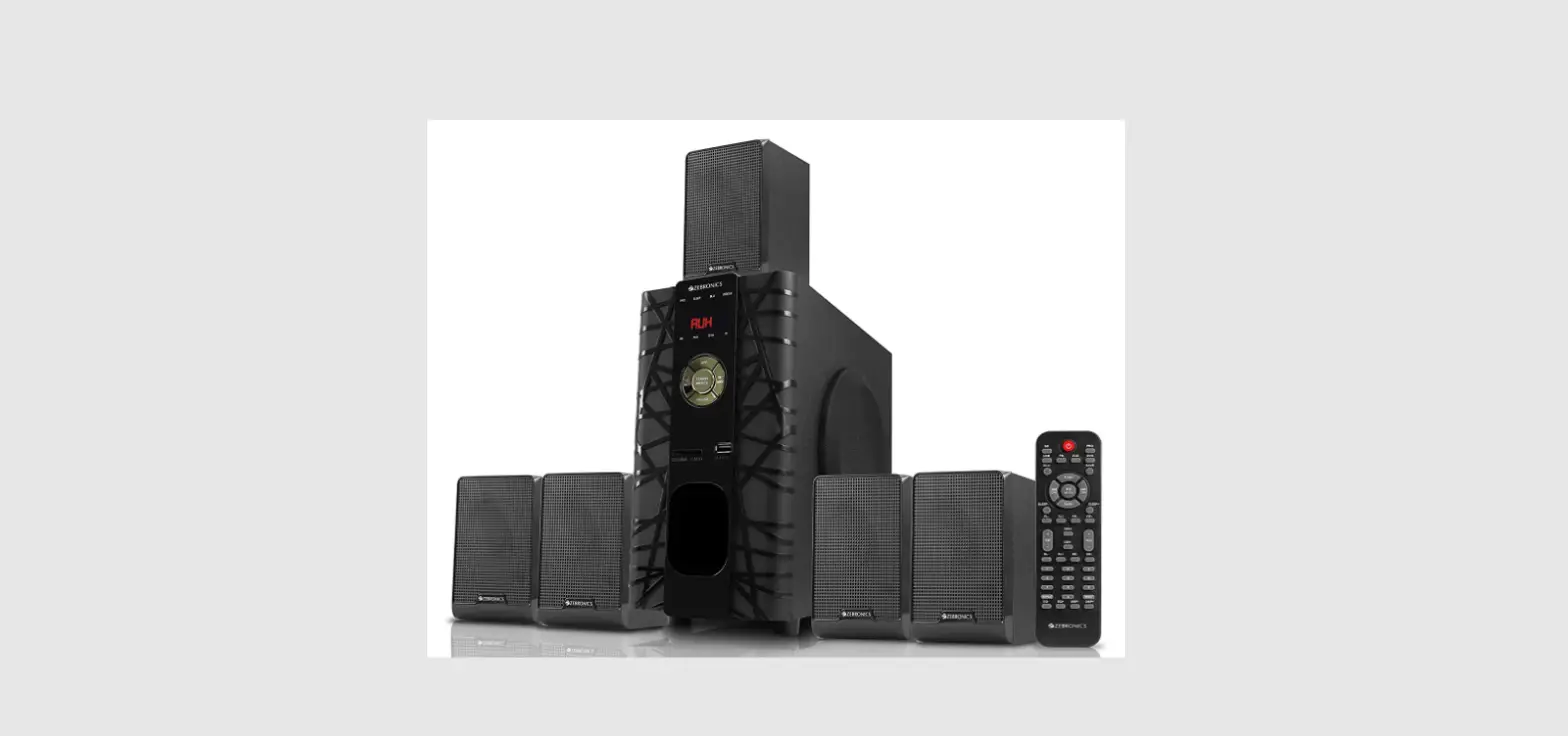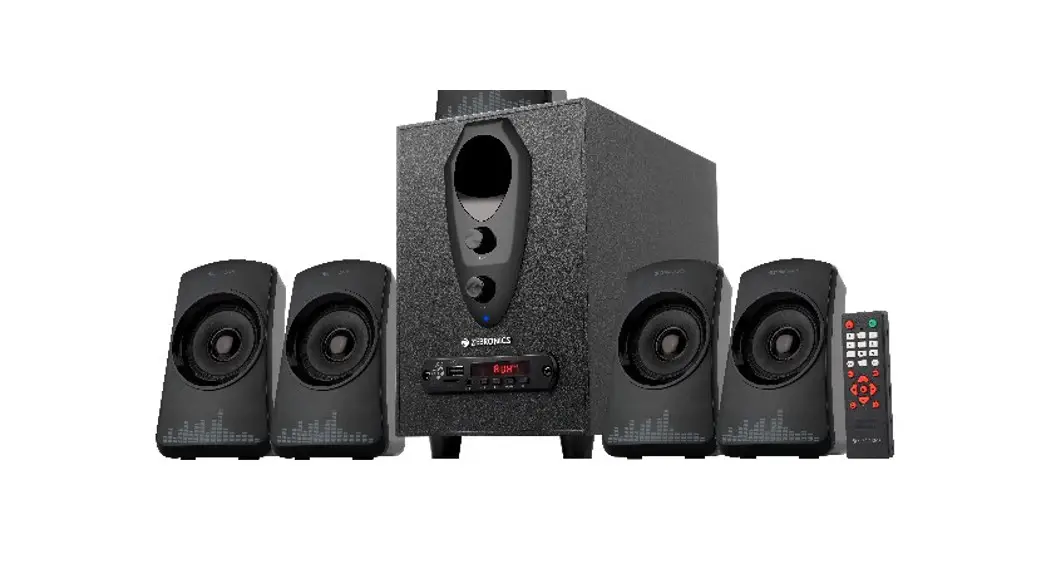
 ZEB-FEEL 4 Bluetooth Multimedia Speaker
User Manual  www.zebronics.com
Dear Customer,
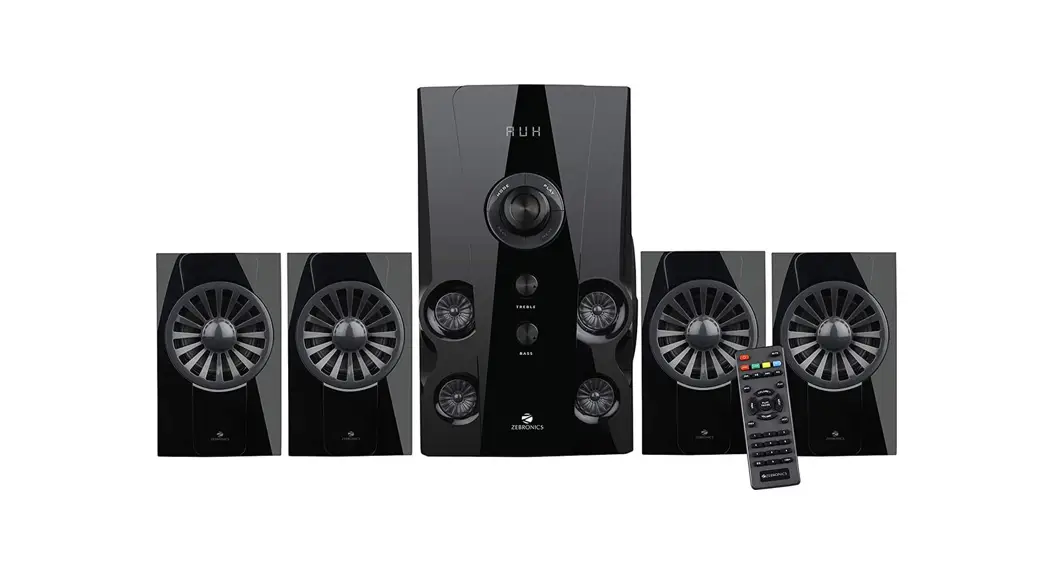
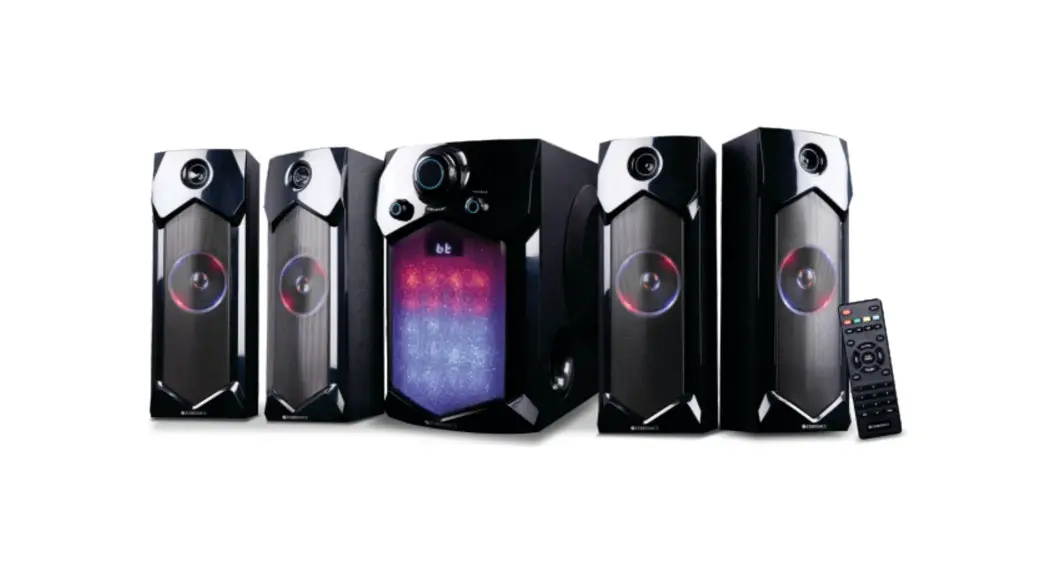
Thank you for purchasing the ZEB-FEEL 4 4.1 Speaker. Please read the user manual carefully before usage & save it for future reference.
Note:
- Avoid the usage of this speaker at a high temperature and high humidity environment.
- Avoid the self-disassembly of the product as it results in the failure of the Warranty.
- Please turn off the power and pull out the plug, when the speaker is not in use.
Features
Channel Speaker
- Wireless BT/USB/SSD/FM/AUX
- Volume & Bass adjustment
- LED Display
- Remote control
- 10.16cm subwoofer
Specifications
| Output power (RMS) | |
| Subwoofer | :20W |
| Satellite | : 10W X 4 |
| Total | :60W |
| Driver size | |
| Subwoofer | :10.16cm |
| Satellite | : 6.35 cm x 4 |
| Impedance | |
| Subwoofer | : 6O |
| Satellite | : 😯 |
| Frequency response | : 20Hz – 20kHz |
| SIN Ratio | : 2>68dB |
| Separation | :>45dB |
| File format | |
| support (USB) | : MP3 |
| Line input | : 2ch RCA |
| Max. supported | |
| memory size (USB) | : 32GB |
| FM frequency range | : 87.5 MHz-108 MHz |
| BT name | : ZEBRONICS |
| BT version | : 5.0 |
| Product dimension (W x D x H) | |
| Subwoofer | : 150 x 241 x 237 mm |
| Satellite | : 90 x 86 x 148 mm |
| Net. weight | |
| Subwoofer | : 2.1 Kg |
| Satellite | : 280g X 4 |
| Total | : 3.2Kg |
Control Description
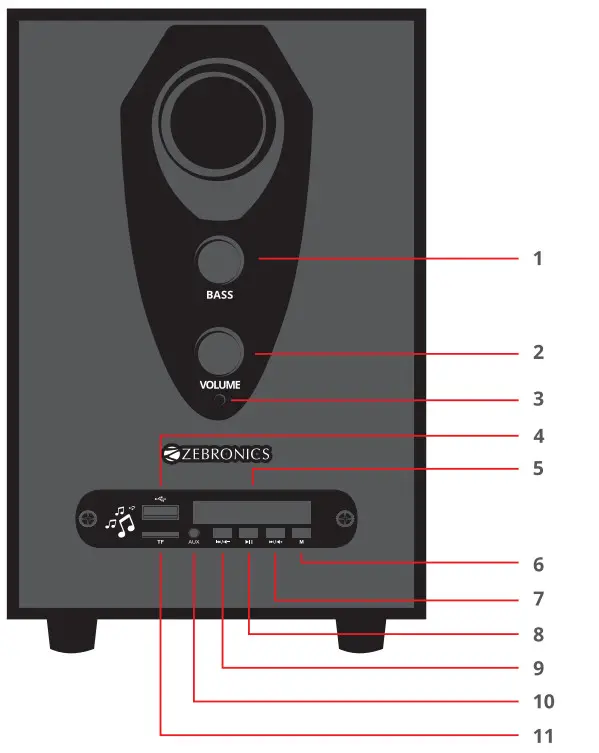
| 1. Bass Control | 7. Prev /Volume-/ FM Channel- |
| 2. Volume Control | 8. Play/ Pause/ Scan |
| 3. LED Indicator | 9. Mode |
| 4. USB Port | 10. Next/Volume+/ FM Channel+ |
| 5. Micro SD Slot | 11. LED Display |
| 6. 3.5 mm AUX Port |
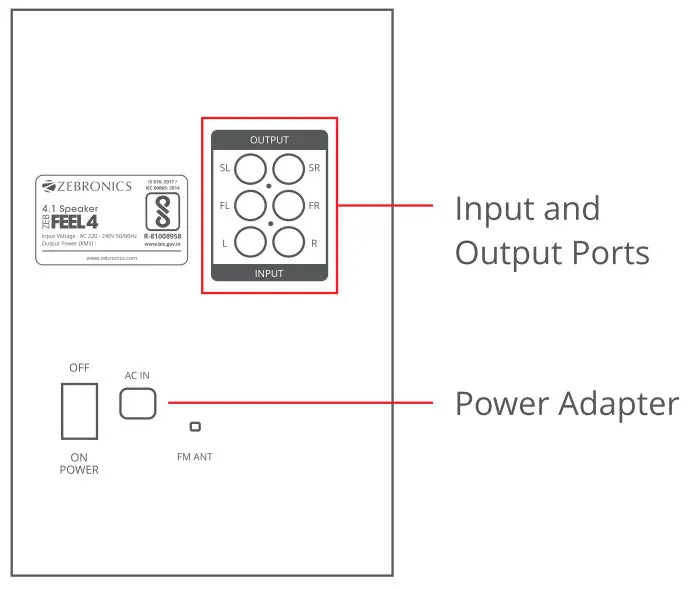
Back Panel
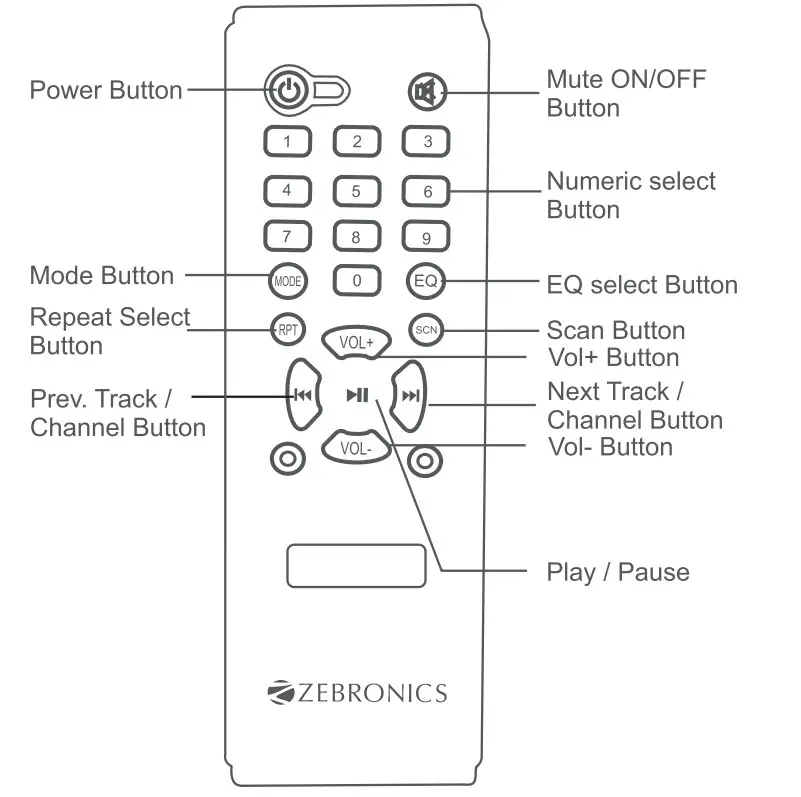
Remote control
Instructions for Use
Button functions
- Press the “Mode” button to change the input mode (BT/USB/mSD/FM/AUX) of the speaker.
- Short press the “Next/Prev” button to change the Prev/ Next track or channel when in BT/USB mode or FM mode respectively.
- Long press the “Next/Prev” button to increase/decrease the speaker volume.
- Press the “Play/Pause/Scan” button to Play/Pause the track being played or Scan for the available FM channels.
General Instructions
BT Mode:
Power ON the speaker, and press the “M” button to switch to BT Mode. Switch ON BT on your phone or tablet and search for nearby BT devices, Search for the BT name “ZEBRONICS” and tap to connect it.
USB/SSD Mode:
The speaker automatically switches to USB/SSD input mode with the LED display when a USB/USD flash drive/card is inserted (this mode isn’t selectable on the speaker or remote control unless a USB/USD flash drive/card is connected).
FM radio:
Switch the speaker to FM mode. In FM mode, use the Play/Pause button in the subwoofer control panel or remote to scan for the available FM channels. Once the scanning is done, the scanned channels will begin to play.
AUX-IN:
The speaker can be connected to an audio device using an RCA to 3.5mm / 3.5mm to 3.5mm cable. Connect one end of the cable to the speaker and the other end to an audio source. The songs from the audio source can be heard through the speaker.
ISO 9001:2015 Certified Company
www.zebronics.com