FURBO2.5T Dog Camera User Guide
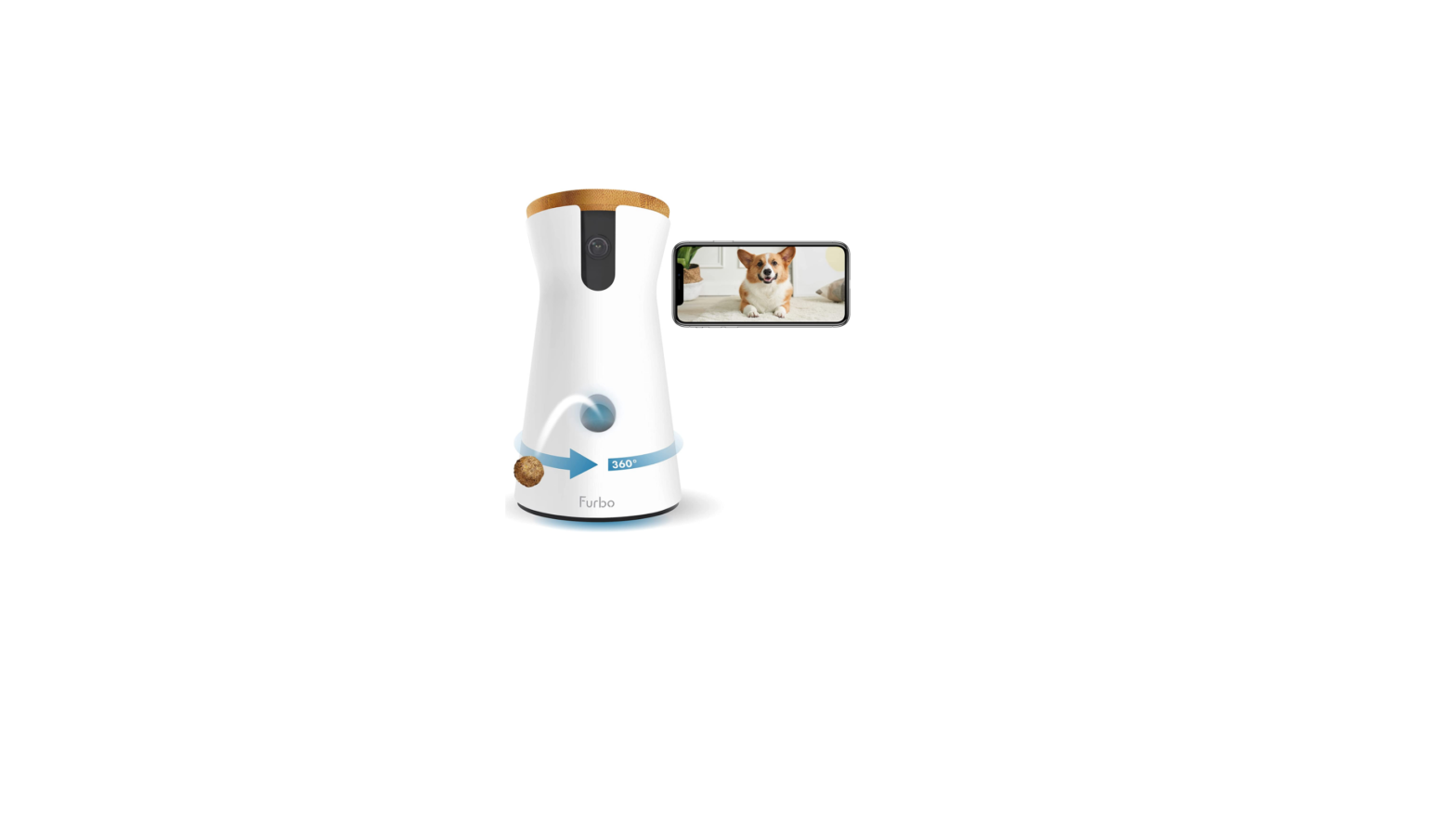
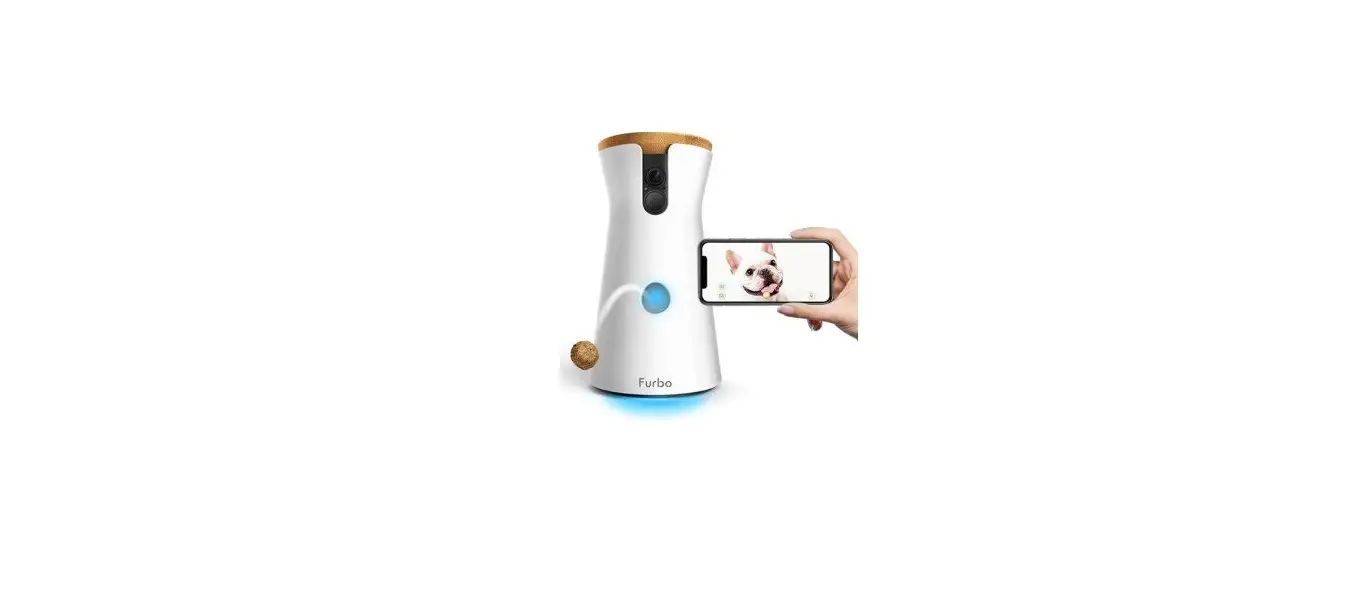
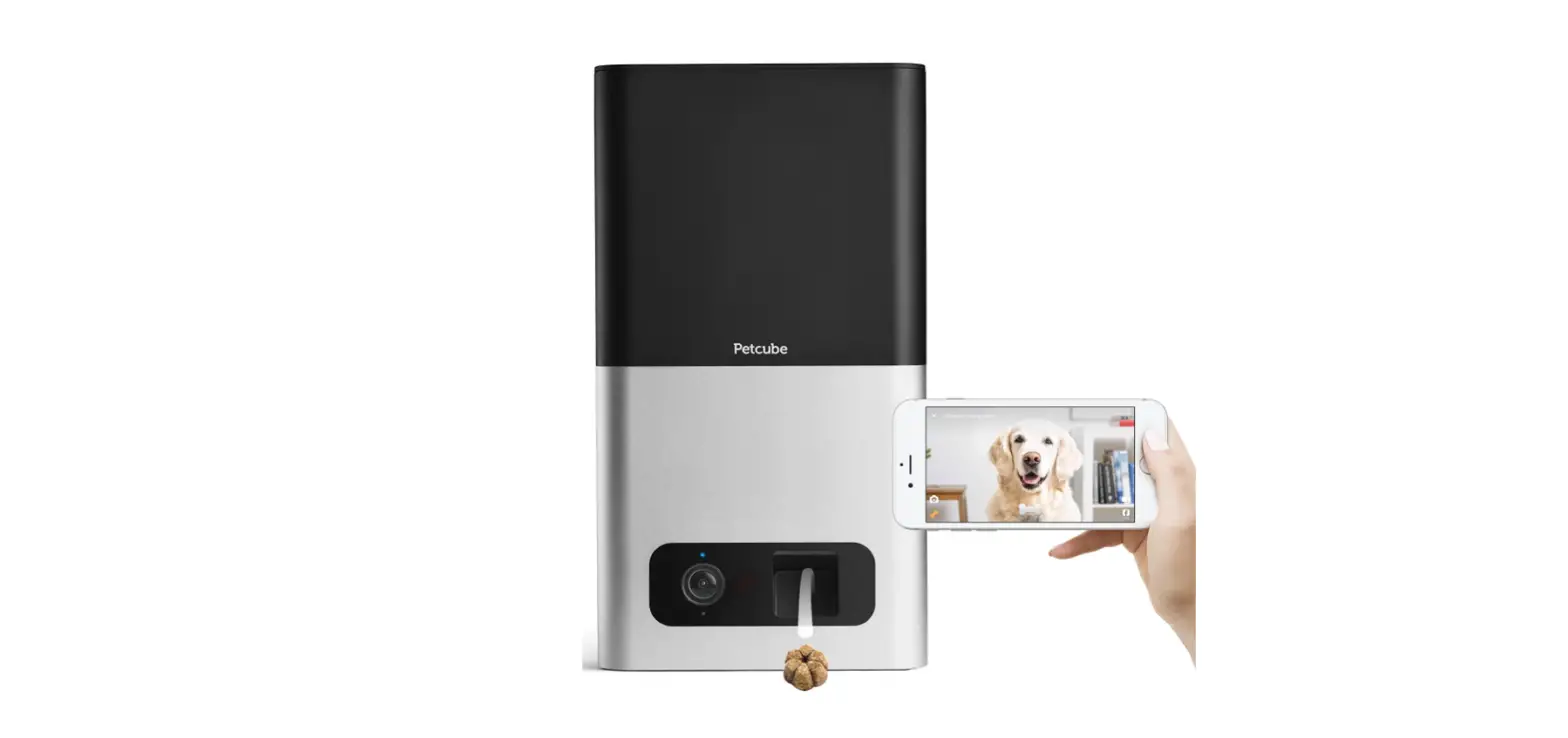
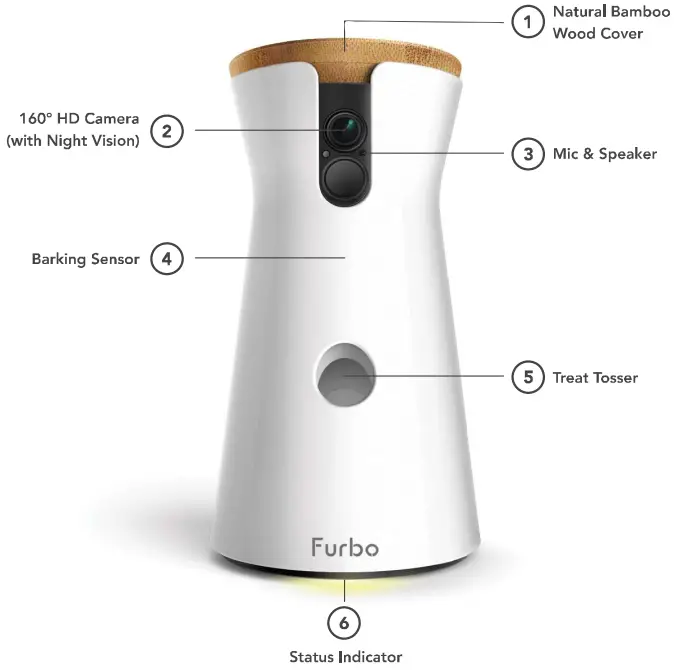
Furbo at a Glance
Status Indicator
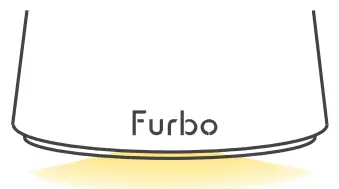
 Starting Up
 Ready for Set Up
 Standby mode
 Furbo is Use
 No Wifi Connection
 Starting Up
 Ready for Set Up
 Standby mode
 Furbo is Use
 No Wifi Connection
Getting Started
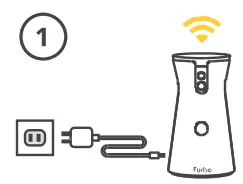
- Plug in Furbo

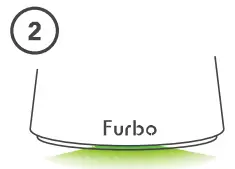
- Wait for the status light to turn green.

- Download the Furbo app and follow the simple setup instruction.




FCC Compliance Statement
Any changes or modifications not expressly approved by the party responsible for compliance could void your authority to operate the equipment.
Note: This equipment has been tested and found to comply with the limits for a Class B digital device, pursuant to part 15 of the FCC Rules. These limits are designed to provide reasonable protection against harmful interference in a residential installation. This equipment generates, uses and can radiate radio frequency energy and, if not installed and used in accordance with the instructions, may cause harmful interference to radio communications. However, there is no guarantee that interference will not occur in a particular installation. If this equipment does cause harmful interference to radio or television reception, which can be determined by turning the equipment off and on, the user is encouraged to try to correct the interference by one or more of the following measures:
- Reorient or relocate the receiving antenna.
- Increase the separation between the equipment and receiver.
- Connect the equipment into an outlet on a circuit different from that to which the receiver is connected.
- Consult the dealer or an experienced radio/TV technician for help.
This device complies with part 15 of the FCC Rules. Operation is subject to the following two conditions:
- This device may not cause harmful interference, and
- this device must accept any interference received, including interference that may cause undesired operation.
RF exposure statements
This Transmitter must not be co‐located or operating in conjunction with any other antenna or transmitter.
This device complies with FCC radiation exposure limits set forth for an uncontrolled environment. Ln order to avoid the possibility of exceeding the Fcc radio frequency exposure limits, human proximity to the antenna shall not be less than 20cm (8inches) during normal operation.
Canadian Compliance Statement
This device complies with Industry Canada license-exempt RSSs. Operation is subject to the following two conditions:
- This device may not cause interference, and
- This device must accept any interference, including interference that may cause undesired operation of the device.
Radiation Exposure Statement:
This equipment complies with IC radiation exposure limits set forth for an uncontrolled environment.
This equipment should be installed and operated with minimum distance 20 cm between the radiator and your body. Declaration d’exposition aux radiations:
Equipment name | Type designation (Type) | ||||||
| Unit | Restricted substances and its chemical symbols | ||||||
| Lead (Pb) | Mercury (Hg) | Cadmium (Cd) | Hexavalent chromium (C e+6) | Polybrominated biphenyls (PBB) | Polybrominated diphenyl ethers (PBDE) | ||
| Ο | Ο | Ο | Ο | Ο | |||
| Ο | Ο | Ο | Ο | Ο | |||
| Ο | Ο | Ο | Ο | Ο | |||
| Ο | Ο | Ο | Ο | Ο | |||
Need Help?
Chat with our support agent if you have any question or comment.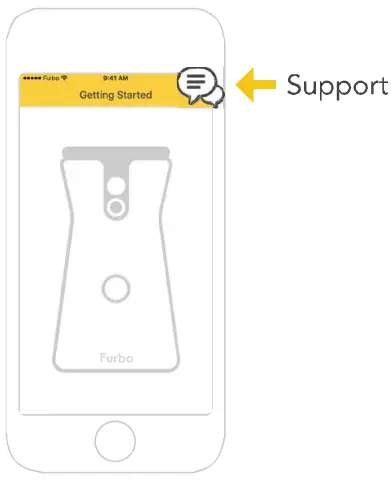
Or email us at [email protected]