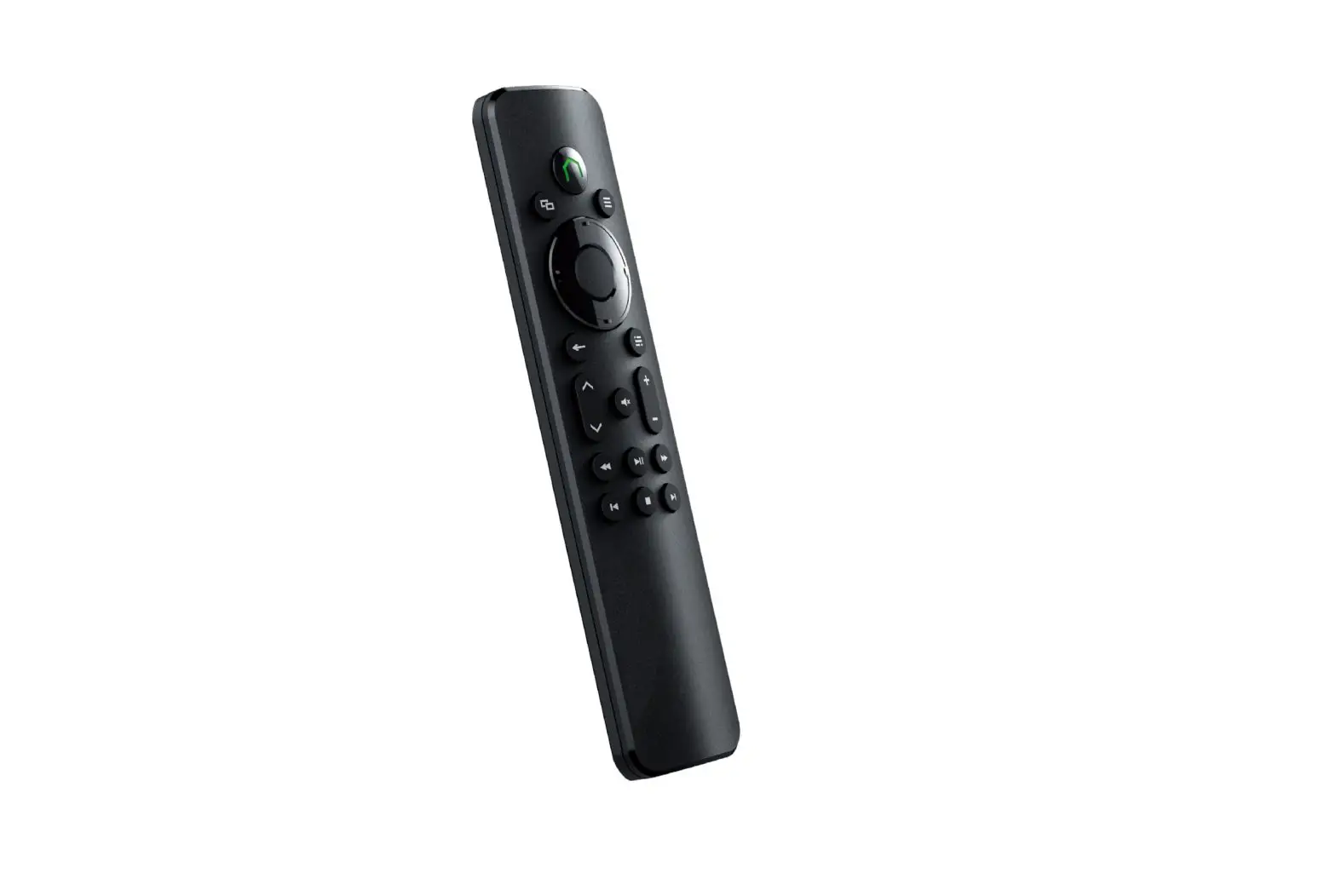
8BitDo Media Remote for Xbox Short Edition User Manual
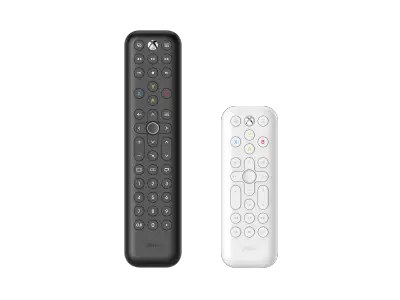
Media Remote for Xbox
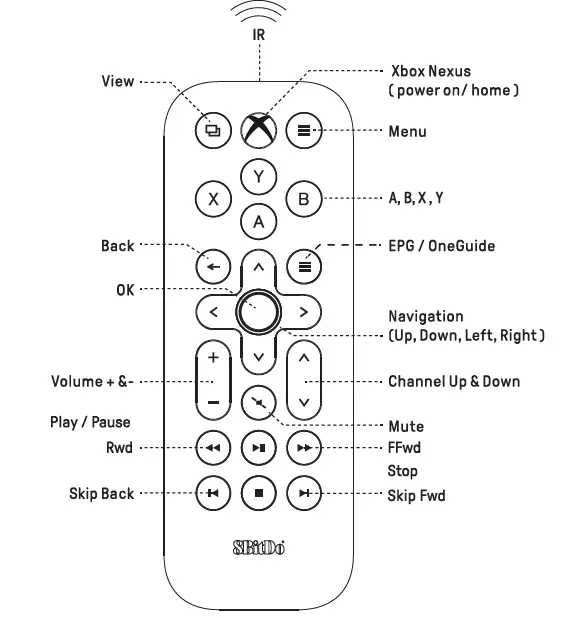
- Certain features are available only in certain countries and regions
- To control other devices through the Xbox console, please ensure that your device supports HDMI-CEC and this function is enabled. You can consult your device manufacturer for details
- Backlightturns off after 5 seconds of no operation
Connection
Automatic connectivity via Infrared when in range, no pairing needed
- Compatible with Xbox Series XIS, Xbox One, Xbox One SI X
- Please aim directly at yourXbox forthe best control and ensure there is no obstruction between the media remote and the console when using
Battery
1. AAA Battery x 2
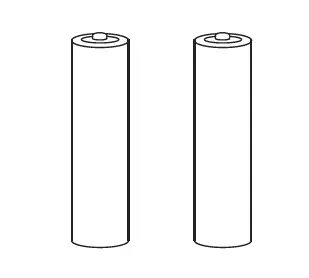
2. Slide the battery compartment cover upward to open it
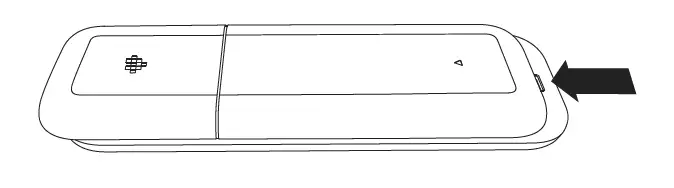
3. Insert into the battery case
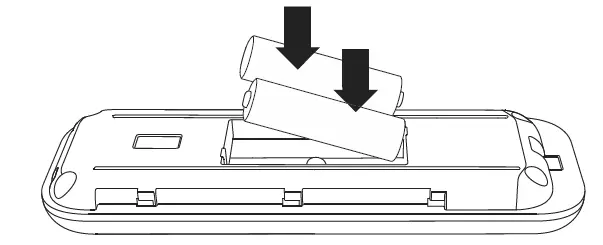
- Do not mix old and new batteries
- Low battery-Backlight stops lighting up, please change the battery
Support
Please visit support.8bitdo.com for further information & additional support
FAQ – Frequently Asked Questions
It works with Xbox Series X, Xbox Series S, and Xbox One.
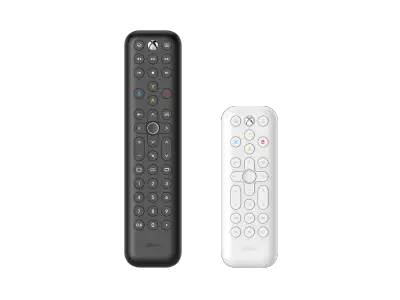
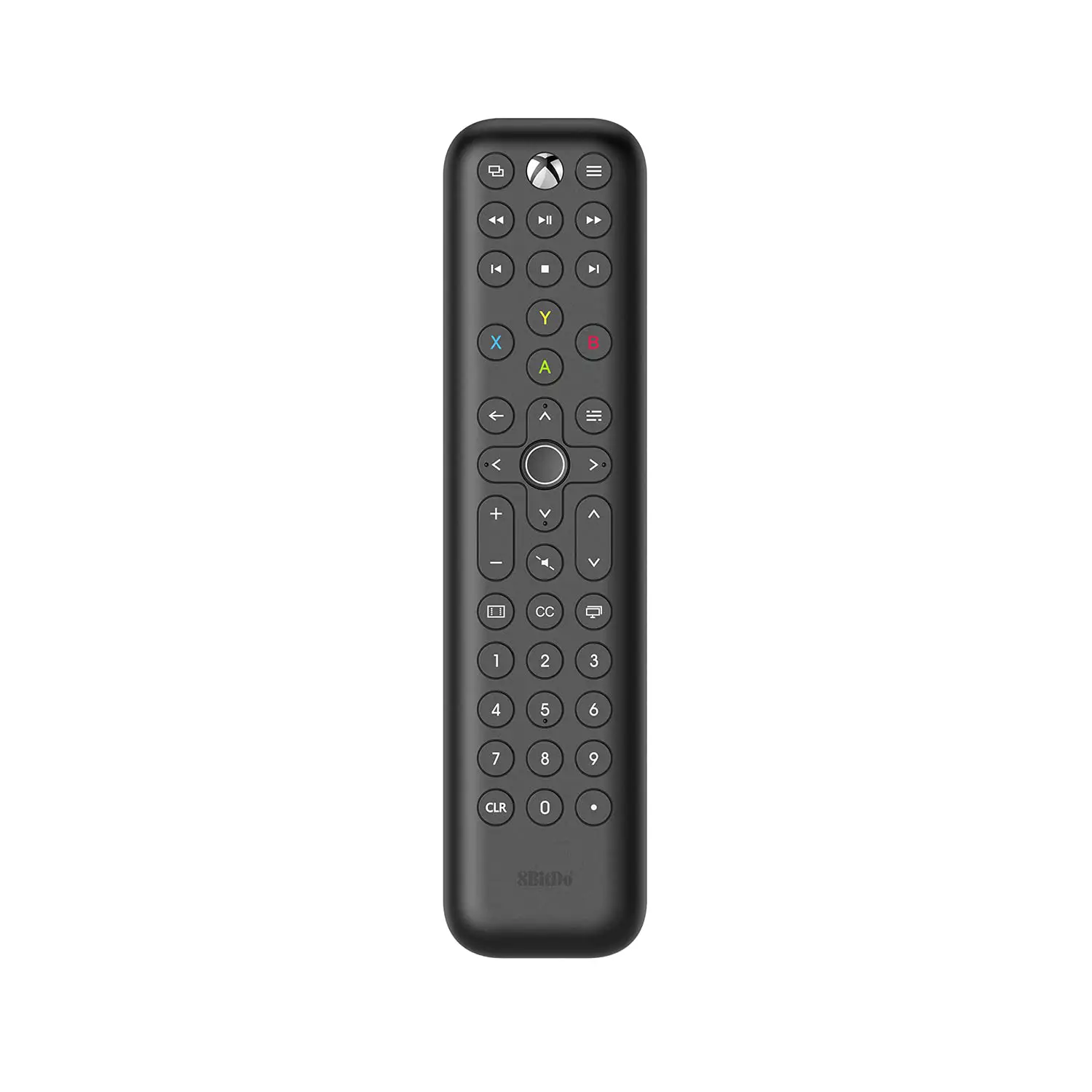
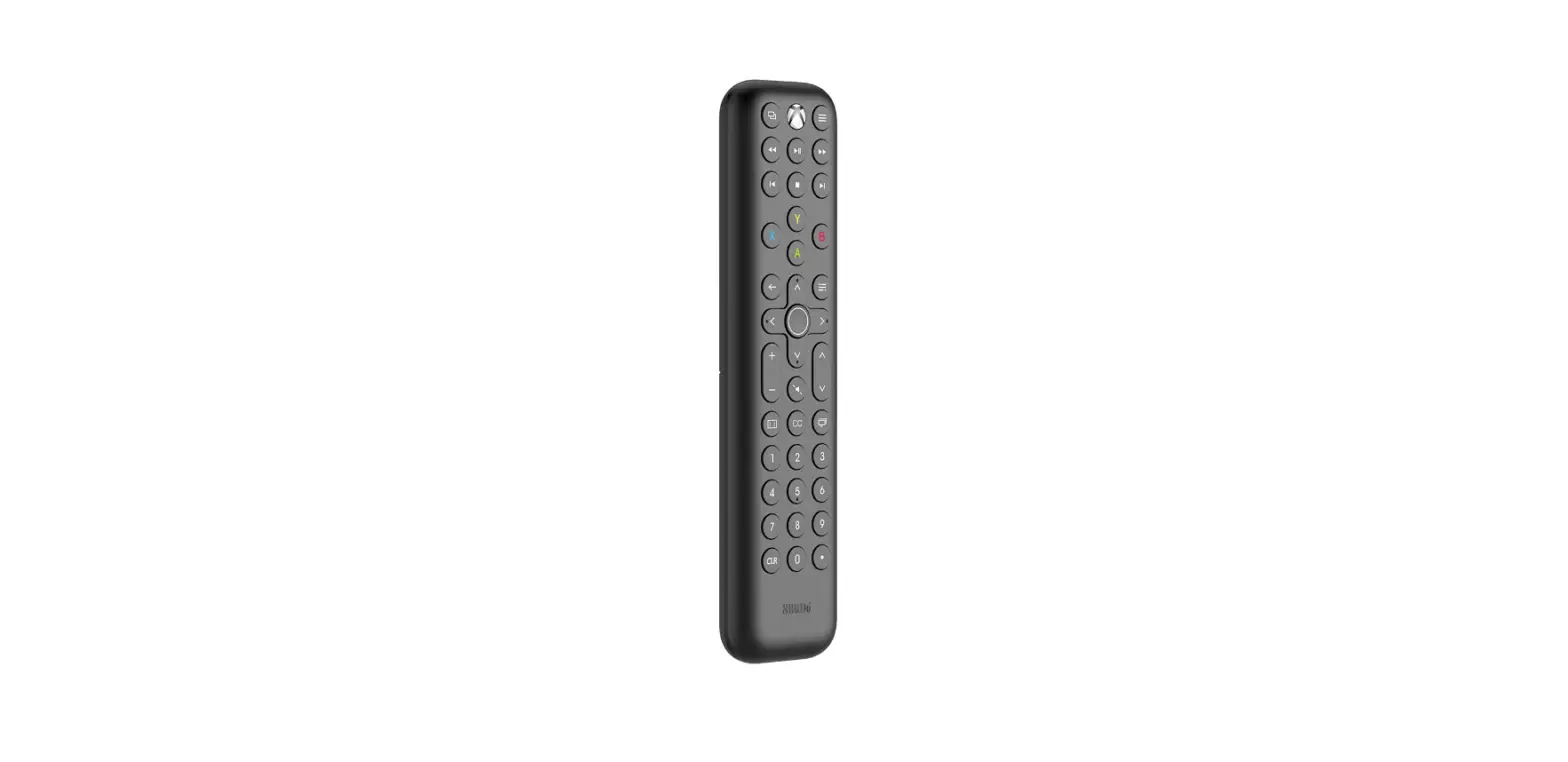
The long edition is a full version remote with numeral buttons, navigation, media control, and Xbox button.
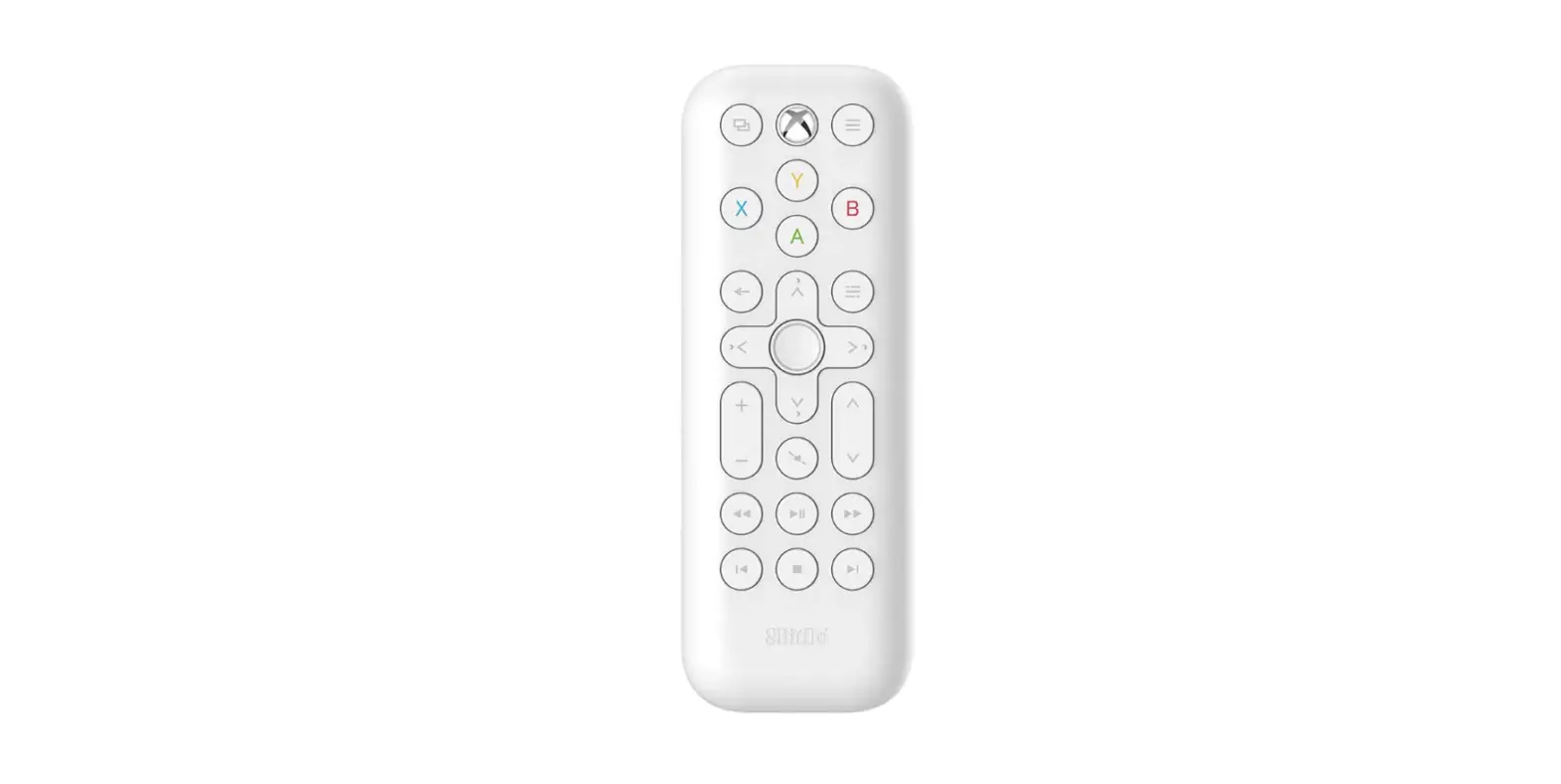
The short edition is a simple version without numeral buttons.
The long edition is a full version remote with numeral buttons, navigation, media control, and Xbox button.
The short edition is a simple version without numeral buttons.
The long edition is a full version remote with numeral buttons, navigation, media control, and Xbox button.
The short edition is a simple version without numeral buttons.
No, it doesn’t. This infrared remote can control Up, Down, Left, and Right movement at a constant speed.
Please aim directly at your Xbox and ensure there is no obstruction between 8BitDo media remote and the console when using.
Use within 8 meters directly in front of Xbox console, the strong light may shorten it.
When the backlight stops lighting up, please change the battery. Don’t mix old and new batteries.
Please slide the battery compartment cover upward to open it.
To control your TV and other media devices’ volume through the Xbox console, please ensure that your device supports HDMI-CEC and this function is enabled. You can consult your device manufacturer for more details.
Once CEC is enabled on your TV or AVR, you can control individual CEC settings on the console’s TV & A / V power options settings screen.
Console turns on / off other devices: Turning on / off your Xbox console will also turn on / off your TV or AVR.
Console sends volume commands: The console can control the volume on your TV, AVR, or soundbar.
Certain features are available only in certain countries and regions.
The backlit turns off after 5 seconds of no operation. When the backlit keeps blinking or stops lighting up, please change the battery.
8BitDo Media Remote will control your Xbox console via Infrared when in range, no pairing needed.
Download
8BitDo Media Remote for Xbox Short Edition User Manual – [ Download PDF ]
![Media Remote For Xbox [series X,s/ Xbox One] Ns-xb14krmt User Manual](https://static-data1.manualsee.com/1/img/92/54742/2021/01/FEATURES-media-remote-for-Xbox-Series-X-S.png "Media Remote For Xbox [series X,s/ Xbox One] Ns-xb14krmt User Manual")