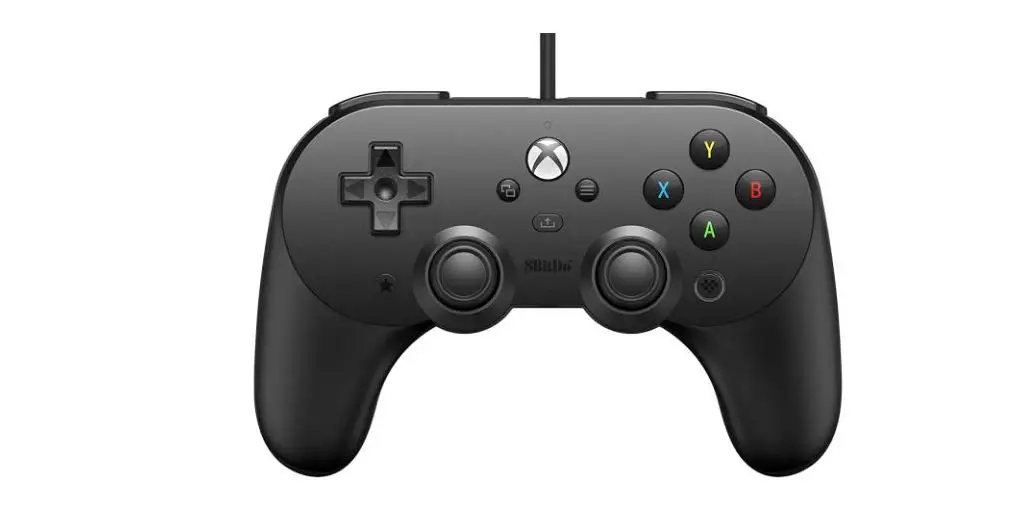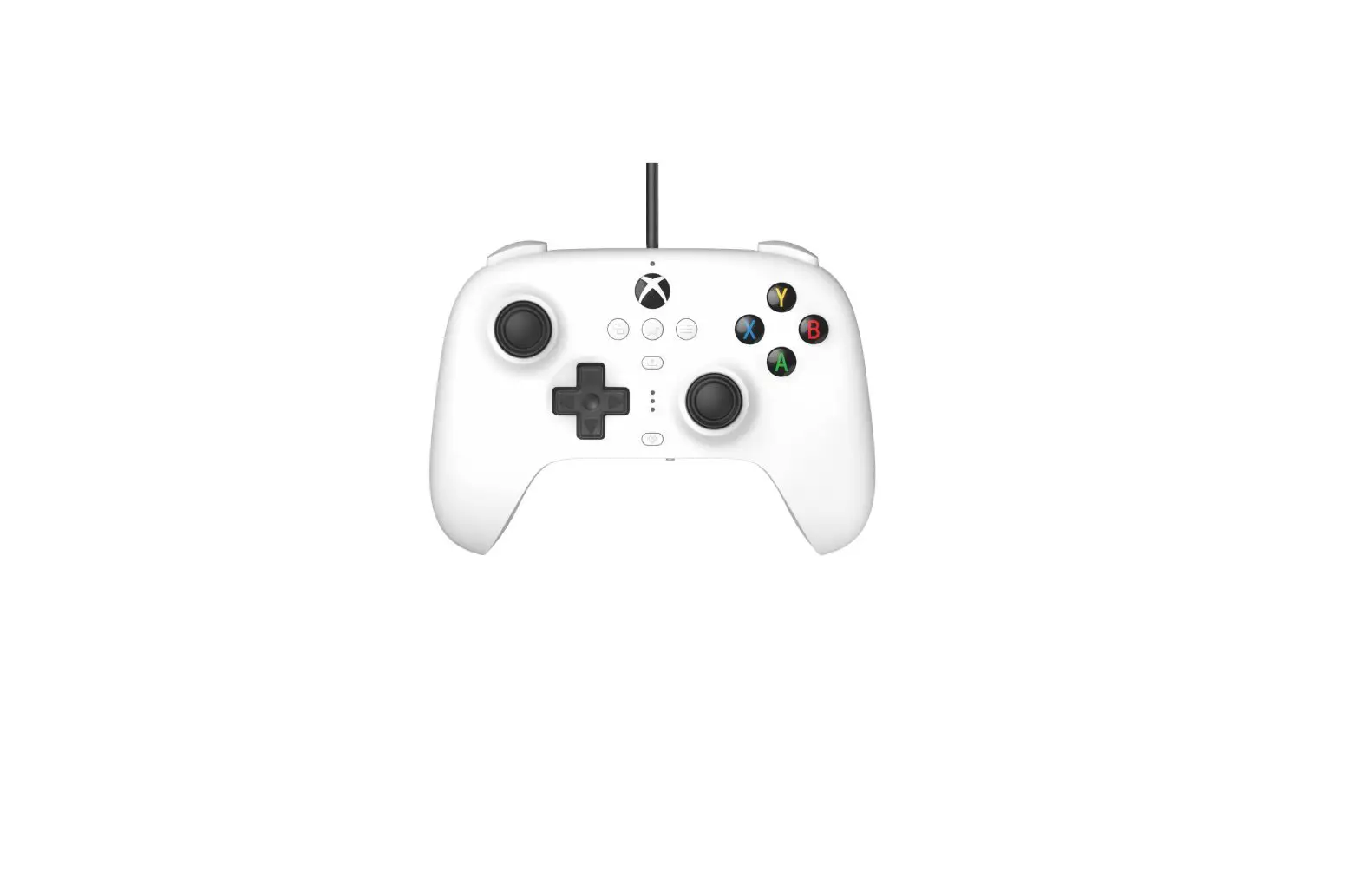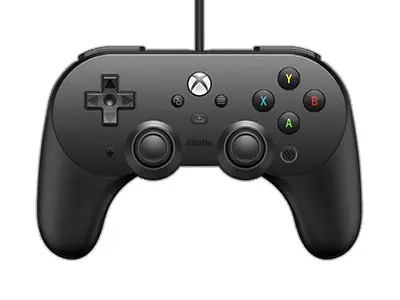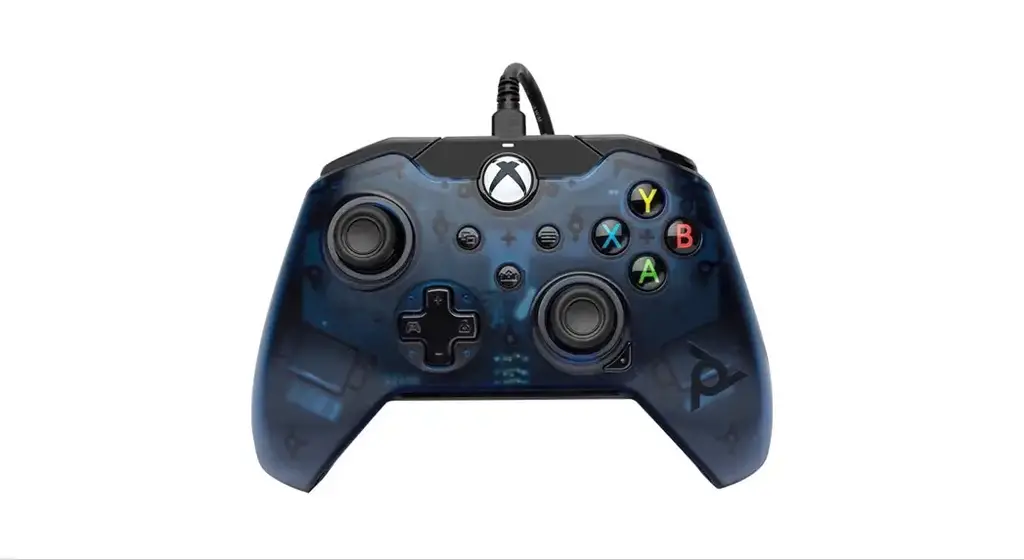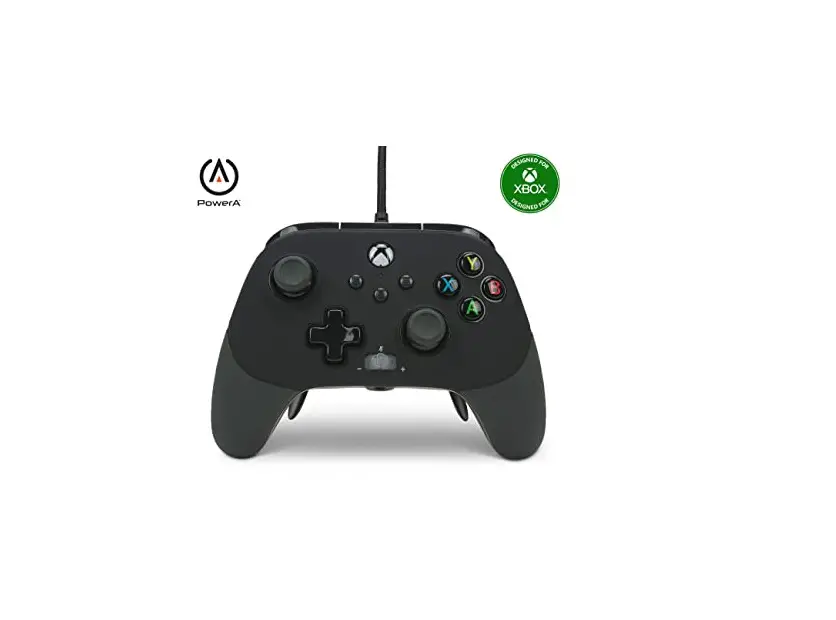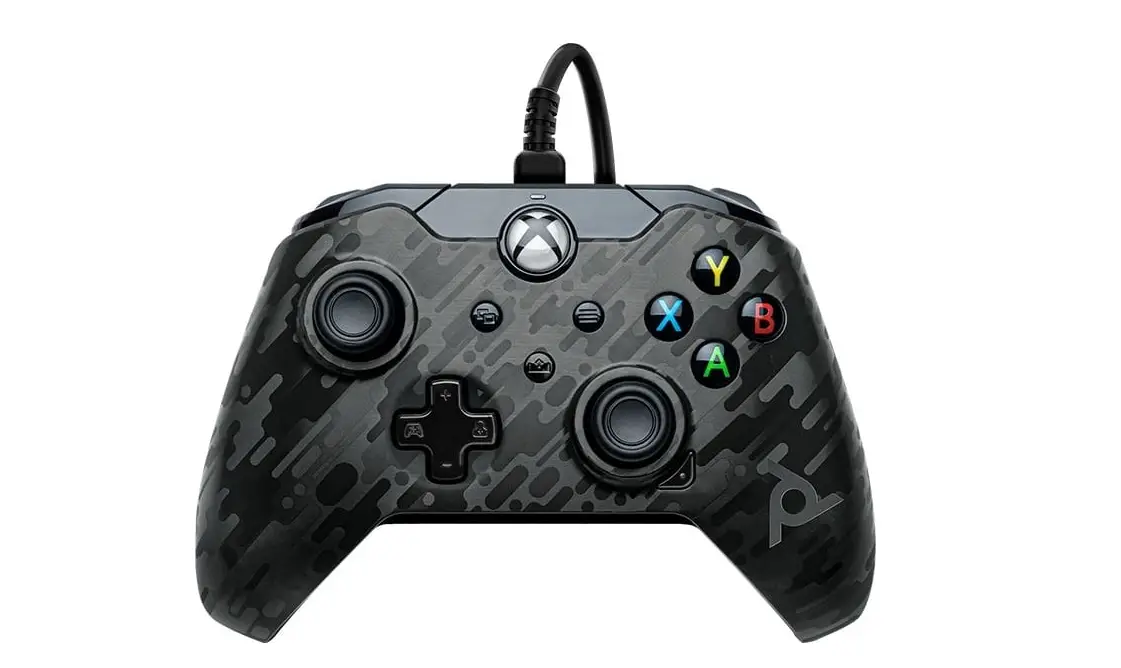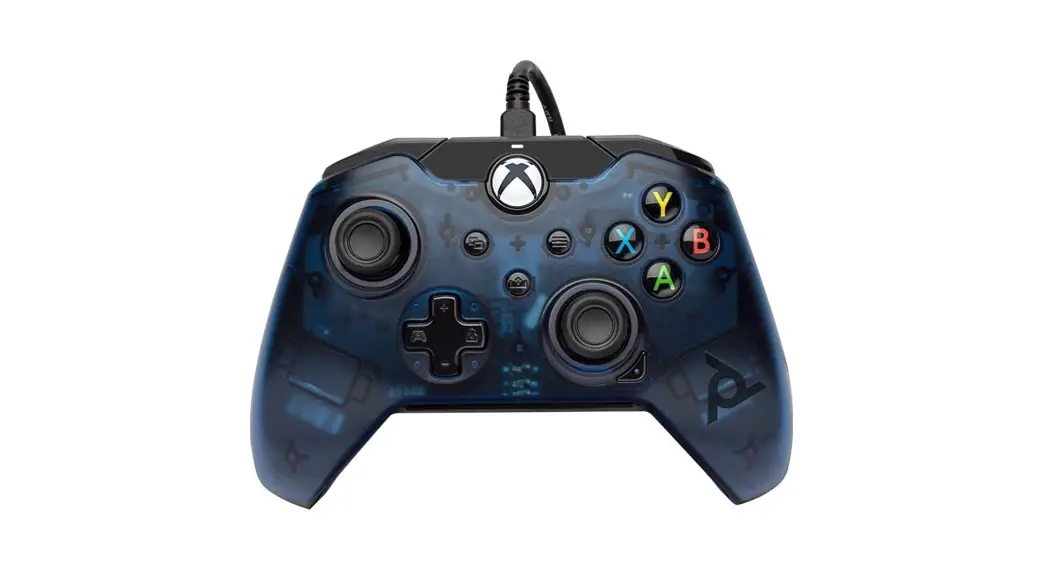

Ultimate Wired Controller for Xbox – Instruction Manual
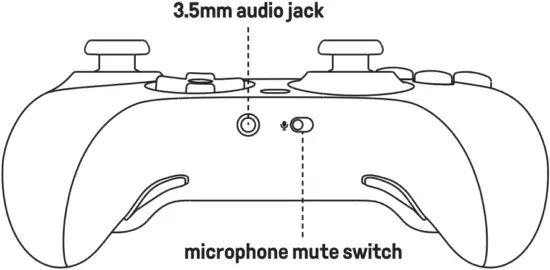
connectivity
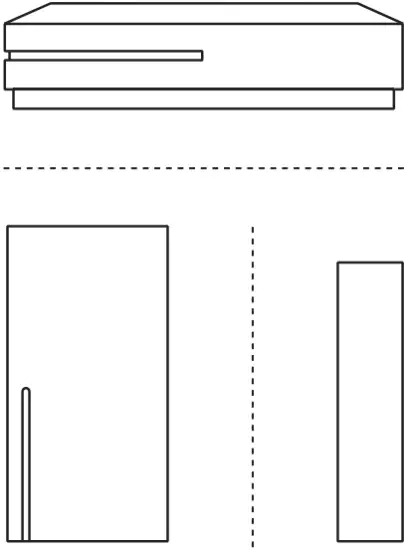
Xbox Series X / Xbox Series S / Xbox One
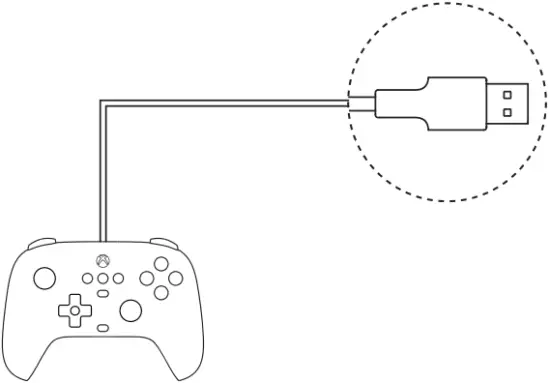
- Connect the controller to your Xbox Series X/S and Xbox One via its USB cable, wait till the status LED becomes solid to play
Windows 10
- Connect the controller to your Windows device via its USB cable, wait till the status LED becomes solid to play
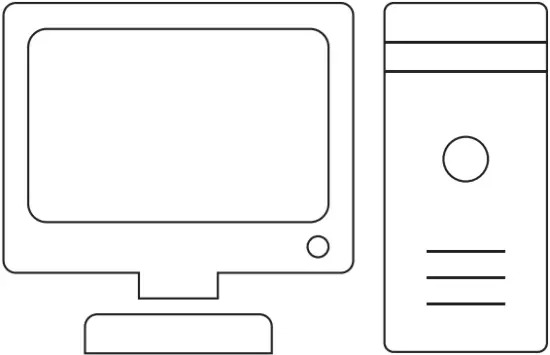
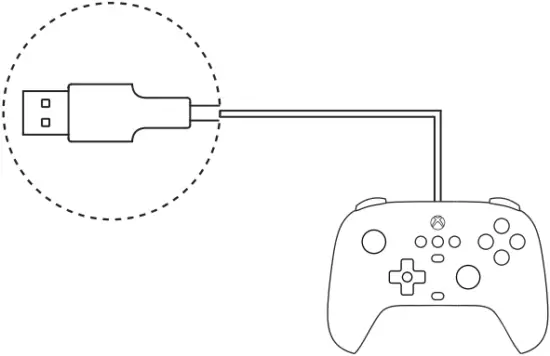
- required system: Windows 10 1903 or above
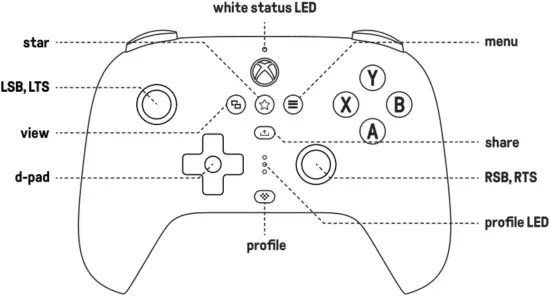
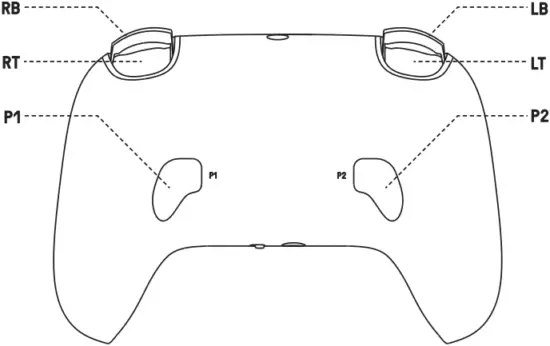
- press and hold any two of A/B/X/Y/LB/RB/LSB/RSB buttons you would like to swap
- press the star button to swap them, profile LED blinks to indicate the success of the action
- press and hold any of the two buttons which have been swapped and press the star button to cancel it
• button mapping goes back to its default mode when controller is turned off
• please visit support.8bitdo.com for further information and assistance
volume control
- Beeps when adjusted to maximum/minimum
- Vibration when adjusted to the middle value
1
- press and hold profile + up/down to turn up/down in-game volume
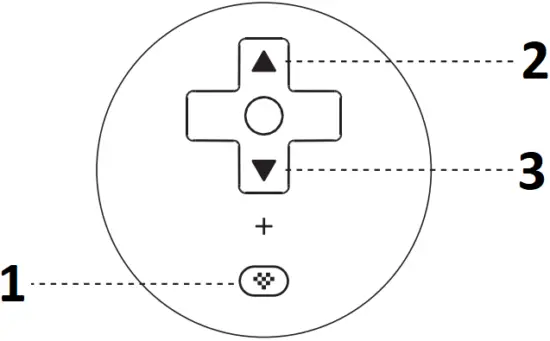
- press and hold
- in-game volume up
- in-game volume down
2
- press and hold profile + left/right to adjust the balance between voice and game volume
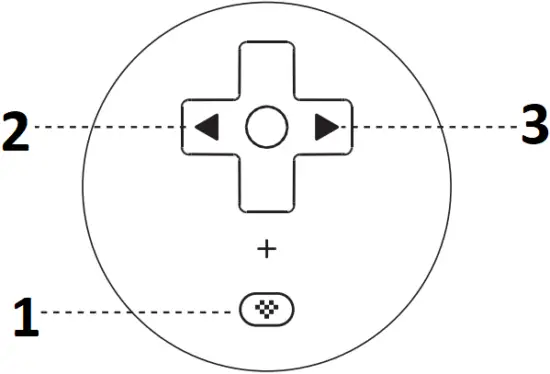
- press and hold
- decrease voice chat while increase game volume
- increase voice chat while decrease game volume
Ultimate Software
- 8BitDo Ultimate Software gives you elite control over every piece of your controller: customize button mapping, adjust stick & trigger sensitivity, and control vibration power
- please visit app.8bitdo.com for the application
- profile LED lights up when profile is enabled
support

- please visit support.8bitdo.com for further information and additional support