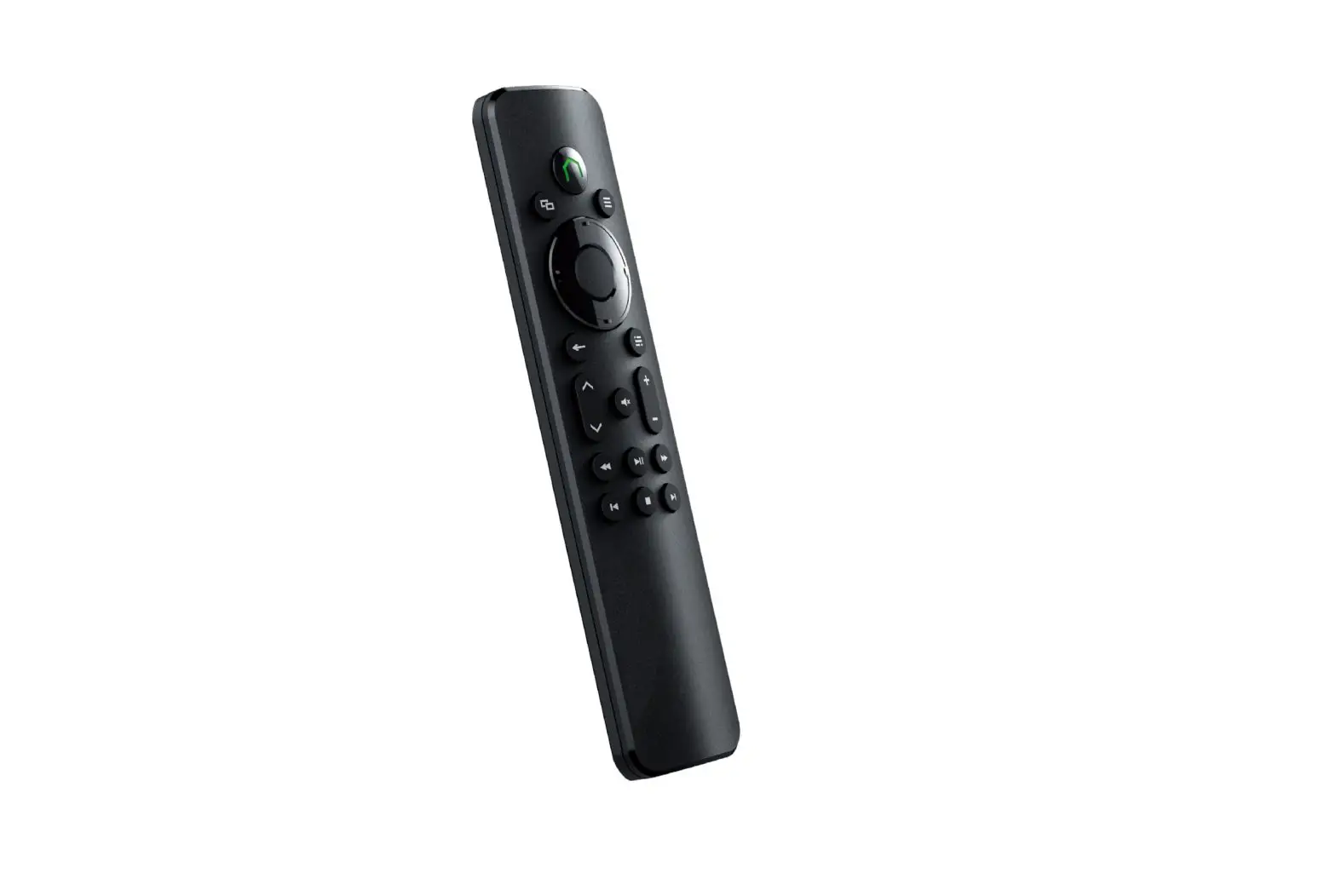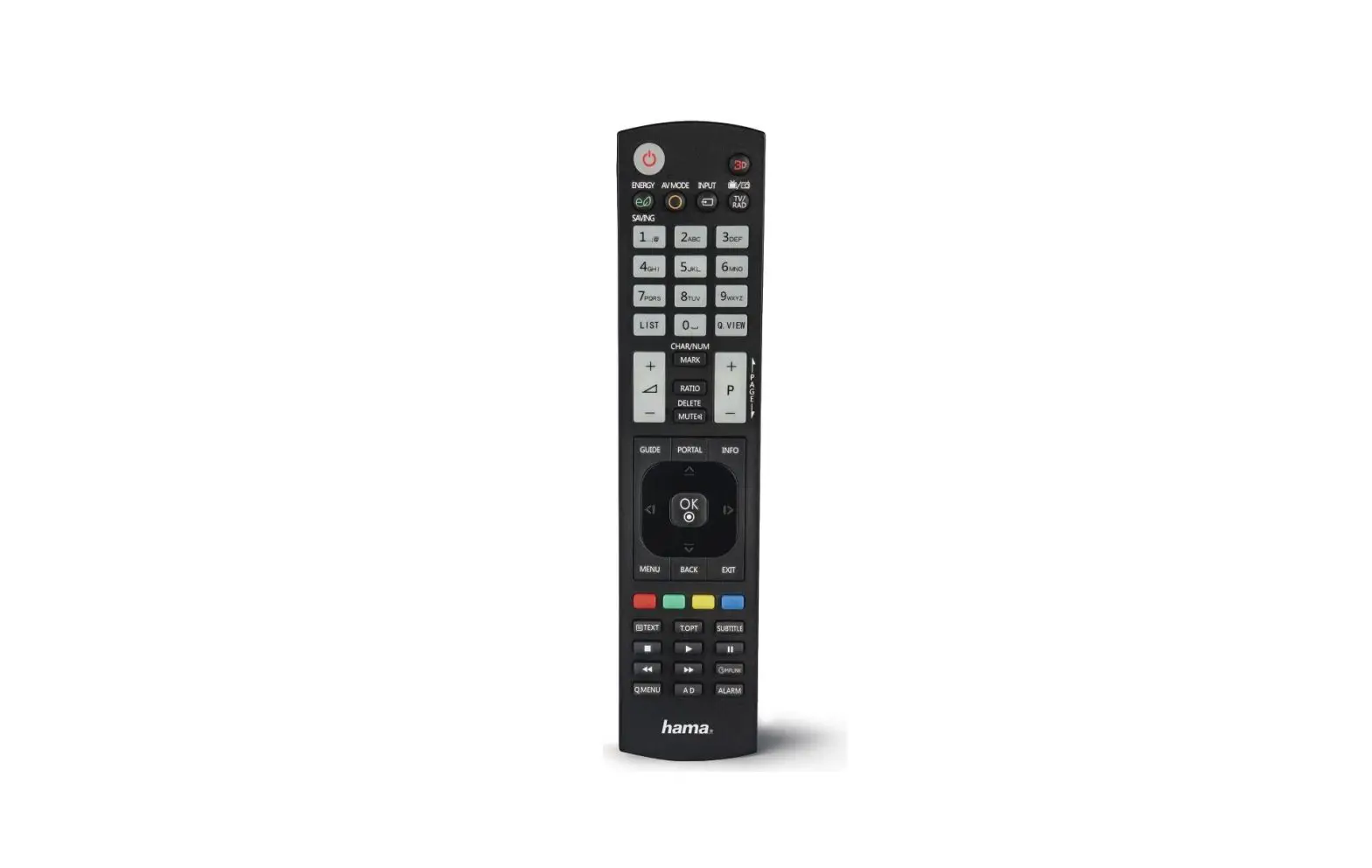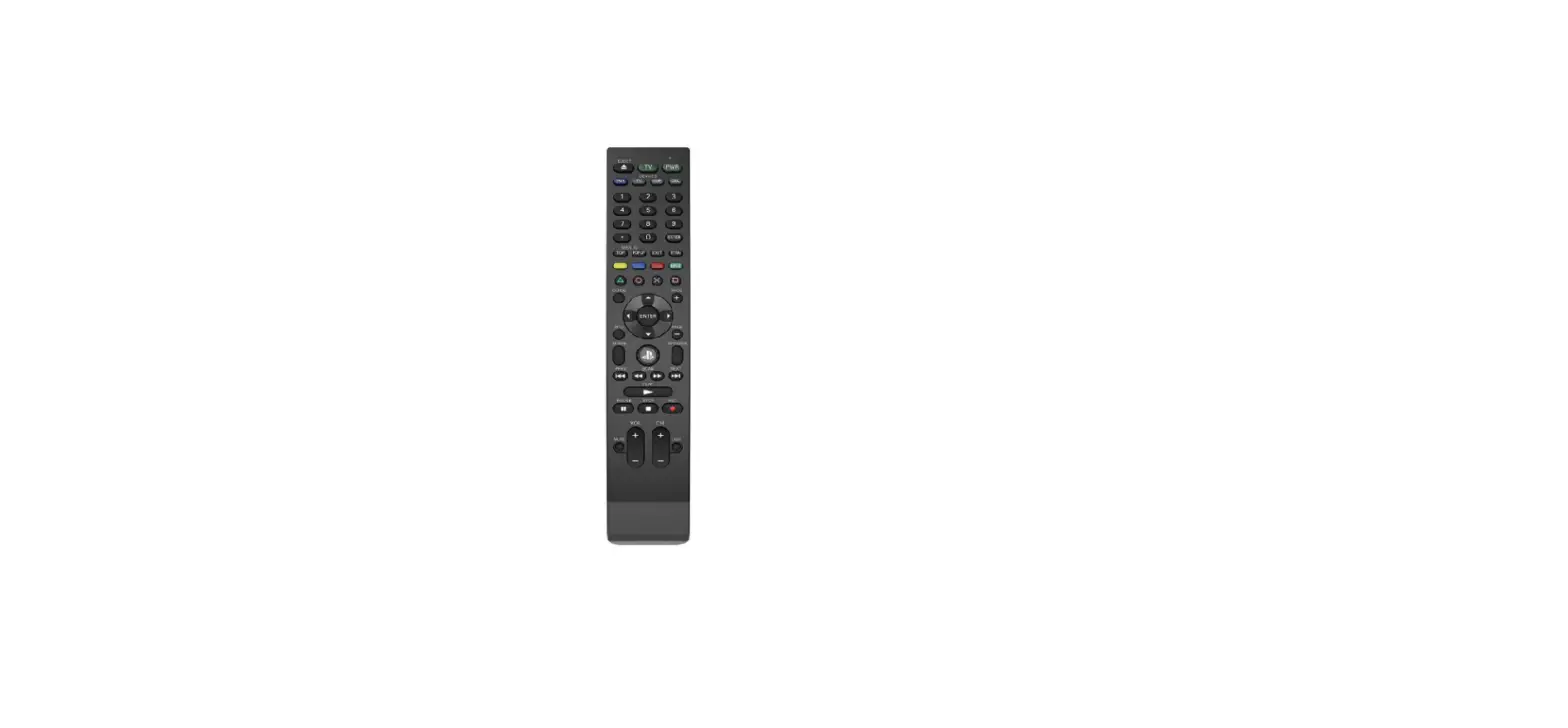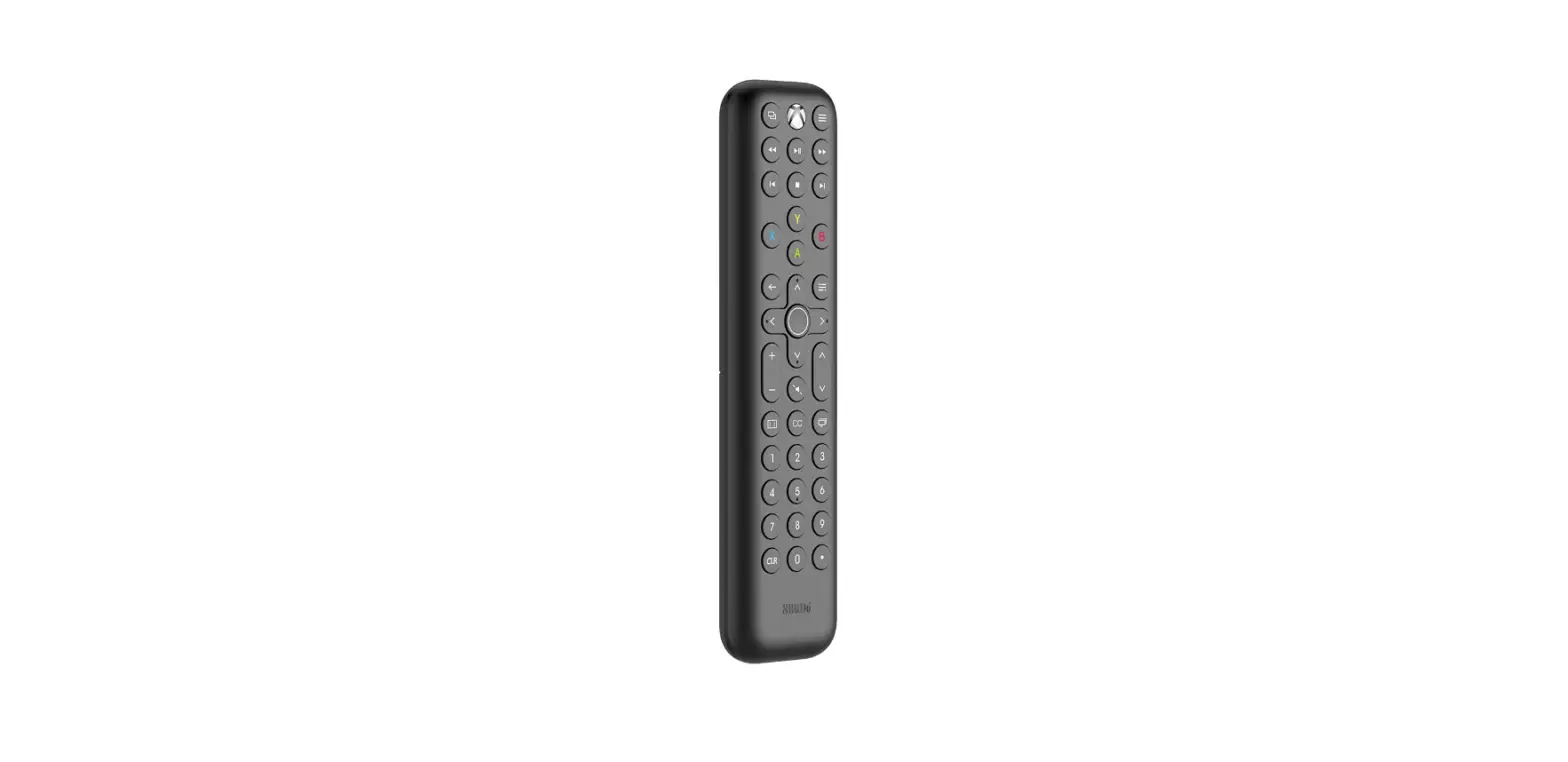

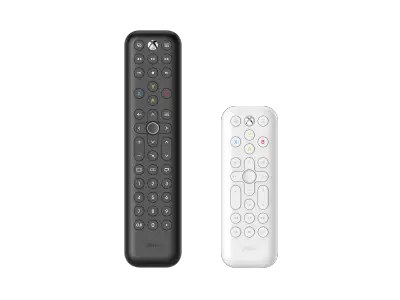
8BitDo 6922621501831 Media Remote for Xbox
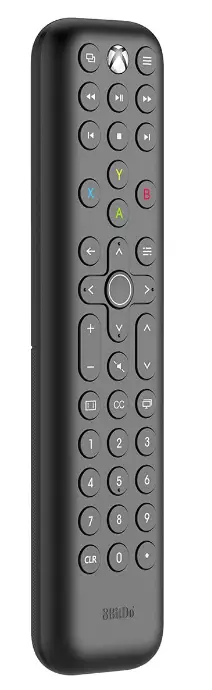
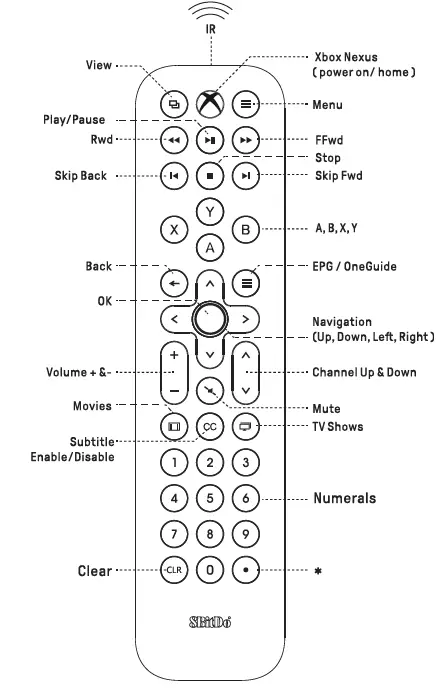
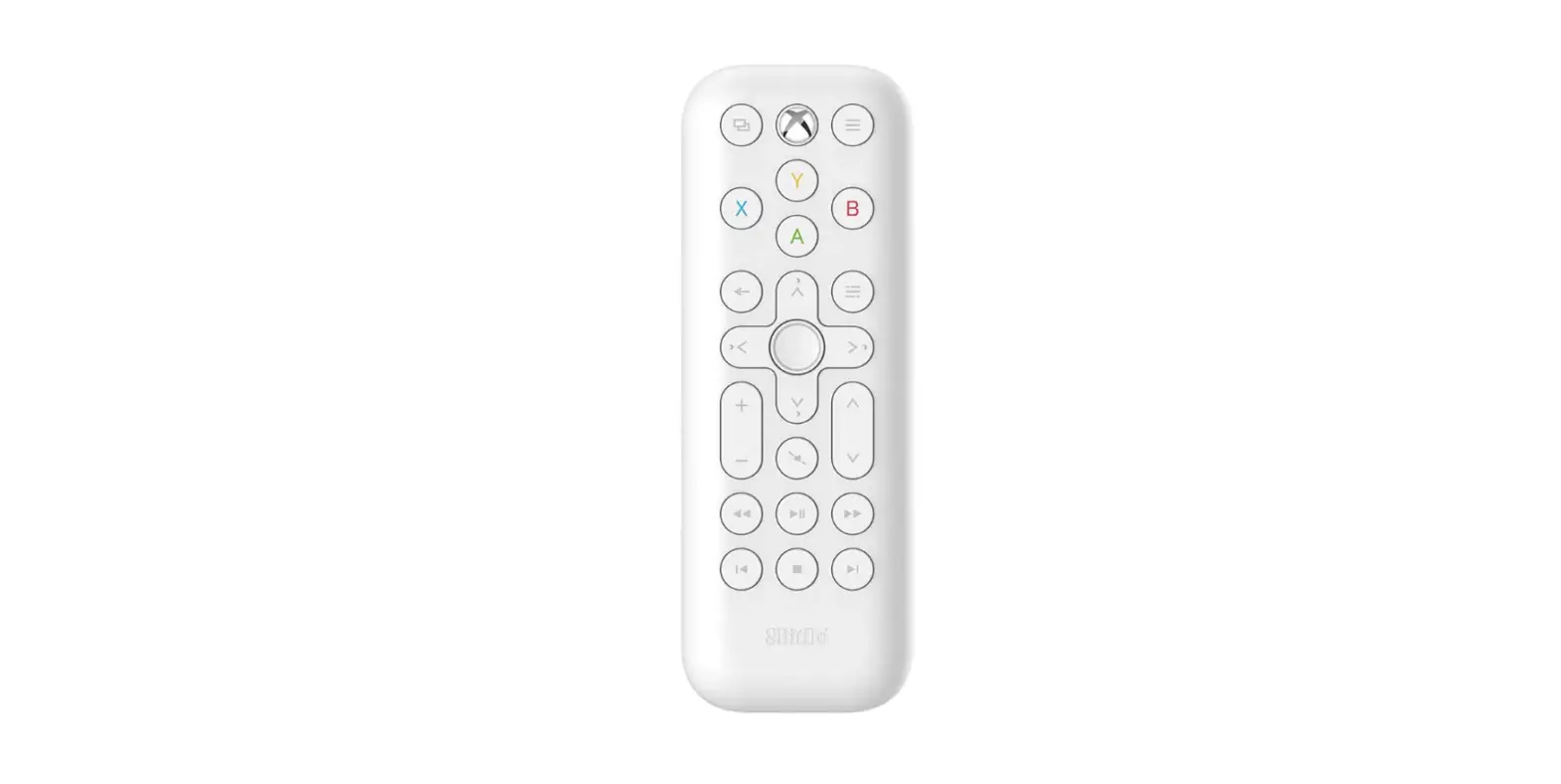
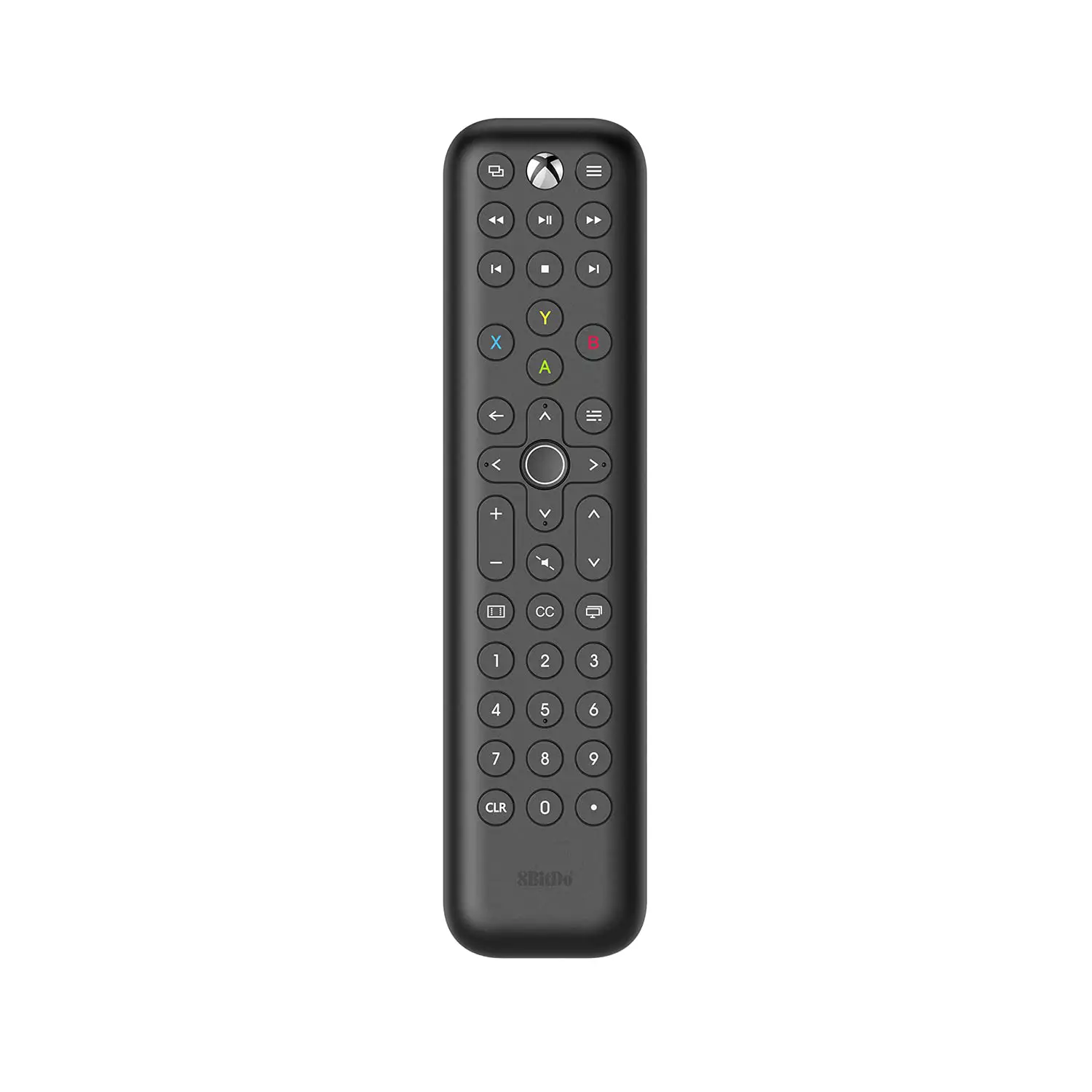
PRODUCT OVERVIEW
- Certain features are available only in certain countries and regions
- To control other devices through the Xbox console, please ensure that your device supports HDMI-CE and this function is enabled. You can consult your device manufacturer for details
- The backlight turns off after 5 seconds of no operation
Connection
- Automatic connectivity via Infrared when in range, no pairing needed
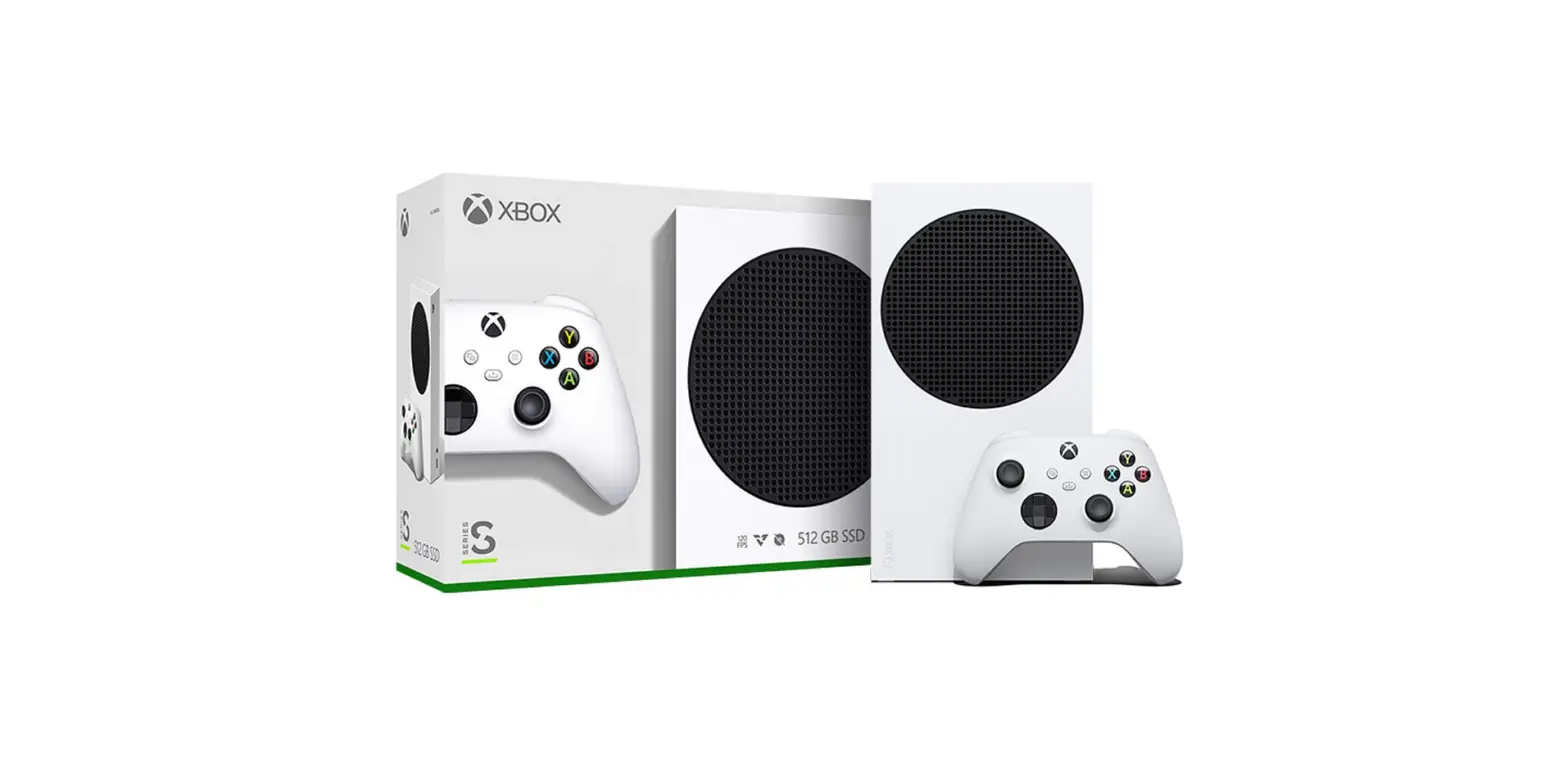
- Compatible with Xbox Series X I S Xbox One Xbox One SIX
- Please aim directly at your Xbox for the best control and ensure there is no obstruction between the media remote and the console when using
Battery
- AAA Battery x 2

- Slide the battery compartment cover upward to open it

- Insert into the battery case

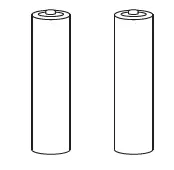

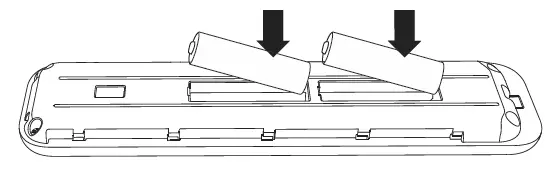
- Do not mix old and new batteries
- Low battery- Backlight stops lighting up, please change the battery
Support
please visit support.8bitdo.com for further information && additional support
![Media Remote For Xbox [series X,s/ Xbox One] Ns-xb14krmt User Manual](https://static-data1.manualsee.com/1/img/92/54742/2021/01/FEATURES-media-remote-for-Xbox-Series-X-S.png "Media Remote For Xbox [series X,s/ Xbox One] Ns-xb14krmt User Manual")