Aluminum Dual Fan 1000 RPM Laptop Cooler
Product Information: Pusat Notebook Cooler
The Pusat Notebook Cooler is a device designed to keep your
laptop cool while you use it. It comes with a USB power cable and
features two USB ports and a power control button. The product is
made in China and comes with a user manual and schematic drawing of
the product components.
Components List:
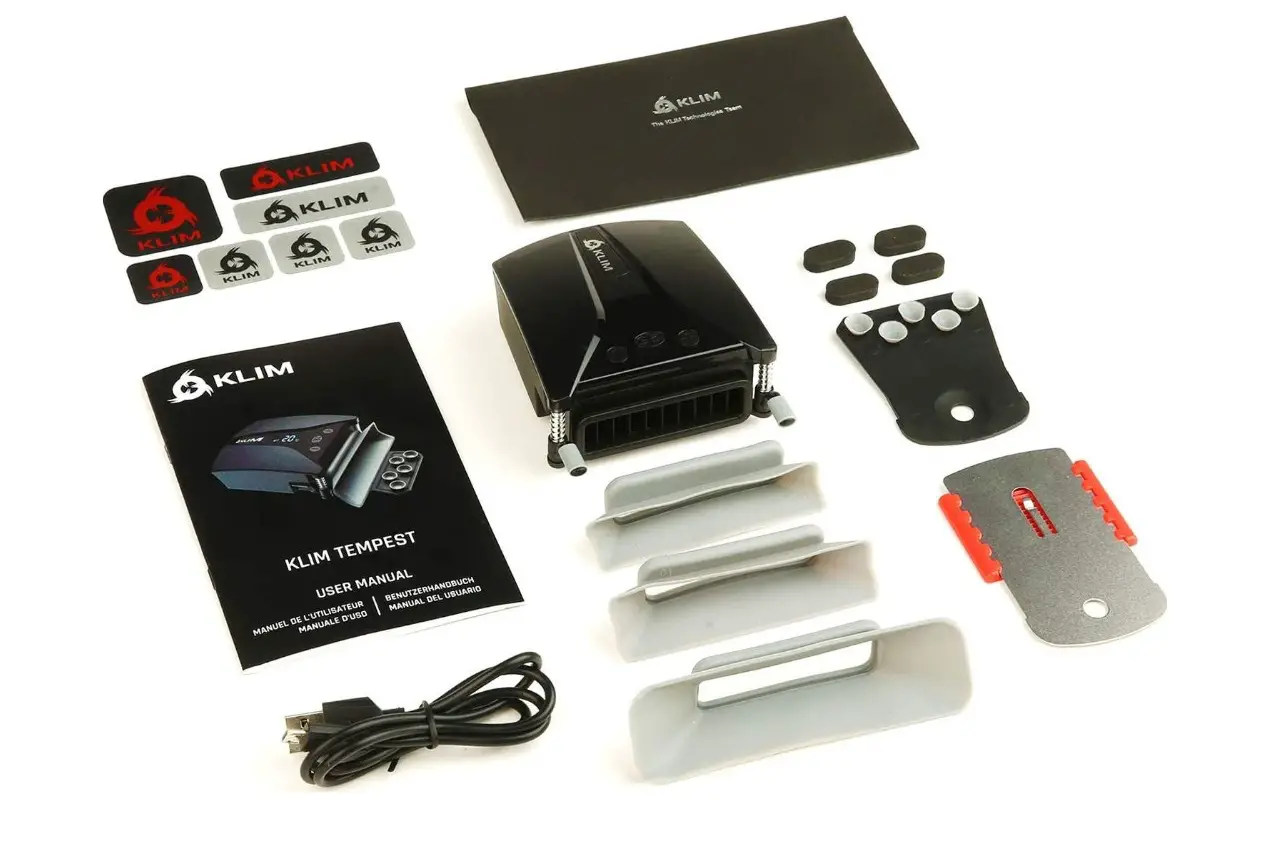
- Pusat Notebook Cooler
- USB Power Cable
- User Guide
Product Features:
- Keeps your laptop cool while in use
- Two USB ports for additional device connectivity
- Power control button for easy on/off functionality
How To Use:
- Place the Pusat Notebook Cooler on a flat surface.
- Connect the USB power cable to the cooler and your laptop.
- Press the power control button to turn on the cooler.
- Your laptop can now be placed on top of the cooler.
- When finished using the cooler, press the power control button
to turn it off and disconnect the USB power cable from your
laptop.
Please note that for further information or assistance, please
visit www.pusatgaming.us.
EN For further information, please consult www.pusatgaming.us
DE Für weitere Informationen, besuchen Sie bitte unsere Webseite: www.pusatgaming.us
TR Daha fazla bilgi için: www.pusatgaming.us
IT Per ulteriori informazioni, si prega di consultare: www.pusatgaming.us
FR Pour plus d’informations, s’il vous plaît consulter le site: www.pusatgaming.us
ES Para más información, por favor consulte nuestra página web: www.pusatgaming.us
PT Para mais informações, por favor consulte: www.pusatgaming.us
PL W celu uzyskania dalszych informacji, prosz klikn: www.pusatgaming.us
CS Pro dalsí informace se prosím obrate: www.pusatgaming.us
RU
www.pusatgaming.us
KK
www.pusatgaming.us
JA www.pusatgaming.us
KO www.pusatgaming.us
ZH
ZH
www.pusatgaming.us www.pusatgaming.us
Made in China
Notebook Cooler
USER MANUAL PRODUCT SCHEMATIC DRAWING
Components List
How To Use
Pusat Notebook Cooler USB Power Cable User Guide Features
USB Ports
USB Ports Power Control Button