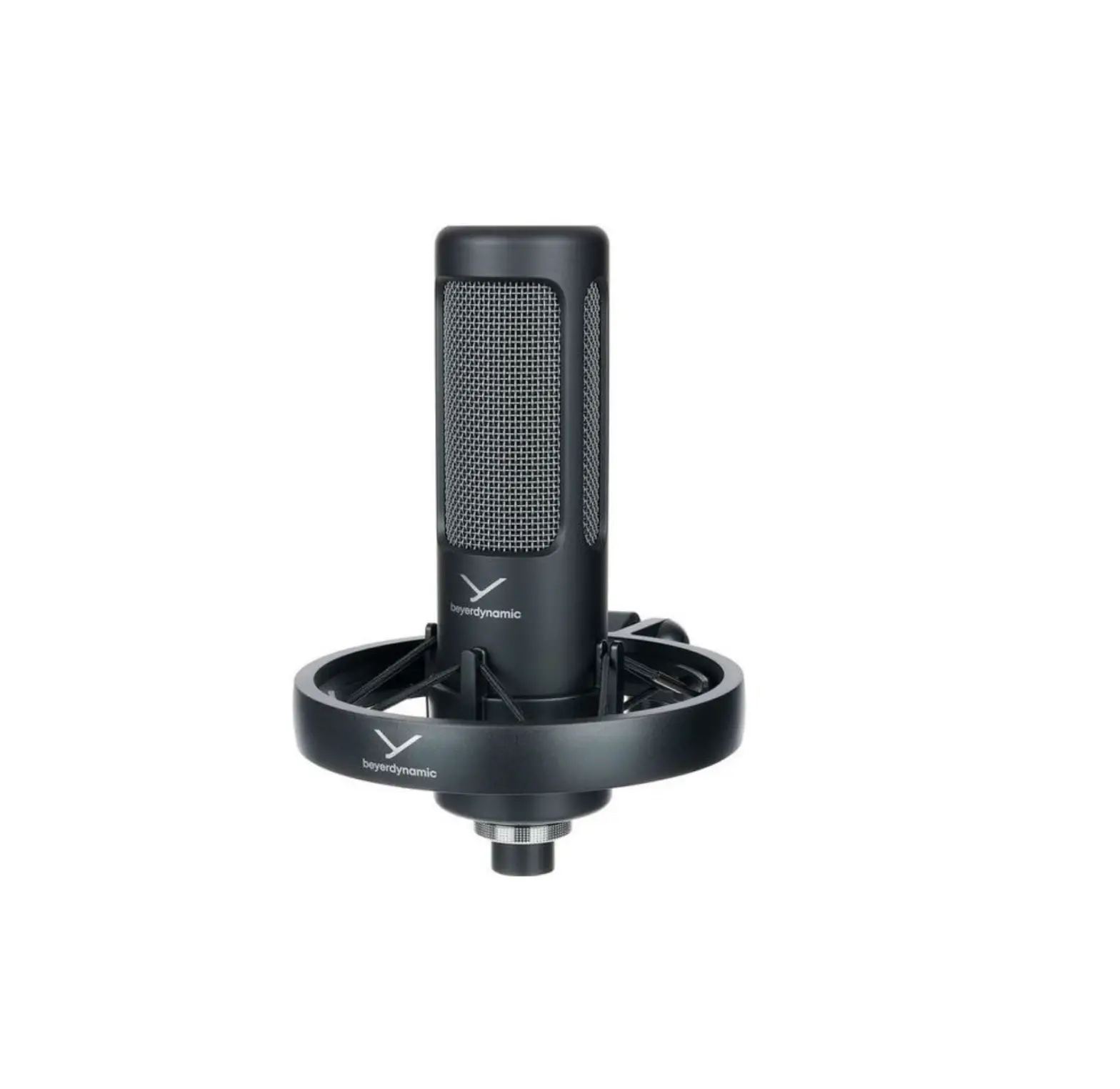

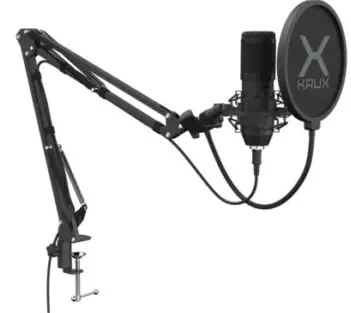
X KRUX EDIS 1000 KRX0109 Microphone
OVERVIEW
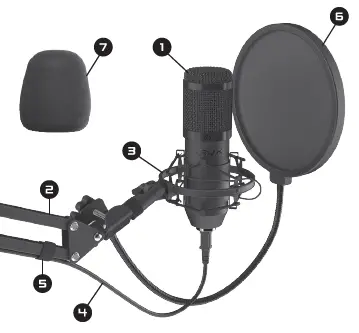
- USB Microphone
- Adjustable arm
- Shock mount
- USB cable
- Velcros
- Pop-Filters
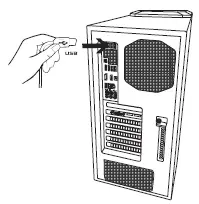
Installation
Connect the microphone to USB port of your computer.
Technical specification
- Polar pattern: cardioid
- Frequency range [Hz]: 20 – 2000
- Sensitivity [dB]: 130
- Frequency: 24 bit / 192 kHz
- Cable: USB
- Cable lenght [cm]: 290
- Dimensions [mm]: 46×150
- Weight [g]: 215
- Warranty: 2 years
Use and warranty limitations
- The product should be used according to it’s intended purpose. Incorrect use can damage the product and endanger the life of the user;
- Excessive humidity, dust and other contaminations can result in product damage which is not covered by the warranty;
- Avoid exposure to rapid changes ambient temperature. Should they occur, wait approx. 3□ minutes before using the product until temperature is levelded;
- You can find the warranty terms and conditions at https://krux.tech/.